Regular PDFs do their job. They hold content reliably, they're simple to email, and nearly every device can open one. But "reliable" and "engaging" are two very different things, and in a world where attention is the most valuable currency online, a static PDF is quietly costing you readers, leads, and conversions every single day.
That's where flipbooks change the equation entirely. A flipbook takes your existing PDF and converts it into an interactive, page-turning digital publication that looks and feels like a premium magazine. If you've been wondering what makes a flipbook better than a regular PDF, the answer isn't a single feature: it's a combination of experience, functionality, and measurable impact that static documents simply weren't built to deliver.
Flipbooks AI is one of the most capable platforms for this conversion, and after walking through the real differences below, you'll see exactly why so many businesses, educators, and creators are making the switch.
The Static PDF Problem Nobody Talks About
PDFs were invented in 1993. The original goal was straightforward: create a document that looks identical on every printer. That mission was accomplished decades ago. The problem is that in 2026, the vast majority of documents are never printed. They're shared online, opened on phones, and competing with video content, social media feeds, and interactive web experiences for the same 8-second attention window.
A standard PDF offers:
- Scrolling. Just scrolling.
- No animation or navigational feedback
- Clunky mobile zoom-and-pan behavior
- Zero data on who read what, or for how long
- No embedded media beyond basic hyperlinks
This isn't a design criticism. It's a fundamental format limitation. The PDF was optimized for print fidelity, not digital experience. When your audience is on a phone, your beautifully designed PDF becomes a pinch-and-zoom obstacle course.
What a Flipbook Actually Does Differently
A flipbook isn't just a PDF with a pretty wrapper. It's a complete reimagining of how a document behaves in a digital environment. Here's what that means in practice:
Page-Turn Animation That Builds Familiarity
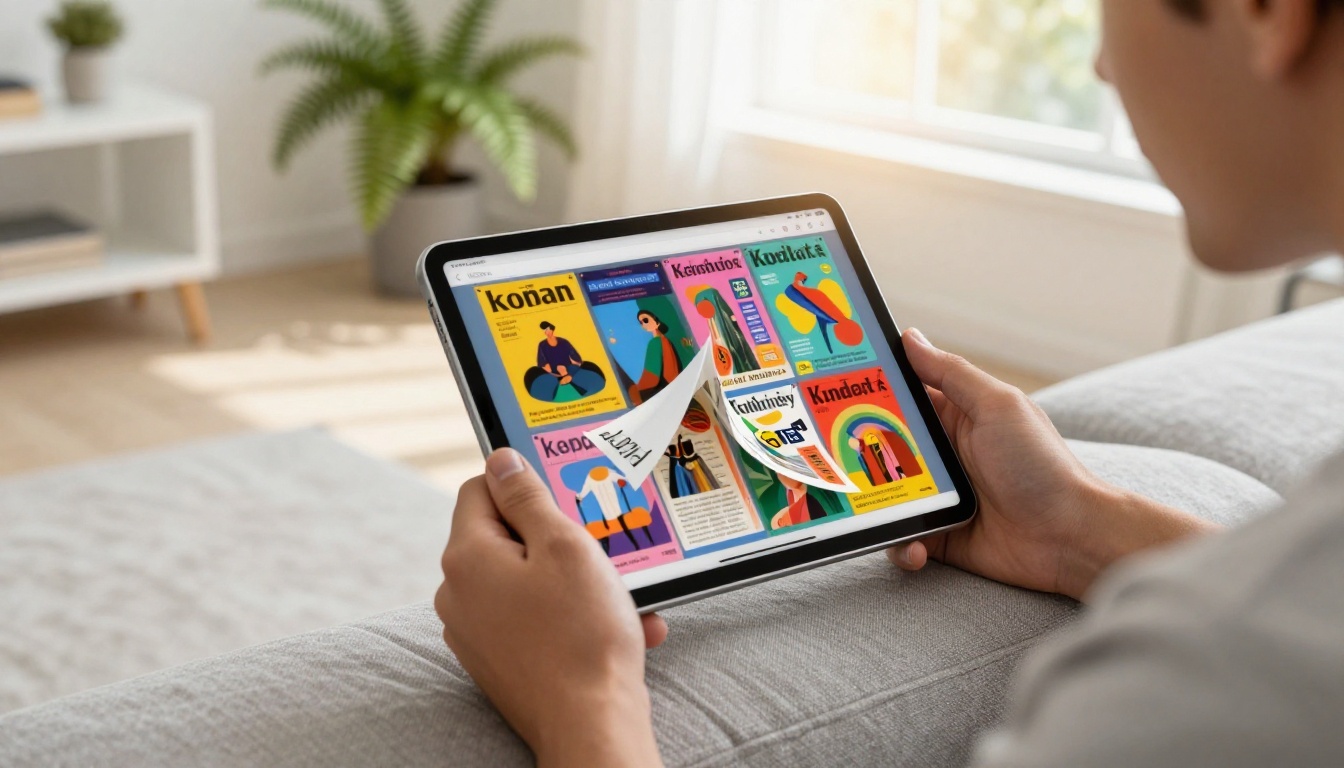
The page-curl animation in a flipbook isn't decorative. It taps into the muscle memory of reading physical books and magazines, creating an intuitive reading flow. Readers instinctively know how to navigate without instructions, and that familiar tactile-feeling interaction keeps them on the page longer than a scroll ever will.
Embedded Video and Audio
A PDF can link to a video. A flipbook can play it inline, right on the page. This is critical for industries like real estate (virtual tours), fashion (runway clips), restaurants (chef presentations), and education (lecture recordings). The content doesn't just describe an experience: it delivers one.
Clickable, Trackable Links
Both formats support hyperlinks. But flipbook analytics can tell you exactly how many readers clicked a specific link, on which page, and at what point in their reading session. That data doesn't exist in a standard PDF workflow.
Mobile-First Layout
PDFs on mobile require constant pinching, zooming, and horizontal scrolling to read columns. A well-built flipbook renders responsively, adapting the layout to portrait or landscape orientation automatically. Readers on phones get a full-screen, magazine-quality experience without the friction.
Feature Comparison: Flipbook vs PDF
The differences become crystal clear side by side:
| Feature | Regular PDF | Flipbook |
|---|
| Page-turn animation | No | Yes |
| Embedded video playback | No | Yes |
| Mobile-responsive layout | Limited | Fully responsive |
| Reader analytics | No | Yes (Professional plan) |
| Password protection | Basic | Yes |
| Custom branding | No | Yes |
| Embed on website | Requires plugin | Native embed code |
| Offline access | Yes | Yes (downloadable) |
| Lead capture forms | No | Yes (Professional plan) |
| Interactive table of contents | No | Yes |
| Social sharing | No | Built-in share button |
| Watermark-free publishing | Varies | Always watermark-free |
💡 The features that matter most depend on your use case. For marketing teams, analytics and lead capture are the biggest differentiators. For hospitality businesses, mobile responsiveness and embedded video are what move the needle.
Real-World Use Cases Where Flipbooks Win
Abstract feature comparisons are useful. Real-world context is more useful. Here's where flipbooks consistently outperform PDFs by a measurable margin:
Restaurants and Hospitality
A PDF menu requires downloading, opening, and zooming on mobile. A flipbook menu opens instantly in any browser, looks like a premium printed menu, and can include food photography, video clips of signature dishes, and a clickable table of contents by course. The Restaurant Menu Creator makes this setup straightforward without any design skills required.
Practical example: A hotel replaced their PDF welcome guide with a flipbook containing an embedded neighborhood map video, clickable restaurant booking links, and a page showing local activities. Interaction with the welcome material tripled in the first month.

Real Estate
Property brochures are one of the clearest examples of where PDFs fall short. A PDF brochure has photos. A flipbook property brochure can include virtual tour videos, a clickable neighborhood map, mortgage calculator links, and a contact form, all in one shareable URL that works perfectly on a buyer's phone. The Real Estate Brochure Creator handles this format with templates built specifically for property listings.
Practical example: A real estate agency sent the same listing as a PDF to one buyer group and as a flipbook to another. The flipbook group requested viewings at more than twice the rate of the PDF group.

Fashion and Retail
Lookbooks and product catalogs sent as PDFs are static. Flipbook catalogs can include video clips of items in motion, clickable "shop now" buttons linked directly to product pages, and a reading experience that mirrors a real fashion magazine. The Interactive Lookbook Designer and Fashion Catalog Creator are built for exactly this scenario.
Practical example: A boutique fashion brand embedded runway video clips into their seasonal lookbook. Social shares of the flipbook outperformed their static PDF catalog by over 300% in the same season.

Corporate Reports and Presentations
Annual reports distributed as PDFs get opened, scrolled quickly, and closed. The same content presented as an interactive flipbook with embedded charts, a video executive message, and a clickable index gets read carefully. The Annual Report Creator brings the kind of polish that signals genuine credibility to stakeholders and investors.
Practical example: A nonprofit organization converted their donor impact report to a flipbook with embedded testimonial videos. Donation follow-through from the report mailing increased by 28% compared to the previous year's PDF version.

What the Numbers Actually Show
The question every marketer asks is: does it actually perform better? The data consistently says yes.
| Metric | PDF Average | Flipbook Average |
|---|
| Average time spent on document | 45-60 seconds | 3-5 minutes |
| Page completion rate | 15-20% | 60-75% |
| Mobile usability | Low | High |
| Return visitor rate | Rare | Common (with bookmark feature) |
| Social share rate | Very low | Significantly higher |
| Lead capture potential | None | Yes (with gated content) |
⚠️ These figures represent general digital publishing benchmarks and vary by industry and content quality. They are not guaranteed outcomes.
The pattern holds across industries: interactive formats hold attention longer, drive more return visits, and convert at higher rates because they feel like an experience rather than a file attachment.
How to Convert Your PDF to a Flipbook with Flipbooks AI
The conversion process is simpler than most people expect. Here's how it works step by step:
Step 1: Create Your Account
Go to Flipbooks AI and sign up. The free plan lets you start immediately. For unlimited flipbooks and advanced analytics, the Standard and Professional plans are available at flipbooksai.com/pricing.
Step 2: Upload Your PDF
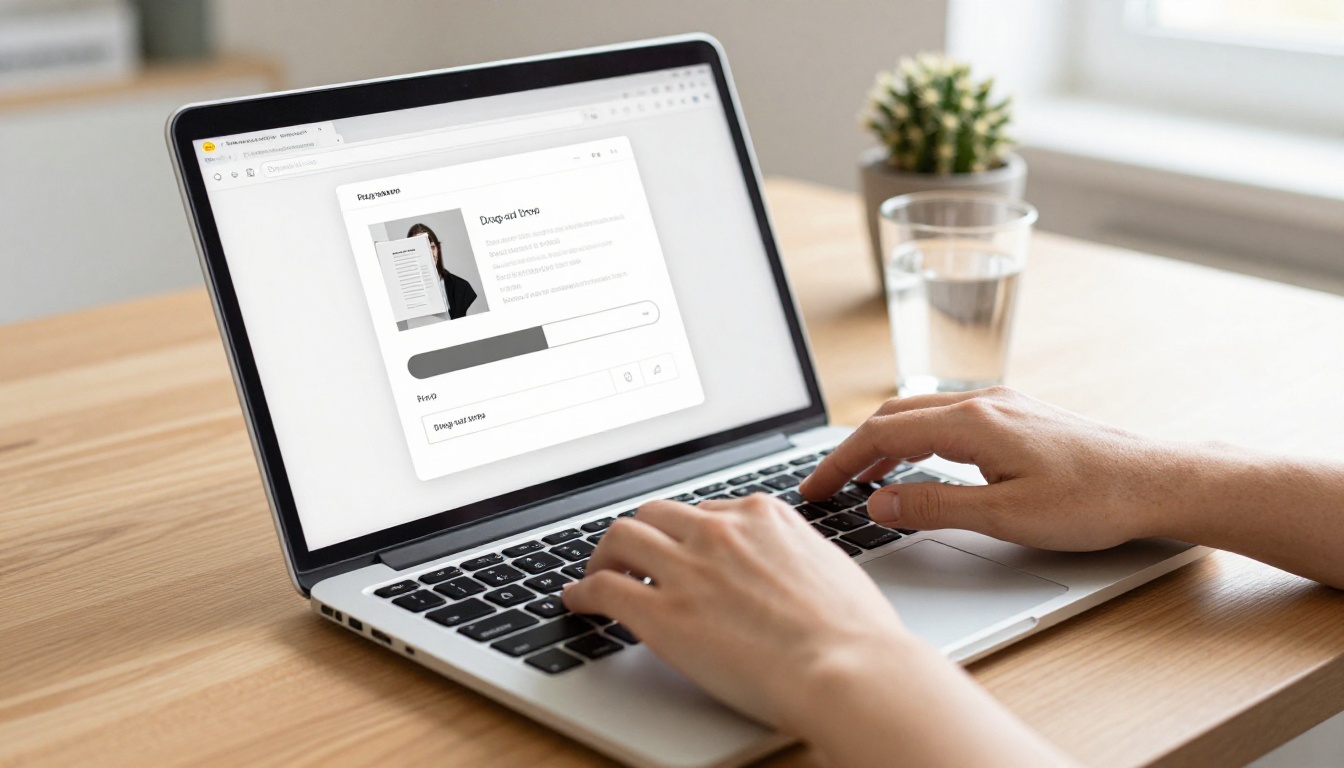
From your dashboard, click "Create New Flipbook" and drag your PDF into the upload window. The PDF to Flipbook Converter processes your file automatically and generates the page-turn version in seconds, preserving all your original typography, images, and layout.
Step 3: Customize Your Flipbook
Once converted, you can immediately personalize the experience:
- Add your brand colors and logo to every page
- Embed videos on specific pages for inline playback
- Set a custom background texture or color theme
- Enable password protection for private or sensitive documents
- Add a clickable table of contents for longer publications
- Configure page flip sound effects for an immersive reading feel
Step 4: Share or Embed
When your flipbook is ready, you have multiple distribution options:
- Direct link: A clean, shareable URL that works on any device or browser
- Embed code: Paste one snippet to publish the flipbook directly on your website with the Embed Flipbook on Website tool
- Password-protected sharing: Send private documents securely to specific recipients
- Offline download: Readers can save the flipbook for offline access at any time
Step 5: Monitor Performance
With the Professional plan, you get access to real-time analytics showing:
- Total views and unique visitors per publication
- Average time spent on each page
- Most-read sections and reader drop-off points
- Lead generation data from gated content pages
✅ Best practice: Use analytics data to identify which pages lose readers, then revise that content in your source PDF and re-upload. Iteration based on real data separates average content from content that consistently performs.

Flipbooks AI Plans at a Glance
Choosing the right plan depends on how many flipbooks you need and which features matter most to your workflow:
| Plan | Flipbooks | Watermark | Analytics | Lead Capture | Password Protection | Offline Download |
|---|
| Free | Limited | None | No | No | No | No |
| Standard | Unlimited | None | No | No | Yes | Yes |
| Professional | Unlimited | None | Yes | Yes | Yes | Yes |
💡 Every paid plan on Flipbooks AI is completely watermark-free. There's no "Made with Flipbooks AI" badge on documents you share with clients or publish on your website.
Full plan details are at flipbooksai.com/pricing.
When a Regular PDF Still Makes Sense
In fairness, there are scenarios where a PDF remains the right call:
- Print production: If the document will be physically printed, PDF is the correct format for color fidelity and bleed settings
- Legal and compliance documents: Signed PDFs carry legal weight that interactive formats don't currently replicate
- Formal form submissions: Interactive PDF forms used in regulated submissions need to remain as PDFs
- Long-term archival storage: Document archives are better maintained as PDFs for software-independent access
The practical approach isn't to replace PDFs entirely. It's to keep PDFs for print and legal workflows, and to convert your customer-facing content, marketing materials, catalogs, and presentations into flipbooks that actually get read rather than skimmed and closed.
Ready to Make the Switch?
If your PDFs are getting shared but not read, the format is working against you. A flipbook takes the exact same content you already have and makes it worth opening, worth reading, and worth sharing.
Create your first flipbook today by signing up for free on Flipbooks AI. No design skills required, no technical setup, and no watermarks on your published content from day one.
Browse all available flipbook tools and templates to find the right fit for your content type, whether that's a product catalog, a property brochure, an annual report, a restaurant menu, or a fashion lookbook.
Compare pricing plans to see which tier fits your publishing volume and the features your business actually needs.



