If you've been sharing PDFs for years, switching to a flipbook might feel unnecessary, until you notice that your documents aren't actually being read. Static PDFs have served their purpose, but in an era where mobile browsing dominates and readers expect interactive, visually engaging content, the format is showing its age fast. Flipbooks AI offers a direct, practical solution: convert your existing PDFs into interactive digital publications that people actually want to scroll through.
The question isn't whether you should switch. It's whether now is the right time for your specific use case.
What a Static PDF Actually Costs You
Most people think of PDFs as free. No hosting fees, no platform dependency, just a file you send. But the hidden costs accumulate in ways that rarely show up on a spreadsheet.
When Your PDF Opens to a Download Prompt
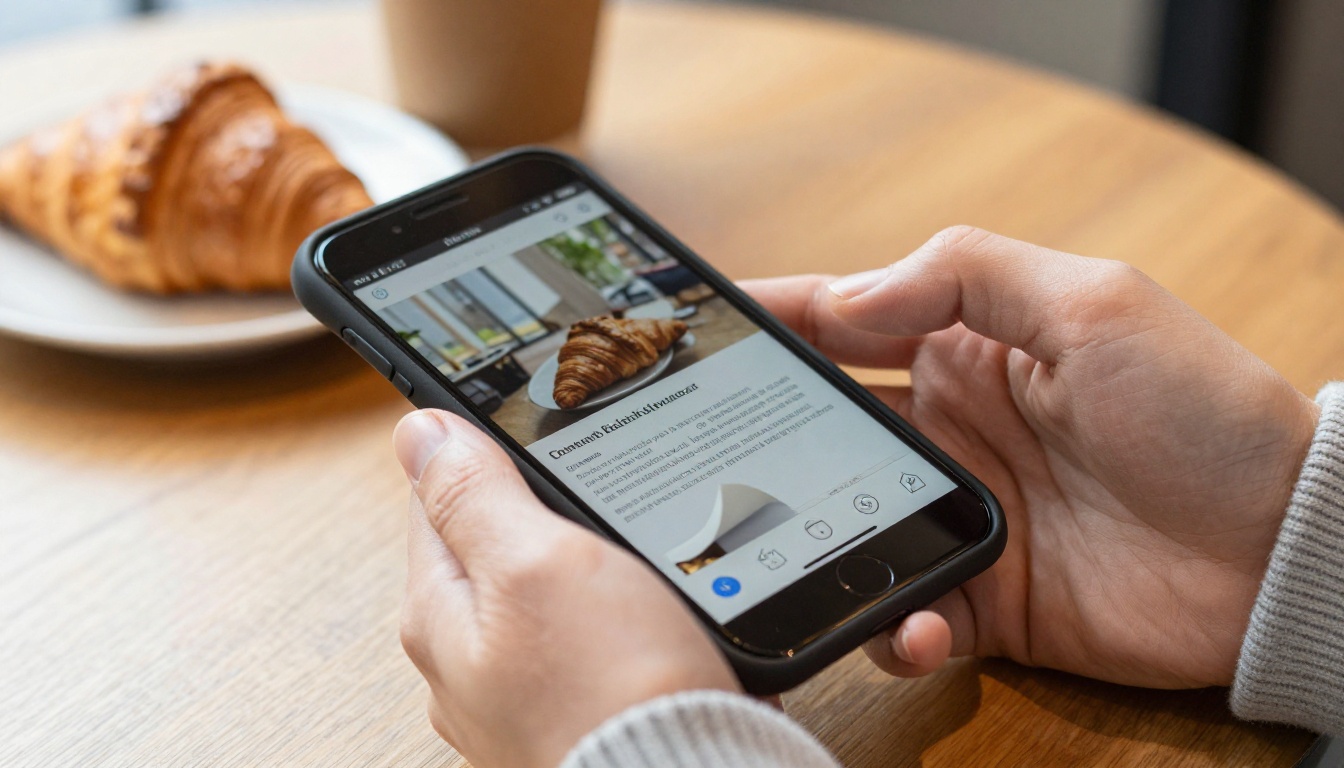
Nothing kills reader momentum faster than a browser forcing a download for content the user expected to view inline. On mobile, the problem is worse: PDF rendering on smartphones is inconsistent, pinch-to-zoom is clunky, and the reading experience degrades significantly on smaller screens.
If more than 40% of your audience is on mobile, and for most industries it's closer to 60-70%, a PDF is delivering a broken experience to the majority of your readers. Every link you share becomes a barrier rather than an invitation.
What You Lose Without Engagement Data
With a PDF, you send the file and hear nothing back. You have no idea whether anyone read past page three. You can't track time-on-page, scroll depth, or which sections generated the most interest.
Flipbooks built with Flipbooks AI on the Professional plan include built-in analytics and lead generation tools, giving you real data: who viewed, which pages held attention, and where readers dropped off. That data is worth far more than the cost of switching formats.
The Branding Gap
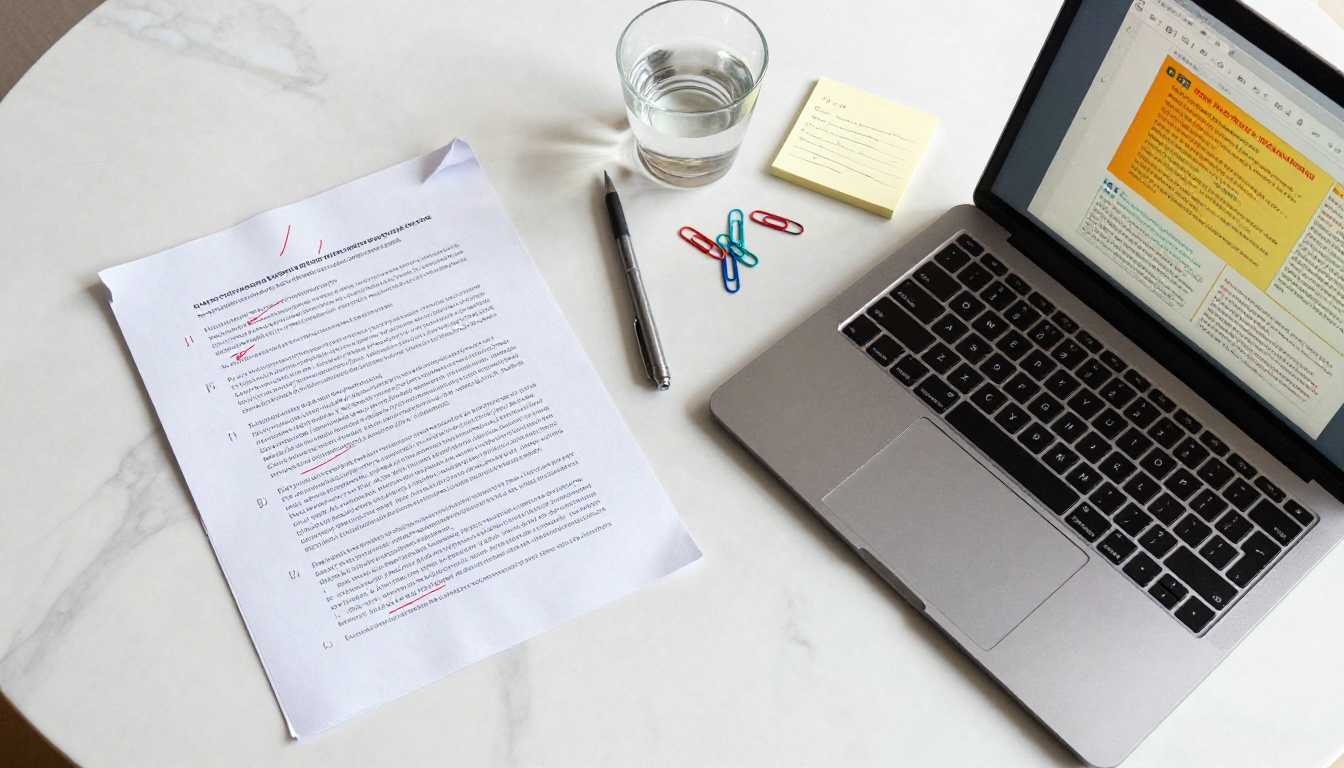
PDFs are notoriously difficult to brand consistently. Fonts render differently across operating systems, color profiles shift, and embedded logos sometimes disappear. An interactive flipbook preserves your design exactly as intended, with your brand colors, typography, and layout displayed consistently on every device, without any of the rendering uncertainty that plagues standard PDF viewers.
⚠️ Sending an inconsistently rendered PDF to a high-value client is a branding risk most businesses underestimate until it's too late.
The Version Control Problem
Every time you update a PDF, you create a new file. That new file needs a new email, a new link, a new round of sharing. Meanwhile, the old version keeps circulating. Recipients refer to outdated pricing, old specs, last season's products. Hosted flipbooks solve this completely: update once, and everyone with the existing link sees the new version automatically, with no action required on their end.
5 Clear Signs It's Time to Switch
Not every document needs to be a flipbook. But these five situations are reliable indicators that the switch will pay off immediately.
You Distribute Catalogs or Brochures Regularly
If your business depends on product catalogs, seasonal brochures, or lookbooks, a static PDF is holding you back. Printed catalogs are expensive. Emailed PDFs get lost. But an interactive digital catalog with a page-turn effect, embedded product links, and mobile-optimized layout is something customers actually revisit and share with others.
Tools like the Product Catalog creator and the Fashion Catalog on Flipbooks AI are built precisely for this transition. Upload your PDF, customize branding, and share via a single link that works on any device.

Your Audience Is Mostly Mobile
Run a quick check on your website or email analytics. If mobile devices account for the majority of your traffic, you're delivering a subpar experience every time you attach a PDF. Flipbooks render beautifully on phones and tablets, requiring no downloads or special apps. The page-turn interaction is intuitive for touch screens in a way that PDF scroll-and-zoom never manages to be.
💡 If your email open rate is high but click-through or PDF download rates are low, mobile friction is almost certainly the cause. A flipbook link resolves this immediately.
You Share Content That Changes Often
PDFs are static by nature. Every update means a new file, a new email, and the risk that older versions keep circulating. Interactive flipbooks hosted on Flipbooks AI can be updated and re-shared via the same link. Recipients always see the current version without any action on their end. This is especially valuable for restaurant menus, price lists, training manuals, and event programs that change seasonally or frequently.
You Present at Pitches or Events
A PDF pulled up during a sales pitch or investor presentation looks dated. Showing an animated flipbook, whether on a screen, tablet, or projected display, signals that your brand invests in presentation quality. The Sales Presentation Flipbook tool and the Presentation Flipbook Designer make it simple to take your existing deck or PDF and turn it into something that genuinely holds attention in a room full of people who have seen hundreds of presentations.

You Need to Track Who Reads What
Marketing teams, sales professionals, and publishers all benefit from knowing whether their content is actually being consumed. With PDF attachments, there's no visibility whatsoever. With a flipbook hosted on Flipbooks AI, the Professional plan delivers full analytics including page-level engagement data and lead capture forms embedded directly inside the publication.
✅ Set up a lead generation form on your flipbook before sharing it with cold prospects. You'll collect contact details from interested readers automatically, without any extra tools or integrations.
PDF vs. Flipbook: The Full Comparison
The clearest way to evaluate the switch is to compare the two formats across the dimensions that matter most for business use.
| Feature | Static PDF | Interactive Flipbook |
|---|
| Mobile experience | Poor, requires zoom and scroll | Excellent, responsive by design |
| Page-turn animation | None | Smooth, realistic page-flip effect |
| Download required | Often yes | No, opens in browser instantly |
| Trackable analytics | None | Full engagement data (Professional) |
| Branding consistency | Inconsistent across devices | Pixel-perfect on all screens |
| Embedded video/audio | Not supported | Fully supported |
| Link sharing | File attachment only | Single shareable URL |
| Version control | New file per update | Update in place, same link |
| Password protection | Basic, often bypassed | Robust platform-level protection |
| Offline access | Yes | Yes, download option available |
| Cost | Free to create | Platform subscription required |
💡 The "cost" of a free PDF becomes significant when you factor in low engagement, missed leads, and wasted design effort on content nobody reads past page one.
Industries That Already Made the Switch
Some industries adopted interactive digital publications early and have seen clear results. If your sector is on this list, the switch is already overdue.
Retail and E-Commerce
Product catalogs are a natural fit for flipbooks. Customers browsing a seasonal catalog expect the experience to feel like a magazine, not a document. With the Digital Catalog Maker and Catalog Flipbook Creator tools, retailers can embed product links directly on catalog pages, turning browsing into buying with minimal friction. A customer who taps a product image and lands on a purchase page converts at a far higher rate than one forced to download a 40-page PDF.
Hospitality
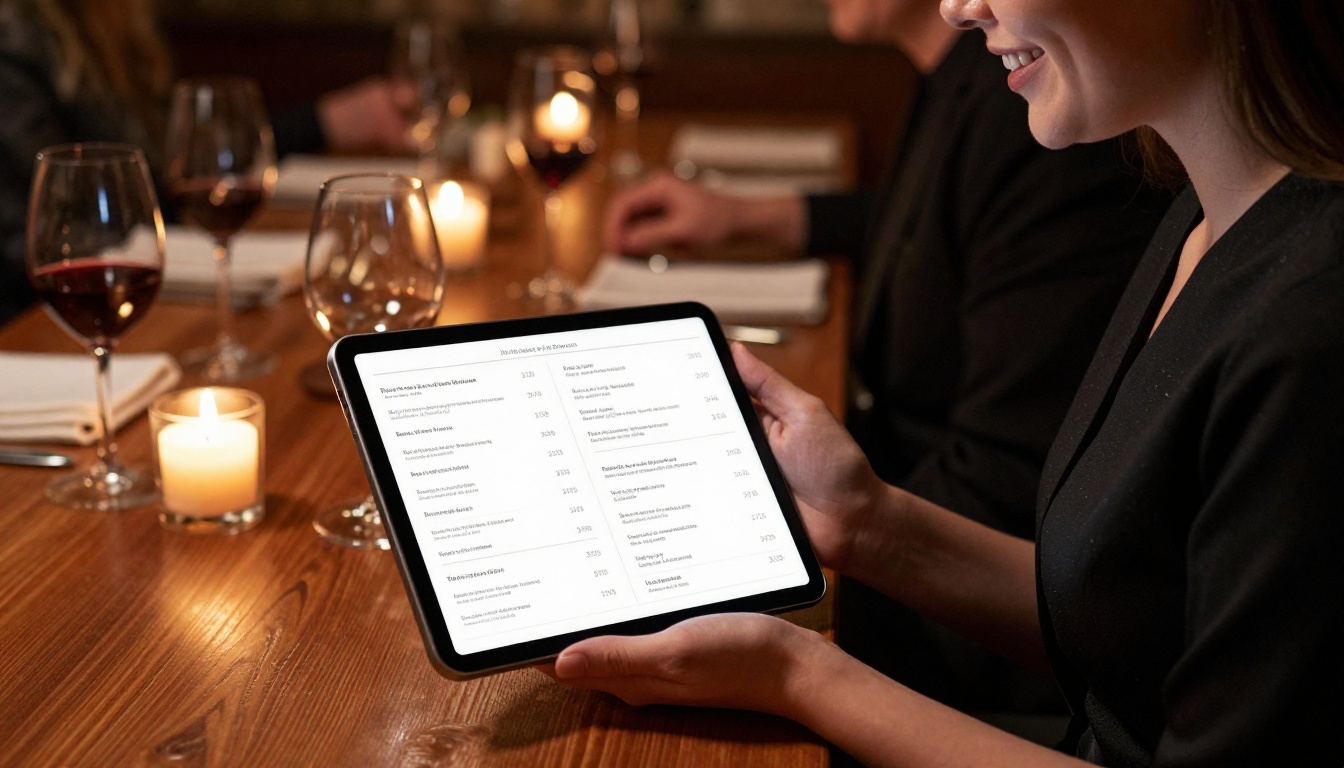
Hotels, restaurants, and spas were among the first to abandon printed menus in favor of digital formats, and flipbooks are the natural evolution beyond plain PDFs. The Restaurant Menu Creator and the Hotel Brochure designer allow hospitality businesses to present polished, up-to-date content that matches the quality of their physical spaces.
Real Estate
Property brochures need to impress. A PDF delivered by email rarely does. Real estate agents using the Real Estate Brochure tool can create property presentations with embedded photo galleries and video walkthroughs. Static PDFs simply cannot accommodate any of that without becoming unwieldy file sizes that nobody actually downloads.
Education and Corporate Training
Training manuals, course materials, and onboarding documents sent as PDF attachments often go unread or get lost in inboxes. The Training Manual Flipbook and Course Material Publisher tools make it easy to distribute learning content in a format that's engaging, trackable, and always accessible via a consistent URL that never expires or changes.

Plan Comparison: What You Get at Each Level
Before switching, it helps to understand what features are available at each plan tier so you can match your needs to the right investment level.
| Plan Feature | Free | Standard | Professional |
|---|
| Number of flipbooks | Limited | Unlimited | Unlimited |
| Watermarks | Yes | No | No |
| Custom branding | No | Yes | Yes |
| Password protection | No | Yes | Yes |
| Analytics and tracking | No | No | Yes |
| Lead generation forms | No | No | Yes |
| Offline downloads | No | Yes | Yes |
| Embed videos and audio | No | Yes | Yes |
| Custom domain | No | No | Yes |
For most businesses distributing catalogs, brochures, or publications professionally, the Standard plan is the minimum worthwhile starting point. The Professional plan adds the analytics and lead capture that turn flipbooks from passive documents into active sales tools.
See the full breakdown at Flipbooks AI pricing.
How to Convert Your PDF to a Flipbook
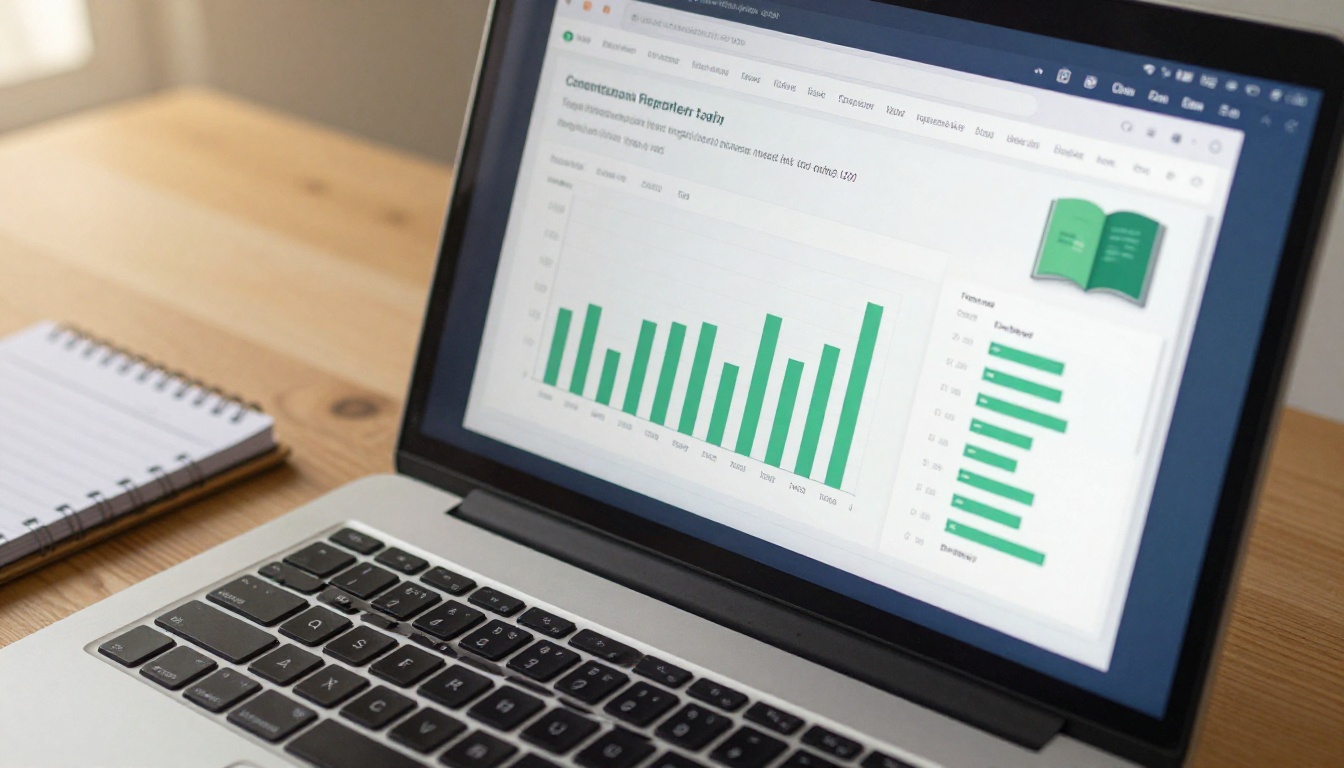
The conversion process on Flipbooks AI takes less than five minutes for most documents. Here is the exact workflow, from upload to publishing.
1. Create your account
Go to flipbooksai.com/account and sign up. The process takes under a minute. No credit card required to start.
2. Upload your PDF
From your dashboard, select "New Flipbook" and upload your PDF file. The PDF to Flipbook Converter processes documents automatically and renders each page in high fidelity, preserving fonts, images, and layout exactly as designed.
3. Customize your branding
Once uploaded, apply custom brand colors, add a logo, set your flipbook cover, and choose page transition effects. The flipbook editor is fully visual and requires no coding knowledge. Changes appear in real time as you work.
4. Add multimedia (optional)
On Standard and Professional plans, embed videos and audio directly onto specific pages. This is particularly powerful for product catalogs where video demonstrations add significant value over static images, or for training materials where screen recordings can replace lengthy written instructions.
5. Set access controls
Decide whether your flipbook is public, password-protected, or restricted to specific users. Password protection is useful for internal documents, client presentations, and premium content that you don't want indexed or freely shared.
6. Share or embed
Once published, you receive a shareable link and an embed code for your website. Use the Embed Flipbook on Website tool to integrate the flipbook directly into any webpage with a single copy-paste action. No developer required.
✅ Always test your flipbook on a mobile device before sharing. Open the link on your phone to confirm the layout, page turns, and any embedded media work exactly as expected.

When Sticking with PDF Still Makes Sense
Flipbooks aren't the right format for every document. There are situations where a PDF remains the better choice, and being strategic about this helps you make the switch intelligently rather than wholesale.
| Use Case | Best Format | Why |
|---|
| Legal contracts and agreements | PDF | Tamper-evident, widely accepted as official |
| Tax documents and financial reports | PDF | Required by many submission systems |
| Internal draft documents | PDF | Easier for team annotation and markup |
| Forms requiring signatures | PDF | E-signature tools require PDF format |
| Large technical documentation | PDF | Searchable, printable, offline-first |
| Marketing catalogs and brochures | Flipbook | Engagement, mobile experience, branding |
| Sales presentations and pitches | Flipbook | Visual impact, shareable, interactive |
| Restaurant or hotel menus | Flipbook | Easy updates, mobile-first delivery |
| Annual reports and corporate publications | Flipbook | Professional presentation, analytics |
| E-books and digital magazines | Flipbook | Reader experience, page-turn immersion |
The pattern is clear: official, regulated, or form-based documents belong in PDF format. Anything meant to impress, inform, or convert an audience benefits from the flipbook format.
The Right Moment Is When Your Content Needs to Perform
There's no universal date on the calendar when every business should switch from PDF to flipbook. But there are reliable triggers: a new product catalog launch, a mobile traffic milestone, a client presentation that needs to leave a lasting impression, or the moment you realize you have no idea whether anyone is reading what you publish.
If any of those situations describe your current reality, the right time is now.
Flipbooks AI handles every part of the process, from the initial PDF upload to sharing, embedding, tracking, and updating content over time. No design experience required, no developer needed, and no watermarks on any paid plan.
Ready to stop guessing and start knowing? Create your first flipbook for free and see the difference in the first five minutes. Browse all available flipbook tools to find the right template for your use case, or compare plans to choose the tier that fits your publishing needs.



