Photography has never had a presentation problem. The real challenge has always been where to show the work in a way that actually lands. A static image grid on a portfolio website feels like taping a print to a wall. Clients scroll past. Agencies forget. But when photographers package their portfolios into interactive flipbooks, something fundamentally different happens: people stop and look. They turn pages. They feel the weight of the work. If you've been wondering where photographers showcase their work as flipbooks and how to do the same, this is the breakdown you need. Platforms like Flipbooks AI are making this shift genuinely accessible, and the results are measurable.
Why Static Portfolios Are Losing Ground
The scroll fatigue problem
Clients and art directors review dozens of photographer websites every week. A grid of images blends into background noise. There's no beginning, no middle, no end. The portfolio doesn't tell a story; it just presents thumbnails and hopes something sticks. Interactive flipbooks solve this by creating a narrative arc. Page one sets the tone. The middle builds momentum. The final spread leaves an impression. That structure separates photographers who get remembered from those who get scrolled past.
What clients actually respond to
When a potential client receives a link to a flipbook portfolio, the experience changes immediately. They're not bouncing between browser tabs or squinting at tiny thumbnails. They're flipping through pages like a curated magazine, an experience they associate with editorial quality and professional credibility.
💡 UX research consistently shows that interactive, page-turning formats increase time-on-page by 40-60% compared to static image galleries. More time means more impression left on the viewer.

Where Photographers Actually Showcase Flipbooks
Personal photography websites
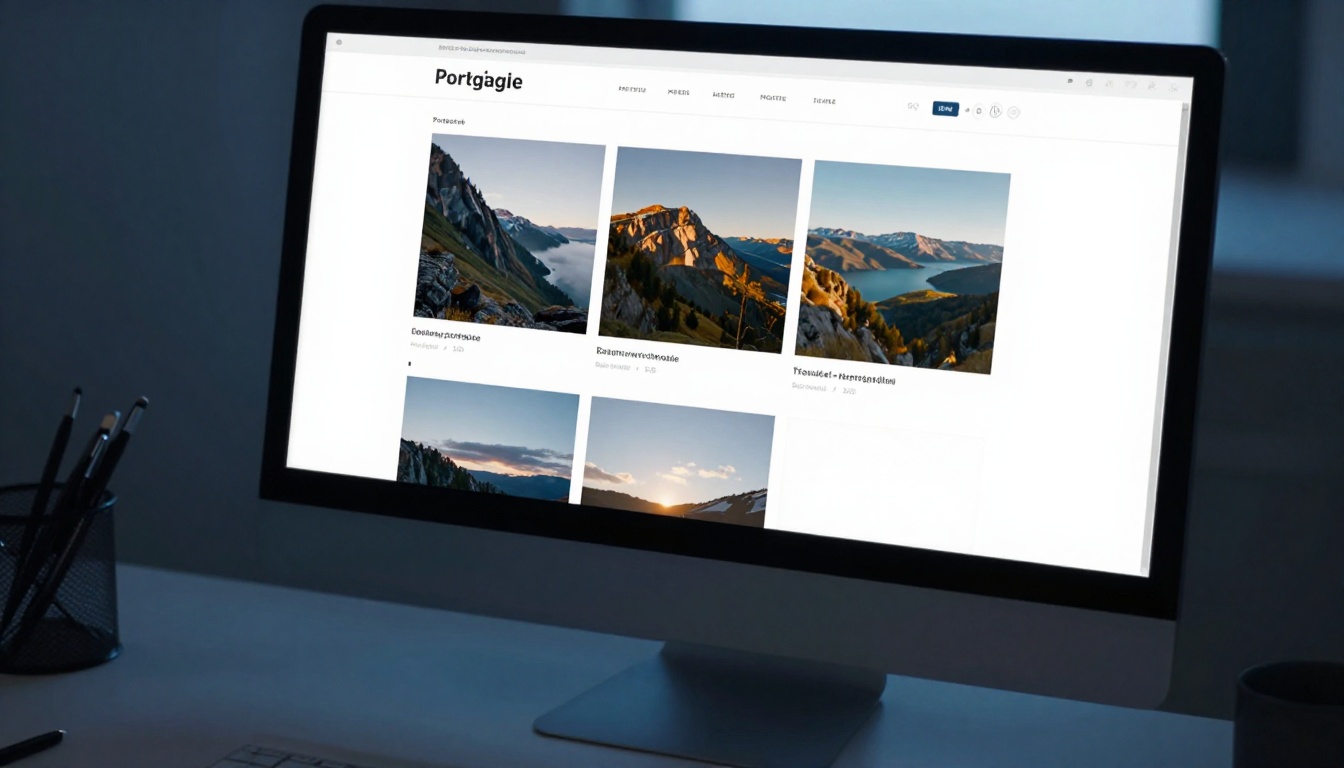
The most common place photographers publish their flipbook portfolios is directly on their own domain. Rather than relying on third-party gallery platforms with generic templates, they embed an interactive flipbook onto a dedicated portfolio page. This approach combines ownership, brand control, and an extended visitor session because people spend more time on a flipbook than a scroll gallery. Embedding is straightforward with platforms that provide clean embed codes, and the result is seamless from the visitor's perspective.
Client proposal emails
A PDF attachment gets opened once, maybe. A flipbook link gets forwarded to three other decision-makers, opened on mobile during a commute, and referenced in the meeting room before the call. Photographers working in commercial, corporate, or event photography are replacing PDF proposals with flipbook links that clients can view anywhere, on any device, with no download required.
The shareable URL format also allows photographers to track when the link was opened and which pages held attention, without a single awkward follow-up email.
Photography portfolio platforms
Several portfolio hosting platforms now support embedded content. Photographers upload their work to platforms like Behance or Format, but they embed their flipbook as the featured content rather than using the platform's native gallery tools. This hybrid approach captures platform traffic while delivering a significantly more impressive viewing experience than native gallery grids.
Social media bio links
Instagram, TikTok, and LinkedIn each allow one clickable link in the bio or profile. Photographers who use flipbooks point that link directly to their interactive portfolio. When a potential client taps through from a social media post, instead of landing on a chaotic website homepage, they immediately experience the portfolio as a curated, page-turning presentation.
✅ Best practice: Use the Photography Portfolio tool from Flipbooks AI to create a dedicated, shareable flipbook URL ready for every social bio and email signature.
Photography communities and forums
Platforms like Reddit's photography communities, dedicated Facebook groups, and industry forums are places where photographers share work for critique and networking. Sharing a flipbook link in these spaces stands out instantly because the format is engaging in an environment full of static image links.
Not all flipbook tools are built the same. Photographers evaluating platforms should focus on image rendering quality, sharing options, and customization that keeps the portfolio on-brand and watermark-free.
| Platform | Flipbook Quality | Custom Branding | Embed Support | Analytics | Price Range |
|---|
| Flipbooks AI | Excellent | Full control | Yes | Yes (Pro) | Free to Pro |
| Generic PDF viewers | Basic | None | Limited | No | Free |
| Issuu | Good | Partial | Yes | Limited | Freemium |
| FlippingBook | Very Good | Good | Yes | Yes | Paid only |
| Yumpu | Good | Partial | Yes | Basic | Freemium |
Flipbooks AI stands out for offering full branding control, analytics, password protection, and embedding without watermarks, even on the standard plan. For photographers presenting to professional clients, watermarks are non-starters.
What makes a platform portfolio-worthy
The bar for a photography flipbook platform is high. Photographers need several things working together:
- Crisp image rendering at full resolution without compression artifacts
- Smooth page-turn animation that feels tactile and responsive on all devices
- Mobile-first design because most clients open shared links on their phones
- Password protection for client-specific galleries or private deliverables
- Clean shareable URL that looks professional in email and social contexts
- No watermarks that undermine the premium presentation
⚠️ Avoid platforms that compress images aggressively. Photography portfolios live and die on image quality, and a tool that reduces a high-resolution shot to a blurry low-quality preview defeats the entire purpose.

Which Photography Genres Work Best as Flipbooks
Every style of photography translates differently to flipbook format. The page-turn metaphor suits some genres particularly well, though almost all benefit from the format compared to static grids.
| Photography Genre | Flipbook Fit | Why It Works |
|---|
| Wedding and Events | Excellent | Sequential storytelling, emotional arc, natural narrative flow |
| Commercial and Editorial | Excellent | Campaign spreads feel magazine-quality, impresses art directors |
| Travel and Landscape | Very Good | Journey narrative with destination-by-destination flow |
| Portrait and Fashion | Very Good | Lookbook format is native to fashion industry expectations |
| Real Estate | Very Good | Property-by-property structure suits page turning naturally |
| Wildlife and Nature | Good | Works well for themed collections or conservation reports |
| Street Photography | Good | Zine-style presentation feels authentic to the genre |
| Product Photography | Very Good | Pairs perfectly with product catalog format |
Wedding photographers have embraced flipbooks particularly aggressively. Presenting a full wedding gallery as an interactive flipbook, rather than a Dropbox folder of JPEGs, is an experience couples share with family members, post to their own social media, and revisit years later.
How to Build a Photography Portfolio Flipbook on Flipbooks AI
Flipbooks AI offers a dedicated Photography Portfolio tool built specifically for this use case. Here's how photographers use it from first upload to final share.
Step 1: Prepare your PDF portfolio
Before uploading, organize your photographs into a PDF document using Adobe InDesign, Lightroom's print module, or Canva. Lay out each spread thoughtfully with full-bleed images, consistent margins, and minimal text. The goal is a document that already feels like a curated magazine before it becomes a flipbook.
- Aim for 20 to 40 pages for a focused, impactful portfolio
- Use RGB color space for optimal screen display quality
- Export at 150 to 300 DPI for crisp, sharp rendering
- Keep file size under 200MB for fast loading on all connections
Step 2: Upload and convert
Head to Flipbooks AI and create your account. The upload process takes under two minutes: drag your PDF into the converter, and the platform handles conversion automatically. You'll have a fully interactive flipbook within moments of uploading.
The PDF to Flipbook Converter handles complex layouts, full-bleed photography, and multi-page spreads without distorting or recompressing your images.
Step 3: Customize branding and appearance
This step separates a professional portfolio from a generic document. In the customization panel you can:
- Upload your photography logo and set your brand colors
- Choose a background color or texture (dark backgrounds display photography beautifully)
- Select page-turn animation style: realistic paper flip or smooth digital slide
- Add a custom cover title or photographer name overlay
- Enable or disable background sounds for different presentation contexts
Step 4: Set sharing permissions
For general portfolio use, keep the flipbook publicly accessible with a clean shareable link. For specific client galleries, enable password protection so only the intended recipient can view the content.
- Copy the direct link for email and social sharing
- Use the embed code to paste onto your website's portfolio page
- Share the link in professional proposals and inquiry response emails
💡 Use the analytics dashboard (available on the Professional plan) to see exactly when your client opened the portfolio and which pages held attention longest. This is invaluable intelligence before a follow-up call.
Step 5: Publish and distribute everywhere
Once the flipbook is live, distribute it strategically:
- Set it as the link in your Instagram and TikTok bio
- Embed it on your website's portfolio or work page
- Include it in response emails to new client inquiries
- Add it as a featured link on your LinkedIn profile
- Share it in photography forums when seeking peer feedback
- Send it to past clients as an updated portfolio notification

Photographers have several portfolio presentation choices. Here's how flipbooks compare directly against the most common alternatives.
| Feature | Flipbook | Static Website Gallery | Social Media | PDF Download |
|---|
| First impression | Strong, editorial feel | Generic, expected | Scrollable, forgettable | Cold, transactional |
| Mobile experience | Excellent | Varies widely | Native | Poor |
| Page-turn narrative | Yes | No | No | No |
| Password protection | Yes | Requires custom work | No | Partial |
| Analytics | Yes (Pro plan) | Requires plugins | Platform-only data | No |
| Embeddable | Yes | Not applicable | No | No |
| No download required | Yes | Yes | Yes | No |
| Shareable link | Yes | Yes | Profile link only | Yes |
| Full brand control | Yes | Yes | Very limited | Limited |
The flipbook format wins clearly on first impression and narrative structure, two factors that are disproportionately important when presenting creative work to clients who make emotional decisions quickly.
Different photography specialties benefit from different flipbook formats, and Flipbooks AI offers purpose-built tools for each.
Wedding and event photographers
The Wedding Album Flipbook tool is purpose-built for this workflow. Couples receive a beautifully interactive gallery they can share with family members via a single link, rather than navigating a clunky online gallery with confusing login credentials. The emotional weight of a flipbook gallery for a wedding is significantly higher than a zip file of JPEGs.
Fashion and commercial photographers
Fashion photographers who pitch to brands and agencies use the Interactive Lookbook Designer to present campaign concepts and mood boards. The lookbook format is already the industry standard for fashion presentations, and a digital flipbook version carries that same editorial prestige in a shareable, always-on format.
Real estate and architectural photographers
Property photographers can use the Real Estate Brochure format to present entire property portfolios to agency clients. Each spread covers a different property, creating a professional catalogue that agents share with buyers and investors without printing costs.
Portrait and personal branding photographers
Portrait photographers serving personal branding clients can use the Digital Portfolio Creator to build bespoke packages. A headshot and branding photography portfolio presented as a flipbook feels like a luxury deliverable, which supports premium pricing positioning.
Where the Photography Industry Is Heading
The trend is clear. Photography communities online, from dedicated forums to professional associations, are increasingly featuring photographers who present their work in flipbook format. The reason is practical, not just aesthetic.
Clients receive hundreds of links. A flipbook link opens into an experience. An image gallery link opens into a page with pictures. The distinction sounds small until you watch a client's reaction when they open each format side by side.
Photographers who present at industry events and client meetings are also adopting flipbooks for in-person use. A tablet displaying a flipbook during a client consultation is more impressive and memorable than a laptop with a browser tab, a printed booklet, or an angled portfolio binder.
✅ Photographers who add flipbook portfolios to their client proposals report shorter sales cycles. The portfolio does more of the selling before the first call even starts.
Flipbooks as Deliverables, Not Just Portfolios
One dimension that gets overlooked: flipbooks are not only for photographer self-promotion. They're increasingly used as client deliverables. Instead of handing over a USB drive or a Google Drive link, photographers deliver a polished, branded flipbook of the final gallery.
This approach produces compounding benefits:
- Elevates the perceived value of the deliverable significantly above a file transfer
- Makes sharing easy for clients who want to show family and friends
- Keeps the photographer's branding visible every time the flipbook gets shared onward
- Creates a lasting digital asset the client returns to repeatedly over the years
- Generates referrals because shared flipbooks expose the photographer's work to entirely new audiences

Build Your First Photography Flipbook Today
The photographers getting the most traction right now are not necessarily those with the best images. They're the ones presenting their best images in the most compelling format. A flipbook portfolio on Flipbooks AI takes an afternoon to build and pays dividends every time a potential client opens the link.
Whether you shoot weddings, fashion, architecture, or street scenes, the flipbook format elevates work from a collection of images into a curated, page-turning experience that clients remember and share.
Start with what you already have:
- Export your top 25 to 35 images as a thoughtfully laid out PDF
- Upload to Flipbooks AI and convert in minutes
- Customize branding to match your visual identity and client expectations
- Share the link everywhere clients might find you
Ready to create your first flipbook portfolio? Get started for free on Flipbooks AI and see the difference an interactive presentation makes in how clients respond.
Explore all photography flipbook tools to find the format that fits your niche, or compare pricing plans to access analytics and professional features when you're ready to scale your presentation.



