Free flipbook templates are everywhere online. That part is true. What's not true is that most of them are actually free. You click the button, spend twenty minutes customizing, and then the export screen hits you with a watermark, a forced upgrade, or a message that the template you used is "premium only." If you've been burned by that cycle, this article is for you. It breaks down exactly where to find flipbook templates that cost nothing to use, what to watch out for, and how to turn any template into a polished, shareable flipbook using Flipbooks AI.
What "Actually Free" Really Means
The word "free" gets stretched in the template industry. Some platforms use it to mean "free to preview." Others mean "free with credit." A few mean "free if you don't mind our logo plastered on every page." Before investing time in any template, it pays to know exactly what you're getting.
The Watermark Trap
Watermarks are the most common bait-and-switch in the template world. A platform lists hundreds of templates as free, lets you customize them fully, and then adds a branded watermark to your export unless you upgrade. This is technically legal, but it's a waste of your time if you only find out at the last step.
⚠️ Always check the export options before starting customization. If a platform requires an account upgrade to remove the watermark, that template is not free.
The same trap applies to digital flipbooks. Several well-known flipbook tools add their own branding to the page-turn interface unless you pay. Flipbooks AI does not add watermarks on any plan, including the free tier. What you build is yours.
What to Check Before Downloading
Before committing to a template from any source, run through this quick checklist:
- License type: Is it labeled "free for commercial use," "personal use only," or "Creative Commons"? Personal use templates cannot appear in business publications.
- Export restrictions: Can you download the finished file, or only share a hosted link?
- Watermark policy: Is the platform's branding visible on the finished file?
- Template format: Does it export as PDF? Most flipbook tools, including Flipbooks AI, convert PDFs into page-turn publications.
- Font licensing: Some templates use fonts that are free to preview but require a license to embed in a PDF for distribution.
💡 When in doubt, look for templates specifically labeled "CC0" or "royalty-free commercial use." These carry the fewest restrictions and are safe for any use case.
Best Sources for Free Flipbook Templates
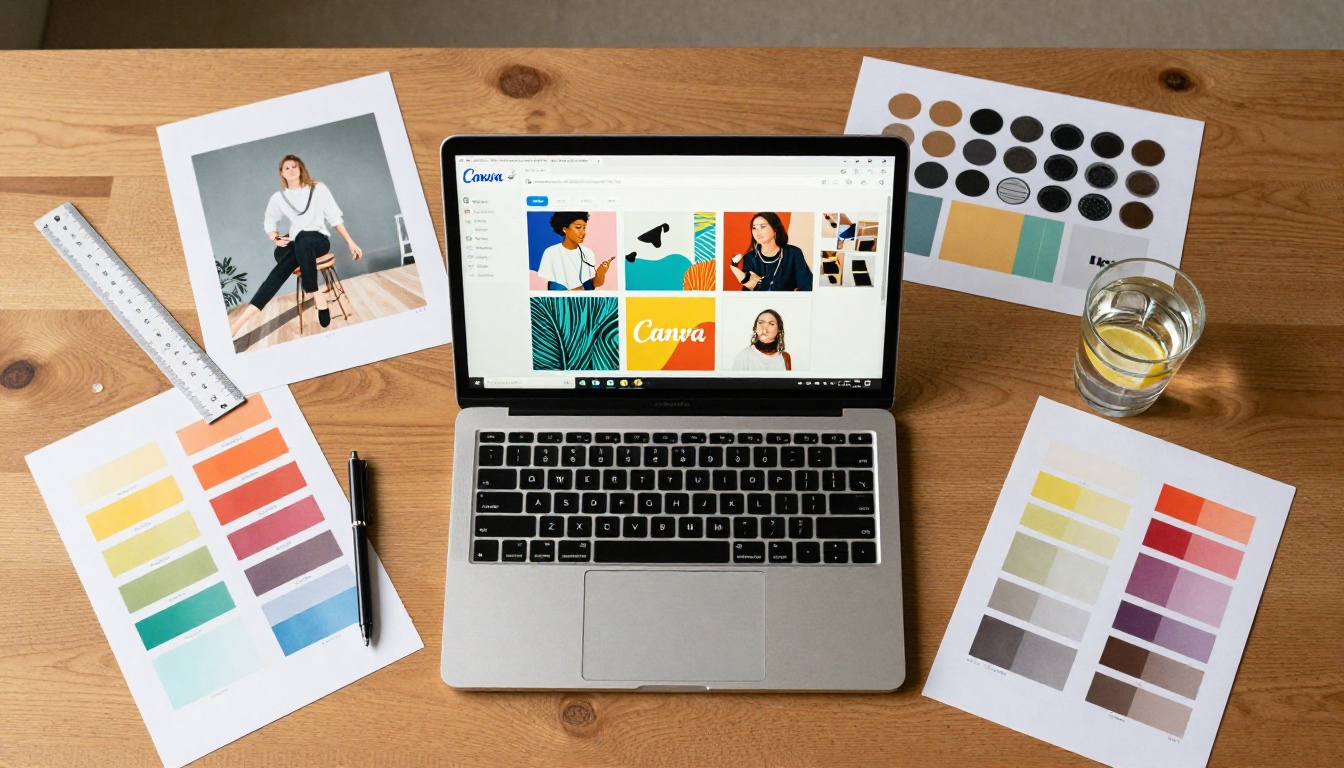
There are several reliable sources for genuinely free templates that work well when converted into flipbooks. Each has different strengths depending on the type of publication you need.
Canva and the PDF Export Method
Canva's free plan includes hundreds of templates spanning brochures, magazines, catalogs, lookbooks, and presentations. The trick is knowing which templates you can export without a Canva Pro subscription.
How to use Canva templates for free flipbooks:
- Open Canva and search for your template type, such as "magazine," "catalog," or "brochure."
- Filter for templates that do not show a crown icon. The crown indicates a Pro-only design element.
- Customize using only free elements, free photos, and web-safe fonts.
- Export as PDF (Standard quality is free; Print quality requires Pro).
- Upload the PDF to Flipbooks AI using the PDF to Flipbook Converter.
Standard PDF export from Canva is sufficient quality for digital flipbooks. You won't notice a difference when the publication is displayed in a browser.
✅ Canva's free plan allows commercial use of most templates and design elements, as long as you're not reselling the template itself.
Template Sites Worth Bookmarking
Beyond Canva, these sources have earned a reputation for genuinely free, high-quality templates:
| Source | Template Types | Commercial Use | Format |
|---|
| Canva | Magazines, brochures, catalogs, presentations | Yes (check individual items) | PDF, PNG |
| Adobe Express | Flyers, brochures, social media | Yes (free account required) | PDF, PNG |
| Microsoft Designer | Presentations, brochures, newsletters | Yes | PPTX, PDF |
| Google Slides | Presentations, reports | Yes | PPTX, PDF |
| Freepik | Brochures, catalogs, magazines | Yes (attribution sometimes required) | PSD, AI, PDF |
| SlidesCarnival | Presentations, reports | Yes (CC Attribution) | PPTX, PDF |
| Template.net | Business docs, menus, catalogs | Limited (varies by template) | Word, PDF |
Adobe Express has a solid free tier with multi-page templates that export cleanly as PDFs. Microsoft Designer produces clean results for newsletters and reports. SlidesCarnival deserves a special mention because all templates are Creative Commons-licensed, meaning you can adapt them freely as long as you credit the source.
Open-Source and Community Options
The open-source design community produces a steady stream of free templates that often outperform commercial "freemium" offerings:
- Unsplash and Pexels: Free high-resolution photos to pair with any template. Both allow full commercial use with no attribution required.
- Open Font Library: Free fonts you can embed in PDFs without licensing issues.
- Wikimedia Commons: Public domain graphics, charts, and illustrations suitable for educational or informational flipbooks.
- GitHub template repositories: Search GitHub for "brochure template" or "magazine template." Some designers release full print-ready templates under MIT or CC0 licenses.
💡 Combining resources works well: use a SlidesCarnival presentation base, Unsplash photos, and Open Font Library typefaces to build a fully free, fully licensable template from scratch.
Free vs. Paid Templates: The Real Difference

The gap between free and paid templates is real, but narrower than template vendors want you to think. Here's an honest breakdown.
What You Sacrifice for Free
| Feature | Free Templates | Paid Templates |
|---|
| Design variety | Good (hundreds of options) | Excellent (thousands of niche options) |
| Print resolution | Usually 72-150 DPI | Up to 300+ DPI |
| Font selection | Limited (web-safe fonts) | Premium typefaces included |
| Customization depth | Basic layer access | Full source files (PSD, INDD) |
| License clarity | Varies, read carefully | Usually clear commercial license |
| Updates and support | Rarely updated | Often maintained |
| Uniqueness | Risk of seeing duplicates online | Lower risk of duplication |
The most significant limitation of free templates for business use is the duplication problem. Popular free Canva templates get used by thousands of brands. If originality matters for your publication, heavy customization is essential.
When Free Is Enough
Free templates are more than sufficient in these scenarios:
- Internal documents: Employee handbooks, training manuals, onboarding materials. Nobody expects these to look unique, just professional and clear.
- Short-run campaigns: A one-time event program, seasonal newsletter, or limited-run promotion does not need a bespoke design.
- Testing and prototyping: Before investing in a premium template, a free version lets you validate the format and layout.
- Small business digital content: A local restaurant using the Restaurant Menu Creator or a real estate agent using the Real Estate Brochure Creator can look completely professional with a well-customized free template.
Template Types and Their Best Uses
Not every template type serves every use case. Knowing which category to target saves significant time.
Business and Marketing Templates
For sales teams, marketing departments, and small business owners, the most useful free template formats are:
- Brochures (tri-fold or bi-fold): Ideal for product overviews, service descriptions, and event promotions. The Online Brochure Designer converts these into interactive digital versions.
- Catalogs: Product grids with pricing work well in flipbook format. The Digital Catalog Maker handles multi-page catalogs cleanly.
- Sales presentations: Slide-based templates from Google Slides or SlidesCarnival export as PDF and convert directly into interactive publications using the Sales Presentation Flipbook tool.
- Annual reports: For nonprofits and small businesses, the Annual Report Creator turns a free template PDF into a professional shareable publication.
Education and Training Templates
Educational content benefits enormously from the flipbook format. Students and trainees engage more with page-turn formats than static PDFs. Useful template categories for educators:
- Course materials: Curriculum outlines, lesson plans, reading packets. The Course Material Publisher distributes these interactively.
- Training manuals: Step-by-step documentation for onboarding or skills development. The Training Manual Flipbook tool is purpose-built for this.
- School newsletters: Monthly updates for parents and students. The School Newsletter Creator makes distribution straightforward.
Creative and Portfolio Templates

Photographers, designers, artists, and other creatives use flipbooks as portfolio pieces. The page-turn interaction creates a gallery-like experience that static sites rarely match. Useful tools include:
How to Turn a Free Template Into a Flipbook
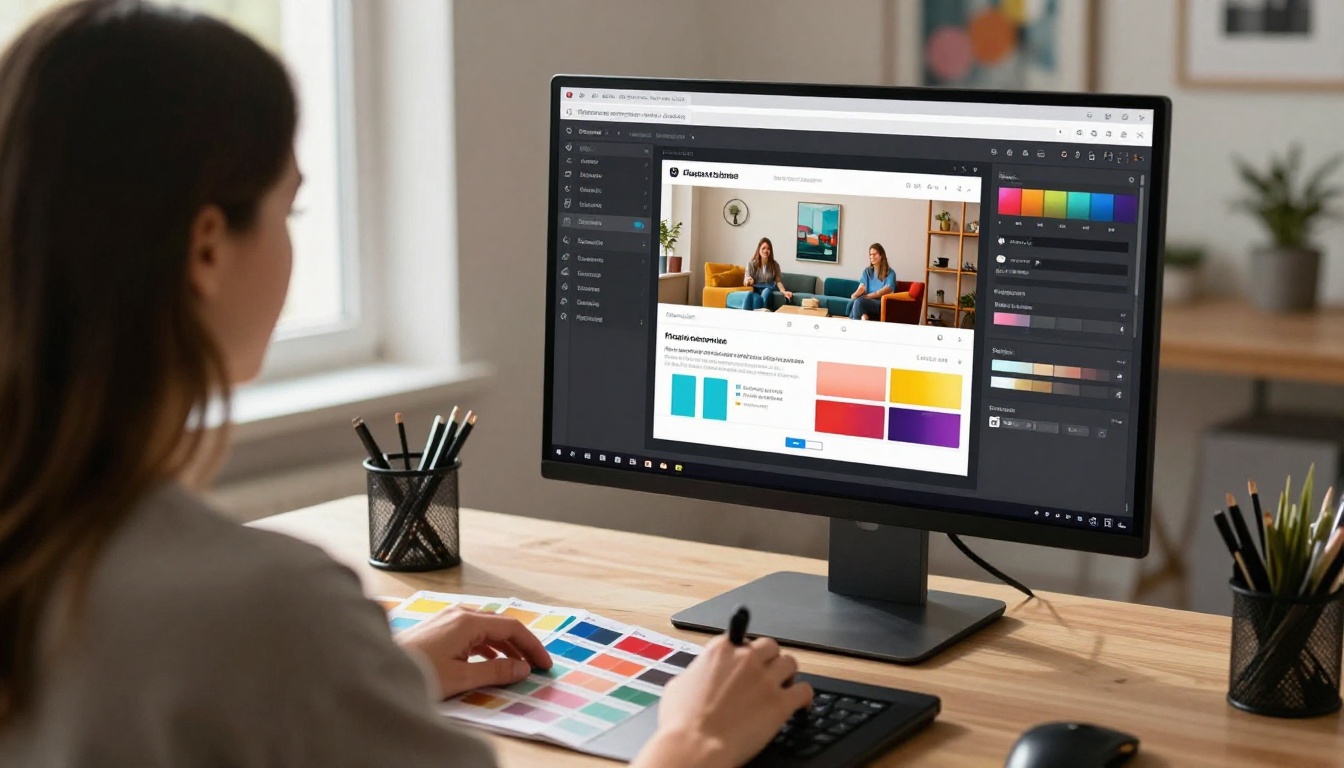
Once you have a free template, converting it into a proper interactive flipbook takes less than five minutes. Here's how to do it step-by-step with Flipbooks AI.
Step 1: Choose and Export Your Template
Pick a template from any source listed above. Customize it in Canva, Adobe Express, Google Slides, or any other editor you prefer. Once satisfied, export it as a PDF.
Before exporting, confirm:
- All pages are the same size (A4, Letter, or a consistent custom size)
- Images are embedded, not linked from external URLs
- Fonts are embedded or substituted with web-safe system fonts
- No watermarks or placeholder text remain from your editing tool
Step 2: Upload Your PDF
- Go to Flipbooks AI and create a free account.
- Select the PDF to Flipbook Converter or use the direct upload from your dashboard.
- Drag and drop your PDF into the upload area.
- Wait for the conversion to process. Most PDFs convert in under 60 seconds.
✅ Flipbooks AI supports PDFs up to 500 pages. Most free templates are well within this range.
Step 3: Customize the Flipbook
After upload, you can adjust the flipbook's appearance directly within Flipbooks AI:
- Page effects: Choose realistic page-turn animations, flat slide transitions, or zoom effects.
- Background: Set a solid color, gradient, or uploaded image behind the flipbook viewer.
- Custom branding: Add your logo, custom colors, and branded thumbnail on the Standard plan and above.
- Multimedia: Embed YouTube videos, audio clips, or hyperlinks on specific pages.
- Password protection: Lock your flipbook for private or client-only distribution.
Step 4: Share or Embed
Publishing takes one click. Options include:
- Direct link: A URL that opens the flipbook instantly in any browser on any device.
- Embed code: Copy an iframe snippet and paste it into your website, blog, or CMS.
- QR code: Generate a QR code for printed materials that links directly to your flipbook.
- Offline download: Available on the Professional plan for distributing content without internet access.
💡 The Professional plan also includes analytics (page views, time spent per page) and lead generation forms. For sales and marketing flipbooks, these features pay for themselves quickly.
Making Free Templates Look Premium
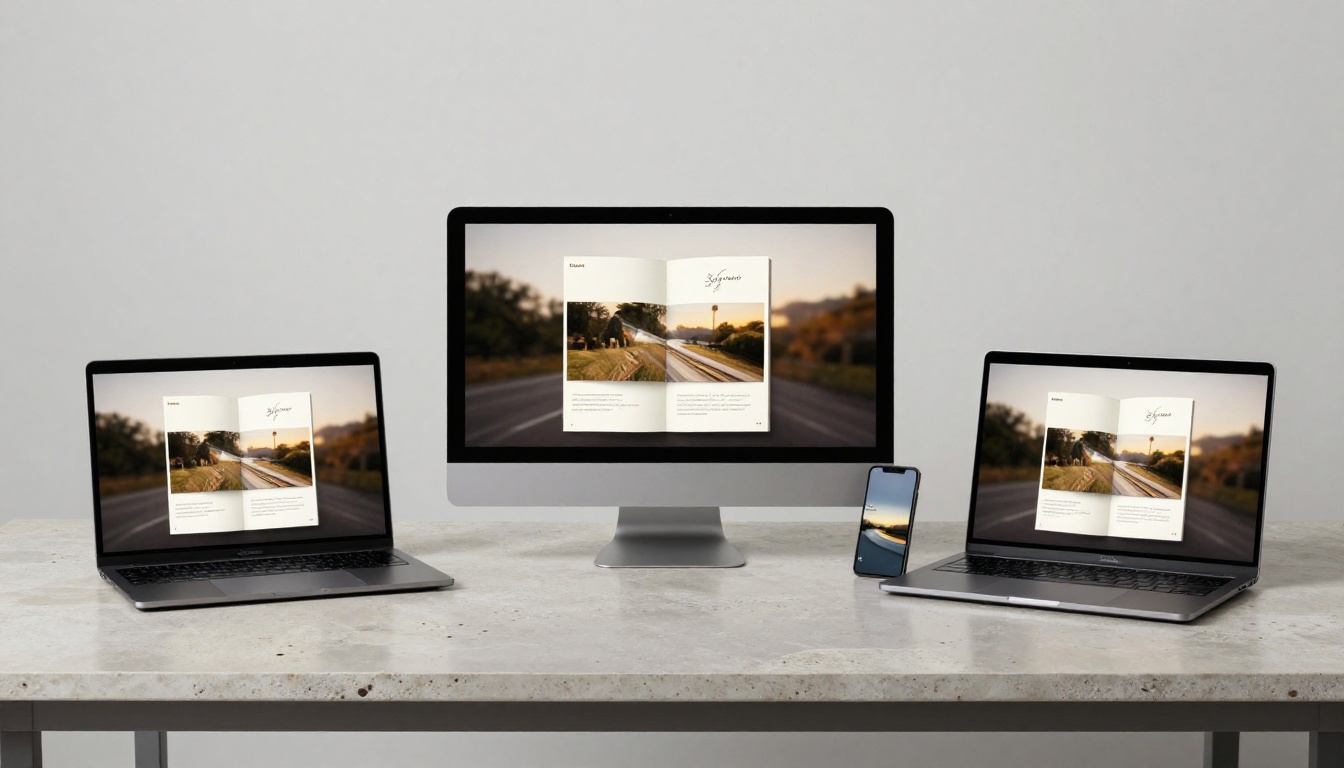
A free template is a starting point, not a finished product. What separates professional-looking flipbooks from amateur ones is almost never the template itself. It's the customization decisions made on top of it.
Typography Tweaks That Work
- Limit your fonts: Use one typeface for headings and one for body copy. Free templates often include three or four fonts, which creates visual noise.
- Increase line spacing: Most free templates use tight line spacing to fit more content. Loosening it by 10-20% immediately improves readability.
- Check heading hierarchy: H1 should be noticeably larger than H2, and H2 noticeably larger than body text. Inconsistent sizing signals an unedited template.
Color Basics That Stick
| Color Mistake | Better Choice |
|---|
| Using the template's default colors unchanged | Replace one accent color with your brand color |
| High-contrast clashing combinations | Use a 60-30-10 rule: dominant, secondary, accent |
| Too many different colors across pages | Limit to 3 colors applied consistently throughout |
| Generic stock photos throughout | Replace with real, contextually relevant photos |
| Default placeholder text left in | Remove every placeholder before exporting |
⚠️ The single most common issue with free-template flipbooks is placeholder text left in the document. Always do a full read-through before uploading to Flipbooks AI.
5 Mistakes People Make With Free Templates
Even experienced designers run into these issues when working with free templates:
-
Ignoring license terms: "Free" does not always mean "free for commercial use." Always read the license, especially for templates from Freepik, Template.net, or smaller sites.
-
Using templates at the wrong size: A template designed for A4 print will look off when converted to a flipbook intended for screen viewing. Resize to a screen-friendly ratio like 16:9 or 4:3 before exporting.
-
Skipping image replacement: Generic stock photos make even well-designed templates look cheap. Replace the main hero images with real, contextually relevant photos from Unsplash or Pexels.
-
Not testing on mobile: Flipbooks AI is fully mobile-responsive, but a PDF with tiny text designed for print will still be hard to read on phones. Check readability at mobile zoom levels before publishing.
-
Over-customizing: The template is a structure, not a blank canvas. Adding too many design elements on top of a free template tends to make it look cluttered rather than original. Work within the grid the template provides.
Your Flipbook Is One Upload Away
Free flipbook templates genuinely exist in abundance, and with the right sources, the right tool, and a bit of customization, they produce publications that look completely professional. The gap between "free template" and "impressive flipbook" is filled almost entirely by the platform you use to publish it.
Flipbooks AI removes watermarks, converts your PDF instantly, and gives you a shareable link within minutes. The free plan is a real free plan, not a bait-and-switch. Standard and Professional plans add branding controls, analytics, and offline capabilities at pricing that makes sense for what you get.
Ready to see it work? Create a free account and upload your first template today. Browse all flipbook tools to find the one built for your specific use case. When you're ready to see what paid plans add to your workflow, compare pricing options and pick the right tier for your needs.



