Finding a free flipbook maker that actually delivers professional results can feel harder than it should be. Most tools either slap a watermark across every page, cap you at two publications, or charge before you can share your work. Flipbooks AI changes that equation entirely, offering a genuinely free tier with HTML5 page-flip output, custom branding options, and instant sharing without forcing a credit card upfront. This article covers where to look, what to avoid, and how to create polished interactive flipbooks without spending a cent.

The flipbook maker space is crowded with tools that promise free, then quietly restrict every useful feature behind a paywall. Before comparing options, it helps to know exactly what "free" means for each platform.
The Non-Negotiables
A flipbook maker is only worth your time if it delivers on three core requirements:
- Realistic page-flip animation: HTML5-powered flips that work on every device without plugins
- Shareable output: A live URL or embeddable code you can use immediately
- No forced watermarks: Branding your own work with someone else's logo is not free publishing
💡 Always test the free tier output before committing to any platform. If the share link includes an ad banner or a third-party logo, that tool is using your content to market itself.
Free vs. Paid: What Changes
The table below shows the critical differences between free and paid tiers across typical flipbook platforms:
| Feature | Free Tier (Typical) | Paid Tier (Typical) |
|---|
| Watermark on flipbook | Yes (most platforms) | Removed |
| Number of publications | 1-3 | Unlimited |
| Custom domain | No | Yes |
| Password protection | No | Yes |
| Analytics | No | Yes |
| File size limit | 5-10 MB | 100+ MB |
| Offline download | No | Yes |
| Embed on website | Sometimes | Yes |
Flipbooks AI is the exception: the free tier removes watermarks entirely and allows embedding without upgrading.

The Best Free Flipbook Makers Online
There are dozens of options online, but not all are created equal. The comparison below focuses on tools that are genuinely usable on a free plan, not just technically "free" with every output crippled.
| Tool | Free Flipbooks | Watermark-Free | HTML5 Output | Embed Code | Mobile-Ready |
|---|
| Flipbooks AI | Yes | Yes | Yes | Yes | Yes |
| FlipHTML5 | 1 | No | Yes | Limited | Yes |
| Issuu | 1 | No | Yes | No | Yes |
| Yumpu | Unlimited | No | Yes | Yes | Yes |
| Publuu | 1 | No | Yes | No | Yes |
| FlipSnack | 1 | No | Yes | Limited | Yes |
Flipbooks AI stands out as the only platform in this comparison that removes watermarks on the free plan and provides full embed functionality without requiring an upgrade.
What Flipbooks AI Offers for Free
Flipbooks AI gives you immediate access to:
- PDF to flipbook conversion with realistic HTML5 page-flip animation
- A shareable public link for every publication
- Full embed code for adding flipbooks to any website
- Mobile-responsive output that works on phones and tablets without any additional configuration
- Custom branding options including logo upload
No trial period. No watermark. No credit card required to start.
How to Convert a PDF to a Flipbook for Free
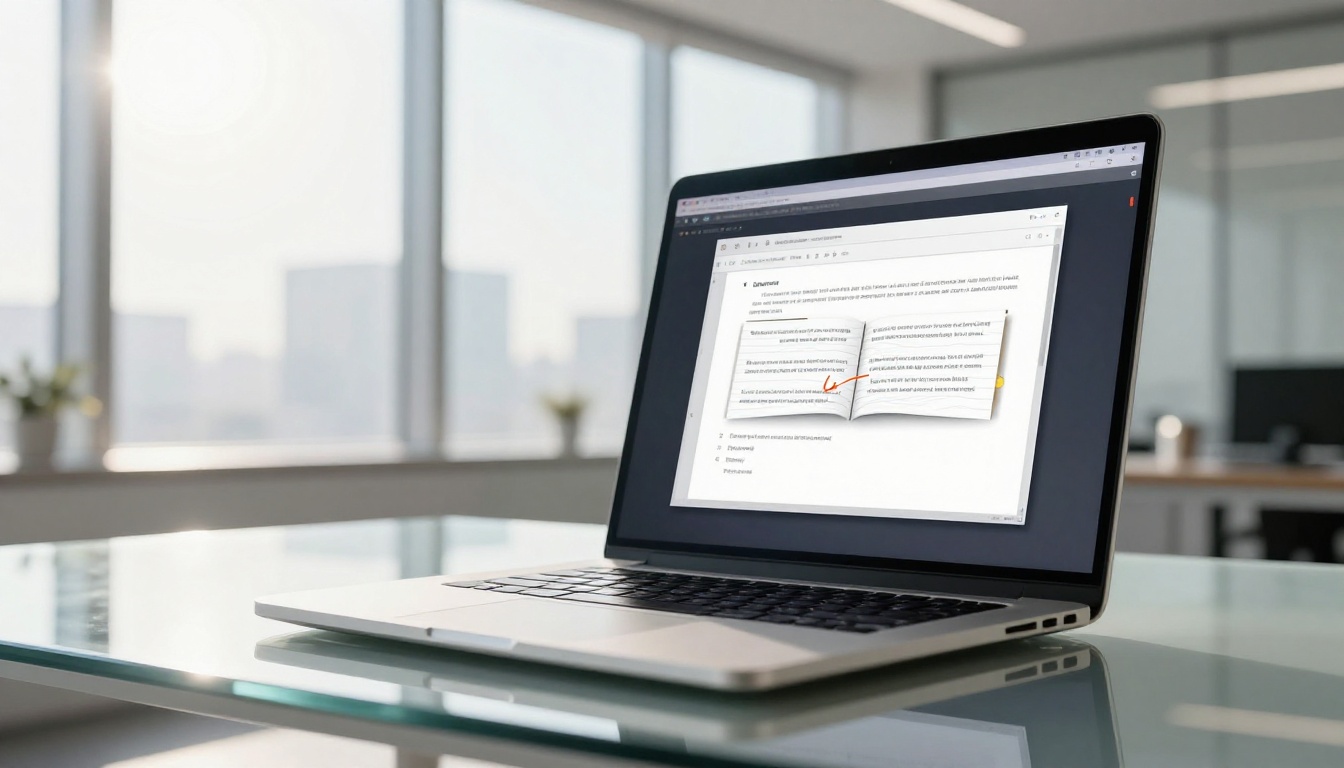
The PDF to Flipbook Converter on Flipbooks AI is the fastest way to go from a static document to a live interactive publication. The process takes under three minutes for most files.
Step-by-Step: PDF to Flipbook in Minutes
-
Go to Flipbooks AI and create a free account using your email address or Google login. No credit card required.
-
Upload your PDF by clicking "New Flipbook" from your dashboard. Drag and drop or browse your files. The supported file size on the free plan handles most standard documents with no issues.
-
Wait for conversion. The system processes your PDF and generates a high-fidelity HTML5 flipbook with smooth page-turn animation. Processing typically takes 30 to 90 seconds depending on file size.
-
Customize your flipbook. Add your logo, choose a background color or texture, set the publication title, and configure the reading direction. These options are available on all plans including free.
-
Publish and share. Click "Publish" to make your flipbook live. You'll receive a shareable URL immediately. Copy the embed code to add it to any website, blog, or email newsletter.
✅ Keep your PDF under 50MB and optimize images before uploading. This reduces conversion time and improves page-load speed for your readers.
What You Can Build with a Free Flipbook Maker
The use cases for digital flipbooks go well beyond basic documents. Once you see how polished the output looks, the creative possibilities open up fast.
Business Publications
Professional documents get an immediate visual upgrade when converted to interactive flipbooks:
Personal and Creative Projects
Flipbooks aren't just for businesses. Individual creators use them for:

Features That Actually Matter
Not every feature on the marketing page of a flipbook tool matters in practice. The ones below do.
No Watermarks on Free Output
This is the single biggest differentiator between free tools. A watermark on your published flipbook makes it impossible to share professionally. It signals to every viewer that you couldn't afford the premium plan. Flipbooks AI removes this barrier entirely on the free plan, so every publication looks like it came from a paid subscription.
Mobile-Responsive by Default
Over 60% of web content is consumed on mobile devices. Flipbooks that require pinching, zooming, or landscape rotation to read are not usable. Flipbooks AI generates responsive output that adjusts automatically to any screen size.
Embed on Any Website
The Embed Flipbook on Website tool generates a clean iframe code you can paste directly into WordPress, Squarespace, Webflow, or any custom HTML page. No plugin required.
| Feature | Why It Matters |
|---|
| HTML5 output | Works on every modern browser and device without plugins |
| Custom thumbnail | Controls what appears in social media link previews |
| Auto page-turn | Presentation mode for hands-free viewing |
| Fullscreen mode | Immersive reading experience for long-form content |
| Search within flipbook | Readers can find specific content instantly |
| Download option | Lets readers save a PDF copy for offline reference |
| Password protection | Keeps private content secure (Standard plan) |
| Analytics | Shows who reads, for how long, and where they drop off (Professional plan) |
How to Create Your First Flipbook with Flipbooks AI
This tutorial walks through creating a professional-quality digital publication from scratch.
Setting Up Your Account
Head to flipbooksai.com/account and register using your email or sign in with Google. The free plan activates immediately with no waiting period and no credit card.
Uploading Your PDF
From your dashboard, click New Flipbook. Drag your PDF file into the upload zone or click to browse. Flipbooks AI accepts standard PDF files and processes them with high fidelity, preserving typography, images, and layout exactly as designed.
⚠️ If your PDF contains embedded fonts, confirm they're embedded in the file rather than linked externally. This ensures the flipbook renders identically to your original document on all devices.
Customizing the Look
After conversion, you'll enter the customization panel:
- Logo: Upload your brand logo to appear in the flipbook header
- Background: Choose from solid colors, gradients, or texture patterns
- Flip sound: Toggle the classic page-turn sound on or off
- Hard covers: Add a realistic book-cover effect to the first and last pages
- Reading direction: Set left-to-right or right-to-left for international content
Publishing and Sharing
Click Publish to make your flipbook live. You'll get:
- A permanent shareable URL ready to distribute immediately
- An embed code for website integration
- Social sharing shortcuts for LinkedIn, Facebook, and other platforms
For private publications, users on the Standard plan can add password protection. The Professional plan includes full analytics showing page views, time-on-page, and lead capture forms for gated content.

Real-World Uses That Drive Results
Knowing where flipbooks create the most value helps you prioritize which projects to convert first.
Restaurants and Hospitality
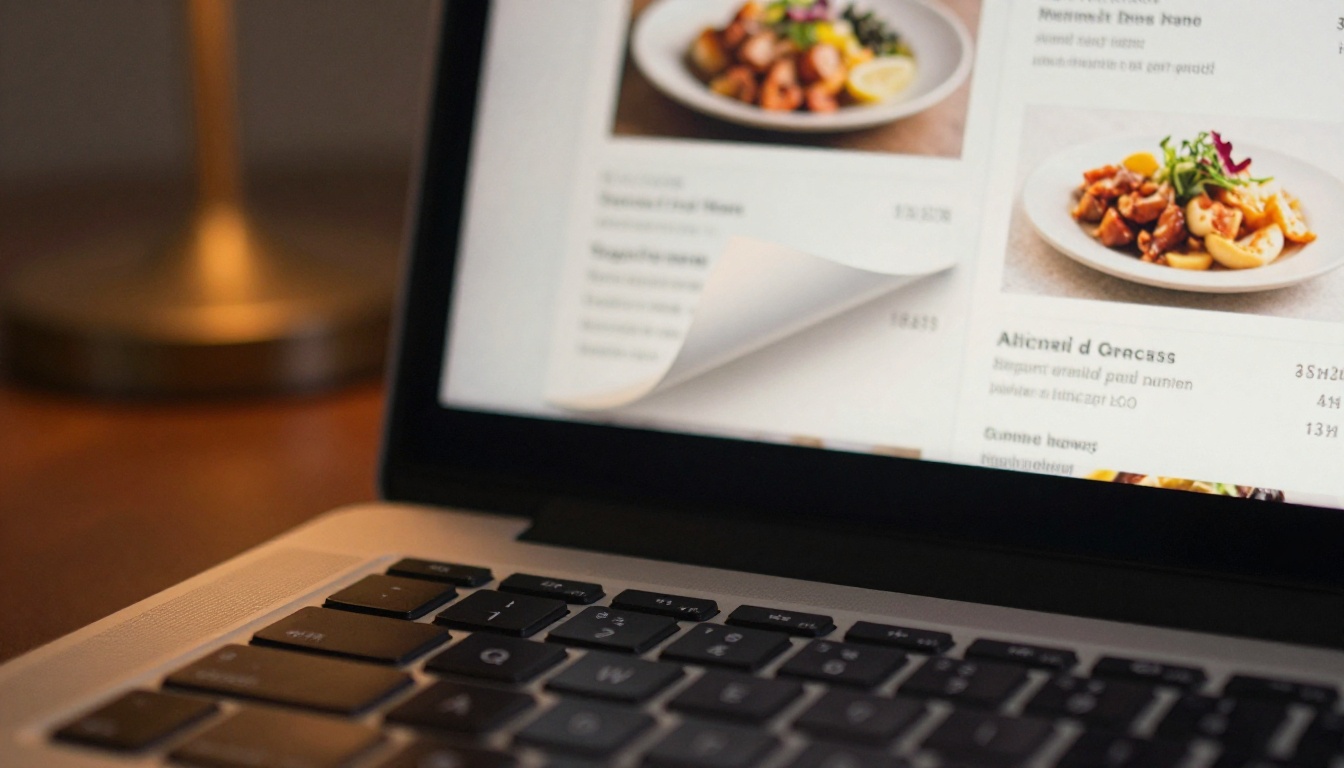
A restaurant can link a QR code on every table to a live digital menu built with the Menu Flipbook Designer. When prices or items change, updating the flipbook takes minutes. No reprinting. No wasted menus. Spa and wellness businesses use the Spa & Wellness Menu Creator for the same reason, keeping service menus current without printing costs.
Real Estate Professionals
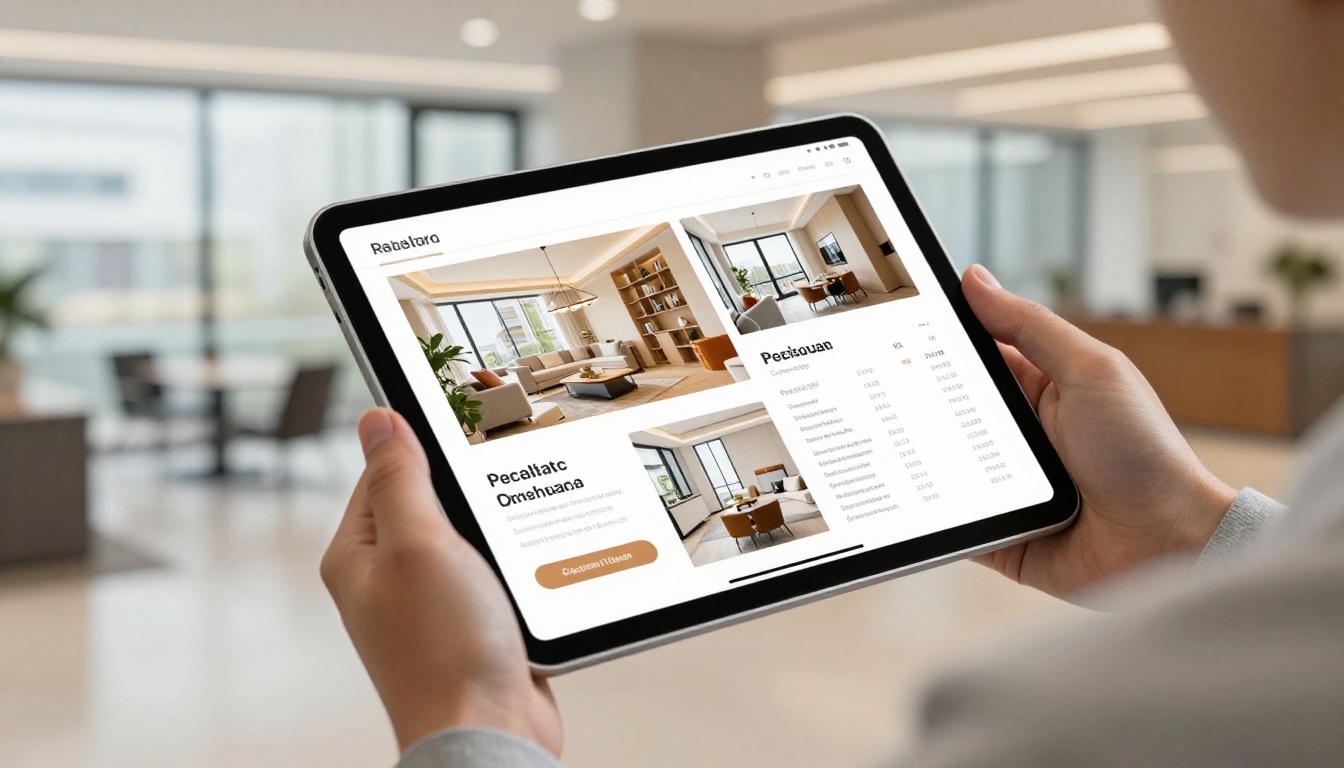
Real estate agents benefit from sending property brochures as flipbooks instead of email attachments. A link opens instantly on any device, loads a polished property presentation with photos, floor plans, and pricing, and doesn't get caught in spam filters. The Real Estate Brochure Creator is built specifically for this workflow, with layouts designed for property showcases.
Educators and Corporate Trainers
Training materials converted to flipbooks are significantly more engaging than static PDFs. The Training Manual Flipbook and Course Material Publisher tools help educators build interactive content without any coding skills. Password protection keeps materials private to enrolled students or internal employees.

Choosing the Right Plan
The free plan on Flipbooks AI covers most individual needs. Businesses with volume requirements or advanced analytics needs should consider the paid tiers.
| Plan | Price | Flipbooks | Watermark | Password | Analytics | Offline Download |
|---|
| Free | $0 | Limited | None | No | No | No |
| Standard | See pricing | Unlimited | None | Yes | No | Yes |
| Professional | See pricing | Unlimited | None | Yes | Yes | Yes |
💡 Start on the free plan to test the platform and confirm the workflow fits your needs. Upgrade only when you need password protection, analytics, or offline download access. There's no urgency to pay before you've validated the tool for your specific use case.
All paid plans maintain the no-watermark policy, so your output always looks professional regardless of which tier you're on.
Who Should Use a Free Flipbook Maker
Not everyone needs a paid plan. The free tier is the right starting point for:
- Freelancers testing digital publication workflows before pitching to clients
- Small businesses that produce one or two publications per month
- Educators creating course materials for small class groups
- Creatives building personal portfolio flipbooks
- Nonprofit organizations publishing quarterly newsletters or annual reports
For high-volume publishers, marketing agencies, or businesses that rely on reader analytics for content decisions, the Professional plan delivers the data infrastructure needed to measure and improve content performance over time.
Digital flipbooks created on Flipbooks AI work across all major platforms and publishing scenarios:
- Websites: Embed via iframe in WordPress, Squarespace, Webflow, Wix, and custom HTML
- Email campaigns: Share the direct URL in email newsletters without attachment size limits
- Social media: Post the flipbook link directly to LinkedIn, Facebook, or an Instagram bio
- Live presentations: Open the flipbook URL in a browser during presentations for a polished walkthrough
- Printed QR codes: Generate a QR code from the flipbook URL for menus, event programs, or product packaging
The Event Program Maker and Digital Price List Generator are purpose-built for the most common print-to-digital conversion scenarios.
Start Creating Today
The barrier to creating professional interactive publications has dropped to zero. Flipbooks AI delivers watermark-free flipbooks, full embed functionality, and mobile-responsive output on a genuinely free plan, without the limitations that make most free tools impractical for real publishing work.
Browse the full library of flipbook tools to find the exact template and workflow for your project. Whether you're building a restaurant menu, a real estate brochure, a fashion lookbook, a training manual, or a personal portfolio, there's a purpose-built tool ready to go.
Ready to publish your first flipbook? Create your free account and have a live interactive publication in under five minutes. When you're ready for password protection, analytics, or unlimited publications, check the pricing page to pick the plan that fits your volume.



