Every time you send a zip file, you are making your client work harder than they should. It sounds dramatic, but the math is simple: the more steps someone has to take before they can actually view your work, the higher the chance they give up, lose context, or think less of you as a professional. And yet the .zip has become the default for creative agencies, freelancers, and marketing teams who have not stopped to question whether it is actually serving them.
Flipbooks AI exists in part because this problem is real, widespread, and completely solvable. But before we get to solutions, let us be honest about what zip files are actually doing to your professional relationships.
The Problem With Zips Nobody Admits
Nobody Wants to Download a Folder
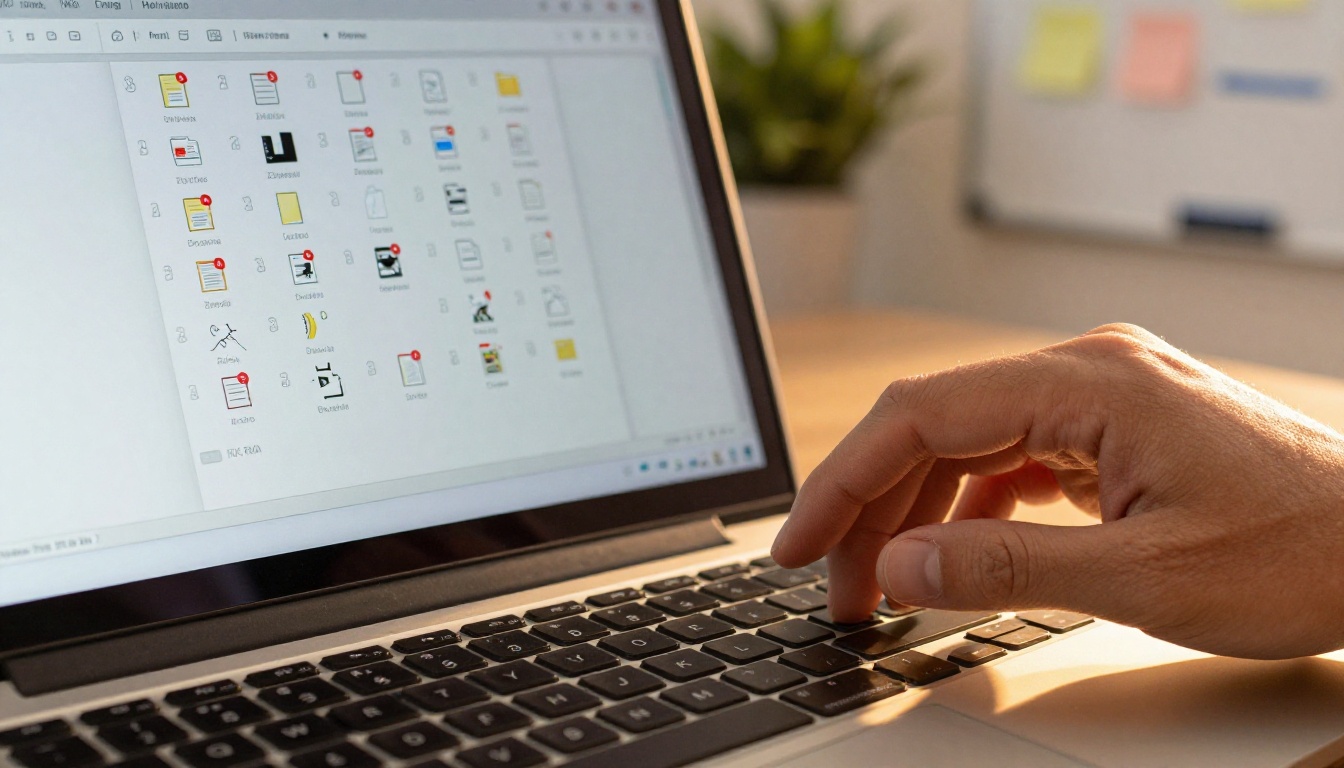
There is a specific kind of friction that comes with receiving a .zip file as a client or collaborator. You see the attachment, recognize the format, and immediately your brain registers a task, not a deliverable. You have to download it, find it in your downloads folder, figure out how to open it (especially on mobile or certain operating systems), wait for decompression, then finally navigate the file structure inside, which may or may not be organized in a way that makes sense to you.
That is four to six steps before you have seen a single page of work.
Now compare that to receiving a link. You click, you see. The professional experience is immediate, frictionless, and controlled by the sender. The difference in perception is enormous, even when the content inside is identical.
The Format Was Built for Storage, Not Sharing
ZIP was invented in 1989 as a way to compress files for storage and transfer over low-bandwidth connections. It was a brilliant solution for its time, when floppy disks held 1.44MB and dial-up internet moved at a crawl. In 2025, none of those original problems exist in the same form. Bandwidth is abundant. Storage is cheap. What is scarce now is attention, and zip files consume too much of it for the wrong reasons. The format served a purpose in a world that no longer exists, yet habits around it have persisted long past their usefulness.
7 Ways Zip Files Actively Hurt Your Work
Email Providers Block Them
Gmail, Outlook, and many corporate mail servers routinely block or quarantine .zip attachments, flagging them as potential malware vectors. This is not a bug. It is intentional security behavior, because zip files have been used to hide malicious executables for decades.
The result: your carefully prepared work never reaches the inbox. You get no notification. The client gets nothing. The relationship suffers for reasons entirely unrelated to the quality of your output.

File Size Limits Kill Large Projects
Most email providers cap attachments at 25MB. Zip files, even with compression, regularly exceed this for any substantive creative work: a brand style guide, a product lookbook, a corporate report, a photography portfolio. When the attachment is too large, you end up having to either split the archive (making the problem worse) or resort to a separate file-sharing service, which raises the question of why you used zip in the first place.
Corruption Happens More Than You Think
ZIP files are fragile. A partial download, a network interruption, or even a storage error during transfer can corrupt the entire archive. When a zip is corrupted, the recipient cannot access any of the files inside, not just the damaged one. The entire deliverable is gone. The sender rarely finds out until the client emails back with confusion or frustration, sometimes days later.
Mobile Compatibility Is Terrible
On iOS and Android, opening a .zip file requires either a third-party app or a workaround. Native support exists in some cases, but the experience is inconsistent across devices and operating system versions. For clients who primarily use a phone or tablet to review documents, a zip file is a near-guaranteed failure mode.
⚠️ Warning: More than 60% of emails are opened on mobile devices. If your deliverable requires a desktop to open, you have already lost more than half your potential viewers before they start.
It Offers Zero Tracking or Analytics
Once a zip file leaves your outbox, you have no idea what happens to it. Was it opened? Did the client look at every page? Did they stop on the pricing section? Did three people on their team view it, or just one? You are flying completely blind, which makes follow-up conversations harder and closing deals less predictable. You cannot optimize what you cannot see.
It Looks Unprofessional
Sending a zip file signals to the recipient that you either do not care about their experience or have not thought about it. In competitive industries where perception drives decisions, arriving with a beautifully interactive digital document versus a compressed folder is the difference between looking like a premium provider and looking like someone stuck in an older era of digital workflows.
No Version Control
When a client downloads a zip, that version of your work is frozen in their downloads folder. If you update the files afterward, you have to send another zip, adding another layer of confusion. Which version is current? Is this the one with the corrected logo? Did they download the right one? Chaos compounds quickly on even small projects, and the client is left managing your file versions instead of reviewing your work.
How Clients Experience Receiving a Zip
The Moment of Receipt
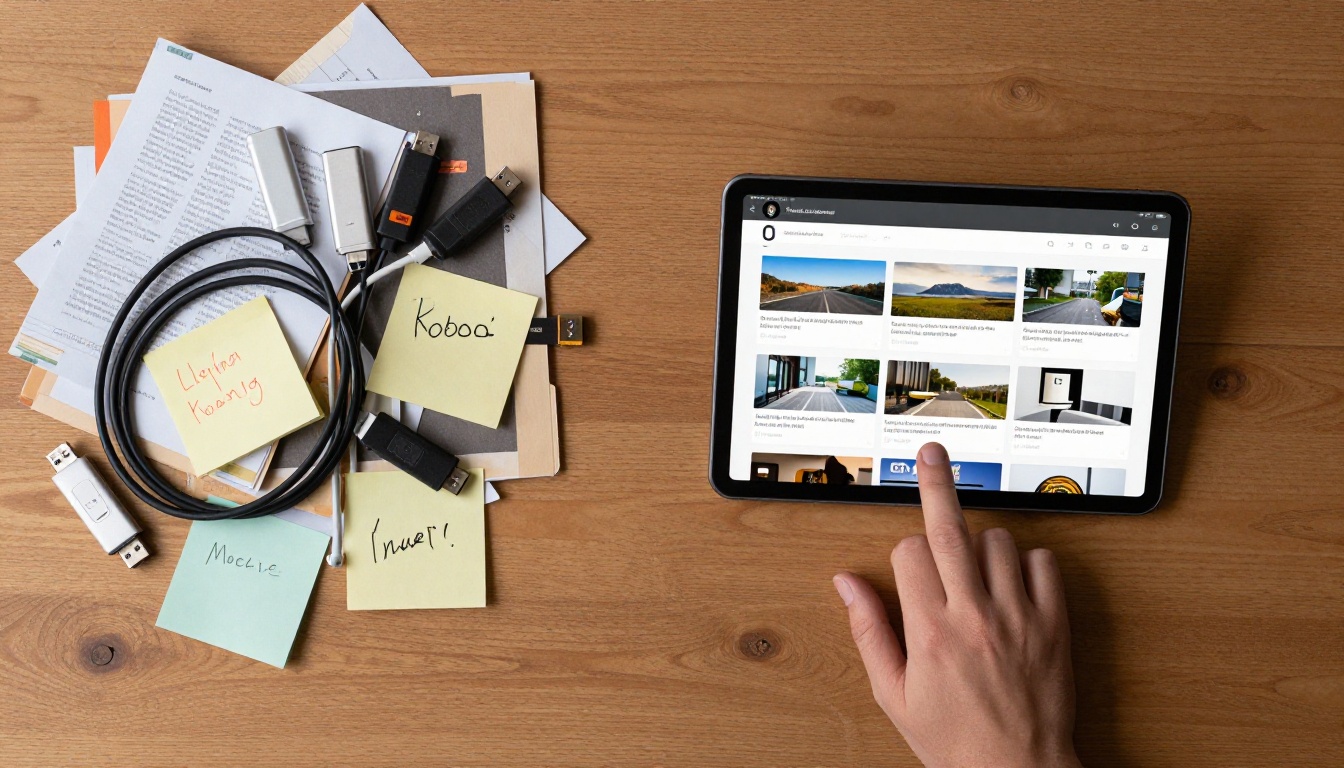
Put yourself in the client's seat. You receive an email from an agency you hired to produce a brand presentation. The email says "please find our work attached." There is a .zip file. Your first thought is not excitement. It is calculation: do I have time to deal with this right now?
If you are on your phone during a commute, the answer is almost certainly no. If you are at your desk but in the middle of something, you bookmark the email and tell yourself you will come back to it. Research consistently shows that delayed review correlates with reduced engagement and lower likelihood of positive response. The friction of a zip file is not neutral. It actively reduces the chance of your work getting a fair evaluation at the right moment.
The Experience Gap
Compare two delivery methods side by side:
| Delivery Method | Steps to View | Device Compatibility | Trackable | Professional Look |
|---|
| ZIP file attachment | 4-6 steps | Desktop only (mostly) | No | No |
| Interactive flipbook link | 1 click | All devices | Yes | Yes |
| Cloud storage link | 2-3 steps | All devices | Partially | Neutral |
| PDF email attachment | 2 steps | Good, fails at large sizes | No | Neutral |
The interactive flipbook wins on every practical dimension. And it is not significantly harder to produce, especially when the right tools are available.
What Actually Works Instead
Interactive Digital Documents
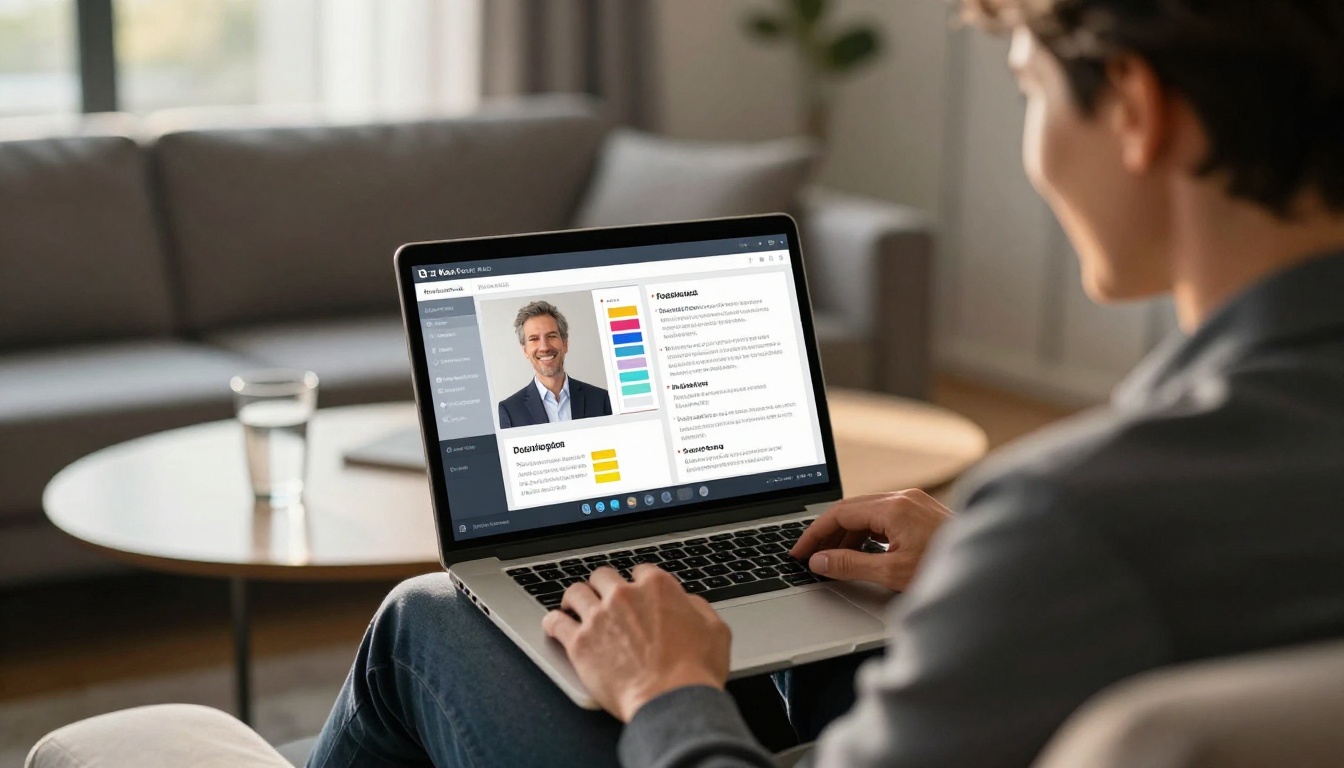
The modern answer to "how do I share work professionally" is a shareable link to a document that renders beautifully on any device, requires no downloads, and optionally provides tracking. This is exactly what digital flipbooks do.
A flipbook takes your PDF (the format most creative software already exports natively) and converts it into a page-turning, interactive digital publication. It lives at a URL. You share the URL. The client clicks, and they are immediately inside your work, on any device, with no installation, no decompression, and no confusion about what to do next.
The Professional Signal It Sends
Receiving a link to a beautifully rendered, mobile-responsive digital document tells the recipient something about who sent it. It says: this person cares about my experience. It says: this is a professional operation. In a world where most competitors are still zipping folders and hoping for the best, the contrast is striking. The delivery method itself becomes part of the pitch.
💡 Pro tip: Password-protect your flipbook to add a layer of exclusivity and security for confidential client work, without any extra software or complicated setup.

Share Work with Flipbooks AI in 6 Steps
Flipbooks AI is built precisely for this transition: from clunky compressed archives to polished, shareable digital publications. Here is exactly how to replace zip files in your workflow.
1. Export Your Work as a PDF
Whatever software you use (Adobe InDesign, Figma, Canva, PowerPoint, Google Slides) export your finished work as a PDF. This is the universal handoff format and the starting point for every flipbook. Nearly every design tool supports PDF export natively, so this step requires no extra work.
2. Upload and Convert
Go to flipbooksai.com/account and create a free account. Upload your PDF using the PDF to Flipbook Converter. The platform processes your document in seconds and creates a page-turning digital version automatically. No configuration required for the initial conversion.
3. Customize for Your Brand
Once converted, apply your brand identity: upload a custom logo, set brand colors for the interface, choose page-turn effects, and add multimedia elements if needed. For client-facing work, this step matters. A branded flipbook reinforces your professional identity at every page turn and makes the deliverable feel like a premium experience rather than a generic document viewer.
4. Set Privacy and Access
Decide how the flipbook should be accessed:
- Public link: anyone with the URL can view, ideal for marketing materials and public campaigns
- Password protected: ideal for confidential proposals or exclusive client deliverables
- Unlisted: not indexed publicly, but accessible to anyone with the link
For most client work, either public or password-protected is the right call. This is something a zip file cannot do at all without additional software and extra steps on the recipient's end.
5. Share One Link
Copy the flipbook URL and paste it into your email, Slack message, proposal, or wherever you communicate with the client. No attachment. No download. No decompression step. They click the link and they are inside your work immediately, on any device, in full quality.
✅ Best practice: Include a brief sentence in the email explaining what they will see when they click, to frame their expectations before they open it. Context before the click increases engagement.
6. Track Who Viewed It
On the Professional plan, you gain access to analytics showing who viewed your flipbook, how long they spent on each page, and which sections received the most attention. This data transforms your follow-up conversations from guesswork into informed dialogue with real signal behind every question you ask.
💡 Pro tip: If a client spent three minutes on your pricing page, lead your follow-up call there. You already know what they are thinking about before the conversation starts.

Who Benefits Most From Ditching Zips
Agencies and Creative Freelancers
For anyone delivering visual work to clients (brand identities, campaign assets, photography, design systems) the flipbook format is a direct upgrade. It lets the work breathe. Pages load in sequence, images render at full quality, and the client gets a curated journey through the deliverable rather than a folder dump they have to organize themselves.
The Digital Portfolio Creator and Portfolio Flipbook Builder are built specifically for creative professionals who want their portfolio to make an impression before a single word is read.
Sales and Marketing Teams
Sales decks, product brochures, and proposals sent as zip files are almost always opened hours or days after receipt, if at all. As an interactive digital document, the same content arrives instantly viewable, and the analytics on the Professional plan show exactly how engaged each recipient was and where their attention focused.
The Sales Presentation Flipbook tool and Online Brochure Designer let marketing teams produce client-ready materials that arrive as experiences, not compressed archives requiring effort before a single image loads.

Real Estate and Property Professionals
Property presentations, floor plans, and neighborhood guides are ideal candidates for the flipbook format. The Real Estate Brochure Creator helps agents and brokers present properties with the visual polish that high-value listings deserve, and clients can view the materials on any device, whether they are at home, in transit, or sitting in an office meeting.
Publishers and Educators
For anyone distributing course materials, training documents, or publications, the Course Material Publisher and Training Manual Flipbook tools remove the access friction entirely. Students and employees receive a link, open it on any device, and get into the content immediately without installing anything or managing files.
Zip vs. Flipbook: Full Feature Comparison
| Feature | ZIP File | Flipbook via Flipbooks AI |
|---|
| Requires download | Yes | No |
| Works on mobile | Inconsistent | Always |
| Email deliverability | Often blocked | Link, never blocked |
| Professional appearance | No | Yes |
| View tracking and analytics | No | Yes (Professional plan) |
| Password protection | Needs extra software | Built-in |
| Version updates | Requires resending | Update source, link stays current |
| File size limits | 25MB email cap | No limit |
| Custom branding | None | Full custom branding |
| Setup time | Seconds | Under 2 minutes |
The numbers are clear. The experience is clear. The only remaining question is how long you are willing to let an outdated habit cost you credibility with every client delivery.

Flipbooks AI Plans at a Glance
To help you choose the right starting point:
| Plan | Flipbooks | Watermarks | Password Protection | Analytics | Starting Price |
|---|
| Free | Limited | Yes | No | No | $0 |
| Standard | Unlimited | No | No | No | Low monthly |
| Professional | Unlimited | No | Yes | Yes (with lead gen) | Mid monthly |
For most professional use cases, the Standard plan removes the limitations that matter most. No watermarks. Unlimited flipbooks. For client-facing sales and proposals where tracking changes outcomes, Professional pays for itself after a single closed deal. Compare all plans to find the right fit for your volume and workflow.

Stop Making Your Clients Work
The zip file is not just an outdated format. It is a symptom of prioritizing the sender's convenience over the recipient's experience. Every time a client has to download, unzip, and navigate a folder, they are spending attention that should have been spent engaging with your actual work. That attention is finite. The moment you waste it on logistics, you have already lost ground.
You already did the hard part. You made something worth sharing. Do not let the delivery undermine it.
Create your first flipbook free on Flipbooks AI and see how fast the switch is. Browse all flipbook tools and templates to find the format that fits your specific workflow. And when you are ready to add analytics, password protection, and unlimited publishing, check out the Professional plan to see what serious client delivery actually looks like.
Your work deserves to arrive as an experience, not a puzzle.



