Time is the one resource every creator, marketer, and business owner wants more of. Creating a flipbook used to mean hours in design software, clunky exports, and uploading files one at a time, only to find the formatting was broken on mobile. AI has changed that completely. Platforms like Flipbooks AI now handle the tedious parts automatically, cutting what once took an entire afternoon down to a matter of minutes. This isn't about cutting corners on quality. It's about doing more, faster, without needing a design degree or a dedicated production team.
Manual Flipbook Creation Was a Time Sink
Before AI-powered tools became the norm, producing a professional flipbook was a multi-step ordeal. You needed design software, a solid grasp of layout principles, and hours of patient formatting work. Even then, the output wasn't guaranteed to look right across devices.
Design Tools Demanded Hours of Setup
Programs like InDesign or Illustrator are powerful, but they're not built for speed. Creating a 20-page product catalog from scratch meant building templates, adjusting margins, embedding fonts, and manually placing each image. A single revision could cascade through every page, triggering a chain of updates that consumed half a workday.
For smaller businesses without an in-house designer, the costs got worse. Outsourcing a polished flipbook to a freelancer could easily run between $200 and $800, with turnaround times of several days. For time-sensitive promotions, that lag was often a dealbreaker.
Publishing Added Its Own Friction
After the design was finished, distribution was its own obstacle. Converting to the right file format, ensuring mobile compatibility, and managing shared links all added steps. Some platforms required manual HTML embedding knowledge. Broken embeds were common. And if a client needed a revision, the entire cycle started over.
How AI Cuts Production Time
AI doesn't just speed things up. It rethinks the process entirely. Instead of starting from zero, AI-powered tools take what you already have, whether that's a PDF, a set of images, or a formatted document, and handle the conversion, layout optimization, and device adaptation automatically.
Automated PDF Conversion in Seconds
The biggest time drain in traditional flipbook creation was the conversion step. With AI-powered platforms, you upload a PDF and the system instantly recognizes page structure, embedded fonts, image placement, and interactive elements. What used to take 30 to 60 minutes of manual configuration now happens in under 60 seconds.
💡 Make sure your PDF has embedded fonts and high-resolution images before uploading. This gives the AI the best raw material to produce a sharp, professional result.
Smart Layout Recognition
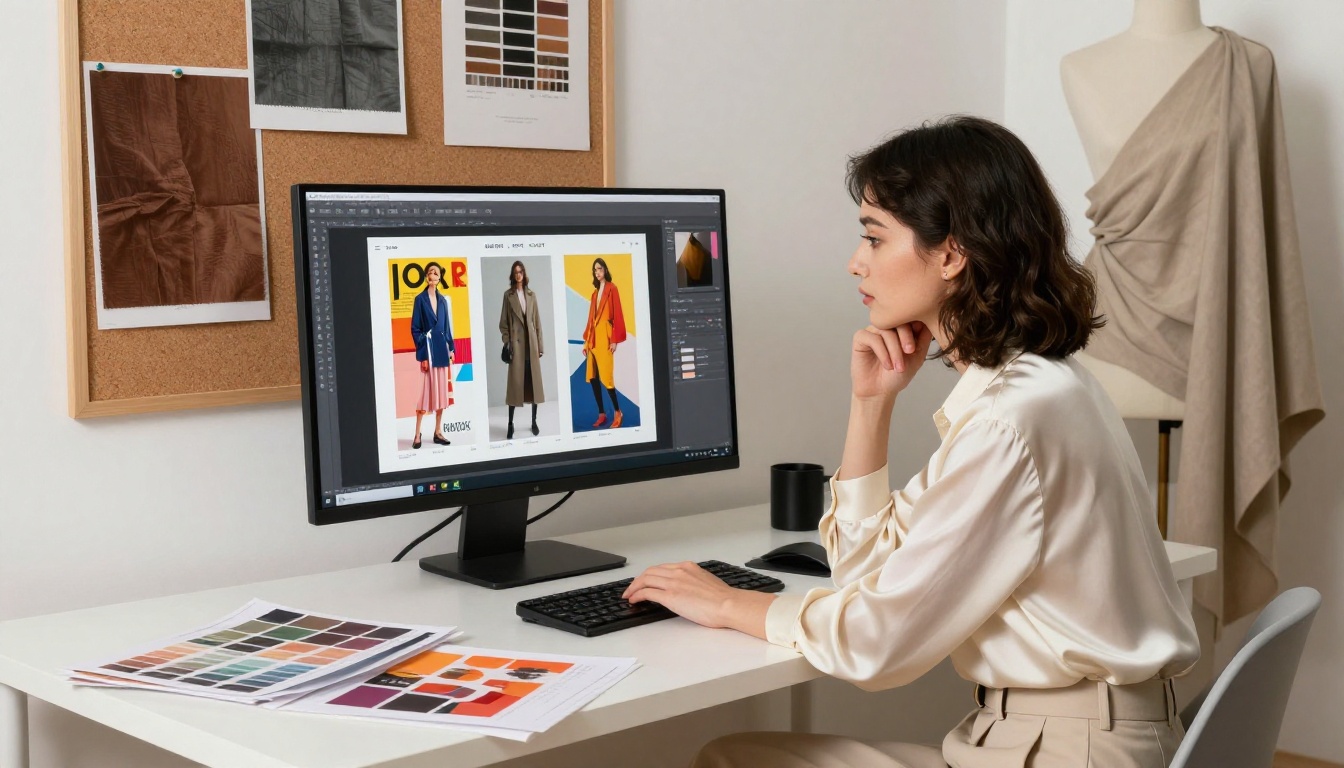
Modern AI doesn't just convert. It recognizes the type of document you're working with and optimizes the layout accordingly. A restaurant menu gets formatted differently than a real estate brochure or a fashion lookbook. The system adapts spacing, typography rendering, and page-turn behavior without requiring manual input.
This means no more tweaking margins or repositioning elements on mobile previews. The AI handles responsive adaptation automatically, so your flipbook looks polished on a phone, tablet, or desktop without you touching a single setting.
Time Saved at Every Stage
To see how dramatic the difference is, here's a direct comparison of the time required at each production stage, traditional workflow versus AI-powered.
| Production Stage | Traditional Workflow | AI-Powered Workflow | Time Saved |
|---|
| Design and Layout | 2 to 4 hours | 5 to 10 minutes | ~3.5 hours |
| PDF Conversion | 20 to 40 minutes | Under 1 minute | ~35 minutes |
| Mobile Optimization | 30 to 60 minutes | Automatic | ~45 minutes |
| Branding and Customization | 60 to 90 minutes | 10 to 15 minutes | ~70 minutes |
| Publishing and Sharing | 20 to 30 minutes | 2 to 3 minutes | ~25 minutes |
| Total | 4.5 to 9 hours | 20 to 30 minutes | ~85% faster |
That 85% reduction in time isn't just a number. It represents an entire workday reclaimed every week for teams that publish regularly. For an agency producing 10 flipbooks per month, that's the equivalent of hiring an additional team member, without the overhead.

Who Actually Saves the Most Time
AI-powered flipbook creation benefits almost anyone who creates documents regularly, but some users see a disproportionately large impact.
Marketing and Sales Teams
Marketing teams often publish multiple pieces of collateral every month: campaigns, product sheets, seasonal promotions, and internal reports. With traditional tools, each piece required a full design cycle. With AI, the same team can publish four times the volume in the same time, without adding headcount or outsourcing.
✅ Build a branded PDF template once, then reuse it for each campaign. AI handles the rest of the conversion and publishing workflow automatically every time.
Restaurants and Hospitality
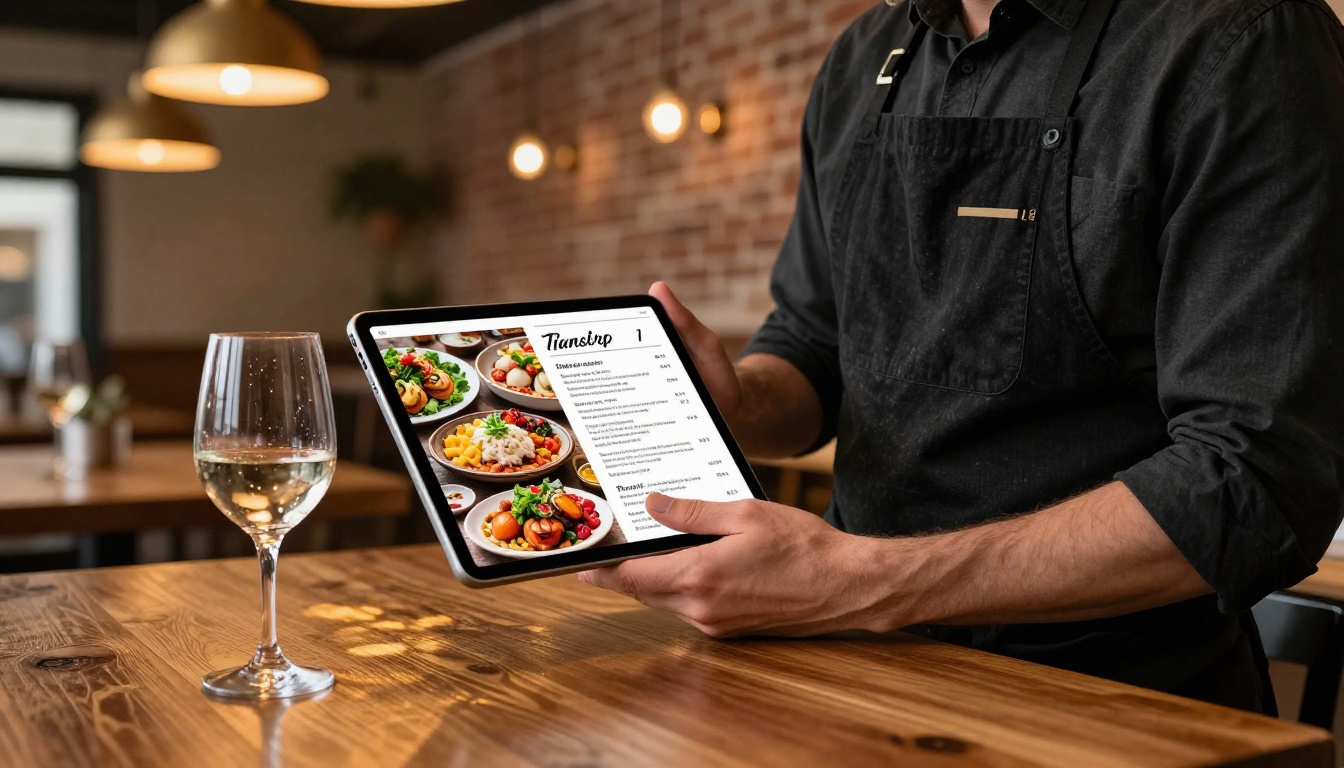
Menu updates are a constant reality in restaurants. Seasonal ingredients, pricing changes, and special offerings mean menus need refreshing often. Using a Restaurant Menu Creator that's AI-powered means a new menu goes live in minutes, not days. No waiting on designers, no printing delays for digital displays, no version control headaches.
Real Estate Professionals
Property brochures are one of the most time-intensive marketing materials in real estate. Each listing needs a unique presentation with photos, pricing, specs, and contact details. AI-powered tools like the Real Estate Brochure Creator let agents generate polished, shareable property brochures in a fraction of the time it would take with traditional design tools. Listings go live faster, and clients get a more impressive presentation.

Build a Flipbook in Minutes with Flipbooks AI
Flipbooks AI makes the entire process remarkably straightforward. Here's exactly how to go from a PDF to a published, shareable flipbook.
Create Your Account
Head to flipbooksai.com/account and sign up. The process takes under two minutes. You don't need a credit card to start, and the platform gives you access to the full creation workflow immediately after registering.
Upload Your PDF
Once inside, click the upload button and select your PDF. The AI immediately begins analyzing your document: identifying pages, reading fonts, positioning images, and optimizing the layout for the page-turn format. For a 20-page document, this typically takes under 30 seconds.
⚠️ PDFs with embedded images at 150 DPI or higher produce the best results. Low-resolution source files will produce low-resolution flipbooks regardless of how good the conversion is.
Apply Branding and Customization
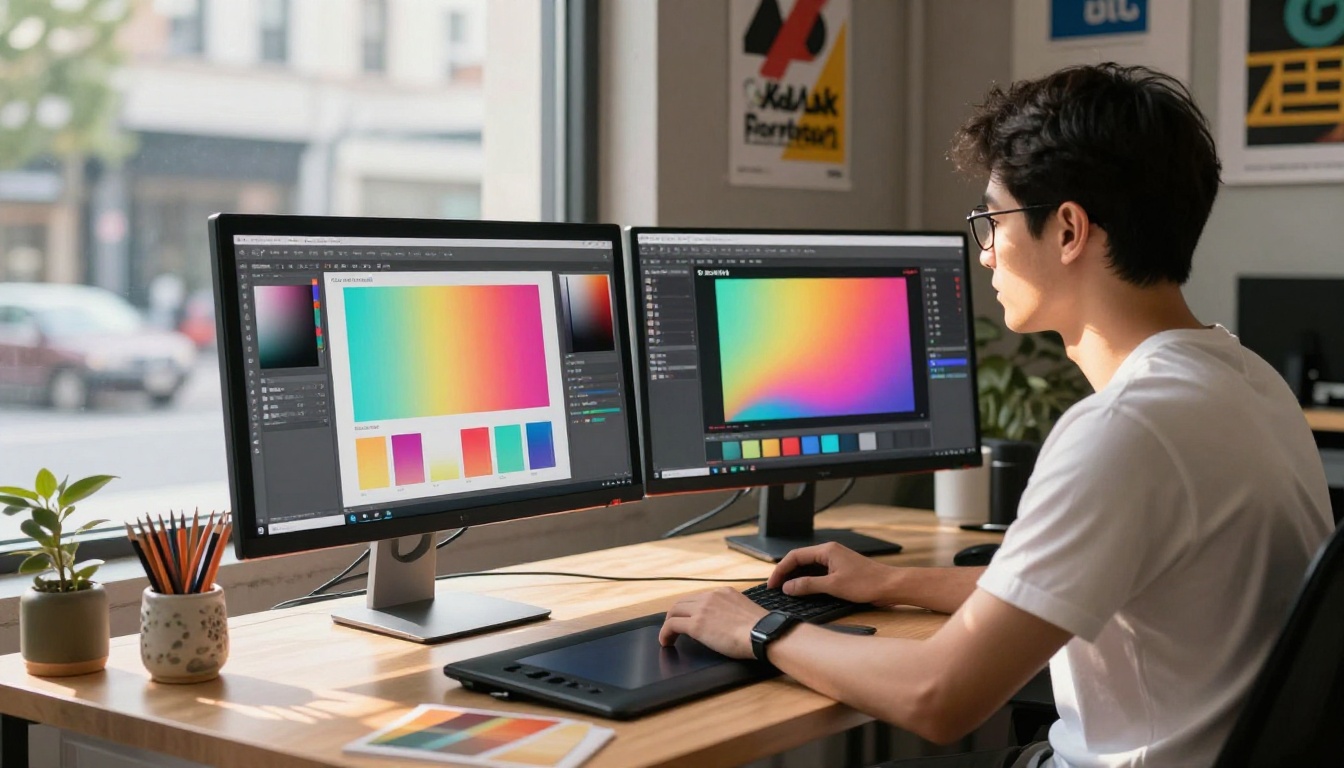
After conversion, apply custom branding to match your identity. The PDF to Flipbook Converter handles all technical integration automatically. Your customization options include:
- Logo placement on the viewer interface
- Color schemes matched to your brand palette
- Background styles for the reading environment
- Page transition effects such as soft page-turn, slide, or fade
- Multimedia embeds: add video or audio clips to specific pages
- Password protection for private or client-facing content
The entire branding step typically takes 10 to 15 minutes, compared to an hour or more with manual design software.
Share or Embed
When your flipbook is ready, multiple sharing options appear immediately:
- Direct link: a clean, shareable URL ready for email or social media
- Embed code: paste into any website with a single line of HTML via the Embed Flipbook on Website tool
- Password protection: restrict access to specific audiences
- QR code: generate a scan-ready code for physical marketing materials
💡 Use the embed feature to place your flipbook directly on a landing page. Embedded flipbooks consistently drive more time-on-page than static PDFs, which signals quality to search engines.
Flipbook Use Cases by Industry
AI-powered flipbooks work across a wide range of industries. The speed advantage compounds the more frequently a team publishes. Here's how different sectors are using the technology.
Choosing the Right Plan
Speed matters less if the plan you're on limits what you can publish. Here's how the Flipbooks AI pricing tiers compare against what each type of user actually needs.
| Feature | Free | Standard | Professional |
|---|
| Watermarks | Yes | No | No |
| Number of Flipbooks | Limited | Unlimited | Unlimited |
| Custom Branding | No | Yes | Yes |
| Password Protection | No | Yes | Yes |
| Analytics and Tracking | No | No | Yes |
| Lead Generation Forms | No | No | Yes |
| Offline Downloads | No | No | Yes |
| Video and Audio Embeds | No | Yes | Yes |
| Mobile-Responsive Design | Yes | Yes | Yes |
| Priority Support | No | No | Yes |
For teams that publish content regularly, the Professional plan pays for itself quickly. The analytics alone help you see which pages readers spend time on, which directly informs future content decisions and helps you produce better flipbooks with each iteration.

What AI Does Behind the Scenes
It's worth knowing what the AI is actually doing when it processes your document, because it's more than a simple file conversion.
Structural Content Recognition
The AI analyzes each page of your PDF as a structured document, not a flat image. It identifies heading levels and their visual hierarchy, body text blocks and their spatial relationships, image regions and their appropriate resolution scaling, table data preserved as readable content, and multi-column layouts adapted for different screen widths.
This structural reading is what allows the output to remain navigable and readable on any device, from a 5-inch phone screen to a 32-inch monitor, without any manual intervention on your part.
Responsive Adaptation Without Extra Steps
One of the largest traditional time costs was building separate versions of a document for mobile and desktop. AI eliminates this entirely by generating responsive layouts from a single source file. One upload, one conversion, one result that works on every screen.
✅ Even with AI handling responsiveness, always preview your flipbook on mobile before sharing. Spot-check that images haven't been cropped unexpectedly on narrow screens, particularly if your PDF uses wide horizontal layouts.
Continuous Improvement Over Time
AI-powered platforms don't stay static. The models used for layout recognition, font detection, and responsive rendering improve continuously. That means the flipbooks you create six months from now will likely be even better than the ones you create today, without any extra effort on your end.
Your Time Is Worth More Than This
Every hour spent fighting design software, managing file conversions, and debugging embed code is an hour not spent on the work that actually matters: creating better content, serving more customers, and growing your business. AI-powered flipbook creation isn't a luxury reserved for large marketing teams. It's a practical shift that pays off on the first publish.
Create your first flipbook for free on Flipbooks AI and see how quickly you can go from a PDF to a polished, shareable publication. Browse all available tools to find the right format for your industry, whether that's menus, catalogs, brochures, portfolios, or annual reports. When you're ready to scale, compare pricing plans to find the tier that fits your publishing volume.
The fastest flipbook is the one you actually ship.



