Your Canva design already looks good. You picked the fonts, balanced the colors, and spent real time on the layout. So why does it feel flat the moment you export it as a PDF and send it out? The answer isn't your design. It's the container you're putting it in. Converting your Canva work into an interactive flipbook on Flipbooks AI changes how people receive it, read it, and remember it. This article breaks down exactly why, and what you can do about it today.
Your PDF Is Hiding Your Design's Best Qualities
The design-delivery gap
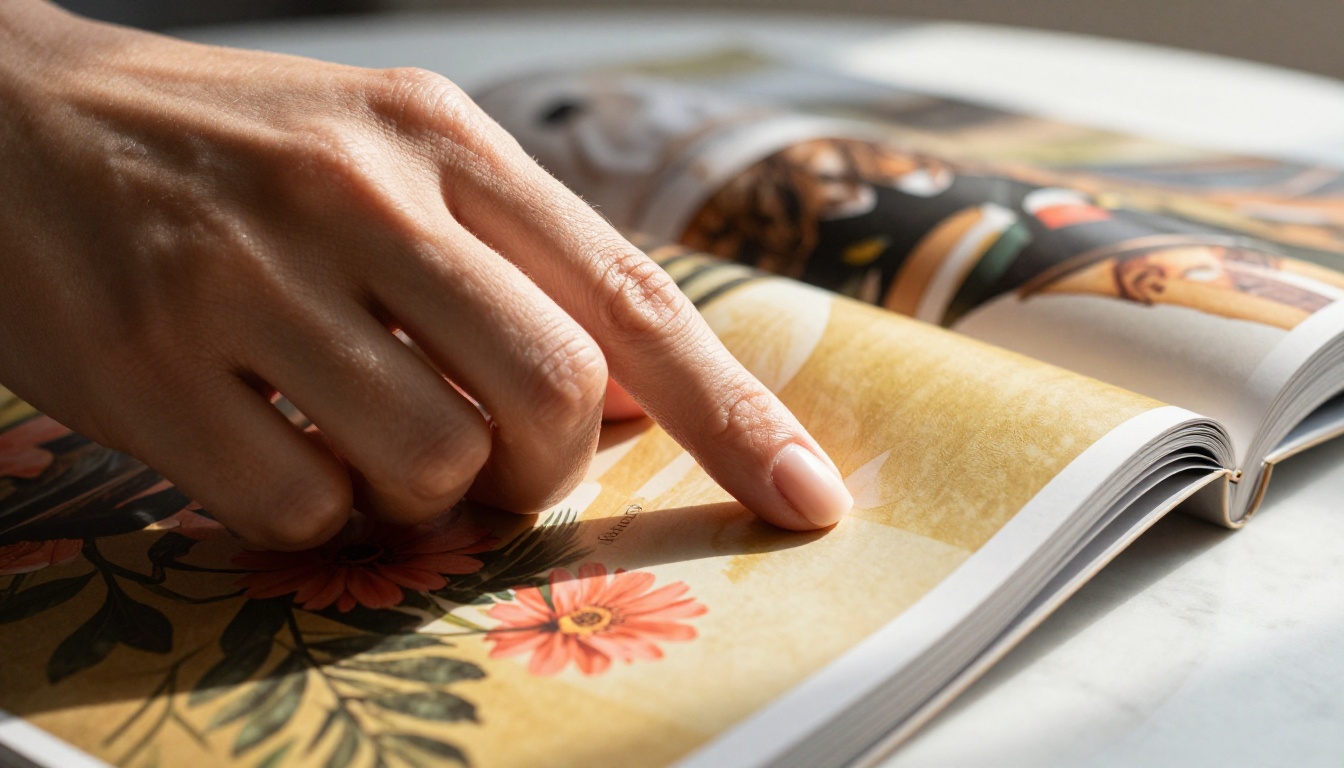
Canva gives you beautifully layered pages with color hierarchies, white space, and visual flow designed to guide the eye. But the moment that file becomes a PDF, it loses its context. A PDF viewer strips the experience down to a vertical scroll or a flat static spread. There's no motion, no tactile metaphor, no sense of moving through something.
The page-flip format restores what the PDF removes. It gives the viewer a spatial experience: they know where they are in the document, they can feel progress, and the act of turning a page creates a micro-moment of anticipation that keeps them moving forward. Your design was built for this. Your delivery method just hasn't caught up yet.
What actually happens when someone opens your PDF
Consider what your reader does when they receive a PDF link. They open it in their browser, see a flat document, and start scrolling. If the content doesn't hook them in the first three seconds, they scroll past or close the tab. A PDF gives no signal about what's coming next, no reward for continuing.
A flipbook changes the equation completely. The animated page turn creates a visual cue that says "there's more on the next page." That cue is powerful. It's the same mechanic that makes physical magazines and coffee table books so satisfying to browse. Your Canva design was built for page layouts. It deserves a viewer that honors that structure.
💡 Canva's page-by-page layout structure maps perfectly onto flipbook spreads. The conversion requires zero redesign. Export to PDF and convert directly.
The Visual Upgrade That Page Turns Bring
How the flip animation changes perception
There's something measurable happening when a page curls and turns. Research on digital reading behavior consistently shows that people rate the same content as more professional and polished when it appears in a format with visual interactivity versus a static scroll. The animation signals effort. It signals intentionality.
Your Canva design, already crafted with care, gets amplified by this perception boost. The same coral and cream palette that looked decent in a PDF feels curated and editorial in a flipbook. The same hero image that got scrolled past gets paused over when it appears as a full-page spread in a mid-curl transition. The format creates anticipation, and anticipation creates attention.
Colors look richer in motion
Color perception is context-dependent. When a viewer scrolls through a PDF, adjacent pages bleed into each other visually. There's no clear boundary between one spread and the next. In a flipbook, each page is its own visual moment. The page curl creates a brief transition that acts as a visual palate cleanser, making the next page feel fresh and intentional.
This is especially noticeable with Canva designs that use strong brand colors or full-bleed photography. The contrast between the "turning" state and the final spread landing makes colors appear more saturated and considered. Clients who receive the same design as a flipbook versus a PDF routinely comment that the flipbook version looks more expensive, even though nothing in the design changed.
✅ Use full-bleed background colors on your Canva pages. They create a more dramatic and satisfying page-turn effect in the flipbook viewer, making each spread land with visual impact.
Why Readers Stay Longer on Flipbooks
The psychology of page turning
The act of turning a page, even a digital one, is a completion signal. Each page turn gives the reader a small sense of accomplishment. This isn't speculation. It's the same mechanism behind why physical books with thick pages feel more satisfying to read than thin-paged ones. The gesture matters, and the brain responds to it.
In a flipbook, clicking or swiping to the next page creates a mini-reward loop. The reader takes an action, sees a result, and gets a new spread of visual information. This loop keeps them moving through your content in a way that passive scrolling never does. Every page turn is a small commitment, and small commitments compound into deep reading sessions.
| Reading Behavior | Static PDF | Interactive Flipbook |
|---|
| Average time per page | 4 to 6 seconds | 12 to 18 seconds |
| Scroll completion rate | ~35% | ~68% |
| Return visits | Low | Moderate to High |
| Mobile reading comfort | Poor | Excellent |
| Perceived content quality | Standard | Premium |
| Share rate | Low | Higher |
Mobile reading in 2025
More than 60% of digital content is consumed on mobile devices. PDFs on mobile are a friction experience. Pinching, zooming, horizontal scrolling: these are all signs that the format isn't working for the device. A flipbook built with responsive design solves all of this automatically.
Flipbooks AI flipbooks are fully mobile-responsive. They detect the device and adjust the layout so swipe-to-turn works naturally on touch screens. Your Canva design, which you likely built at standard page dimensions, gets displayed at the right size without any reformatting on your part. Readers on phones and tablets get the same quality experience as desktop users.

⚠️ If your Canva design has very small body text, check how it renders on mobile in the flipbook viewer before sharing. Flipbooks zoom-to-fit, so very small type can become difficult to read on phone screens.
Canva Designs That Shine as Flipbooks
Not every design benefits equally. Some Canva outputs get a bigger upgrade from the flipbook format than others. Here's a clear breakdown of which design types get the most from the conversion:
Portfolios and lookbooks
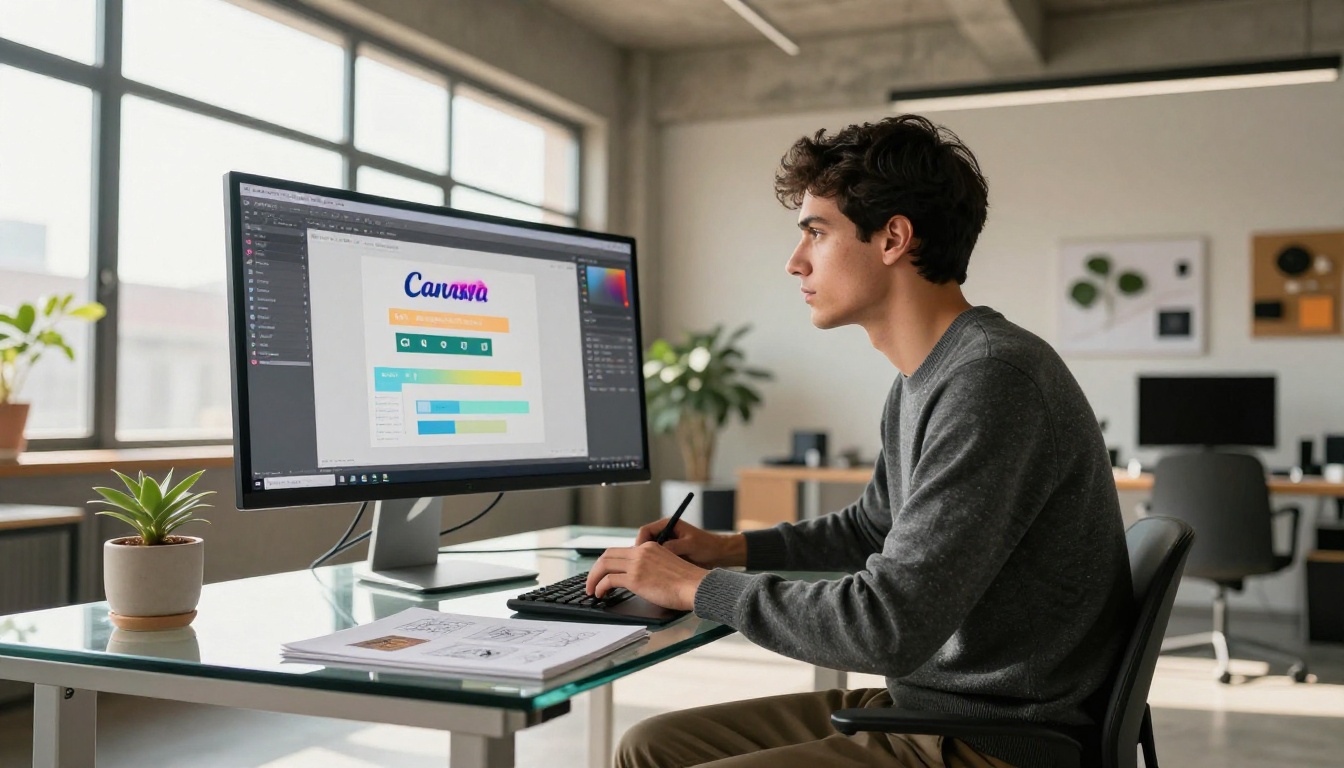
A portfolio built in Canva already has a narrative: project one, project two, project three. That narrative becomes far more compelling when delivered as a flipbook. The viewer progresses through your work like they're reading a physical portfolio book. Each project gets its own moment. There's no competing with the next item in a long scroll.
The Digital Portfolio Creator takes your Canva PDF and wraps it in a professional viewer that feels like a gallery experience. Clients who receive a flipbook portfolio link consistently engage with it more deeply than those who receive a PDF attachment. For creative professionals, this is one of the highest-impact format changes available.
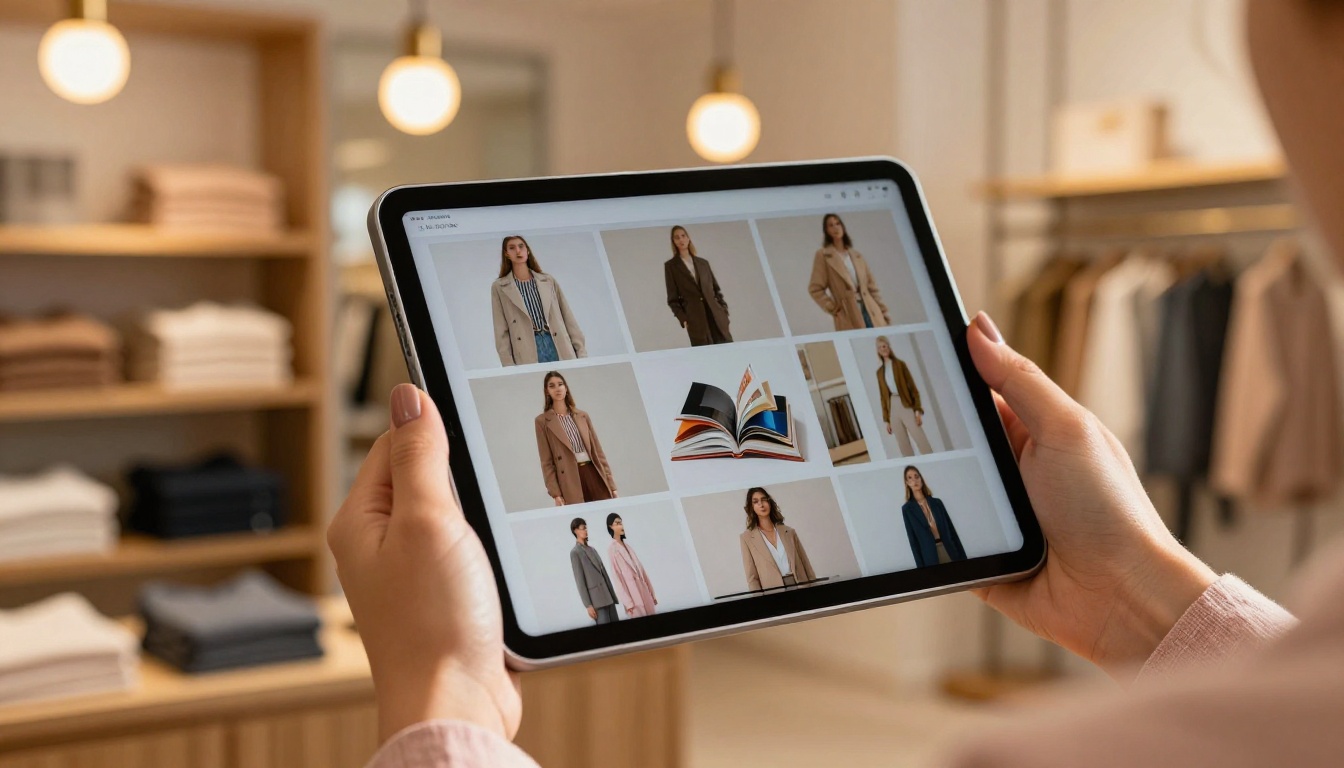
Fashion designers and creative directors using Canva for lookbooks get a similar benefit. A full-page spread of a model or product, revealed by a page turn, hits differently than the same image in a scroll. The Interactive Lookbook Designer is built specifically for this kind of visual storytelling.
Menus and catalogs
A restaurant menu designed in Canva is often a beautifully typeset document with custom imagery and brand colors. As a PDF, it gets downloaded, opened in a basic viewer, and maybe printed. As a flipbook, it becomes a digital experience customers browse on their phones while deciding where to eat, or share with friends making dinner plans.
The Restaurant Menu Creator converts your Canva-designed menu into a browsable flipbook with no watermarks and full mobile support. Product catalogs for retail and e-commerce get even more value: a shopper flipping through a digital catalog interacts with it the way they would browse a physical store catalog. That behavior pattern is proven to drive higher engagement and longer sessions.
Reports and presentations
Annual reports and business presentations built in Canva often end up as PDFs that sit unread in inboxes. The same content as a flipbook gets opened, shared, and referenced. The structured chapter navigation that comes with a flipbook viewer makes reports easier to digest. Stakeholders can flip to the financials section without scrolling through forty pages of context.
The Annual Report Creator and the Sales Presentation flipbook tool are built for this workflow. Professional plan users also get analytics, so you can see exactly which sections stakeholders actually read and where attention drops off.
How to Convert Your Canva Design on Flipbooks AI
This process is simpler than most people expect. There's no redesign required, no reformatting, no special export settings. Here's the full step-by-step:
Step 1: Export your Canva design as PDF
In Canva, go to Share, then Download, and choose PDF Print or PDF Standard. For designs with photography or rich color, PDF Print delivers the best quality. Make sure each page is full bleed if your design uses background colors, as this creates a more dramatic flipbook effect.
Step 2: Sign up and log in
Go to flipbooksai.com/account and create your account. The free tier lets you test the conversion before committing to a paid plan, so you can see the quality difference immediately.
Step 3: Upload your PDF
After logging in, click "Create New Flipbook" and upload your exported Canva PDF. Flipbooks AI processes it and generates the page-flip viewer automatically. Most PDFs under 50 pages convert in under 60 seconds.
Step 4: Customize the viewer
This is where the format goes beyond just repackaging your PDF. You can:
- Add your brand colors to the viewer frame
- Set a custom background (solid, gradient, or image)
- Add your logo to the viewer header
- Enable or disable the table of contents sidebar
- Set the default opening page
💡 Match the viewer background color to your Canva design's dominant color for a seamless brand experience. A coral-dominant Canva design in a coral-tinted viewer frame looks like a single intentional product, not a document in a generic viewer.
Step 5: Set sharing options
Flipbooks AI gives you several ways to share your converted design:
- Direct link: Copy and paste anywhere, works on all devices without any app required
- Embed code: Drop the flipbook directly into your website with a single iframe tag using the Embed Flipbook on Website tool
- Password protection: Restrict access for client presentations or private catalogs
- QR code: Generate a scannable code for print materials that links directly to the digital version
Step 6: Track performance
The Professional plan at flipbooksai.com/pricing adds analytics so you can see how many people opened your flipbook, which pages held attention longest, and where readers dropped off. This data is genuinely useful for refining Canva designs in future versions and understanding what content is actually connecting with your audience.
Flipbook Features vs PDF: What You Actually Get
The gap between what a PDF offers and what a modern flipbook platform delivers is significant. This isn't a small quality-of-life difference. It's a fundamentally different reading experience:
| Feature | Static PDF | Flipbooks AI |
|---|
| Page-flip animation | No | Yes |
| Mobile-responsive viewer | No | Yes |
| Embed on website | No (link only) | Yes (iframe) |
| Password protection | No | Yes |
| Analytics and tracking | No | Yes (Professional) |
| Custom branding | No | Yes |
| Offline download | No | Yes |
| Embed video and audio | No | Yes |
| No watermarks | No (most tools) | Yes (all paid plans) |
| Unlimited flipbooks | No | Yes (Standard and above) |
| Lead generation forms | No | Yes (Professional) |
A PDF is a delivery format. A flipbook is a reading experience. For Canva designs built to be seen and felt, that difference matters enormously.
Which Plan Fits Your Workflow
| Plan | Best For | Standout Features |
|---|
| Free | Testing, personal use | Limited flipbooks, basic viewer |
| Standard | Freelancers, small teams | Unlimited flipbooks, no watermarks, custom branding |
| Professional | Agencies, businesses | Analytics, lead capture, offline downloads, priority support |
For most Canva users converting designs for clients or professional use, the Standard plan covers everything needed. Agencies managing flipbooks for multiple clients will want Professional for the analytics and lead generation features that turn passive reads into business outcomes.
✅ Start on the free plan to test your first Canva-to-flipbook conversion before upgrading. The quality difference between a flat PDF and a live flipbook is visible within the first 30 seconds of sharing it.
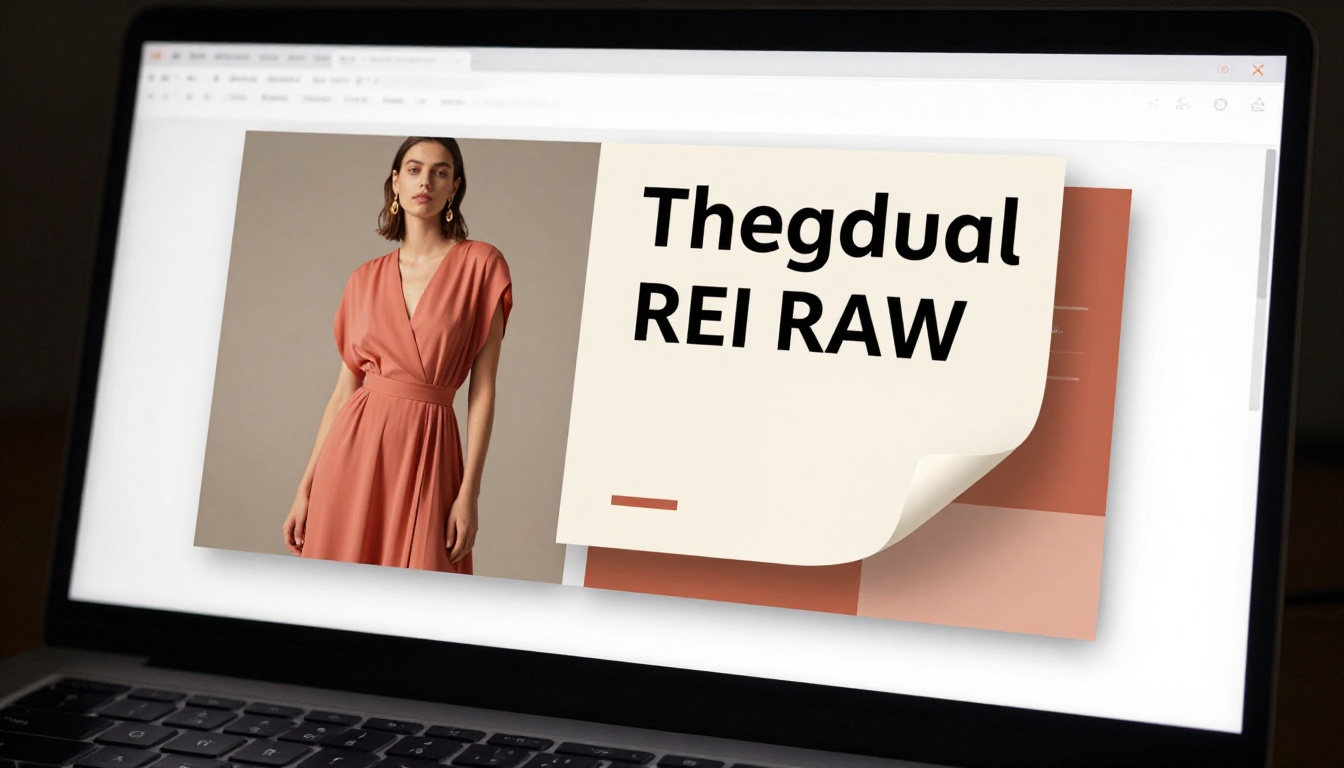
It comes down to this: Canva is a page-layout tool. It produces designs that are inherently two-dimensional, spread-based, and sequential. PDFs are the wrong container for that kind of work. They flatten the experience and remove the spatial reading behavior your design was built to support.
A flipbook is the right container. It respects the page as a unit of information. It gives the reader a physical metaphor (the turning of a page) that maps naturally onto how the design was structured. And it adds the interactivity that modern readers expect from digital content. When you give someone a flipbook link instead of a PDF download, you're not just upgrading the format. You're upgrading their entire relationship with your content.
The designers already using this workflow aren't just getting a better viewer. They're getting better outcomes: more time-on-page, more shares, more follow-through on calls-to-action embedded in their designs. Your Canva work is already most of the way there. The last step is giving it the right format to live in.
Ready to see it yourself? Create your first flipbook for free and upload any Canva PDF. The difference is visible in the first 30 seconds. Browse all flipbook tools to find the right format for your specific design type, or compare pricing plans to pick the setup that fits how you work.



