Most Canva users hit the same wall eventually. You spend hours perfecting a brochure, a catalog, or a report, export it as a PDF, share the link, and then nothing. No insight into whether anyone opened it. No way to know if they reached page 3 or bounced after the first page. No interactive experience, just a flat document sitting on someone's screen.
That is the moment many creators start searching for something more. And increasingly, they find Flipbooks AI.
Canva Is Great, But It Has Limits
What Canva Actually Does Well
Canva built its reputation on accessibility. Drag-and-drop design, thousands of templates, a gentle learning curve, and a free tier that genuinely delivers. For social media graphics, quick presentations, and simple print materials, it remains one of the most capable tools available.
The platform handles visual hierarchy intuitively. Color palettes, font pairings, brand kits, all of it works cleanly. No design background required. That alone explains why over 170 million people use it.
But here is where the conversation shifts.
Where Canva Falls Short
Canva is a design tool, not a publishing platform. Once you export, that is largely where Canva's job ends. The result is almost always a static PDF or an image file. Both formats carry real limitations when you need content to perform:
- No page-flip interactivity: Static PDFs scroll. They do not turn. There is no tactile digital experience that mirrors holding a real magazine or catalog.
- No readership analytics: You cannot see who opened your document, how long they spent on each page, or where they dropped off.
- Limited embedding: Dropping a PDF link into a website feels clunky. It opens in a browser tab, not inline as part of your page experience.
- No multimedia: PDFs cannot embed native video or audio. Your storytelling stays flat.
- No lead capture: There is no way to gate content behind an email form or capture subscriber data from inside the document.
For a restaurant menu, a real estate brochure, a fashion catalog, or a corporate report, these gaps matter enormously.
What Flipbooks Actually Do Differently
The Page-Flip Experience
The visual difference between a static PDF and an interactive flipbook is immediate. When a reader clicks a corner and watches a page arc and curl to the next, something shifts. It feels like content worth reading. That physical page-turn metaphor, translated into digital form, increases dwell time and creates a more immersive experience.
Flipbooks AI converts any PDF into a fully interactive flipbook in minutes. The page animation is smooth, the corners respond naturally to cursor position, and the result works beautifully on desktop, tablet, and mobile without any setup on the reader's end.
💡 Pro tip: A flipbook does not just look better. Research consistently shows that interactive content generates 2x more conversions than static content.
Embedding That Works Everywhere
One of the biggest friction points Canva users report is the embedding experience. Sharing a Canva PDF link sends people away from your website. With Flipbooks AI, you get a clean embed code that places the interactive flipbook directly inside any webpage, no redirects, no tab switching.
The embed is responsive. It resizes cleanly across screen sizes. And for users on the Professional plan, it carries zero platform branding, so your content looks entirely native to your site.
Canva vs. Flipbooks: Side-by-Side
Feature Comparison
The clearest way to see the difference is a direct comparison:
| Feature | Canva (PDF Export) | Flipbooks AI |
|---|
| Page-flip animation | No | Yes |
| Embedded video/audio | No | Yes |
| Analytics per page | No | Yes (Professional) |
| Lead capture forms | No | Yes (Professional) |
| Password protection | No | Yes |
| Embed on website | Limited (link only) | Full embed code |
| Mobile responsive | Basic | Fully optimized |
| Offline downloads | Yes | Yes |
| Custom branding | Yes (design only) | Yes (viewer too) |
| Unlimited documents | Plan-based | Yes (Standard+) |
Pricing Reality Check
Canva's free and Pro tiers are competitive for design work. But when publishing and distribution features matter, the comparison shifts:
| Plan | Canva Pro | Flipbooks AI Standard | Flipbooks AI Professional |
|---|
| Monthly cost | ~$15 | Affordable | Pro tier |
| Interactive flipbooks | No | Yes, unlimited | Yes, unlimited |
| Analytics | No | No | Yes |
| Lead generation | No | No | Yes |
| Watermarks | Canva branded | None | None |
| Password protection | No | Yes | Yes |
⚠️ Worth noting: Canva Pro gives you better design tools. Flipbooks AI gives you better publishing infrastructure. Many creators use both, designing in Canva and publishing via Flipbooks AI.
See the full breakdown on the pricing page.

Real Use Cases That Changed Everything
Restaurant Menus That Get Shared
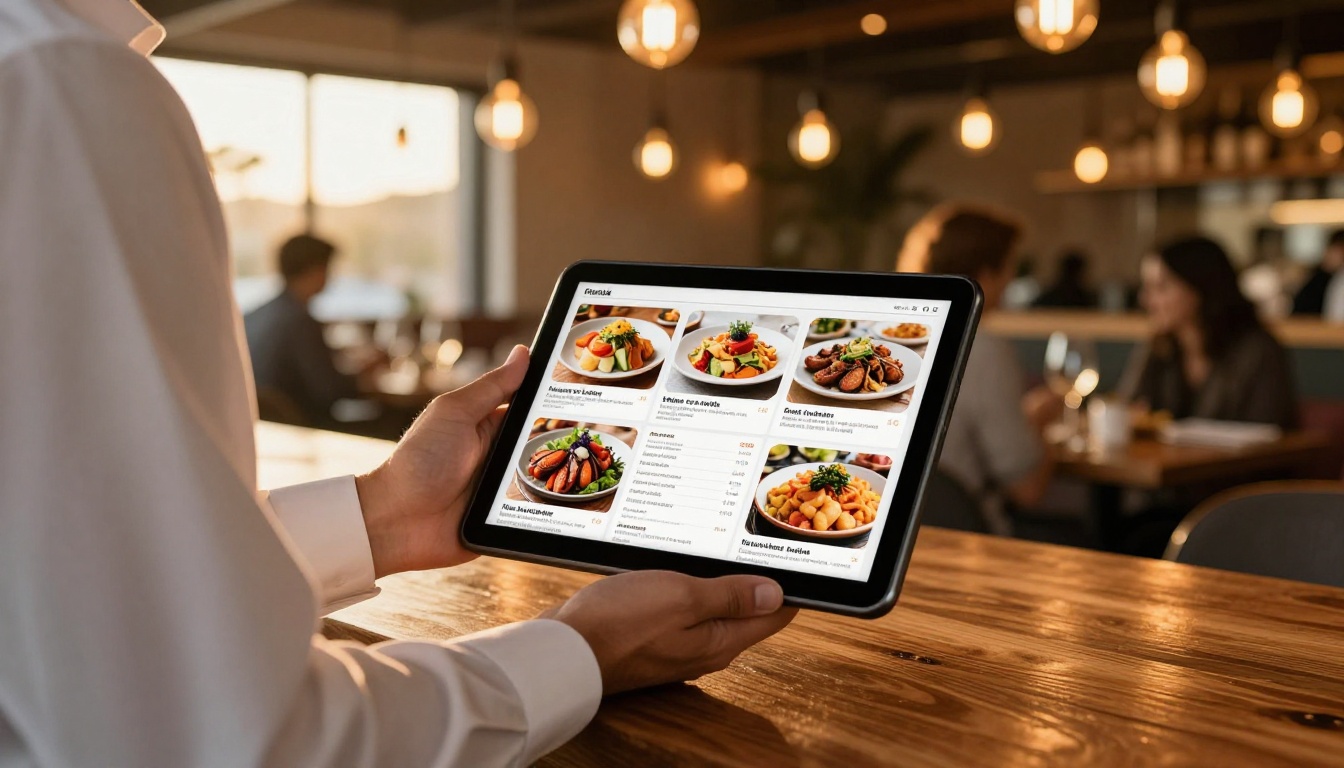
A restaurant owner in Barcelona designs menus in Canva. Beautiful layouts, seasonal photography, clear pricing. But guests kept asking for a PDF link they could scroll awkwardly on their phones. After switching to a digital flipbook via the Restaurant Menu Creator, the experience changed completely. Guests could page through it naturally, the images loaded fast, and sharing a link in WhatsApp sent people to an experience that actually worked on mobile.
The result was not just aesthetic. The restaurant started seeing more pre-bookings from people who had browsed the menu before arriving.
Real Estate Brochures That Close Deals
Real estate agents print thousands of brochures per year and distribute PDF versions via email. Most of those emails get deleted without the attachment ever opening. When a Miami-based agent started embedding property flipbooks directly into listing pages using the Real Estate Brochure Creator, time-on-page increased significantly. Buyers spent more time with property details, and callback rates improved.
The page-flip experience made browsing a listing feel like flipping through a luxury magazine, which is exactly the emotional register you want when selling premium property.
Product Catalogs That Convert
E-commerce brands that run on Canva-designed lookbooks face a specific problem: static PDFs do not convert. With Flipbooks AI, a fashion brand can turn a seasonal lookbook into an interactive Digital Catalog with embedded video clips showing fabric movement, a lead capture gate at page 5 to collect emails, and analytics showing which products got the most page time.
That is a publishing infrastructure Canva simply does not offer.

How to Make Your First Flipbook
The workflow takes minutes, especially if you already create content in Canva.
Upload Your Canva PDF
- In Canva, finish your design and click Share in the top right corner.
- Select Download and choose PDF Standard or PDF Print depending on your quality needs.
- Go to Flipbooks AI and create a free account.
- Click Upload PDF on your dashboard and select your Canva export.
- The platform processes your file and generates the interactive flipbook automatically. Most conversions are finished in under 60 seconds.

Customize Branding and Effects
Once uploaded, you can adjust the viewer experience:
- Background color: Match your brand palette or choose a neutral tone
- Page shadow intensity: Control the depth of the page-turn shadow effect
- Auto-flip speed: Set automatic page turning for kiosk or presentation use
- Table of contents: Enable for long documents like reports or e-books
- Custom domain: Point your flipbook URL to your own domain (Professional plan)
- Logo placement: Add your logo to the viewer chrome for brand consistency
✅ Best practice: Keep the viewer background neutral or matching your opening page color. A stark white background behind a dark-themed flipbook creates visual noise.
Share and Embed Anywhere
When your flipbook is ready, you have multiple distribution options:
- Direct link: A clean URL you can share in email, SMS, or social media
- Embed code: An
<iframe> snippet for embedding directly into any website or CMS
- QR code: Auto-generated for print materials linking to the live flipbook
- Password protection: Set a passcode for internal or premium content
- Download option: Allow readers to save an offline copy
The Embed Flipbook on Website tool makes the embedding process straightforward even without technical knowledge.
Pricing: What You Get for What You Pay
Flipbooks AI Plans Compared
| Feature | Free | Standard | Professional |
|---|
| Flipbooks | Limited | Unlimited | Unlimited |
| Watermarks | Yes | None | None |
| Password protection | No | Yes | Yes |
| Analytics | No | No | Yes |
| Lead generation | No | No | Yes |
| Offline downloads | No | Yes | Yes |
| Embed on website | Basic | Full | Full |
| Custom branding | No | Yes | Yes |
| Priority support | No | No | Yes |
The free tier is solid for testing the format and sharing occasional documents. Standard works well for businesses that publish regularly. Professional is built for teams that need performance data and audience building.
See the full breakdown on the pricing page.
Who Should Make the Switch Now
Signs You've Outgrown Canva
Not every Canva user needs to switch. But certain patterns are clear signals:
- You share documents regularly and have no idea if anyone reads past page 1
- Your audience accesses content on mobile and the PDF experience feels broken
- You want to embed content into your website without sending users to a different tab
- You need to gate content behind email capture to grow your list
- You publish catalogs, menus, lookbooks, or reports and want them to feel premium
- You send proposals or press kits and want to know when prospects open them
- You produce e-magazines or newsletters and want a reading experience that matches print
💡 The pattern: Canva users who switch to flipbooks are typically at the point where their content quality has outpaced their delivery infrastructure.
If your documents are well-designed but underperforming in distribution, that gap is exactly what a platform like Flipbooks AI closes.
Who Benefits Most
| User Type | Pain Point Solved |
|---|
| Marketing teams | Trackable campaigns, embed codes, lead capture |
| E-commerce brands | Interactive lookbooks and product catalogs |
| Restaurant owners | Mobile-friendly menus, shareable links |
| Real estate agents | Premium brochures with performance data |
| Educators | Interactive course materials and e-books |
| Agencies | White-label, branded client deliverables |
| Event planners | Digital programs with embedded media |
| Non-profits | Annual reports with professional polish |
Browse all flipbook tools to find the right fit for your industry.

Start Sharing Content That Actually Moves
Static documents had their moment. The web has moved on. Readers expect content to be interactive, fast-loading, and built for the screen they are reading on. Flipbooks deliver all three, while static PDFs still struggle to keep up.
If you design in Canva and publish as a PDF, you have already done the hard work. Converting that PDF into an interactive flipbook takes minutes. The reader experience it creates is in a completely different category.
Ready to publish your first flipbook? Create a free account on Flipbooks AI and upload your next Canva export as a flipbook instead.
Want to see what fits your needs? Compare pricing plans and choose the right tier for your publishing volume. Or browse all available tools to find the specific flipbook type your business actually needs.



