The design industry has a quiet consensus forming, and it has nothing to do with typography or color theory. Across studios, agencies, and freelance desktops worldwide, the PDF, that longtime standard for sharing design work, is losing ground to something more capable: the interactive digital flipbook. Tools like Flipbooks AI have made this transition faster and more accessible than ever, and the reasons designers are making the move go far deeper than aesthetics.
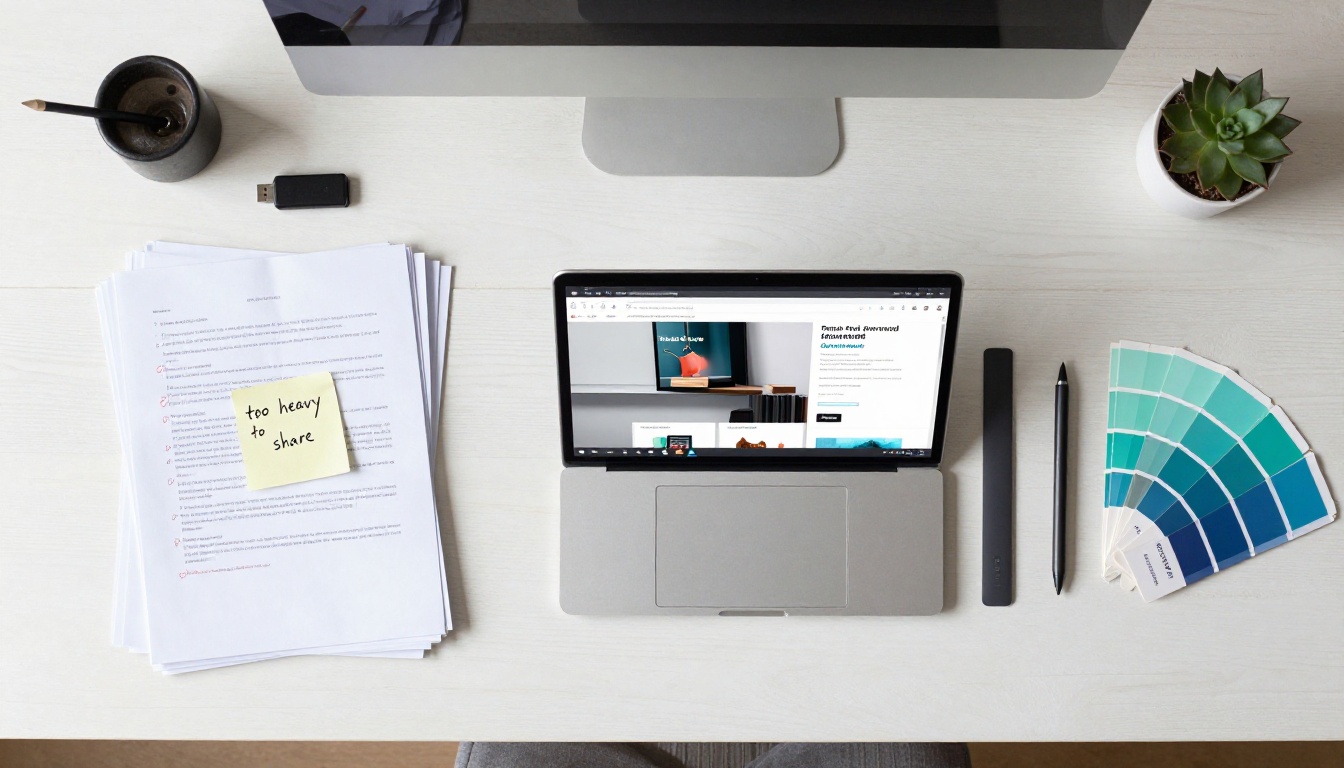
The Real Problems PDFs Create for Designers
PDFs were built in 1993. They were designed to preserve the visual integrity of a document across different systems, and at that, they still excel. But in 2025, the job description for a shareable design asset has expanded dramatically, and PDFs are failing to keep up.
They Break on Every Mobile Screen
Open a detailed brochure PDF on an iPhone and the experience is immediately frustrating. The user pinches to zoom, scrolls awkwardly in two directions, loses context of the layout, and closes it. For designers who spend weeks perfecting layouts for print or digital, this is a significant failure point.
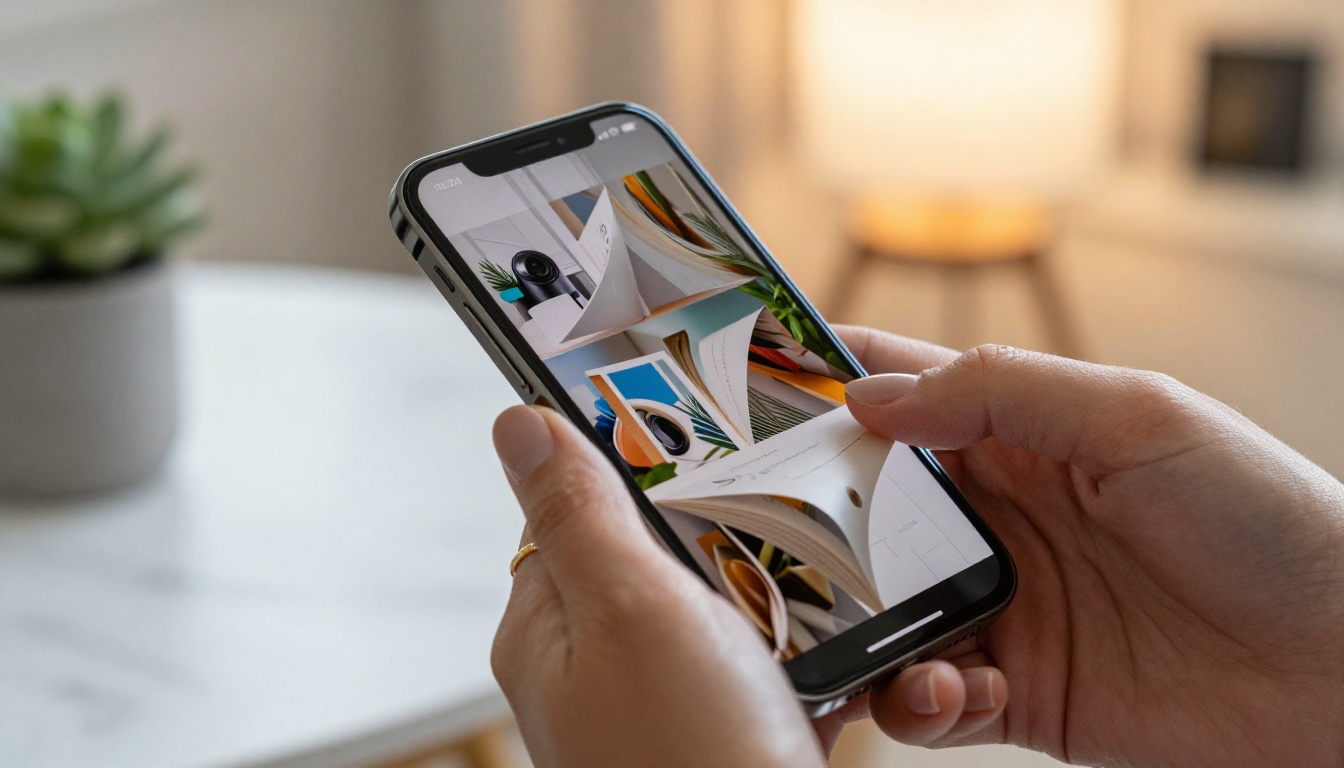
More than 60% of digital content is now consumed on mobile devices. A document format that requires pinch-zoom navigation to read body text is not a mobile format. It is a print format being forced into a digital context, and the friction it creates is real and measurable.
⚠️ The hidden cost: Every PDF you share that breaks on mobile is a document your audience stops reading. That is not a design failure, it is a format failure.
Zero Analytics, Zero Insight
When you send a PDF, it disappears into the void. You have no idea whether the recipient opened it, which pages held their attention, where they dropped off, or whether the call-to-action at the end was ever seen. For a one-page invoice, that is acceptable. For a 40-page brand catalog or a 20-page product brochure, that blindness is a serious operational problem.
Designers working with marketing teams, sales departments, or clients increasingly need to justify the value of their work with data. "We made it beautiful" is a harder argument than "page 7 has a 94% reader retention rate."

Static Files in a Dynamic World
PDFs are static. Once exported, they do not play video, they do not animate, and they do not respond to changes in the viewer's environment. In a world where interactive content consistently outperforms static content in reader interaction and recall, a flat PDF is leaving significant value on the table.
A restaurant that sends a PDF menu cannot update it when the daily specials change without re-exporting and re-sharing. A real estate agency cannot embed a virtual tour inside a property PDF. A fashion brand cannot include a lookbook video within a PDF spread. These are not edge cases. They are everyday use cases that PDFs simply cannot serve.
What Makes a Flipbook Fundamentally Different
A digital flipbook takes any document exported as a PDF and transforms it into a responsive, interactive, shareable web publication with a realistic page-turn experience. The format difference is not cosmetic. It is architectural.
The Page-Turn That Changes Everything
The page-turning animation is the most immediately recognizable feature, but it is the least important reason designers are switching. The real reasons are structural.
A flipbook lives as a URL. It opens instantly in any browser on any device, scales perfectly to every screen size, and requires no file download, no app installation, and no email attachment that risks being blocked by a corporate spam filter.
💡 Pro tip: A flipbook URL can be embedded directly on your website, shared on social media, or linked inside a QR code on printed materials, all pointing to the same living document.
Real-Time Reader Data, Finally
Flipbooks AI on the Professional plan provides detailed readership data: page-by-page views, time spent per page, total reads, and geographic information. For designers presenting work to clients or working on behalf of brands, this transforms a publication into a measurable marketing asset.
A marketing director who can see that 78% of readers make it to the product detail pages but only 12% reach the contact page has actionable information. That is a data point that drives a redesign conversation, and it is only possible when the document is a flipbook, not a PDF.
Embed Anywhere in Seconds
Flipbooks can be embedded on any website with a simple iframe code. This means a hotel brochure lives on the hotel's website, a product catalog lives on the e-commerce site, and a design portfolio lives on the designer's personal site, all without requiring a visitor to download anything or navigate away from the page.
The Embed Flipbook on Website tool makes this straightforward, with responsive options that adapt to any container width automatically.
PDF vs Flipbook: A Direct Comparison
| Feature | PDF | Digital Flipbook |
|---|
| Mobile responsiveness | Poor (pinch-zoom required) | Full (adapts to any screen) |
| Reader analytics | None | Page views, time, retention |
| Shareable as URL | No (file download required) | Yes (instant browser open) |
| Video and audio | No | Yes |
| Real-time updates | No (re-export required) | Yes (edit live) |
| Embed on website | No | Yes (iframe code) |
| Password protection | Limited | Yes, built-in |
| Page-turn animation | No | Yes |
| File size for sharing | Large (often 50MB or more) | URL only, no download needed |
| Offline access | Yes | Yes (Professional plan) |
The difference between these two formats is not incremental. It is categorical. PDFs and flipbooks solve different problems, and in 2027, the problems designers and their clients need solved are firmly in the flipbook column.
Five Real-World Scenarios Where Flipbooks Win

Product Catalogs
A furniture company produces a 200-page product catalog annually. As a PDF, it runs 80MB, is difficult to share, and becomes outdated the moment new SKUs are added. As a flipbook via the Digital Catalog Maker, it becomes a living URL that can be updated at any time, embedded on the website, shared with wholesale clients via a private link, and tracked for readership data that informs next season's design priorities.
Brand Portfolios
A graphic designer applying for a senior creative role wants to share their portfolio. A PDF attachment risks being blocked, appears slow if too large to open quickly, and offers no way to track whether the hiring manager actually viewed it. A Digital Portfolio Creator flipbook link opens instantly, looks polished on any screen, and signals awareness of modern digital presentation standards.
Fashion Lookbooks
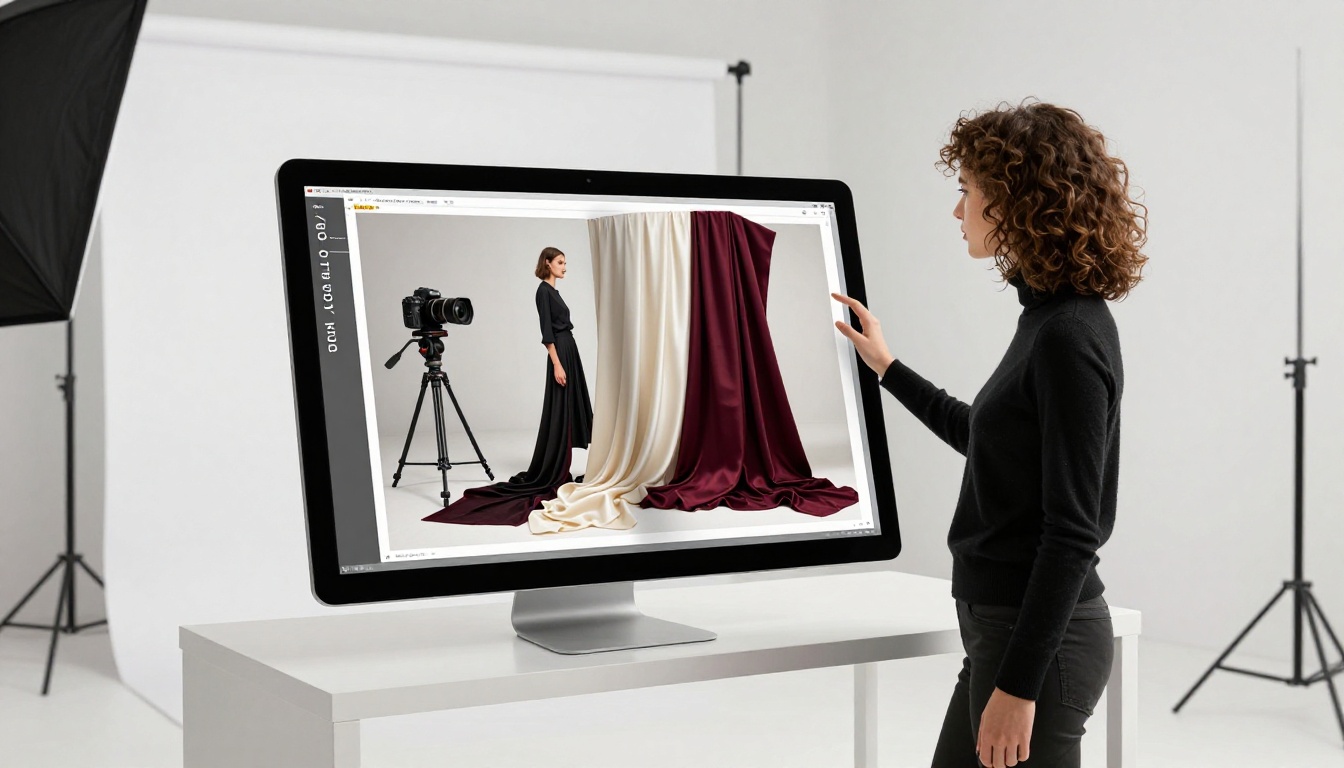
Fashion brands produce seasonal lookbooks as editorial publications. The Interactive Lookbook Designer allows these to include embedded video clips from runway shows, clickable product links that go directly to purchase pages, and interaction data showing which editorial spreads drive the most click-throughs. No PDF can offer any of that.
Restaurant Menus
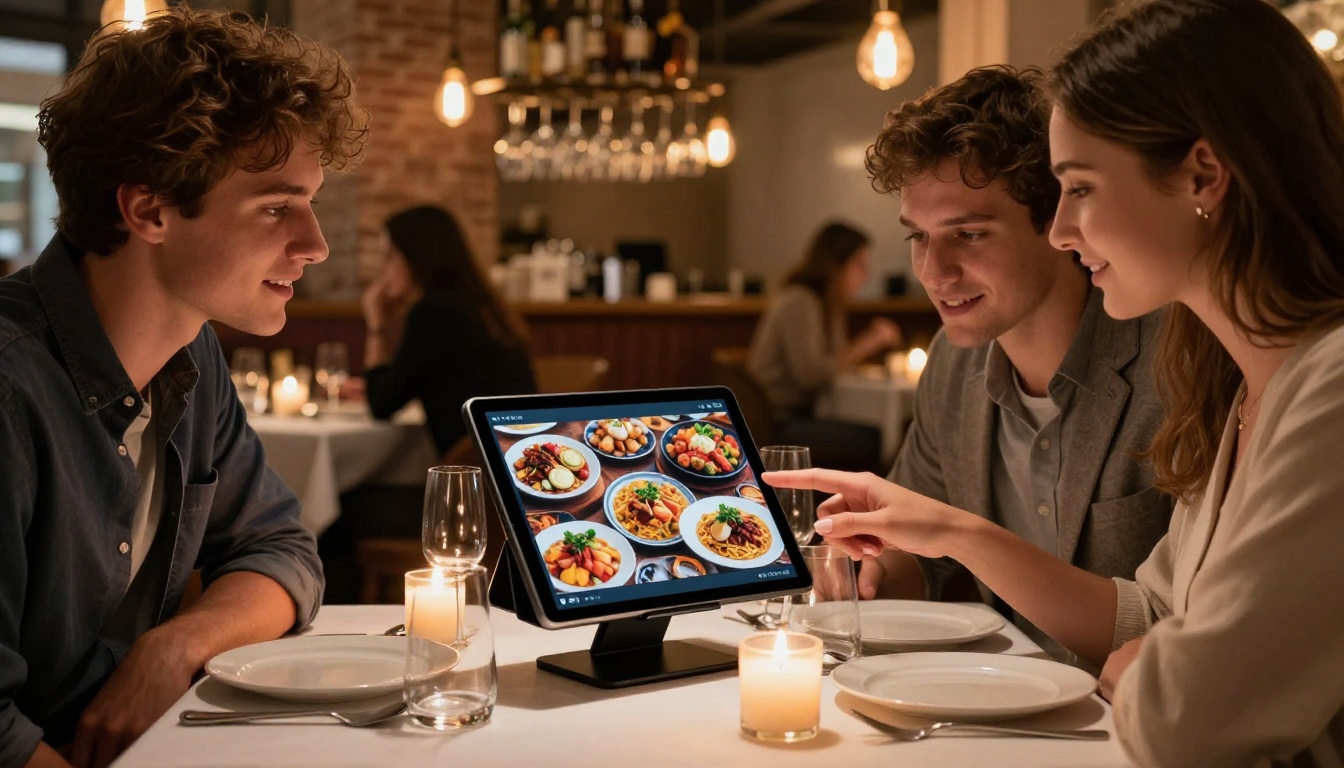
A restaurant that emails or prints QR codes pointing to a PDF menu is creating friction. A QR code pointing to a Menu Flipbook Designer publication loads instantly, presents food photography in a beautiful page-turn format, can be updated daily for seasonal dishes, and works perfectly on the customer's phone without any frustrating zoom gestures.
Real Estate Brochures
Property brochures are among the most design-intensive documents in any sector. A Real Estate Brochure flipbook can include embedded virtual tour videos, interactive floor plans, and direct contact links, all within a document that agents share as a simple URL. It opens on a client's phone at the property showing, not a week later when they finally locate the email.
How to Convert Your PDF to a Flipbook
The conversion process is straightforward, and the result is production-ready within minutes using Flipbooks AI.
Step 1: Create your account
Go to Flipbooks AI and sign up. The free tier lets you create flipbooks immediately. No credit card is required to start.
Step 2: Upload your PDF
From the dashboard, click "New Flipbook" and upload your PDF file. The PDF to Flipbook Converter maintains all typography, imagery, and layout fidelity from the original file. Processing is fast even for large documents.
Step 3: Customize the presentation
Once uploaded, apply custom branding: your logo, brand colors, and a custom domain if you are on a higher-tier plan. Choose page-turn style, background color, and navigation controls. For publications with multimedia, this is where you embed video clips and audio tracks directly into specific pages.
Step 4: Set sharing options
Choose whether your flipbook is public, unlisted, or password-protected. For client presentations or internal documents, password protection keeps content private. For marketing publications, a public URL maximizes reach. The embed code is available immediately if you want to place the flipbook on your website.
Step 5: Publish and share
Hit publish and your flipbook is live. Share the URL directly, embed it on your site, or generate a QR code for print materials. On the Professional plan, your analytics dashboard begins populating with readership data immediately.
✅ Best practice: Set your flipbook's metadata (title, description) before publishing. This improves how it appears when shared on social media and how search engines index it.
Pricing That Fits How Designers Work
Not every designer needs every feature. Here is how the plan structure maps to common use cases.
| Use Case | Recommended Plan | Features Required |
|---|
| Freelance portfolio sharing | Free or Standard | Unlimited flipbooks, no watermark |
| Agency client deliverables | Standard | Custom branding, password protection |
| Marketing publications with tracking | Professional | Analytics, lead generation, offline access |
| Enterprise catalog distribution | Professional | Analytics, downloads, priority support |
The Standard plan removes watermarks and offers unlimited flipbooks, which is the threshold most working designers reach quickly. The Professional plan adds analytics and lead generation tools, where the format's advantages over PDF become quantifiably measurable for clients and stakeholders.
See the full breakdown at Flipbooks AI pricing to match your workflow to the right tier.

The flipbook format has expanded into every area of design output. Here is where working designers are applying it most effectively:
Each of these formats previously existed as a PDF because that was the only viable option for high-fidelity document sharing. The availability of purpose-built tools for each use case represents a complete rethinking of how professional documents are created and distributed.
Why This Shift Is Permanent
The move away from PDFs in design work is driven by measurable, structural advantages that the flipbook format holds over static file sharing:
- Mobile users cannot use PDFs comfortably: This is a technical fact, not a preference.
- Data-driven design is becoming standard practice: Clients and marketing teams expect readership metrics.
- File sharing friction costs conversions: Every step between a viewer and content causes drop-off.
- Interactive content outperforms static: Interaction data across industries consistently confirms this.
- Real-time editing is a workflow requirement: Documents that cannot be updated without re-distribution are operationally expensive.
Designers who have made the switch describe it not as adopting a new tool but as removing a longstanding constraint. The PDF was a workaround for a world where digital sharing was difficult. That world no longer exists.
💡 Worth noting: Flipbooks AI keeps all flipbooks available indefinitely on paid plans. Unlike PDF attachments that get buried in inboxes, a flipbook URL stays accessible and shareable as long as your account is active.
Start Publishing Like It's 2027
The design community is not abandoning PDFs entirely. They remain the right format for print-production files, signed contracts, and archival documents. But for everything a designer creates to be seen, read, and acted upon, the interactive flipbook is now the stronger choice by every meaningful measure.
Ready to make the switch? Create your first flipbook for free on Flipbooks AI and see the difference in how your work is received. Browse all available tools and templates to find the right format for your next project. When you are ready to access analytics and advanced sharing options, compare pricing plans to find the tier that fits your workflow.
Your designs deserve to be experienced, not just opened.



