Online course creators have been stuck in a loop for years: build a slide deck, export to PDF, upload to a learning management system, and hope students actually read it. The truth is most of them don't. Digital flipbooks break that cycle entirely, and once you see how they work inside a real course environment, there is no going back. Flipbooks AI has made this format accessible to any educator, whether you are running a solo coaching practice or managing a full curriculum team.
The Problem With Static Course Materials
PDFs Kill Momentum
A PDF is the digital equivalent of a printed handout. It is flat, unresponsive, and offers zero feedback about whether a student actually read past page two. For an online course where momentum and perceived value are critical to course finish rates, that is a serious problem. Students open a PDF, scroll to the middle, lose their place, and close it. The content may be excellent, but the delivery format works against you.
Students Scroll Past, Not Through
Scrolling and reading are not the same thing. When course materials exist as a long scrollable document, the student's eye naturally skims. Page structures with defined boundaries, like those in a flipbook format, force the reader to process content in defined chunks. Each page turn signals the end of one unit before moving to the next. That small psychological cue makes a measurable difference in how deeply students absorb information.

What Makes Flipbooks Different
The interactive format of a digital flipbook does something a PDF simply cannot: it makes the act of moving through content feel intentional. That physical metaphor of turning a page, even in a digital context, shifts how students relate to the material in front of them.
The Page-Turn Effect Actually Works
Researchers in learning psychology have documented that the sensation of progress through material increases motivation to continue. A flipbook's page-turn animation provides that feedback at every step. Combine that with a well-structured layout, and you have a format that naturally holds attention longer than any static document.
Multimedia Lives Inside the Pages
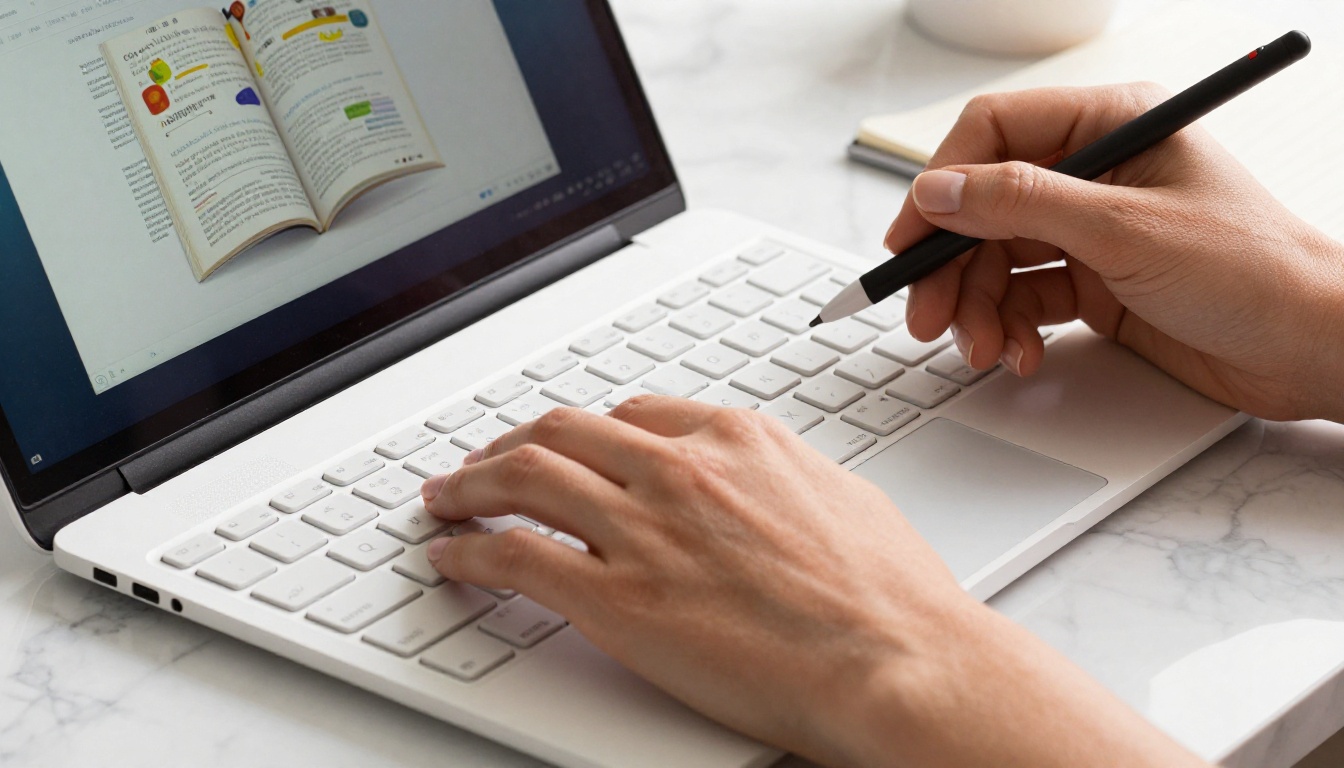
This is where digital flipbooks genuinely pull ahead. You can embed video explanations directly within the page a student is reading. No tabs, no redirects, no separate YouTube links buried in a course description. The video is there, in context, between the paragraph that introduces a concept and the exercise that follows it. The same applies to audio clips, hyperlinks, and interactive elements. Everything stays inside a single, coherent document.
Why Students Stay Longer
The Reading Psychology Behind It
There is a well-documented principle in behavioral psychology called the Zeigarnik effect: people remember unfinished tasks better than completed ones. A flipbook's visible page count, the small indicator showing "page 4 of 18," activates this instinct. Students see the incomplete task and feel compelled to finish. A scrollable PDF provides no equivalent signal.
💡 Educators who add a table of contents to their flipbooks report higher course finish rates because students can see the full scope of the material and track their progress through it.
Retention Numbers Don't Lie
Studies on digital reading formats consistently show that structured, paginated content produces better recall than continuous scroll content. When students know that each page contains a self-contained idea, they give that page their full attention before advancing. That focus compounds over the length of a course module.
| Factor | Static PDF | Digital Flipbook |
|---|
| Page structure | Continuous scroll | Defined paginated sections |
| Multimedia support | None (links only) | Embedded video, audio, links |
| Mobile experience | Poor, requires constant zoom | Fully responsive auto-scaling |
| Progress tracking | Not available | Page-level analytics |
| Perceived professionalism | Standard | Premium |
| Reuse and sharing | Download only | Link, embed, or password-protect |
| Student interaction data | None | Real-time data dashboard |
Mobile Access Changes Everything
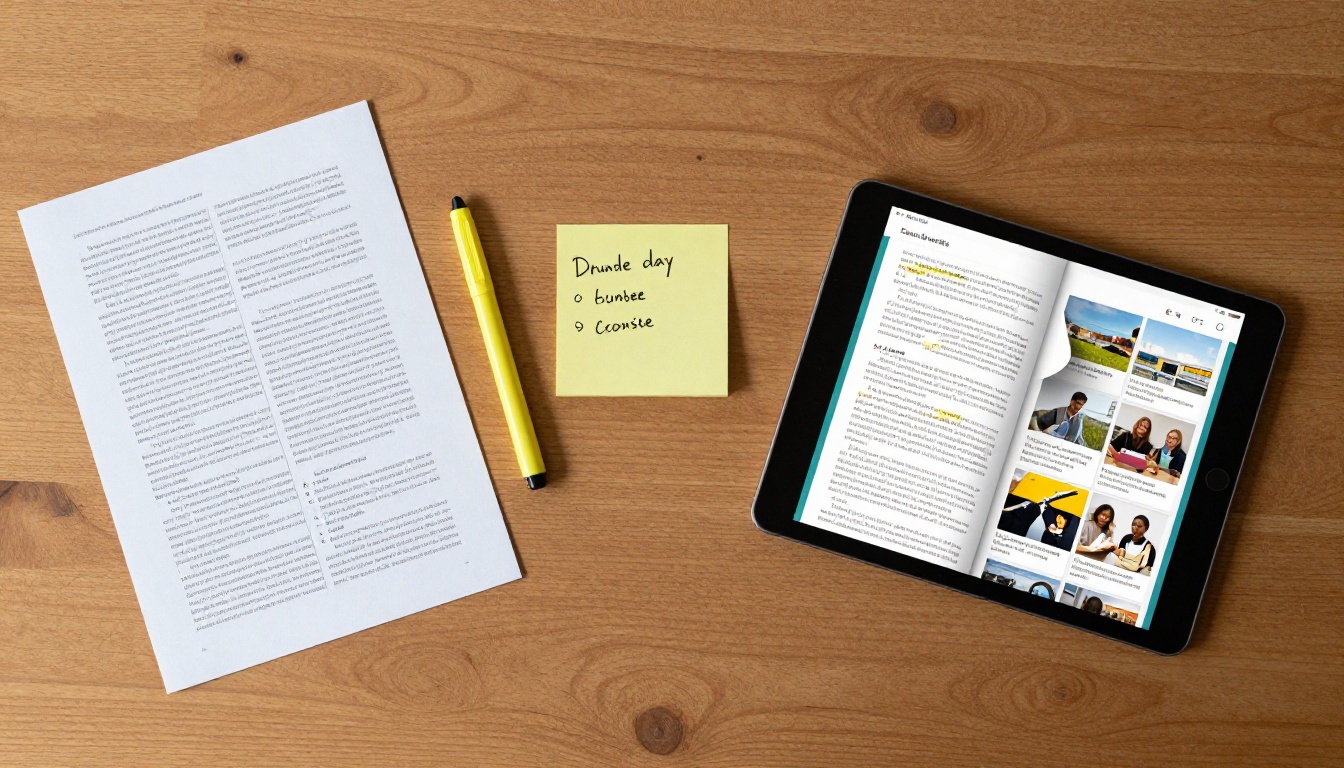
More than 60% of online learning activity now happens on mobile devices. That number alone should end any debate about whether your course materials need to be mobile-optimized. A PDF on a smartphone requires constant pinching, zooming, and horizontal scrolling. It is a frustrating experience that trains students to avoid the material.
No App. No Download. Just Open.
Digital flipbooks load in any browser on any device. Students do not need to install an app, download a file, or manage storage on their phone. They receive a link, tap it, and the course material opens instantly in a fully formatted, mobile-responsive layout. That frictionless access matters more than most course creators realize.
Works on Every Screen
A flipbook created on Flipbooks AI automatically scales its layout for the screen it is displaying on. The same file that looks polished on a 27-inch desktop monitor renders cleanly on a 6-inch phone screen. Fonts remain legible, images scale proportionally, and the page-turn navigation adapts to swipe gestures on touchscreens. Students move seamlessly between their laptop during the day and their phone in the evening without losing their place.
Real-World Use Cases That Work
Digital flipbooks are not a one-size-fits-all tool that only benefits certain course types. The format works across a wide range of online education contexts.
Language Courses
Language instructors benefit enormously from embedded audio within course pages. A vocabulary lesson in a flipbook can include pronunciation clips directly beside each word. Grammar explanations link out to practice exercises. The reading and listening components of the course exist in the same document, creating an immersive experience that a traditional PDF simply cannot replicate.
Design and Creative Programs
For courses teaching visual skills, the presentation quality of the course material itself communicates competence. A pixelated, oddly-formatted PDF workbook undermines the credibility of a design instructor before the first lesson even begins. A crisp, beautifully laid-out flipbook with properly rendered images tells students immediately that the instructor takes their craft seriously.
✅ Use the Course Material Publisher to create professional, visually rich course workbooks that match the aesthetic quality of your creative content.
Corporate Training Programs
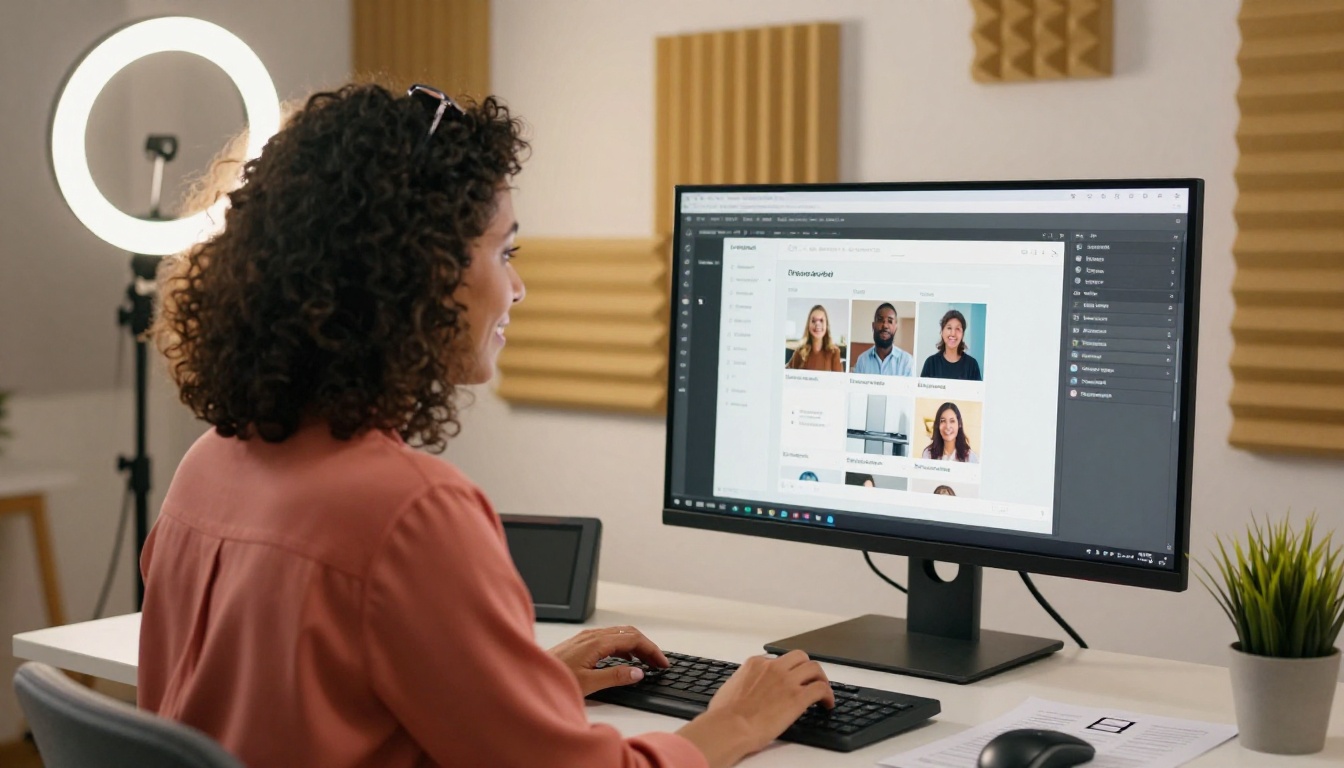
Corporate training managers face a specific challenge: making mandatory training materials compelling enough that employees actually absorb the content. Compliance documents as PDFs have notoriously low finish rates. The same material formatted as an interactive flipbook with embedded video demonstrations, clickable quizzes, and a polished visual layout produces significantly better outcomes.

How to Build Course Materials on Flipbooks AI
Flipbooks AI makes the conversion from PDF to polished interactive flipbook straightforward, even if you have no design background.
1. Create your account
Go to flipbooksai.com/account and sign up. The process takes under two minutes and gives you immediate access to the dashboard.
2. Prepare your PDF
Design your course materials in whatever tool you prefer, whether Canva, Google Slides, PowerPoint, or Adobe InDesign. Export to PDF. That file is your source material for the entire conversion.
3. Upload and convert
On your dashboard, click the upload button and select your PDF. Flipbooks AI converts it automatically, preserving all formatting, fonts, images, and page structure. The conversion takes seconds for most course documents.
4. Add branding
Under the customization panel, add your logo, choose your brand colors, and set the flipbook opening page image. For course creators, matching your flipbook's appearance to your broader brand builds recognition and trust with students immediately.
5. Embed multimedia
On any page, use the multimedia editor to add embedded video links, audio clips, or hyperlinks. Place a video introduction on page one. Add a practice exercise link at the end of each module. Connect external resources without redirecting students away from the material.
6. Set up sharing and access controls
For paid courses, enable password protection so only enrolled students can access the material. Copy your unique flipbook URL and paste it directly into your LMS, course platform, or email sequence. Students click once and they are in.
7. Activate analytics
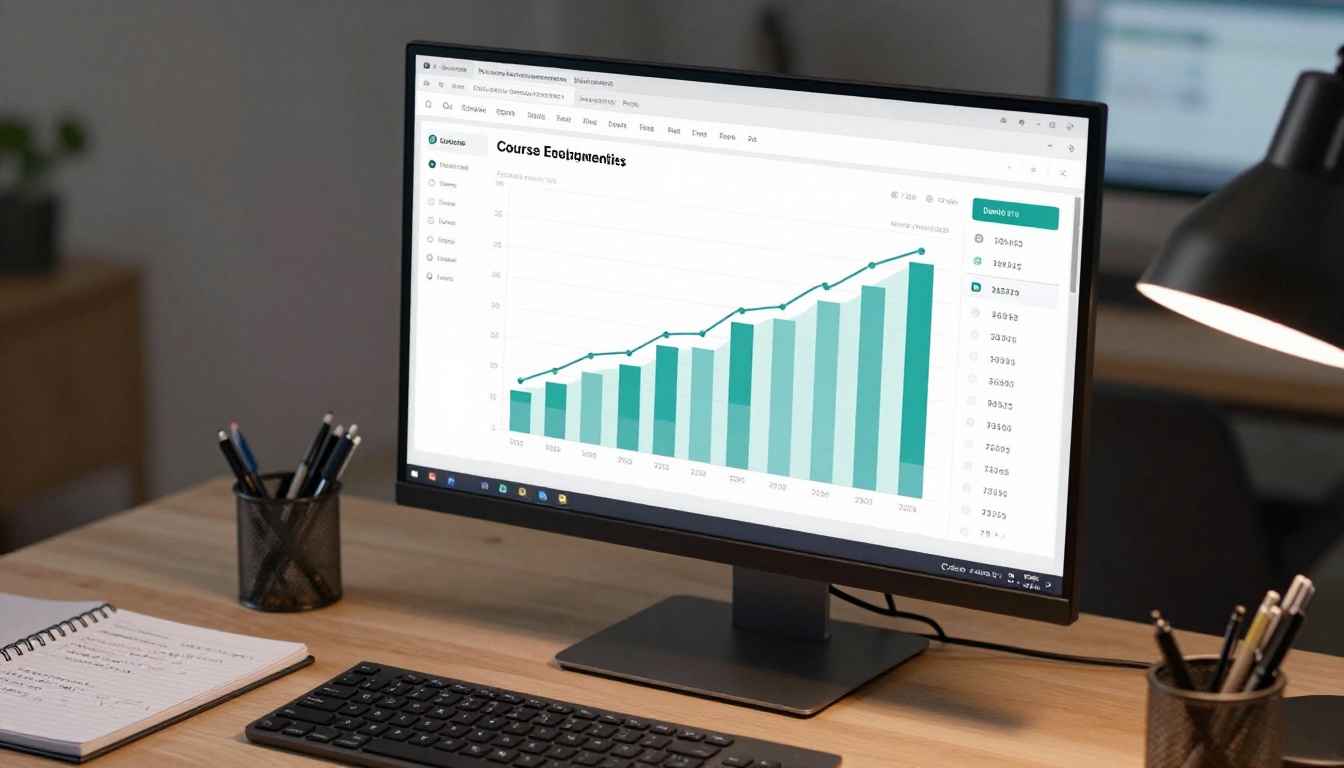
On the Professional plan, turn on the analytics dashboard to see which pages students spend the most time on, where drop-off occurs, and which content generates the most interaction. Use this data to refine your next module.
⚠️ Avoid sending students a raw PDF file for any course material you want them to actually absorb. The perceived value difference between a PDF attachment and a link to a polished flipbook is immediate and significant.

Plan Features That Matter to Educators
Choosing the right plan depends on the scale of your course business and how deeply you want to track student behavior.
| Feature | Free | Standard | Professional |
|---|
| Number of flipbooks | 1 | Unlimited | Unlimited |
| Watermark on content | Yes | No | No |
| Password protection | No | Yes | Yes |
| Custom branding | No | Yes | Yes |
| Embed on website/LMS | No | Yes | Yes |
| Offline downloads | No | Yes | Yes |
| Analytics dashboard | No | No | Yes |
| Lead generation tools | No | No | Yes |
| Embedded video/audio | No | Yes | Yes |
💡 For solo course creators just starting out, the Standard plan gives you everything needed to deliver professional course materials without watermarks. Scale to Professional when you need student behavior data to iterate on your content.
See the full breakdown on the pricing page to find what fits your current stage.
Sharing and Distributing to Students
A great flipbook is only valuable if students can access it without friction. The distribution options on Flipbooks AI are built specifically for the varied ways modern online courses are structured.
Password Protection for Paid Courses
If your course is a paid product, password protection ensures your content is not freely shared outside your enrolled cohort. Set a password and distribute it only to paying students. When a student shares the link with someone who has not enrolled, they hit a locked gate that maintains the integrity of your paid offering.
Embed Directly in Your LMS
For course creators using Teachable, Kajabi, Thinkific, or WordPress-based LMS platforms, Flipbooks AI provides an embed code. Drop it into any page on your platform and the flipbook appears inline, fully interactive, without requiring students to navigate to an external site. The learning experience stays cohesive inside your branded environment.
The Embed Flipbook on Website tool makes this a one-copy-paste operation with no coding required.

The Data Tells You What's Working
Most online course creators operate blind. They upload materials, assume students are reading them, and only discover problems when quiz scores are low or students ask questions the course already answered. The analytics tools available on Flipbooks AI's Professional plan change that entirely.
You can see:
- Which pages students linger on: High time on a page indicates either strong interest or confusing content. Context tells you which.
- Where students stop: If page 7 of your module consistently shows the highest drop-off rate, that page has a problem worth fixing.
- Total views and unique visitors: Understand whether students return to review material or bounce after one look.
- Lead capture data: For courses used as marketing funnels, the lead generation feature collects contact information from interested readers who haven't yet enrolled.
This data does not just tell you how your course performs. It tells you what to improve in the next version.
The direction of online education is clear: students expect polished, interactive, mobile-accessible content. The instructors who deliver static PDFs in a world of interactive digital experiences are working against the current.
Digital flipbooks do not require you to rebuild your content from scratch. They take what you already have, your well-crafted PDF course materials, and give them the delivery layer they need to actually land. The investment is minimal. The impact on perceived quality and student involvement is immediate.
Whether you are creating a training manual, a full course material publication, or an interactive e-book, the tools are already built and ready to use.

Your students are ready for better. Build your first course flipbook today at Flipbooks AI and see the difference in how they interact with your material. Browse all available tools and templates to find the right format for your content type. Compare pricing plans to choose what fits your current stage and scale as your course business grows.



