Why doctors hand out the same tri-fold brochures they printed three years ago is one of healthcare's most stubborn inefficiencies. Patients stuff them in a bag, forget them at the reception desk, or toss them before they even get to the parking lot. Meanwhile, the doctor has spent real money on design, printing, and distribution, for material that never gets read. Flipbooks AI changes this equation entirely, and the shift is simpler than most medical practices expect.
The Real Problem with Paper Brochures
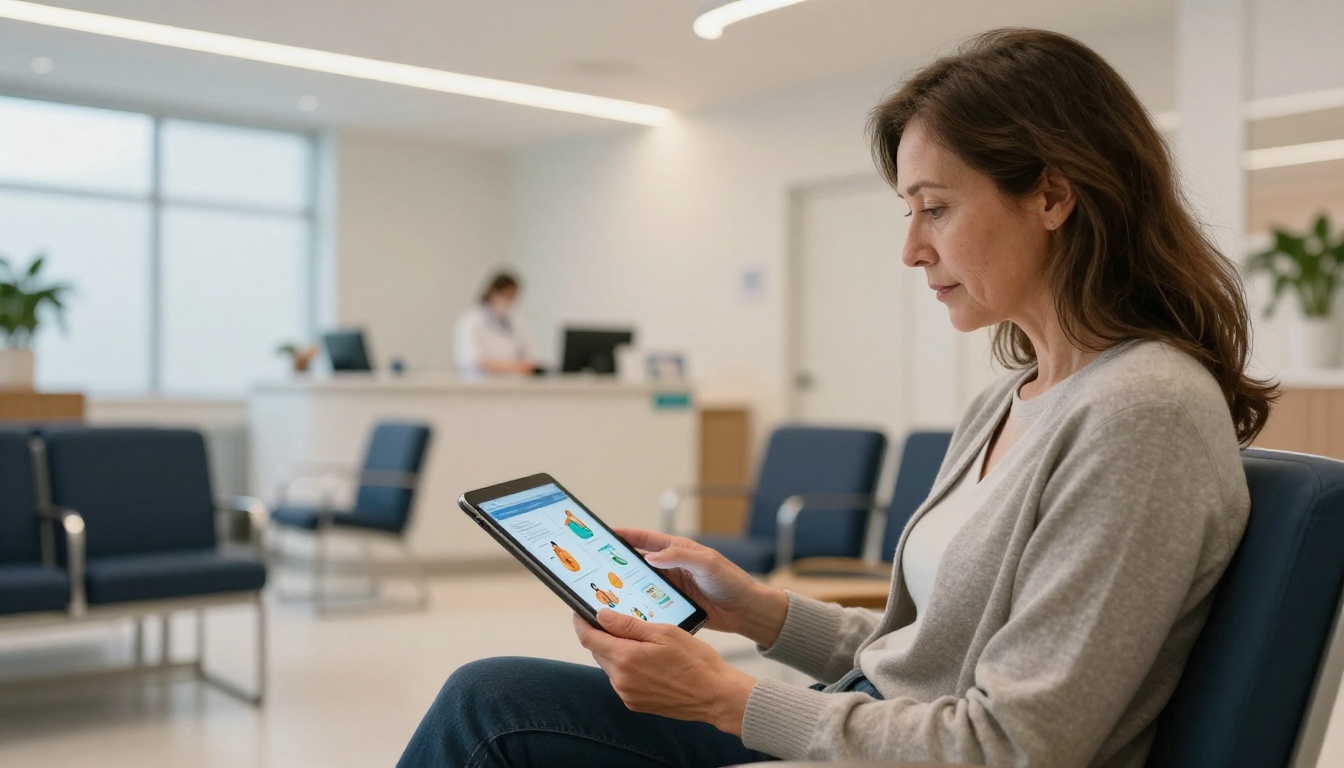
They Disappear Before They're Read
A printed brochure has one chance to reach a patient: the moment it is handed over. After that, it competes with a phone, a bag full of groceries, and the general noise of daily life. Studies in health literacy consistently show that patients forget up to 80% of what a doctor tells them immediately after an appointment. Paper materials do not help close that gap when they are already in the recycling bin by the time the patient gets home.
Printing Costs Add Up Fast
A mid-sized medical practice printing brochures for six different conditions and updating them twice a year easily spends $3,000 to $8,000 annually on design revisions, print runs, and physical storage. When medical guidelines change, and they do often, every outdated brochure becomes a liability rather than an asset. The cost of a recall and reprint is not just financial. It is the time and coordination required to pull old materials from every waiting room, exam room, and front desk in the practice.
No Visibility After Distribution
Once a paper brochure leaves your office, it disappears from your awareness completely. You have no idea whether the patient read the section on medication side effects, whether they shared it with a family member, or whether it went straight into the trash. Digital flipbooks built on Flipbooks AI give practices engagement analytics that paper simply cannot provide.
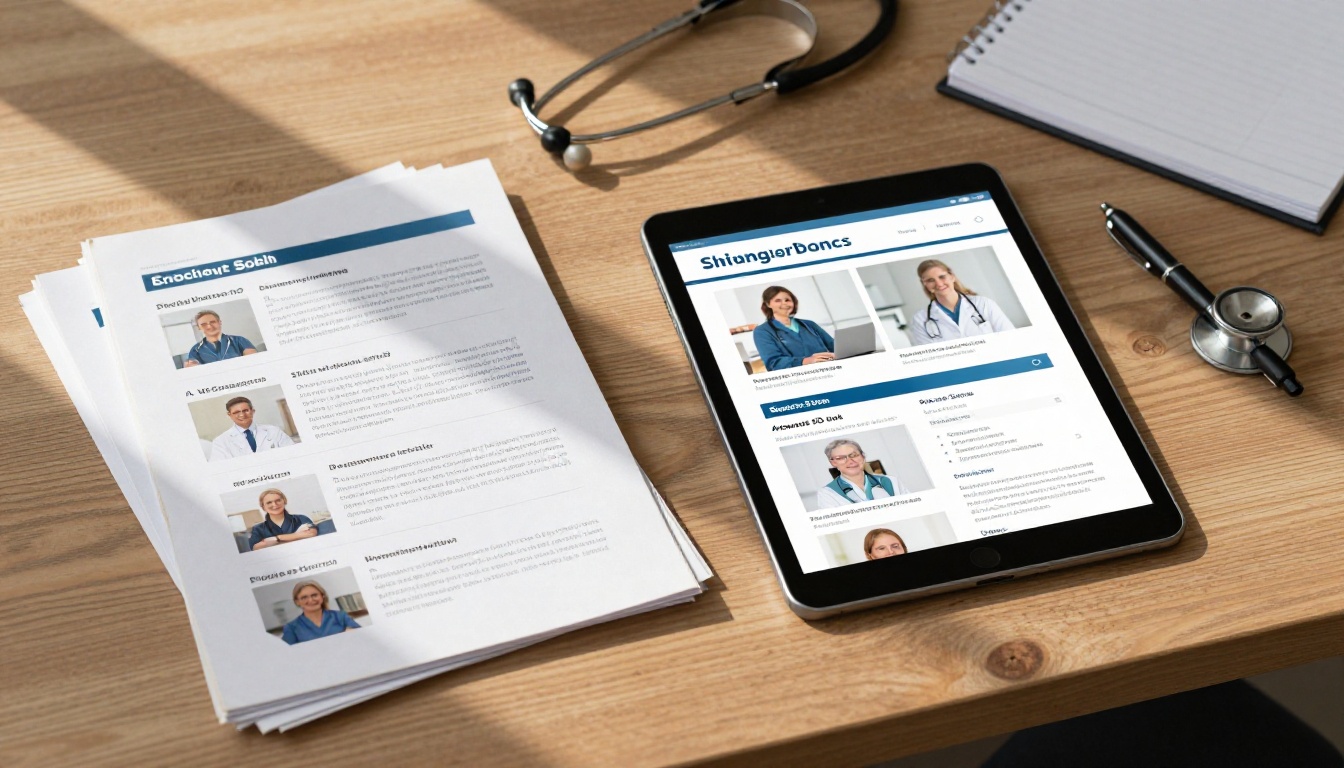
What a Digital Patient Flipbook Actually Does
Pages That Feel Like a Real Book
The reason flipbooks work where PDFs often fail is the interaction model. Turning a page, even digitally, creates a reading rhythm that flat scrolling does not. Patients who receive a link to a beautifully designed flipbook spend more time with the content than those handed a static PDF attachment. The page-turn animation signals: this is something worth reading, not something to skim and close.
Works on Any Device, Any Time
A patient in their sixties with a tablet, a college student checking their phone after a visit, a caregiver accessing materials on a laptop at home. All of them can open the same digital brochure without downloading an app, installing software, or dealing with file format issues. The Brochure Flipbook Maker produces mobile-responsive content that renders cleanly across every screen size automatically.
💡 Pro Tip: Send the flipbook link via SMS or email immediately after the appointment while the patient is still in a receptive mindset. Engagement rates spike within the first two hours post-visit.
How Flipbooks Improve Patient Education

Visuals Retain Information Better
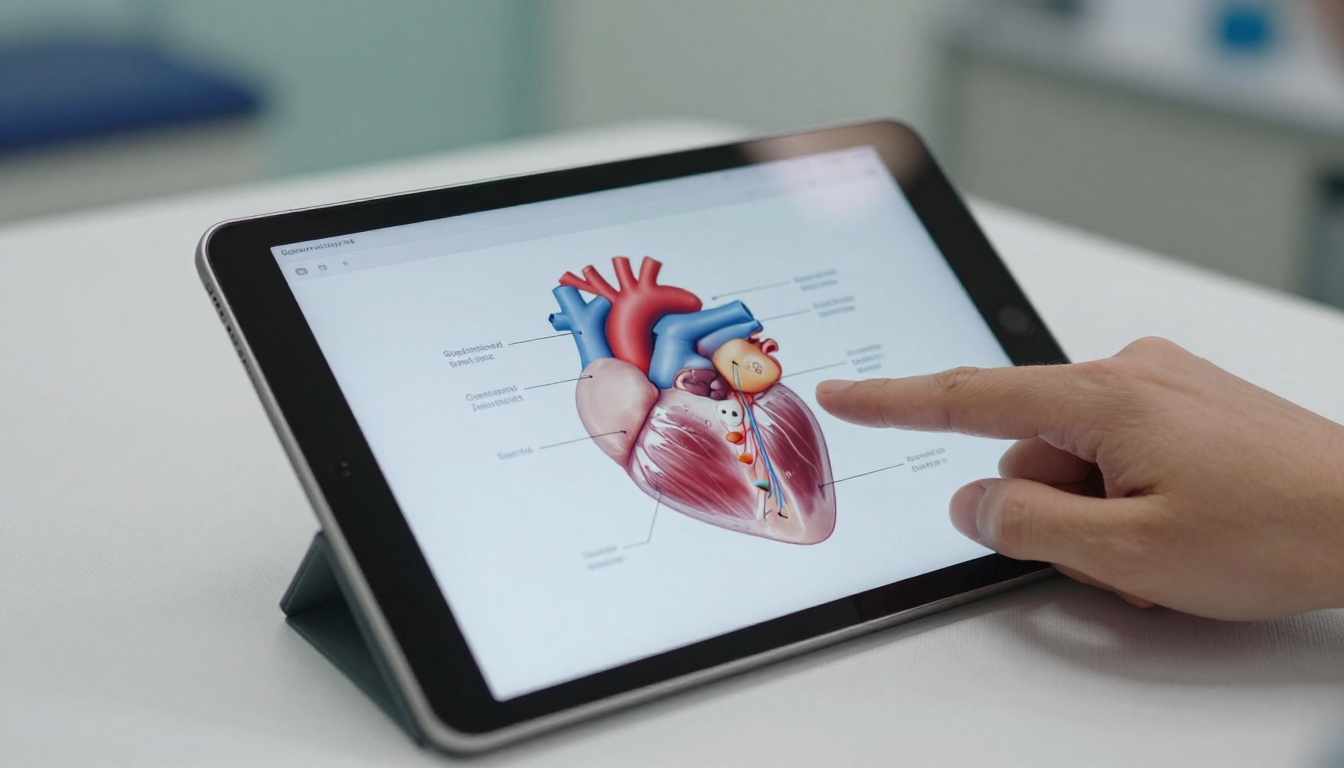
Health information is complex. Medication dosage schedules, post-operative wound care instructions, dietary restrictions for chronic conditions. The human brain processes visual information far faster than text alone. When a flipbook pairs crisp anatomical diagrams with clear step-by-step instructions, patients retain that information at significantly higher rates than text-only alternatives. A well-designed flipbook on insulin administration beats a dense paragraph every single time.
Patients Keep the Link, Not the Paper
A brochure link saved in a text message or email thread stays accessible indefinitely. A patient managing Type 2 diabetes can re-open their nutrition flipbook six months later when they have a specific question. No re-printing required. No outdated information circulating in someone's kitchen drawer. The information stays current because the doctor can update the source file once and every shared link reflects that change instantly.
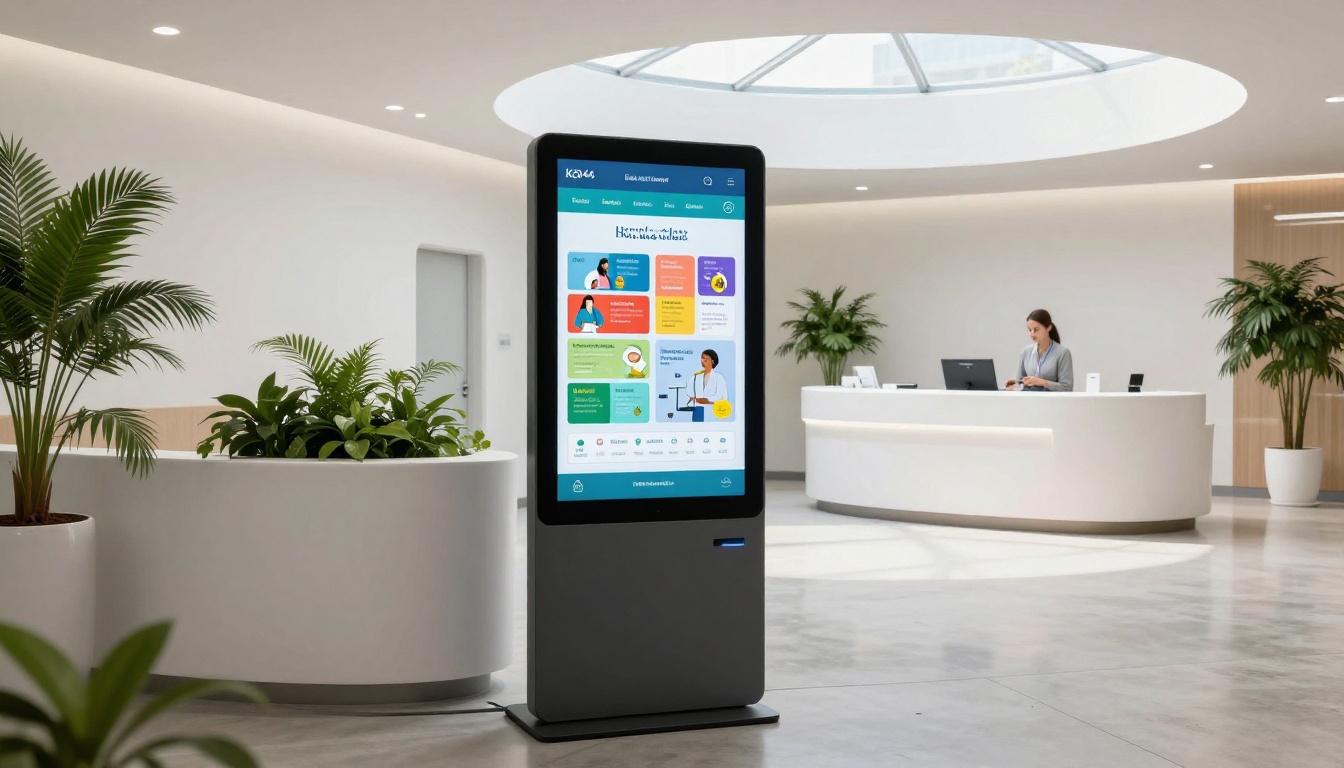
QR Codes Bridge the Physical and Digital
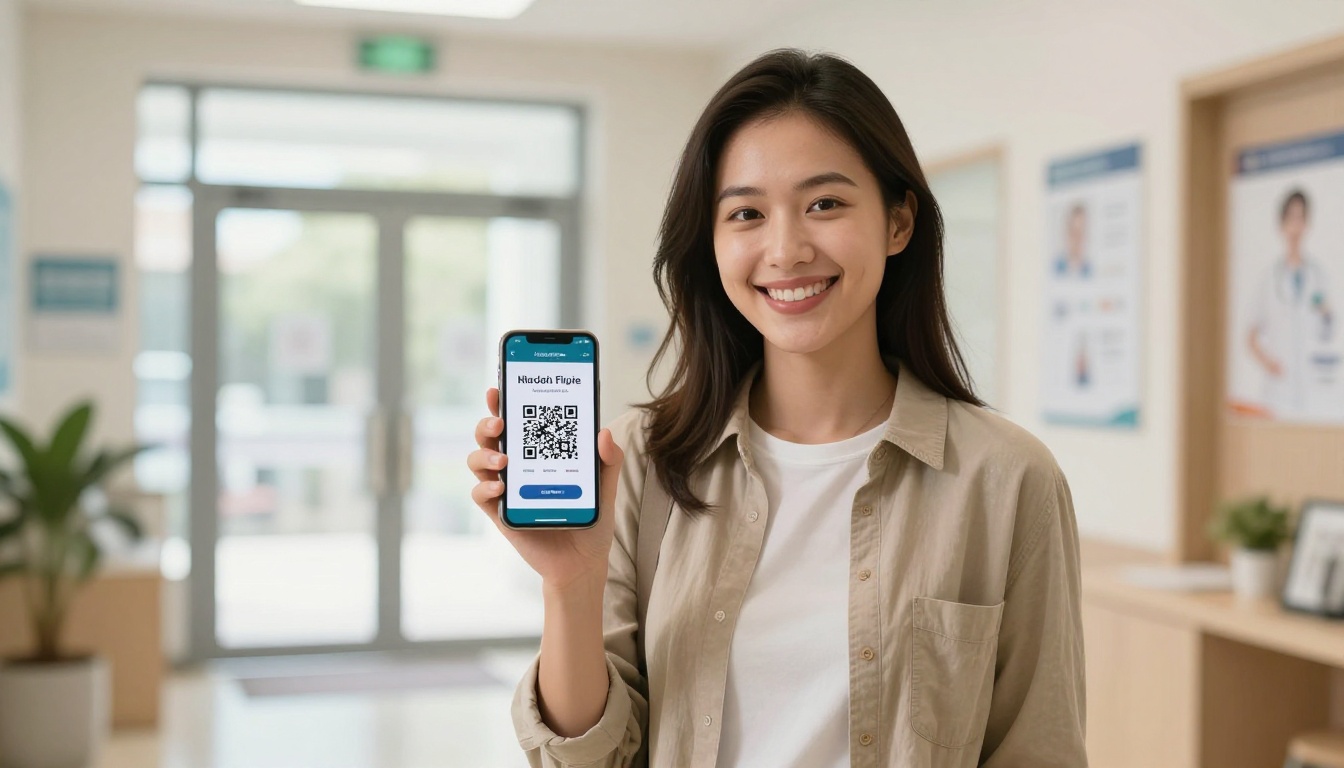
Placing a QR code on a wall poster, a checkout counter, or even a prescription bag creates a low-friction path from your physical office to digital content. Patients scan, open, and read. The Online Brochure Designer makes it straightforward to generate shareable links that can be encoded into QR codes for exactly this purpose, turning every surface in your practice into a distribution point.
Paper vs. Digital: A Direct Comparison
| Factor | Paper Brochure | Digital Flipbook |
|---|
| Cost per update | Full reprint required | Edit once, updates instantly |
| Patient reach | Limited to in-office only | Shareable via link, SMS, email |
| Device compatibility | N/A | All devices, no app required |
| Analytics | None | Page views, time spent, clicks |
| Environmental impact | Paper waste per print run | Zero print waste |
| Storage | Physical space required | Cloud-based, zero physical storage |
| Multimedia support | Static images only | Videos, audio, interactive elements |
| Accessibility | Fixed font size | Zoomable, screen-reader compatible |
| Update speed | Days to weeks for reprint | Seconds |
| Distribution cost | Postage or in-person only | Free, unlimited sharing |
⚠️ Warning: Paper brochures with outdated medical guidelines can expose a practice to liability. Digital flipbooks allow instant corrections across all distributed links simultaneously, with no recall effort required.
How to Create a Patient Brochure with Flipbooks AI

Flipbooks AI is built for exactly this workflow. Here is how a medical practice can go from a PDF brochure to a shareable interactive flipbook in under ten minutes.
Step 1: Create Your Account
Go to Flipbooks AI and sign up. The Standard plan gives unlimited flipbooks with no watermarks, which is the right starting point for most practices. The Professional plan adds analytics and lead capture, which matters when you want to track which brochures patients actually engage with and for how long.
Step 2: Upload Your PDF
Drag your existing patient brochure PDF directly into the upload interface. Flipbooks AI converts it automatically, preserving your layouts, fonts, images, and design. The conversion takes seconds for most standard brochure sizes, whether that is a tri-fold, an 8-page discharge packet, or a multi-section condition overview.

Step 3: Customize Your Branding
Apply your clinic's colors, add your logo, and set the cover image to reflect the specific topic of the brochure. For a cardiology practice, this might mean a clean cardiac imagery theme. For a pediatric clinic, something warmer and more approachable. The branding controls are built to produce professional-grade results without requiring a design team or a separate software subscription.
Step 4: Share with Patients
Copy the shareable link and send it via your patient management system, embed it on your patient portal, or encode it into a QR code for your waiting room. You can also set password protection for sensitive materials, such as post-surgical recovery instructions intended only for specific patients. Password-protected flipbooks work particularly well for content with detailed personal health instructions that should not be publicly accessible.
✅ Best Practice: Create a separate flipbook for each condition or procedure rather than one large brochure. Patients are far more likely to read a focused 8-page flipbook on diabetes management than scroll through a 40-page general health document.
Step 5: Track What Patients Actually Read
Professional plan users get access to analytics showing which pages patients spent the most time on, how many times a flipbook was opened, and where readers dropped off. If page 4 of your post-op care flipbook has a 90% drop-off rate, that page needs a rewrite. This kind of feedback loop is simply not available with printed materials, and it makes your patient education materials objectively better over time. See pricing plans for the full feature breakdown.
Real-World Use Cases in Medical Practice

Post-Surgery Recovery Instructions
Surgical patients leave the hospital with a lot of information delivered at a moment of high stress and sometimes lingering sedation effects. A digital flipbook with step-by-step wound care photos, medication schedules organized by day, and emergency contact information can be sent to the patient's phone before discharge. When they have questions at 2am, they open the link, not a crumpled sheet they can barely read in poor lighting. The content is always there, always clear, always current.
Chronic Disease Management
Practices managing patients with diabetes, hypertension, or COPD have ongoing education needs that change as guidelines evolve. A flipbook library organized by condition, updated seasonally as evidence changes, and shared automatically at each annual visit represents a scalable patient education infrastructure. The Interactive E-Book Publisher supports exactly this kind of structured, multi-page educational content with embedded visuals and layered information.
Pediatric Care Information
Parents of young children receive enormous amounts of developmental milestone information, vaccination schedules, and feeding guidance at each well-child visit. A visually rich flipbook with illustrated timelines and age-specific checklists is far more usable than a photocopied handout. It also travels between caregivers without degrading. A shared link that a grandparent can open on their phone is worth ten paper copies distributed over three appointments.
Types of Patient Brochures That Work as Flipbooks
Not every brochure serves the same purpose, and different formats translate to the digital medium with different results. Here is a breakdown of the most common medical brochure types and the best tools for each use case.
Flipbooks AI Plan Comparison for Medical Practices
Choosing the right plan comes down to practice size and whether you need usage analytics. Here is the breakdown that matters for healthcare settings specifically.
| Feature | Free | Standard | Professional |
|---|
| Flipbooks | 3 total | Unlimited | Unlimited |
| Watermark | Yes | No | No |
| Custom branding | No | Yes | Yes |
| Password protection | No | Yes | Yes |
| Engagement analytics | No | No | Yes |
| Lead capture forms | No | No | Yes |
| Offline downloads | No | Yes | Yes |
| Video and audio embeds | No | Yes | Yes |
| Best for | Testing only | Solo practice | Multi-provider clinic |
💡 Most solo practices and small group practices find the Standard plan entirely sufficient. Multi-location groups with ongoing patient education programs benefit most from Professional's analytics and lead capture. Compare all plans directly to confirm which tier fits your workflow.
Why Patient Compliance Starts with Readable Materials
Here is what most clinicians do not talk about openly: patients who cannot easily re-access their health information after an appointment make more follow-up calls, miss more medication doses, and show up at emergency departments at higher rates. A flipbook is not just a more attractive brochure. It is a practical intervention in patient compliance and health outcomes.
When a patient can pull up their discharge instructions on their phone, share them with a family caregiver via a link, and zoom in on the wound care diagram at home that evening, they are better equipped to follow through on their care plan. The brochure becomes a living resource rather than a one-time handout.
Digital flipbooks also support practices in meeting patient education documentation requirements. Sending a trackable link creates a record that information was distributed in a standardized format, on a specific date, via a specific channel. For practices operating under accreditation requirements around patient education, this documentation trail has real administrative value.
✅ Best Practice: Archive one master version of each patient education flipbook per quarter. When guidelines change, revise the master file and all previously shared links update automatically. No patient re-notification required.
What Doctors Get Wrong About Digital Materials
Many clinicians assume that older patients will not engage with digital materials. Current data says otherwise. Smartphone adoption among adults over 65 has grown consistently year over year, and adults in their 60s and 70s actively use their devices to research health information between appointments. The barrier is not the technology. It is poor design that creates friction.
A small-font, poorly formatted PDF sent as an email attachment creates friction. A visually clear, page-turning flipbook with large readable text and intuitive navigation removes it entirely. The Brochure Flipbook Maker produces layouts specifically optimized for readability across all age groups and device types.
The second wrong assumption is that creating digital brochures requires a web developer or a substantial design budget. With Flipbooks AI, a front office coordinator with no technical background can convert, brand, and publish a patient brochure in under ten minutes, with results that look professionally designed.
Take the Next Step for Your Practice
The printing budget your practice spends each year on patient brochures could fund a digital patient education library that reaches more patients, stays current without reprinting, and gives you real data on what information actually resonates with the people you treat.
Ready to see what your existing brochures look like as interactive flipbooks? Create your account on Flipbooks AI and upload your first PDF at no cost.
Browse the full flipbook tools library to find purpose-built tools for medical brochures, patient newsletters, condition overviews, and post-care instruction packets.
When you are ready to choose a plan, compare all pricing options and pick what fits your practice size and patient volume. Your patients are already on their phones. The only question is whether your health information is there when they look for it.



