Easter brunch sits in a category of its own. It is the one meal of the year where the table setting, the ambiance, and yes, the menu design carry as much weight as the hollandaise. Guests arrive dressed for the occasion. Expectations run high. And in that context, handing someone a laminated sheet or a plain PDF link feels like a missed opportunity. That is exactly why restaurants and private hosts are increasingly turning to Flipbooks AI to present their Easter brunch menus in a format that actually matches the occasion.
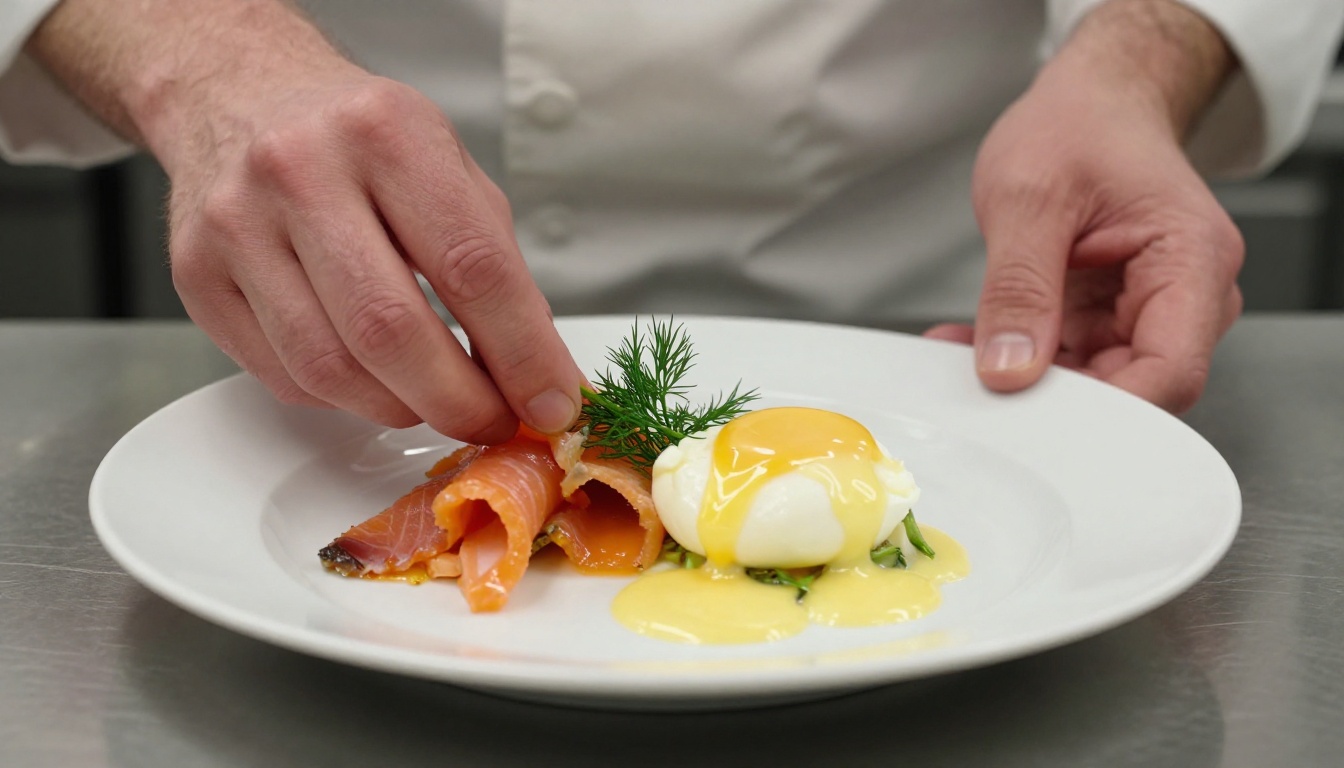
Most restaurant menus were designed for Tuesday lunch traffic, not Easter Sunday. A laminated card that works fine on a random weeknight does nothing to communicate spring, celebration, or seasonal specialness. Guests pick it up, scan it in thirty seconds, and put it down. There is no immersion. No story. No connection to the meal they are about to have.
Paper Menus Nobody Keeps
Printed seasonal menus cost money every single time. A restaurant running a specialty Easter brunch menu printed on cardstock or thick paper stock faces real per-unit costs, reprinting if items sell out, and the inevitable waste of menus nobody takes home. Even the nicely designed ones end up in recycling by 3pm.
PDFs That Get Ignored
Emailing or texting a PDF link sounds modern, but in practice it is clunky. Guests either never open it, open it once on a screen that is too small to enjoy the design, or share a static flat file that has no visual dynamism. A PDF is a document. A flipbook is an experience.
⚠️ A PDF link sent to guests before Easter brunch has roughly a 40% open rate. A flipbook link shared on a phone gets tapped, scrolled, and passed along to the whole group chat.
A flipbook is not just a PDF with a page-turn effect bolted on. Done right, it is a fully interactive digital publication that opens in a browser, works on any device without an app, and presents content the way a printed magazine does: spread by spread, with visual hierarchy and intentional design.
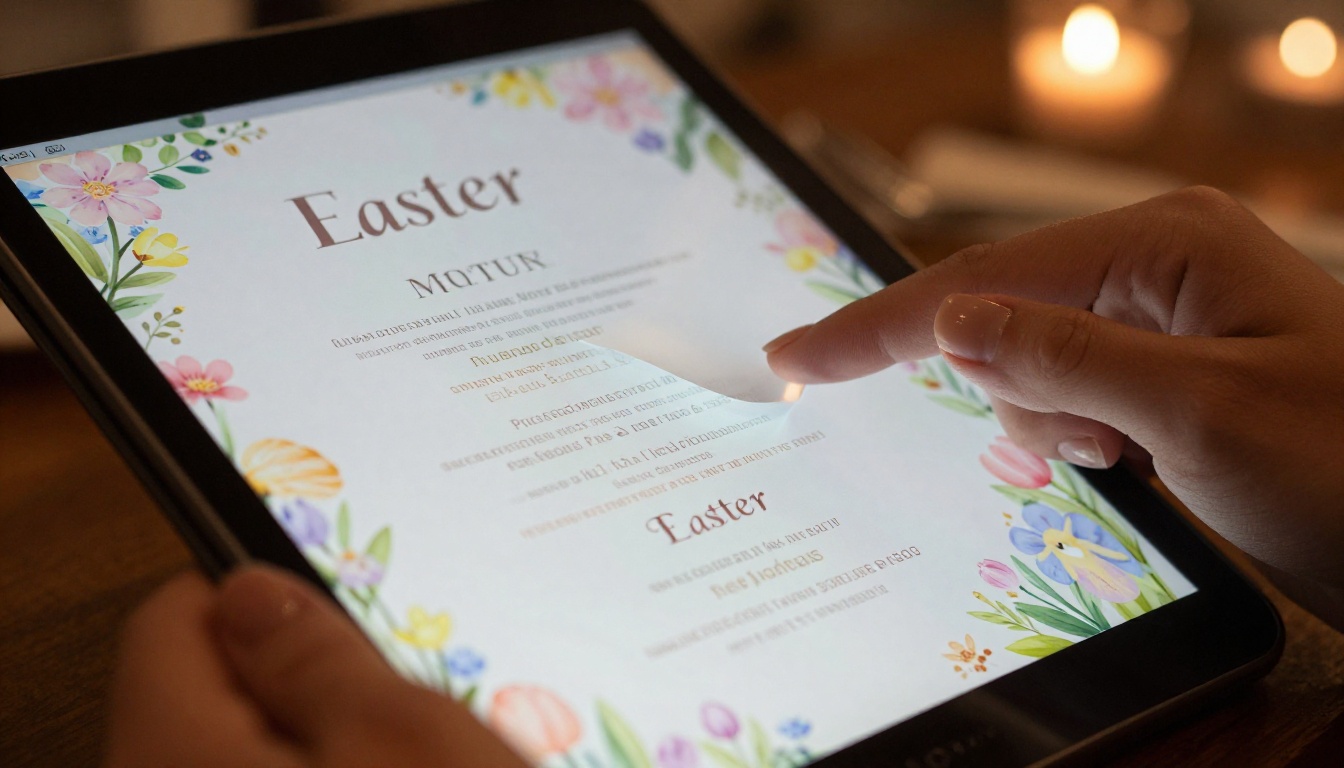
The Page-Turn Effect
The animated page-turn is more than a gimmick. It signals to the reader that this is a curated document worth reading, not a quick printout. For Easter brunch menus, where you might have a drinks spread, a starter section, main courses, and desserts as separate chapters, the page-turn gives each section a natural reveal moment. Guests actually read through it instead of scanning and dismissing.
Visual Impact on Every Spread
Flipbook menus support full-bleed images across two pages, embedded videos (think a short clip of the kitchen preparing the Easter lamb), and clickable sections. When a guest can see a full-spread photo of the brunch buffet before they sit down, they arrive with appetite already engaged. That is the difference between a menu and a preview.
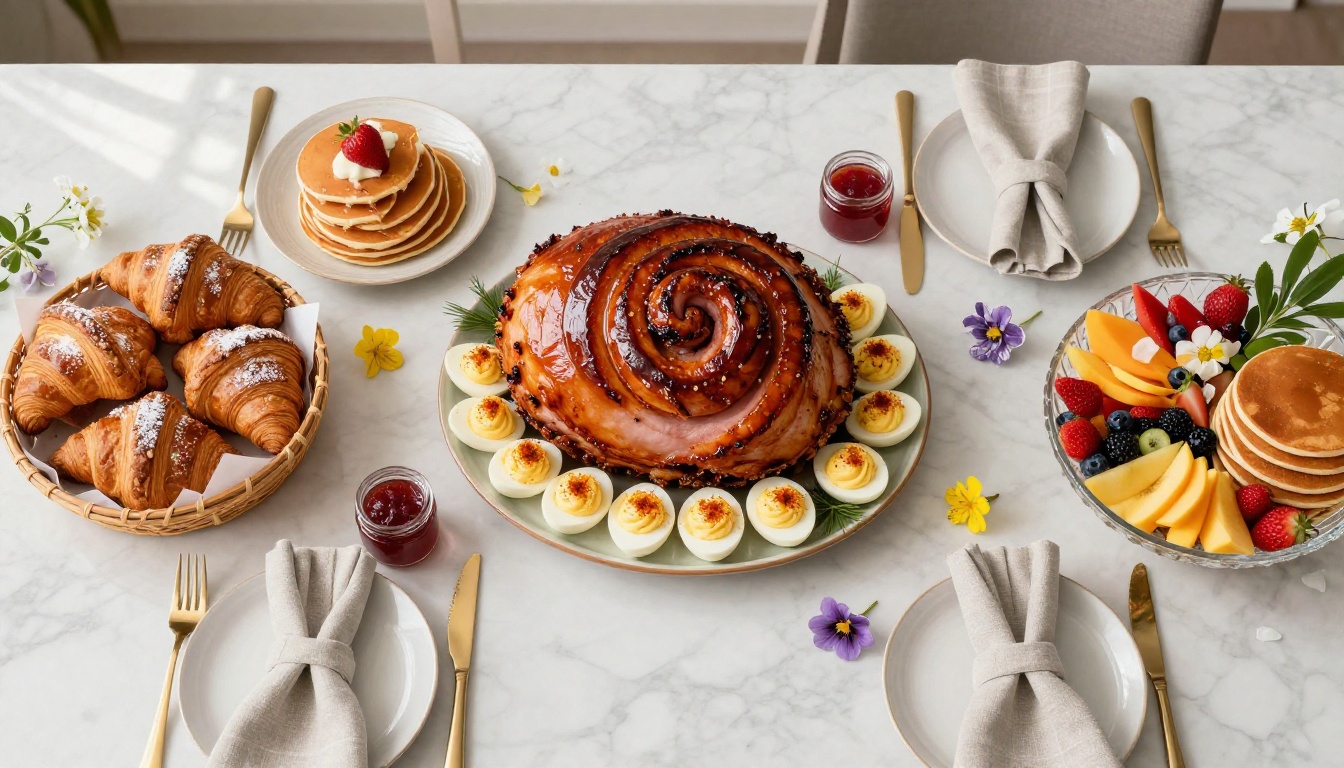
💡 Pro tip: Use a two-page spread for your hero dish. A glazed Easter ham across both pages of a flipbook spread stops scrolling immediately.
Why Easter Brunch Is Perfect for Flipbooks
Not every dining occasion needs a flipbook menu. A casual pizza spot does not. But Easter brunch hits every criterion that makes a flipbook format pay off.
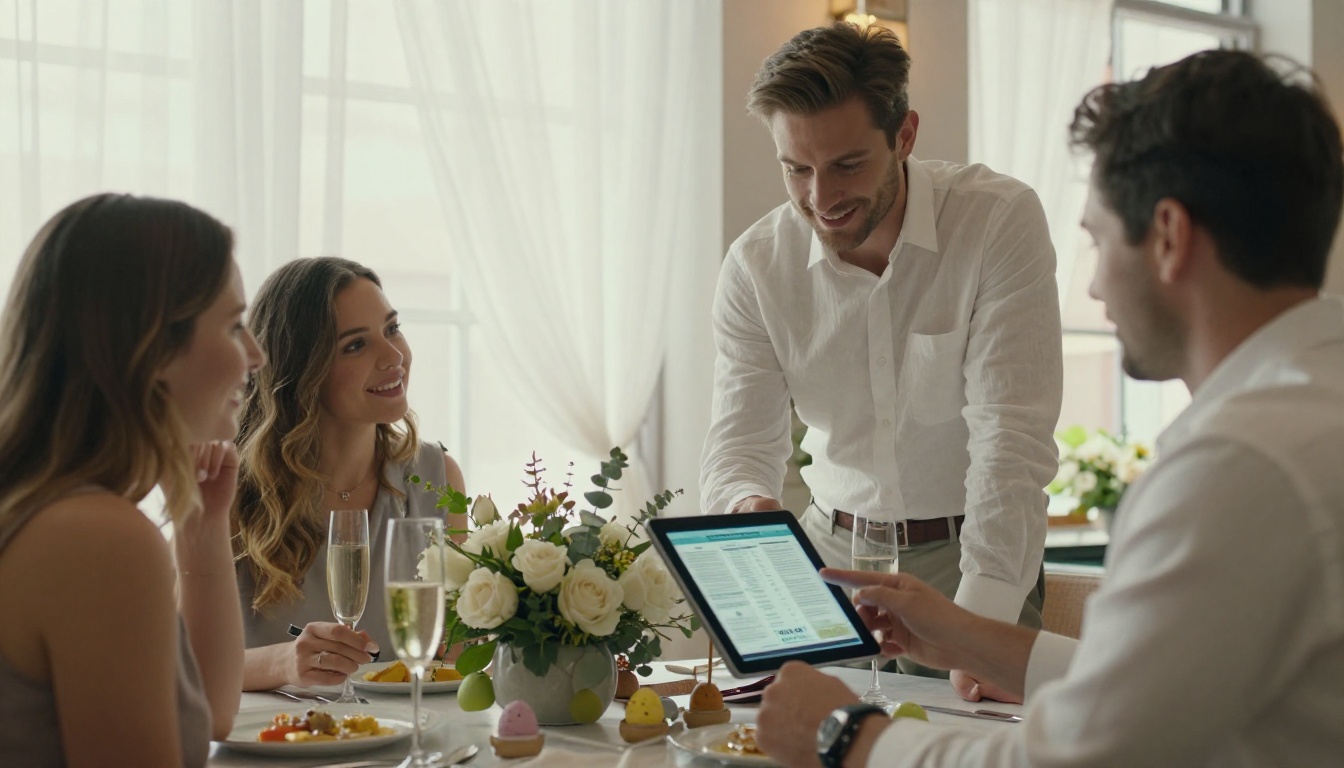
Seasonal Design That Pops
Easter has a strong visual identity: pastels, spring florals, eggs, light. A flipbook menu can be designed around these elements with full color fidelity. Pale pink pages, watercolor tulip headers, gold serif fonts, and linen-texture backgrounds all render beautifully on screen in a way that print can never fully match for the price point.
Sharing Before the Big Day
One of the highest-value moments for a flipbook Easter menu is the 48 hours before the event. Guests share the link in family group chats. Hosts send it to plus-ones who need to know the dress code and the food options. The flipbook becomes a piece of pre-event anticipation that a static PDF simply cannot replicate.
✅ Best practice: Publish your Easter flipbook menu one week before the event and include a password for private guest lists. The Restaurant Menu Creator makes this straightforward.
Allergy and Dietary Info Made Easy
Easter menus often feature rich, complex dishes. Guests with allergies or dietary restrictions need more detail than a card allows. A flipbook can include a full allergen page at the back, or a dedicated spread for plant-based options, without making the main menu look cluttered.
This is where Flipbooks AI becomes the practical solution. The process takes less time than most people expect, and the result looks like something a design agency produced.
Step 1: Design Your PDF
Start in any design tool you already use: Canva, Adobe InDesign, even Google Slides. Build each page of your menu as you would for print, but design for screen dimensions. Use high-resolution images of your dishes, your venue, and your seasonal ingredients. Save as a PDF when done.
💡 Canva has Easter brunch menu templates that are already sized for flipbook conversion. Start there if you do not have a designer on the team.
Step 2: Upload to Flipbooks AI
Go to Flipbooks AI and create your account (it takes about 90 seconds). Once inside, use the Menu Flipbook Designer to upload your PDF. The tool automatically converts every page into a smooth flipbook with the page-turn animation. No technical setup required.
Step 3: Add Branding and Custom Colors
After conversion, customize the flipbook wrapper to match your restaurant or event branding. You can:
- Set a custom background color or texture behind the flipbook
- Add your logo to the flipbook opening page
- Choose from multiple page-turn animation styles
- Set a custom thumbnail for the link preview when sharing on social media
Step 4: Share With Guests
Flipbooks AI gives you multiple sharing options:
- Direct link: Copy and share in WhatsApp, email, or Instagram bio
- Embed code: Drop the flipbook directly onto your restaurant website or reservation page
- Password protection: Gate the menu for private events or exclusive guest lists
- QR code: Print a small QR card for each table so in-person guests can open it on their phone
Step 5: Track What Works
With the Professional plan, you get analytics on how guests interact with your menu. Which pages they spend the most time on, where they drop off, and how many total views the flipbook received. For restaurants running Easter brunch as a ticketed or reservation-only event, this data directly informs next year's menu design.
Feature Comparison: Paper vs PDF vs Flipbook
| Feature | Paper Menu | PDF | Flipbook Menu |
|---|
| Visual quality | Medium | Medium | High |
| Mobile experience | N/A | Poor | Excellent |
| Shareable before event | No | Partially | Yes |
| Page-turn animation | No | No | Yes |
| Full-bleed imagery | Limited | Yes | Yes |
| Password protection | No | No | Yes |
| Analytics | No | No | Yes (Pro) |
| Offline download | N/A | Yes | Yes (Pro) |
| Reprinting costs | High | Zero | Zero |
| Allergen detail pages | Awkward | Possible | Easy |

Flipbooks AI Plan Comparison
Not every restaurant needs the same feature set. Here is how the main plans stack up for Easter menu use cases:
| Plan | Best For | What You Get | Price |
|---|
| Free | Testing the format | 1 flipbook, basic sharing | $0 |
| Standard | Small restaurants and hosts | Unlimited flipbooks, no watermark, custom branding | Mid-range |
| Professional | Multi-location restaurants | Analytics, lead gen, password protection, offline download | Premium |
✅ For a single Easter event, the Standard plan covers everything you need. For restaurants building a seasonal menu library, Professional pays for itself in reprinting savings alone.
See the full breakdown at Flipbooks AI pricing.
Real-World Use Cases
The flipbook menu format is not theoretical. It is already being used across a wide range of Easter brunch contexts, each with slightly different needs.
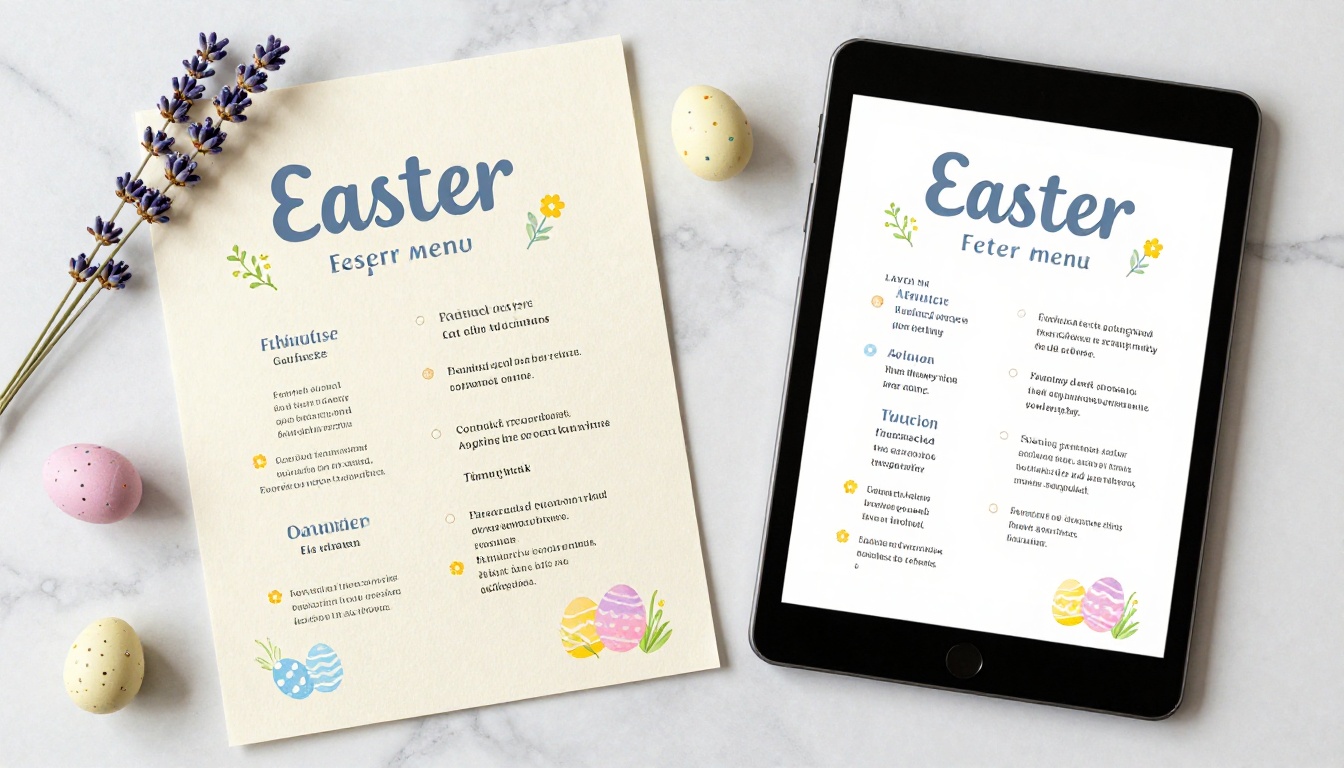
Restaurants Hosting Easter Brunch
A mid-size restaurant running a prix-fixe Easter brunch for 200 covers across two seatings faces a specific challenge: communicating the menu clearly to guests who booked two weeks ago and may not remember what they selected. Sending a flipbook link in the reservation reminder email solves this. Guests arrive knowing exactly what they ordered and what the full menu looks like. Table-turn anxiety drops. Service speeds up.
For restaurants with a more premium positioning, the flipbook menu is also a brand signal. Guests share it. A beautifully designed flipbook posted in an Instagram Story gets seen by people who were not at the event, which functions as organic reach for next year.
Private Hosts and Caterers
Private Easter brunch hosts face a different version of the same problem. They want guests to feel the occasion before they arrive. A flipbook with the menu, the dress code, a short note from the host, and a map to the venue does everything a printed invitation did, without the printing cost or the lead time.
Caterers benefit even more. A catering company with three different Easter brunch packages can build one flipbook per package, share the relevant one with each client, and password-protect them so packages do not cross. Using the Menu Flipbook Designer makes managing multiple seasonal menus at once much cleaner than juggling PDF versions.
Hotels and Brunch Venues
Hotels running Easter Sunday brunch as a signature event have everything to gain from a flipbook menu. The format aligns with the hospitality brand standard guests expect from a hotel experience. It can be embedded directly on the event booking page, included in pre-arrival guest communications, and displayed on lobby screens as a static preview.
The Spa & Wellness Menu tool from Flipbooks AI also applies here: hotels running Easter wellness brunches with specialty health menus can create a separate flipbook for the spa dining offering and cross-reference it in the main brunch menu.
What Guests Actually Notice
Presentation research consistently shows that the medium affects perceived quality. A restaurant that serves identical food in two different presentation contexts will receive different ratings depending on the visual experience. An Easter brunch menu presented as a beautifully designed flipbook signals that the kitchen cares about details, which primes guests to rate the food more favorably.
Beyond the psychological effect, there are practical reasons guests prefer flipbooks:
- Readability: Text on screen is zoomable. Tiny print on a paper menu is not.
- Accessibility: Screen readers and device accessibility tools work with flipbook pages.
- Speed: Guests can scan to a specific section rather than reading top to bottom.
- Memorability: They can screenshot a dish they want to remember or share with a friend.
💡 Guests who interact with your flipbook menu before arriving tend to make faster ordering decisions at the table. This measurably improves service speed during high-volume holiday events.
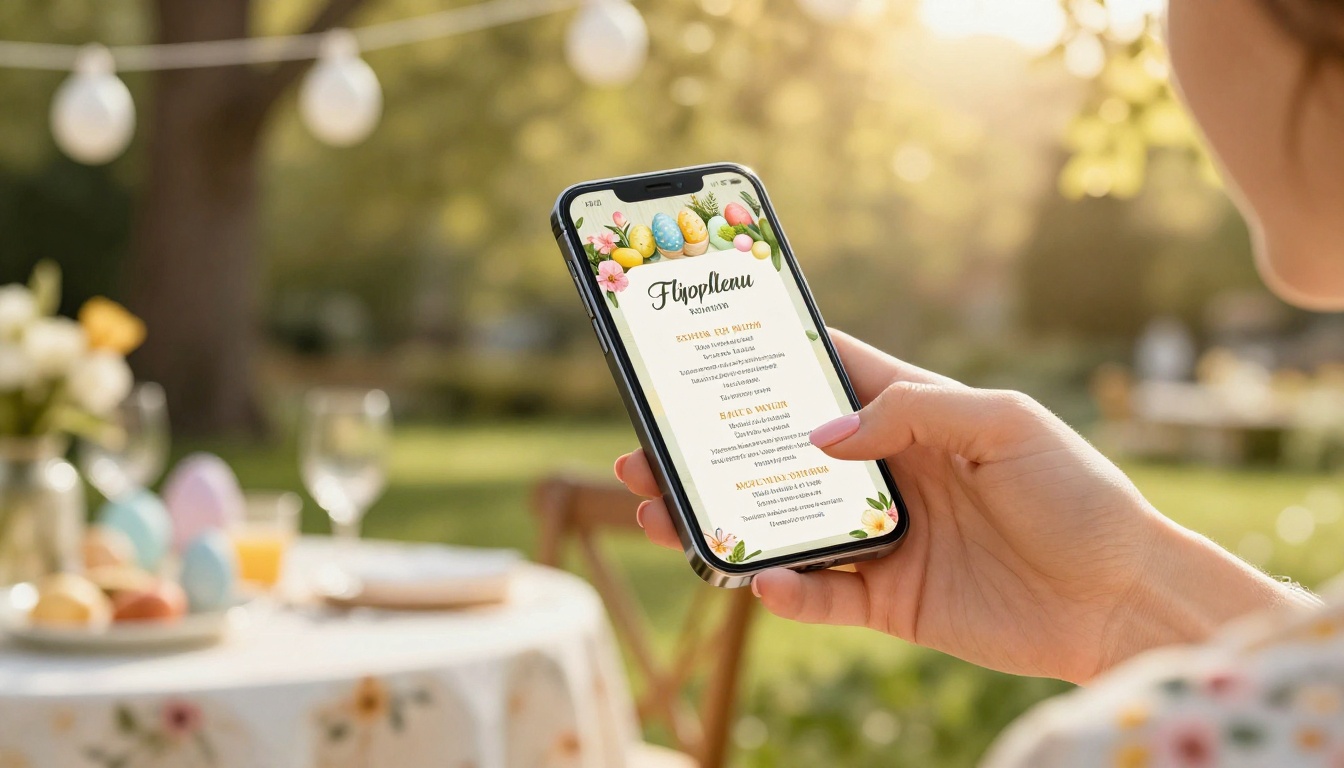
One concern restaurants raise is device compatibility. Not all guests carry the same phone, and some may be on older models. Flipbooks AI flipbooks are built on standard web technology, which means they open in any browser without requiring an app download.
| Device | Experience |
|---|
| iPhone (Safari) | Full flipbook with touch page-turn |
| Android (Chrome) | Full flipbook with touch page-turn |
| Desktop browser | Full flipbook with click page-turn |
| Older smartphones | Simplified view, still fully readable |
| Smart TV browser | Static view, embeddable |
The mobile-responsive design ensures that even the most complex multi-page Easter menu looks correct on a 5-inch phone screen. Sections reflow, images scale, and typography remains legible without any manual adjustment from the creator.
Start Before Easter Arrives
The biggest mistake restaurants and hosts make with digital menus is starting too late. Easter is a fixed calendar date with a predictable spike in search interest. A flipbook menu published and shared in the week before Easter captures that interest at exactly the right moment.
The workflow with Flipbooks AI is fast enough that even a restaurant starting three days out can have a polished flipbook live and shareable before the rush. Design the PDF on day one, upload and customize on day two, share and embed on day three.
For hosts planning further ahead, the flipbook doubles as a planning asset. Share it with your caterer early, use the page notes to coordinate timing, and update the PDF if dishes change. Each new upload creates a fresh flipbook version while the original sharing link stays the same.
✅ Use the PDF to Flipbook Converter to convert an existing menu design in under two minutes. No redesign required.
Easter brunch is the kind of event where every detail either adds to or subtracts from the experience. A laminated menu subtracts. A clunky PDF link subtracts. An elegantly designed, interactive flipbook menu that guests can open on their phone, share with their family, and page through before they even arrive at the table adds to the experience in a way that actually gets noticed.
The seasonal nature of Easter makes this even more compelling. A flipbook built for Easter brunch will not feel out of place by Tuesday. It is a limited-edition dining document that fits the occasion and then retires, which is exactly the right relationship between a special menu and a special meal.
Ready to create your Easter brunch flipbook? Get started for free on Flipbooks AI. Use the Restaurant Menu Creator to build your first menu, and browse all available tools and templates to find the right format for your event.
See all pricing plans and have your Easter brunch menu live and shareable in less time than it takes to print and laminate the old version.



