The freelance market is more saturated than it has ever been. Whether you design logos, write copy, photograph products, or build user interfaces, you are competing against thousands of skilled professionals, many of whom have polished websites, strong social profiles, and years of credible work behind them. In that environment, how you present your work matters just as much as the work itself. That is where a flipbook portfolio earns its place.
A flipbook portfolio is an interactive digital publication that mimics the tactile experience of flipping through a printed book or magazine, with realistic page-turn animations, rich visual layouts, and a format that simply feels premium. Unlike a static PDF that gets downloaded and forgotten, or a personal website that blends into a sea of identical templates, a flipbook presentation makes your work feel intentional, curated, and worth a second look.
Flipbooks AI has built a platform that turns any PDF into a fully interactive flipbook in minutes, with no coding required. For freelancers who want to stand out without spending days building a custom website, it is one of the most effective tools available right now.
The Problem with Static Portfolios
PDFs Get Ignored
Most freelancers send PDFs. A client receives it, opens it briefly in a browser tab, and moves on to the next candidate. The format carries zero visual weight. It has no animation, no sense of flow, and it communicates nothing about your attention to design or presentation beyond what the pages themselves contain. Even a beautifully designed PDF struggles to compete because the container itself is invisible.
The core issue: a PDF is not an experience. It is a file.
💡 Research on digital reading behavior consistently shows that interactive content holds attention significantly longer than static formats. For freelancers, that extra attention can be the difference between a callback and radio silence.
Basic Websites Blend In
A personal website is better than a PDF, but the barrier to entry has dropped so far that nearly every freelancer has one. Squarespace, Wix, and similar platforms mean that beautiful templates are available to everyone. When everyone has access to the same tools, differentiation disappears. Your site may be well-designed, but it will still feel familiar.

Clients reviewing multiple freelancers in a single afternoon will blur them together. The one who sent a beautifully formatted, page-turning digital portfolio will be the one they remember. That is not a small advantage.
What a Flipbook Portfolio Actually Does
The Page-Turn Effect Is Psychological
There is something genuinely compelling about watching a page turn. It activates the same satisfying response as physically flipping through a magazine at a newsstand. Digital page-turn animations replicate this sensation, and the effect is not trivial. It signals craftsmanship. It signals that you took time to present your work in a way that respects the viewer.

When a client opens your flipbook portfolio, they are not staring at a list of JPEGs or scrolling through a generic template. They are experiencing a publication. That subtle shift positions you in a different professional tier than the freelancer who sent a Dropbox link.
It Shows You Care About Presentation
For creative freelancers especially, how you present your work is itself a work sample. A graphic designer who submits work inside a thoughtfully designed flipbook has already demonstrated their sense of visual organization, hierarchy, and brand voice. A copywriter whose portfolio reads like a well-edited magazine communicates editorial instinct before anyone reads a single word.
✅ Best practice: Treat your flipbook portfolio as a client deliverable. Apply the same care and intention you would give to any paid project.
Who Benefits Most
The flipbook portfolio format works across virtually every freelance discipline, but some fields gain a particular advantage from it.
Designers and Illustrators
Visual work deserves a visual container. A digital portfolio creator built on a flipbook platform puts design work inside a frame that feels like a design magazine. Color palettes, typography choices, and layout decisions are all visible in context, page by page, as the client reads through your book. Illustration portfolios benefit especially from the large-format, spread-style presentation that gives each piece room to breathe.
Writers and Content Creators

Writers rarely think about their portfolios visually, and that is a missed opportunity. A flipbook portfolio allows a writer to present samples inside a designed publication where typography, white space, and layout contribute to the reading experience. Pieces that look like real magazine features or polished editorial spreads carry more weight than plain-text links.
Photographers
Photography portfolios live or die by image presentation. A photography portfolio flipbook puts each image at full spread width, on a clean or dark background, with a viewing experience that mirrors a printed photo book. That context elevates every image inside it.
UX and Web Professionals
For UX designers and web developers, a flipbook portfolio can serve as a professional case study document, walking clients through problem, process, and solution in a structured, readable format. The portfolio flipbook builder supports embedded media and rich visuals that make wireframes, user flows, and final interfaces read as coherently as a well-edited report.

This comparison focuses on how each format performs specifically in a freelance client acquisition context.
| Format | Visual Impact | Interactivity | Shareability | Perceived Professionalism |
|---|
| Flipbook Portfolio | Very High | High | Very High | Premium |
| PDF Portfolio | Medium | None | Medium | Standard |
| Personal Website | Medium-High | Low-Medium | High | Standard |
| Social Media Profile | Medium | Low | Very High | Casual |
| Printed Portfolio | Very High | Physical | Low | Premium |
⚠️ A printed portfolio may feel premium in person but creates friction for remote clients. A flipbook delivers that same quality digitally, on demand, across any device.
The flipbook wins on the combination of visual impact and shareability. A single link goes in an email, a proposal, a LinkedIn message, or a client onboarding document. No downloading, no login walls, no compatibility issues.
How to Build Yours with Flipbooks AI
Here is the exact process for turning a freelance portfolio PDF into a fully interactive flipbook.
Step 1: Create Your PDF
Start in whatever design tool you already use. Figma, Adobe InDesign, Canva, and even PowerPoint all export clean PDFs. Structure your portfolio like a magazine: an opening spread with your name and specialty, a brief bio section, then your work samples organized by type or client. End with a contact page and a clear call to action.
💡 Design your PDF at 1920x1080px (16:9 ratio) for the best display quality when converted to flipbook format.
Step 2: Upload and Convert
Create an account on Flipbooks AI, then upload your PDF directly to the PDF to Flipbook Converter. Conversion takes seconds. Your document becomes an interactive flipbook with realistic page-turn animation applied automatically.
Step 3: Customize Your Brand
This is where your portfolio separates itself from the default. Flipbooks AI offers full branding controls including:
- Custom colors matching your personal brand palette
- Logo placement in the viewer header
- Background color or texture behind the flipbook
- Font customization for reader-facing interface elements
- Page effects including shadow depth and turn speed
All of these controls are accessible without writing a single line of code.

Step 4: Share with Clients
Once live, your flipbook portfolio sits at a clean shareable URL. You can also use the embed flipbook on website option to place it directly on your personal site. Additional sharing options include:
- Password protection for portfolios you share only with specific clients
- Offline downloads (Professional plan) so clients can save a copy for review meetings
- Analytics (Professional plan) to see exactly how long clients spent on each page
- Lead generation (Professional plan) to collect contact information from portfolio viewers
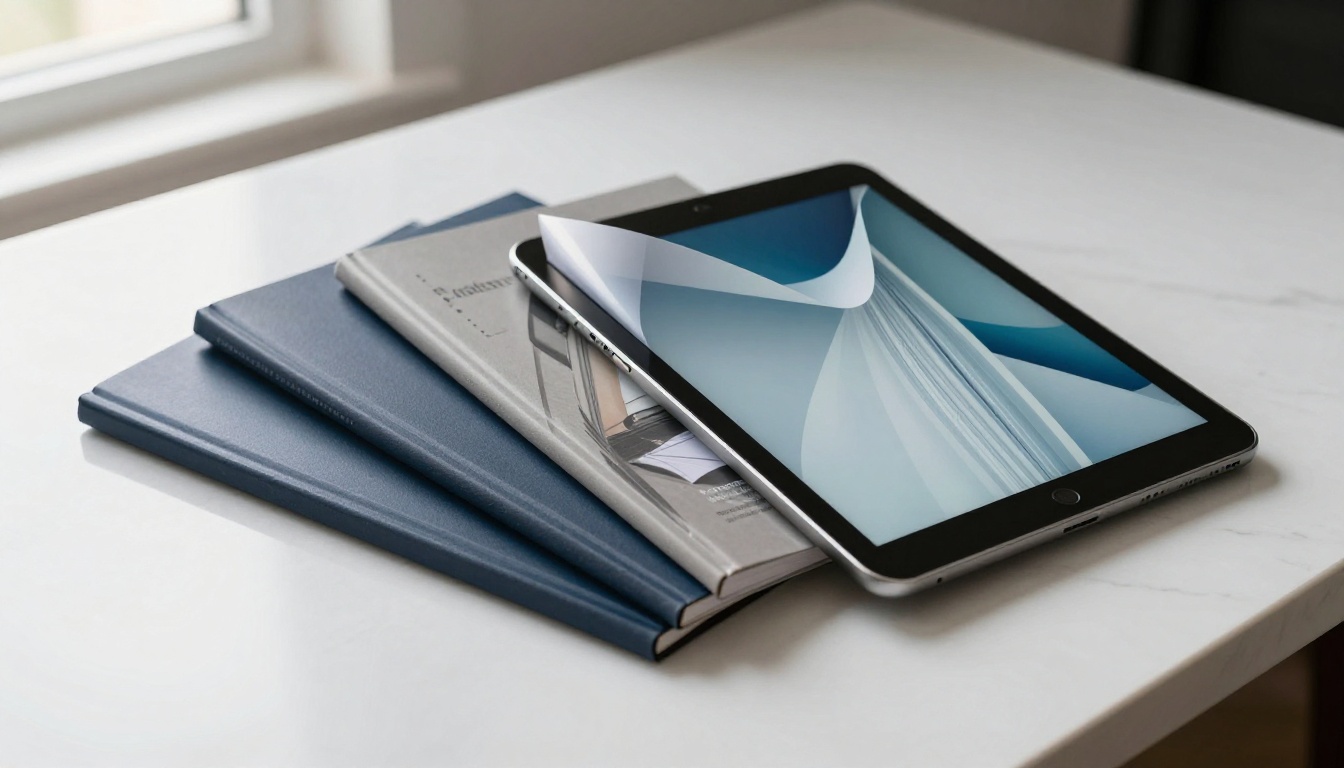
What to Include in Your Flipbook Portfolio
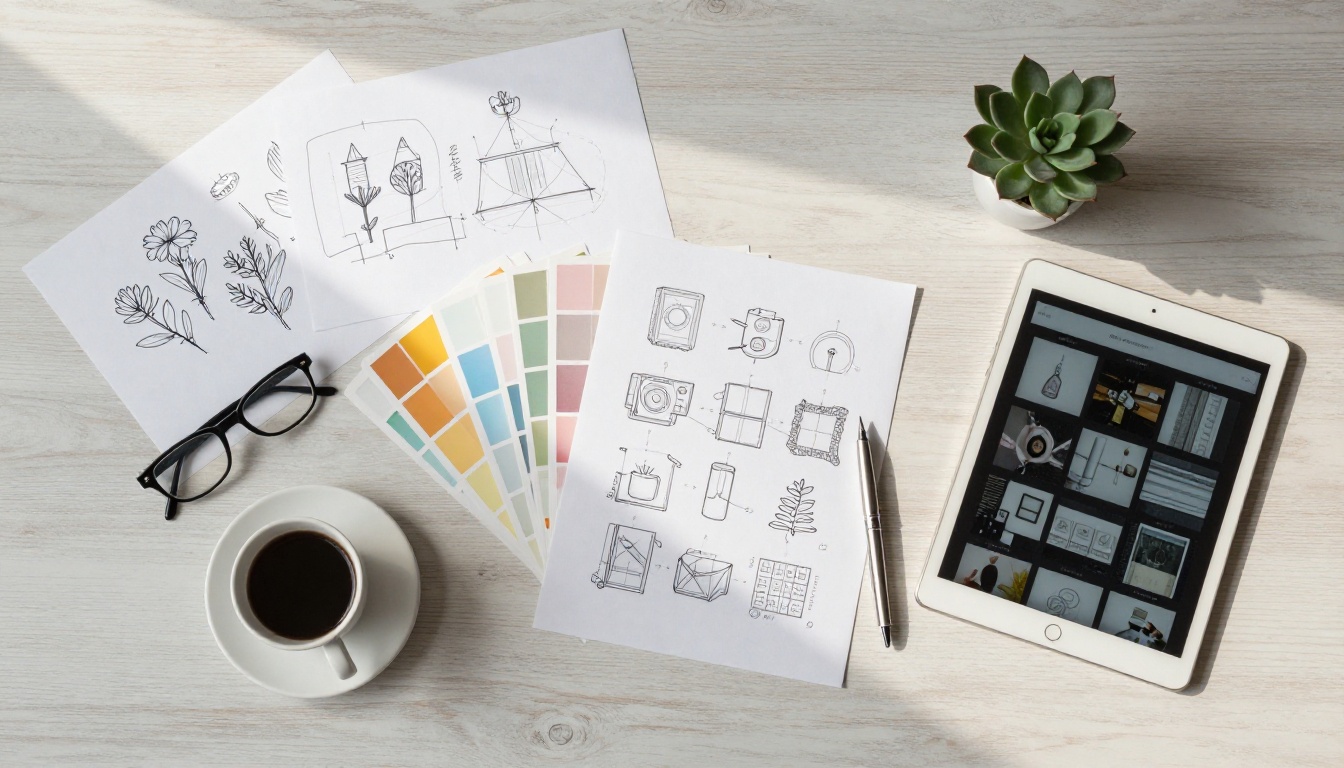
The Opening Pages Matter Most
A client who opens your flipbook and encounters a blank page or a generic title slide will close it. Your opening pages need to do real work. Lead with your strongest visual, your specialty clearly stated, and a one-sentence value proposition. Think of it as a magazine cover: it needs to earn the turn.
Opening section checklist:
- Full-bleed hero image or visual
- Your name and professional title
- One-sentence positioning statement (example: "Brand identity for DTC consumer brands")
- Clean, confident typography
- Optional: key client names or credential markers
Case Studies Over Sample Dumps
The freelancers who win clients consistently do not just show finished work. They show the thinking behind it. A flipbook portfolio is the ideal format for a case study spread: problem on the left, solution on the right, supported by visuals that tell the story. This approach is especially powerful for UX designers, brand strategists, and writers.
✅ Aim for 3-5 in-depth case studies rather than 15 shallow samples. Depth of thinking is what separates good freelancers from great ones in a client's mind.
Flipbooks AI Plans at a Glance
Choosing the right plan depends on how actively you are using your portfolio for client acquisition.
| Feature | Free | Standard | Professional |
|---|
| Flipbooks | 1 | Unlimited | Unlimited |
| Watermark | Yes | No | No |
| Custom Branding | No | Yes | Yes |
| Password Protection | No | Yes | Yes |
| Analytics | No | No | Yes |
| Lead Generation | No | No | Yes |
| Offline Downloads | No | No | Yes |
| Embed on Website | No | Yes | Yes |
For active freelancers, the Standard plan removes watermarks and adds the branding and sharing controls that make a portfolio feel genuinely professional. The Professional plan at Flipbooks AI pricing adds analytics and lead generation, which are practical tools if you want to track which clients engage with specific sections of your portfolio.
Real-World Freelancer Scenarios
Here is how the flipbook portfolio format plays out across different freelance disciplines in practice.
A brand designer, for example, can walk a prospect through an entire identity system: logo exploration, color rationale, typography selection, and final application, all in a sequenced, magazine-style presentation that reads like a professional case study document. A photographer can build a portfolio that feels as tactile and curated as a printed book, without the printing cost or the logistical challenge of mailing it to remote clients.

Female photographer reviewing flipbook portfolio at home
The format also solves one persistent problem for freelancers: the cold-approach portfolio share. When reaching out to a new potential client without an existing relationship, sending a link to a flipbook portfolio communicates something a PDF or a generic website link simply cannot. It says you invested real effort in presenting your work. That signal carries weight before the client has even seen a single sample.
💡 Use password protection to send tailored portfolio versions to specific clients, showing only the most relevant work for their industry or project type.
Build Yours Today
The freelance market rewards people who take their own work seriously enough to present it at its best. A flipbook portfolio is the clearest signal you can send that you belong in a premium tier. It is more memorable than a PDF, more personal than a website link, and more versatile than a printed book.
Ready to build yours? Get started for free on Flipbooks AI and have your interactive portfolio live within the hour. Browse all portfolio tools to find the format that fits your discipline, or compare pricing plans to choose the right level for where you are in your freelance career.
Your portfolio is not just a collection of work. It is a first impression, a sales tool, and a proof of concept all at once. Make it count.



