Small businesses run on tight budgets and tighter timelines. Every dollar spent on marketing needs to count, and every tool you add to your workflow needs to earn its place. That is why the shift from print to digital catalogs is not just a trend. It is a business decision that pays off fast. Flipbooks AI makes this transition effortless, but first, let us talk about the core reasons your business cannot afford to skip this upgrade.
The Real Problem with Paper Catalogs
Print costs pile up. Most small business owners underestimate just how much a traditional product catalog drains from the annual budget.
Print Costs Add Up Fast
Here is a realistic breakdown of what a single print catalog run costs for a small business:
| Expense | Estimated Cost |
|---|
| Design and layout | $500 - $2,000 |
| Print run (500 copies) | $800 - $2,500 |
| Distribution and postage | $300 - $1,000 |
| Reprints for updates | $800 - $2,500 per run |
| Total per cycle | $2,400 - $8,000+ |
That does not include the cost of outdated catalogs you have to discard when prices change, products sell out, or seasons shift. Every reprint is money spent on something that becomes obsolete the moment your business changes.
Your Customers Are Already Online
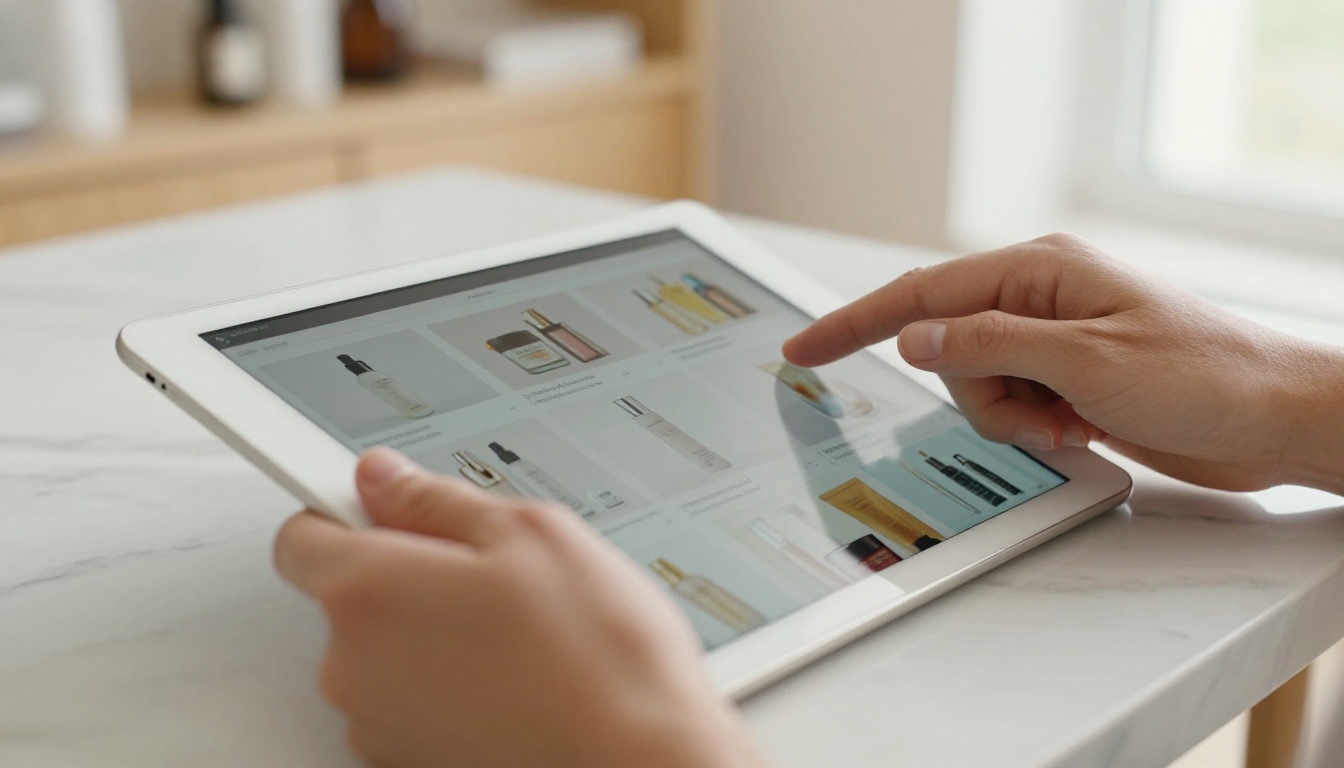
Over 81% of shoppers research products online before buying. If your catalog only exists as a printed brochure sitting in someone's junk drawer, you are missing the moment that actually matters: when a buyer is ready to act.
A digital catalog meets customers where they are: on their phones, tablets, and laptops, browsing at midnight, waiting in line, sitting on the couch. It is always available, always shareable, and never out of stock.
💡 A digital catalog shared on social media can reach hundreds of new potential customers with zero additional cost. A print catalog simply cannot do that.
Updates Cost Nothing
With a printed catalog, changing a price means reprinting. With a digital catalog, you update the source PDF, re-upload, and the change is live instantly. No waste, no delay, no extra cost. For businesses in fast-moving industries, this alone makes the switch worthwhile.
What a Digital Catalog Does for Sales

A well-made digital catalog is not just a prettier version of your PDF. It is an interactive sales tool that guides buyers through your products with a browsing experience closer to a premium website than a static brochure.
Products That Show Better, Sell Better
When someone can flip through pages, click to zoom on product details, and share a specific page with a friend, they engage more deeply. Higher engagement leads to longer browsing sessions, and longer browsing sessions lead to more purchases.
Key engagement benefits of interactive digital catalogs:
- Interactive page-flip animation: Creates the familiar feel of a real catalog without the printing cost
- Clickable product links: Items link directly to your store page or order form
- Embedded video: Show products in action directly within the catalog
- Mobile-optimized layout: Looks perfect on any screen size, automatically
- Audio narration: Add voice-over or background music for a richer experience
Real-Time Inventory Control
Nothing kills a sale faster than a customer trying to order something you no longer carry. A digital catalog lets you remove products immediately when stock runs out, keeping buyer expectations aligned with reality at all times.
✅ Link your digital catalog directly to your online store or booking system. When a customer clicks a product, they land on the purchase page, not a generic contact form.
Analytics That Show What Works
With a professional digital catalog platform, you can see exactly which pages get the most views, which products buyers click most often, and where people stop reading. Print catalogs offer zero insight. With real data, you can adjust pricing, placement, and promotion based on actual buyer behavior rather than guesswork.
How Small Businesses Are Using Digital Catalogs Right Now

The most successful small businesses are already treating their digital catalog as a core marketing asset. Here are the industries seeing the biggest return on this investment.
Retail Shops and Boutiques
Independent clothing stores, accessory shops, and home goods boutiques use digital catalogs to showcase seasonal collections without reprinting every few months. A digital catalog maker lets you build something that looks magazine-quality, without a magazine-sized budget.
Typical use cases for retail:
- Seasonal lookbooks distributed via email newsletter
- New arrival announcements shared directly on Instagram Stories
- Private sale catalogs with password protection for VIP customers
- In-store tablets displaying the full product range for browsing customers
Restaurant and Food Businesses
Menus change seasonally. Prices shift. Specials rotate weekly. A printed menu is outdated the moment it comes back from the printer. Restaurants using a digital menu through a Restaurant Menu Creator update once and the change is immediately live everywhere the menu appears.
💡 Embed your digital menu as a QR code at each table. Customers scan and browse on their own phones, and your team never has to hand out a physical menu again.
Real Estate and Property
Real estate agents benefit massively from digital property catalogs. A Real Estate Brochure packed with professional photography, floor plans, and neighborhood highlights gives buyers an immersive browsing experience that static PDF email attachments never could.
Service Providers and Consultants
If you sell a service rather than a physical product, a digital catalog of your offerings, packages, and case studies is the professional equivalent of a high-end brochure. Service menus, portfolio showcases, and proposal templates all work beautifully in flipbook format and leave a lasting impression on prospective clients.
Digital vs. Print: The Real Numbers

Let us put print and digital side by side across the factors that matter most for small business owners making this decision.
| Factor | Print Catalog | Digital Catalog |
|---|
| Creation cost | $500 - $5,000+ | $0 - $50/month |
| Distribution cost | $0.50 - $3 per copy | $0 |
| Update cost | Full reprint required | Free, instant |
| Geographic reach | Local or mailing list | Global, unlimited |
| Analytics | None | Full page and click tracking |
| Interactivity | None | Links, video, audio, forms |
| Mobile-friendly | No | Yes, fully responsive |
| Environmental impact | High (paper, ink, transport) | Minimal |
| Time to publish | Days to weeks | Under 10 minutes |
The numbers speak clearly. For a small business weighing cost against capability, digital catalogs win on nearly every row.
The Environmental Case
Buyers care about sustainability more than ever. Eliminating print catalogs from your business operations reduces paper consumption, ink waste, and shipping emissions. This is not just good for the planet. It is a selling point you can put directly in front of environmentally conscious customers.
✅ Mention in your email campaigns that your catalog is fully digital and paperless. Position it as a values statement that reflects your business's commitment to sustainability.
Building Your First Digital Catalog with Flipbooks AI

Flipbooks AI gives small businesses a straightforward path from a static PDF to a fully interactive digital catalog in minutes. Here is how the process works from start to finish.
Step 1: Create Your Account
Head to Flipbooks AI and sign up. No credit card is required to start. You can explore the platform, upload a PDF, and see the live result before committing to any paid plan.
Step 2: Upload Your PDF
Your existing product brochure, price list, or catalog PDF is the starting point. Drag it into the upload area and Flipbooks AI converts it automatically into an interactive page-flip flipbook. Conversion takes under a minute for most standard files.
💡 Use the PDF to Flipbook Converter tool if you are starting from a raw PDF and want a clean, optimized output with no formatting issues.
Step 3: Customize Your Branding
Once the flipbook is generated, you can apply your brand colors, add a custom logo, and adjust the page animation style. This is where your catalog stops feeling like a converted file and starts feeling like a professional marketing asset.
Customization options available:
- Custom cover design with logo placement
- Brand color palette applied throughout
- Page-flip animation style selection
- Clickable table of contents for catalogs with many sections
- Embedded product links and contact forms within pages
Step 4: Embed Video and Interactive Elements
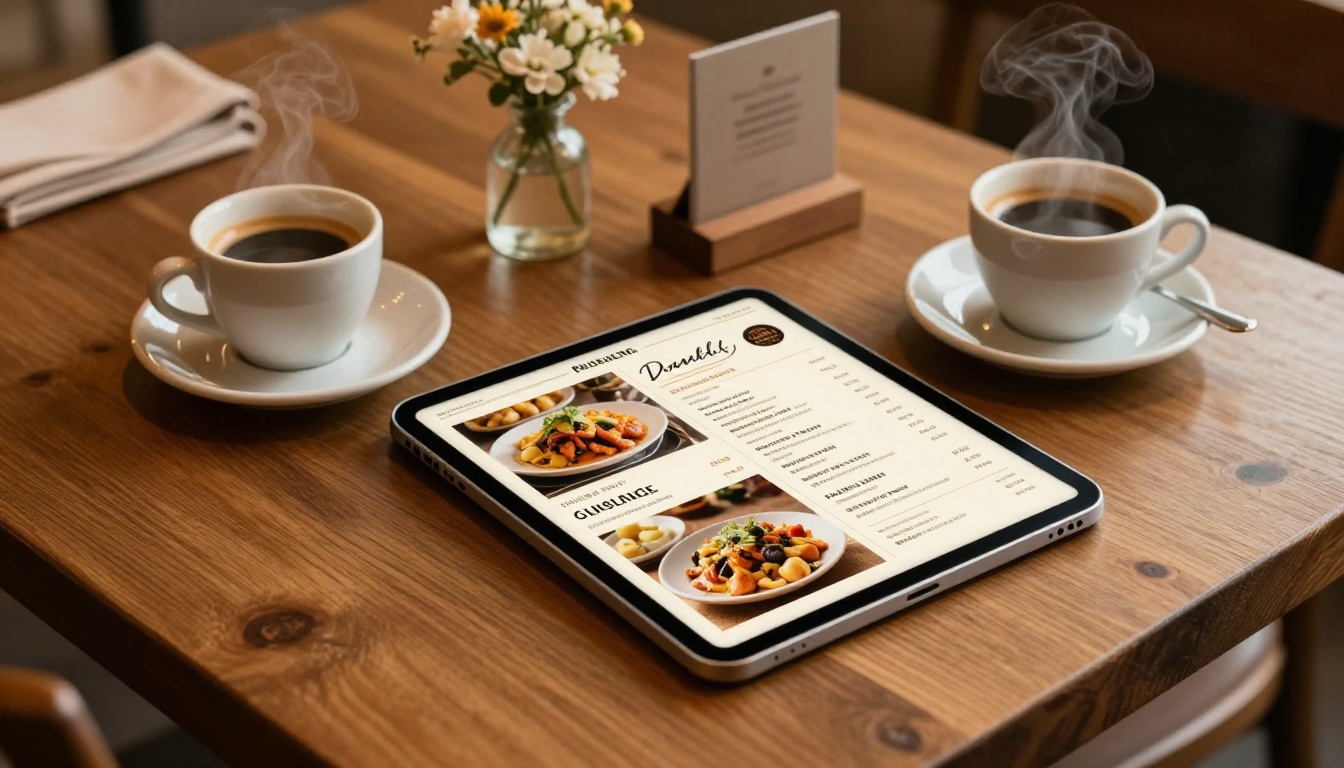
One of the most powerful features on Flipbooks AI is the ability to embed video directly into catalog pages. A furniture retailer can embed a room tour video. A clothing boutique can embed a fitting session clip. A restaurant can show a chef preparing a signature dish right on the menu page.
This level of interactivity is simply not achievable with print, and it keeps buyers engaged far longer than a static page ever could.
Step 5: Share and Embed Your Catalog
Once your catalog is ready, sharing it takes seconds. You receive multiple distribution options immediately:
- A direct link: Share via email, WhatsApp, social media, or SMS
- An embed code: Drop it into your website or landing page with a single copy-paste action
- A QR code: Print on business cards, signage, packaging, or receipts
- Password protection: Keep wholesale price lists or private offers locked behind a PIN
Use Embed Flipbook on Website to add your catalog directly to your homepage or product landing page with no coding required.
Step 6: Track Performance with Analytics
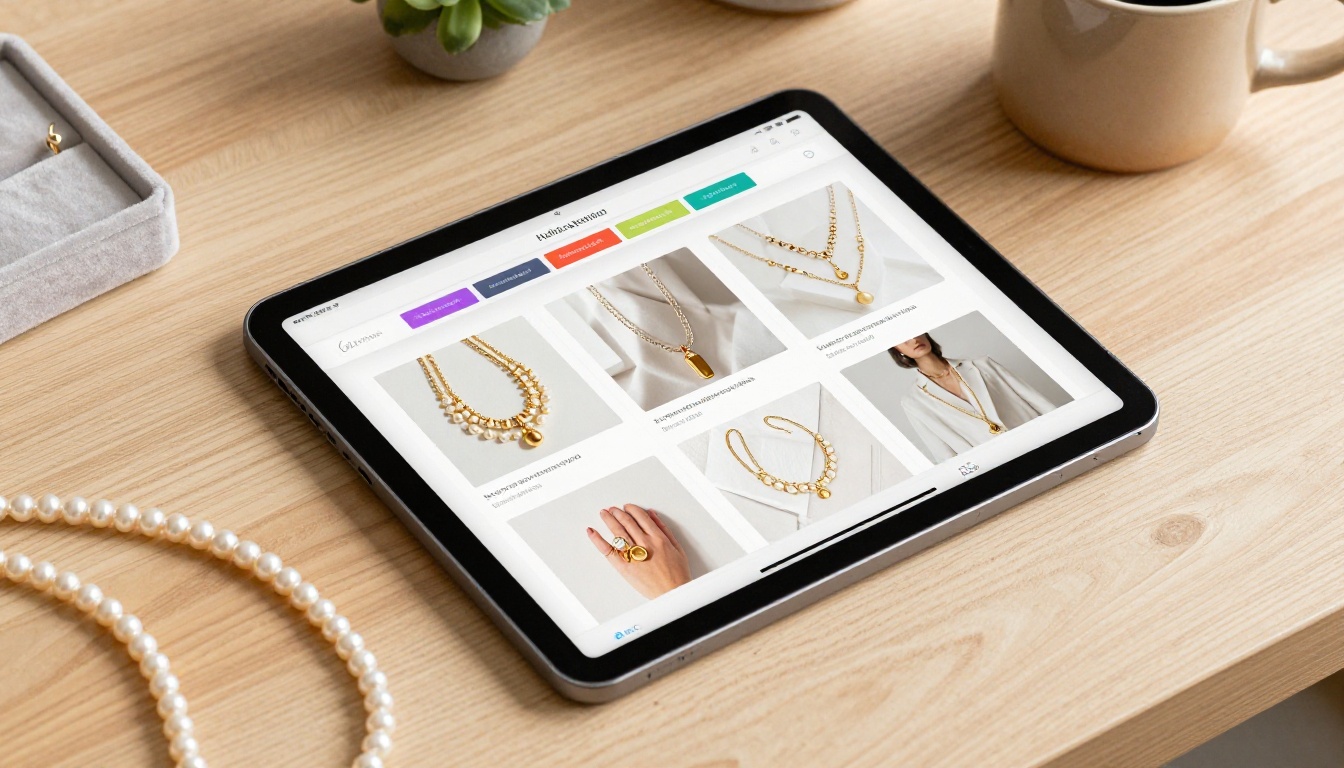
On the Professional plan, you get full analytics: page views, time spent on each page, click tracking, and lead capture forms. This tells you which products attract the most attention and which pages buyers skip entirely.
Use this data to make smarter decisions:
- Move high-performing products to the front of the catalog
- Remove or replace low-engagement items from future editions
- Test different layouts for the same product section
- Identify the exact page where buyers tend to stop browsing
Which Plan Is Right for Your Business?
Flipbooks AI offers tiered plans built around the needs of businesses at different stages. Here is a direct comparison of what each plan includes:
| Feature | Free | Standard | Professional |
|---|
| Number of flipbooks | 1 | Unlimited | Unlimited |
| Custom branding | No | Yes | Yes |
| Watermarks on catalog | Yes | No | No |
| Analytics dashboard | No | No | Yes |
| Lead generation forms | No | No | Yes |
| Offline downloads | No | Yes | Yes |
| Password protection | No | Yes | Yes |
| Video and audio embedding | No | Yes | Yes |
| Custom domain | No | No | Yes |
⚠️ The free plan adds a Flipbooks AI watermark to your catalog. For any client-facing or customer-facing use, the Standard plan removes this and adds the professional features your business needs to look credible.
Visit the pricing page to see current plan details and find what fits your operation and your budget.

One of the most practical advantages of using Flipbooks AI is the library of specialized tools built for specific business categories. You do not have to figure out the right layout or design approach on your own. Each tool comes with a template purpose-built for your industry.
Catalog and product tools:
Menu and hospitality tools:
Business and professional tools:
Browse the full tools directory to find the template built specifically for your type of business.
The Competitive Reality

Your competitors are already doing this. Large brands have had digital catalogs for years. The reason small businesses are only now catching up is that the tools to create them were once complex, expensive, or required design skills that most business owners simply do not have.
That has changed. Platforms like Flipbooks AI have closed the gap between enterprise-level catalog experiences and what a solo business owner or two-person team can produce in a single afternoon.
What you lose by waiting:
- Customers who find a competitor's catalog online before they ever discover yours
- Sales from buyers who wanted to browse but had no digital option available
- Data on which products actually interest your audience
- Brand credibility: businesses with polished digital materials consistently appear more professional and trustworthy
What you gain by acting now:
- A shareable, searchable, always-available product showcase that works around the clock
- Zero distribution costs for every new customer who finds you online
- Real-time control over pricing and how your products are presented
- A professional first impression that builds buyer confidence from the very first page
✅ Treat your digital catalog as a living document. Update it seasonally, link to it in every email signature, and embed it on your homepage. A catalog that buyers can find at any moment is always working for you, even when you are not.
Start Showcasing Your Products Smarter
A digital catalog is not a luxury reserved for big brands with big budgets. It is the most practical, cost-effective marketing asset a small business can build today. It costs less than a single print run, reaches far more buyers, updates in minutes, and gives you data that print will never provide.
Your products deserve to be seen. Your buyers deserve a browsing experience that reflects the quality of what you sell. And your budget deserves better than a stack of printed brochures that become obsolete the moment ink hits paper.
Ready to create your first digital catalog? Get started for free on Flipbooks AI and have your catalog live before the end of the day. Explore all available tools and templates to find the perfect fit for your business type. Compare pricing plans to choose what works for your goals and your budget right now.



