The stack of handouts on every teacher's desk tells a familiar story. You spend hours formatting a lesson plan, hit print, and watch students fold it into an airplane by third period. The content was good. The format was not. That gap between effort and result is exactly why thousands of educators are switching to digital flipbooks, and why tools like Flipbooks AI have become a quiet staple in classrooms from kindergarten to college.
A flipbook is not a slideshow or a PDF dropped into a link. It is an interactive, page-turning digital publication that students can read on any device, share instantly, and actually pay attention to. For teachers, the shift is surprisingly small. The payoff is not.
What a Flipbook Actually Does for a Classroom
Static PDFs Are Losing Students
The problem with most digital classroom materials is not the content. It is the container. A flat PDF shared over email or a learning management system gets downloaded, maybe opened, and often ignored. There is no tactile appeal, no visual hierarchy that pulls a student through the content, and no way to know if anyone actually read it.
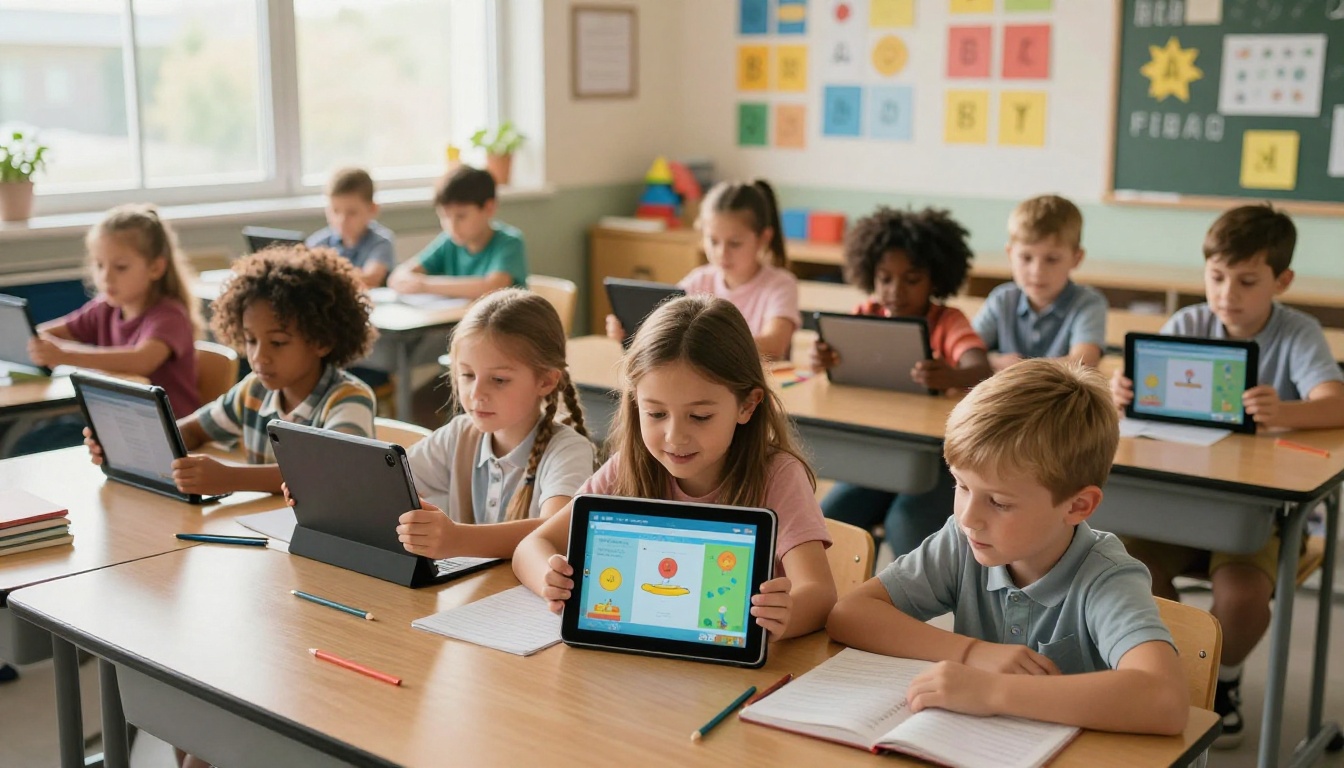
Flipbooks solve this by adding what static files remove: momentum. When a student swipes or clicks to turn a page, their brain stays connected to the material in a way that scrolling a PDF never achieves. Research in educational psychology consistently shows that interactive formats increase time-on-task compared to passive reading. Flipbooks turn reading into something closer to browsing, which is already how students naturally consume information.
The Visual Learning Effect
More than 65% of students are visual learners. A flipbook format rewards that tendency by making layout and design visible, not just text. Headers pop. Images breathe. Tables sit cleanly on a page instead of getting cut off in a PDF scroll. For teachers who already spend time designing their materials in Word, Canva, or Google Docs, converting to flipbook format does not require starting over. It means giving your existing work the presentation it deserves.
Real Benefits for Teachers Right Now
Less Printing, More Impact
The average classroom teacher in the US spends between $400 and $600 of their own money annually on supplies. A significant portion goes to printing. Flipbooks eliminate that cost entirely. One upload, infinite shares.
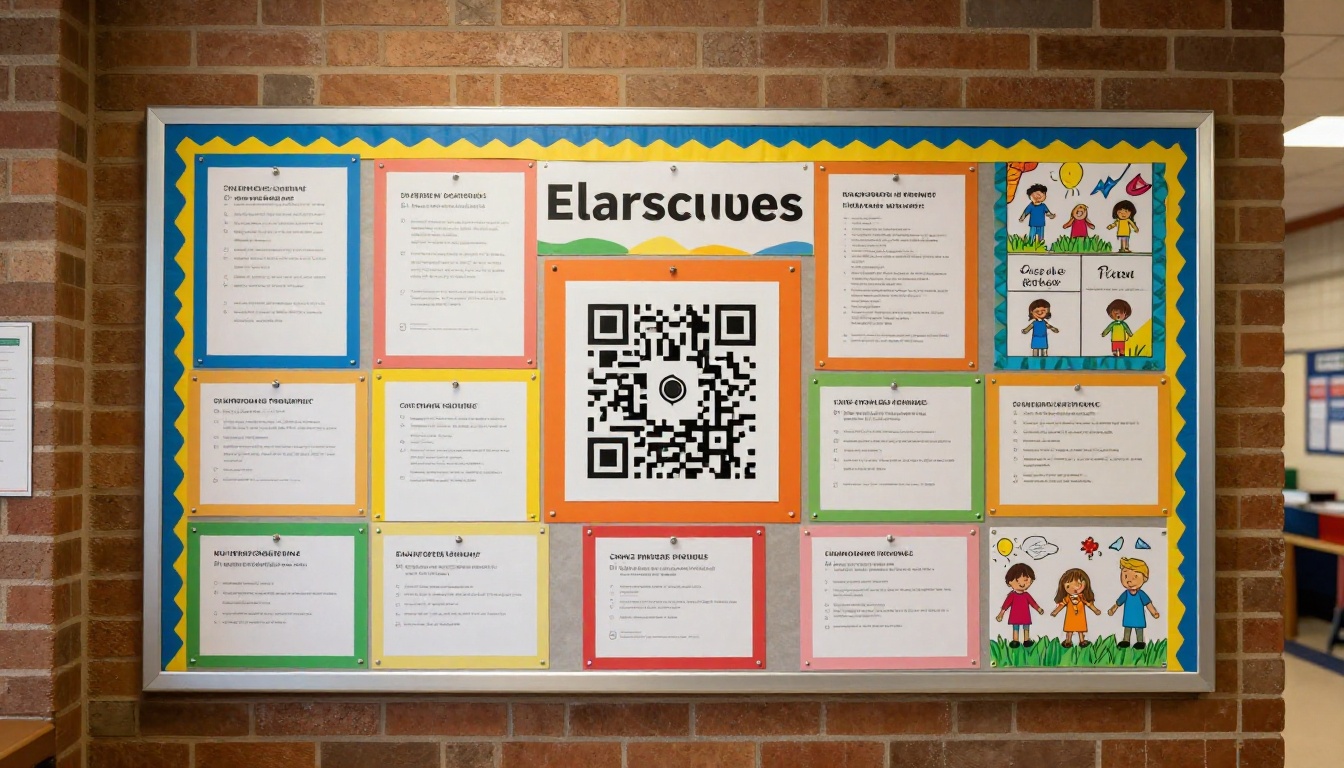
Beyond cost, there is the time factor. Printing, collating, and distributing paper takes class time. Sharing a flipbook link takes seconds. You can post it in your LMS, send it via email, or display a QR code on your classroom door for parents to scan.
💡 Pro tip: Post a QR code on your classroom bulletin board that links directly to your current unit's flipbook. Students who miss class can catch up independently, and parents stay informed without a single photocopy.
Share Anything in Seconds
One of the most practical features for teachers is how easy flipbooks are to distribute. With Flipbooks AI, you get a direct shareable link the moment your flipbook is published. No login required for readers. No app to install. Students open it in any browser on any device: phone, tablet, Chromebook, or laptop.
You can also embed it directly into your school website or class portal using a simple embed code. For private materials like test reviews or confidential student feedback, password protection keeps content secure without complicated file permissions.
Students Actually Read It
This is the result that surprises teachers most. When the same content is presented as a flipbook instead of a PDF, reported student attention goes up noticeably. The format signals that the material is worth reading, the way a professionally published magazine signals quality before you read a single word.
What You Can Turn Into a Flipbook

The range of classroom materials that work as flipbooks is wider than most teachers expect. Here is a quick breakdown:
| Material Type | Flipbook Use Case | Benefit |
|---|
| Lesson Plans | Weekly unit overviews for students | Easy navigation by topic |
| Review Sheets | Exam prep and chapter summaries | Interactive, well-formatted content |
| Class Newsletter | Parent communication | No printing, easy sharing |
| Student Portfolio | End-of-year work showcase | Professional presentation |
| Field Trip Summary | Post-trip reflection booklet | Photos and text in one place |
| Syllabus | Course overview and expectations | Always accessible, never lost |
| Reading Packets | Literature materials and excerpts | Clean layout, page-turning flow |
Lesson Plans and Syllabi
A class syllabus handed out on day one is lost by day three. A syllabus published as a flipbook can be bookmarked, shared with parents, and referenced throughout the semester. When you update it, everyone with the link sees the latest version automatically. No reprints, no confusion about which version is current.
Exam Prep and Review Sheets
Review sheets are often dense, text-heavy documents that look intimidating on paper. In flipbook format, you can break them into digestible pages with clear visual sections. Use the Course Material Publisher tool to convert existing review sheets into structured, professional flipbooks that feel less like a wall of text and more like a curated resource students actually want to open.
Class Newsletters for Parents
Parent communication is one of the most time-consuming parts of teaching. A class newsletter formatted as a flipbook is more likely to be read than a plain email attachment. It is shareable on messaging apps, easy to open on a phone, and looks polished without requiring design skills. The School Newsletter Creator tool simplifies the process from PDF to published in minutes.
How to Create Your First Educational Flipbook
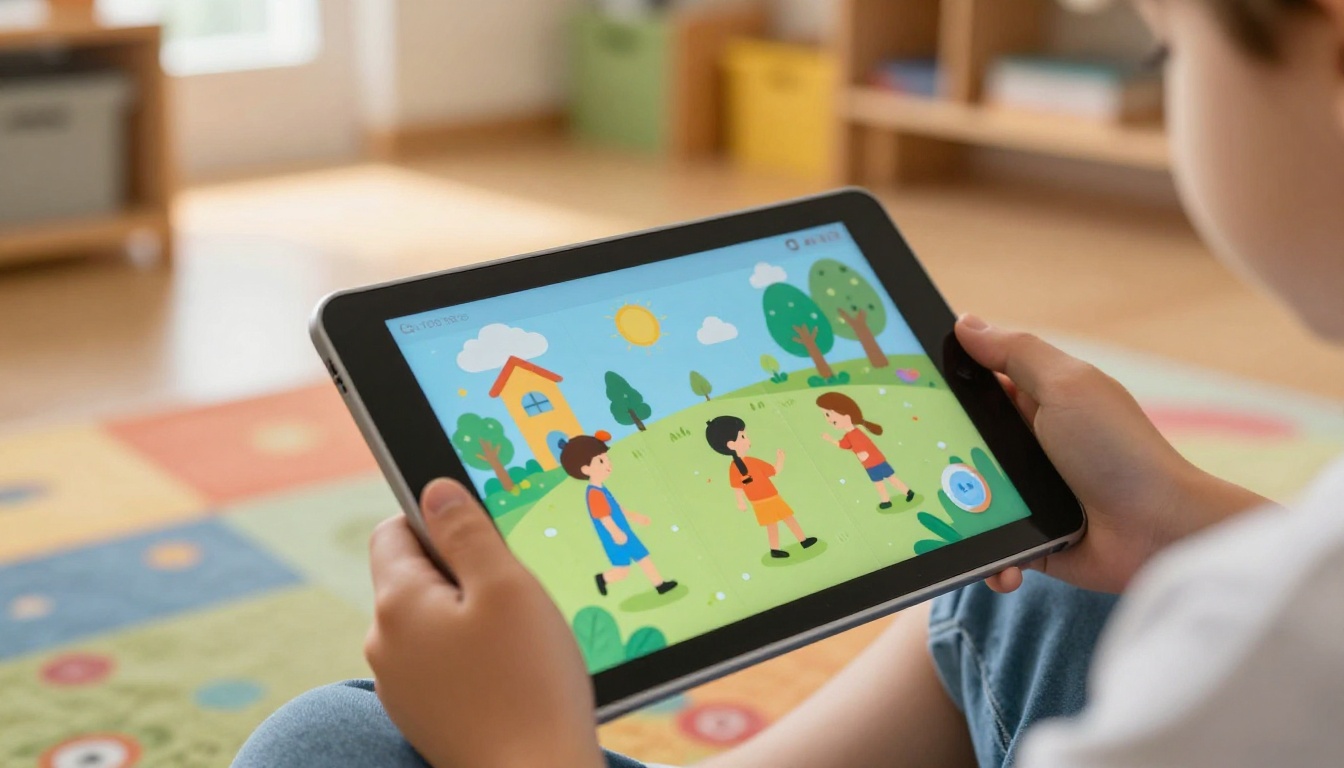
This is where most teachers expect complexity. The actual process takes less than five minutes.
Step 1: Set up your account
Head over to Flipbooks AI and sign up. No credit card required for the free tier. The dashboard is clean and immediately intuitive.
Step 2: Upload your PDF
Click the upload button and select any PDF. This can be a lesson plan, a review sheet, a newsletter, anything you have already created in any tool. Flipbooks AI converts it automatically, preserving every detail of your original layout.
Step 3: Watch the preview render
In seconds, your PDF becomes a page-turning flipbook with a realistic flip animation. Pages are rendered sharply and all your original formatting, fonts, images, and layout is preserved exactly as you designed it.
Step 4: Customize your branding
Add your school colors, logo, or class name to the flipbook header. You can adjust background colors and control whether readers see page thumbnails or a flat scroll view. Custom domain options are available on paid plans for a fully branded experience.
Step 5: Share it
Copy your direct link and paste it anywhere: your LMS, an email, a QR code, or directly on your class website. Use the embed code to drop the flipbook inline on a webpage so students read it without leaving your site.
✅ Best practice: Name your flipbooks clearly with subject, unit, and date so your library stays organized as you build more materials over time.
Step 6: Track who reads it
If you upgrade to the Professional plan, you get access to analytics showing how many times each flipbook was opened, how long readers stayed, and which pages got the most attention. For a teacher, this data is genuinely useful. It shows which parts of your review sheet students re-read versus which sections they skip, informing how you structure future materials.

Flipbook Plans: What Teachers Actually Need
Most teachers will find everything they need in the Standard plan. Here is an honest breakdown of what each tier offers:
| Feature | Free | Standard | Professional |
|---|
| Flipbooks | 3 | Unlimited | Unlimited |
| Watermarks | Yes | No | No |
| Password Protection | No | Yes | Yes |
| Analytics | No | No | Yes |
| Lead Generation Forms | No | No | Yes |
| Offline Downloads | No | Yes | Yes |
| Custom Branding | No | Yes | Yes |
| Embed on Website | Limited | Yes | Yes |
| Video and Audio Embed | No | Yes | Yes |
⚠️ Worth noting: The free plan adds a Flipbooks AI watermark to every flipbook. For professional classroom use, the Standard plan removes branding entirely and lets you create as many flipbooks as you need for the full year.
For teachers who want to share reading materials, review sheets, and newsletters without any limits, the Standard plan is the practical choice. The Professional plan makes sense for department heads, curriculum coordinators, or teachers who want real data on student attention patterns. Check all options on the pricing page.
3 Common Mistakes Teachers Make With Digital Materials
Sending Files Instead of Links
Attaching PDFs to emails creates version control chaos. When you update the material, you have to send another email and hope students open the right one. With a flipbook, the link stays the same and always shows the latest version automatically. This alone removes more administrative friction than most teachers realize until they experience it firsthand.
Ignoring Mobile Users
More than half of students and most parents check school communications on their phones. A PDF that requires downloading and zooming is a barrier. A flipbook that opens instantly in a mobile browser and flows naturally on any screen size is the default behavior, not a premium feature. Every flipbook created on Flipbooks AI is fully mobile-responsive out of the box.
Treating Every Document the Same
Not every classroom document needs to be a flipbook. Quick instructions, attendance sheets, and internal planning notes are fine as standard files. The sweet spot is any document meant to be read as content, not filled in or processed. Review sheets, newsletters, reading materials, unit overviews, student portfolios: these are the formats that benefit most from the flipbook treatment.
Creative Uses Nobody Talks About
Student Portfolios
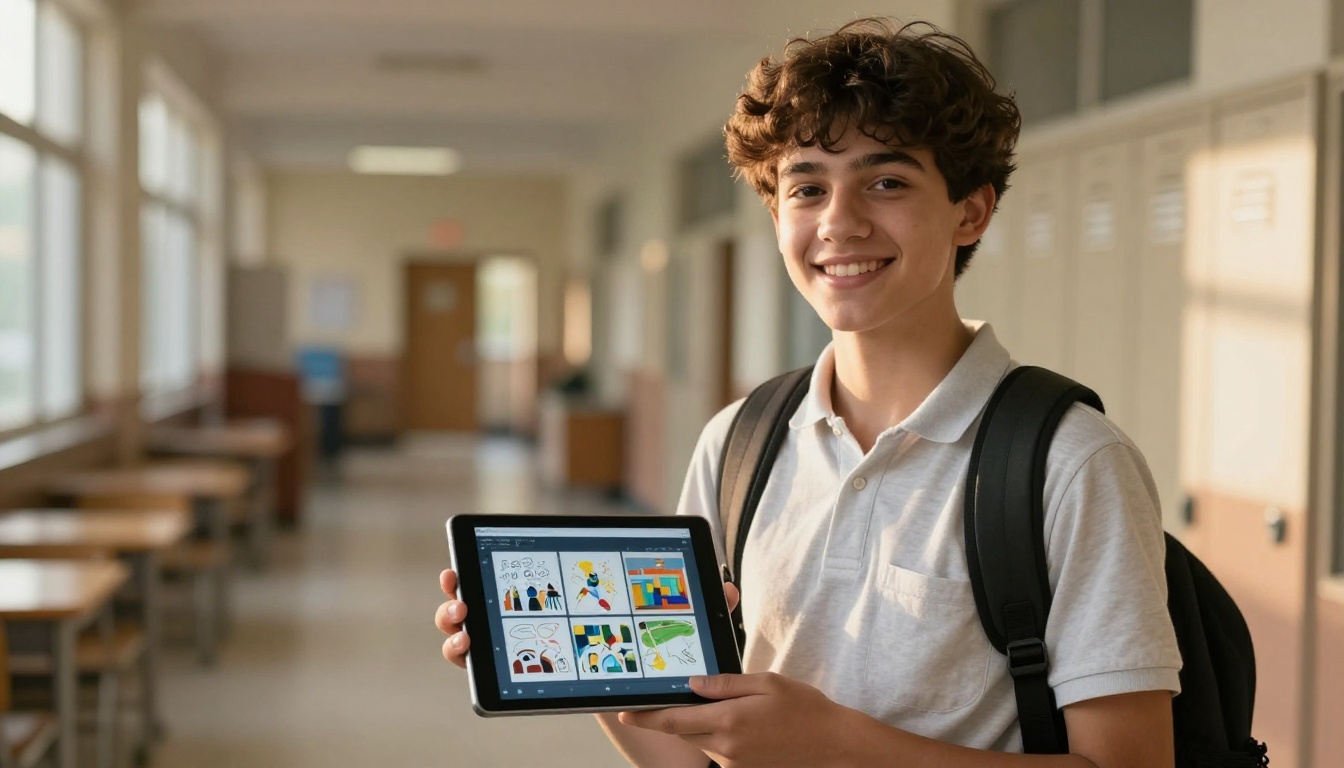
At the end of a semester or school year, a student portfolio flipbook is something students are genuinely proud to share. It is different from a folder of files. It feels like a real publication. Use the Digital Portfolio Creator tool to compile student work into a format that parents can share with relatives and students can include in future applications. It carries a weight that a Google Drive folder simply does not.
Field Trip Summaries
After a field trip, students write summaries and teachers compile photos. Turn that combined output into a flipbook. It becomes a record students revisit throughout the year, a communication asset for parents who were not there, and a showcase piece for the school's social media channels. No printing required, and it lives online permanently.
Interactive Class Yearbooks
The Yearbook Flipbook Maker tool turns end-of-year memories into something digital, shareable, and permanent. Students do not lose it in a move or during summer break. Parents can share it with family. And unlike a printed yearbook, the Professional plan lets you embed audio clips, video highlights, and other media directly into the pages.
Not every flipbook platform is built with educators in mind. Here is how the main options compare on the features that matter most for classroom use:
| Factor | Flipbooks AI | General PDF Converters | Presentation Tools |
|---|
| Page-turning animation | Yes | Rarely | No |
| No watermark (paid) | Yes | Varies | No |
| Password protection | Yes | Rarely | No |
| Embed on class website | Yes | Rarely | Sometimes |
| Mobile-responsive | Yes | Sometimes | Yes |
| Analytics (paid) | Yes | Rarely | Limited |
| Audio and video embed | Yes | No | Yes |
| Unlimited flipbooks | Yes (Standard+) | Varies | N/A |
| Education-specific tools | Yes | No | No |
The education-specific tools available through Flipbooks AI are what separate it from generic converters. Tools for training materials, course content, school newsletters, and yearbooks are built around workflows teachers actually use, not generic business scenarios retrofitted for classrooms. When you browse the tools directory, you will see purpose-built options for almost every type of classroom material you produce.
Time to Try It for Yourself
Every teacher who has tried making a flipbook says the same thing: they wish they had started sooner. The format is not complicated to create. The results on student attention, parent communication, and overall material quality are real and immediate. And the time you stop spending on printing, distributing, and re-sending updated files adds up fast over a school year.
The best time to make your first flipbook is before your next unit. Take one document you were planning to print, upload it to Flipbooks AI, and send the link instead. Watch what happens to the way students and parents interact with it compared to a PDF or paper handout.
Ready to stop printing and start publishing? Create your free account and make your first flipbook in under five minutes. Browse all education tools to find what fits your classroom best. And when you are ready for unlimited flipbooks, analytics, and full branding control, check the available plans to find the right fit for your school year.



