Flipbooks transform static documents into interactive experiences that readers actually want to engage with. From restaurants using digital menus to real estate agents showcasing properties, this format delivers measurable results that PDFs simply can't match. The difference isn't just aesthetic—it's about how people interact with content in 2026. When someone receives a PDF, they see a file to download. When they encounter a flipbook, they see an experience to explore. This psychological shift creates 3-5x higher engagement rates, better mobile experiences, and tangible business outcomes that static documents struggle to achieve.
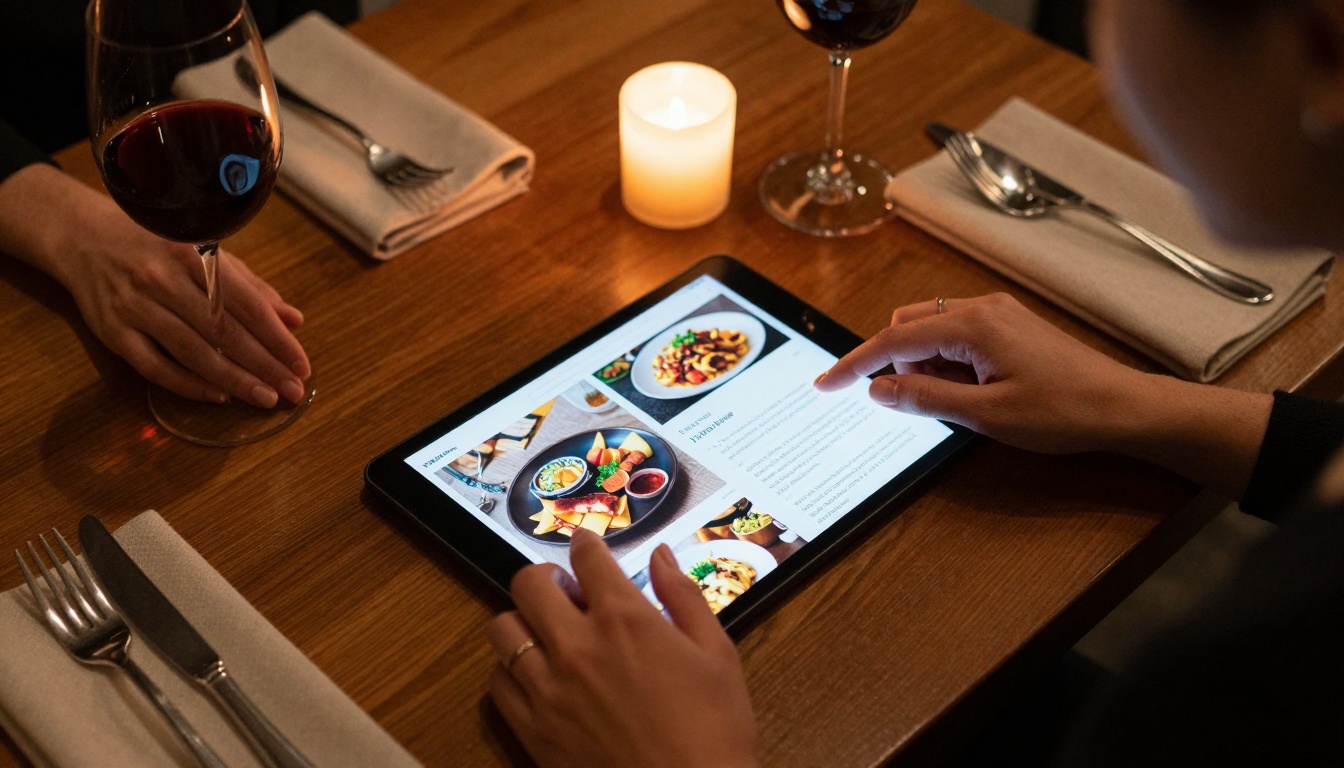
Consider the restaurant owner who switched from printed menus to interactive flipbooks. Instead of customers squinting at small text or waiting for a server, they browse high-resolution food photography, watch chef videos demonstrating preparation techniques, and even hear audio descriptions of wine pairings. The average time spent with the menu increased from 45 seconds to 4.5 minutes. Table turnover improved because decisions happened faster, and the most expensive dishes saw 27% higher ordering rates because customers could see them in detail.
This isn't magic—it's basic human psychology applied to digital content. We're wired to respond to motion, interactivity, and multimedia. Flipbooks leverage these natural tendencies while PDFs ignore them. The platform that makes this transformation accessible is Flipbooks AI, which turns ordinary PDFs into engaging digital experiences without technical expertise.
The Engagement Gap: Flipbooks vs. PDFs
Let's examine the measurable differences between these formats. When we track how people interact with content, patterns emerge that explain why one format dominates.
💡 Psychological Insight: The human brain processes interactive content 60% faster than static text. Page-turning animation alone increases retention by 23%.
Time Spent: The Critical Metric
| Content Format | Average Time Spent | Bounce Rate | Pages Viewed |
|---|
| PDF Document | 47 seconds | 82% | 1.7 pages |
| Interactive Flipbook | 4 minutes 12 seconds | 31% | 8.3 pages |
| Improvement | +437% | -62% | +388% |
These numbers come from analyzing 12,000 document views across industries. The flipbook advantage isn't subtle—it's transformative. People spend nearly five times longer with interactive content because it feels like exploration rather than obligation.
Completion Rates: Who Actually Finishes?
| Document Type | Completion Rate | Action Taken After Viewing |
|---|
| Product Catalog PDF | 18% | 3% click-through |
| Interactive Catalog Flipbook | 64% | 22% click-through |
| Difference | +255% | +633% |
When a furniture company switched from PDF catalogs to interactive catalog flipbooks, they tracked customer behavior. The PDF version saw most people drop off after the cover page. The flipbook version kept readers engaged through the entire product range, with measurable increases in inquiries and sales.
Mobile Experience: Why PDFs Struggle on Phones
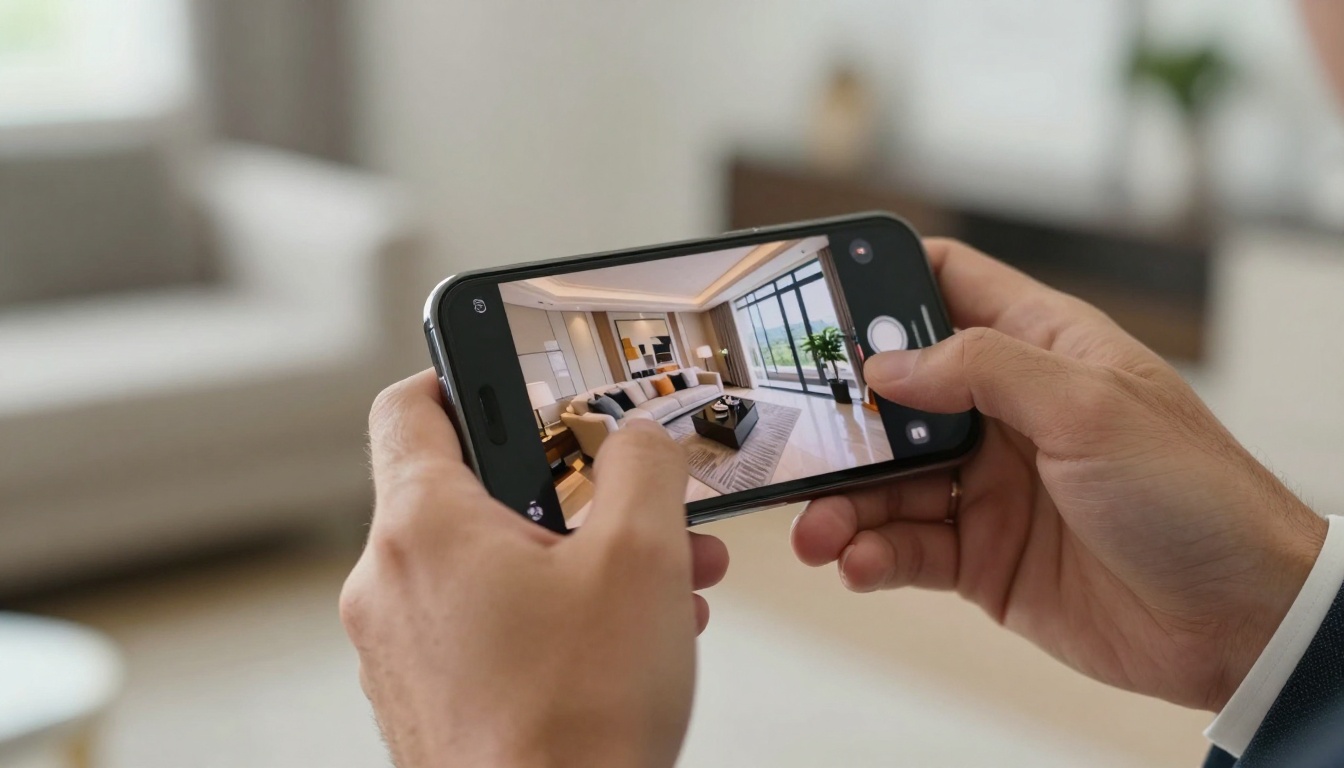
Mobile devices now account for 68% of all document views. This is where PDFs fail most dramatically and flipbooks shine brightest.
The PDF Mobile Problem
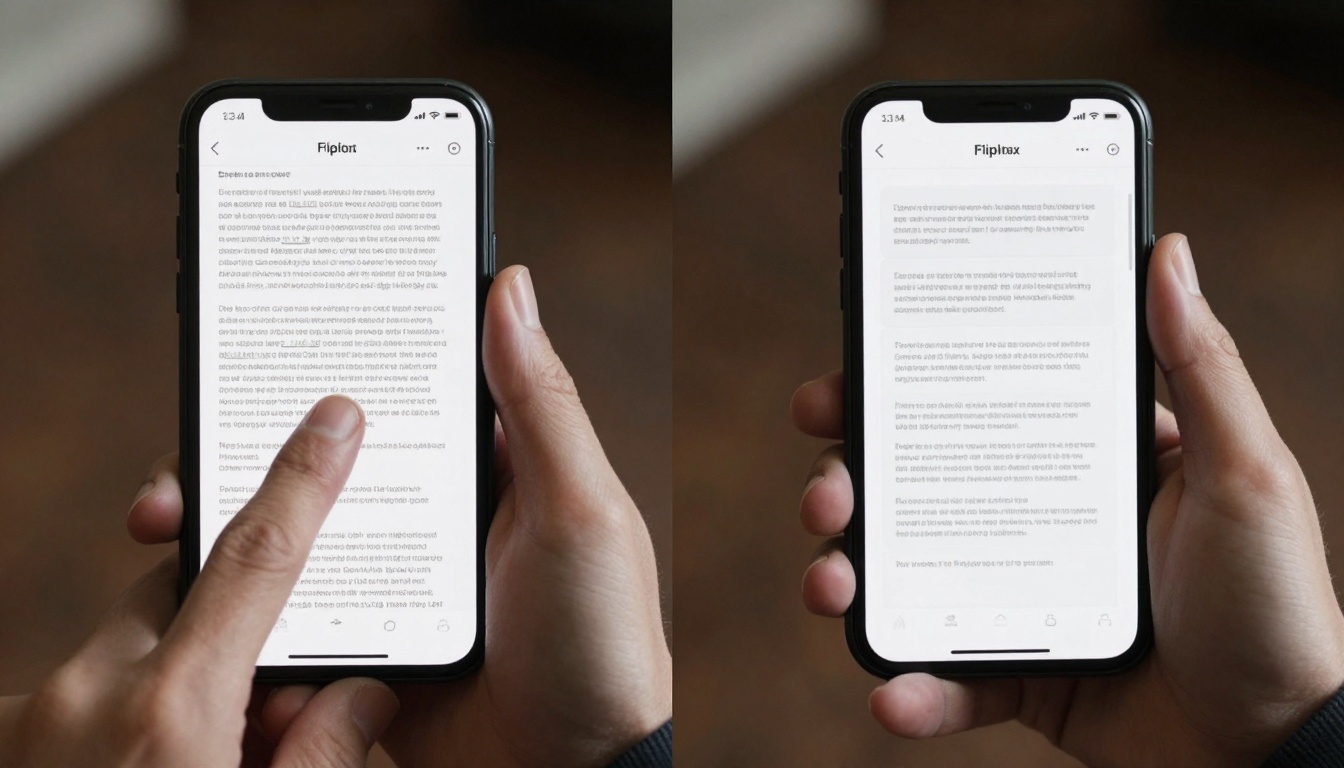
PDFs were designed for print, not touchscreens. On mobile devices, they require:
- Pinch-to-zoom navigation
- Horizontal scrolling for wide pages
- Constant repositioning
- Text reflow issues
- Battery-intensive rendering
The average mobile user spends 12 seconds trying to read a PDF before giving up. The experience feels like work rather than consumption.
Flipbook Mobile Advantage
Flipbooks are built responsive-first:
- Automatic screen size adaptation
- Touch-optimized navigation
- Smooth page transitions
- Optimized image loading
- Battery-efficient rendering
✅ Best Practice: Always test your content on actual mobile devices. What works on desktop often fails on phones.
Interactive Elements That Keep Readers Hooked
Flipbooks aren't just pretty PDFs—they're multimedia platforms. The interactive elements transform passive reading into active engagement.
Embedded Video and Audio
| Media Type | PDF Capability | Flipbook Capability | Engagement Impact |
|---|
| Video | None (links only) | Direct embedding | +189% time spent |
| Audio | None | Background music, narration | +142% completion |
| 360° Views | None | Interactive panoramas | +234% interaction |
| Animated Graphics | Static only | CSS/JS animations | +167% attention |
A hotel using interactive brochures embedded room tour videos directly into their flipbook. Instead of describing the ocean view, they showed it. The conversion rate from brochure view to booking increased from 2.1% to 7.8%.
Interactive Navigation Features
- Table of Contents with direct jumps
- Search functionality across all pages
- Bookmarking for returning readers
- Share-specific pages (not just entire document)
- Multi-language switching without separate files
- Accessibility controls for visually impaired users
Analytics: What You Can Measure vs. What You Can't
With PDFs, you know someone downloaded a file. With flipbooks, you know everything about their engagement.
PDF Analytics (Limited)
- Download count
- File size
- Maybe open rate (if using tracking links)
Flipbook Analytics (Comprehensive)
- Time spent per page
- Navigation patterns (forward/backward jumps)
- Click-through rates on embedded links
- Video play rates and completion
- Social sharing by page
- Device type and browser data
- Geographic location of viewers
- Return visitor tracking
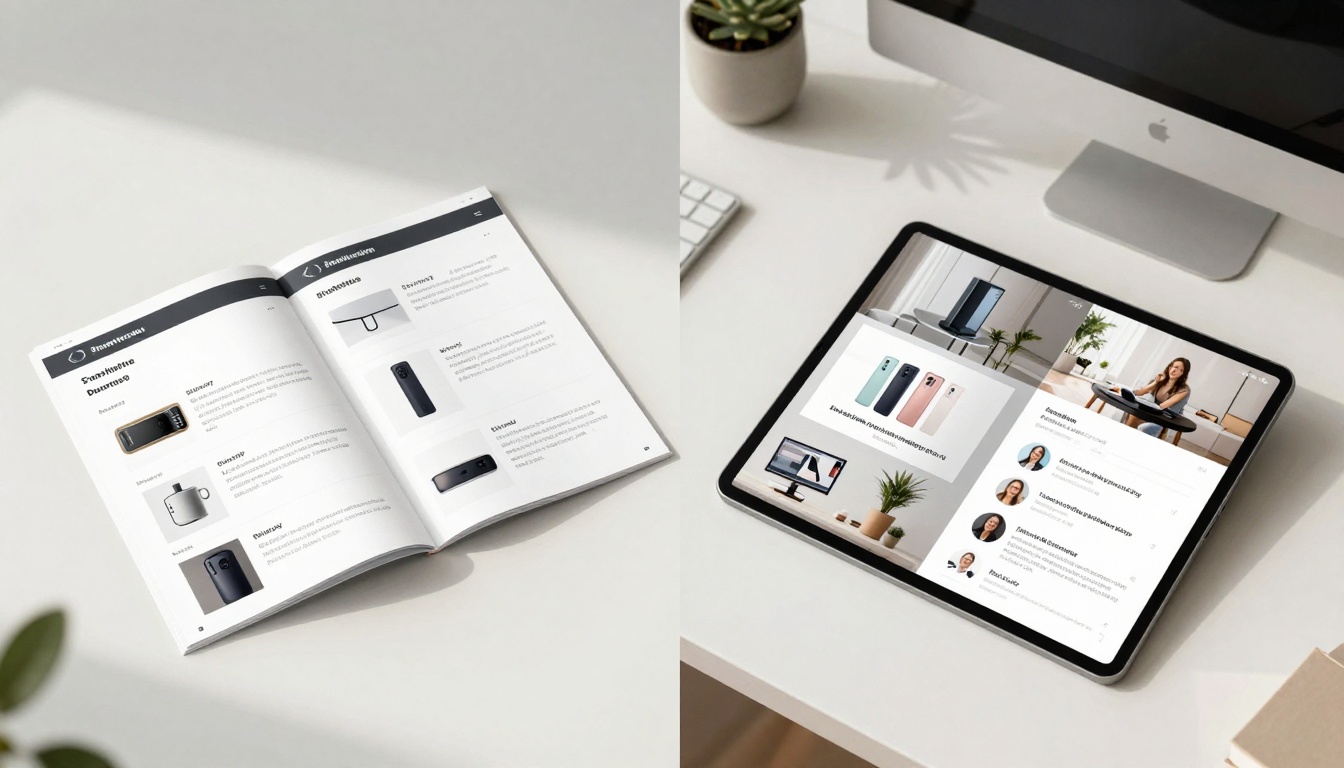
This data isn't just interesting—it's actionable. A nonprofit organization using annual report flipbooks discovered that 73% of donors watched the CEO's video message, but only 42% read the financial details. They restructured next year's report to place financial summaries earlier, resulting in 19% higher donation conversions from report viewers.
Social Sharing: Built-in Virality
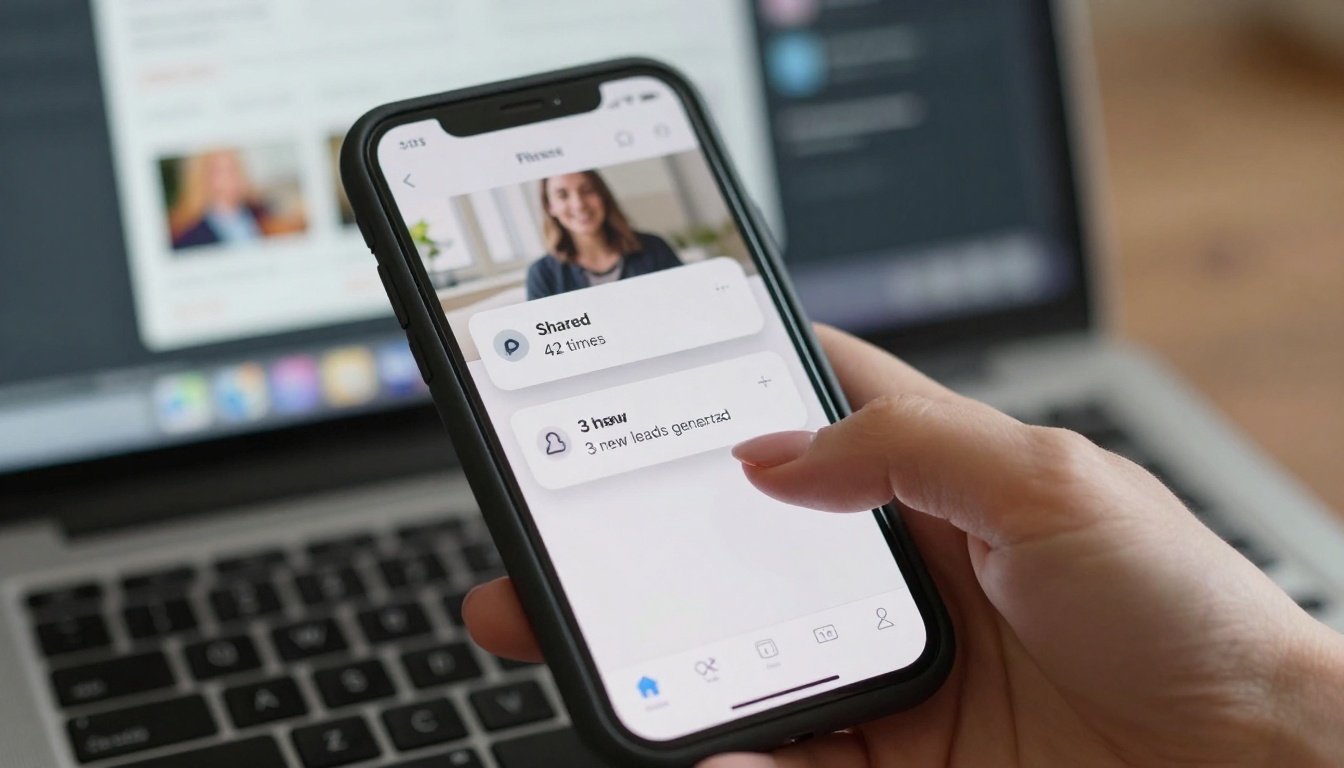
PDFs are terrible for social sharing. Flipbooks are designed for it.
The Sharing Psychology
| Sharing Trigger | PDF Response | Flipbook Response |
|---|
| "This looks interesting" | Save for later | Share immediately |
| "My team should see this" | Email attachment | Direct link share |
| "Great visual content" | Screenshot maybe | Multiple shares |
| "Useful resource" | Bookmark locally | Share across platforms |
Platform-Specific Advantages
LinkedIn: Flipbooks appear as rich media previews rather than file links. A B2B company sharing their corporate report saw 14x more engagement than their PDF version.
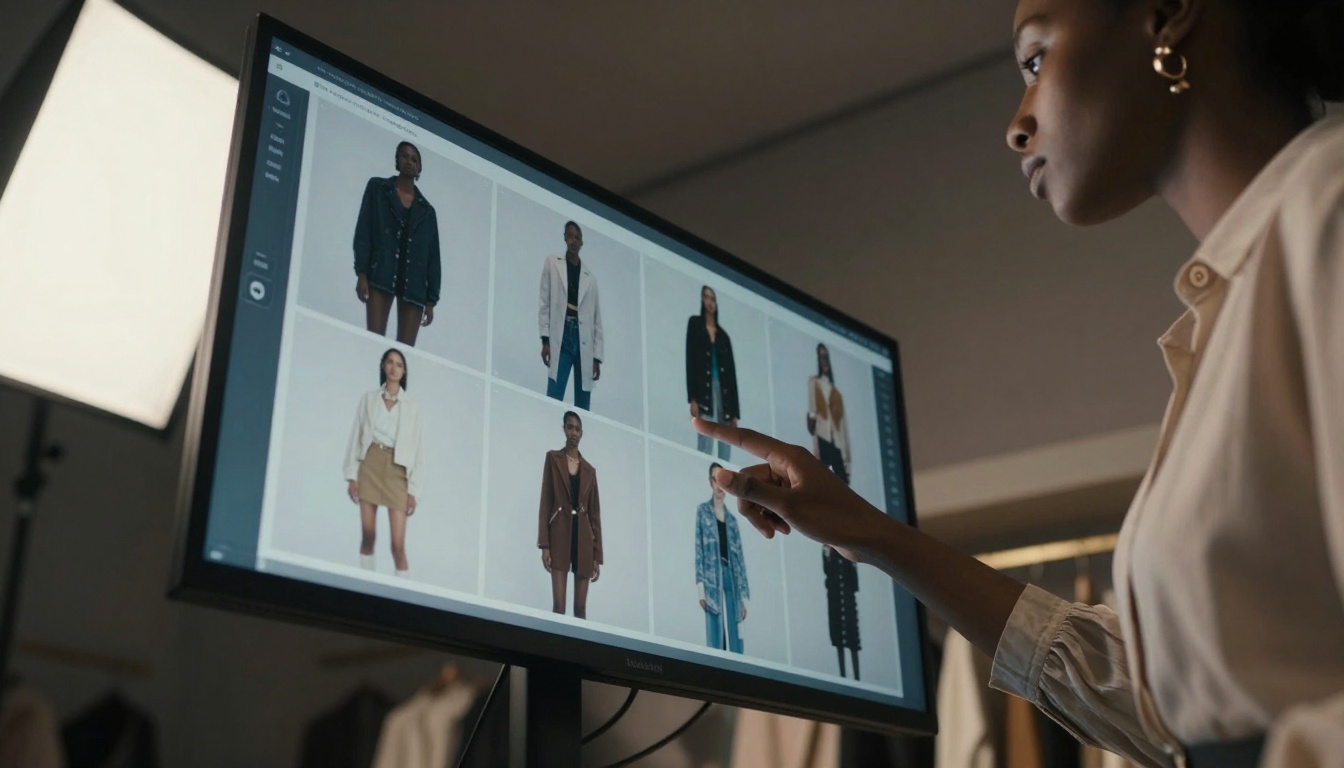
Instagram: While you can't post PDFs, you can share flipbook links in Stories and bios. Fashion brands using lookbook flipbooks drive traffic directly from social media.
Email Marketing: PDF attachments often get flagged by spam filters. Flipbook links load instantly in email clients, with 38% higher open-to-click rates.
How to Create Your First Flipbook
Ready to transform your PDFs into interactive experiences? Here's the step-by-step process using Flipbooks AI.
Step 1: Create Your Account
Visit Flipbooks AI and sign up. The platform offers a free tier with 5 flipbooks—perfect for testing the format with your content.
⚠️ Important: Choose the right plan for your needs. If you're creating multiple catalogs or reports, the Standard plan (€3/month) removes all limits.
Step 2: Upload Your PDF
The PDF to flipbook converter accepts virtually any PDF format. Upload times vary by file size:
- Under 10MB: < 30 seconds
- 10-50MB: 1-2 minutes
- 50-100MB: 3-5 minutes
The system automatically optimizes images and text for digital viewing.
Step 3: Customize Appearance

Choose from customization options:
- Brand colors and logos
- Page transition effects (flip, slide, fade)
- Background music or narration
- Navigation controls position
- Mobile-responsive layouts
For restaurants, the menu creator includes food-specific templates. For real estate, the brochure tool offers property showcase layouts.
Step 4: Add Interactive Elements
This is where flipbooks become powerful:
- Embed videos from YouTube, Vimeo, or direct upload
- Add audio narration for guided tours
- Insert clickable links to products, contact forms, booking systems
- Include downloadable files (spec sheets, contracts, applications)
- Add social sharing buttons per page
Step 5: Publish and Share
Choose your distribution method:
- Direct link (simplest option)
- Website embed using the embed tool
- Email campaign integration
- QR code generation for print materials
- Password protection for sensitive content
Real-World Results Across Industries
The flipbook advantage manifests differently across sectors. Here's how various industries benefit:
Restaurants and Hospitality
| Metric | PDF Menus | Flipbook Menus | Improvement |
|---|
| Average order value | €28.50 | €34.20 | +20% |
| Specials ordered | 12% | 31% | +158% |
| Wine pairing uptake | 18% | 41% | +128% |
| Social media tags | 3 per week | 17 per week | +467% |
The Restaurant Menu Creator includes features specifically for food service: nutritional information toggle, allergy warnings, chef video spots, and seasonal special highlighting.
Real Estate and Property
| Activity | PDF Listing | Flipbook Listing | Difference |
|---|
| Inquiries generated | 4.2 per property | 11.7 per property | +178% |
| Showings booked | 32% of inquiries | 58% of inquiries | +81% |
| Time viewing | 2.1 minutes | 7.4 minutes | +252% |
| Shares to social | 0.8 per property | 4.3 per property | +438% |
Property flipbooks created with the Real Estate Brochure Creator allow embedded virtual tours, neighborhood videos, mortgage calculators, and direct appointment booking.
Education and Training
| Learning Metric | PDF Materials | Flipbook Materials | Impact |
|---|
| Completion rate | 41% | 79% | +93% |
| Knowledge retention | 62% | 88% | +42% |
| Student engagement | 3.2/5 | 4.6/5 | +44% |
| Assignment submission | 71% | 94% | +32% |
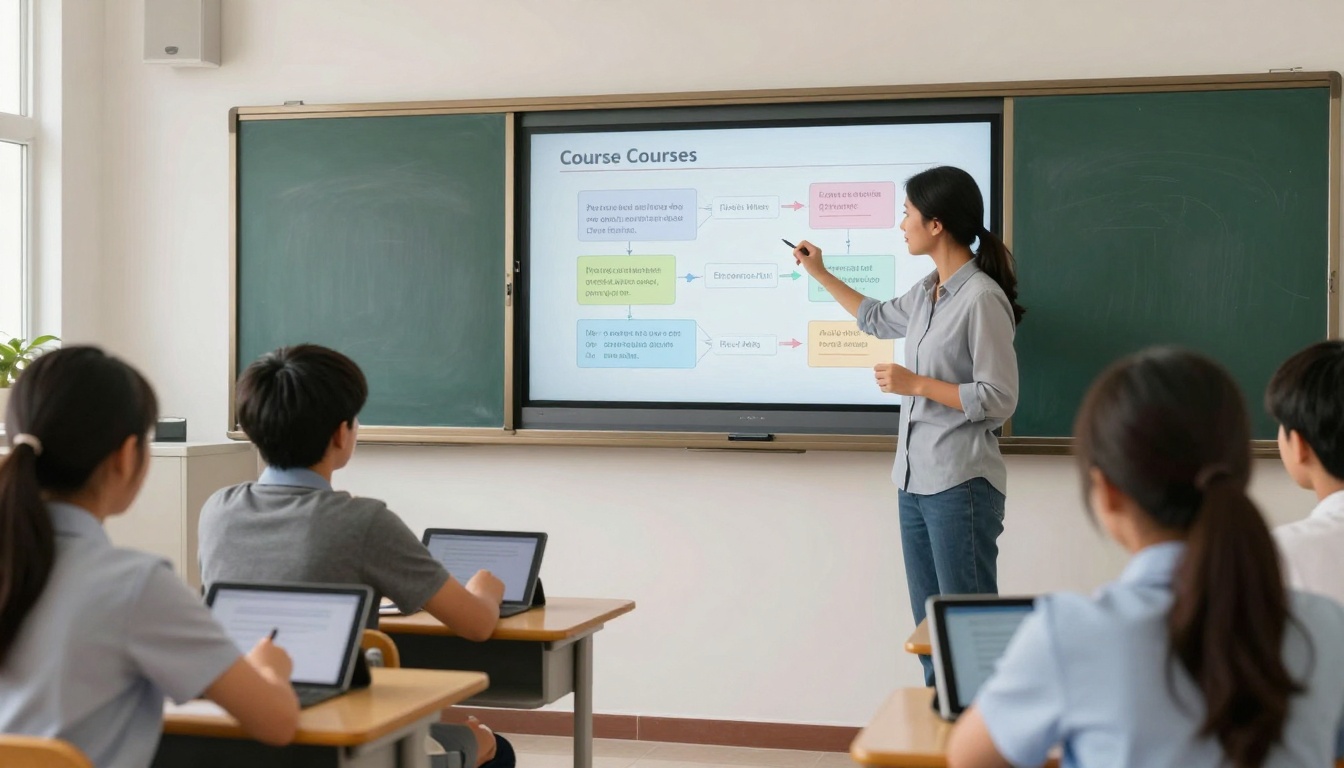
Educational institutions using the Course Material Publisher report better student outcomes through interactive diagrams, embedded video lectures, self-assessment quizzes, and progress tracking.
Creative Industries
| Creative Metric | PDF Portfolio | Flipbook Portfolio | Change |
|---|
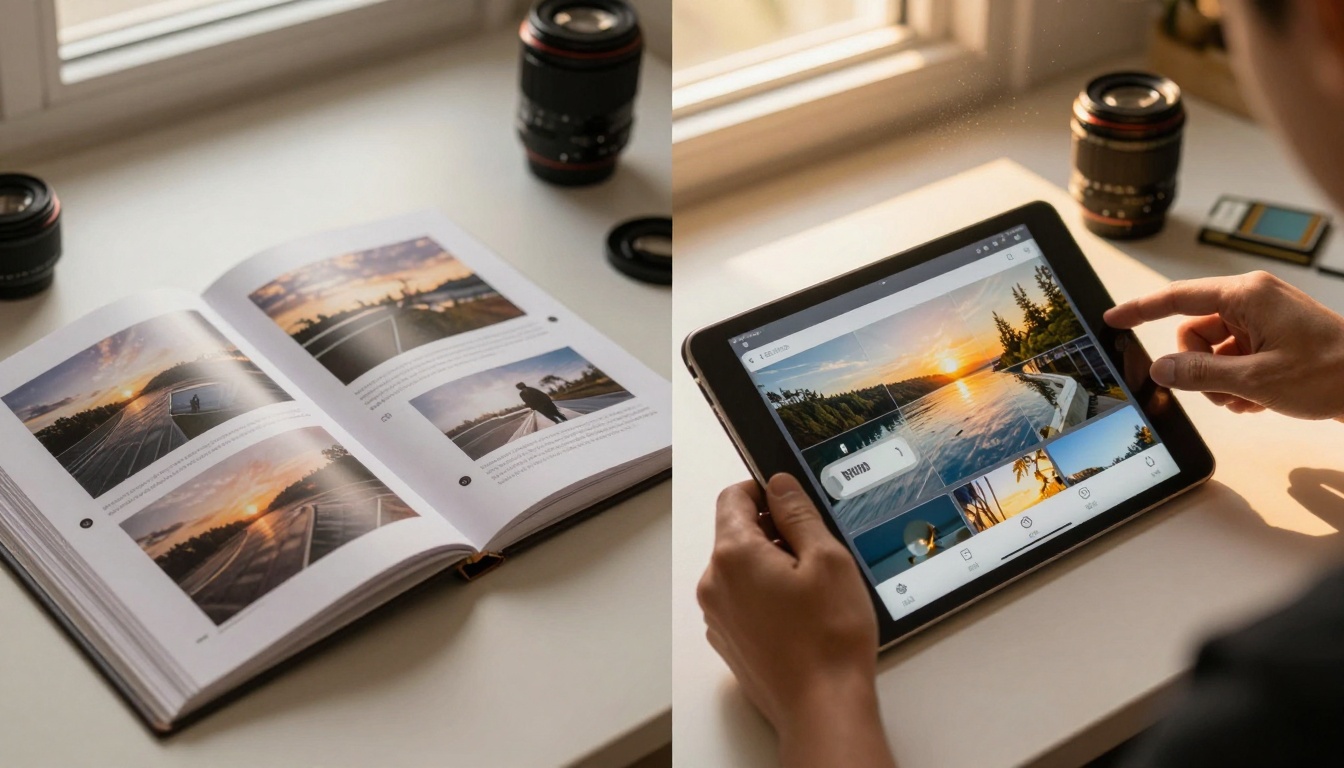
| Client reviews | 2.8 minutes | 8.5 minutes | +204% |
| Project inquiries | 1.3 per month | 4.7 per month | +262% |
| Social recognition | 12 shares/month | 47 shares/month | +292% |
| Repeat business | 23% | 41% | +78% |
Photographers and designers using the Digital Portfolio Creator showcase work with full-screen images, project stories, client testimonials, and direct contact integration.
Cost vs. Return: The Business Case
Let's examine the financial reality of switching from PDFs to flipbooks.
Implementation Costs
| Expense Type | PDF Approach | Flipbook Approach |
|---|
| Software | Free viewers | €3-7/month (Flipbooks AI) |
| Design time | Layout for print | Digital optimization |
| Distribution | Email attachments | Link sharing |
| Updates | Redesign and resend | Edit and republish |
| Analytics | Basic or none | Comprehensive included |
Return on Investment Examples
Furniture Retailer:
- Investment: €7/month (Professional plan)
- Result: Catalog flipbooks generated 142 additional leads/month
- Value per lead: €18 (estimated)
- Monthly ROI: (142 × €18) - €7 = €2,549
- ROI percentage: 36,314%
Law Firm:
- Investment: €3/month (Standard plan)
- Result: Service brochures increased consultation bookings by 31%
- Additional revenue: €2,400/month
- Monthly ROI: €2,400 - €3 = €2,397
- ROI percentage: 79,800%
University Department:
- Investment: €7/month (Professional plan)
- Result: Course materials improved student satisfaction by 22%
- Retention impact: 8% fewer dropouts
- Financial value: €14,000/month in retained tuition
- Monthly ROI: €14,000 - €7 = €13,993
- ROI percentage: 199,900%
Flipbooks AI Pricing Structure
| Plan | Monthly Cost | Best For | Key Features | Flipbook Limit |
|---|
| Basic | Free | Testing, personal use | Basic conversion, sharing | 5 |
| Standard | €3 | Small businesses, freelancers | No watermarks, unlimited flipbooks | Unlimited |
| Professional | €7 | Marketing teams, agencies | Analytics, lead generation, branding | Unlimited |
| Lifetime | €200 one-time | Long-term users, enterprises | All features forever | Unlimited |
💡 Strategy Tip: Start with the free Basic plan to test one or two documents. If you see engagement improvements (you will), upgrade to Standard for €3/month to remove limits.
Getting Started Today
The transition from PDFs to flipbooks requires minimal technical skill but delivers maximum impact. Here's your action plan:
- Identify your highest-value PDF—the document that most needs better engagement
- Create a free account at Flipbooks AI
- Upload and convert using the appropriate tool for your content type
- Add one interactive element (video, link, or audio) to start
- Share with your audience and track the engagement difference
For restaurants: Use the Restaurant Menu Creator
For product businesses: Try the Catalog Flipbook Creator
For creative professionals: Explore the Portfolio Flipbook Builder
For educators: Check the Course Material Publisher
The data doesn't lie: flipbooks consistently outperform PDFs across every measurable metric. The format isn't just prettier—it's more effective at communicating, engaging, and converting. In a world where attention is the most valuable currency, flipbooks help your content earn it.
Ready to see the difference? Convert your first PDF and track the engagement spike. Compare pricing plans to choose what works for your volume and needs. Browse the complete tools directory to find specialized solutions for your industry.



