PDF files have been the default format for digital documents for decades. But there's a quiet shift happening in how Google evaluates and ranks content, and the numbers tell a clear story: flipbooks consistently outperform PDFs in organic search. If you've been publishing catalogs, brochures, or reports as PDF files and wondering why your traffic stays flat, the answer likely lives in how search engines process your content format. Flipbooks AI is built precisely to close this gap.
How Google Reads Your Content
Google's crawlers are sophisticated, but they still have preferences. When a bot visits your page, it looks for structured, accessible HTML content it can parse and understand. PDFs present a friction point that HTML-based content never faces.
What Google Can and Cannot Index in PDFs
Google can technically index PDFs. It reads the text inside them and may show them in search results. But the keyword is "may." PDF indexing is inconsistent, limited, and subject to technical constraints.
Here's what Google's own documentation confirms about PDF limitations:
- No structured heading hierarchy: PDFs don't natively communicate H1, H2, and H3 structure to crawlers the way HTML does.
- No embedded metadata: While PDFs support title and author fields, they don't carry the rich SEO metadata (canonical tags, Open Graph, schema markup) that HTML pages can.
- Rendering dependency: Google must render the PDF to read it, which adds processing overhead. Some PDFs are image-based and return zero indexable text.
- No section-level URLs: A 40-page PDF is one URL. A flipbook can be one URL or multiple, with each section independently discoverable.
💡 Pro tip: If your content is currently a PDF, every page of value is practically invisible to Google's ranking systems from a technical signals perspective.
Flipbooks Are HTML at Their Core
When you convert a PDF to a flipbook using Flipbooks AI, the resulting output is a fully rendered web page. Each page becomes crawlable HTML. The text inside your catalog, brochure, or report is now:
- Wrapped in semantic tags
- Indexed page by page
- Eligible for featured snippets and rich results
- Rankable for long-tail keywords embedded throughout your content
This single structural difference accounts for a large portion of the ranking gap between the two formats.
Page Speed and Core Web Vitals
Google made it official: Core Web Vitals are a ranking signal. Three metrics matter most, and PDFs fail all of them.
Why PDFs Destroy Your Page Speed
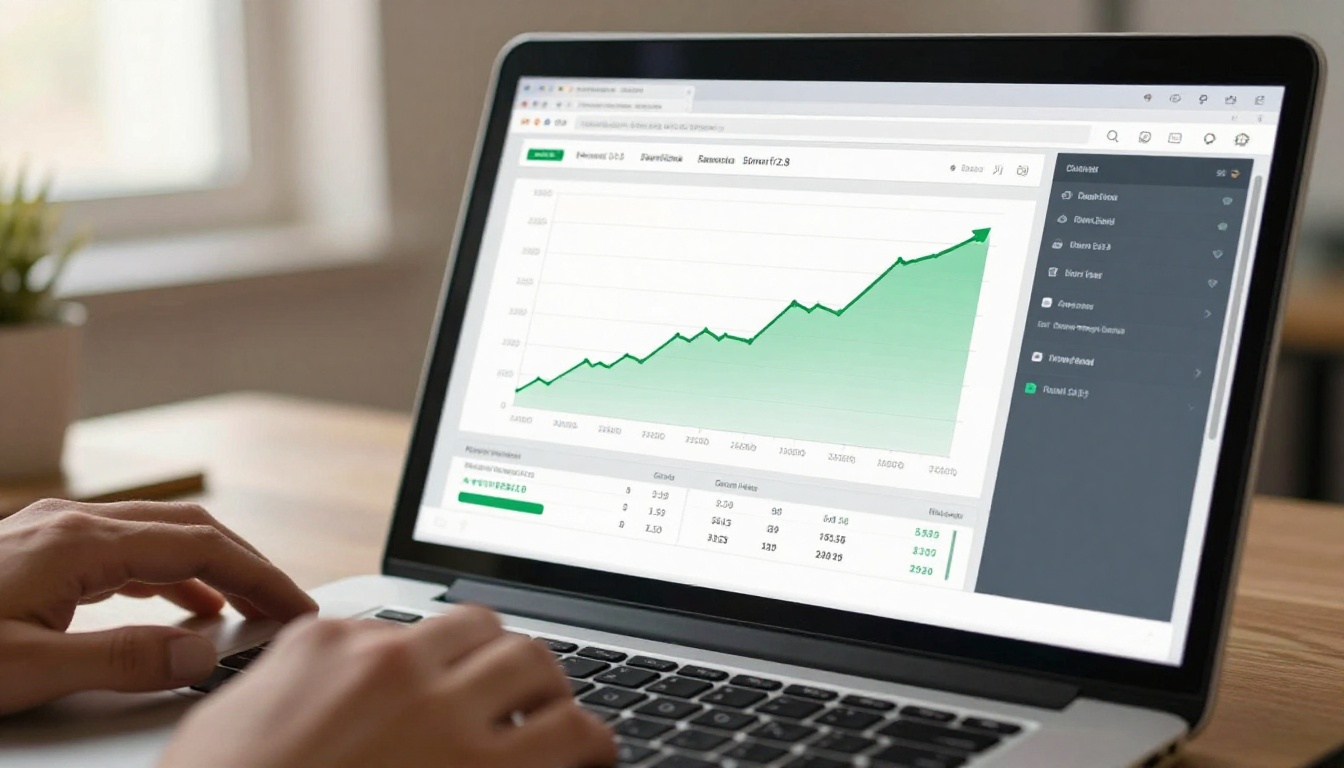
When a user clicks a link to a PDF, the browser must download the entire file before rendering begins. A 5MB product catalog PDF means 5MB must transfer before the user sees anything. On mobile, that can translate to a 10-15 second wait, a number that guarantees high bounce rates.
Flipbooks load progressively. The first page appears almost instantly while remaining pages load in the background. This approach aligns perfectly with Google's Largest Contentful Paint (LCP) expectations.
| Metric | PDF | Flipbook |
|---|
| First Contentful Paint | 3-12 seconds | Under 1 second |
| Largest Contentful Paint | Often 10+ seconds | 1-2 seconds |
| Cumulative Layout Shift | High (font render issues) | Near zero |
| Time to Interactive | Blocked until download completes | Immediate |
| Mobile PageSpeed Score | Typically 20-40 | Typically 70-95 |
The gap is not marginal. Flipbooks are categorically faster content delivery vehicles, and Google rewards that speed with ranking preference.
Bounce Rate Signals Matter
When a user opens a PDF in a browser tab, they typically scroll, close it, and return to Google. That behavior registers as a fast return to search results, which Google interprets as a signal that the content didn't satisfy the query. Flipbooks keep users in a web environment, navigating pages, clicking embedded links, and staying on the domain longer.
⚠️ Warning: High bounce rate from PDF links tells Google your content doesn't answer the search intent. That signal compounds over time and suppresses rankings.
Since 2023, Google uses mobile-first indexing for all websites. The mobile version of your content is the primary version Google uses for ranking, which makes PDF's mobile failures catastrophic for SEO.
PDFs on Mobile Are a Problem
Open a PDF on a smartphone and you'll immediately encounter:
- Pinch-to-zoom required to read any text
- No responsive layout adapting to screen width
- Native PDF viewers that break the browser back-button flow
- Zero touch-optimized navigation
- Frequent rendering failures on older Android and iOS browsers
None of these produce a positive user experience, and Google's mobile crawler captures all of it.

Flipbooks Are Built for Mobile-First
Flipbooks created through Flipbooks AI are fully responsive. Pages reflow, text is readable without zooming, and the page-turn interface is touch-optimized. Google's mobile crawler sees exactly what a mobile user sees: a fast, readable, interactive experience.
✅ Best practice: Always test your content on a mobile device before publishing. If it requires pinching or horizontal scrolling, it is actively hurting your rankings.
Backlinks, Sharing, and Domain Authority
One of the most underrated SEO differences between PDFs and flipbooks is how each format handles link equity and shareability.
PDFs Break Link Building
When someone links to your PDF, they're linking directly to a file. That link points to a .pdf URL rather than a page on your website. In many cases, PDFs are hosted on cloud storage (Google Drive, Dropbox) rather than your own domain, meaning all link equity flows to someone else's domain.
Even when a PDF is hosted on your own domain, the file doesn't accumulate social signals the way a web page does. You can't easily embed share buttons, comment sections, or calls-to-action inside a PDF.
Flipbooks Build Your Domain Authority
A flipbook hosted on your website is a web page. Every link pointing to it builds your domain authority. Every social share adds signals Google uses to evaluate the content's relevance and popularity. You can embed analytics tracking, lead capture forms, and interactive elements that increase dwell time and reduce pogo-sticking.
💡 Pro tip: When you embed a flipbook on your website using the Embed Flipbook on Website tool, both the parent page and the flipbook content contribute to your site's overall SEO strength.
HTML pages support a metadata layer that PDFs simply cannot replicate. This is where the ranking difference becomes structural, not just technical.
Side-by-Side Feature Comparison
| Feature | PDF | Flipbook |
|---|
| Title tag | Limited (document properties only) | Full control |
| Meta description | Not supported | Full control |
| Open Graph tags | Not supported | Yes, social sharing previews |
| Schema markup | Not supported | Yes, structured data for rich results |
| Canonical URLs | Not applicable | Yes |
| Hreflang tags | Not applicable | Yes, multilingual SEO support |
| Internal linking | Basic hyperlinks only | Full HTML anchor control |
| Analytics tracking | Requires PDF-specific tools | Native Google Analytics, GA4 |
This metadata layer is what allows flipbooks to appear in Google's featured snippets, rich results panels, and knowledge cards. A PDF cannot generate a rich result. A well-structured flipbook can.
Internal Linking Advantage
Every flipbook page can contain internal links to other pages on your website. A product catalog flipbook can link directly to product purchase pages. A real estate brochure flipbook can link to property listings. These contextual internal links distribute PageRank throughout your site in a way that PDFs structurally prevent.
Time on Page and Behavioral Signals
Google doesn't rank based on technical signals alone. Behavioral data plays a significant role. How long users stay on your content, how they interact with it, and whether they return to search after viewing it all feed into Google's quality assessment.
How Flipbooks Extend Dwell Time
Flipbooks are interactive by design. The page-turning animation creates an intuitive browsing experience that encourages users to keep flipping. Content that would be skimmed as a PDF becomes genuinely pleasurable to read as a flipbook.
Real-world scenarios where this matters most:
- A restaurant publishes its seasonal menu as a menu flipbook. Customers browse all pages instead of downloading a PDF they never open.
- A real estate agency creates property brochures as flipbooks using the Real Estate Brochure Creator. Buyers spend 4-6 minutes flipping through listings rather than closing a PDF after 30 seconds.
- A fashion brand produces a lookbook flipbook with the Interactive Lookbook Designer. Followers share it on social media, generating traffic that a PDF attachment could never achieve.
✅ Best practice: Convert your highest-traffic PDFs first. These are the documents where ranking improvement will have the greatest immediate impact on your business.
How to Convert Your PDFs to Ranking-Ready Flipbooks
Here's exactly how to make the switch using Flipbooks AI.
Step 1: Create Your Account
Go to Flipbooks AI and create your free account. No credit card required for the initial setup.
Step 2: Upload Your PDF
From your dashboard, click New Flipbook and upload your PDF file. The platform accepts large files and processes them in seconds. The conversion engine preserves your original design, typography, and imagery.
Step 3: Customize Your Flipbook
Once converted, customize the experience:
- Add your brand colors and logo for consistent identity
- Enable page sound effects for an authentic book-feel
- Set a custom domain so the flipbook lives on your URL, contributing to your domain's SEO authority
- Add embedded videos or audio to increase time on page
- Configure password protection if the content is gated for specific audiences

Step 4: Publish and Embed
Publish your flipbook and grab the embed code. Place it directly on your website page. This is the critical step: the flipbook must live on your domain for the SEO benefits to accrue to your site.
Step 5: Add Metadata
Before you finalize, ensure your flipbook page has:
- A descriptive page title with your target keyword
- A meta description summarizing the content
- Internal links pointing to relevant product or service pages
Step 6: Use Analytics
With the Professional plan, you gain access to analytics that show which pages users read most, how long they spend, and whether they converted. This data lets you refine your content strategy based on real behavioral signals, not guesswork.

Real-World Use Cases Where Rankings Shift Most
The ranking advantage of flipbooks over PDFs applies across industries, but some use cases see the most dramatic differences.
| Use Case | PDF Problem | Flipbook Solution |
|---|
| Product Catalogs | Not indexed, slow download | Crawlable pages, fast load, embeddable |
| Restaurant Menus | Zero mobile UX, no SEO value | Responsive, shareable, linkable |
| Real Estate Brochures | Large files, poor mobile rendering | Interactive, fast, embeds on listings |
| Annual Reports | Dense inaccessible text | Structured HTML, rich results eligible |
| Fashion Lookbooks | Static images, no social sharing | Social-ready, high interaction time |
| Training Manuals | Download barriers for users | Online-first, trackable user behavior |
Browse the full range of specialized tools at Flipbooks AI tools directory to find templates built for your specific use case, from the PDF to Flipbook Converter to specialized creators for product catalogs, restaurant menus, and corporate reports.

Flipbooks AI Features That Directly Impact Rankings
Not all flipbook platforms are equal from an SEO perspective. Here's what makes Flipbooks AI specifically effective for search performance:
- No watermarks, ever: Your content looks professional and earns credible backlinks
- Custom domain support: SEO equity stays on your domain, not a third-party subdomain
- Mobile-optimized output: Google's mobile-first crawler sees a perfect experience on every device
- Embeddable anywhere: Place flipbooks on blog posts, landing pages, or product pages to boost dwell time site-wide
- Offline access: Users can download flipbooks for offline reading without compromising your online analytics
- Lead generation forms: Capture leads directly inside the flipbook without redirecting users away from your content (Professional plan)
- Password protection: Gate premium content while maintaining its indexed web presence
Compare available plans at Flipbooks AI pricing to see which tier gives you the features your SEO strategy needs.

The Evidence Is Clear
The technical case is not ambiguous. PDFs are static file downloads with no metadata layer, poor mobile performance, inconsistent indexing, and no behavioral signal generation. Flipbooks are HTML-based web pages that load fast, render perfectly on mobile, accumulate link equity, support rich metadata, and generate the behavioral signals Google uses to determine rankings.
Every catalog, brochure, report, menu, or manual you currently publish as a PDF is a missed ranking opportunity. Converting those documents to flipbooks is one of the highest-ROI content decisions available to a digital publisher right now.
Ready to start? Create your first flipbook free on Flipbooks AI and see the difference in your traffic within weeks. Already convinced? Compare pricing plans to choose the tier that fits your publishing volume.
Browse all flipbook tools to find the right starting point for your content type.



