Paper room guides have become the hospitality industry's most overlooked problem. Hotels spend thousands printing them every year, guests ignore them within minutes of check-in, and the moment your pool hours change or a restaurant closes for renovation, every single copy in every room is instantly out of date. That is not a minor inconvenience. It is a guest experience failure hiding in plain sight. Flipbooks AI offers hotels a smarter alternative: digital, interactive room guides that guests actually use, update in real time, and cost a fraction of print.
The Real Problem With Paper Room Guides
Walk into any mid-to-upscale hotel room and you will find the same thing: a folder stuffed with laminated cards, printed menus, local attraction flyers, and housekeeping schedules. Most guests flip through it once, if at all. According to hospitality operations research, fewer than 30% of guests read printed in-room directories in full, yet hotels continue investing in them without questioning the ROI.
What Paper Guides Actually Cost You
The hidden costs of printed room materials compound fast. Here is a breakdown most hotel operators do not account for:
| Cost Category | Annual Impact per 100 Rooms |
|---|
| Initial print run | $1,200 to $3,500 |
| Quarterly reprints (seasonal and policy updates) | $800 to $2,400 |
| Staff time for distribution and replacement | $600 to $1,200 |
| Damaged or stolen items replacement | $300 to $900 |
| Design and layout updates | $400 to $1,500 |
| Total Estimated Annual Cost | $3,300 to $9,500 |
That figure does not include the opportunity cost of outdated information making guests call the front desk for answers they could find themselves.
Why Guests Stop Reading Them
It is not that guests do not want information. They do. The problem is format. A static 12-page printed folder cannot compete with the device already in every guest's hand. Digital-first travelers expect searchable, scrollable, visually rich content. A printed guide in a plastic sleeve signals: this hotel has not thought about my experience.
💡 Hotels that provide digital in-room informational materials report up to 40% reduction in front desk calls about amenities and services.
What a Digital Flipbook Room Guide Actually Is
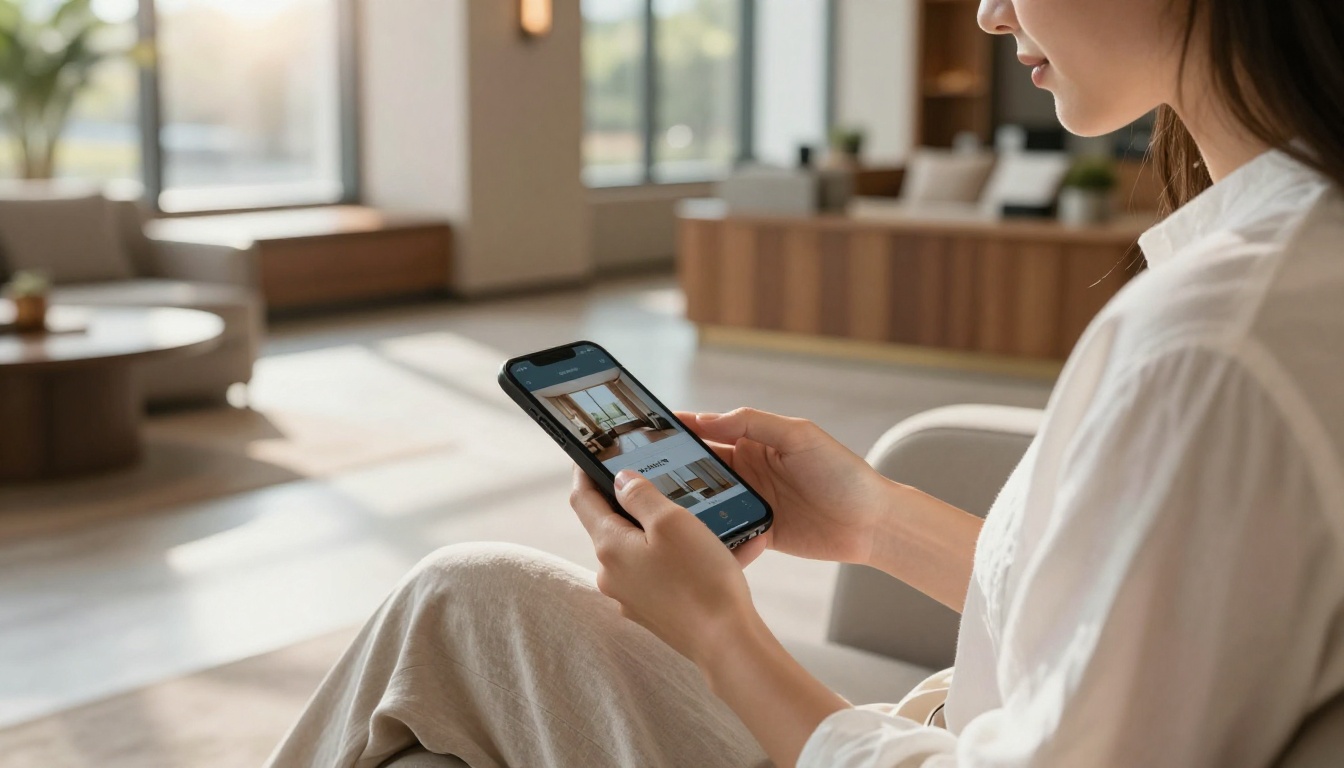
A digital flipbook transforms any PDF document into a page-turning, interactive publication that works on any device. Guests do not need to install anything. They tap a QR code on the door or nightstand, and the content opens instantly in their browser with smooth animations, clickable links, embedded videos, and real-time information.
What You Can Put Inside
A hotel flipbook is not limited to what fits on a printed page. Here is what hotels are building into their digital in-room materials:
- Room features and controls: Smart TV instructions, thermostat settings, blackout curtain operation
- Dining and menus: Full restaurant menus with photos, bar hours, in-room dining order instructions
- Spa and wellness: Treatment catalogs, booking links, pool and gym hours
- Local area: Curated neighborhood recommendations, transportation options, attraction highlights
- Hotel policies: Check-out times, pet policies, late check-out request forms
- Emergency information: Evacuation maps, emergency contacts, first-aid locations
- Loyalty programs: Points earning instructions, upgrade options, exclusive member offers
✅ Every section can be hyperlinked. Guests tap "Book a Spa Treatment" and go directly to your booking system.
5 Reasons Hotels Are Making the Switch
1. Instant Updates, Zero Reprints
When your rooftop bar closes for winter or your breakfast hours change, you update the flipbook once and every guest accessing it sees the new information immediately. No reprinting, no redistributing, no outdated copies sitting in 80 rooms waiting to be corrected.
2. Guests Actually Use Them
Digital content is the native format for modern travelers. A QR code on the nightstand or door frame invites interaction rather than demanding it. Guests who scan and browse a digital flipbook spend significantly more time with your hotel content than they ever would with a paper folder.
3. Real Analytics on Guest Behavior
This is the feature that surprises most hotel operators. With a professional digital flipbook platform, you can see which pages guests spend the most time on, which services they click through to, and which sections are being ignored. That data is worth more than any printed guest survey.
💡 If analytics show guests spend 45 seconds on the spa page but rarely book, that is a conversion problem you can now diagnose and fix with targeted content changes.
4. Sustainable and On-Brand
Sustainability is a booking decision factor for a growing segment of travelers. Eliminating printed materials is one of the most visible, tangible steps a hotel can take toward reducing waste. A digital in-room flipbook communicates that commitment without a single word of marketing copy.
5. Cost Savings That Compound Over Time
The ROI calculation is straightforward. A digital flipbook has a one-time setup cost and minimal ongoing maintenance. Compare that to the annual print budget outlined above and most hotels recoup the investment within the first quarter.
Digital vs. Paper: A Head-to-Head Comparison
The difference is not just convenience. It is an entirely different level of control over the guest experience.
| Feature | Printed Room Materials | Digital Flipbook |
|---|
| Update content | Requires full reprint | Instant, real-time |
| Cost per update | $800 to $2,400 | $0 |
| Guest interaction | Low, passive | High, interactive |
| Analytics | None | Page views, click tracking |
| Language options | One per print run | Multiple, switchable |
| Eco impact | High (paper waste) | None |
| Multimedia (video, audio) | No | Yes |
| Searchable content | No | Yes |
| QR code access | No | Yes |
| Mobile optimized | No | Yes |
| Password protection | No | Yes |
There is no scenario where a printed document outperforms a digital flipbook on functionality, cost, or guest experience quality.
Where to Place the QR Codes
One practical question hotels ask: where exactly does the guest scan to access the flipbook? The answer is anywhere with natural dwell time.
High-Impact Placement Locations
- Nightstand card: The most visited surface in the room after the bed itself
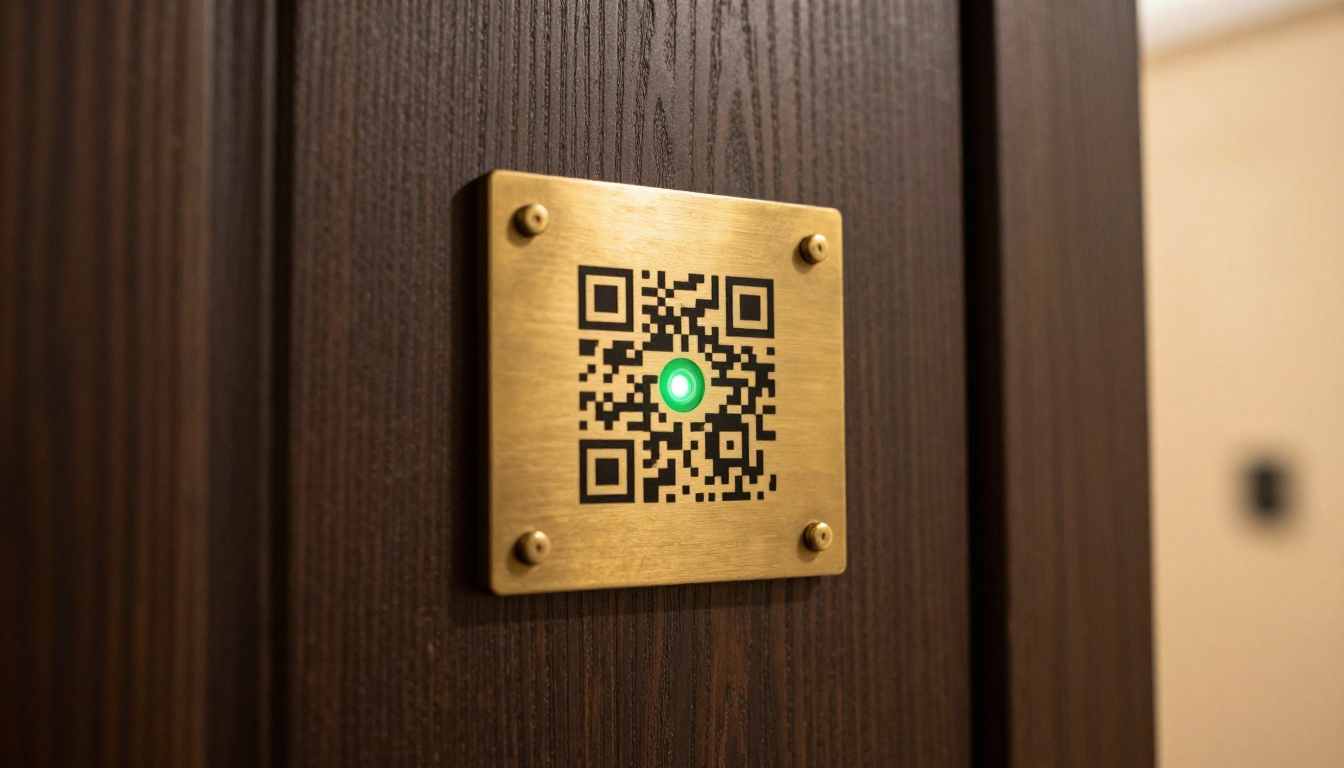
- Door frame placard: Catches attention at first entry before luggage is even unpacked
- Bathroom mirror sticker: Guests spend time here every morning, making it prime real estate
- TV screen idle message: A QR code that appears when the television is on standby
- Welcome card with key: Handed at check-in and kept throughout the entire stay
- Minibar menu card: A natural bridge between the physical minibar and the full digital dining section
⚠️ Avoid placing QR codes in low-light areas without clear signage. If it is hard to scan, it will not get used.
Room Service and Dining: The Highest-Value Use Case
Room service ordering is where digital flipbooks generate the most direct revenue impact. A traditional printed menu is static. A digital flipbook menu includes food photography, allergen filters, seasonal promotions, and a direct link to order. Hotels that have integrated digital menus into their in-room flipbooks report measurable increases in in-room dining orders, particularly for breakfast and late-night service.
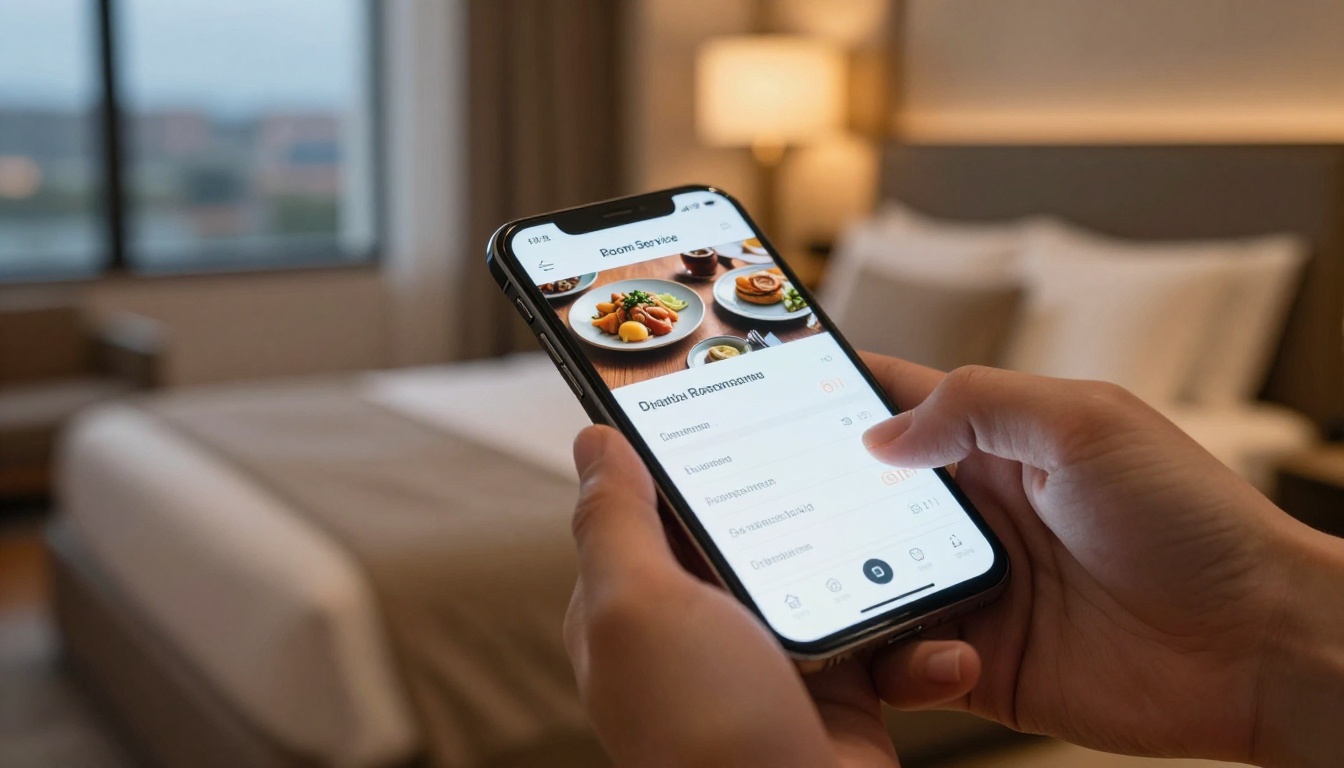
The Restaurant Menu Creator and Menu Flipbook Designer tools let hotels build beautiful, photo-rich menus that work equally well for in-room dining, the hotel restaurant, and the bar. Each section can link directly to an order form or reservation system, removing friction from the entire ordering process.
Multi-Language Support Without Reprinting
International hotels with guests from multiple countries face a costly challenge with printed materials: you either print in one language and frustrate non-speakers, or you print multiple versions and multiply your costs. Digital flipbooks eliminate this entirely. A single flipbook can include language selector buttons, allowing guests to switch between English, Spanish, French, Mandarin, and any language you serve, within the same document.
✅ Language switching in a digital flipbook takes seconds to configure and costs nothing to maintain going forward.
How to Create a Hotel Room Flipbook With Flipbooks AI
The entire setup process takes less time than placing a single print order. Here is how hotels build their digital in-room flipbooks on Flipbooks AI:
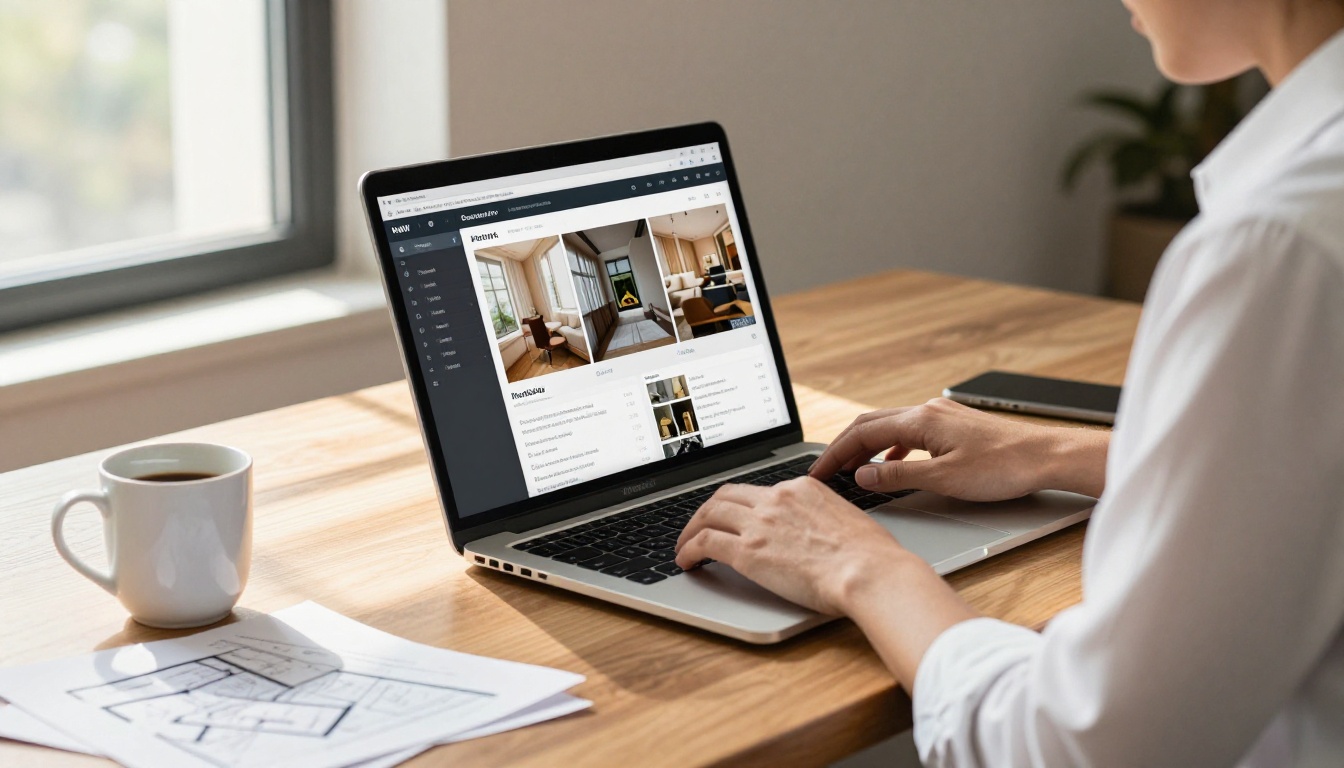
Step 1: Create Your Account
Go to flipbooksai.com/account and sign up. The Standard plan provides unlimited flipbooks with no watermarks, which is the right starting point for most hotel operations.
Step 2: Prepare Your PDF
Design your room flipbook in any design tool (Canva, Adobe InDesign, PowerPoint) and export it as a PDF. Structure it like a magazine: cover page, table of contents, then individual sections for dining, amenities, spa, local area, and hotel policies.
💡 Use the Hotel Brochure Designer for a purpose-built template that converts to flipbook format perfectly and includes hospitality-specific layouts.
Step 3: Upload and Convert
Upload your PDF to Flipbooks AI. The platform converts it to an interactive flipbook with page-turn animations automatically. The PDF to Flipbook Converter handles files of any size with no quality loss on images or typography.
Step 4: Customize Your Branding
Apply your hotel's brand colors, upload your logo, and set a custom domain so the flipbook lives at a URL like rooms.yourhotel.com/guide. This level of branded polish makes the experience feel native to your property, not a third-party tool.
Step 5: Add Interactive Elements
This is where digital flipbooks separate themselves from a simple PDF viewer. Add:
- Clickable links to your spa booking system, restaurant reservations, and loyalty program portal
- Embedded videos showcasing hotel facilities, local landmarks, or chef introductions
- Audio narration for wellness content or ambient background
- Pop-up captions on food photography linking to full menus or ordering forms
Step 6: Generate the QR Code and Share
Once published, the platform generates a QR code and a direct URL instantly. Place the QR code on room placards, welcome cards, and door frames. For private sections such as VIP floor materials or event-specific information, use password protection to restrict access to the right guests.
Step 7: Track Performance
On the Professional plan, you get full analytics: which pages receive the most attention, how long guests spend on each section, and which links drive the most clicks. Use this data to optimize the flipbook over time. The pricing page has a full breakdown of what each tier includes for hotel operators.
The Offline Option
One concern hotels raise: what if a guest has poor Wi-Fi or no data signal? The offline download feature means guests can save the flipbook locally and access it without a connection. For properties in remote locations or areas with variable connectivity, this is a real differentiator that removes the one technical objection most guests would have.
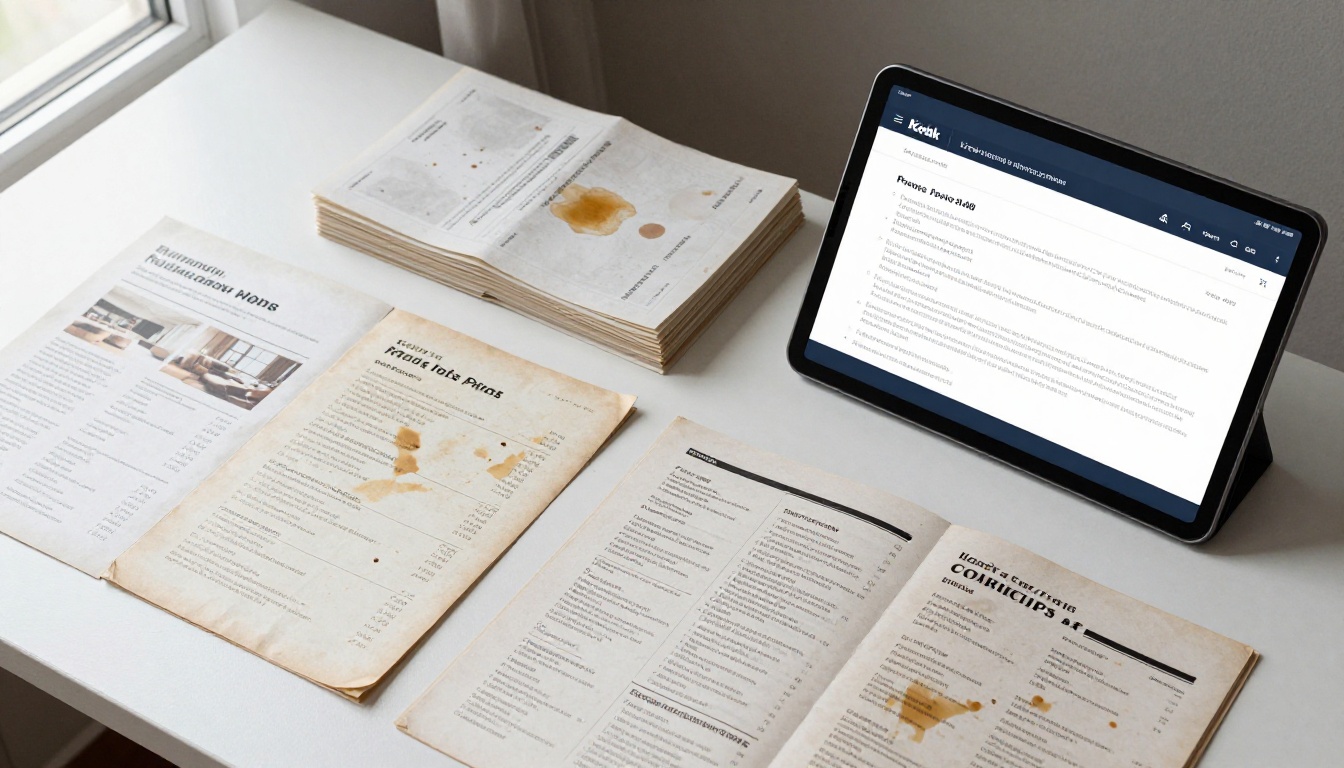
Plan Comparison for Hotels
Different property sizes have different needs. Here is how the Flipbooks AI plans map to hotel operations:
| Plan Feature | Free | Standard | Professional |
|---|
| Flipbooks | 3 | Unlimited | Unlimited |
| Watermark | Yes | No | No |
| Password protection | No | Yes | Yes |
| Custom branding | No | Yes | Yes |
| Analytics | No | No | Yes |
| Lead generation | No | No | Yes |
| Offline downloads | No | No | Yes |
| Embed on website | Yes | Yes | Yes |
✅ Most boutique hotels start on Standard. Larger properties with multiple food and beverage outlets benefit from Professional due to analytics and lead capture capabilities.
Visit flipbooksai.com/pricing to compare plans in detail and choose the right fit for your property size and operational needs.
Beyond Room Flipbooks: Other Hotel Use Cases
Once the workflow is in place, hotels typically expand flipbook use across the entire property. The same process that built your in-room flipbook can produce:
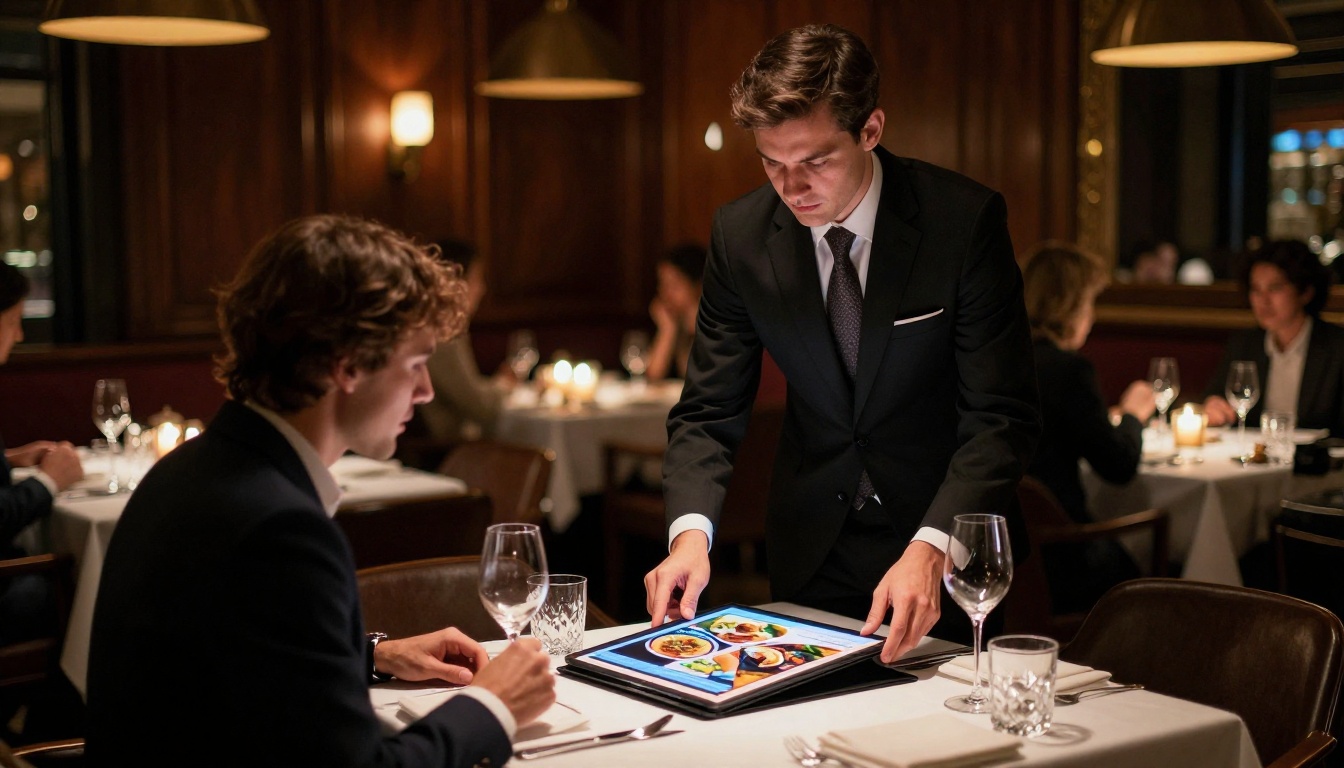
The hotels seeing the most impact from digital flipbooks share a few common approaches. They treat the in-room flipbook as a revenue tool, not just an information resource. Links to spa bookings, restaurant reservations, and late check-out requests are positioned prominently because every click is a potential upsell. They update content weekly, not quarterly. And they use analytics data to inform decisions about which services to promote more aggressively.
The shift from "information document" to "interactive sales tool" is what separates a basic digital flipbook from one that generates measurable ROI on every guest stay.
Start Today
Paper room materials served their purpose for decades. The hospitality industry has moved on, and guest expectations have too. A digital flipbook for your hotel rooms is not a luxury add-on for boutique properties. It is the standard travelers now expect, and it costs less than one quarterly print run to set up.
Ready to replace your printed in-room materials with something that actually works? Create your account on Flipbooks AI and have your first hotel flipbook live before your next check-in.
Browse all flipbook tools to see templates designed specifically for hospitality use cases, or compare pricing plans to find the right tier for your property size.



