If you have ever sent a PDF brochure to a prospect and heard nothing back, you are not alone. The problem is rarely the content inside. It is the format itself. Static PDFs sit in inboxes like paperweights: they demand a download, they open slowly on mobile, and they offer nothing to click, nothing to watch, nothing that responds. Interactive brochures pull readers in the opposite direction. They invite exploration, reward curiosity, and give people reasons to stay longer and act faster.
Flipbooks AI converts static PDFs into page-turning digital experiences in minutes. The difference in audience response is measurable, consistent, and significant. This article breaks down exactly why interactive brochures get more clicks than static PDFs, and what that means for any business that sends documents to real people.

Static PDFs Are Working Against You
The PDF was a breakthrough in the 1990s. It solved the problem of document formatting across different operating systems. But the internet has changed how people consume content, and the PDF has not changed with it.
When someone receives a PDF brochure today, the experience typically looks like this:
- They see a link or attachment and hesitate before clicking
- A download begins, adding friction before they see a single word
- The file opens in a viewer with no navigation beyond scroll and page buttons
- There is no animation, no hover effect, no embedded media to interact with
- They close it within seconds and move on
This is not a content problem. It is a format problem. The PDF was designed for print, not for screens. It treats every reader the same regardless of their device, their attention span, or their intent.
⚠️ Static PDFs average a read time of under 15 seconds on mobile devices. Most recipients never scroll past the first page.
The psychology is straightforward. People click on things that respond to them. A static file does not respond. An interactive brochure does. This fundamental difference in user experience accounts for nearly everything that separates the two formats in performance metrics.
What Makes a Brochure Interactive
Interactivity in a digital brochure is not a gimmick. It is a set of functional behaviors that change how readers engage with content, how long they stay, and what actions they take before leaving.
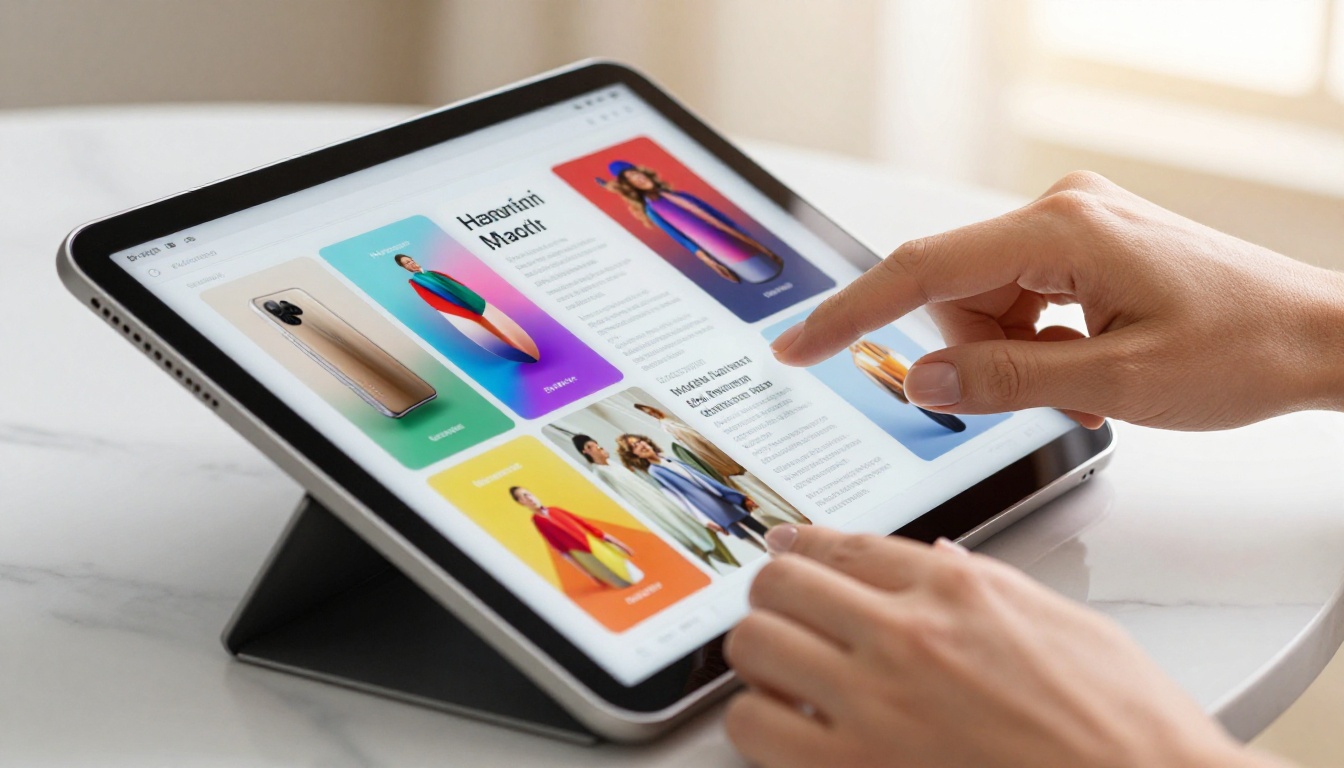
Here is what separates an interactive brochure from a flat document:
| Feature | Static PDF | Interactive Brochure |
|---|
| Page navigation | Scroll or page buttons | Animated page-turn flip |
| Embedded video | Not supported | Plays inline on click |
| Clickable links | Opens external browser | Opens inline or new tab |
| Mobile optimization | Pinch-to-zoom only | Fully responsive layout |
| Analytics tracking | None | Page views, clicks, time-on-page |
| Password protection | Basic at best | Built-in access control |
| Audio | Not supported | Embeds ambient or narrated audio |
| Custom branding | Fixed at creation | Adjustable logo, colors, fonts |
| Lead capture | None | Embedded forms with CRM integration |
Each of these features adds a layer of interaction that keeps readers inside the document longer. The longer someone spends with your brochure, the more likely they are to take action.
💡 The page-turn effect alone increases read-through rates. The physical metaphor triggers a familiar mental association with books and magazines, which subconsciously raises the perceived value of the content inside.
The Numbers Behind Higher Click Rates
Click-through rates on static PDFs are notoriously difficult to track because most PDF viewers do not report back to the sender at all. You send the file and lose all visibility. Interactive brochures are a completely different situation.
With the analytics built into Flipbooks AI's Professional plan, you can see exactly which pages received the most attention, which links were clicked and how many times, how many unique viewers opened the brochure, what percentage made it to the final page, and precisely where readers dropped off.
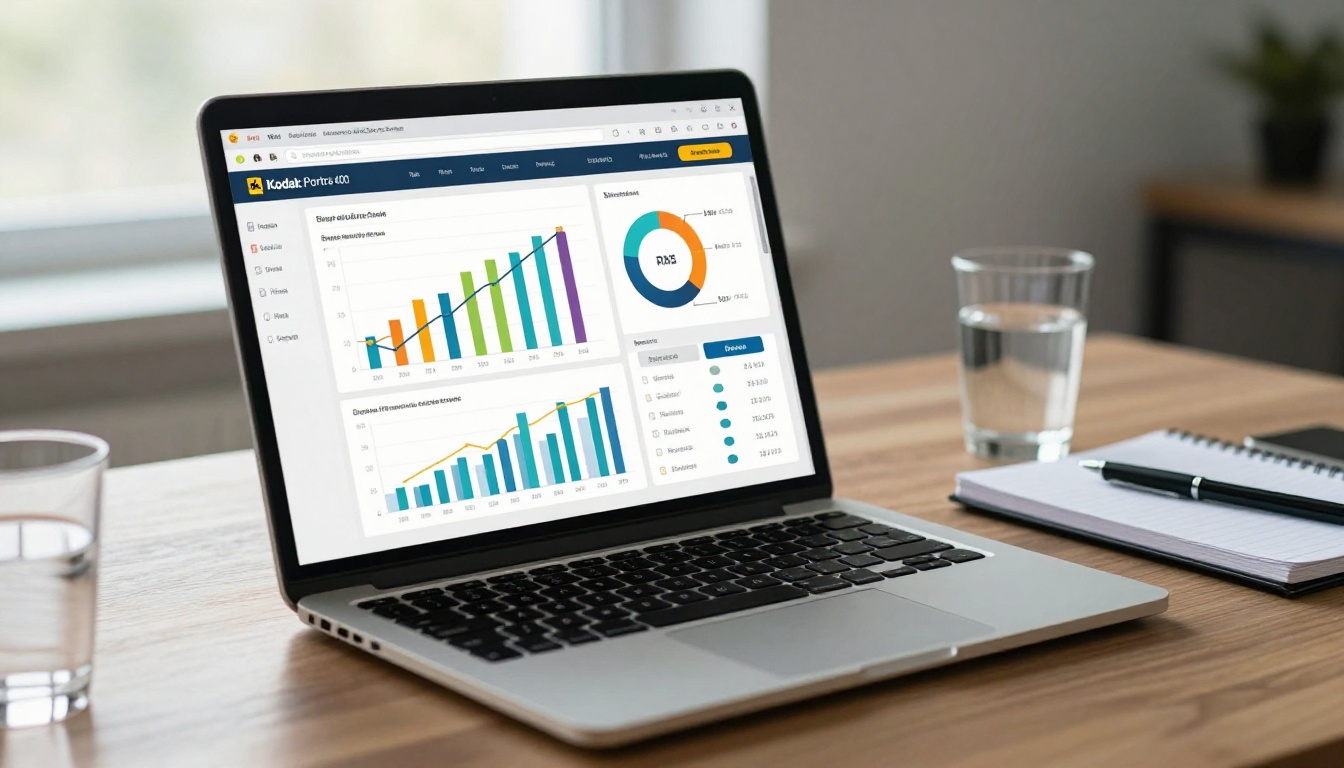
Studies across digital publishing platforms consistently show that interactive formats outperform static ones across every metric that matters to marketers and sales teams.
| Metric | Static PDF | Interactive Brochure | Improvement |
|---|
| Average time on content | 12-18 seconds | 3-5 minutes | 10-15x longer |
| Click-through rate | Near 0% | 8-15% | Measurable vs. invisible |
| Share rate | Low (file attachment) | High (link-based) | Viral potential unlocked |
| Mobile completion rate | Under 10% | 40-60% | 4-6x higher |
| Lead capture rate | None | Up to 12% with soft gates | From zero to real data |
| Version control | Static at send time | Live updates on same URL | No re-sending required |
The lead capture figure deserves special attention. Interactive brochures can include embedded forms. A reader who reaches your pricing page can enter their name and email without ever leaving the document. With a static PDF, that moment of interest has nowhere to go. It evaporates.
💡 Tip: Even a soft gate asking for a name and email before the final two pages can convert 8-12% of engaged readers into actionable leads. This is invisible in a PDF workflow.
Human attention follows movement. It always has. When a video thumbnail appears mid-page in a brochure, most readers will click it. When a product photo can be zoomed, readers spend more time examining it. When audio plays as a page turns, the emotional tone of the content shifts in ways text alone cannot achieve.
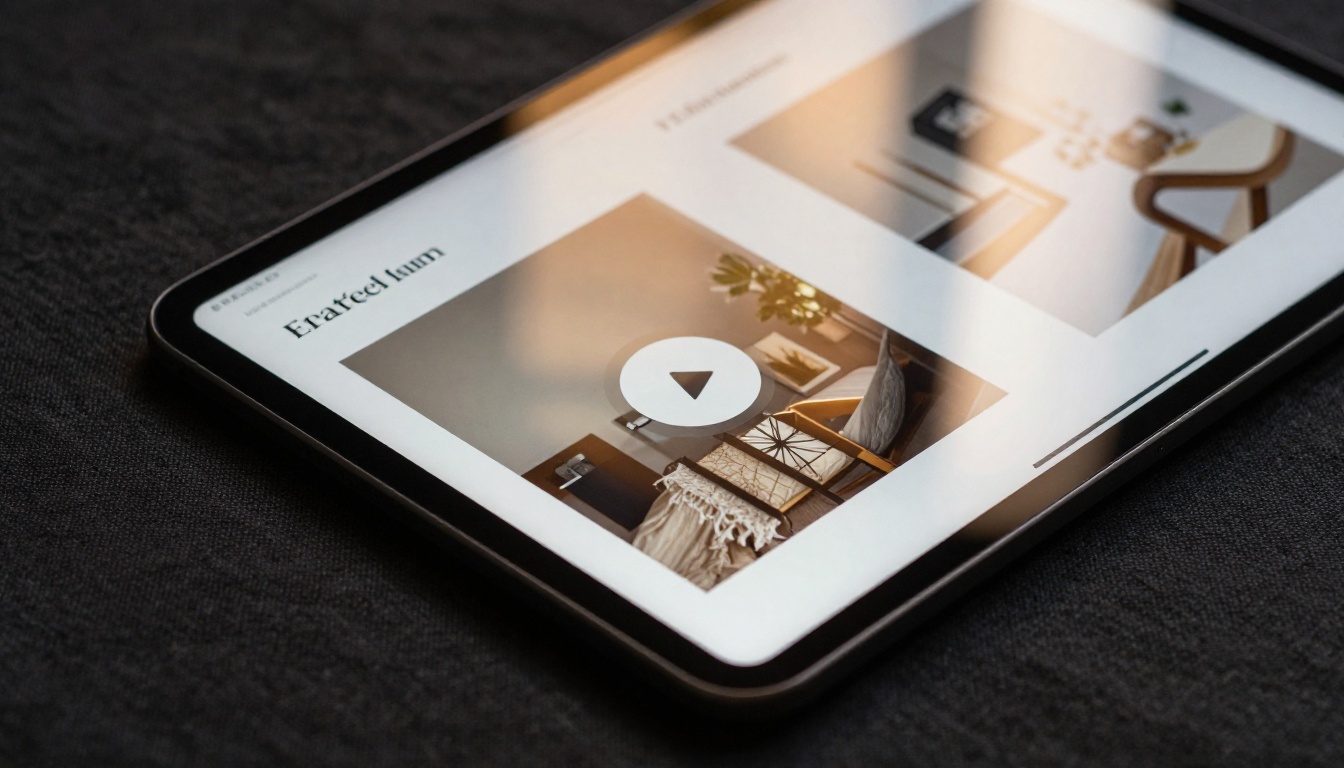
None of this is possible in a static PDF. And the consequences for content performance are real across every category.
A fashion catalog with embedded runway video clips holds readers five times longer than the same content in a flat document. A restaurant menu with a short video introduction from the chef creates an emotional connection before the first reservation. A real estate brochure where each property has a walkthrough video turns a cold lead into a warm prospect before the first call is ever made.
This is why the Interactive Lookbook Designer and Restaurant Menu Creator on Flipbooks AI are used by brands that actually measure results. Multimedia does not just look better. It converts better, holds longer, and gets shared more.
✅ Best practice: Place your most compelling video on page 3 or 4, not page 1. Readers who reach that point have shown intent. A video there captures them at peak interest, not before they have decided whether to stay.
Industry Use Cases That Prove the Point
Interactive brochures are not industry-specific. Any business that distributes information to people who make decisions can benefit from the format shift. The gains appear across sectors that rely on persuasion, presentation, and information-sharing.

Real Estate Agents and Property Listings
A static PDF property brochure shows photos and specs. An interactive one shows a video walkthrough, an embedded map, and a contact form on the final page. Agents using the Real Estate Brochure Creator report that prospects arrive at showings having already spent 8-12 minutes with the property content, meaning they are further along in the decision process before the first handshake.

Hotels and Travel Brands
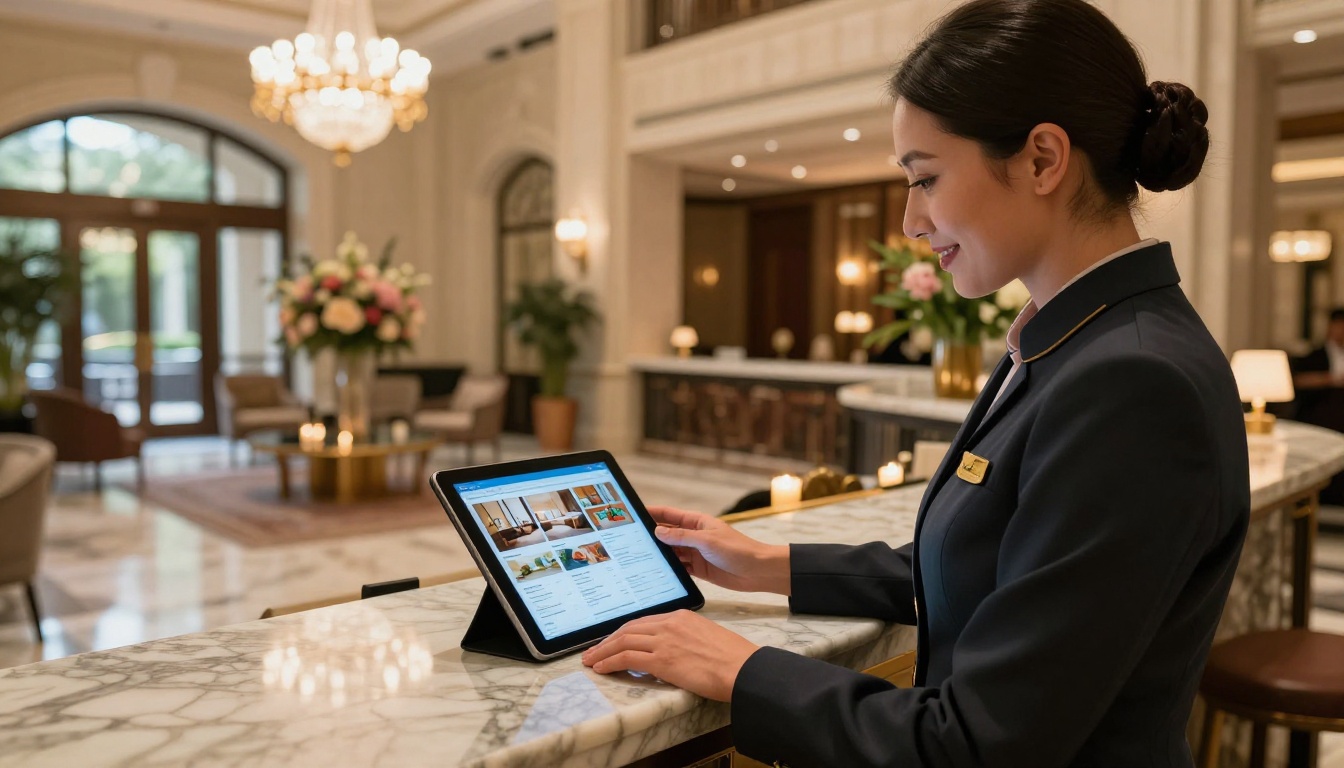
Hotel brochures sent as PDFs rarely survive the inbox. Interactive versions shared as links get forwarded, bookmarked, and returned to multiple times. A concierge showing a guest the interactive hotel brochure on a tablet in the lobby creates a branded moment that a stapled paper packet never could. The Hotel Brochure Designer makes this workflow possible without a design team or printing budget.
Automotive Showrooms
A vehicle configuration brochure with embedded model videos, color swatch selectors, and a link to book a test drive converts browsers into buyers. The Automotive Brochure Generator is built for exactly this workflow, allowing dealerships to send a single link that does the work of three follow-up calls.
Corporate Sales Teams
Sales decks sent as PDFs die in inboxes. The same content as an interactive flipbook with clickable feature comparisons and embedded demo clips gets forwarded to decision-makers. Analytics reveal which sections those decision-makers spend time on, so sales teams know exactly where to focus in follow-up conversations. The Sales Presentation Flipbook tool handles this at scale.
| Industry | Static PDF Problem | Interactive Brochure Solution |
|---|
| Real estate | No tracking, no immersion | Video walkthroughs, map embed, lead forms |
| Hospitality | Low forwarding rate | Link sharing, branded digital brochure |
| Automotive | No multimedia support | Model videos, color selectors, booking CTA |
| Retail/Fashion | No visual immersion | Lookbook animations, product zoom |
| Corporate sales | No insight into prospects | Analytics, click tracking, CRM-ready |
| Education | No interactivity | Embedded quizzes, downloadable materials |
How to Create an Interactive Brochure With Flipbooks AI
This is where theory becomes practice. Flipbooks AI takes any PDF and converts it into a fully interactive digital brochure with page-turn effects, embedded multimedia support, and real-time analytics. No design software required.
Step 1: Sign Up and Access Your Dashboard
Go to flipbooksai.com/account and create your account. The process takes under two minutes. The Standard plan includes unlimited flipbooks with no watermarks, so you can publish as many brochures as your business needs without any per-document fee.
Step 2: Upload Your PDF
From your dashboard, click "New Flipbook" and upload your existing PDF brochure. The conversion happens automatically. Flipbooks AI preserves your layout, fonts, and images while adding the interactive layer on top. Most PDFs convert in under 30 seconds.
Step 3: Customize Your Branding and Experience
Once your flipbook is generated, you can:
- Add your logo and brand colors to the viewer interface
- Set a custom background for the reading experience
- Enable or disable the page-turn sound effect
- Insert embedded video links on specific pages
- Turn every clickable URL in your PDF into an active hyperlink
- Add a table of contents for longer documents
💡 Pro tip: Use a dark minimal background for product-heavy brochures. It makes photography pop without any additional design work. For corporate reports or catalogs, a clean white background maintains professionalism.
Step 4: Configure Sharing and Access
Flipbooks AI gives you multiple sharing options depending on your audience:
- Public link: Anyone with the URL can view it, ideal for marketing campaigns
- Password protection: Restrict access to specific clients or internal teams
- Embed code: Place the flipbook directly on your website or landing page using the Embed Flipbook on Website tool
- Offline download: Allow readers to save a copy for offline reading
Step 5: Publish, Share, and Track
Hit publish and your brochure goes live instantly. On the Professional plan, your analytics dashboard activates immediately. You will see real-time data on who is reading, how far they scroll, what they click, and when they return.
The lead generation feature lets you add a soft gate to any page. Readers who want to continue provide their contact information, which flows directly into your CRM or email marketing list.
Sharing, Tracking, and Closing More Deals
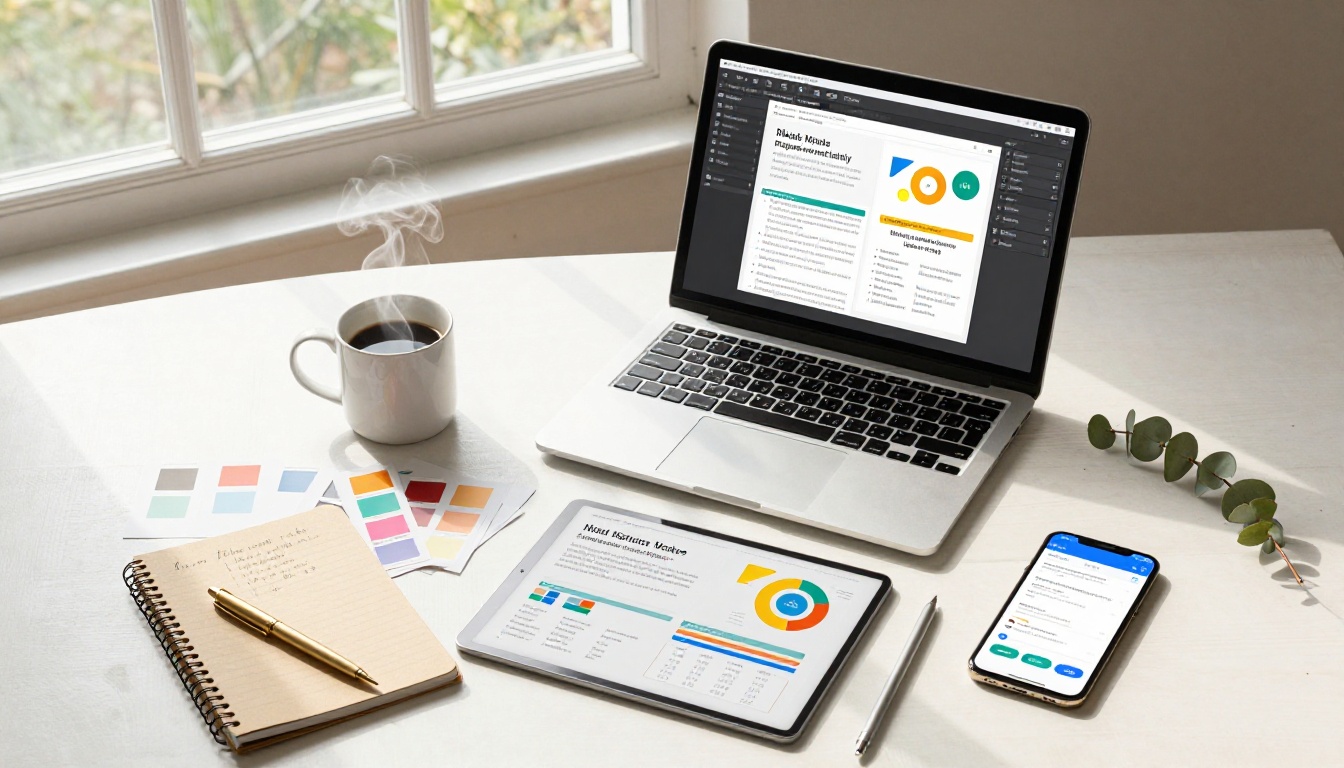
One of the most overlooked advantages of interactive brochures is shareability. A PDF file is a dead end: the recipient can forward it as an attachment, but there is no tracking, no analytics, and no way to know if the person they forwarded it to ever opened it.
An interactive brochure shared as a URL is a living document. When your prospect forwards the link to their manager, you see it in your analytics. When a reader spends nine minutes on your pricing page, you have a signal. When someone shares your link on social media, every click back to it is tracked and attributed.
This transforms brochure distribution from a broadcast into a feedback loop. Sales teams who work this way close deals faster because they stop guessing what prospects care about and start seeing it directly in the data.
✅ Best practice: When following up after sending a brochure, reference what you saw in analytics. "I noticed you spent time on the enterprise pricing section. Should we schedule a call to discuss volume options?" This level of personalization is simply not possible with a static PDF.
The link-based sharing model also solves the version control problem that plagues PDF distribution. When you update your brochure on Flipbooks AI, every existing link automatically shows the new version. No re-sending. No outdated documents floating around in old email threads.
A restaurant updating its seasonal menu no longer needs to email the new PDF to every contact. A hotel refreshing its amenity listing does not need to reprint and redistribute. The link stays the same. The content updates. Every reader sees the latest version automatically.
Stop Sending Dead PDFs
Static PDFs had their moment. That moment has passed. Every time you send a PDF brochure, you are asking your reader to do more work for less reward. They download, they open, they scroll once, and they close. No interaction, no tracking, no reason to return.
Interactive brochures are not a cosmetic upgrade. They represent a structural change in how your content relates to the people reading it. Click rates go up because there is something to click. Read time goes up because there is something to watch. Conversion rates go up because there is somewhere for reader interest to go.
The businesses seeing the biggest gains are not the ones with the most polished PDF designs. They are the ones who stopped thinking about their brochures as files and started thinking about them as experiences.
Ready to see what your existing brochures look like as interactive flipbooks? Get started for free on Flipbooks AI and convert your first PDF in under two minutes.
If you need industry-specific tools for your use case, browse all flipbook tools to find templates built for real estate, hospitality, fashion, corporate sales, and more. When you are ready to add analytics and lead generation to your workflow, compare pricing plans to find the right tier for your team.



