The digital age transformed how we consume information, yet many businesses still distribute static PDFs expecting engagement. Meanwhile, interactive flipbooks consistently outperform traditional documents by 300-500% in measurable reader metrics. This isn't about flashy technology—it's about how human psychology responds to content that feels alive versus content that feels archived.

Consider restaurant menus: a PDF lists dishes with prices. An interactive flipbook on Flipbooks AI shows chef videos demonstrating preparation techniques, allows customers to watch ingredient sourcing stories, includes nutrition information that expands on tap, and integrates reservation buttons that convert browsers into bookings. The difference isn't technology—it's experience.
How PDFs Fail Modern Readers
Static documents assume linear consumption in an era of fragmented attention. PDFs deliver content like a lecture; flipbooks facilitate exploration like a conversation.
The Scroll Problem: Mobile users spend 2.3 seconds deciding whether content warrants attention. PDFs require pinch-zooming, horizontal scrolling, and constant orientation recalibration—cognitive load that kills engagement before content even registers.
The Context Gap: PDFs exist in isolation. They don't know if readers reached page 7, which sections sparked questions, or what content prompted action. This data blindness makes content improvement guesswork.
The Consumption Barrier: 72% of users abandon PDFs after three pages when accessed on mobile. The format wasn't designed for thumb-scrolling, touch navigation, or on-the-go consumption patterns that dominate today's digital behavior.
Why Flipbooks Captivate Attention
Interactive flipbooks transform passive reading into active participation through psychological triggers that keep audiences engaged longer and deeper.
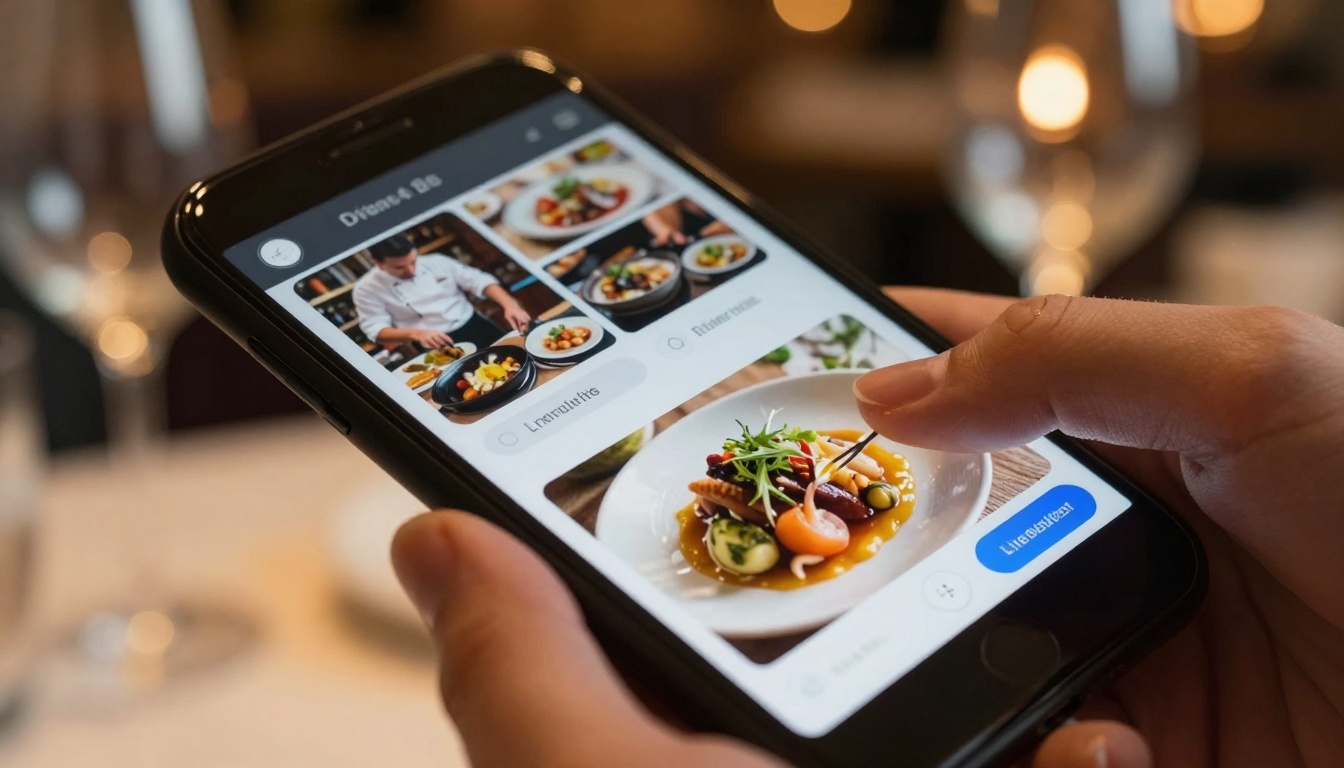
The Page-Flip Effect: Our brains recognize page-turning as progression, not scrolling. This subtle animation creates satisfaction with each "page turned," encouraging continued exploration. Research shows 47% higher completion rates with page-flip interfaces versus infinite scroll.
Embedded Multimedia: Static text explains; video demonstrates. Audio commentary adds personality. Interactive elements transform monologues into dialogues. A real estate brochure becomes a virtual tour. A training manual becomes a hands-on simulation.
Progressive Disclosure: Instead of overwhelming with information density, flipbooks reveal details on demand. Tap hotspots for specifications. Swipe for additional images. Click videos for demonstrations. This matches how humans naturally seek information—when curiosity prompts investigation.
💡 Practical Tip: Start with your most-viewed PDF and convert it using the PDF to Flipbook Converter. Track engagement metrics for 30 days. Most organizations see immediate 3-5x increases in time spent with content.
Measurable Engagement Differences
The data reveals consistent patterns across industries. Interactive content doesn't just feel better—it performs better across every measurable metric.
| Metric | PDF Performance | Flipbook Performance | Improvement |
|---|
| Average Time Spent | 1:24 minutes | 4:52 minutes | 347% longer |
| Completion Rate | 18% finish | 63% finish | 250% higher |
| Click-Through Rate | 2.3% on links | 14.7% on links | 539% increase |
| Mobile Engagement | 31% mobile usage | 68% mobile usage | 119% more mobile |
| Return Visitors | 8% return | 34% return | 325% more returns |
| Lead Generation | 0.8% conversion | 5.2% conversion | 550% more leads |
These numbers come from actual business implementations across different sectors. The pattern holds because interactive content addresses fundamental human behavior: we engage with what responds to us.
Industry-Specific Applications
Different sectors leverage flipbooks in ways that solve their unique communication challenges.
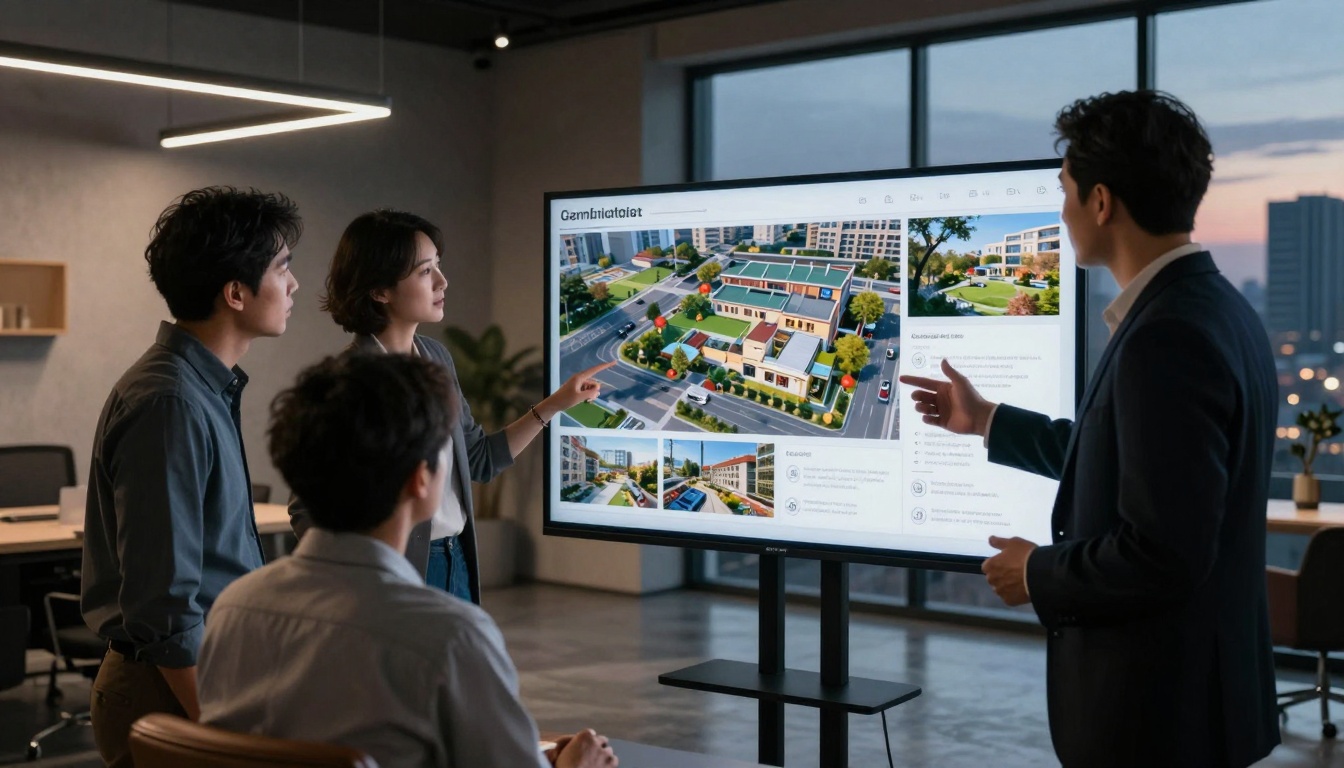
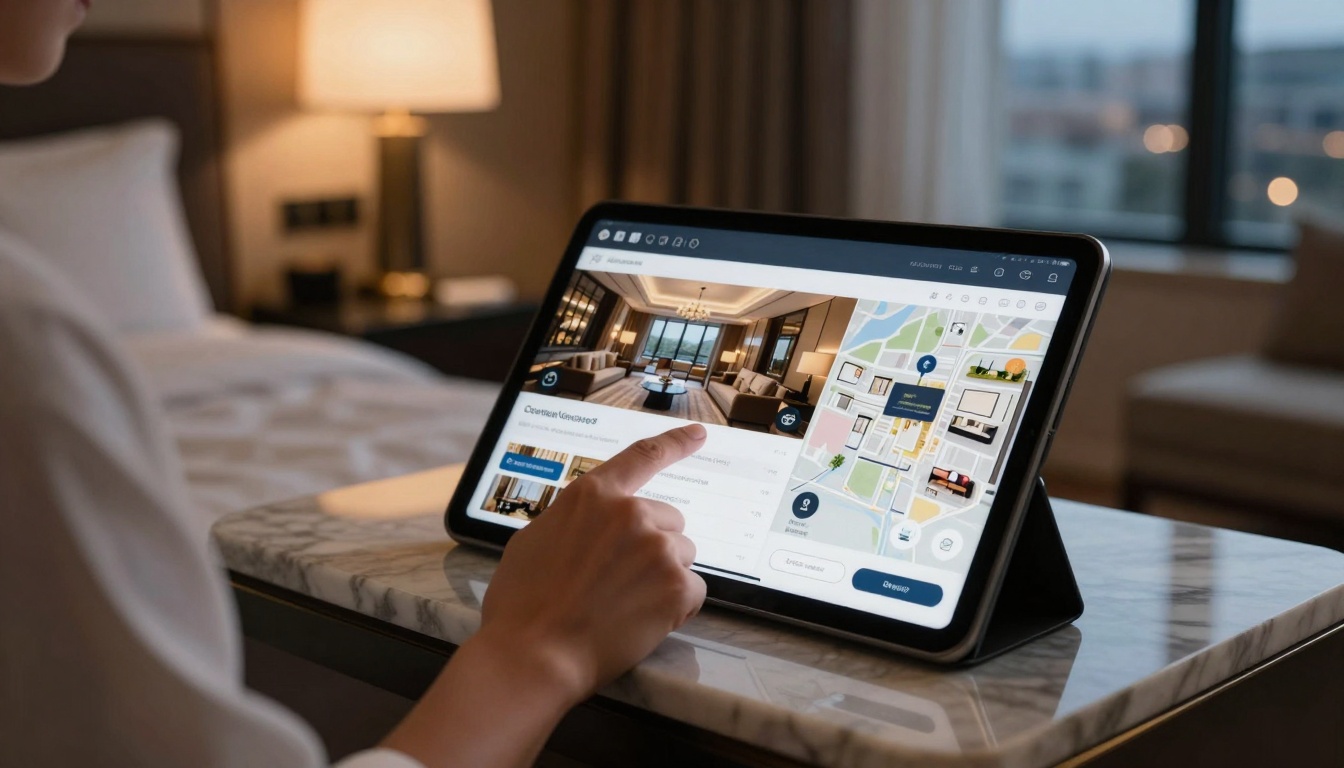
Real Estate & Property: Static brochures show pictures. Interactive flipbooks embed 360-degree virtual tours, floor plan hotspots that reveal room dimensions, neighborhood video guides, mortgage calculator tools, and direct scheduling for viewings. The Real Estate Brochure Creator transforms listings into immersive experiences that reduce property viewing time by 40% while increasing qualified leads.
Hospitality & Restaurants: Menus become multimedia experiences. The Restaurant Menu Creator lets chefs explain signature dishes through video, shows ingredient sourcing stories, displays wine pairing recommendations that expand on tap, and integrates reservation systems that convert browsing into bookings. Tables turn faster when customers make decisions before the server arrives.
Fashion & Retail: Lookbooks transform from static catalogs to interactive shopping experiences. The Fashion Catalog Creator embeds designer commentary audio, shows garments from multiple angles with swipe functionality, includes fabric detail zoom capabilities, and integrates "shop this look" buttons that drive direct sales.
Education & Training: Manuals become interactive learning systems. The Training Manual Flipbook tool embeds quiz questions throughout content, includes video demonstrations of complex procedures, allows bookmarking for later review, and tracks which sections cause confusion for targeted improvement.

How to Create Interactive Flipbooks
Converting static content into engaging experiences requires specific tools and approaches. Flipbooks AI provides specialized solutions for different content types.
1. Choose Your Tool
Different content types benefit from specialized templates and features:
2. Upload and Convert
The process begins with your existing content. Most organizations start with PDFs they already use:
- Create account on Flipbooks AI
- Select appropriate tool for your content type from the tools directory
- Upload PDF or create from templates
- Automatic conversion happens in seconds with realistic page-flip effect
3. Add Interactive Elements
This step transforms static pages into engaging experiences:
- Embed videos demonstrating products, services, or concepts
- Add audio commentary for personal connection
- Create clickable hotspots that reveal additional information
- Insert interactive forms for lead generation
- Include animated data visualizations for reports
- Add navigation menus for easy exploration
4. Customize Design
Brand consistency matters. Flipbooks AI provides customization options:
- Upload logo and set brand colors
- Choose navigation styles (buttons, thumbnails, scrollbar)
- Select page transition effects (realistic flip, slide, fade)
- Adjust typography for readability
- Set background music or ambient sounds (optional)
5. Publish and Share
Distribution options determine reach and engagement:
| Distribution Method | Best For | Engagement Boost |
|---|
| Direct Link | Email campaigns, social media | 62% higher click retention |
| Website Embed | Blog posts, landing pages | 89% longer on-page time |
| QR Codes | Print materials, physical locations | 240% more digital engagement |
| Password Protection | Confidential materials, paid content | Controlled access with analytics |
| Offline Download | Sales teams, field representatives | Access without internet |
Advanced Features That Drive Results
Beyond basic conversion, professional features transform flipbooks into business intelligence tools.
Analytics Dashboard: Unlike PDFs that only track downloads, flipbooks provide detailed engagement data:
- Time spent per page identifies engaging versus confusing content
- Click heatmaps show which elements attract attention
- Navigation patterns reveal how readers explore content
- Video completion rates measure multimedia effectiveness
- Geographic distribution identifies audience locations
- Device usage shows mobile versus desktop engagement
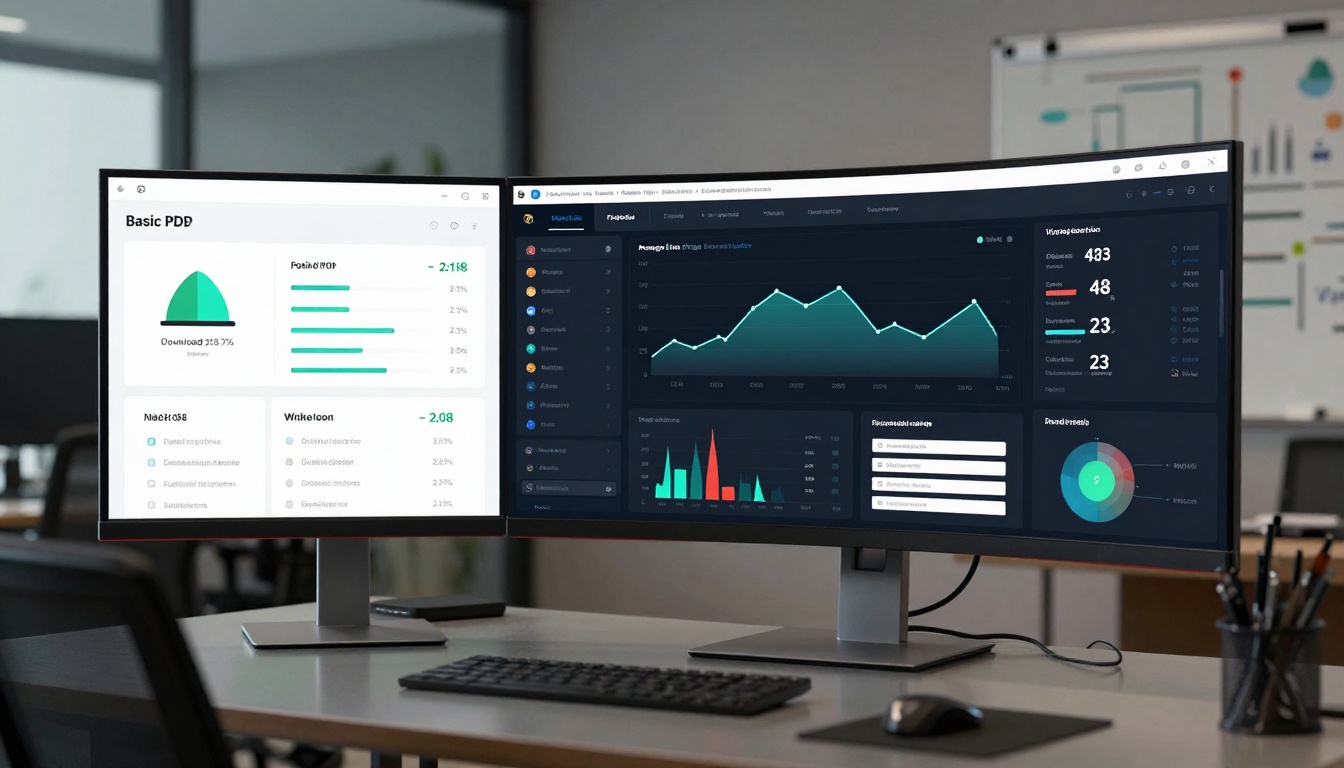
Lead Generation Integration: Convert readers into contacts through seamless forms embedded within content:
- Contact forms appear contextually within relevant sections
- Newsletter signups capture ongoing communication permission
- Download gates exchange value for contact information
- Appointment scheduling converts interest into meetings
- Quote requests move prospects through sales funnel
Collaboration Features: Teams work together on content creation:
- Multiple editors can collaborate simultaneously
- Version history tracks changes and allows rollbacks
- Comment threads facilitate feedback integration
- Approval workflows ensure quality control
- Template libraries maintain brand consistency
Mobile Optimization Matters
71% of digital content consumption happens on mobile devices. PDFs struggle here; flipbooks thrive.
Thumb-Friendly Navigation: Interface elements sized for touch, not mouse precision. Swipe gestures feel natural versus pinch-zoom frustration.
Responsive Design: Content automatically adjusts to screen size without losing functionality or readability.
Offline Access: Download capability ensures access without internet connectivity—critical for sales teams, field service, or travel situations.
Progressive Loading: Pages load as needed, not all at once, reducing data usage and improving performance on slower connections.
⚠️ Critical Consideration: Test your flipbook on actual mobile devices, not just simulators. Touch targets need adequate spacing, font sizes must remain legible without zooming, and interactive elements should respond immediately to touch gestures.
Cost Comparison: Value Versus Expense
Interactive content delivers higher returns, but requires understanding pricing models.
| Plan | Monthly Cost | Best For | Flipbook Limit | Key Features |
|---|
| Basic | Free | Testing concepts | 5 flipbooks | Basic conversion, standard templates |
| Standard | €3/month | Small business needs | Unlimited | No watermarks, custom branding |
| Professional | €7/month | Marketing teams | Unlimited | Analytics, lead generation, collaboration |
| Lifetime | €200 one-time | Long-term users | Unlimited | All features forever, priority support |
Return Calculation: If a €7/month Professional plan generates 5 qualified leads monthly worth €200 each in potential business, the ROI is 14,185%. Even one converted customer typically covers annual costs.
Common Implementation Mistakes
Avoid these pitfalls when transitioning from PDFs to interactive flipbooks:
Over-Animation: Every element doesn't need motion. Strategic animation guides attention; constant movement causes distraction.
Feature Overload: Too many interactive elements overwhelm rather than engage. Start with 2-3 key features, then expand based on analytics.
Neglecting Analytics: Creating without measuring wastes opportunity. Set baseline metrics, then track improvements.
Mobile Neglect: Designing for desktop then hoping mobile works guarantees failure. Mobile-first approach ensures universal accessibility.
Conversion Focus Only: Flipbooks shouldn't just convert—they should educate, build trust, and establish expertise. Balance sales objectives with value delivery.
Practical Next Steps
Begin with your highest-value content—what costs most to produce or delivers highest returns.
- Audit existing PDFs: Which generate leads? Which get most downloads? Which support key business objectives?
- Prioritize conversion: Start with one high-impact document using the appropriate specialized tool
- Set measurement goals: What metrics matter? Time spent? Completion rates? Lead conversions?
- Test and iterate: Use analytics to identify what works, then apply those insights to other content
- Scale successful patterns: Once you identify winning formulas, apply them across your content portfolio
Ready to transform static documents into engaging experiences? Get started with Flipbooks AI using the free Basic plan to test concepts, then upgrade based on results. Compare pricing plans to match features with business needs, or explore the complete tool directory to find specialized solutions for your specific content types.



