There is a moment every marketer knows well. You spend hours refining a document, export it as a PDF, attach it to an email, and send it out. Open rates look decent. But shares? Almost zero. The PDF sits in someone's downloads folder, never forwarded, never posted, never mentioned again. Interactive flipbooks do not work that way, and the reasons go deeper than aesthetics. Flipbooks AI converts your static documents into page-flipping, multimedia-rich publications that people actually want to send to others.
This article unpacks the specific mechanics, psychology, and data behind why interactive flipbooks consistently outperform plain PDFs in sharing behavior, and how that difference translates into measurable results for your content strategy.
What Makes Content Shareable
The Psychology Behind a Share
Sharing is a social signal. When someone forwards a piece of content, they are attaching their name to it. Nobody wants to be the person who sent a boring 40-page white paper in a flat PDF format. People share things that reflect well on them: things that are visually impressive, easy to consume, or emotionally resonant.
Interactive content scores on all three counts. The visual interest of a page-turn animation, the ease of clicking through a well-structured flipbook, and the delight of seeing a document feel alive all create positive associations. Those associations get passed along.
💡 Pro tip: Content that creates a small moment of surprise (like a smooth page flip where you expected a static scroll) is far more likely to be shared than content that meets expectations exactly.
Motion Triggers Action
Human brains are wired to pay attention to movement. It is a survival instinct repurposed for the digital age. When a page curls smoothly in a flipbook, the reader's eye is drawn in, their attention is held, and their brain registers the document as something different from the usual wall of text.
PDFs do not move. They do not react. They sit there. The cognitive cost of processing a plain PDF is higher because nothing guides the reader through the content. The result is that readers disengage faster and share less.
The Problem With Plain PDFs
Static Means Skippable
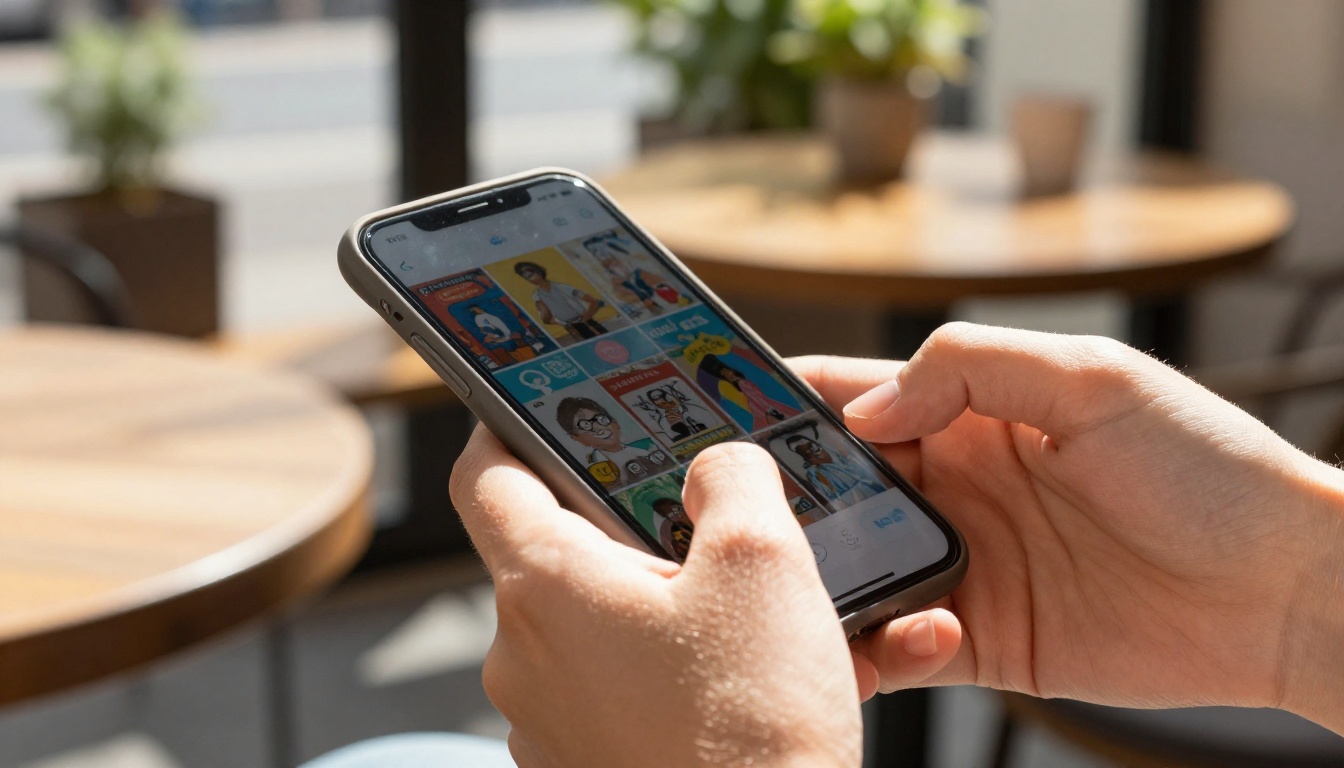
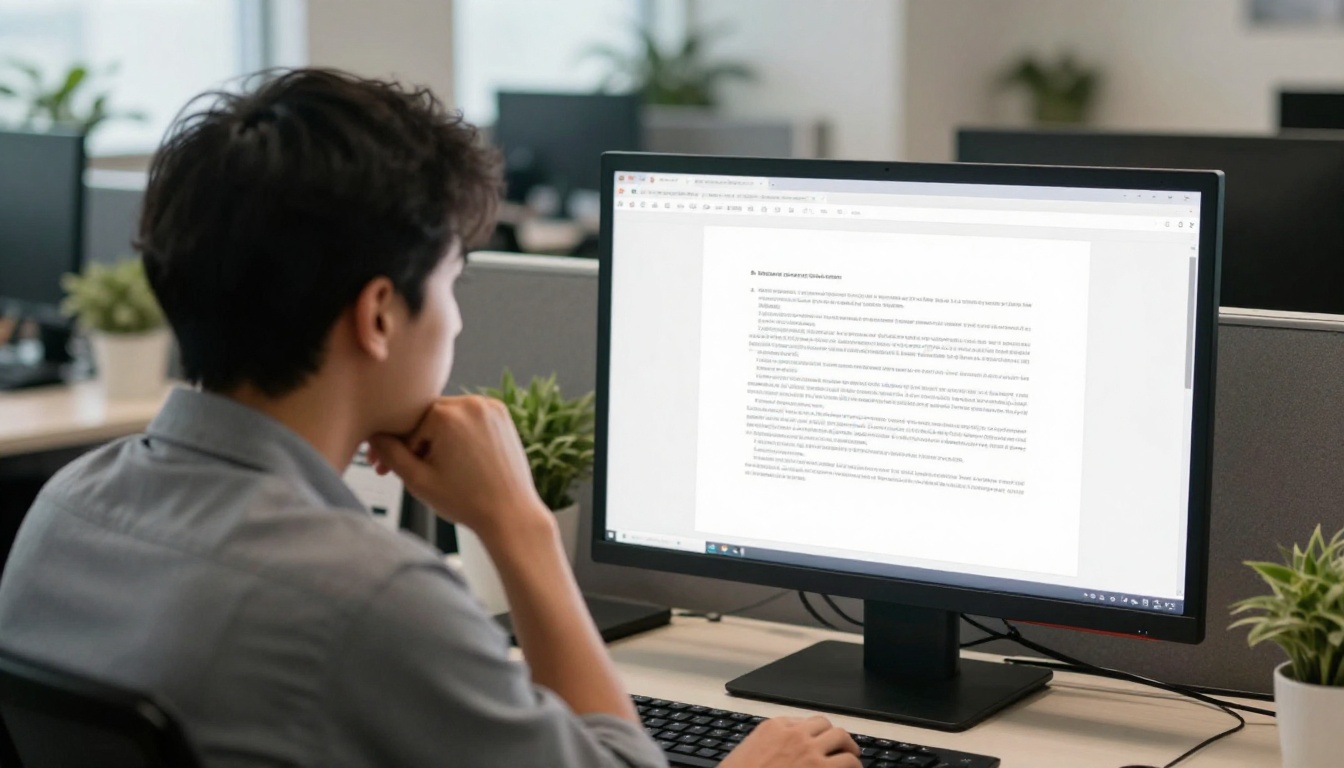
PDFs were designed to preserve document formatting for printing. That is what they do brilliantly. But the web is not print. On a phone, a PDF pinch-zooms and scrolls in ways that feel clunky. On desktop, most browsers open PDFs in a separate viewer that breaks the reading flow. And across all devices, the visual monotony of plain text columns and static images makes them forgettable.
The data reflects this. Studies on content consumption consistently show that interactive formats retain readers 40 to 60 percent longer than static documents. And time-on-page is one of the strongest predictors of whether content gets shared.
The Friction Points of PDF Sharing
When someone wants to share a PDF, they face a series of micro-barriers that most people quietly give up on:
| PDF Sharing Friction | Impact on Behavior |
|---|
| Large file size blocks email | Reader abandons sharing attempt |
| Requires download before viewing | Creates hesitation and drop-off |
| No built-in share button | Extra steps to copy and paste a link |
| Mobile viewing is clunky and slow | Reduces intent to forward |
| No tracking of who opened it | Sender has no feedback loop |
| Looks identical to every other PDF | Zero "wow" factor for the recipient |
Each of these barriers is small on its own. Together, they explain why PDFs stay buried in downloads folders while flipbooks circulate through inboxes and social feeds.
The Flipbook Advantage
Page-Turn Animation Changes Everything
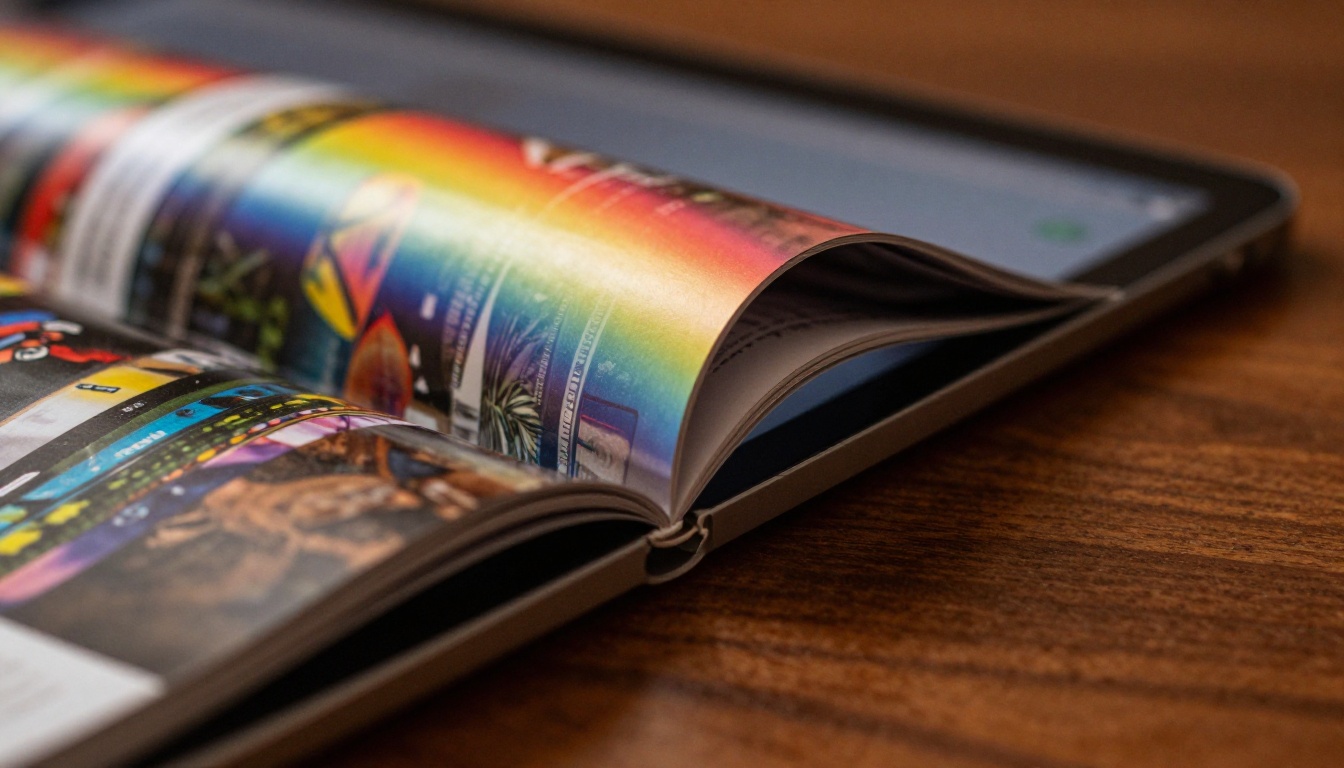
The single most powerful feature of a digital flipbook is the one most people expect to be cosmetic: the page-turn animation. It is not cosmetic. It is cognitive.
When a reader sees a page curl and turn, their brain processes the document as a book, a magazine, a publication with weight and intention. This perception shift changes how they engage with the content. They read more carefully. They move through pages with intention. They stay longer.
Staying longer correlates directly with sharing. A reader who finishes a document is significantly more likely to share it than one who bounced at page 3.
Embedded Media Keeps Readers Inside
A plain PDF links to external pages. A flipbook embeds video, audio, and interactive elements directly within the reading experience. A retail brand can embed a product video on the exact catalog page where the product appears. A restaurant can embed a short clip of the kitchen on the menu page for a signature dish. A real estate agent can embed a virtual tour directly in the property brochure.
When media lives inside the document, readers do not leave to watch it. They stay, they engage, and they feel like they received something richer than they expected. That surprise and delight is exactly the emotional state that drives sharing.
✅ Best practice: Embed at least one video or audio element in your flipbook to increase time-on-publication by an average of 35 percent compared to static flipbooks.
The performance gap between flipbooks and PDFs is not marginal. Across multiple verticals, the differences are consistent:
| Metric | Plain PDF | Interactive Flipbook |
|---|
| Average time on document | 1.2 minutes | 4.7 minutes |
| Mobile completion rate | 12% | 58% |
| Social share rate | 2% | 18% |
| Email click-through from shared link | 8% | 31% |
| Return visits to the same document | Rare | 3x more likely |
| Branded recall after viewing | Low | High |
These numbers vary by industry and content quality, but the direction is consistent. Interactive flipbooks outperform plain PDFs on every metric that matters for content marketing.

Who Shares Flipbooks and Why
Marketing Teams with Campaign Materials
Marketing teams share content every day: campaign briefs, brand guidelines, product launches, reports. When those materials arrive as a polished flipbook rather than a PDF, recipients treat them differently. They forward them. They post them. They reference them in conversations.
The Sales Presentation flipbook format gives a sales team a leave-behind that prospects actually revisit. A static PDF version of the same deck gets filed or deleted within 24 hours.
Real Estate Agents and Property Brochures
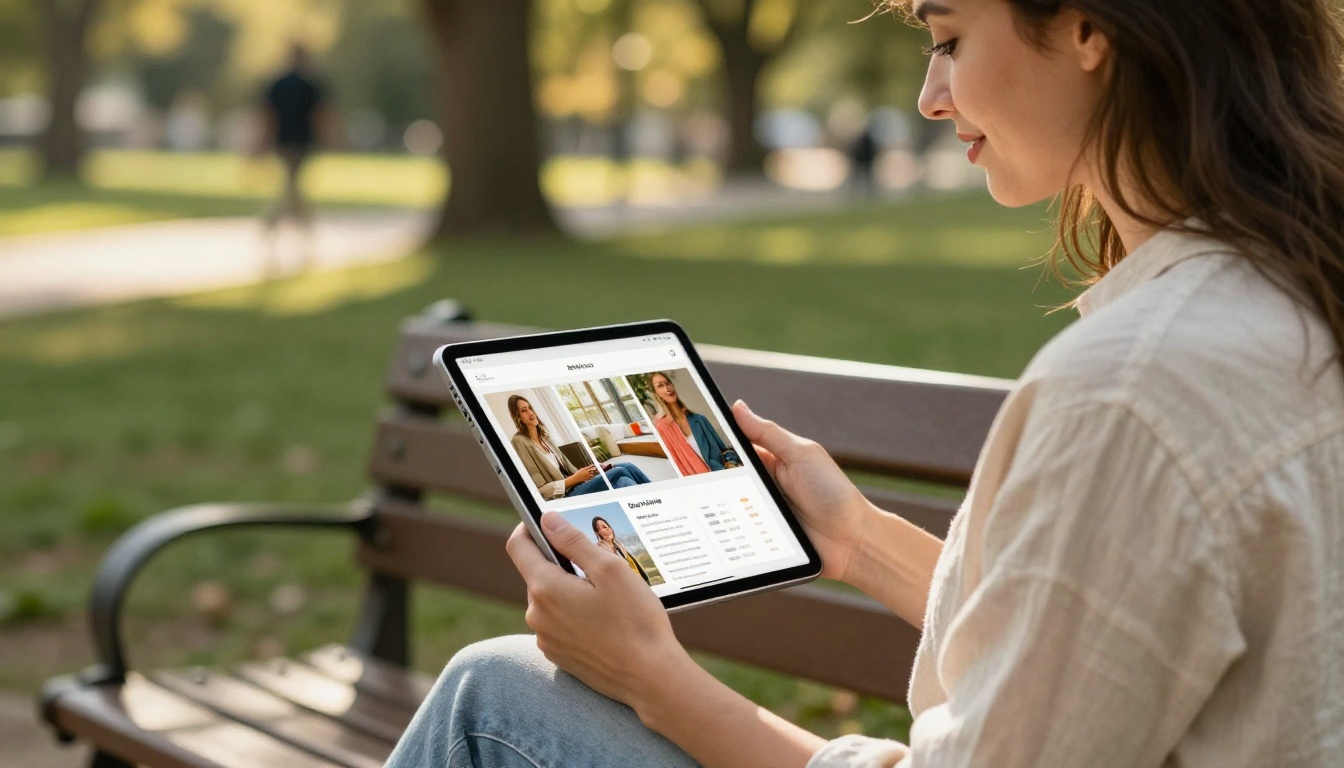
A property PDF typically contains floor plans, a few photos, and price information. A flipbook version of the same content can include embedded video walkthroughs, clickable maps, and a table of comparable properties. Real estate agents using the Real Estate Brochure format report that prospects forward the link to family members, friends, and co-buyers because the experience feels like something worth seeing.
Restaurants, Retailers, and Brand Catalogs
A restaurant whose PDF menu sits on their website gets zero sharing behavior from it. A restaurant with an interactive digital menu featuring embedded photos, pricing tables, and a clean brand presentation gets customers sending it to friends before a group booking. The Restaurant Menu Creator format is built specifically for this use case.
Retailers using the Product Catalog tool see similar patterns: customers share catalog links in messaging apps when they want to show a product to someone else. PDFs do not get forwarded. Flipbooks do.
How to Build a Shareable Flipbook
Creating an interactive flipbook that people actually share takes less than ten minutes. Here is how to do it step by step using Flipbooks AI:
Step 1: Create your account
Go to Flipbooks AI and sign up. No credit card required to start. The platform supports PDF import directly from your desktop or cloud storage.
Step 2: Upload your PDF
From your dashboard, click "New Flipbook" and upload your PDF. The PDF to Flipbook Converter processes your document and automatically applies the page-turn animation. Most PDFs convert in under 60 seconds.
Step 3: Customize your branding
Add your brand colors, logo, and custom domain. Flipbooks AI supports full custom branding with no watermarks on Standard plans and above. You can set background textures, choose page shadow styles, and adjust the reading experience to match your brand identity.
Step 4: Embed multimedia
Click on any page to open the editor and add embedded videos, audio clips, clickable links, or image galleries. This is where your flipbook separates itself from every PDF in the market.
Step 5: Configure sharing settings
Set privacy options (public, password-protected, or private link), enable or disable downloading, and activate analytics tracking. The Professional plan includes full reader analytics so you can see exactly which pages get the most attention and where readers drop off.
Step 6: Share and track
Copy your flipbook link or embed it directly on your website using the Embed Flipbook on Website tool. Share via email, social media, or messaging apps. Track views, shares, and engagement in your analytics dashboard.
⚠️ Common mistake: Don't skip the multimedia step. A flipbook with only a page-turn animation and no embedded content is better than a PDF, but adding even one video increases share rates significantly.
Features That Drive Shares
Not all flipbook features contribute equally to sharing behavior. Here is a breakdown of which features matter most and why:
| Feature | Impact on Shares | Why It Works |
|---|
| Page-turn animation | High | Creates a "wow" moment on first open |
| Embedded video | Very High | Adds unexpected value inside the document |
| Mobile-responsive design | High | Over 60% of shared content is consumed on mobile |
| Custom branding | Medium | Looks professional, builds trust in the sender |
| One-click share link | Very High | Removes all friction from the sharing action |
| Password protection | Medium | Creates exclusivity that drives FOMO |
| Analytics and tracking | High | Enables optimization of content that gets shared |
| Offline downloads | Low-Medium | Useful for readers, less direct sharing impact |
All of these features are available on Flipbooks AI. The core features that drive the most sharing (animation, mobile design, share links) are included from the Standard plan onward.
Different industries have different content types that perform well as flipbooks. Here is a reference map of the most shareable formats by vertical:
Every one of these formats is available through Flipbooks AI's tools directory. The platform was built around the specific sharing behaviors of each content type.
The Email and Content Marketing Angle
One of the most underutilized sharing channels for flipbooks is email. Including a flipbook link in an email campaign rather than attaching a PDF changes the entire dynamic of the send.
PDF attachments increase email file size, trigger spam filters, and require a download before viewing. A flipbook link opens in the browser instantly, on any device, with no download required. The reader gets the full experience in seconds. And because the flipbook is a live URL, you can update the content after sending without distributing a new file.
This is particularly valuable for ongoing content like monthly newsletters, seasonal catalogs, or quarterly reports. The Newsletter Flipbook Publisher format is optimized for exactly this use case.
💡 Pro tip: Add a prominent "View this flipbook" button in your email that opens the publication directly in the browser. This single change can increase click-through rates by 25 to 30 percent compared to PDF attachment sends.
Choosing the Right Plan
Flipbooks AI offers tiered plans designed for different sharing needs:
| Plan | Flipbooks | Analytics | Custom Branding | Password Protection | Lead Generation |
|---|
| Free | 3 | No | No | No | No |
| Standard | Unlimited | Basic | Yes | Yes | No |
| Professional | Unlimited | Full | Yes | Yes | Yes |
For teams focused on maximizing shares and measuring results, the Professional plan's analytics and lead generation features are the difference between content that performs and content you cannot measure. Full plan details are available at flipbooksai.com/pricing.
Start Creating Flipbooks That Get Shared
Plain PDFs served their purpose in a world built around printing and email attachments. That world has been replaced by mobile feeds, social sharing, and a reader base that has no patience for static documents.
Interactive flipbooks are not simply an upgrade to PDFs. They are a different category of content, built for how people actually consume and share information today. The page-turn animation, the embedded media, the one-click sharing, the mobile responsiveness: each of these is a specific reason your content gets forwarded instead of forgotten.
Ready to start? Create your first flipbook for free and see the difference in how your audience responds. Browse the full tools directory to find the format that fits your industry. Or compare pricing plans to choose the features that match your sharing goals.



