Every creative has done it: dropped a Linktree URL into an Instagram bio, sent it to a potential client, and hoped for the best. It feels like enough. It is not. If you are a photographer, designer, illustrator, or any creative professional trying to win clients or jobs through your online presence, Linktree is one of the most limiting tools you could rely on. Not because it is badly built, but because it was never designed to showcase work. It was designed to organize links. There is a significant difference, and once you see it, you cannot unsee it. Flipbooks AI gives creatives a real alternative that actually puts the work front and center.
What Linktree Actually Does
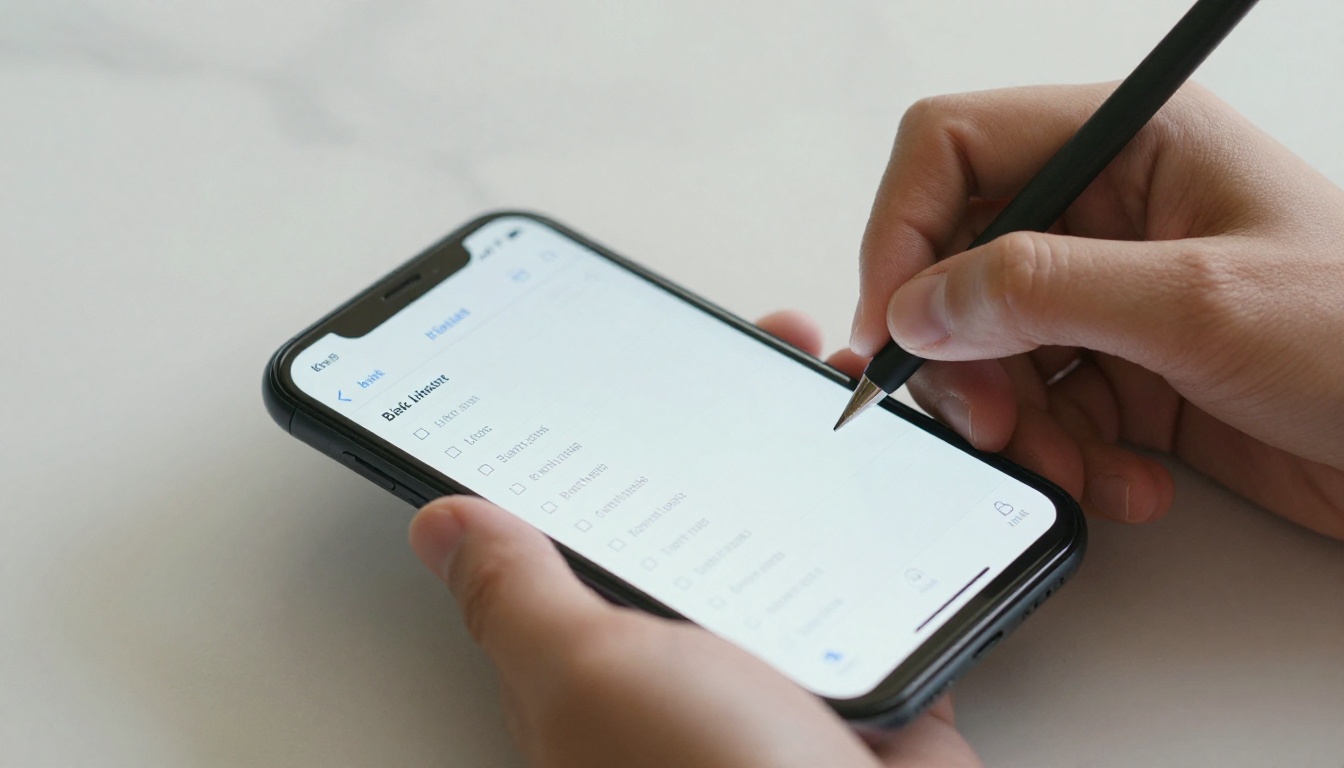
Linktree is a landing page that holds your links. You get a URL, you paste your website, your Instagram, your YouTube, and your portfolio PDF. Anyone who clicks your Linktree bio sees a vertical list of buttons. They tap one. They leave Linktree. That is the entire user journey.
It solves one real problem: the single link in your Instagram bio. Before Linktree and tools like it, you could only put one URL in that field. Linktree lets you consolidate multiple destinations into one shareable link. For a musician linking to Spotify, Apple Music, and tour tickets? It works fine.
For a portfolio? It absolutely does not.
What Linktree Cannot Do
Here is the core problem with Linktree as a portfolio tool. It is a directory, not a showcase. A client who clicks your Linktree sees:
- A list of buttons with your name on top
- No preview of your work
- No context for what you do
- No visual impression of your style or quality
- No reason to feel anything about hiring you
The client has to click through, wait for another page to load, and then decide whether to stay. At each step, you lose people. Portfolio sharing should do the opposite: it should pull people in immediately, hold their attention, and make them feel something before they have made a conscious decision.
⚠️ A link to your portfolio is not the same as showing your portfolio. Linktree only ever does the first one.
The Link-in-Bio Problem
The "link in bio" format was created to work around a platform restriction, not to be a primary portfolio destination. When you send that link to a potential client directly in an email or DM, you are sending them to a workaround. It signals that your portfolio does not have its own home. That impression matters more than most creatives realize.
What a Real Portfolio Actually Needs

Before comparing tools, it helps to be specific about what a portfolio needs to accomplish. Most creatives think of a portfolio as "somewhere to store work." The better way to think about it: a portfolio is a first impression, a selling tool, and a trust signal, all at once.
The First Three Seconds
When someone opens a link you send them, you have about three seconds before they decide whether to keep reading. In those three seconds, they are not processing your qualifications or reading your bio. They are absorbing a general impression. High-quality imagery, clean layout, and a sense of professional care either land immediately or they do not.
Linktree gives them a list of buttons. That does not land.
Depth Beats Breadth
A single gallery presentation that shows 12 strong images tells a more compelling story than 12 separate links each going to a different place. Clients want to stay in one place and scroll, flip, or browse. They do not want to navigate. Every extra click you make them take is friction, and friction kills conversions.
💡 The best portfolio experiences feel like flipping through a magazine or book. They have rhythm, sequence, and visual flow. A list of URLs has none of these.
Context and Curation Matter
A portfolio is not just a collection. It is a curated argument for why you are the right person for a job. That means the order of pieces matters. The grouping of work matters. The transitions between sections matter. Linktree has no concept of any of this. It is just buttons, top to bottom.
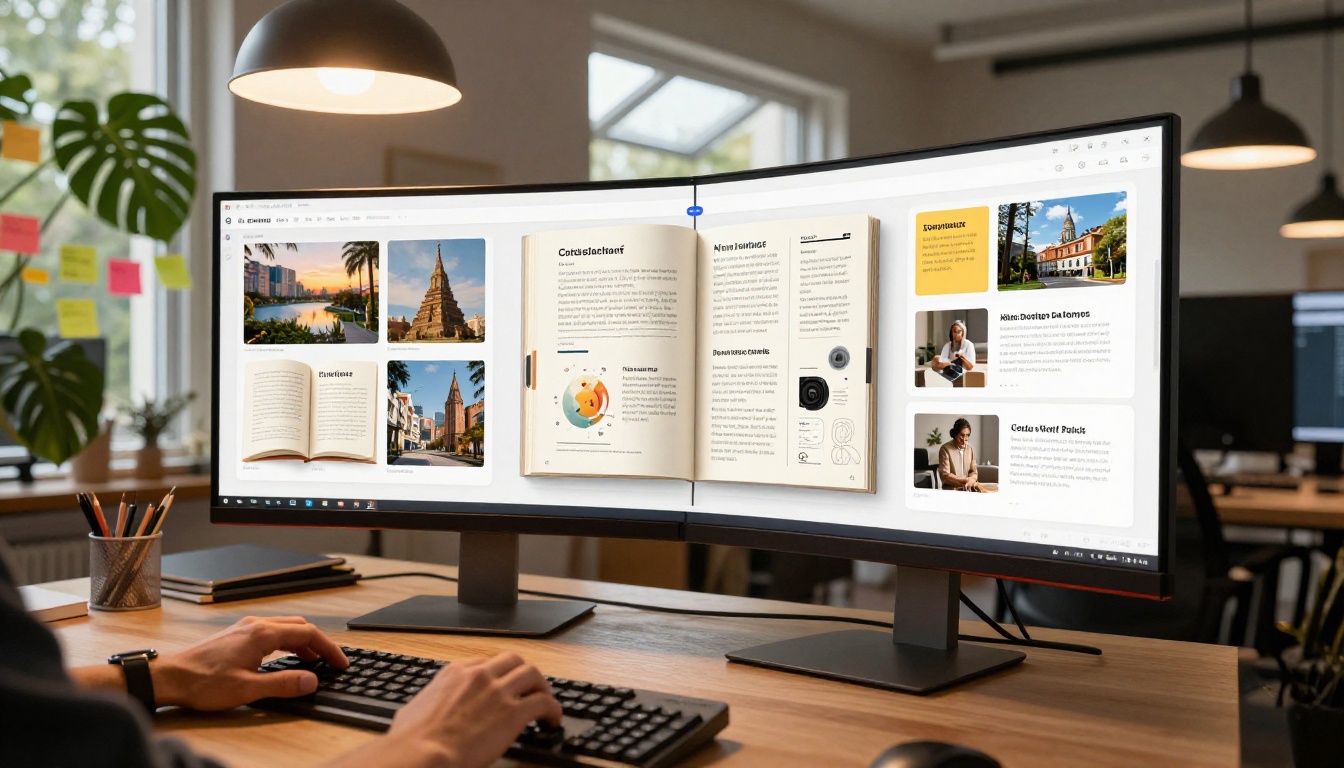
Here is an honest comparison between Linktree and purpose-built portfolio tools.
Feature by Feature
| Feature | Linktree Free | Linktree Pro | Portfolio Flipbook Tool |
|---|
| Custom domain | No | Yes | Yes |
| Work preview on page | No | No | Yes |
| Page-flip immersive browsing | No | No | Yes |
| Embed video and audio | No | No | Yes |
| Analytics | Basic | Yes | Yes |
| Password protection | No | Yes | Yes |
| Mobile-responsive | Yes | Yes | Yes |
| Custom branding | No | Yes | Yes |
| PDF upload to instant gallery | No | No | Yes |
| Offline downloads | No | No | Yes |
| Lead generation forms | No | No | Yes (Pro) |
| No watermarks | Yes | Yes | Yes |
The column that matters most: "Work preview on page." Linktree at any price tier cannot actually display your work. It can only point to it.
Who Each Tool Serves
| Use Case | Linktree Works | Portfolio Tool Works Better |
|---|
| Music artist with streaming links | Yes | No significant advantage |
| Freelance photographer | No | Yes |
| Graphic designer | No | Yes |
| Illustrator or digital artist | No | Yes |
| Real estate agent showcasing listings | No | Yes |
| Fashion or editorial work | No | Yes |
| UX/UI designer with case studies | No | Yes |
| Educator with multiple course links | Partially | Yes |
If your job involves visual output that needs to impress someone, Linktree is the wrong tool for the job.
Why Creatives Are Switching

The shift away from link-in-bio tools for portfolio use has been picking up momentum for a clear reason. Clients and hiring managers have become significantly more sophisticated in what they expect from a portfolio presentation. A PDF link no longer signals professionalism. Neither does a Canva page or a list of buttons.
What signals professionalism now is an interactive, branded, immersive presentation. Think of flipping through an architecture firm's project lookbook on an iPad. Think of a fashion designer sending a prospective buyer a digital catalog with page-turn animations and embedded video. These formats communicate that the sender takes their work seriously, before anyone reads a single word.
Designers Need More Than Links
For graphic designers specifically, the format of your portfolio is itself a design statement. Sending a Linktree is, whether you intend it or not, a statement that says: "I organized some links." Sending a well-crafted interactive flipbook says: "I think about presentation, flow, user experience, and visual impact."
The medium carries part of the message.
Photographers, Writers, and More
Photographers need sequential presentation. A gallery tells a story when images are seen in order, with enough visual breathing room between them. A flipbook format does exactly this, bringing the feel of a real editorial spread to a digital file.
Illustrators benefit from a portfolio that holds large, high-resolution spreads without compression artifacts or awkward thumbnail crops. Writers need to present full-page excerpts in a readable format, not a Google Doc link that anyone can edit.
✅ Match your portfolio format to how your work was originally meant to be seen. Photography belongs in spreads. Design belongs in a designed document. A link list is never the right answer for visual work.
How to Create Your Portfolio with Flipbooks AI

This is where the approach changes entirely. Flipbooks AI turns your existing PDF portfolio into a fully interactive digital flipbook with page-turn animations, custom branding, and a shareable link that actually shows your work, not just links to it.
1. Set Up Your Account
Go to flipbooksai.com/account and create a free account. No credit card required to get started.
2. Upload Your Portfolio PDF
From your dashboard, click to create a new flipbook and upload your portfolio PDF. The platform converts each page into a high-fidelity interactive spread. If your portfolio is a 20-page document, it becomes a 20-page digital flipbook with smooth page-turn animations in under two minutes.
💡 Start with a strong opening spread. Your first two pages are the equivalent of a book's opening impression. Make them count with your best work or a bold typographic statement.
3. Customize Your Branding
In the editor, you can:
- Set your brand colors for the flipbook viewer interface
- Add a logo or watermark
- Customize the background color or texture behind the pages
- Set the page-flip animation style
This level of customization makes a dramatic difference. A black-framed viewer with a dark background feels like a gallery. A light, minimal frame feels editorial. The presentation reflects you.
4. Configure Sharing Options
Once your flipbook is ready, you have several options for how to share it:
- Direct link: A clean, short URL you can drop anywhere
- Embed code: Paste into any website to show the flipbook inline, without sending anyone away from your site. Use the Embed Flipbook on Website tool for easy setup
- Password protection: Lock your portfolio so only people with the password can view it, useful for client-specific presentations or confidential work-in-progress
- QR code: Generate a QR code for print materials or in-person meetings
5. Share and Track
On the Professional plan, you get access to analytics that show you who opened your portfolio, how long they spent on each page, and which sections got the most attention. This is information Linktree cannot come close to providing.
Knowing that a client spent four minutes on your photography section and skipped past your illustration work tells you exactly how to tailor your follow-up message.

One of the strongest features of Flipbooks AI is its library of specialized tools for different types of creative and professional portfolios. Rather than a one-size-fits-all approach, there are dedicated tools for different presentation needs.
Each tool is pre-configured with layout suggestions and formatting optimized for its category. A fashion lookbook starts differently than an architecture case study, and the templates reflect that.
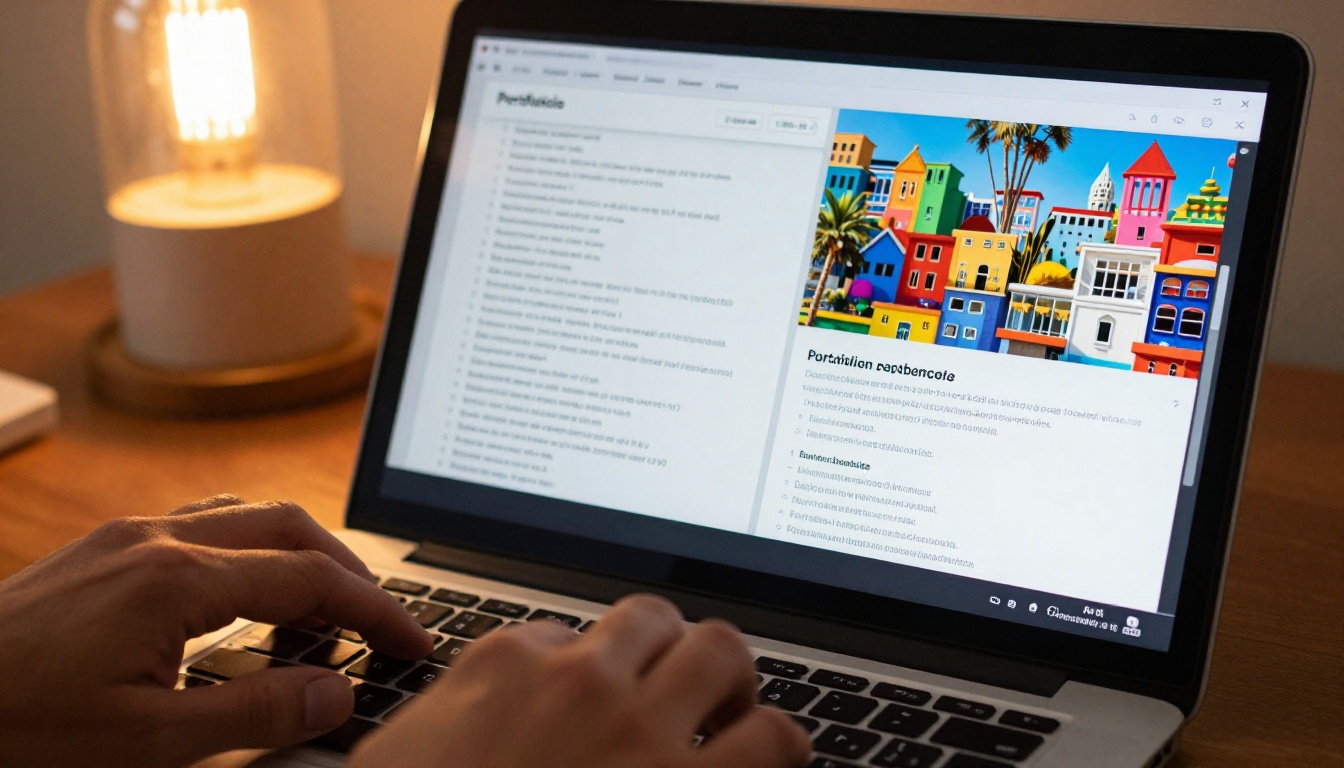
Most portfolio advice frames the decision as "PDF vs. website." That is the wrong comparison. The real choice is passive vs. interactive, and static vs. immersive.
What Makes Flipbooks Perform Better
Interactive formats consistently outperform static ones for portfolio sharing because they create an experience rather than a document. When someone flips a page, even digitally, something changes in how they process information. It signals: "this is worth paying attention to."
People spend more time with interactive content and remember it more clearly than static pages. For portfolio purposes, this translates directly to better recall when a client is deciding who to hire a week after reviewing submissions.
💡 The format of your portfolio is a sales decision, not just a design decision. Clients who are wowed by how your portfolio feels are already primed to say yes.
Embed Your Portfolio Anywhere
A flipbook from Flipbooks AI can be embedded directly on your personal site, your LinkedIn page, or any portfolio hosting platform. This is fundamentally different from a Linktree, which always sends people away. An embedded flipbook keeps people on your page, in your ecosystem, focused on your work.
Features that static sharing tools cannot match:
- Page-turn animations that feel like handling a physical book
- Full-screen mode for immersive viewing on any device
- Embedded video and audio within individual pages
- Mobile-responsive layout that works on phones, tablets, and desktops
- Offline download so clients can view your work without an internet connection
The Pricing Reality

One objection to switching from Linktree is cost. Linktree has a free tier. Here is an honest look at what you actually get across different tools.
What You Pay For
| Plan | Linktree Free | Linktree Pro ($9/mo) | Flipbooks AI Standard |
|---|
| Core function | Link list | Link list | Interactive flipbooks |
| Work preview on page | No | No | Yes |
| Unlimited flipbooks | N/A | N/A | Yes |
| Custom domain | No | Yes | Yes |
| Analytics | Basic | Yes | Yes |
| Password protection | No | Yes | Yes |
| Embed on website | No | No | Yes |
| Watermarks | None | None | None |
| Offline downloads | No | No | Yes |
| Embed video and audio | No | No | Yes |
The calculation becomes simple: if you are paying for Linktree Pro and using it as your primary portfolio tool, you are paying for something that still cannot show your work. At that price point, an interactive portfolio tool like Flipbooks AI is not a luxury. It is the obvious upgrade.
Free Tier Options
You can create a free account and test the core flipbook creation flow without committing to a paid plan. For creatives who are serious about their online presence, stepping to a paid plan removes all limits on the number of flipbooks and adds the branding and analytics features that make the tool genuinely powerful.
✅ Treat your portfolio tool as a business investment, not a personal expense. Every client it wins you pays for years of subscription.
The Real Cost of a Weak Portfolio Presentation

There is a cost to underpowered portfolio tools that does not show up as a line item anywhere. It shows up as the job you did not get, the client who chose someone else, the email that went unanswered.
When a creative director reviews 40 portfolio submissions and yours is a Linktree with three links, the first thing that happens is exactly nothing. There is no impression. There is no wow. There is a button press and a wait for another page to load.
Compare that to opening a link and immediately seeing a beautiful page-turn portfolio with your name on the opening spread, high-resolution pages of your best work, and a clean, branded design. That gets forwarded to the decision-maker. That gets the follow-up email.
Three things Linktree cannot give you:
- First-impression impact: A list of buttons creates no emotional response. A beautifully designed flipbook does.
- Time on page: People click away from link lists in seconds. They browse through flipbooks for minutes.
- Memorability: Weeks after reviewing portfolios, clients remember the ones that felt different. Static links all blur together.
What Clients Actually Remember
Portfolio presentation is a form of personal branding. The tool you use to share your work is part of your pitch. It cannot be an afterthought.
If you work in a visual field, your portfolio format communicates something before a single piece of work is seen. Make sure it communicates: "I am serious, I am professional, and I know how to present things beautifully."
Linktree was never built to do that. It is a link list. Use it for what it does well.
For everything else, build something worth showing.
Ready to stop linking and start showing? Get started free on Flipbooks AI and upload your first portfolio PDF to see the difference in under five minutes. Browse all portfolio tools to find the right format for your work, or check pricing plans to find what fits where you are right now.



