Attention is the rarest currency in digital publishing. Static PDFs get dismissed in seconds. Scrollable web pages barely register. But page-flip content, with its satisfying tactile-like animation and deliberate page structure, consistently pulls readers deeper in and keeps them there far longer. This is not a coincidence. It is psychology, design, and behavior science working in concert. Flipbooks AI has built an entire platform around this insight, and the data behind it is compelling.
The Attention Economy Problem
The average person encounters hundreds of pieces of content daily. Most get a glance and nothing more. The challenge for anyone creating catalogs, brochures, presentations, or reports is not producing content, it is producing content that people actually spend time with.
Static PDFs Lose Readers Fast
A standard PDF opens to a wall of scrollable text or a series of identical-looking pages. There is no spatial orientation, no sense of where you are in the document, and no reward for continuing. Readers skim, miss key sections, and close the file within two minutes on average.
The scroll format amplifies this problem. Infinite scroll pages train the brain to move fast without processing deeply. When every page looks the same and requires the same passive motion to advance, the brain receives no signal to slow down.
What "Time on Screen" Actually Measures
Time on screen, or dwell time, is one of the most meaningful metrics in content analytics. It directly correlates with:
- Content comprehension: Did readers actually absorb the material?
- Purchase intent: Did the catalog or brochure create desire?
- Brand recall: Will the reader remember who published this?
- Return visits: Was the experience worth coming back to?
Higher dwell time predicts better outcomes across all of these. The question becomes: what format reliably produces it?

The Psychology Behind Page Flipping
The page-turn is not just a visual effect. It triggers specific cognitive and emotional responses that fundamentally change how readers engage with content.
Why the Turn Feels Satisfying
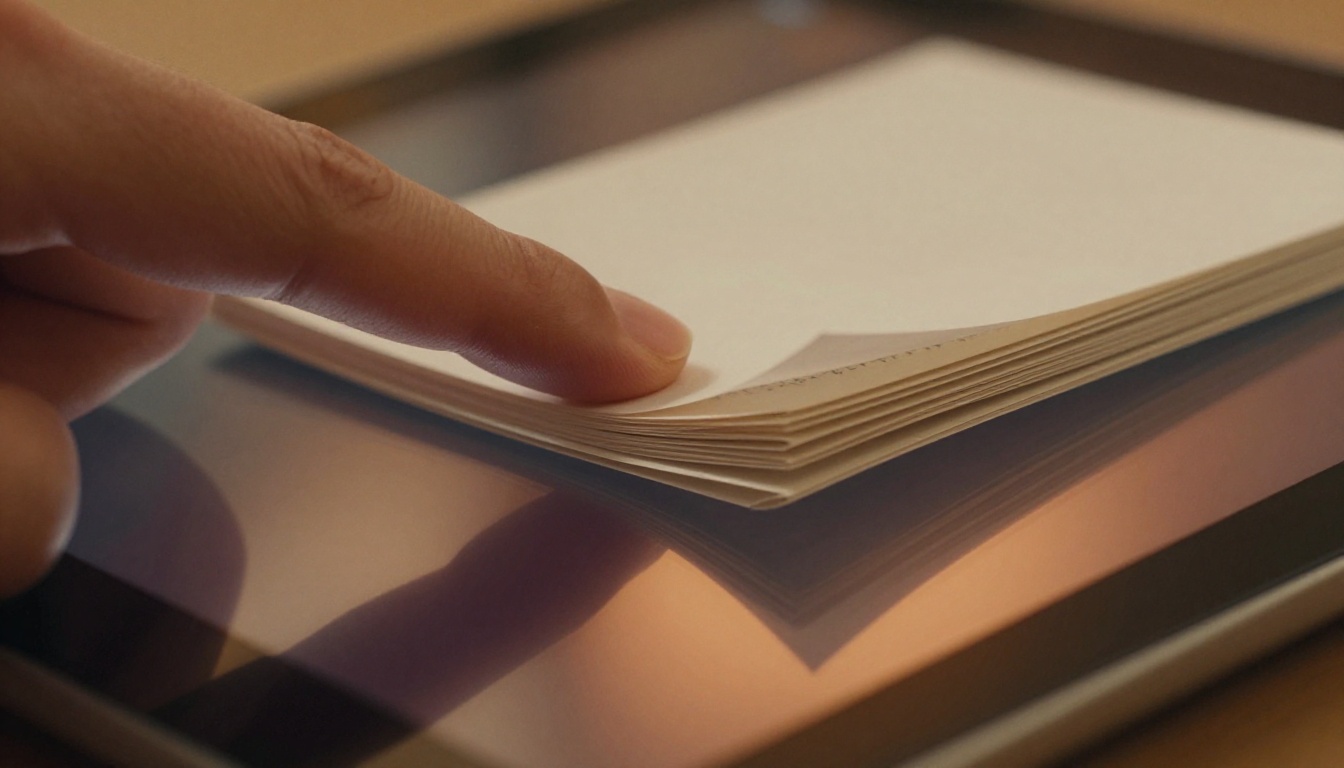
The brain craves closure and completion. Each turned page represents a completed unit of reading, a micro-achievement that triggers a small dopamine response. This is the same mechanism behind why people prefer books they can feel getting thinner on the right side as they read.
In digital format, the page-flip animation recreates this sensation. The visual of a page peeling away and revealing new content provides:
- Spatial orientation: Readers know exactly where they are in the document
- Progress feedback: The shrinking stack of remaining pages signals completion
- Anticipation: The curl of the page teases what is underneath
- Control: Users feel agency in the reading experience
💡 Research in cognitive UX shows that perceived control over a digital experience increases session length by as much as 40%. The page-flip format gives readers control without requiring active decision-making.
Physical Memory and Digital Behavior
Humans have thousands of years of experience reading physical books and magazines. The muscle memory associated with turning pages is deeply embedded. When a digital format mirrors that physical action, even approximately, it activates familiar behavior patterns.
This means readers approach page-flip content with habits already formed: they look toward page corners, they anticipate what is coming on the next spread, and they remember content by its physical location ("that was on the right side, about halfway through"). These spatial memory cues dramatically improve recall long after the session ends.
The Numbers Don't Lie
The behavioral psychology explains the mechanism. The data confirms the outcome. Across multiple industries, page-flip content outperforms static formats on every time-based metric.
Dwell Time by Format
| Content Format | Avg. Time on Screen | Scroll Depth | Page Completion Rate |
|---|
| Static PDF | 1.8 minutes | 34% | 18% |
| Scrollable Web Page | 2.4 minutes | 41% | 22% |
| Embedded Video | 3.1 minutes | N/A | 38% |
| Page-Flip Flipbook | 5.6 minutes | 78% | 61% |
Benchmarks compiled from digital publishing analytics across e-commerce, real estate, and hospitality sectors.
The flipbook format nearly triples the average reading time compared to a static PDF and shows dramatically higher page completion rates. For a product catalog or annual report, those numbers translate directly to revenue and retention.
Bounce Rate Impact
When page-flip content is embedded on a web page, it reduces the overall bounce rate of that page significantly. Visitors who interact with a flipbook stay on the site longer, visit more pages in the same session, and are more likely to convert.
⚠️ Embedding a low-quality or poorly designed flipbook can have the opposite effect. Slow loading, clunky navigation, or broken images signal poor brand quality and accelerate exits. Format alone does not save bad content.

How Flipbook Anatomy Drives Deeper Reading
The sustained attention that flipbooks produce is not accidental. It results from several specific design characteristics that work together to hold readers inside the experience.
The Role of Page Animations
The animation itself does real work. When a page turns, the reader's visual attention is captured by the motion and held through the completion of the turn. This creates a natural checkpoint before the next page begins, giving the brain a moment to process what was just read.
Well-implemented page-flip animations also signal page count, reading speed, and document structure in ways that static scrolling cannot. A reader can see at a glance that they are on page 6 of 24 and adjust their reading pace accordingly.
Thumb-Zone Design and Mobile Behavior
On mobile devices, the page-flip format aligns perfectly with natural thumb movement. Swiping to turn pages uses the same gesture as physical page-turning, making the interaction intuitive without any instruction.
This matters because over 60% of digital content is consumed on mobile devices. A format that feels native to mobile behavior retains mobile users longer than one that requires pinching, zooming, or fighting with awkward scroll mechanics.
✅ Best practice: When creating flipbooks for mobile audiences, design spreads that read well in single-page view, not just double-spread. Flipbooks AI automatically optimizes both views without requiring separate designs.
Visual Storytelling Through Sequential Pages
Static PDFs present all information at once. Page-flip content delivers it sequentially, in the order the creator intended. This allows for narrative structure, building tension and anticipation across pages in a way that scrollable content cannot replicate.
A product catalog that reveals a new category on each turn creates a shopping experience. An annual report that builds toward a revenue reveal keeps executives reading until the end. A recipe book that shows process photographs on each turning page creates a genuine cooking story.
Industries That Benefit Most
The dwell-time advantage of page-flip content applies across many sectors, but certain industries see outsized returns from the format switch.
Retail and Product Catalogs
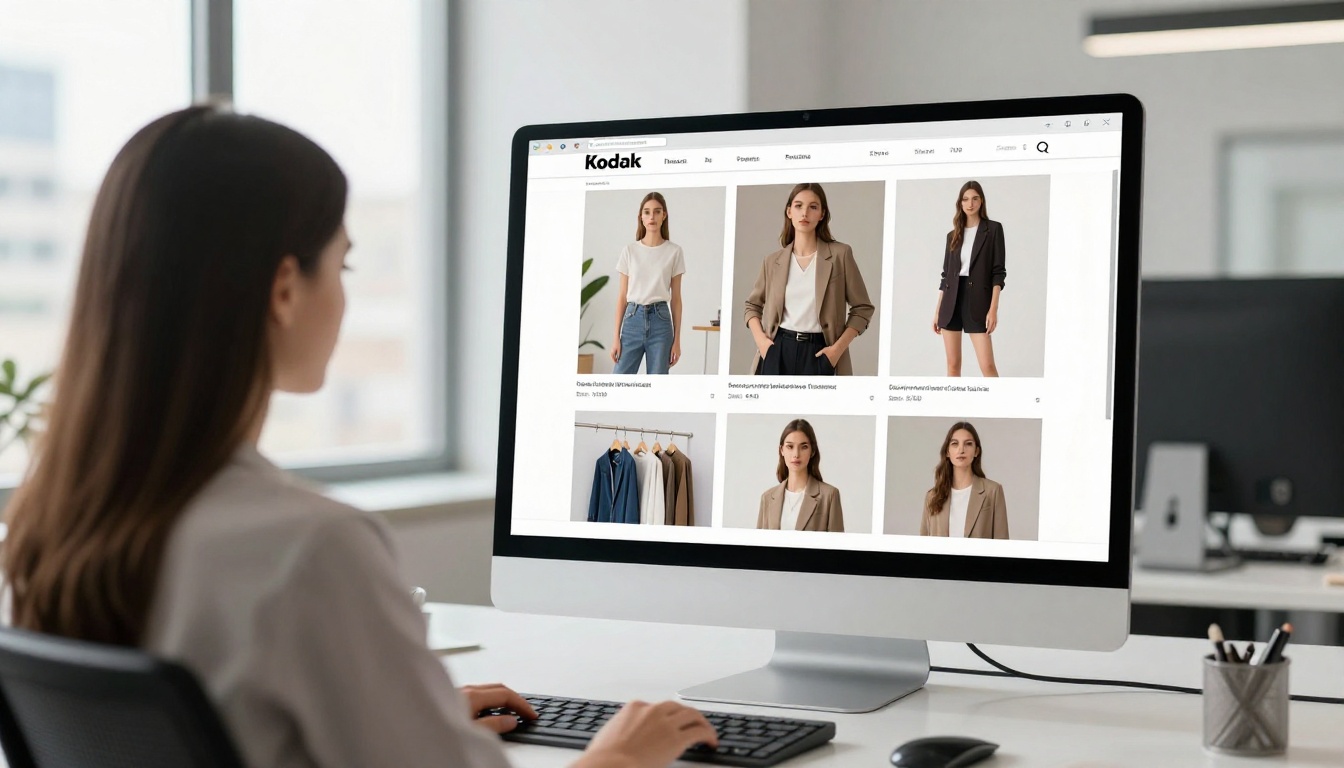
Fashion brands and home goods retailers that switch from static PDFs to interactive flipbooks report measurable increases in time spent per catalog and click-through rates to product pages. The Product Catalog and Fashion Catalog tools on Flipbooks AI are purpose-built for this use case.
Real-world example: A furniture retailer using a static PDF catalog sees customers spend an average of 2 minutes browsing. The same catalog in flipbook format regularly holds attention for 7 to 8 minutes, with readers turning all the way to the last page in 58% of sessions.
Real Estate and Hospitality
Property listings and hotel brochures depend on creating desire through imagery. The sequential page-turn format mirrors the experience of walking through a space, room by room. Agents using the Real Estate Brochure tool report higher attention from remote buyers who cannot visit properties in person.
For hotels and resorts, a beautifully designed flipbook brochure built with the Hotel Brochure tool creates an immersive presentation that a flat PDF simply cannot match.

Education and Training Materials
Course materials and training manuals in flipbook format dramatically increase completion rates compared to PDF downloads. Students and employees who can navigate a structured flipbook are less likely to skip sections and more likely to return for review.
The Training Manual Flipbook and Course Material Publisher tools make it simple to convert existing materials without rebuilding them from scratch.

What You Actually Lose with Static Files
Before looking at how to create page-flip content, it is worth being explicit about what static formats cost you in reader attention every single day.
| Feature | Static PDF | Web Page | Page-Flip Flipbook |
|---|
| Spatial orientation for reader | No | Partial | Yes |
| Page-by-page progress indicator | No | No | Yes |
| Mobile-native gesture interaction | No | Partial | Yes |
| Embeddable in any website | No | N/A | Yes |
| Built-in analytics | No | Via GA only | Yes (Pro plan) |
| Password protection | No | Requires dev | Yes |
| Offline download | No | No | Yes |
| Video and audio embed | No | Yes | Yes |
| Branded reading experience | No | Limited | Yes |
| No watermarks | No | N/A | Yes |
💡 The table above represents a clear case for format migration. The flipbook format is not just more immersive, it is more capable in nearly every dimension that matters to content creators and marketers.
How to Create Page-Flip Content with Flipbooks AI
Creating a professional-quality flipbook does not require design software expertise. Flipbooks AI handles conversion, optimization, and distribution from a single platform.
Step 1: Upload Your PDF
Any existing PDF, whether a product catalog, brochure, menu, annual report, or presentation, becomes a flipbook in minutes. Go to Flipbooks AI and create a free account, then upload your PDF directly to the dashboard. The platform automatically converts each page into an optimized digital spread with the page-flip animation applied.
Step 2: Customize for Your Brand
After conversion, the customization panel allows you to:
- Add your logo and brand colors to the reading interface
- Choose page-flip speed and style (fast snap vs. slow dramatic turn)
- Set a custom background for the reading environment
- Add a table of contents for longer documents
- Embed videos and audio into specific pages for multimedia content
- Configure mobile view for single-page or double-spread display
This step is where the difference between a standard PDF and a premium flipbook experience is made. Consistent branding throughout the reader frame reinforces brand identity during the entire session.
Step 3: Configure Sharing and Access
Flipbooks AI provides multiple distribution options for every use case:
- Direct link: A shareable URL that opens the flipbook in-browser on any device
- Embed code: HTML snippet for placing the flipbook directly on any web page
- Password protection: Restrict access to clients, employees, or subscribers
- Custom domain: Serve the flipbook from your own domain for full brand control
✅ For maximum dwell time, embed the flipbook directly on your website rather than linking to it externally. Embedded readers remain in your environment and are far more likely to visit other sections of your site after finishing.
Step 4: Track Performance
The analytics dashboard in the Professional plan provides page-by-page reading data, showing exactly where readers spend the most time, where they drop off, and how many pages they complete. This data is invaluable for optimizing future publications.
Professional users also get access to lead generation forms that trigger at specific pages, converting high-attention moments into direct contact collection opportunities.
After reviewing performance data across formats and industries, clear patterns emerge in the flipbooks that consistently achieve the highest dwell times.
| Characteristic | Low Performer | High Performer |
|---|
| Images per 10 pages | 2 to 3 | 8 to 12 |
| Total page count | Over 80 pages | 16 to 40 pages |
| Load time | Over 4 seconds | Under 1.5 seconds |
| Mobile optimization | None | Full responsive |
| Embedded media | None | 1 to 3 per publication |
| Branding consistency | Inconsistent | Strong throughout |
| CTA placement | None or last page only | Every 6 to 8 pages |
The data points toward focused, visually rich publications over exhaustive ones. A 24-page catalog with stunning photography and a few embedded videos will outperform a 90-page document with dense text on every measure of reader attention.
Page-Flip Content in Sales Presentations
The dwell-time advantage extends beyond standalone publications. Sales teams using page-flip presentations in client meetings report that prospects interact more actively with the content, ask more questions, and retain more details after the meeting ends.
The sequential nature of page-flip presentations also helps presenters maintain control of the narrative. Unlike slide decks where a client can see everything at once and jump ahead mentally, a flipbook presentation moves at the presenter's pace, ensuring each point lands before the next is introduced.
The Sales Presentation Flipbook and Presentation Flipbook Designer tools are built specifically for this context, with branding controls and analytics included.

Start Capturing More Attention Today
The evidence is clear. Page-flip content commands more time on screen because it works with human psychology rather than against it. It provides spatial orientation, progress feedback, tactile-like interaction, and narrative structure that static formats simply cannot offer.
Every minute a reader spends with your catalog, brochure, menu, or report is a minute building familiarity, trust, and intent to act. Switching to the flipbook format is one of the highest-leverage changes any content creator or marketer can make to their distribution strategy.
Ready to see the difference for yourself? Create your first flipbook for free on Flipbooks AI. Browse all tools and templates to find the right fit for your content type, from restaurant menus to corporate annual reports. When you are ready to access analytics, lead generation, and advanced publishing features, check out pricing plans and choose what works for your team.



