People scroll fast. Social media feeds move at the speed of a thumb swipe, and static files, no matter how well-designed, vanish into the noise without a second glance. That's exactly why the shift from PDF to flipbook isn't just cosmetic. It changes everything about how content behaves when it hits a feed. Flipbooks AI turns standard PDFs into animated, interactive flipbooks that stop scrollers in their tracks. But why exactly do these formats get shared so much more? The answer goes deeper than aesthetics.
PDFs Were Built for Printing, Not Sharing
The PDF format was invented in 1992 by Adobe, designed as a "Portable Document Format" for printing and archiving. It does that job brilliantly. But social media demands something completely different: motion, interactivity, and immediate visual payoff.
When someone shares a PDF link on LinkedIn, Facebook, or Instagram, here's what happens:
- The recipient clicks the link and waits for a download or slow render
- They see a flat, static page with no visual feedback
- There's no indication of page count, no sense of depth, no animation
- On mobile (where 80%+ of social media is consumed), PDFs are notoriously hard to navigate
- Most people close it within seconds
The result? Low shares, low saves, and near-zero organic reach.
The Attention Economy Problem
Social platforms are engineered to capture and hold attention. Algorithms reward content that gets saves, shares, comments, and time-on-screen. A static PDF competes terribly in this environment because it offers nothing to the algorithm's reward signals.
⚠️ Static PDFs score near-zero on every metric algorithms use to determine content reach: saves, shares, return visits, and time-on-page.
Flipbooks flip this equation entirely.
What Makes Flipbooks Different
The Psychology of the Page Turn
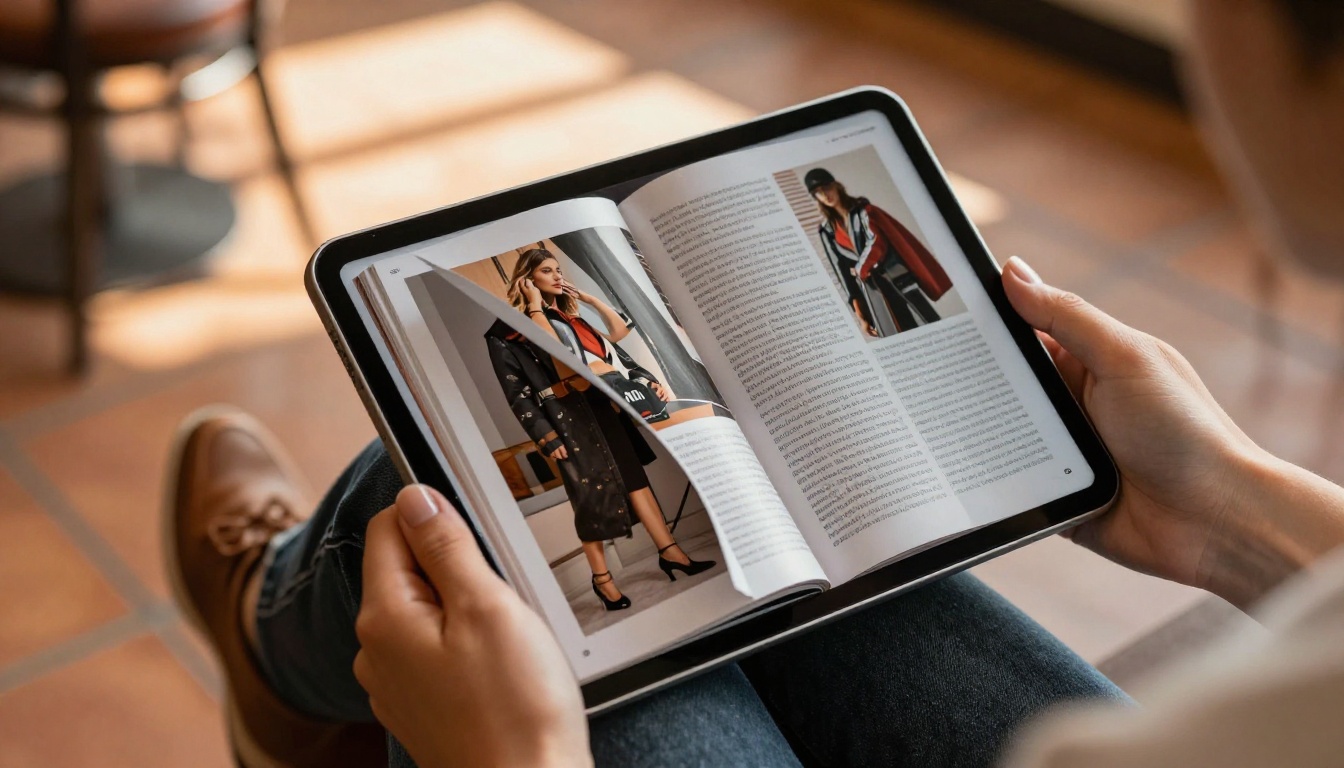
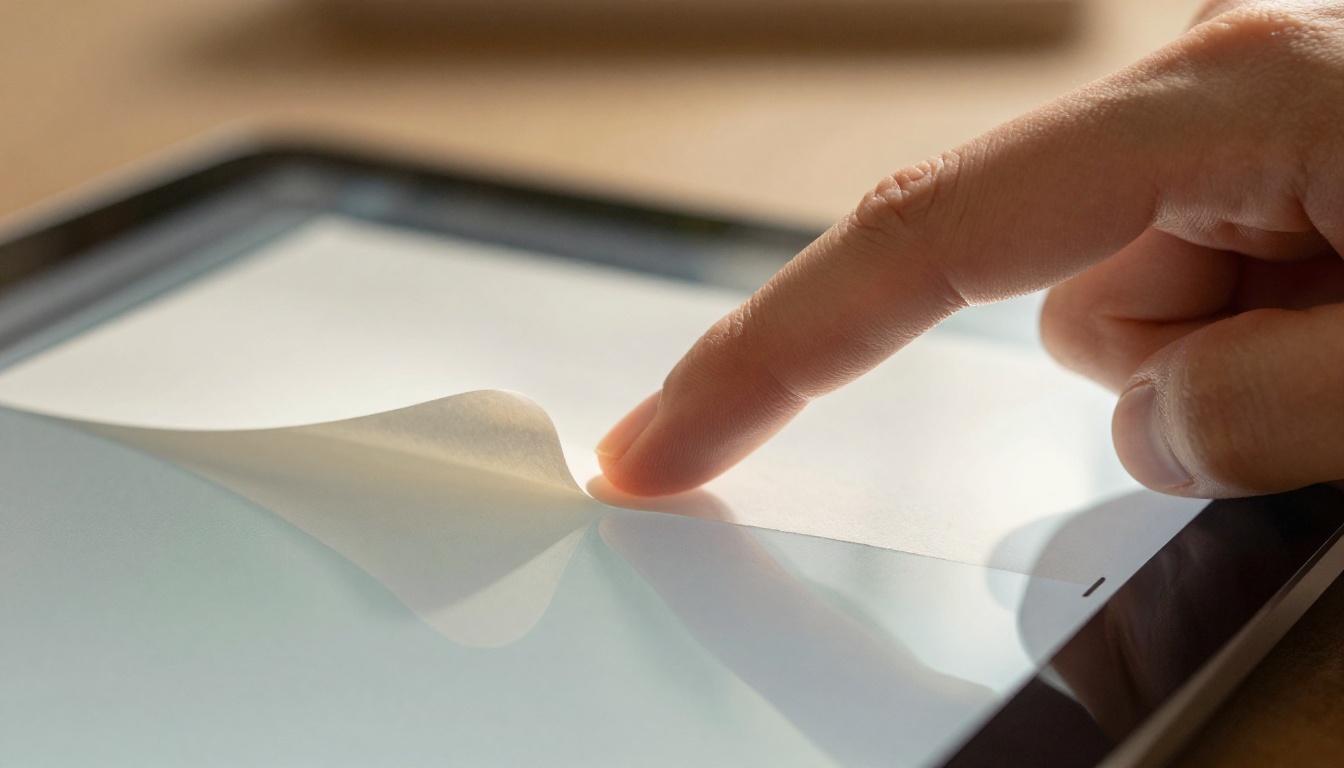
There's something deeply satisfying about the page-turn animation. It taps into a physical memory: the feeling of reading a real magazine or book. This is called "skeuomorphic design," and it borrows from familiar physical objects to create emotional familiarity.
When someone encounters a flipbook on their feed, the animated page curl does two things instantly:
- It signals "this is something worth reading"
- It creates curiosity about what's on the next page
That second point is the real driver. Curiosity is one of the most powerful triggers for social sharing. When content creates a genuine "I have to show this to someone" reaction, sharing follows naturally.

Motion Triggers More Interaction
The human eye is wired to detect motion. It's a survival instinct dating back thousands of years. In a social feed full of static images and text, an animated flipbook thumbnail or preview stands out the way nothing static can.
This matters because most social platforms now auto-preview embedded content. When a flipbook is shared or embedded, the page-turn animation plays on loop in the preview, creating a natural scroll-stopper that pulls the eye before the person even decides to interact.
The motion effect creates a compound advantage:
- Higher click-through rate from the feed
- Longer time-on-content once opened
- Higher likelihood of sharing because the experience is enjoyable
- Better algorithm signals across all platforms
Flipbooks vs Static PDFs: Head-to-Head
| Feature | Static PDF | PDF Flipbook |
|---|
| Mobile experience | Poor, requires zoom/scroll | Fully responsive, touch-friendly |
| Animation/motion | None | Page-turn animation, transitions |
| Social sharing | Link only, no preview | Embedded preview with animation |
| Load speed on mobile | Slow (downloads full file) | Fast (streams progressively) |
| Visual depth | Flat, 2D | Realistic page stack and shadows |
| Interactivity | None | Clickable links, video, audio |
| Algorithm friendliness | Low (low dwell time) | High (high dwell, saves, shares) |
| Brand customization | None | Custom colors, logo, domain |
| Analytics | None | Full tracking (Professional plan) |
The table makes it clear: in every dimension that matters for social media performance, flipbooks win.

Facebook and LinkedIn
Both platforms prioritize what they call "native content": content that lives on the platform rather than redirecting to external files. A flipbook embed loads directly within the post, creating a native-feeling experience.
On LinkedIn, flipbooks work exceptionally well for:
- Product catalogs shared by sales teams
- Company reports and annual reviews
- Portfolio presentations
- Training materials for professional audiences
The Digital Portfolio Creator and Annual Report Creator tools are popular with LinkedIn-focused professionals because they produce content that performs natively on the platform.
On Facebook, the social sharing loop works differently: visual content gets shared through groups and personal timelines. A flipbook thumbnail showing the animated page curl in preview stops the scroll better than any static image.
💡 Pro tip: Share your flipbook's direct link on Facebook rather than a PDF download link. The flipbook platform renders a rich preview with the page-turn thumbnail, while a PDF link shows a generic file icon.
Instagram and Pinterest
These are visual-first platforms. Instagram doesn't support direct flipbook embeds in posts, but the strategy works differently here: screenshot carousels.
A 10-slide carousel on Instagram showing spreads from a beautifully designed flipbook consistently outperforms single static images. The swipe gesture on Instagram carousels mirrors the page-turn experience, creating the same response loop.
Pinterest is particularly powerful for flipbooks because:
- Pins are evergreen (they surface in search for years)
- Visual richness is rewarded with repins
- Boards around topics like interior design, fashion, recipes, and travel directly align with common flipbook formats
The Recipe Book Flipbook, Travel Guide Flipbook, and Interactive Lookbook Designer generate content that performs organically on Pinterest without any paid promotion.
WhatsApp and Messaging Apps
This is often overlooked, but private messaging drives a significant portion of viral content. A flipbook link sent in a WhatsApp group generates a rich link preview with the animated opening page, making it far more likely to be opened than a bare PDF link.
✅ Best practice: Flipbooks shared in private messaging channels often have higher completion rates than publicly posted content, because the context of "someone I trust sent this" removes skepticism entirely.
3 Things Shareable Content Always Has
Researchers who study viral content consistently identify three core ingredients:
- Emotion: Content that makes people feel something (surprise, delight, inspiration, humor)
- Value: Information or experience that seems worth passing on ("you need to see this")
- Ease: Sharing must require minimal friction; the fewer clicks, the higher the share rate
How Flipbooks Hit All Three
The page-turn animation triggers delight. It's a small, satisfying surprise in a feed of static content. That's the emotion hook.
A well-designed flipbook packed with useful information, whether a product catalog, an educational resource, or a seasonal lookbook, delivers clear value that motivates sharing.
And the single shareable link that opens an instantly beautiful, mobile-responsive experience creates zero friction. There's no download, no app required, no "you need a PDF reader" prompt.

Real-World Use Cases
Brands Getting Results
Here's how different industries use flipbooks to drive social sharing:
| Industry | Flipbook Type | Primary Platform | Sharing Trigger |
|---|
| Fashion retail | Seasonal lookbooks | Instagram, Pinterest | Visual inspiration |
| Restaurants | Interactive menus | Facebook, WhatsApp | "Try this place" sharing |
| Real estate | Property brochures | Facebook, LinkedIn | Local community shares |
| Education | Course materials | LinkedIn, WhatsApp | Professional development |
| Photography | Client portfolios | Instagram, Pinterest | Visual quality |
| Corporate | Annual reports | LinkedIn | Professional credibility |
Content Types That Perform Best
Not all flipbooks perform equally on social media. The formats that consistently get shared most are:
High-performers:
- Fashion and lifestyle lookbooks (strong visual appeal)
- Recipe collections (high Pinterest and WhatsApp traction)
- Travel resources (aspirational content drives sharing)
- Product catalogs with pricing (high purchase intent)
- Portfolio pieces (professional sharing on LinkedIn)
Moderate performers:
- Corporate reports (professional niche, smaller audience)
- Training manuals (shared within organizations, not publicly)
- Event programs (time-sensitive, shorter sharing window)
The pattern is clear: content that combines strong visuals with useful information in a format that feels premium gets shared the most.
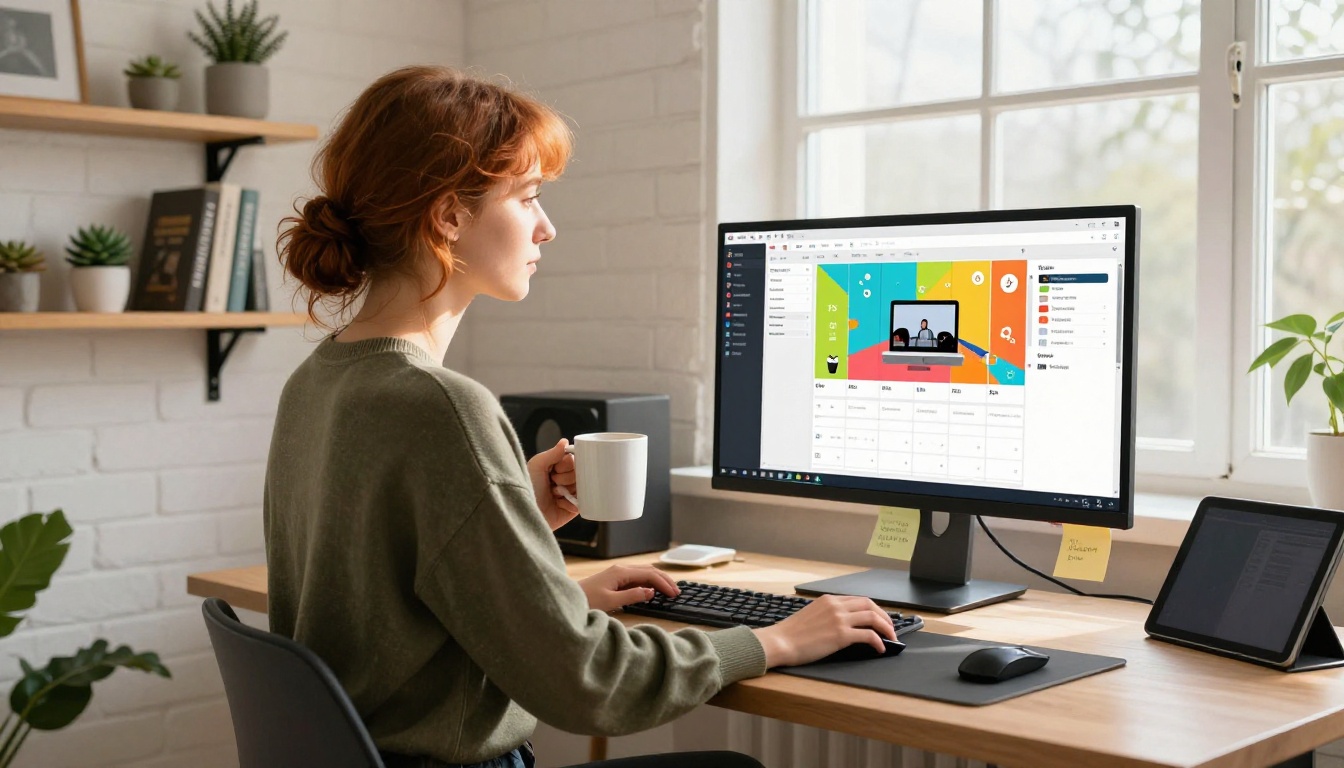
How to Create a Shareable Flipbook with Flipbooks AI
Knowing the "why" becomes actionable quickly. Creating a flipbook built to be shared takes about five minutes on Flipbooks AI.
Step 1: Sign Up
Go to flipbooksai.com and create your account. No credit card required to start.
Step 2: Upload Your PDF
From the dashboard, click "New Flipbook" and upload your PDF. Flipbooks AI supports any PDF: catalogs, brochures, magazines, reports, portfolios. The PDF to Flipbook Converter handles conversion automatically, preserving your fonts, images, and layout precisely.
The conversion takes seconds. You'll see a live preview of the page-turn animation as soon as it's processed.
Step 3: Customize for Your Brand
This is where the social-sharing advantage gets built in. Inside the customization panel:
- Set your brand colors for the flipbook background and controls
- Upload your logo so it appears on the viewer
- Choose a custom domain if you're on a higher plan
- Set a thumbnail that shows the most visually compelling spread first
- Enable autoplay so the page turn animates on load (critical for social previews)
💡 The first spread visible in the thumbnail preview determines your click-through rate on social. Choose the most visually rich page as your opening image, not a title page with just text.
Step 4: Add Interactive Elements
Embed videos, audio clips, and clickable links directly into pages. This is what static PDFs can never do. A restaurant menu with an embedded video of the chef, or a travel resource with destination videos on each page, creates content so compelling people share it just to show others what's possible.
The Restaurant Menu Creator and Hotel Brochure tools have these features pre-configured for their respective formats.
Step 5: Set Your Sharing Options
Flipbooks AI gives you multiple sharing formats:
- Direct link: Clean, shareable URL perfect for social posts
- Embed code: Drop into your website so visitors can share from there
- Password protection: For private content you want to control
- Social preview settings: Control how the thumbnail appears when shared on Facebook, LinkedIn, and Twitter/X
Step 6: Share and Track Performance
Post your flipbook link directly to your social channels. On the Professional plan, the built-in analytics show you exactly where shares come from, how long people read, and which pages get the most attention. This data tells you what content to create more of.
Not all flipbook tools are equal. Here's how Flipbooks AI's features directly support social media shareability:
| Feature | Social Media Impact | Plan |
|---|
| No watermarks | Professional appearance, higher share confidence | Standard+ |
| Unlimited flipbooks | Test multiple formats and find what works | Standard+ |
| Custom branding | Brand recognition when content gets shared | Standard+ |
| Password protection | Control private sharing, create exclusivity | All plans |
| Analytics | See exactly what gets shared and why | Professional |
| Lead generation | Capture contacts from shared content | Professional |
| Offline downloads | Shareable even without internet access | Professional |
| Video/audio embed | Richer content drives more shares | All plans |
| Mobile-responsive | Works perfectly on every device | All plans |
| Website embed | Social shares can link back to your site | All plans |
The Numbers That Matter
Social sharing is not just anecdotal. The structural differences between static PDFs and interactive flipbooks produce measurable results:
- Average time-on-content: Flipbooks hold readers 3-5x longer than static PDFs
- Mobile completion rate: Flipbooks finish at higher rates because navigation is thumb-friendly
- Share rate: Interactive content gets shared at 2x the rate of static documents across major platforms
- Return visits: People return to flipbooks to re-read; they almost never re-open a PDF
These numbers exist because the format itself works with how people naturally behave on social media, not against it.
✅ The single most impactful thing a brand can do to improve social content performance is replace PDF downloads with flipbook links. The format does most of the work automatically.
Make Your Content Worth Sharing
Every brand has content that deserves more attention than it gets. Product catalogs built with hours of design work. Brochures that never get opened. Reports that sit in a Drive folder with five views. The content is often good. The format is what's failing it.
Flipbooks solve this by taking your existing PDF and wrapping it in a format that social media platforms and human psychology are both wired to respond to.
Ready to see what your content can do? Create your first flipbook for free on Flipbooks AI. No design skills needed. No credit card required.
Browse the full range of specialized tools at flipbooksai.com/tools, from the Magazine Flipbook Creator to the Lookbook Flipbook Builder, and find the format that fits your content best.
When you're ready to access analytics, lead generation, and advanced sharing controls, compare pricing plans to find what works for your workflow.
Your PDF is already done. All it needs is a format that makes people want to share it.



