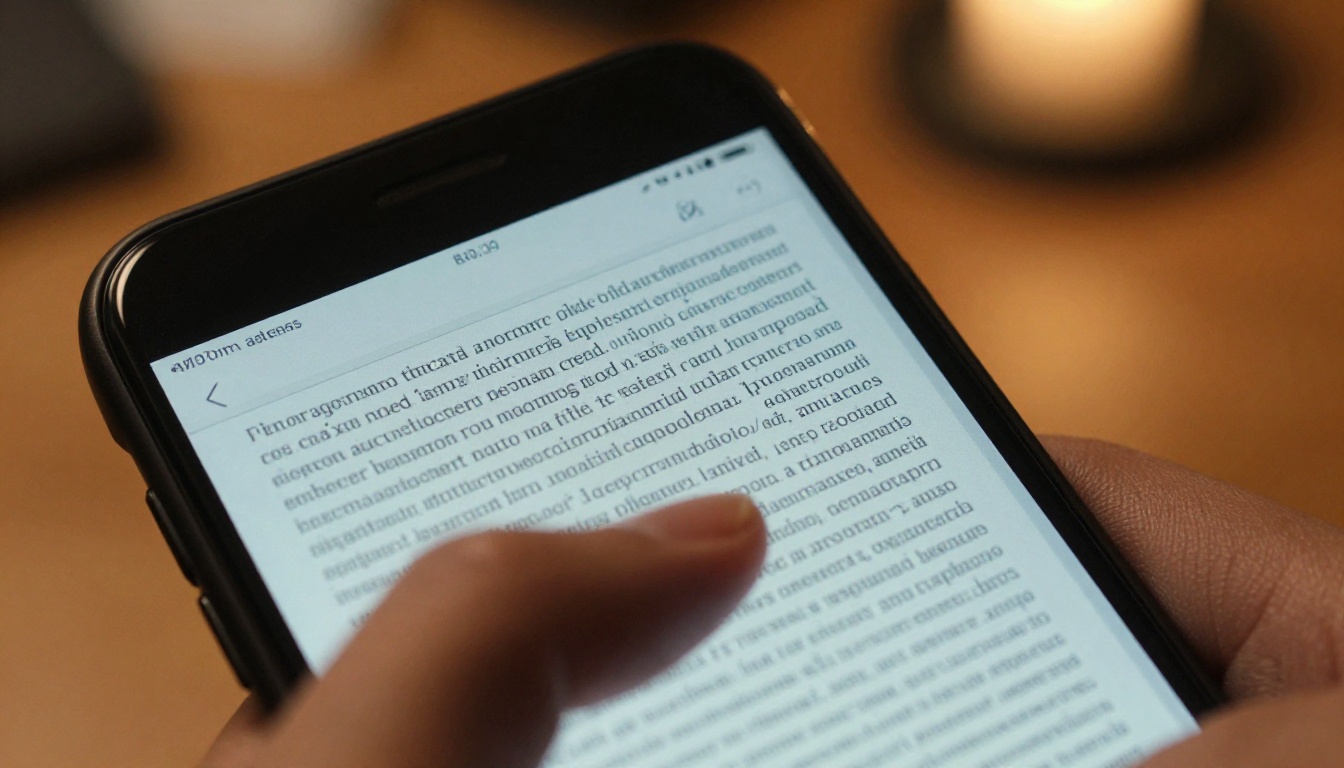
You already know the moment. You tap a link on your phone, a PDF loads, the text shrinks to the size of a grain of rice, and you spend the next 30 seconds pinching and zooming just to read one sentence. Most people give up immediately. If you're sharing PDFs with mobile audiences, you're losing them the second they open the file. Flipbooks AI was built specifically to solve this, and by the end of this article you'll see exactly why the switch matters.
Mobile browsing overtook desktop globally back in 2016, and the gap has only widened since. In 2025, smartphones account for roughly 63% of all web traffic worldwide. Yet the PDF format was designed in 1993, when mobile devices didn't exist and screens were measured in inches, not points. The mismatch between that legacy format and today's mobile-first reality is not a minor inconvenience. It's a structural failure.
The Numbers Don't Lie
Before getting into the mechanics, look at what the data shows about PDF performance on mobile devices:
- 63% of global web traffic now comes from smartphones
- 74% of users say they will return to a website if it's well-optimized for mobile
- 53% of mobile users abandon a page that takes more than 3 seconds to load
- PDFs average 3-5x longer load times compared to HTML5 or flipbook formats on mobile connections
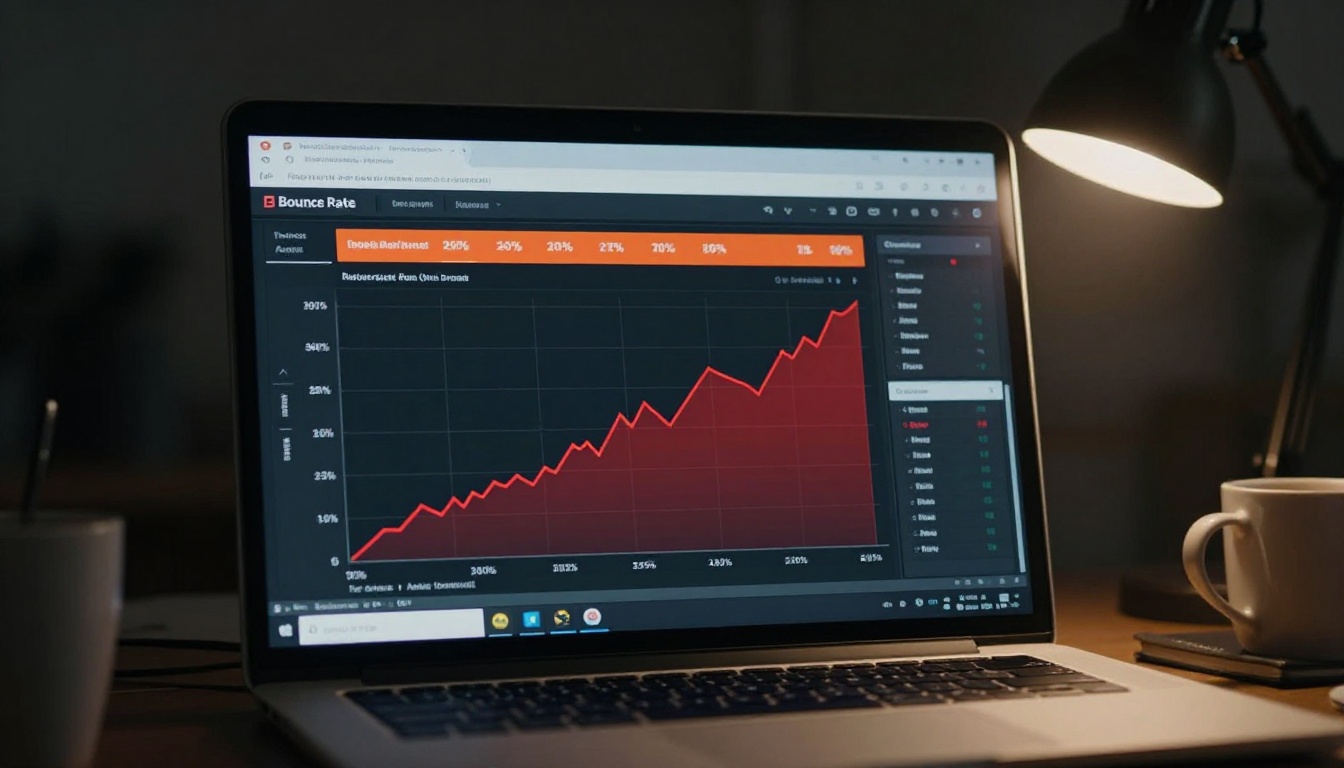
- Bounce rates on mobile PDF links can spike to over 80% within the first 10 seconds
These aren't theoretical numbers. Every PDF you share on mobile is a friction point that costs you readers, leads, and conversions.
What Breaks When You Open a PDF on Mobile
The problems with PDFs on mobile aren't one thing. They're a cascade of failures that stack on top of each other, each one adding more friction until the reader simply closes the tab.
The Zoom-and-Scroll Nightmare
A standard PDF is designed for A4 or Letter paper, roughly 8.5 by 11 inches at 72-96 DPI. A smartphone screen is typically 375-390 points wide. When a PDF loads on mobile, the browser must either shrink the entire page to fit the screen, making text microscopic, or render it at full size, forcing the user to scroll both horizontally and vertically just to read a single paragraph.
Neither option is acceptable. Horizontal scrolling on a document is one of the highest-friction experiences in mobile UX design. Users trained on social media and apps expect purely vertical scrolling. The moment they hit horizontal scroll on a PDF, most will close the tab.
No Touch Optimization
PDFs were built for mouse clicks and keyboard shortcuts, not touch gestures. Interactive elements like buttons, form fields, and hyperlinks inside PDFs frequently fail on mobile because tap target sizes don't meet the minimum 44x44 pixel standard recommended by Apple and Google. Users tap a link and nothing happens, or worse, they accidentally trigger something adjacent.
The PDF viewer itself (either the browser's built-in renderer or a third-party app) varies wildly across iOS, Android, Chrome, Safari, and Firefox. There's no consistent rendering baseline. A PDF that looks passable on one device can be completely broken on another.
Slow Load Times on Data Connections
PDFs are monolithic files. The entire document must download before the browser can display page one. A 10MB PDF on a 4G connection takes 3-8 seconds to start rendering. On a weak signal or older network, that number climbs well past 10 seconds. Compare that to an HTML5-based flipbook, which loads progressively and shows content within 1-2 seconds because it streams page by page.
⚠️ Every extra second of load time on mobile increases your bounce rate by approximately 32%. A 5-second delay means you've already lost more than half your audience before they see a single word.
No Adaptive Layout
A responsive flipbook adjusts its layout, font size, and image scaling to fit any screen. A PDF cannot do this. The layout is baked in at creation time and is completely static. If your PDF has two columns of text at 10pt font for desktop, your mobile reader gets exactly that: two unreadable columns at roughly 6pt, if they even bother to zoom in.
PDF vs. Flipbook on Mobile: Side-by-Side
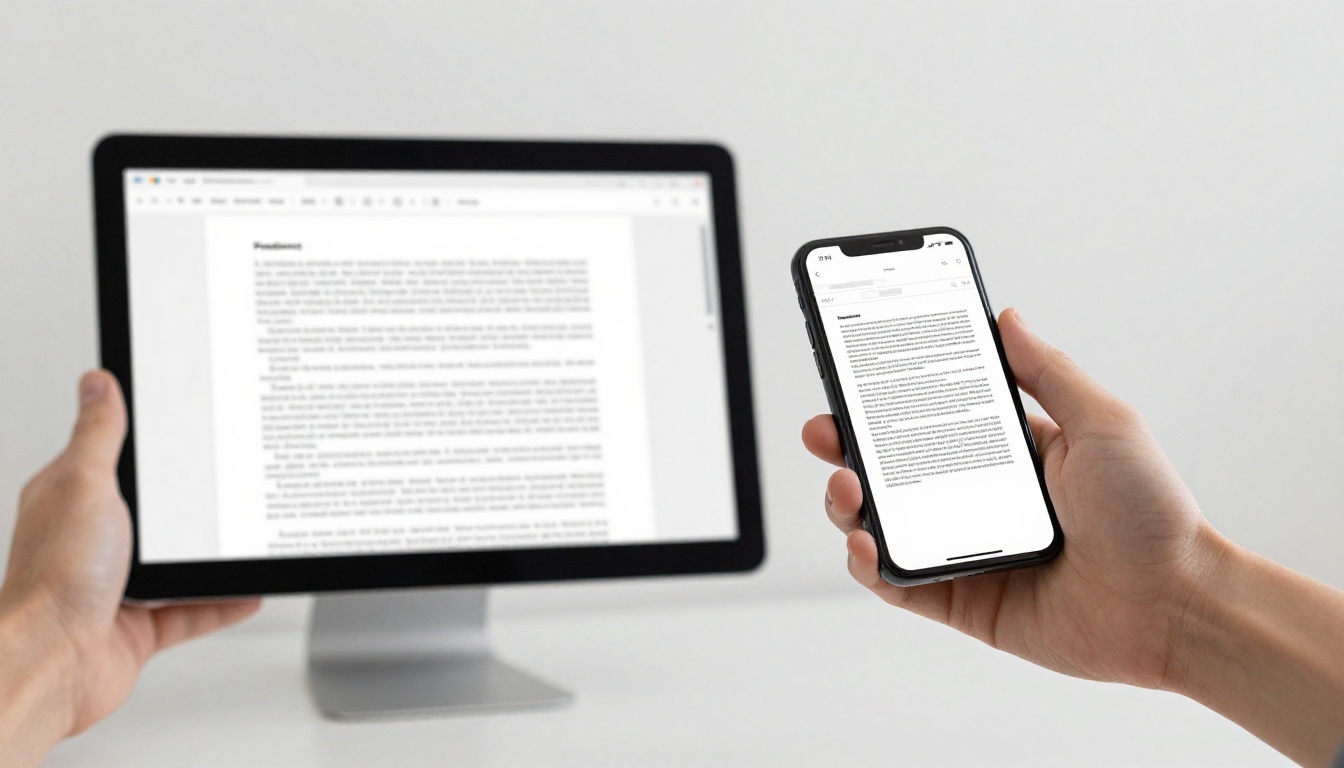
This table shows exactly how the two formats compare across the dimensions that matter most for mobile users:
| Feature | PDF | HTML5 Flipbook |
|---|
| Mobile-responsive layout | No | Yes |
| Adaptive font sizing | No | Yes |
| Progressive loading | No | Yes |
| Touch-optimized navigation | No | Yes |
| Horizontal scroll required | Yes | No |
| Average mobile load time | 3-8 seconds | Under 2 seconds |
| Embeddable in websites | Partial | Full |
| Analytics tracking | No | Yes (Professional plan) |
| Password protection | Limited | Full control |
| Video and audio embed | No | Yes |
| Works offline | Sometimes | Yes (downloadable) |
| Custom branding | No | Yes |
The comparison isn't close. Every single dimension where PDFs fall short maps directly to where modern flipbooks thrive.

The Real Cost to Your Business
The usability problems described above aren't just annoying for readers. They have direct financial consequences that show up quietly in your metrics every month.
Bounce Rates Spike Immediately
When a mobile user opens a PDF and immediately struggles, they don't troubleshoot. They leave. That bounce signal gets registered in your analytics, which in turn affects how search engines perceive the quality of the page linking to your document. Over time, high PDF bounce rates can quietly suppress your organic rankings.
A restaurant that emails a PDF menu link sees customers close the tab before ordering. A real estate agent who shares a PDF brochure link loses the lead in under 10 seconds. A trade publisher who sends a PDF magazine link watches their open rate climb while their actual read time stays near zero.
Lost Leads and Missed Conversions
PDFs have no built-in mechanism for capturing leads, tracking reader behavior, or converting interest into action. You can't know which pages a reader reached, how long they spent on each section, or whether they shared the document with someone else.
With Flipbooks AI on the Professional plan, you get full analytics showing page-by-page read time, total views, geographic data, and built-in lead generation forms. That's the difference between sending content into a void and running a measurable content operation.
💡 Embedded lead capture forms inside a flipbook can convert passive readers into contacts without requiring them to leave the document. This feature alone is worth the upgrade from PDF.
Industries That Suffer Most
Some sectors rely heavily on document sharing and feel the PDF problem more acutely than others. These four see the most direct impact.
Real Estate Listings
Property brochures and listing packages are routinely sent as PDFs. Buyers receive these links on their phones while commuting, waiting in a lobby, or standing outside an open house. The experience of trying to read floor plans and property specs on a shrunk-down PDF in a driveway is universally terrible.
Agents who switch to the Real Estate Brochure Creator see immediate differences in reader behavior. Page-flip brochures load fast, display property photos clearly, and include clickable call-to-action buttons that connect directly to booking forms.

Restaurant Menus
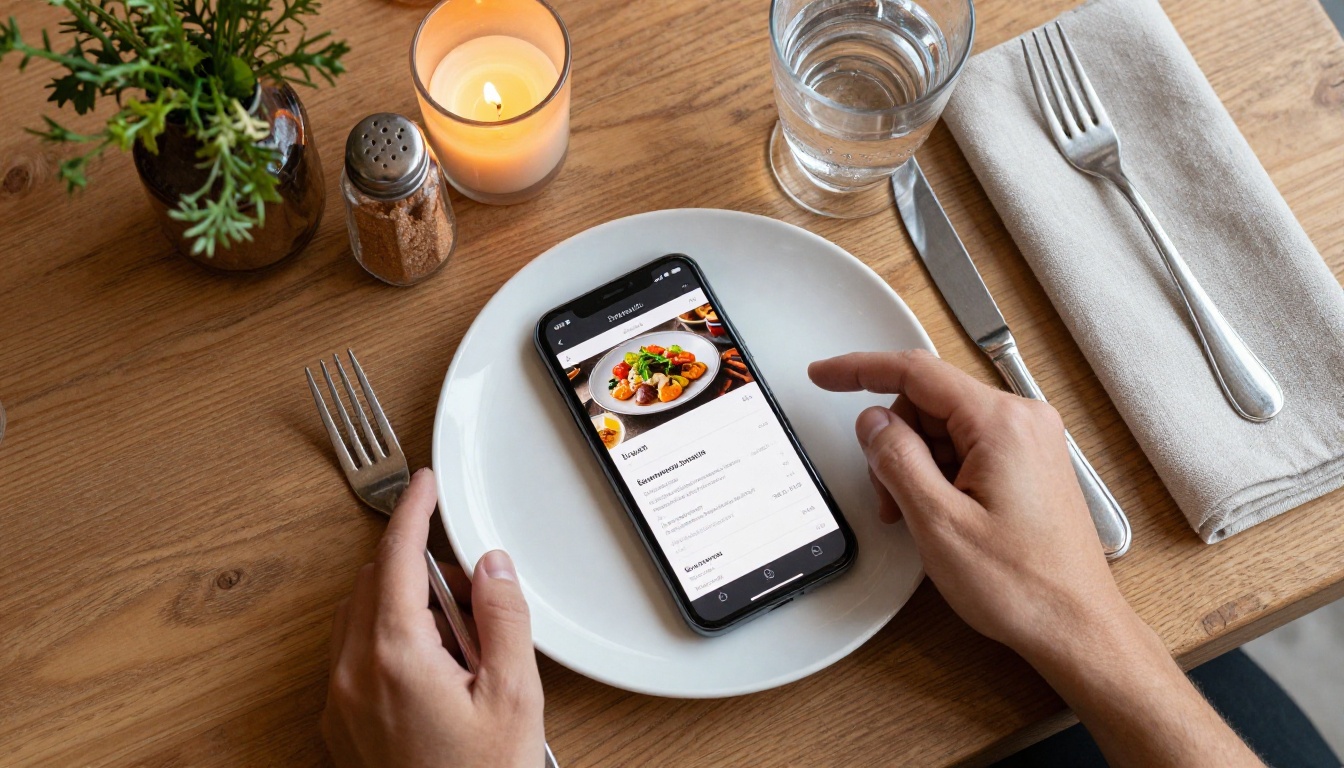
A restaurant emailing a PDF menu to a customer standing outside trying to decide whether to walk in is a lost opportunity. That PDF will take 4 seconds to load, require three pinch-zooms to read, and probably crash the browser tab on an older Android device.
The Restaurant Menu Creator converts that same menu into a fast-loading, beautifully formatted flipbook that works on any phone without friction. Dishes appear clearly, prices are readable, and specials can be updated in minutes without reprinting anything.
E-Commerce Catalogs
Fashion brands, furniture companies, and retail stores often share seasonal catalogs as PDF downloads. These files are frequently 20-50MB, take forever to load on mobile, and render product images at terrible quality after the compression required to shrink the layout to screen size.
A Digital Catalog Maker solves this entirely. Products display at full resolution, pages load progressively, and customers can tap product images to open purchase links without ever leaving the catalog.

Digital Magazines and Publications
Publishers who distribute PDF magazines through email links or social media watch their mobile read rates flatline. An issue that took weeks to produce gets abandoned on the first page because zooming in to read a caption feels like work.
The E-Magazine Publishing Tool converts publications into fully interactive flipbooks with embedded video, audio narration, and animated page turns. Readers interact the way they interact with apps, not PDFs.
How to Convert Your PDF to a Mobile-Ready Flipbook
Converting a PDF to a mobile-optimized flipbook with Flipbooks AI takes under five minutes. Here's exactly how it works.
Step 1: Create Your Account
Go to Flipbooks AI and create a free account. No credit card is required to get started. The free tier lets you test the format before committing to a plan.
Step 2: Upload Your PDF
From your dashboard, click "Create New Flipbook" and drag your PDF into the upload area. Flipbooks AI accepts files up to 500MB and supports multi-page documents with hundreds of pages. The system processes the PDF automatically, converting each page into a high-resolution web-ready asset.
Step 3: Customize Your Flipbook
Once processed, you can:
- Apply your branding: Add your logo, set custom colors, choose fonts
- Set background music or intro video: Works natively on mobile without plugins
- Configure page effects: Choose from realistic page-turn animations, fade transitions, or scroll effects
- Add interactive elements: Clickable links, embedded videos, lead capture forms
- Enable password protection: Ideal for confidential reports or exclusive member content
✅ Always add your brand's primary color to the flipbook toolbar and front page. Mobile users form brand associations in seconds, and a cohesive visual identity builds trust before they've read a word.
Step 4: Share Across Every Channel
After customizing, click "Publish" and copy your sharing link. Every flipbook gets:
- A direct shareable URL that opens natively in any mobile browser
- An embed code for inserting the flipbook directly into your website using the Embed Flipbook on Website tool
- A QR code for print materials, signage, or packaging
- Social share buttons for LinkedIn, WhatsApp, and email
The same flipbook link works on iPhone, Android, tablet, desktop, and embedded in websites without any special app required.

Flipbooks AI Plan Comparison
Choosing the right plan depends on your volume and feature needs. Here's a direct comparison:
| Feature | Free | Standard | Professional |
|---|
| Flipbooks | 3 | Unlimited | Unlimited |
| Watermark | Yes | No | No |
| Custom domain | No | No | Yes |
| Password protection | No | Yes | Yes |
| Analytics | No | Basic | Full (page-level) |
| Lead generation forms | No | No | Yes |
| Offline downloads | No | Yes | Yes |
| Embed on website | Limited | Yes | Yes |
| Video and audio embed | No | Yes | Yes |
| Priority support | No | No | Yes |
For individual creators or small teams publishing occasionally, the Standard plan eliminates watermarks and adds password protection at an accessible price point. For businesses using documents as a sales or marketing tool, the Professional plan's analytics and lead generation features pay for themselves quickly.
💡 The Professional plan's page-level analytics show you exactly where readers drop off. If everyone abandons your catalog on page 4, that's a direct signal to revise that section. PDFs can never give you that data.
See the full breakdown at Flipbooks AI pricing.
Across industries, the organizations still distributing PDFs as their primary mobile content format are falling behind those that switched to responsive digital publishing. The difference shows up in reader behavior, conversion rates, and the simple reality that audiences don't abandon content that actually works on their phones.
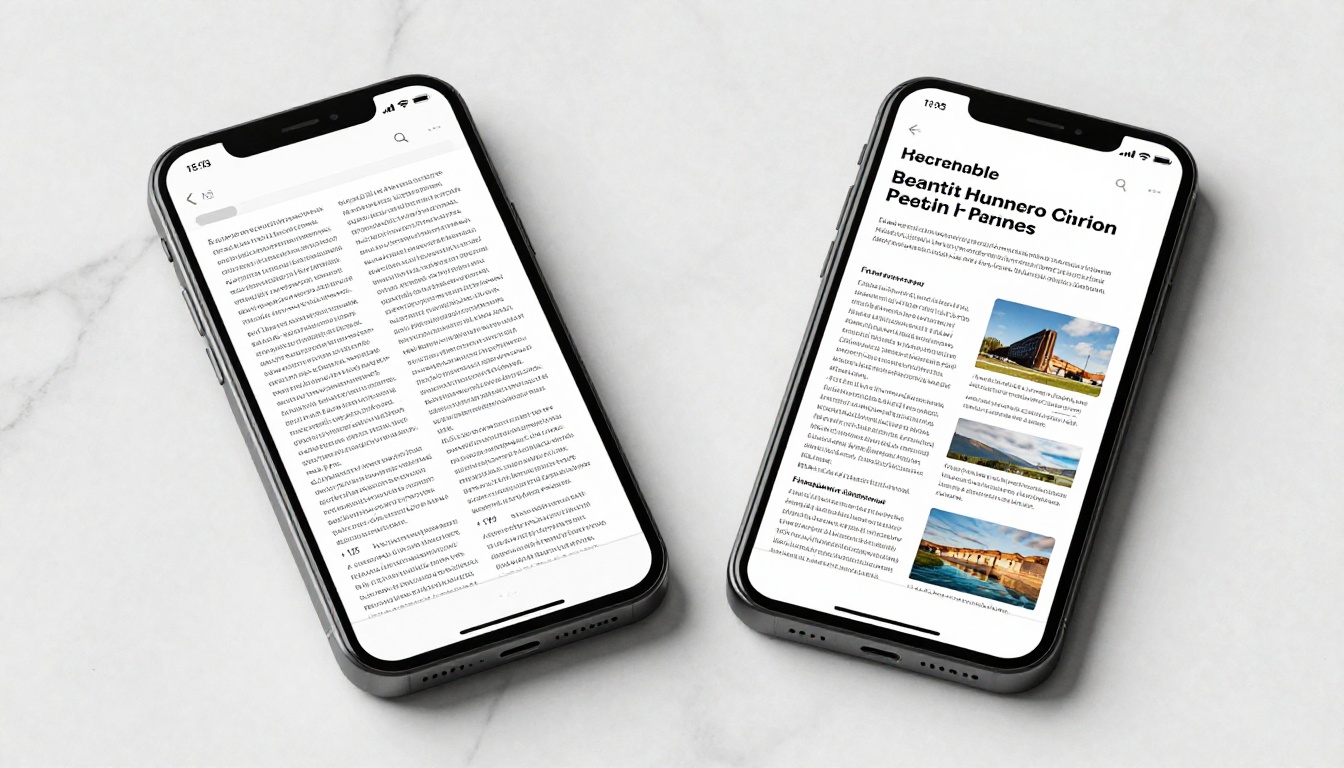
The table below maps each specific PDF failure directly to its flipbook solution:
| Mobile PDF Problem | Flipbook Solution |
|---|
| Microscopic text on small screens | Adaptive typography that scales to screen width |
| Horizontal scroll required | Vertical swipe-based page navigation |
| Full file must download before display | Progressive page-by-page streaming |
| No touch-optimized tap targets | Large, responsive navigation buttons |
| No analytics or tracking | Full reader analytics by page and session |
| Broken interactive elements | HTML5-native links, videos, and forms |
| Inconsistent rendering across browsers | Uniform HTML5 rendering on all devices |
| No lead capture capability | Built-in forms with CRM export options |
What to Do Right Now
If you're still sharing PDFs with mobile audiences, the path forward is straightforward. Pick your most important document, the one you send most often or that represents your brand most directly, and convert it first. That single change will show you the difference immediately.
Start by creating your free account at Flipbooks AI. Upload your PDF, apply your branding, and share the link with a colleague or test it on your own phone. The contrast with the PDF experience is immediate and obvious.
If you work in a specific industry, check out the tools built for your exact use case:
Or browse the full library of flipbook tools to find the format that fits your workflow.
Mobile audiences won't zoom in. They won't scroll sideways. They won't wait 8 seconds for a file to load. The formats that work on mobile are the ones that respect how people actually use their phones. PDFs were never built for that. Flipbooks were.
Get started for free and see exactly what your content looks like when it actually works on mobile.



