Sending a sponsor deck that nobody reads is one of the most discouraging parts of podcast monetization. You spend hours crafting listener stats, rate cards, and audience personas, attach a PDF to an email, and then watch as your inbox stays empty. The problem is almost never the content. It is the format. More and more podcasters are ditching static files and switching to interactive flipbook sponsor decks, and the results are tangible: higher open rates, faster responses, and more closed deals. Flipbooks AI is one of the platforms making this shift accessible to creators of any size.

Most podcasters default to PDFs because they are easy to create. Export from Canva, attach to Gmail, done. But from the brand manager's perspective, that PDF is just another file in an overflowing downloads folder.
What Sponsors Actually See When They Open Your Deck
A brand marketing manager receiving 30 podcast pitches per week sees a pattern fast: every deck looks the same. Flat pages, static charts, generic stock photos, and walls of text competing for attention. Even a beautifully designed PDF collapses into a forgettable file the moment it lands offline on their desktop.
There is no interactivity. No page-turn animation. No embedded audio clip from your best episode. Just a document that requires effort to scroll through and zero tools to track whether anyone even opened it.
Why Static Files Hurt Your Chances
The structural disadvantages of PDFs go beyond aesthetics:
- No tracking: You have no idea if your deck was opened, shared internally, or deleted immediately.
- No interactivity: Links inside PDFs often go unclicked. There is no natural flow guiding the reader forward.
- Email delivery issues: Large PDFs hit attachment size limits or trigger spam filters before they even reach the inbox.
- Mobile rendering problems: PDFs on smartphones require pinching, zooming, and horizontal scrolling. Most sponsors abandon them before reaching page two.
- No updates after sending: Once a PDF leaves your outbox, it is frozen. If your download numbers jump 40% the following month, the deck the sponsor already has stays outdated.
⚠️ A sponsor who cannot easily read your deck on their phone during a commute will almost certainly skip it entirely and move on to the next pitch.
What Makes a Flipbook Different
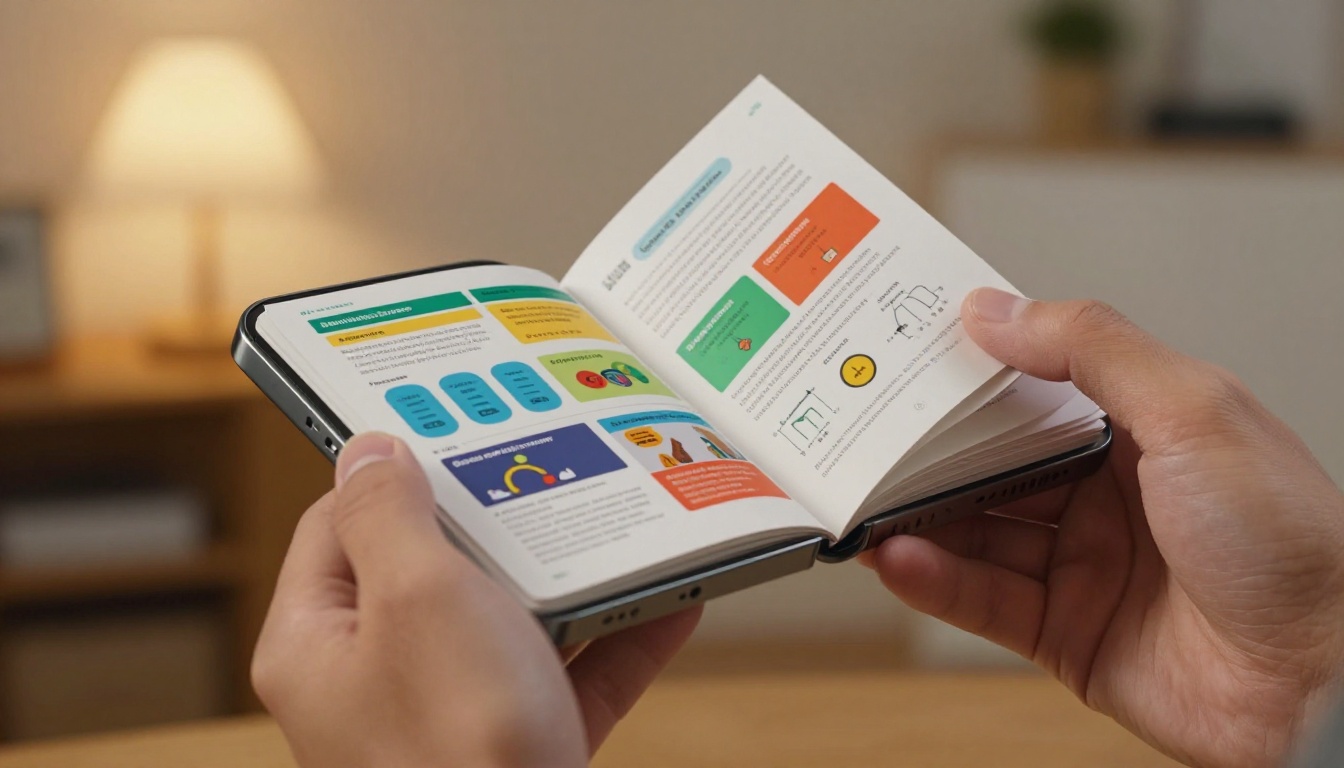
A flipbook sponsor deck is a digital publication with real page-turn animations, clickable links, embedded media, and mobile-responsive layouts. It lives at a shareable URL rather than inside a file attachment.
Static vs. Interactive: What Actually Changes
The difference is not just visual polish. It is functional:
| Feature | PDF Sponsor Deck | Flipbook Sponsor Deck |
|---|
| Page-turn animation | No | Yes |
| Mobile-responsive | Poor | Yes |
| Clickable links | Inconsistent | Always |
| Analytics and tracking | No | Yes (Professional plan) |
| Shareable direct link | No | Yes |
| Embed in email body | No | Yes |
| Updateable after sending | No | Yes |
| Password protection | No | Yes |
| Embed audio and video | No | Yes |
That table represents a substantial practical gap. A flipbook is not a prettier PDF. It is a fundamentally different communication tool that works the way modern brand teams actually operate.

5 Reasons Podcasters Are Switching to Flipbooks
The shift from PDF to flipbook is not a trend. It is a direct response to how brand teams actually evaluate pitches and make sponsorship decisions.
First Impressions Close Deals
Brands receive hundreds of pitches. The first eight seconds of a sponsor deck either build credibility or lose it. An interactive flipbook with smooth page animations, embedded episode clips, and responsive design signals immediately that the creator takes their business seriously.
A polished flipbook says: "I run this like a media company, not a hobby." That perception directly influences whether a brand manager forwards your deck to their team or drops it in the trash. The format itself communicates professionalism before the brand reads a single word.
Analytics Tell You Who Is Actually Interested
One of the most powerful advantages of a flipbook sponsor deck is tracking. With Flipbooks AI on the Professional plan, you can see exactly:
- How many times your deck was opened
- Which pages held attention the longest
- Whether the reader clicked your rate card section
- If the deck was shared with other team members internally
This data completely changes your follow-up strategy. Instead of sending a blind "just checking in" email three weeks later, you send a targeted message: "I noticed someone on your team spent several minutes reviewing the case study section. Happy to walk you through it on a call." That specificity closes conversations.
💡 Deck analytics are often the deciding factor between a cold follow-up that gets ignored and a warm conversation that moves toward a contract.
Sponsors View It Anywhere, on Anything
A flipbook sponsor deck opens instantly in any browser on any device. No downloads. No plugins. No pinching to zoom on a phone screen. It resizes automatically whether the viewer is on a MacBook, an iPad, or an Android phone on the subway.
For busy brand managers who review pitches between meetings, this is not a small detail. It is the difference between your deck getting a real look and getting skipped in favor of the next email.
Sharing a Link Beats Attaching a File
When you send a flipbook link, the brand manager can forward it to their CMO, their media buyer, and their legal team with one click. Each person who opens the link is a trackable view. The deck stays current because it lives online, not on someone's hard drive.
With a PDF, the brand manager would need to re-download and re-attach the file for every internal forward. That friction kills momentum in multi-person decision chains, which is exactly how most brand sponsorship decisions get made.
It Positions You Above 95% of Other Shows
The reality of podcast sponsorship pitching is that most creators send identical-looking PDF decks. Sending a sleek, interactive flipbook places you in a very small category of creators who operate with media-company professionalism.
Brands are not just buying ad slots. They are evaluating whether a creator reflects their brand standards. A polished, interactive sponsor deck is part of that evaluation, and most of your competition is not doing it.

Format matters, but so does content. A beautifully built flipbook with weak data will still lose to a thorough pitch from a competitor with a plain document.
Listener Demographics and Psychographics
Demographics are the basics: age range, gender split, geographic distribution. Psychographics are what separate your pitch from the rest: what your listeners do for work, what they spend money on, how they describe themselves.
Sponsors pay premiums to reach specific, well-defined audiences. If your listeners are predominantly 28-to-44-year-old professionals earning above the median household income, that is more valuable to a financial services brand than raw download numbers alone.
Episode Stats and Growth Trajectory
Include your:
- Average downloads per episode (30-day window, the industry standard)
- Total cumulative downloads
- Monthly active listeners
- Growth rate over the past 6 and 12 months
- Platform breakdown (Spotify, Apple Podcasts, YouTube, etc.)
Growth trajectory often matters more than absolute numbers to brands investing in emerging shows. A podcast growing 20% month over month is a better long-term bet than a flat show with higher current downloads.
Rate Card and Sponsorship Packages
Be explicit. Vague pricing forces brands to ask follow-up questions, which introduces friction and gives them time to lose interest. Present clear tiers in a table format:
| Package | Placement | Duration | What Is Included |
|---|
| Intro Mention | Pre-roll, 15 sec | 1 episode | Host read, show notes link |
| Standard Sponsorship | Mid-roll, 60 sec | 4 episodes | Host read, newsletter mention |
| Premium Partnership | Pre-roll plus mid-roll | 8 episodes | Host read, social posts, email blast |
| Exclusive Title Sponsor | All placements | 13 episodes | Full branding integration |
Presenting this as a page inside an interactive flipbook, with clickable "contact us" buttons next to each tier, dramatically increases the chance of a sponsor reaching out about a specific package right at the moment of interest.
Social Proof and Past Brand Wins
If you have worked with sponsors before, include a case study page. A short quote from a past sponsor, combined with performance data ("drove 340 trial sign-ups over 3 episodes"), is the single most persuasive piece of content in any sponsor deck.
If you are early-stage with no sponsors yet, include strong listener testimonials or notable community moments that demonstrate real, invested audience behavior.

Building your sponsor deck with Flipbooks AI is straightforward. Here is the full workflow from blank page to shareable link.
Step 1: Design your deck as a PDF.
Build your sponsor deck in Canva, Adobe Express, or PowerPoint. Keep it between 8 and 14 pages. Design at 16:9 ratio for widescreen compatibility. Export as a high-resolution PDF when you are happy with the layout.
Step 2: Create your account.
Go to flipbooksai.com/account and sign up. The Standard plan and above give you unlimited flipbooks, custom branding, and no watermarks on any published document.
Step 3: Upload your PDF.
Use the PDF to Flipbook Converter to upload your sponsor deck. The platform converts each page into a high-resolution flipbook page with smooth page-turn animations automatically applied.
Step 4: Add branding and interactivity.
Inside the editor, apply your podcast colors, upload your logo, and set custom fonts to match your show identity. Add clickable hotspots to your rate card, embed a sample audio clip from your best episode on the "About the Show" page, and link directly to your booking calendar.
Step 5: Enable analytics and protection.
On the Professional plan, activate analytics to track every view and page interaction. If your deck contains confidential pricing, enable password protection so only recipients you choose can access it.
Step 6: Share your link.
Copy your unique flipbook URL and drop it directly into your pitch email. No attachments, no file size limits, no spam filters triggered. The brand manager clicks the link and lands directly inside your polished, interactive sponsor deck.
✅ You can update the flipbook after sending. If your numbers improve or you add a new package tier, edit the original and the link that sponsors already have reflects the changes instantly.

A great format does not rescue bad execution. These are the three most common errors that undermine even the best-designed flipbook sponsor decks.
Drowning Sponsors in Raw Numbers
A 14-page deck with every metric you have ever tracked is not impressive to a brand manager. It is overwhelming and signals that you do not know what matters to them.
Sponsors want curated data that answers one question: "Is this audience right for our product?" Pick three to five headline statistics, lead with them prominently, and move supporting data into an appendix section. Primary pages should be scannable in under two minutes.
No Clear Next Step
Every page of your sponsor deck should move the reader toward one action: booking a call, replying to your email, or selecting a specific package. If a brand manager finishes your deck and thinks "cool, but now what?", your call-to-action failed.
Each section should have a natural next step embedded within it. The rate card page should have a clickable "Let's talk" button. The final page should have a direct link to your calendar or contact form, not just your general email address.
Formatting That Breaks on Mobile
Even with a flipbook format, poor original design creates mobile usability problems. Avoid fonts below 14pt in your PDF source file. Keep critical information away from page edges, which can be cropped on smaller screens. Always test your flipbook on a real smartphone before sending it to any brand contact.
Flipbooks AI Plans for Podcast Creators
Choosing the right plan depends on how many sponsors you are actively pitching and which features matter most to your workflow.
| Feature | Free | Standard | Professional |
|---|
| Flipbooks | 1 | Unlimited | Unlimited |
| Custom branding | No | Yes | Yes |
| Watermark | Yes | No | No |
| Password protection | No | Yes | Yes |
| Analytics and tracking | No | No | Yes |
| Lead generation tools | No | No | Yes |
| Offline downloads | No | No | Yes |
| Embed video and audio | No | Yes | Yes |
| Mobile-responsive design | Yes | Yes | Yes |
For most active podcasters pitching sponsors regularly, the Standard plan removes watermarks and provides unlimited flipbooks with custom branding. Once you are managing multiple brand relationships simultaneously, the Professional plan's analytics become indispensable for data-driven follow-ups that close deals faster.
Compare all pricing plans to find the right fit for your current pitch volume.

Beyond the core PDF-to-flipbook conversion, Flipbooks AI offers specialized tools that fit naturally into a podcast creator's sponsorship workflow:
Each of these tools is available in the Flipbooks AI tools directory.
Start Pitching Like the Top 1%
The podcasters landing consistent brand deals are not necessarily the ones with the biggest audiences. They are the ones who show up to every pitch with a professional, well-structured, visually compelling sponsor deck that communicates both data and credibility in a format brands actually enjoy reading.
Switching to a flipbook format is one of the highest-leverage changes you can make to your sponsorship outreach, and it costs far less than most creators assume. Get started for free on Flipbooks AI, upload your existing sponsor deck PDF, and have a shareable interactive version live in under ten minutes.
When your deck looks like a media company built it, brands treat you like a media company. That shift in perception is worth more than most listener milestones on your growth chart.
Ready to upgrade your pitch? Browse all tools and templates on Flipbooks AI, or view pricing plans to choose the tier that fits your current stage.



