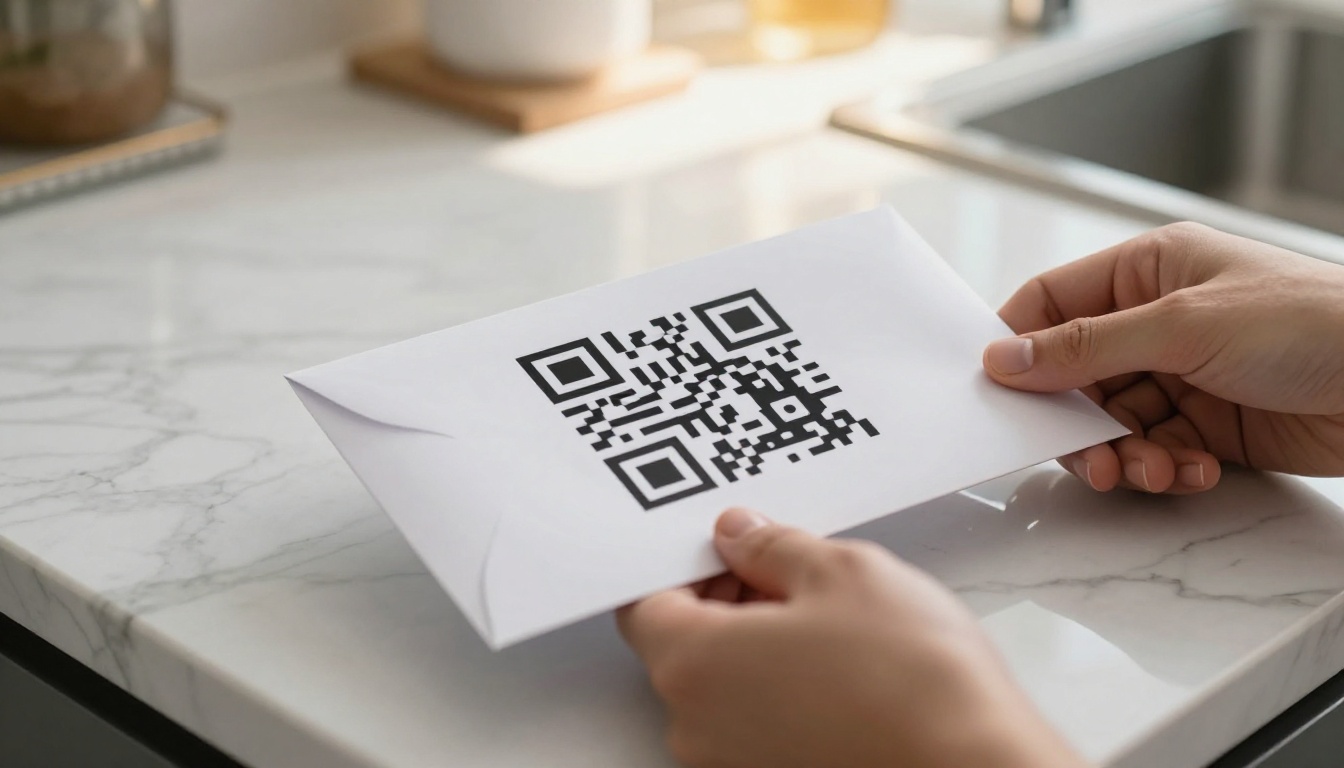
Printed materials sit on coffee tables, get tucked into bags, and land on desks where they stay for days. But without a QR code, they go silent the moment they leave your hands. Flipbooks AI has helped thousands of marketers see something simple: a piece of paper with a QR code is a living extension of your brand, while paper without one is just paper.
The difference between a brochure that converts and one that gets recycled is often a single 1.5-inch square printed in the corner.
The Problem with Plain Paper
Physical print is more trusted than digital advertising. Studies consistently show that people read printed materials longer, trust them more, and remember them better than banner ads or social posts. But print has one historical weakness: it cannot respond.
You hand someone a flyer. They read it, maybe they're interested, but the next step is unclear. Do they type a long URL into their browser? Search for your business by name? Hope they remember it next Tuesday? Each of those steps is friction, and friction kills conversion.
What Happens After Someone Sets It Down
Without a clear, instant digital bridge, printed materials rely entirely on the reader's motivation to act independently. Research from the Data and Marketing Association shows that direct mail response rates drop sharply when the call-to-action requires more than two steps. Typing a URL is three to five steps: open browser, tap address bar, type carefully, hope for no typos, press enter.
Most people simply won't do it.
The Missed Opportunity in Every Printed Piece
Every brochure without a QR code is a one-way conversation. You spent money designing and printing it, you invested time distributing it, and then you get nothing back. No data on who responded, no path to a landing page, no way to update the content if something changes.
That is an expensive silence.
What a QR Code Actually Does
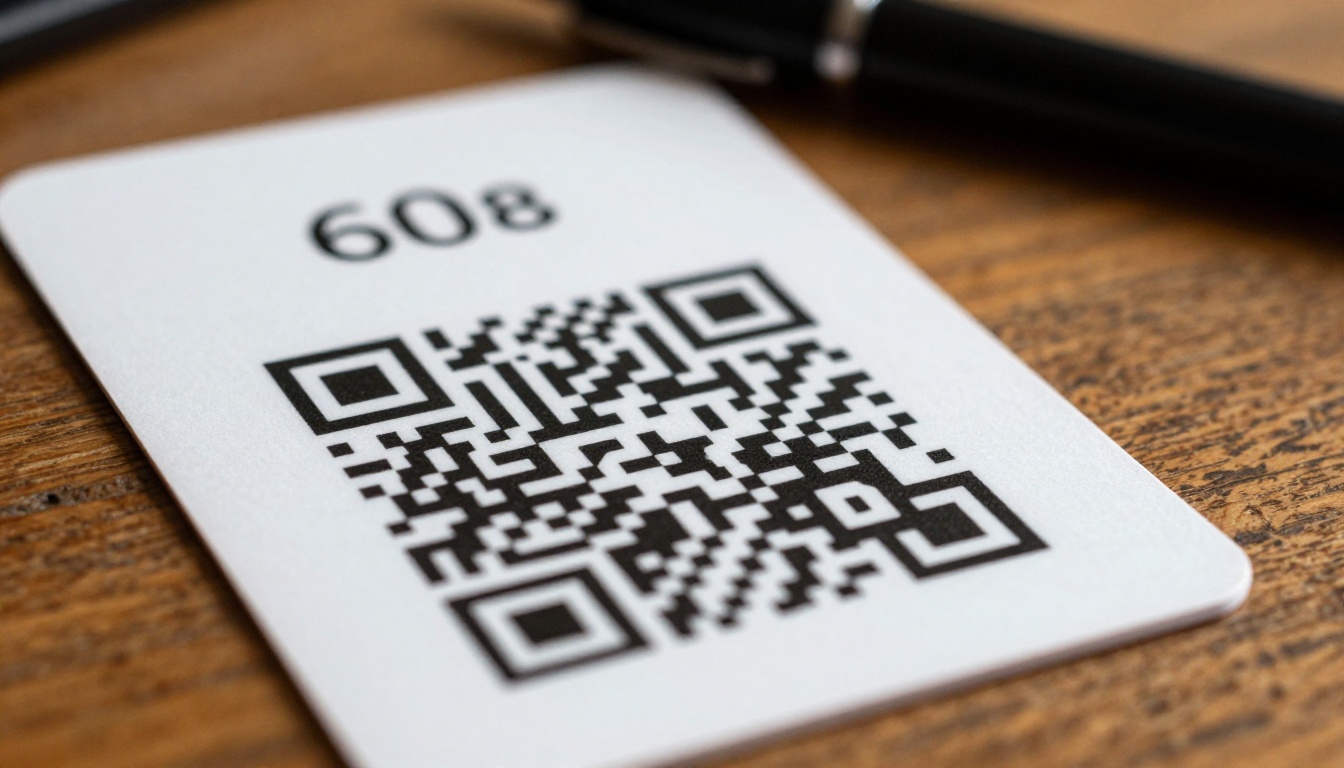
A QR code is not a gimmick. It is a frictionless redirect. It collapses the five-step URL typing process into a single action: point camera, tap. That is it. The camera app on every modern smartphone recognizes QR codes natively, with zero extra apps required since 2017.
The Bridge from Physical to Digital
When someone scans your QR code, they land exactly where you want them: your product page, digital brochure, booking form, video, or portfolio. The print piece becomes an on-ramp to your entire digital presence, not a dead end.
This is the offline-to-online bridge that every print marketing strategy should build. Physical materials attract attention in ways digital advertising cannot replicate. QR codes let that attention flow into measurable digital action.
Trackable, Updatable, and Free to Scan
QR codes created through link management platforms let you:
- Track scan volume by date, device, and location
- Update the destination URL without reprinting a single piece
- A/B test landing pages against the same physical print run
- Attribute offline conversions to specific print campaigns
A restaurant that distributes 1,000 flyers can know exactly how many people scanned the QR code, what time of day, and on what device. That data simply did not exist in the pre-QR era of print marketing.
Where QR Codes on Paper Deliver Results
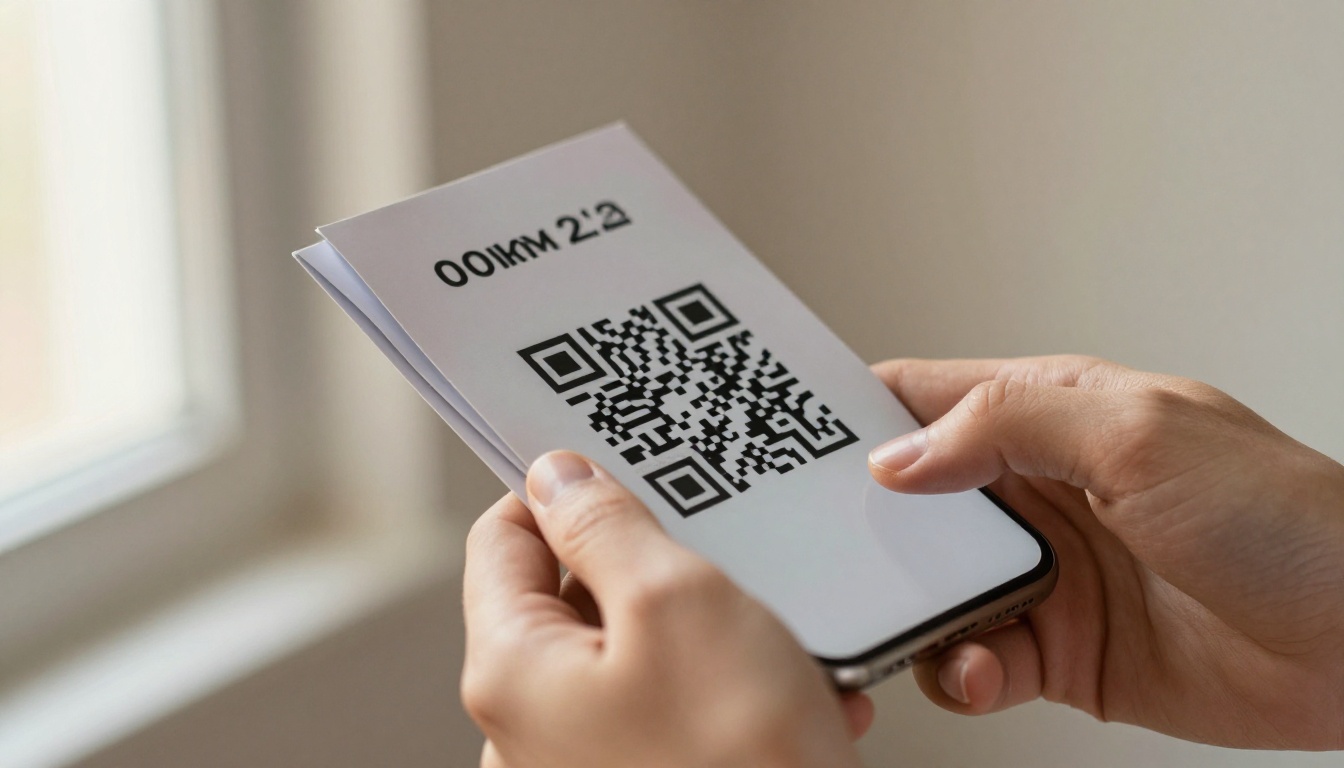
The value of a printed QR code varies by context, but the pattern is consistent: it works wherever someone holds a piece of paper and might want to take a next step.
Business Cards and Networking
Business cards are still the fastest physical introduction in professional settings. A QR code on a business card can link to a LinkedIn profile, a digital portfolio, a booking calendar, or a personal website. Instead of hoping the recipient keeps the card, you give them a reason to act immediately while the conversation is still fresh.
💡 Pro tip: Link your business card QR code to a short digital profile that includes your contact details as a downloadable vCard. This makes saving your information effortless.
Brochures and Sales Materials
A printed brochure can only hold so much information before it becomes overwhelming. A QR code inside the brochure can link to:
- Extended product specifications
- Customer testimonials and case studies
- A digital version of the brochure with clickable links
- A video walkthrough of your product or service
The Brochure Flipbook Maker makes it easy to convert any print brochure into an interactive digital version that becomes the landing page for your QR code.
Restaurant Menus
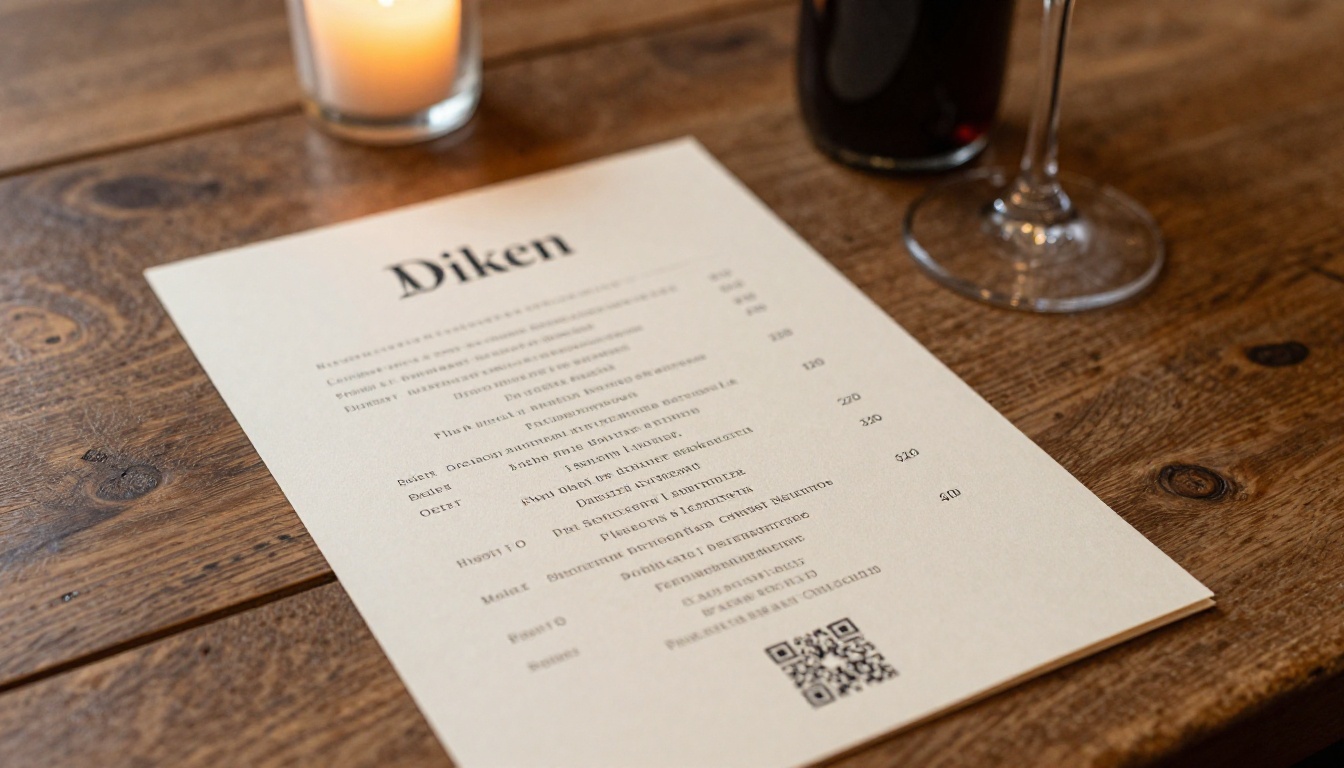
Physical menus are the highest-traffic printed material in the hospitality industry. Millions of people read them every single day. A QR code on a printed menu can link to:
- The full digital menu with photos for every dish
- Allergen and nutrition information
- Online ordering or reservation booking
- Daily specials that change without reprinting
The Restaurant Menu Creator lets you build a digital version of your menu that becomes the QR destination, giving customers a rich, interactive experience from a simple paper scan.
Real Estate Flyers
Property marketing is time-sensitive. A flyer printed today may still be circulating three months from now when the listing has been updated, the price has changed, or additional photos are available. QR codes solve this entirely: the flyer stays the same, but the destination page stays current.
A real estate agent can link a property flyer QR code to:
- A full photo gallery
- Virtual tour or video walkthrough
- Mortgage calculator
- Direct contact and showing request form

Direct Mail Campaigns
Direct mail already has response rates that outperform most digital channels, sitting between 4.4% and 9% for targeted lists, compared to 0.1% for digital display advertising. Adding a QR code to a direct mail piece consistently increases response rates further by giving recipients an immediate path to act.
✅ Best practice: Test two QR destinations on the same mail campaign to see which landing page converts better. This is the print equivalent of A/B testing a digital ad.
Trade Show and Event Materials
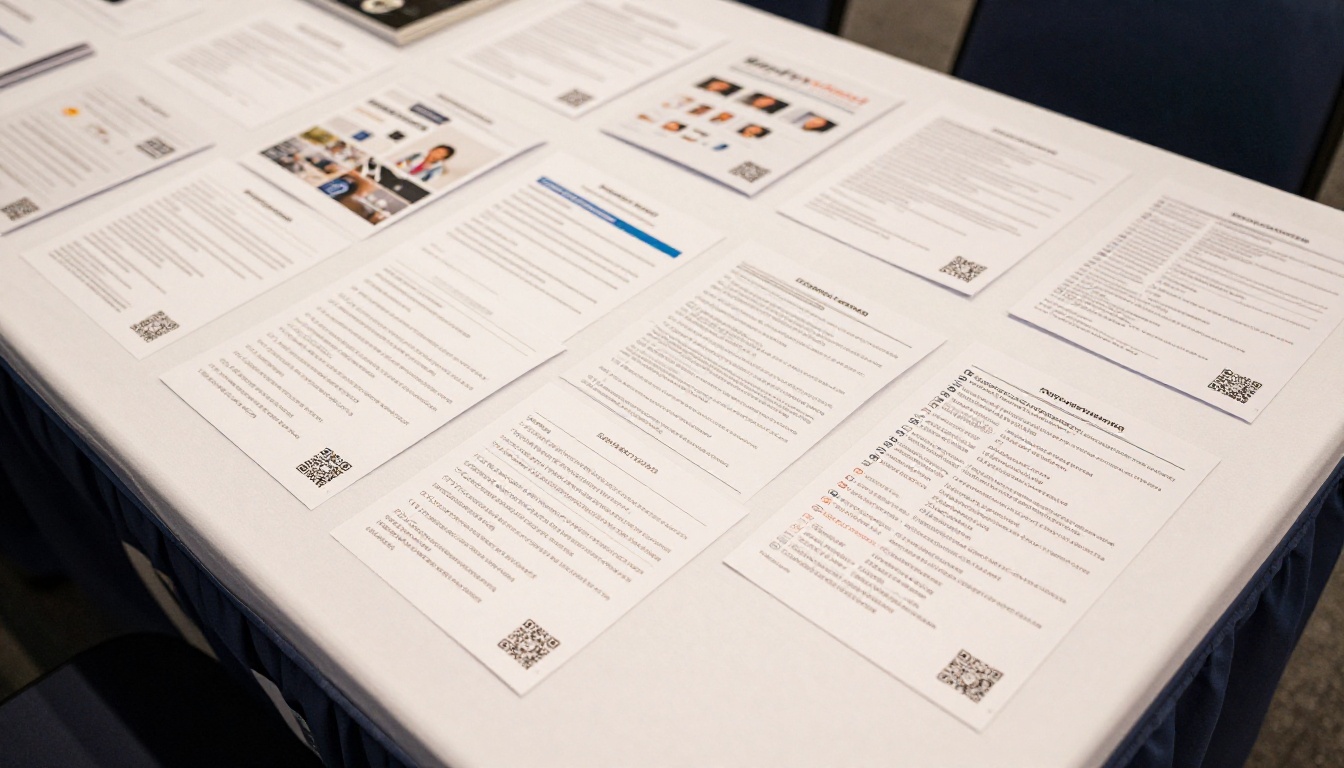
At a trade show, attention spans are short and competition is intense. People collect dozens of brochures, programs, and flyers. The ones with QR codes get scanned in the moment, at the booth, while interest is highest. Without a QR code, you are relying on someone to remember your brand name among fifteen competitors when they get back to their hotel room.
Print Delivers More When QR Codes Are In
The performance difference between print with and without QR codes shows up clearly across every major metric:
| Metric | Print Without QR Code | Print With QR Code |
|---|
| Next-step friction | High (manual URL entry) | Zero (single camera tap) |
| Conversion tracking | None | Full scan analytics |
| Content updatability | Reprint required | Update URL destination instantly |
| Depth of reach | Limited to page content | Unlimited linked digital content |
| Response attribution | Unmeasurable | Fully attributed by campaign |
| Average response rate lift | Baseline | 15-40% improvement |
| Lead capture | None | Form, email opt-in, or chat |
| Shelf life | Static and fixed | Dynamic, always current |
Different printed materials also see different levels of impact. Here is how they rank by typical scan activity:
| Material Type | Typical Scan Rate | Best QR Destination | Impact Level |
|---|
| Restaurant menus | 18-35% | Digital menu with photos | Very High |
| Event programs | 12-25% | Speaker bios, agenda, registration | High |
| Real estate flyers | 10-20% | Property gallery, virtual tour | High |
| Trade show materials | 8-18% | Product demo, contact form | High |
| Direct mail pieces | 5-15% | Landing page, offer claim | Medium-High |
| Business cards | 5-12% | Portfolio, LinkedIn, vCard | Medium |
| Retail shelf brochures | 4-10% | Product specs, reviews | Medium |
⚠️ Warning: Scan rates drop sharply when the QR destination is a generic homepage rather than a purpose-built landing page matching what the print piece promised. Always match the intent of the physical piece to the digital destination.

What Makes a QR Code on Paper Actually Work
Placing a QR code on paper is step one. Making it perform requires three more things to be right.
Placement and Sizing
QR codes need to be large enough to scan from a comfortable reading distance. The minimum size for printed materials is 2cm x 2cm, but 3-4cm is safer for most contexts. Placement matters:
- Back panel: High visibility, non-intrusive, natural call-to-action zone
- Bottom right of interior pages: Reading flow naturally lands there
- Near a written call to action: "Scan for more" printed next to the code improves scan rates by 20-30%
- Never in the spine or fold: Physical creases distort the code and cause scan failures
Keep at least 4mm of white space (quiet zone) around all four sides of the code. Dark backgrounds can work if you invert the code colors, but always test before printing a full run.
Landing Page Quality
The scan is earned. The landing page must justify it. A QR code that leads to a slow, mobile-unfriendly page destroys both the conversion and the trust the physical piece built. Your QR destination should:
- Load in under 2 seconds on mobile
- Be fully responsive and finger-navigation friendly
- Match the visual style of the print piece
- Have exactly one primary call to action
A digital flipbook created with Flipbooks AI is an ideal QR destination because it mirrors the physical print experience in a familiar page-turning format, loads quickly, and is fully mobile-optimized.
Tracking and Iteration
Use a QR code with analytics. Free options like QR Code Generator or Flowcode provide basic scan counts. For campaigns, short-link platforms with UTM-tagged URLs give you full attribution. Review scan data after every campaign and test different placements, sizes, and destinations to improve over time.
How to Turn Your Print Piece into a QR-Ready Digital Experience
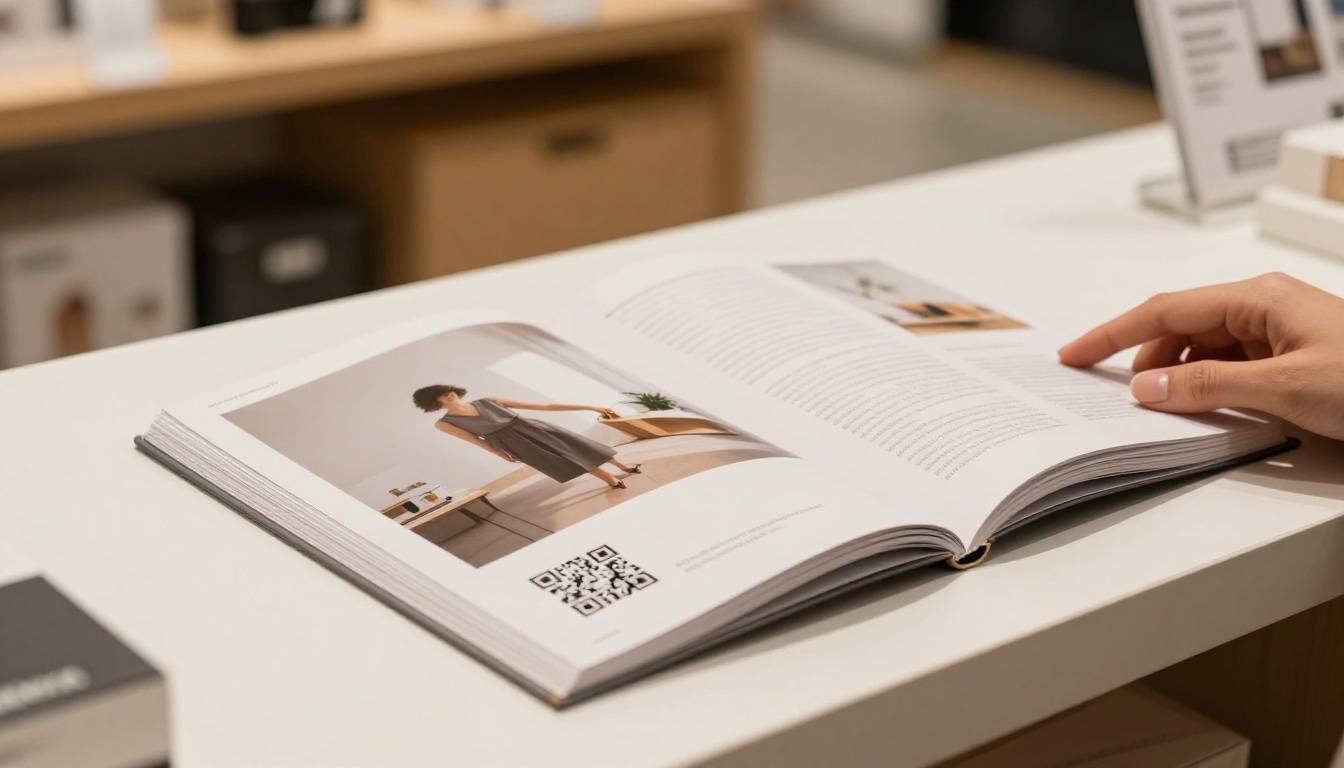
One of the most powerful uses of a QR code on paper is linking to an interactive digital version of the same document. Instead of sending someone to a generic website, you send them to a page that feels like the brochure or catalog they just held, but with clickable links, embedded video, and live content.
Here is how to do it with Flipbooks AI:
-
Create your account: Go to flipbooksai.com/account and sign up. The process takes under two minutes with no credit card required.
-
Export your print file as a PDF: From InDesign, Canva, Word, or any design tool, export your brochure, menu, catalog, or flyer as a PDF at 150-300 DPI for clean rendering.
-
Upload and convert: Use the PDF to Flipbook Converter to upload your file. It converts into an interactive flipbook in seconds, with a page-turning interface familiar to anyone who has read a magazine.
-
Customize branding: Add your logo, choose brand colors, and set a custom background. You can embed videos, audio, and links directly into specific pages, turning a static PDF into something genuinely interactive.
-
Get your shareable link: Once published, your flipbook has a unique URL. This is the destination for your QR code. Copy it, paste it into a QR code generator, download the code, and drop it into your print design file.
-
Set sharing options: For public materials, keep the flipbook open. For confidential documents, add password protection. For gated content, use the lead generation form available on the Professional plan to collect emails before showing the flipbook.
-
Publish and monitor: After printing, track scans through your QR analytics platform. Check flipbook analytics for page-by-page reading activity, time spent, and link clicks inside each digital piece.

Flipbooks AI plans at a glance:
| Feature | Free | Standard | Professional |
|---|
| Flipbooks | 3 | Unlimited | Unlimited |
| Watermarks | None | None | None |
| Custom branding | Partial | Full | Full |
| Password protection | No | Yes | Yes |
| Analytics | Basic | Standard | Full |
| Lead generation forms | No | No | Yes |
| Offline downloads | No | Yes | Yes |
| Embed on website | Yes | Yes | Yes |
| Video and audio embeds | Yes | Yes | Yes |
| Custom domain | No | No | Yes |
All plans above Free offer unlimited flipbooks with no watermarks, making it practical to create a unique digital flipbook for every print campaign you run. See full details on the pricing page.
💡 Pro tip: Create a separate flipbook for each print campaign so you can track which physical distribution channel drives the most digital activity.
The right digital destination for your QR code depends on what type of print material you're working with. Flipbooks AI has purpose-built tools for every common scenario:
Every one of these tools produces a mobile-optimized flipbook that works as the perfect QR code landing page for its corresponding print material.
Your Print Materials Deserve a Second Life
Paper without a QR code stops working the moment it leaves your hands. Paper with a QR code keeps working: sending scans back, routing people to your best digital content, and building a data trail that tells you what is resonating and what is not.
The cost of adding a QR code to a print piece is essentially zero. The cost of not adding one is every potential customer who set it down and never found their way back.
Ready to build the digital side of your print strategy? Get started for free on Flipbooks AI and create the interactive flipbook your next printed piece deserves.
Browse all flipbook tools to find the right fit for your specific material, or compare pricing plans to see which tier matches your volume and feature needs.



