Real estate is a visual business, and the agents who win more listings are almost always the ones who show up with better marketing. Over the past few years, a noticeable shift has taken place in how top-performing realtors present properties: printed tri-folds and static PDFs are giving way to interactive flipbook brochures that buyers can browse on any device. Flipbooks AI has become a go-to platform for agents looking to create polished, page-turning property presentations without hiring a designer.
The reasons behind this shift are not complicated. Buyers spend more time with content they can interact with. Sellers want agents who look ahead of the competition. And in a market where attention is the most valuable commodity, a well-crafted flipbook brochure does a job that no flat PDF ever could.
What Makes Flipbook Brochures Different
More Than a Pretty PDF
A static PDF sits in a downloads folder and gets forgotten. A flipbook brochure opens in any browser, loads instantly, and presents each property page with a satisfying page-turn animation that feels like browsing a premium magazine. This is not a cosmetic upgrade; it is a psychological one. When buyers interact with a property brochure, they stay with it longer.
The difference in engagement is real. Interactive content holds attention significantly longer than static documents. For a real estate agent trying to stand out in a crowded inbox, that extra time a buyer spends on the brochure can be the difference between a scheduled showing and a deleted email.

Pages That Breathe
Printed brochures are limited by paper size. Digital flipbooks are not. An agent can include 20, 30, even 50 pages of content covering floor plans, neighborhood highlights, school district data, HOA details, and lifestyle photography without worrying about print costs or weight. Every section gets the space it deserves.
💡 Pro tip: Real estate flipbooks with dedicated neighborhood and school information pages receive significantly more repeat views than single-property brochures.
The Real Reasons Agents Switch to Flipbooks
First Impressions Win Listings
Before an agent earns a listing, they have to win a listing presentation. Showing a prospective seller a sample flipbook brochure during that first meeting communicates professionalism in a way that a verbal promise never can. Sellers want to know their home will be marketed with care, and a beautifully designed interactive brochure signals exactly that.
Agents report that their listing conversion rates improve when they include flipbook samples in their pitch. It is a tangible proof point: "This is what your property will look like."
Sharing Is Instant and Trackable
The sharing workflow for a printed brochure looks like this: print it, drive it to an office, hand it out, and hope it reaches the right person. The sharing workflow for a flipbook looks like this: copy a link, paste it in an email, text, or social post, and send.
With Flipbooks AI, every published flipbook gets a direct link and an embed code. Agents can drop that link in a WhatsApp message, pin it in a Facebook group, add it to a listing profile, or embed it directly on their agency website. The brochure is always one tap away from a potential buyer.

Mobile Buyers Expect Mobile Content
More than 60% of property searches begin on a mobile device. A printed brochure does not translate to mobile. A PDF that requires pinch-zooming is frustrating. A flipbook brochure designed with mobile-responsive layouts loads cleanly on any screen, in portrait or landscape, without any pinching required.
✅ Best practice: Always preview your flipbook on both desktop and mobile before sending it to clients. What looks great on a 27-inch monitor should also look clean on a 6-inch phone screen.
Analytics Show What Buyers Care About
Here is something no printed brochure can ever offer: data. With the Professional plan on Flipbooks AI, agents get access to page-level analytics showing exactly which pages buyers spend the most time on. Is it the kitchen? The master suite? The floor plan?
This information is gold for listing presentations. When an agent can say "Based on analytics, buyers spent 3x more time on the backyard section of your brochure," that creates a very different conversation about how to stage the property.

Print vs. Digital vs. Flipbook
Not all brochure formats are equal. Here is how they stack up across the metrics that matter most to real estate agents:
| Feature | Printed Brochure | Static PDF | Flipbook Brochure |
|---|
| Cost per listing | $50-$300 | $0-$20 | $0-$20 |
| Shareable via link | No | Yes (limited) | Yes |
| Mobile-friendly | No | Poor | Excellent |
| Page count flexibility | Limited | Unlimited | Unlimited |
| Interactive page-turns | No | No | Yes |
| Analytics and tracking | No | No | Yes (Pro plan) |
| Password protection | No | No | Yes |
| Embeddable on website | No | No | Yes |
| Lead generation forms | No | No | Yes (Pro plan) |
| Update after publishing | Reprint required | Re-send required | Instant |
The numbers make a clear case. Flipbook brochures deliver more capability at lower cost, and they work across every channel modern buyers use.
How Buyers Actually Experience a Flipbook
The Viewing Experience
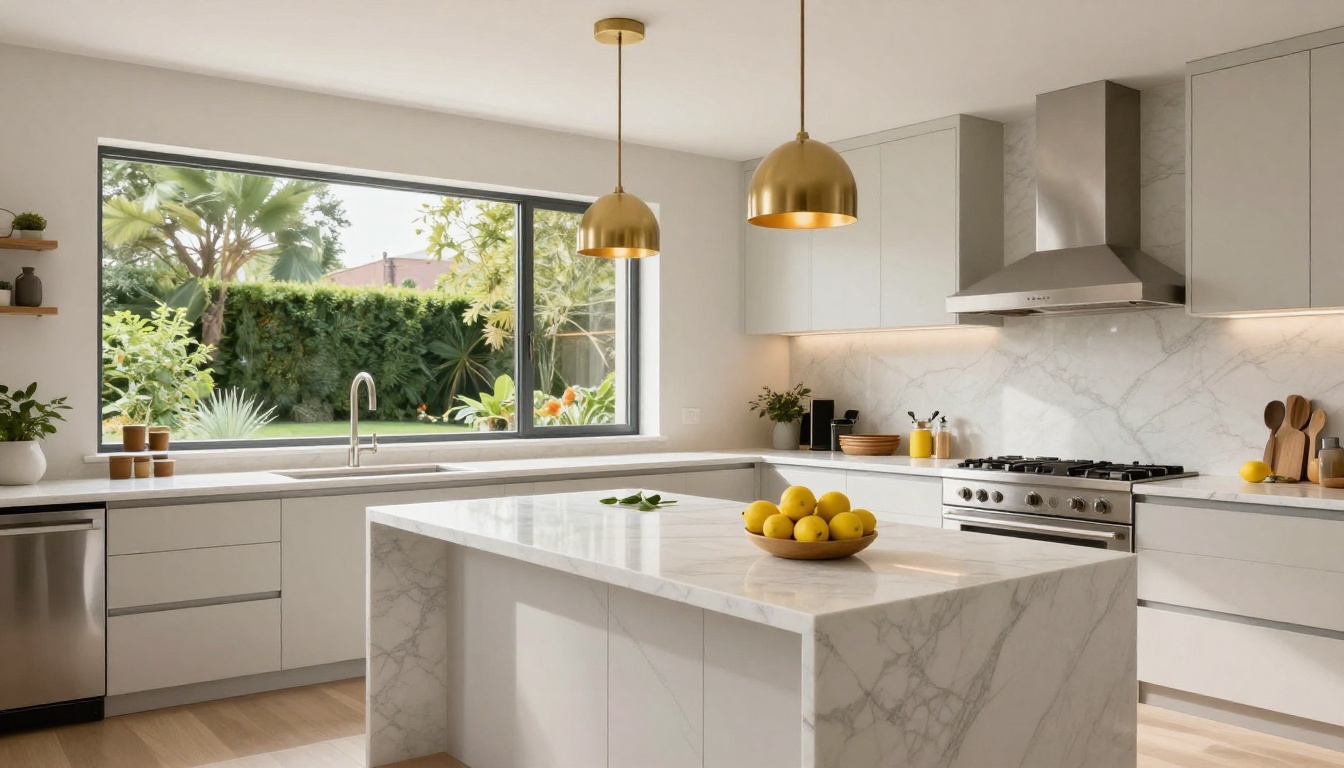
When a buyer opens a flipbook link, they do not see a file to download. They see a full-screen property presentation that opens like a magazine. They click or swipe through pages, zoom into floor plans, and navigate to specific sections using a thumbnail view at the bottom. The experience is rich without requiring any app installation.
Offline Access
Buyers at an open house often have spotty connectivity. With the offline download option available on Flipbooks AI, agents can provide a QR code at the event that downloads the flipbook for later viewing. No Wi-Fi required after the initial download.
Password-Protected Previews
Some listings are pre-market or require buyer qualification before sharing full details. Password protection on Flipbooks AI lets agents share a link with selected buyers while keeping the content private from the general public. This is particularly useful for luxury listings or off-market properties.
⚠️ Note: Password-protected flipbooks are only indexed publicly if you choose to enable public visibility. Your pre-market brochures stay private until you say otherwise.
What to Put in a Real Estate Flipbook
The 10-Page Minimum That Works
The most effective real estate flipbook brochures cover more ground than a standard two-page flyer. Here is what top agents include:
- Cover page: Hero image with property address and agent branding
- Property overview: Key stats (beds, baths, sq ft, price, lot size)
- Living spaces: Multiple photos of living room, dining room, family areas
- Kitchen: Dedicated spread with multiple angles
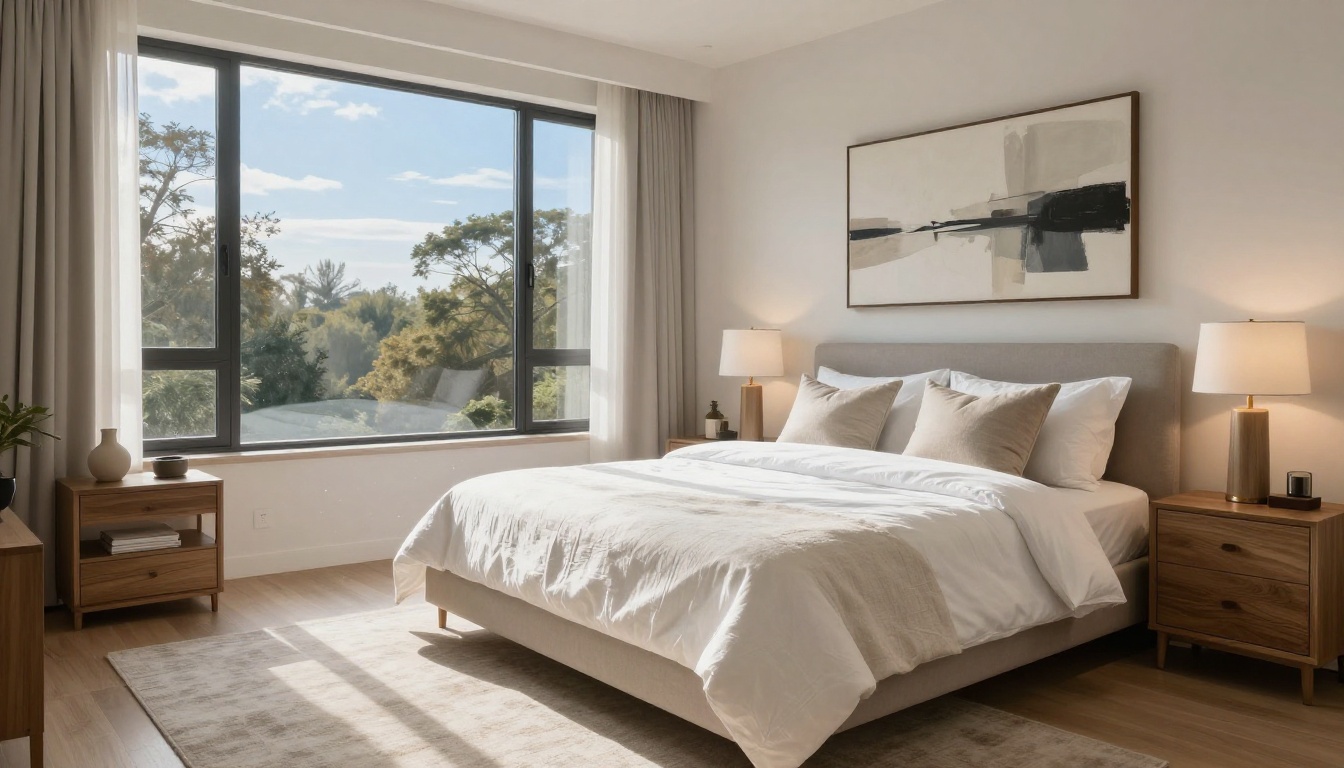
- Master suite: Bedroom and bathroom with walk-in closet details
- Additional rooms: Guest bedrooms, home office, bonus room
- Outdoor spaces: Backyard, pool, patio, landscaping
- Floor plan: Full-resolution architectural drawing
- Neighborhood highlights: Schools, shops, restaurants, commute times
- Agent contact page: Photo, credentials, and booking link
Multimedia That Sells
Unlike printed materials, flipbooks support embedded video and audio. An agent can embed a property walkthrough video directly inside the brochure, so buyers never have to leave the flipbook to watch it. This creates a richer, self-contained marketing experience that printed media simply cannot replicate.
Flipbook Brochures Across Different Scenarios
Different situations call for different brochure strategies. Here is how agents apply flipbooks across common use cases:
| Scenario | Flipbook Strategy | Key Pages to Include |
|---|
| Listing presentation | Show sample flipbook from similar property | Cover, kitchen, master suite, agent bio |
| Open house | QR code linking to digital flipbook | Floor plan, neighborhood, contact page |
| Pre-market preview | Password-protected flipbook link | Key rooms, overview, teaser content |
| Luxury listing | Full-length 20-30 page premium brochure | Lifestyle imagery, finishes detail, area amenities |
| Rental property | Shorter 8-10 page format | Unit photos, amenities, lease terms |
| New development | Multi-unit flipbook with floor plan options | Site plan, unit types, pricing table |
How to Create a Real Estate Brochure with Flipbooks AI
Real estate agents can build a professional interactive brochure in under 30 minutes using the Real Estate Brochure Creator on Flipbooks AI. Here is the full process:
Step 1: Create your account
Visit flipbooksai.com/account and sign up. No credit card required for the free tier. Once logged in, you land directly on the upload dashboard.
Step 2: Prepare your PDF
Before uploading, build your brochure in Canva, Adobe InDesign, or any design tool that exports to PDF. Keep resolution at 300 DPI for crisp images. A 10-20 page PDF works best for most residential listings.
Step 3: Upload and convert
Drag your PDF into the uploader on the Real Estate Brochure Creator tool. Conversion takes under a minute for most files.
Step 4: Customize branding
Add your agency logo, choose brand colors for the flipbook interface, and configure the cover thumbnail. Flipbooks AI applies your branding to the page-turn controls, loading screen, and background. No watermarks on Standard and above.
Step 5: Configure sharing settings
Choose between public, unlisted, or password-protected visibility. Copy your shareable link or grab the embed code for your agency website using the Embed Flipbook on Website tool.
Step 6: Enable analytics
On the Professional plan, activate page analytics to track how buyers engage with each section. You can also enable lead capture forms that collect buyer contact details directly inside the flipbook.
Step 7: Share everywhere
Post the link in your MLS description, email it to your buyer database, share it on social media, and add a QR code to your yard sign pointing back to the digital version.
Comparing Plans for Real Estate Agents
Choosing the right plan depends on how many listings an agent handles and which features they need most:
| Plan Feature | Free | Standard | Professional |
|---|
| Number of flipbooks | 3 | Unlimited | Unlimited |
| Watermark | Yes | No | No |
| Custom branding | No | Yes | Yes |
| Password protection | No | Yes | Yes |
| Analytics | No | No | Yes |
| Lead generation forms | No | No | Yes |
| Offline downloads | No | Yes | Yes |
| Embed on website | Yes | Yes | Yes |
| Custom domain | No | No | Yes |
💡 For most agents: The Standard plan covers the full brochure workflow. Move to Professional when you want analytics and lead capture features that turn brochure views into buyer conversations.
Explore all options on the pricing page to find the right fit for your volume.
The Open House Advantage
Open houses are where flipbook brochures really prove their worth. Instead of printing 50 copies of a tri-fold that guests may or may not take, an agent prints one QR code sign and places it at the entrance. Every visitor scans it, gets the full digital brochure on their phone, and leaves with the property details saved in their pocket.

This approach also captures analytics. If the agent has the Professional plan active, they can see how many people opened the brochure after the open house, which pages they visited, and for how long. That information shapes the follow-up conversation.
Aerial and Lifestyle Photography in Flipbooks
One of the most significant advantages of a digital flipbook is the ability to include aerial photography without worrying about print resolution limits. Drone shots of a neighborhood, a property's lot, or surrounding amenities look stunning at full width in a flipbook spread.

Lifestyle photography works equally well. Images of nearby coffee shops, parks, and schools integrated into the neighborhood section of a flipbook help buyers visualize daily life in the area, not just the interior of the home.
Staying Ahead in a Digital-First Market
The real estate agents who are winning today are not necessarily the ones with the most listings. They are the ones with the sharpest marketing. A flipbook brochure is a visible, tangible signal to sellers that their agent is willing to invest in presentation quality.
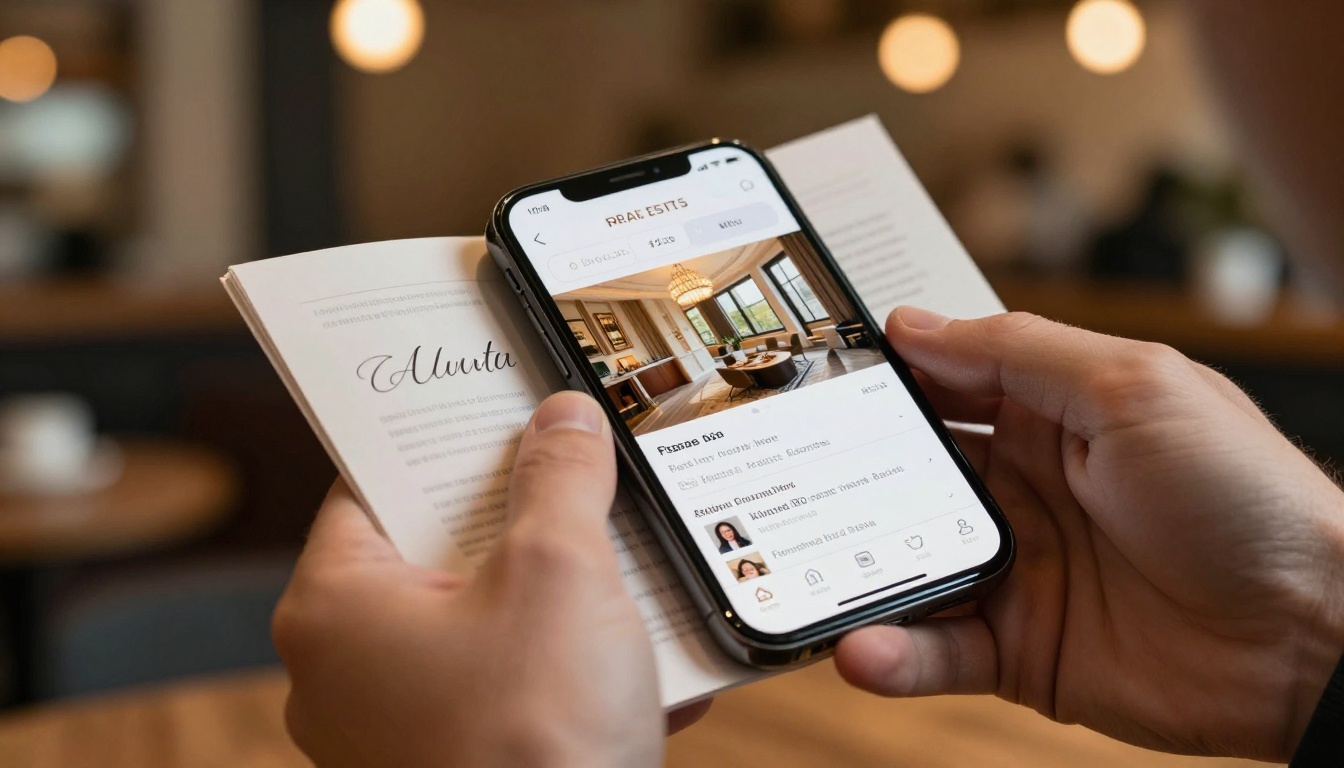
As more buyers search, evaluate, and shortlist properties entirely on their phones, the format of the brochure matters as much as its content. A mobile-responsive, interactive flipbook fits naturally into a buyer's workflow. A static PDF does not.
The shift to flipbook brochures is not a trend. It is a permanent upgrade to how real estate marketing works. Agents who adopt it now build a lasting advantage over competitors who are still emailing PDFs and printing tri-folds.
Ready to create your first property flipbook? Get started for free on Flipbooks AI and see how your listings look when they finally get the presentation they deserve. Compare pricing plans to choose the right fit, or browse all real estate brochure tools to see what is available for your specific use case.



