The moment a guest sits down at your table, they form an opinion. They notice the ambiance, the service, and yes, the menu. If that menu is a bloated PDF that won't load on their phone, that opinion shifts fast, and rarely in your favor. PDF menus made sense a decade ago. Restaurants could design once, print in bulk, and hand them out. But the way people eat, browse, and decide has changed completely. Today, a guest expecting a smooth, fast digital experience gets a 12-page PDF with a loading spinner, and they just pull up a competitor's menu instead.
Flipbooks AI gives restaurants a direct alternative: a fully interactive, mobile-responsive digital menu that updates in real time, looks beautiful on any screen, and can be shared via a simple QR code. But before getting into the how, it helps to be clear on why PDFs are silently costing your restaurant money, guests, and visibility every single day.
The PDF Problem Most Restaurants Ignore
Most restaurant owners don't think of their menu as a liability. It's just a file, uploaded once, shared on a table tent or website. The real costs are invisible until they add up.
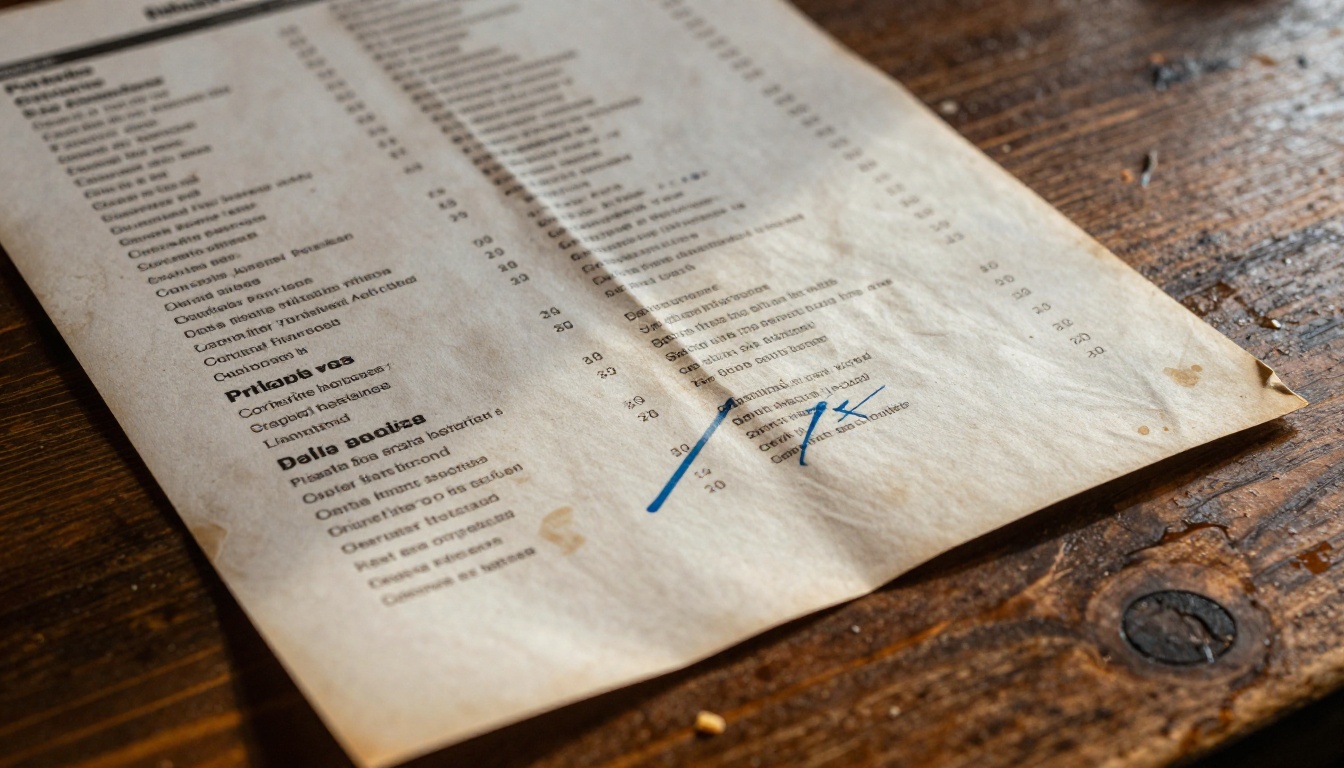
PDFs Break on Mobile, Every Time
Over 70% of restaurant searches happen on mobile devices. When someone taps your PDF menu link on a phone, they get one of three things: a slow download, a pinch-and-zoom nightmare, or a file that simply won't open. None of these outcomes move someone toward ordering.
PDFs are formatted for print. They are built around fixed page sizes, not fluid screens. No matter how beautifully designed your PDF looks on a desktop, it becomes a frustrating experience on a 6-inch phone screen. Text is too small to read without zooming, images load slowly over mobile data, and the overall experience signals to the guest that your operation is behind the times.
⚠️ Google research shows mobile users abandon pages that take more than 3 seconds to load. A PDF file on a restaurant website almost always exceeds this threshold, especially over 4G connections.
Updating a PDF Costs More Than You Think
Ingredient prices fluctuate. You run out of a seasonal dish. You want to add a new cocktail. With a PDF menu, any of these changes means reopening the original design file (if you still have it), making edits, exporting a new PDF, re-uploading to your website, and reprinting if you also use physical copies.
At a minimum, that process takes 45 minutes of staff time per update. At a print shop, a batch of laminated menus runs $2 to $5 per copy. For a 40-table restaurant with two menus per table, a single reprint cycle costs $160 to $400 before the time cost. For restaurants that update seasonally or weekly, this figure becomes a significant operating expense.
Google Cannot Read Your PDF Menu
Search engines struggle with PDFs. While Google can technically index them, PDF files receive significantly less crawl priority than standard HTML pages. Your pasta dishes, weekend specials, and signature cocktails, none of that content ranks for local search queries if it is buried in a PDF file that Google rarely crawls.
A digital menu published as a proper webpage or interactive flipbook can be fully indexed. That means customers searching for "truffle pasta near me" or "brunch spots with bottomless mimosas" might actually find your restaurant, not just your homepage.
A digital menu is not just a PDF displayed on a better screen. It is a living document with real functions that a static file simply cannot replicate.
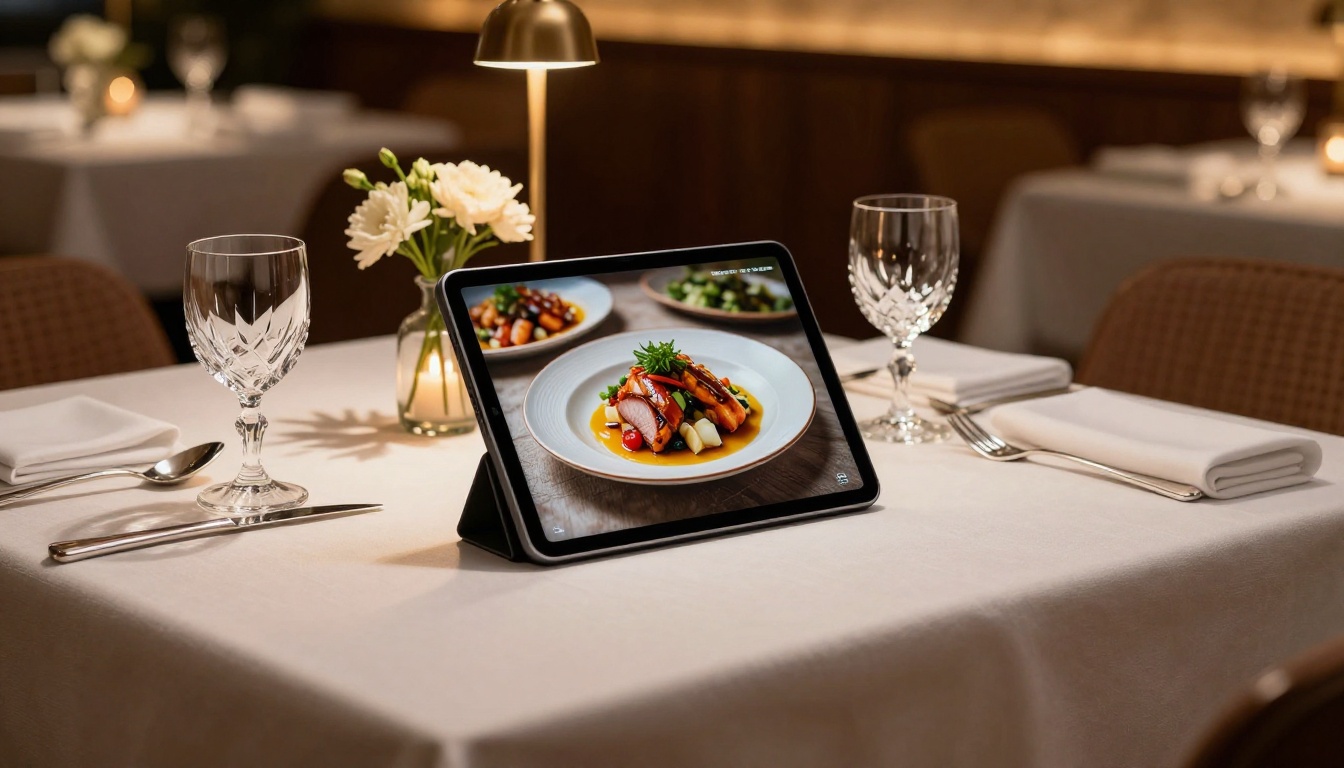
Real-Time Updates in Minutes
Change a price, mark a dish as sold out, add your Thursday special. With a digital menu platform, these changes take under two minutes and go live instantly across every device: no redesign, no reprint, no re-upload cycle.
💡 Restaurants using real-time digital menus report up to 30% fewer order errors related to outdated pricing or unavailable items, simply because the menu always reflects current reality.
Built-In Analytics That Actually Matter
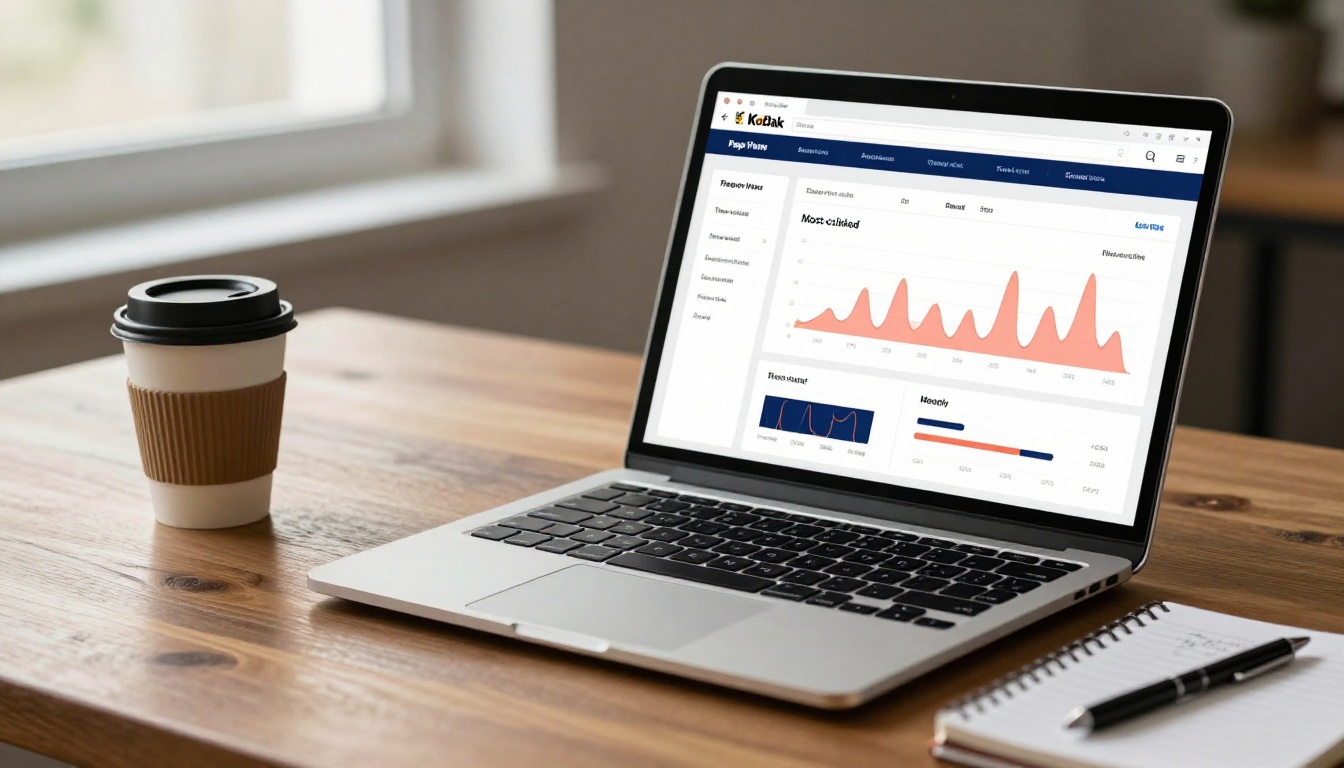
Which menu section do guests spend the most time on? Which dish gets scrolled past without a second look? Which items perform better at lunch than at dinner? PDFs tell you nothing. A proper digital menu gives you this data automatically.
With analytics, you can optimize your menu layout the same way e-commerce stores optimize product pages. Move high-margin dishes to prime positions. Test new item descriptions. See what works and cut what doesn't. It is the same principle as menu engineering, just backed by real behavioral data instead of intuition.
Links, Videos, and QR Codes
Digital menus can include:
- Embedded video showing how a signature dish is prepared
- Hyperlinks to allergen information or wine pairing notes
- QR codes guests scan directly from their table
- Social sharing buttons for your most photogenic dishes
- Audio descriptions for accessibility compliance
- Reservation booking buttons embedded directly in the menu page
None of these exist in a PDF. They belong entirely to the interactive digital format.
Here is a direct breakdown of how both formats compare across every metric that matters to a restaurant owner:
| Feature | PDF Menu | Digital Menu |
|---|
| Mobile-friendly layout | No | Yes |
| Real-time updates | No, requires full redesign | Yes, instant |
| Search engine indexing | Limited | Full HTML indexing |
| Analytics | None | Built-in page and click data |
| Interactive content | No | Video, links, audio |
| QR code experience | Opens a slow file download | Direct, instant page load |
| Update cost per change | $160 to $400+ in reprints | $0, included in subscription |
| Load speed on mobile | Slow, file must download | Fast, loads as a web page |
| Offline access | Only if manually downloaded | Available on certain plans |
| Custom branding edits | Fixed at design time | Live, editable at any time |
The gap is not subtle. On nearly every point that influences a modern customer's experience and a restaurant operator's costs, the digital menu wins clearly and measurably.
The Real Cost of Staying with PDFs
Owners often resist switching because the PDF is "already done." But staying is not free. Here is what the ongoing cost actually looks like.

Lost Customers from Slow Loads
If your menu link opens a PDF, roughly 40 to 60% of mobile users will leave before it finishes loading, especially in areas with inconsistent connectivity. These are customers who were already at your table, already interested, already about to order. A slow menu file is the last friction you want to introduce at that moment.
The Reprint Math Does Not Work Anymore
Consider a restaurant that updates its menu six times per year, which is conservative for any place running seasonal specials. At $250 per reprint batch, that is $1,500 annually just to keep a printed PDF reasonably current. A professional digital menu subscription typically costs a fraction of that, with zero reprints, ever.
✅ Switching to a digital menu typically pays for itself within the first quarter, purely from eliminated print and design costs, before even factoring in new customers from search visibility.
You Are Invisible in Local Search
Restaurants with HTML-based digital menus rank for hundreds of long-tail search terms their PDF competitors never appear for. "Vegan lunch spots downtown," "best lamb chops in [city]," and "restaurants with tasting menus" are all query types where properly structured digital menus surface in results. PDFs almost never do. Every day your menu is a PDF is another day your dishes are absent from local search.
This is where the shift becomes practical. Flipbooks AI offers a purpose-built Restaurant Menu Creator that takes your existing PDF and converts it into a fully interactive, mobile-responsive digital flipbook in minutes.
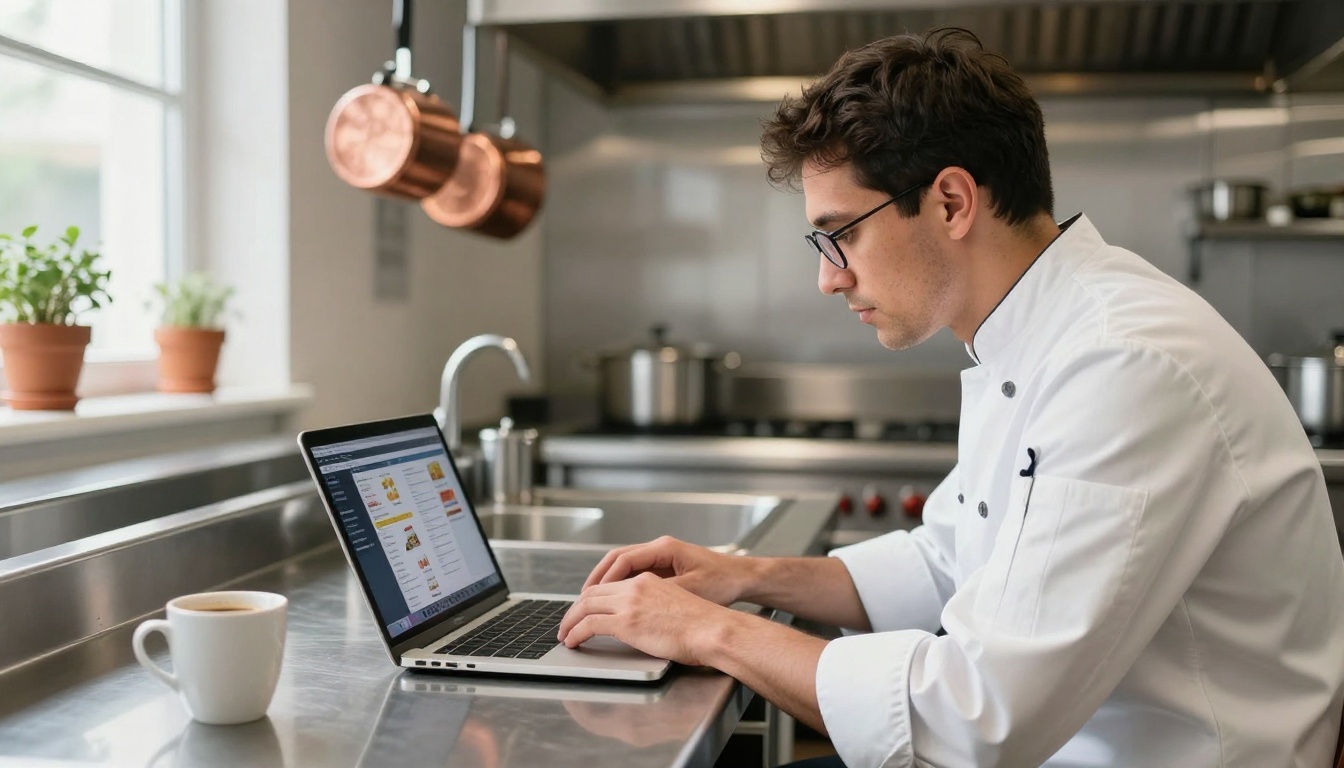
Step-by-Step: Your First Digital Menu
- Go to Flipbooks AI and create a free account. No credit card required to start exploring the platform.
- Upload your PDF menu. Drag and drop your existing file directly into the dashboard. The converter processes it automatically, preserving your layout, typography, and photography.
- Customize branding. Add your restaurant's logo, set brand colors for the flipbook interface, and choose a page-turn style that matches your aesthetic, whether that is a smooth slide or a classic page flip.
- Add interactive elements. Embed a short video from your chef, link to allergen documentation, or insert a reservation booking button directly into the menu pages.
- Generate your QR code. Flipbooks AI creates a scannable QR code you can print on table tents, receipts, or napkin holders. Guests scan and instantly get the live, current menu on their device.
- Share and embed. Copy the embed code for your website, share a direct link via your Google Business Profile, or drop it into your Instagram bio.
- Update anytime. When prices change or a dish sells out, log in, make the edit, and the live menu updates instantly across every QR code and embed simultaneously.
Customization Options Worth Using
The Menu Flipbook Designer includes features that go far beyond basic display:
- Password protection: Create a private menu version for VIP events or exclusive private dining packages
- Custom domain: Serve your menu from your restaurant's own domain for a fully branded experience
- Multilingual menus: Display content in multiple languages for tourist-heavy locations
- Lead generation forms: Collect guest emails from interested visitors (available on the Professional plan)
- Offline downloads: Allow guests to save your menu locally for areas with poor mobile connectivity
- Analytics dashboard: See exactly which sections guests read, skip, linger on, or return to repeatedly
💡 Use the analytics to identify which menu sections hold the most attention, then move your highest-margin dishes into those positions. It works the same way prime real estate works on a physical menu, just with behavioral data to back every decision.
Drinks, Events, and More Beyond the Food Menu
The switch does not stop at the food menu. Many restaurants benefit from converting additional formats:
- Cocktail and wine lists: Rich photography and scrollable layouts make beverage menus far more effective than static PDFs
- Event catering packages: Use the Digital Price List Generator to create shareable catering tier sheets that can be updated between seasons
- Seasonal promotional materials: The Online Brochure Designer handles Valentine's Day prix-fixe promotions, holiday tasting menus, and special event programs
Each of these can be created, updated, and shared independently, without touching a print shop.
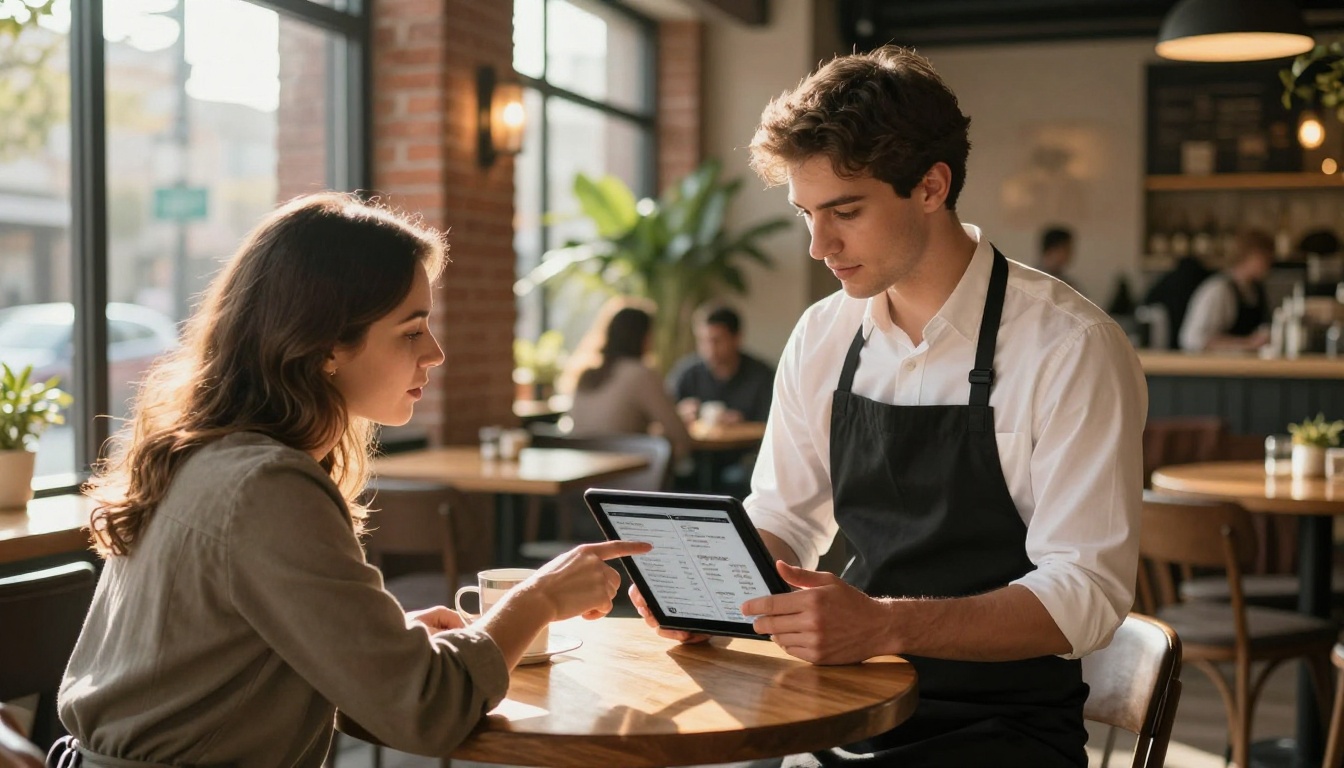
Choosing the Right Plan for Your Restaurant
Flipbooks AI pricing is structured to fit restaurants at every stage, from a single-location cafe to a multi-property hospitality group.
| Plan | Best For | Key Features |
|---|
| Free | Testing and single menus | 1 flipbook, basic sharing, QR code |
| Standard | Independent restaurants | Unlimited flipbooks, no watermarks, custom branding, QR codes, mobile-responsive |
| Professional | Multi-location or high-traffic | Analytics, lead generation, password protection, offline downloads, embed on website |
✅ All paid plans include no watermarks and unlimited flipbooks. You can maintain completely separate menus for lunch service, dinner, the bar program, and special events without any additional charges.
What Professional Unlocks for Restaurants
The Professional plan is where restaurants with volume see the biggest return. Analytics surface which menu sections hold attention, which items get the most views, and how long guests spend before placing an order. Combined with lead generation forms, like "Save our menu and receive 10% off your next visit," this turns your menu into an active marketing tool rather than just a static list of dishes. For restaurants running high-frequency promotions or managing multiple locations, the Professional plan pays for itself quickly.
What Guests Actually Experience
The customer-facing experience of a digital menu versus a PDF is not a minor improvement. It is a fundamentally different interaction that affects ordering confidence and satisfaction.
A guest scanning a QR code linked to a digital flipbook menu gets:
- A page that loads in under a second on any device
- Smooth scrolling through beautifully formatted sections
- Dish names that expand with ingredient details or allergen information
- Photos that load at full resolution without pinching or zooming
- A menu that always reflects current prices and current availability
A guest clicking a PDF link gets:
- A wait while a file downloads over mobile data
- A page layout designed for A4 paper, not a 6-inch screen
- Text too small to read without constant zooming
- No indication of whether prices are current
- An experience that signals the restaurant is not invested in digital quality
The difference directly affects ordering confidence, average check size, and whether guests recommend the restaurant to others.
Real Restaurants, Real Scenarios
Operators across service categories are making this switch for distinct operational reasons:
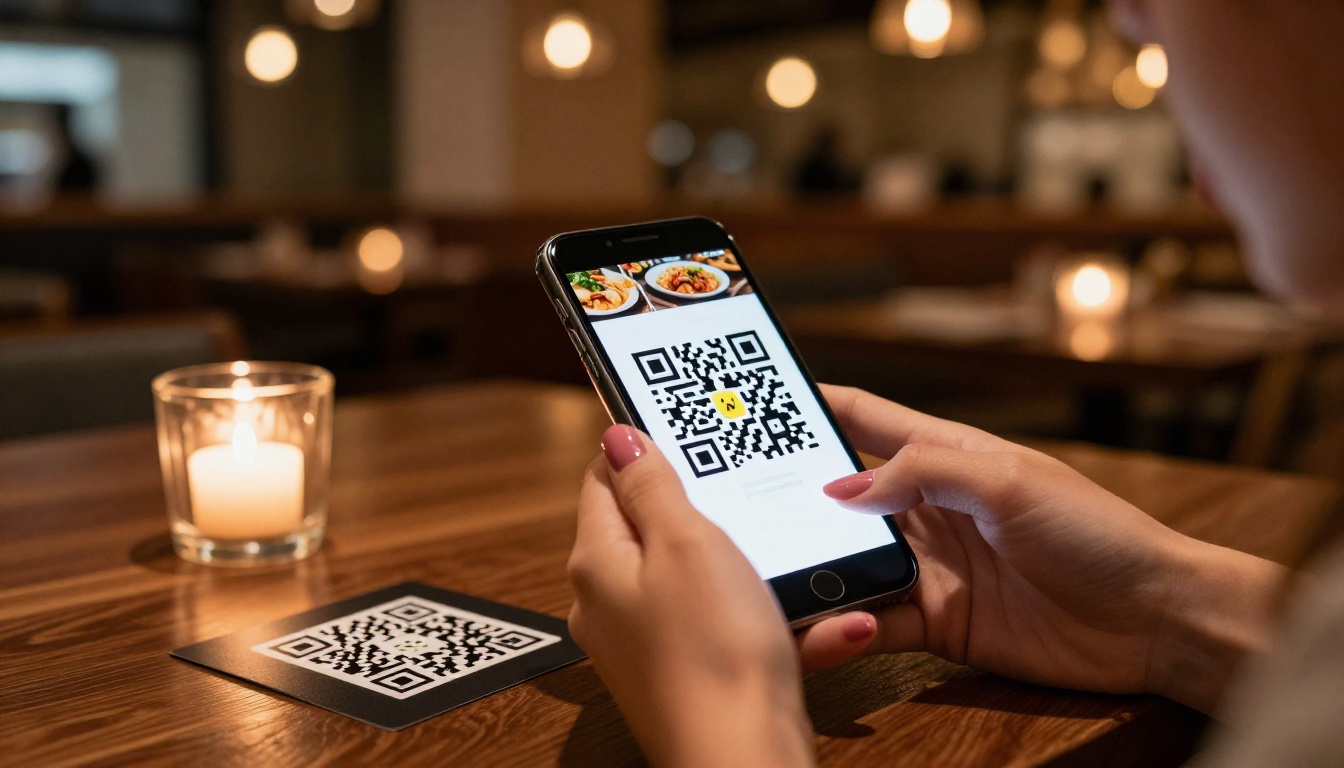
Fast-casual and quick service: QR-code digital menus eliminate the need for printed counter menus or tabletop menu stands. Staff spend less time answering questions about availability, because the digital menu always reflects what is actually in stock.
Fine dining: Interactive flipbook menus with wine pairing notes, chef bios, and embedded video of plating techniques create a premium experience before the first course arrives. The presentation signals craft and attention, even before the food reaches the table.
Hotel restaurants: A digital menu shared via the hotel's internal app or a room QR code captures in-room dining orders without requiring printed in-room menus that become outdated within weeks.
Food trucks and pop-ups: A shareable link or QR code printed on the side of the truck means no printed menus to reorder every season. Update the menu from a phone between service times, in under two minutes.
Multi-location groups: One account on Flipbooks AI manages menus for every location separately, each with its own branding and current item list, from a single unified dashboard.
| Scenario | PDF Menu Result | Digital Menu Result |
|---|
| Guest on 4G connection | Download may fail or take 10+ seconds | Page loads in under 1 second |
| Supplier raises a price | Requires full redesign, export, reprint | Update takes 90 seconds, goes live instantly |
| Seasonal dish sells out | Menu shows it until next reprint | Mark sold out immediately with one click |
| New guest searches Google | PDF file not indexed for search | Menu items appear in local search results |
| Guest needs allergen info | Tiny text, no expandable detail | Taps to expand full ingredient and allergen detail |
| Restaurant wants email leads | No mechanism exists | Lead generation form built directly into the menu |
Every row in that table represents a real moment during service. The PDF consistently creates friction. The digital menu consistently removes it.
Make the Switch Today
PDF menus are not a neutral choice. Every day they stay on your website and your tables, they are costing you in customer friction, print spend, and search invisibility. The switch to a digital menu is not a major project. It takes one afternoon, one PDF upload, and about ten minutes of customization.
Flipbooks AI makes that switch straightforward for any restaurant, regardless of size, budget, or technical experience. The Restaurant Menu Creator accepts your existing PDF and converts it into a live, shareable, SEO-indexed digital menu in minutes. No design skills required. No developer needed.
Ready to stop paying for reprints and start appearing in local search? Create your free account and publish your first digital menu today. When you are ready for analytics, lead generation, and advanced sharing options, compare the pricing plans and pick the tier that fits your operation.
Browse all available menu and publishing tools to see how far a single PDF upload can take your restaurant's digital presence.



