Every school sends newsletters. Most of them go unread. Paper copies pile up in backpacks, get crumpled against a lunch box, and end up in the trash before a parent ever reads the event calendar. PDFs do slightly better — until the attachment refuses to open on a phone, the formatting breaks sideways, and the parent closes the tab forever. There is a better way, and it starts with Flipbooks AI.

Paper Newsletters Are Costing Schools More Than Money
The printing bill nobody talks about
Let's put real numbers to this. A school sending a 4-page color newsletter to 400 families every two weeks spends, conservatively, between $600 and $1,200 per month on printing and paper alone. That is up to $14,400 a year on a document that competes with junk mail for a parent's attention.
And that is before you factor in staff time spent designing, printing, collating, and distributing physical copies. In many schools, that is a part-time job masquerading as an administrative task.
💡 The average school spending $10,000+ annually on printed newsletters could redirect those funds to classroom supplies, events, or teacher resources immediately.
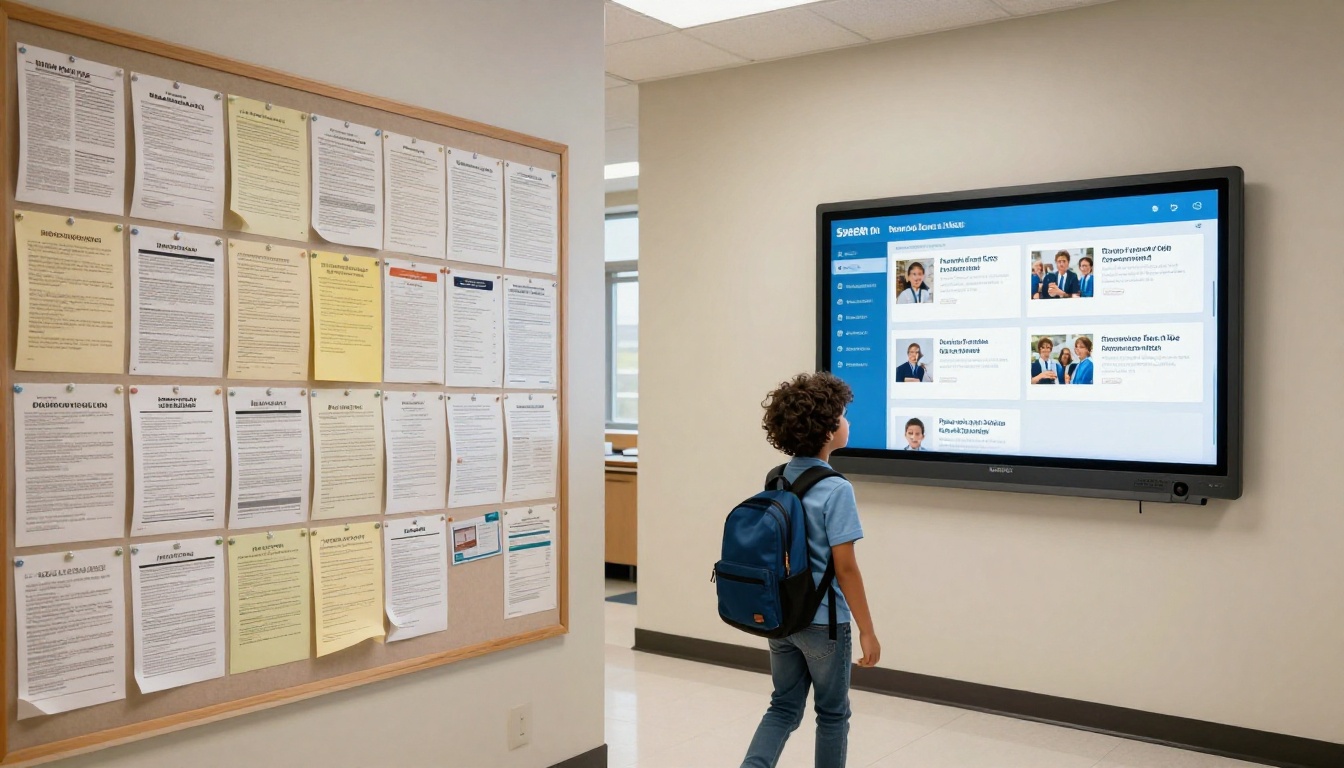
Paper gets lost, crumpled, or ignored
Even when printed newsletters make it home, readership is shockingly low. Studies on school-to-home communication consistently show that fewer than 40% of parents read a paper newsletter fully, and that number drops even lower in households where English is not the primary language or where both parents work full-time.
The problem is not the content. It is the format. A folded piece of paper in a backpack is the least compelling reading experience imaginable.
PDFs Are Not Much Better
The attachment nobody opens
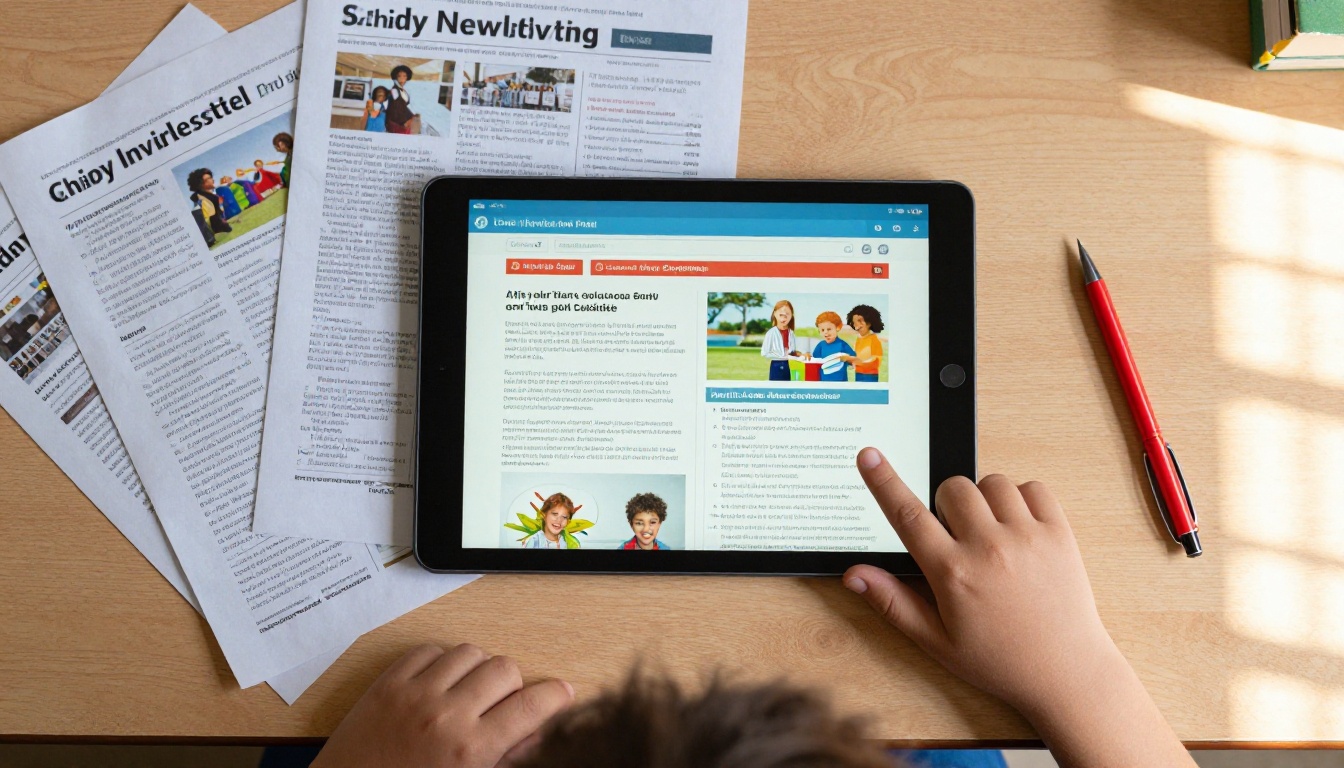
When schools moved to emailing PDF newsletters, it felt like progress. In practice, the average email open rate for school communications hovers around 20-30%, and of those who open the email, a significant portion never tap the attachment. On mobile devices, where most parents read email, a PDF attached to an email is three clicks away from readable: open email, tap attachment, wait for download, hope it renders correctly.
That is too many steps for a busy parent at 7pm.
Why mobile kills the PDF experience
PDFs were designed for print. They have fixed dimensions, non-responsive layouts, and zero interactivity. Open a school PDF on an iPhone and you are pinching and zooming through tiny text columns that were never meant for a 6-inch screen.
More than 65% of email is now opened on mobile devices. Sending a PDF to a mobile-first audience is like printing your website and mailing it.
⚠️ If your newsletter requires readers to zoom in to read it, you have already lost most of them.

What a Flipbook Newsletter Actually Does
Page-turn that parents actually notice
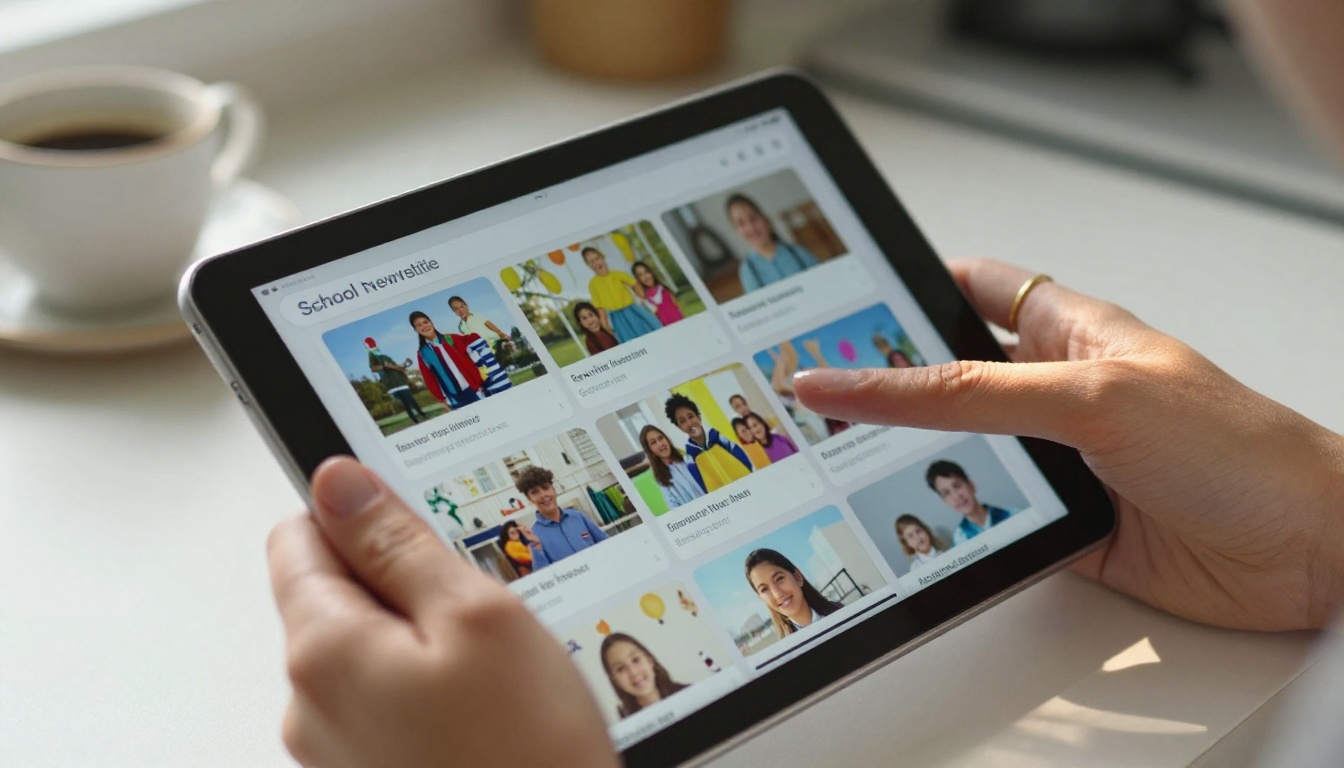
A flipbook newsletter is not a gimmick. The familiar page-turning interaction is psychologically engaging in ways a static PDF cannot be. It mimics the physical act of reading a magazine, which carries decades of cultural association with browsing, not scanning. Parents spend more time with content presented this way.
When you use the School Newsletter Creator on Flipbooks AI, your PDF newsletter becomes an interactive publication in minutes. The format is automatically responsive and looks beautiful whether a parent opens it on a laptop, a tablet, or a phone.
Photos, videos, and links that work
The content of school newsletters is inherently visual. Classroom activities, sports days, art exhibitions, science fairs — these are moments that deserve more than a thumbnail squeezed into a two-column PDF layout.
In a flipbook newsletter:
- Photos expand and display at full quality without distorting the layout
- Links are clickable so event sign-up forms, donation pages, and school calendar links all work
- Videos can be embedded directly into pages so parents can watch the school play highlight without leaving the newsletter
- The newsletter is shareable so parents forward it to grandparents, post it to community groups, and save it for later
✅ Embed the link to your flipbook newsletter directly in the body of your email, not as an attachment. One tap, instant open.
The Real Numbers Behind Flipbook Adoption
Schools that switch to digital flipbook newsletters report consistent improvements across every communication metric. The following table summarizes the typical difference across the three formats most schools use:
| Metric | Paper Newsletter | PDF Email | Flipbook Newsletter |
|---|
| Average readership rate | 30-40% | 20-35% | 60-75% |
| Mobile experience | N/A | Poor (requires zoom) | Excellent (fully responsive) |
| Cost per issue | $1.50-$3.00 per family | $0.00 | $0.00 |
| Time to distribute | 2-3 days | Minutes | Minutes |
| Can include video | No | No | Yes |
| Trackable analytics | No | Basic open rate only | Full read depth, clicks, time spent |
| Shareable by parents | Rarely | Sometimes | Easily (link, social, embed) |
| Works on any device | N/A | Partial | Yes |
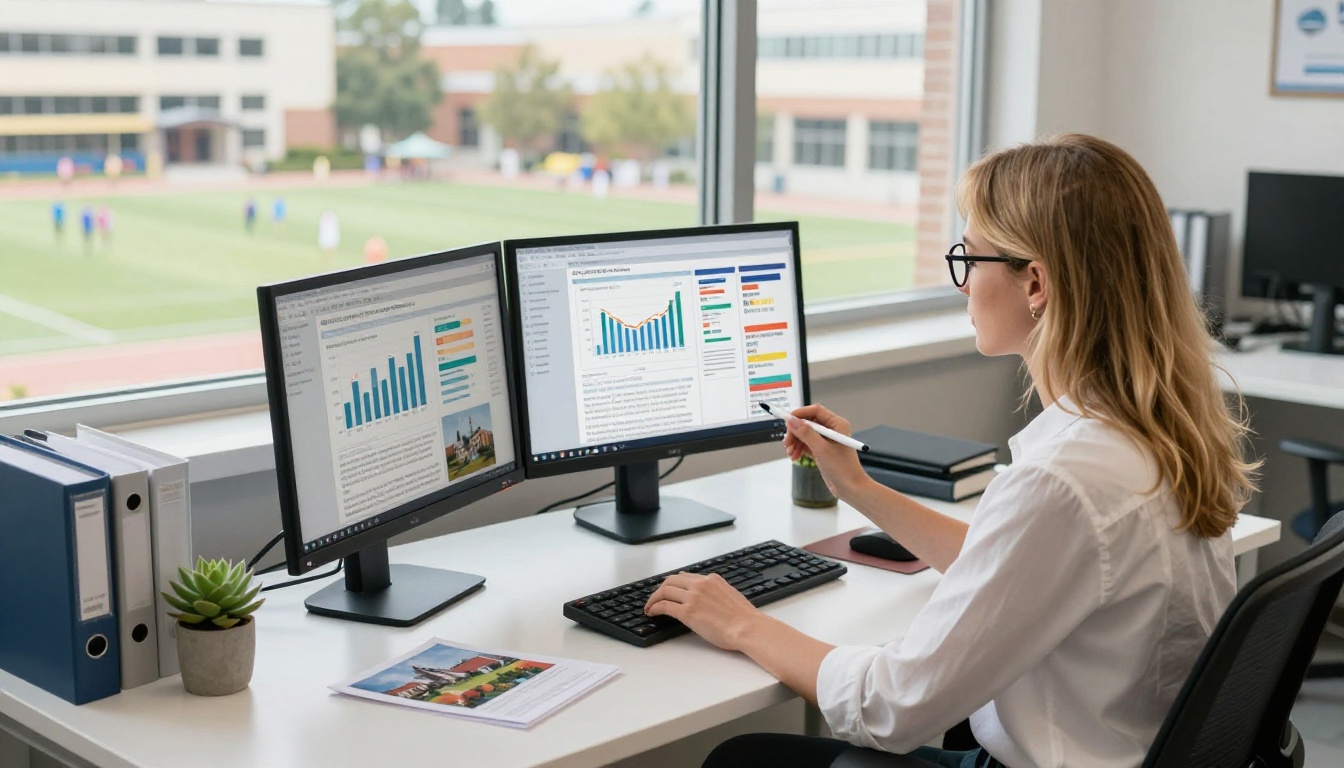
The analytics column deserves a closer look. With Flipbooks AI's Professional plan, schools can see exactly which pages parents read most, how long they spend on each section, and how many unique viewers each issue receives. That is data that can directly improve how you write and structure future newsletters.
💡 Use analytics to see which sections parents skip. If the "Principal's Message" page has a 10-second average view time while the "Student Spotlight" page gets two minutes, that tells you something valuable about what parents actually want to read.
How to Create a School Newsletter Flipbook
This is simpler than most school admins expect. You do not need a graphic designer, a developer, or a new software subscription for your entire IT department. Here is how it works with Flipbooks AI:
Step 1: Design your newsletter as a PDF
Use whatever tool your school already uses — Canva, Google Slides, Microsoft Publisher, Adobe InDesign. Export it as a PDF. You do not need to change your design workflow at all.
Step 2: Upload to Flipbooks AI
Create a free account at Flipbooks AI. Use the School Newsletter Creator or the PDF to Flipbook Converter. Drag and drop your PDF. The conversion takes under a minute.
Step 3: Customize your branding
Add your school logo, choose brand colors, and set a custom cover. You can also:
- Add background music or narration audio for special issues
- Embed YouTube video clips from school events directly on pages
- Set a background texture or color for the entire reader interface
- Add a clickable table of contents for longer seasonal issues
Step 4: Set your sharing options
- Copy the direct link to paste into your email newsletter body
- Use the embed code to place the flipbook on your school website
- Enable password protection for private or sensitive issues
- Share directly to your school's social media or parent communication app
Step 5: Track who reads it
On the Professional plan, access your analytics dashboard to see readership data, most-viewed pages, and total engagement per issue. Use this information to improve every future newsletter.
Features Schools Need Most
Not all schools need the same thing. A small private elementary school has different priorities from a large public high school with 2,000 students. The table below breaks down which Flipbooks AI features matter most for different school types:
| Feature | Small Private School | Large Public School | District Admin |
|---|
| No watermarks | Critical | Critical | Critical |
| Custom branding | Essential | Essential | Essential |
| Password protection | Nice to have | For sensitive docs | For internal comms |
| Unlimited flipbooks | Useful | Essential | Essential |
| Analytics | Useful | Essential | Essential |
| Lead generation forms | Rarely needed | Useful for events | For enrollment |
| Offline downloads | Sometimes | Often | For compliance |
| Video embedding | Great for showcases | Great for sports | Nice to have |
Every plan on Flipbooks AI includes no watermarks, which is a critical point for schools that take their professional presentation seriously. The Standard plan covers unlimited flipbooks, which matters for schools publishing weekly or bi-weekly issues.
✅ Schools sharing board meeting minutes or sensitive parent communications should always enable password protection. It keeps the document findable by authorized families while maintaining privacy from the general public.
Real Use Cases from Real Schools
Elementary school weekly updates
Weekly parent updates are the lifeblood of elementary school communication. They cover everything from spelling test reminders to photo day schedules to lunch menu changes. As a flipbook, this kind of update becomes something parents actually look forward to opening.
Schools using digital flipbook newsletters report that "Student Spotlight" sections featuring photos of individual students with short paragraphs from their teacher become the most-shared content the school has ever produced. Parents forward it to relatives, post it to neighborhood social media groups, and specifically ask to be added to the distribution list.
That kind of organic reach is impossible with a paper newsletter.
High school sports and events
High schools deal with higher communication volume and a more diverse parent audience. Sports schedules, drama productions, college prep events, volunteer sign-ups — the typical monthly high school newsletter runs 8-12 pages. As a PDF, that is an unwieldy download. As a flipbook, it is a satisfying browse.
With embedded video, a high school can include highlight clips from the last football game, a preview of the spring musical, or a walkthrough of the new science wing, all inside the newsletter itself. The Newsletter Flipbook Publisher tool makes this a repeatable workflow rather than a one-time project.
Special needs and accessibility
Flipbook newsletters offer something paper and PDF formats cannot: built-in accessibility advantages. Screen readers interact with digital text far more effectively than with a scanned PDF image. Font sizes can be adjusted by the reader. Contrast ratios can be set for visual accessibility. For schools serving families with visual impairments or reading difficulties, this matters enormously.

Comparing Your Options Before You Switch
Before committing to any platform, it helps to see exactly how the tools stack up. Here is how the leading approaches to school newsletters compare for a typical K-12 institution:
| Approach | Setup Time | Monthly Cost | Parent Experience | Analytics | Ideal For |
|---|
| Printed newsletter | 3-5 hours design + print | $500-$1,200 | Low | None | Schools with no internet access |
| Email PDF attachment | 2-3 hours design | Free | Poor on mobile | Basic open rate | Schools on zero budget |
| Dedicated newsletter app | High (app install required) | $200-$800 | Medium | Medium | Large districts with IT support |
| Flipbook newsletter | 30 min (PDF upload) | From free | Excellent | Full (Professional) | Any school, any size |
| School website news page | Ongoing maintenance | Hosting costs | Medium | Basic | Schools with dedicated web staff |
The flipbook approach wins on the ratio of effort to impact. You keep your existing design workflow, add one upload step, and dramatically improve the reading experience for every parent on your list.
For schools that want to try before committing, Flipbooks AI offers a free tier that lets you convert and share flipbooks immediately — no credit card required.
The Simple Truth About School Communication
Parents want to stay connected to their child's school. They want to know what is happening, what is coming up, and how their child is doing. The barrier has never been willingness; it has always been format.
A newsletter that opens instantly on any device, looks beautiful, shows photos at full size, and lets a parent flip through it like a magazine in 90 seconds will always outperform a crumpled paper sheet or a stubborn PDF attachment.
The schools winning at parent communication are not necessarily the ones spending the most money. They are the ones making it easy for busy parents to stay informed.
Switching to a flipbook newsletter is one of the lowest-effort, highest-impact changes a school communication team can make. It costs nothing to try, takes minutes to set up, and starts producing results from the very first issue — higher readership, more parent involvement, stronger school community connection.
Ready to send a school newsletter parents will actually read? Get started for free on Flipbooks AI today. Explore all available tools and templates built specifically for school communications, or compare pricing plans to find the right fit for your school's needs.



