You open a PDF. You scroll. You scroll more. Somewhere around page four or five, your eyes glaze over, your mouse hand slows, and you quietly close the tab. This happens to your audience every single day. If you're publishing reports, catalogs, brochures, or proposals in PDF format, you are almost certainly losing more than half your readers before they reach the end. Flipbooks AI was built precisely to fix this.
The problem is not the content. It's the container.
The Drop-Off Problem Nobody Talks About
Digital publishing teams spend months crafting reports, catalogs, and editorial content. Then they export to PDF, share a link, and assume it gets read. The reality is much harsher. Studies on digital document consumption consistently show that readers abandon long-form documents quickly, with a steep cliff in attention around the midpoint.
What Happens After Page 2
Most readers who open a PDF read through the first two pages with reasonable attention. After that, the combination of scroll fatigue, dense text, and lack of visual feedback begins taking its toll. By the time a reader hits the halfway point, a large portion has already abandoned the document. This is not a content problem. It is a format problem.
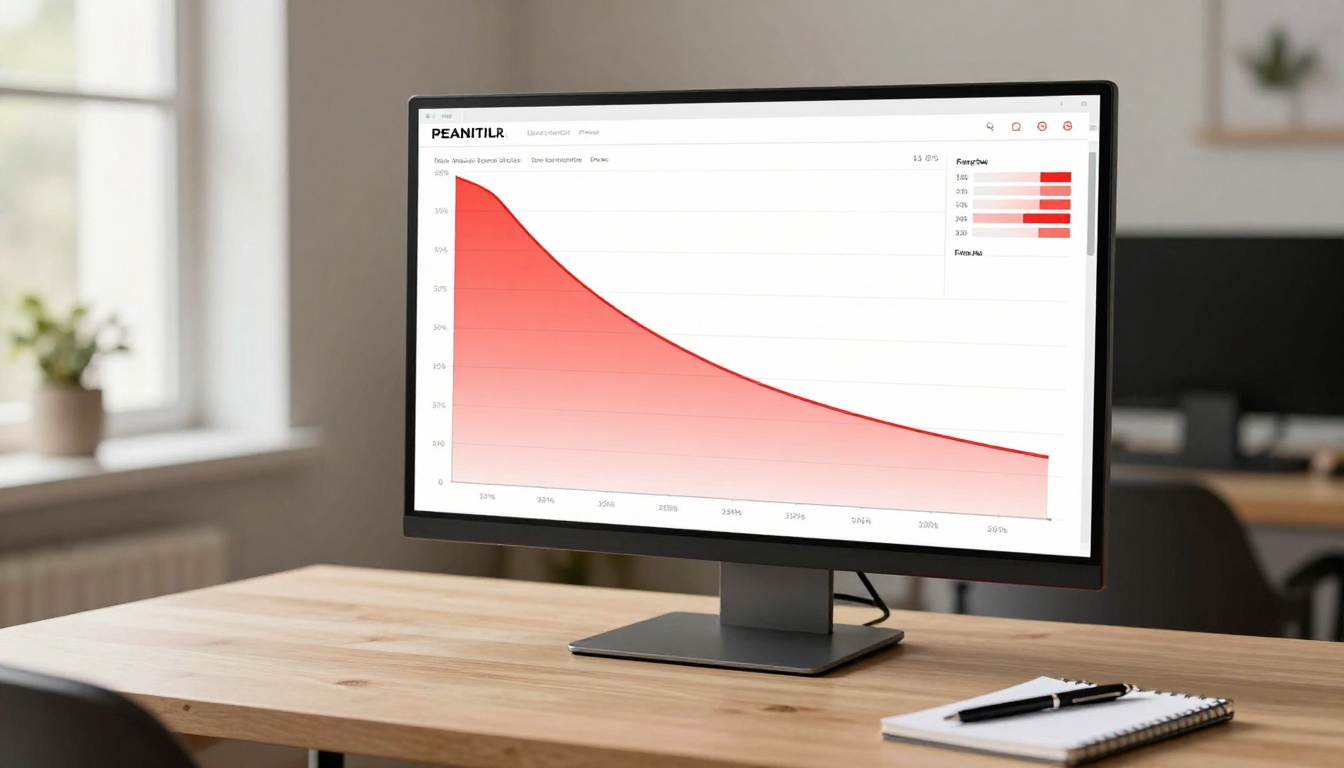
PDFs were engineered for print. They are page-based documents compressed into a single vertical scroll. When you force that structure onto a screen, you strip away everything that makes physical reading satisfying: the tactile sense of progress, the spatial memory of where information lives, the natural pause between pages.
Scroll Fatigue Is a Real Thing
Cognitive science gives this a name: continuous partial attention. When a reader cannot see where a document ends, their brain has no way to pace itself. Instead of committing to reading, it goes into a low-effort scanning mode. Combined with the monotony of a vertical scroll, this creates a feedback loop that accelerates drop-off.
💡 The scroll bar at the side of a PDF is the most demoralizing element in digital publishing. Seeing it barely move after reading for ten minutes tells your reader's brain: "This is going to take forever."
5 Reasons PDFs Bleed Readers
The issues are not random. They are structural, predictable, and fixable. Here are the five biggest reasons PDF readers abandon before finishing.
No Visual Finish Line
Physical books give readers a constant, tangible sense of progress. You can feel the remaining pages between your fingers. PDFs remove that. The only progress indicator is a tiny scroll bar, and for a dense 40-page report, that bar barely moves with each scroll. Without a visible finish line, readers have no motivation to push through.
Dense Text, No Room to Breathe
Most PDFs are designed with print margins in mind. When viewed on a screen, those layouts create walls of text with minimal visual hierarchy. White space collapses, images appear small relative to body text, and the reading experience becomes exhausting within the first few pages.
Zero Navigation Feedback
In a PDF, jumping between sections means hunting for bookmarks (if they even exist), using Ctrl+F, or manually scrolling backward and forward. There is no intuitive chapter navigation, no clickable table of contents that feels natural, and no sense of spatial orientation within the document.
It Feels Like Work
The cognitive overhead of reading a PDF is genuinely higher than reading a web page or a magazine. The format signals "official document" to your brain, which triggers a more effortful, less pleasurable reading mode. Readers unconsciously resist committing to long sessions.
Mobile Makes It Worse
On mobile, PDFs are a disaster. Pinch-zoom, horizontal scrolling, tiny text, and no native mobile layout make the experience actively frustrating. Given that mobile devices now account for the majority of digital content consumption, this is not a niche problem.
⚠️ Over 60% of digital content is now opened on mobile. A PDF that requires pinch-zoom to read is effectively invisible to most of your audience.
What the Data Actually Shows
Reader abandonment in PDFs is not a minor friction point. The numbers, when tracked, reveal a consistent pattern.
| Metric | PDF Documents | Interactive Flipbooks |
|---|
| Average completion rate | 20–35% | 65–80% |
| Average time on document | 1.5–2 min | 4–6 min |
| Mobile readability | Poor | Excellent |
| Navigation ease | Difficult | Intuitive |
| Return visit rate | Low | Moderate to High |
| Shareability | Static link only | Embeddable and linkable |
The gap between PDF and flipbook performance is not marginal. It is the difference between a document that informs and a document that converts.
💡 The single biggest lever for increasing document completion rates is switching from a vertical scroll format to a page-based interactive format with visible chapter navigation.
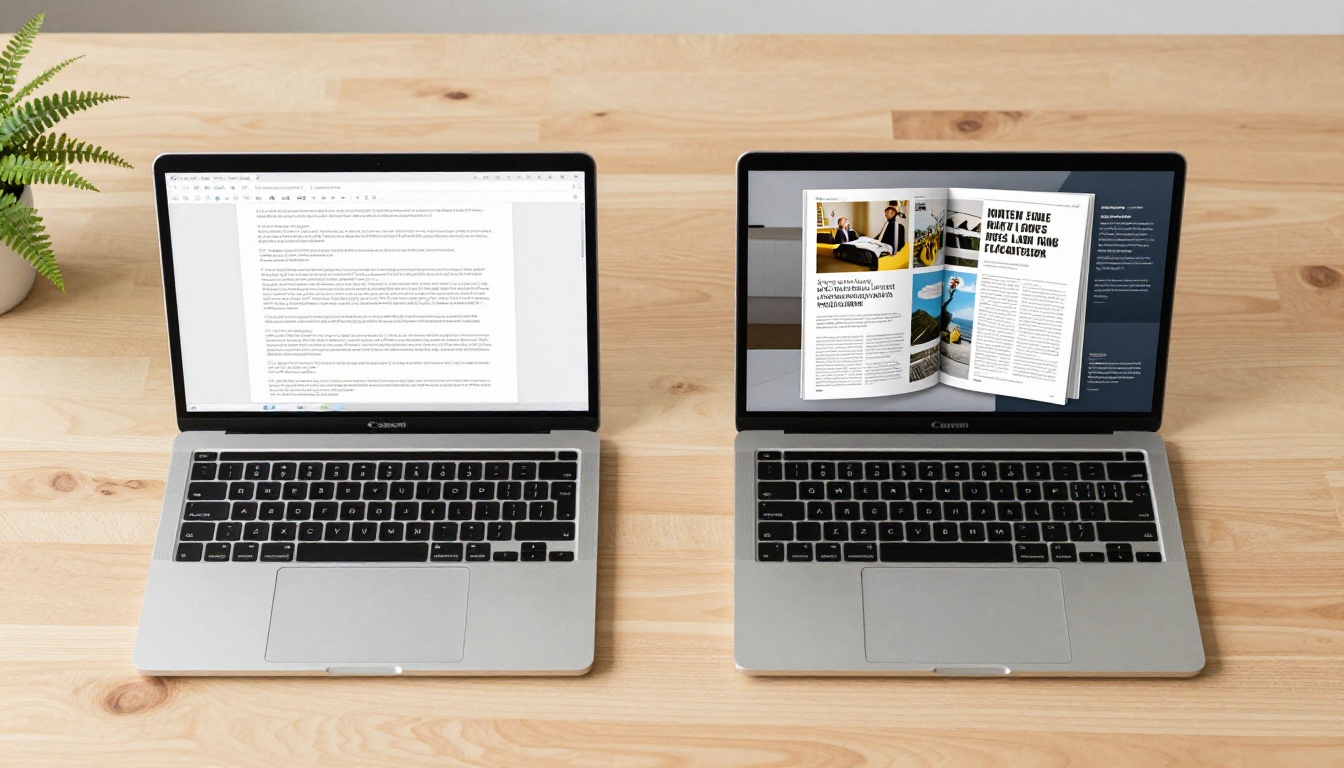
PDFs vs. Flipbooks Side by Side
The format difference is not just aesthetic. It affects every dimension of the reader experience.
| Feature | PDF | Flipbook |
|---|
| Page-turn interaction | No | Yes, realistic animation |
| Mobile-responsive layout | No | Yes, auto-adapts |
| Embedded video support | No | Yes |
| Custom branding | Limited | Full logo, colors, fonts |
| Password protection | OS-level only | Built-in, shareable |
| Reader analytics | None | Page-level tracking |
| Website embed | Clunky iFrame | Clean one-line embed code |
| Table of contents | Manual bookmarks | Interactive, clickable |
| Lead capture forms | None | Built-in (Professional plan) |
| Offline access | Yes | Yes, downloadable version |
The contrast is stark. PDFs are static. Flipbooks are interactive, branded, trackable, and mobile-ready by default.
Why Page-Turning Changes Everything
The page-turn is not just a visual trick. It does something important to the reading experience at a psychological level.
The Psychology of Progress
When a reader sees a flipbook, they see a book. They see chapters. They see a finite, navigable structure. The visual representation of pages remaining on the right versus pages already read on the left creates an internal progress model. The brain responds to this the same way it responds to a physical book: it commits to the journey.
This is fundamentally different from a scroll bar. A shrinking stack of pages on the right creates anticipation. A barely-moving scroll bar creates dread.

Chapter Views vs. Infinite Scroll
Flipbooks allow readers to jump instantly to any section, view a visual thumbnail spread of all pages, and navigate by chapter or topic. This makes them dramatically more usable for reference documents like catalogs, annual reports, and training manuals. Readers who can browse non-linearly stay in the document longer and return more frequently.

✅ Flipbooks with clear chapter thumbnails and clickable tables of contents see significantly higher return visit rates, because readers can pick up exactly where they left off without hunting for their place.
Convert Your PDF in 5 Steps
Flipbooks AI converts any PDF into a fully interactive, mobile-ready flipbook in minutes. No design skills required.
Step 1: Create your account
Head to flipbooksai.com/account and sign up. The process takes under two minutes. No credit card required to start.
Step 2: Upload your PDF
From your dashboard, select "New Flipbook" and upload your PDF file. Flipbooks AI handles the conversion automatically, rendering every page into a crisp, high-fidelity digital spread. Files with hundreds of pages are fully supported.
Step 3: Apply your branding
Once uploaded, apply your brand identity. Set your logo, choose brand colors for the flipbook controls, select fonts, and configure the background style. The PDF to Flipbook Converter preserves your original layout while wrapping it in a fully branded interactive shell.
Step 4: Add interactivity
Embed videos directly into pages, add clickable hyperlinks, include audio narration, or set up lead generation forms (available on the Professional plan). You can also enable password protection for private or client-facing documents.
Step 5: Share and track
Publish your flipbook and share it via a direct link, embed it on your website using the Embed Flipbook on Website tool, or download it for offline distribution. On the Professional plan, access page-level analytics to see exactly where readers spend time and where they drop off.

✅ Flipbooks AI includes no watermarks on Standard and above plans, unlimited flipbooks, and mobile-responsive output that requires zero extra configuration.
Real-World Results Across Industries
The PDF-to-flipbook switch delivers measurable results across very different contexts. Here are the scenarios where the format change has the clearest impact.
Sales Teams and Proposals
A sales team sharing a 30-page proposal as a PDF faces an immediate credibility problem: the document looks like every other attachment in a prospect's inbox. A branded flipbook with the company's identity embedded, delivered via a tracked link, signals professionalism and allows the sales rep to see exactly which sections the prospect spent time on. The Sales Presentation Flipbook tool is built precisely for this workflow.
Publishers and Educators
Course creators and educational institutions distribute large volumes of long-form content. A 120-page course material PDF has a near-zero completion rate among students. The same content as a flipbook with chapter navigation, embedded video lectures, and downloadable pages performs dramatically better. The Course Material Publisher handles this at scale.
Catalogs and Product Sheets
Retail and wholesale brands that rely on product catalogs know the PDF download model is broken. Buyers do not scroll through 200-page PDF catalogs. They do flip through interactive catalogs that feel like browsing a magazine. The Product Catalog Generator turns static product sheets into shareable, browsable flipbooks.

Stop Losing Readers Halfway
The problem with scrolling PDFs is not fixable with better writing or better design within the PDF format itself. The format is the problem. It removes progress cues, punishes mobile readers, offers no intuitive navigation, and trains readers to disengage. Every day you keep distributing PDFs, you are losing a majority of your audience before they reach your most important content.

The fix is structural, not cosmetic. Switching to an interactive flipbook format changes the psychological contract between your content and your reader. It signals: this is worth your time. Here is where you are. Here is where you are going.
Ready to stop losing readers at the halfway point? Get started for free on Flipbooks AI and convert your first PDF today. Browse all flipbook tools to find the right fit for your content type. Or compare pricing plans to see which plan matches your needs.
Your content is good. The format is holding it back.



