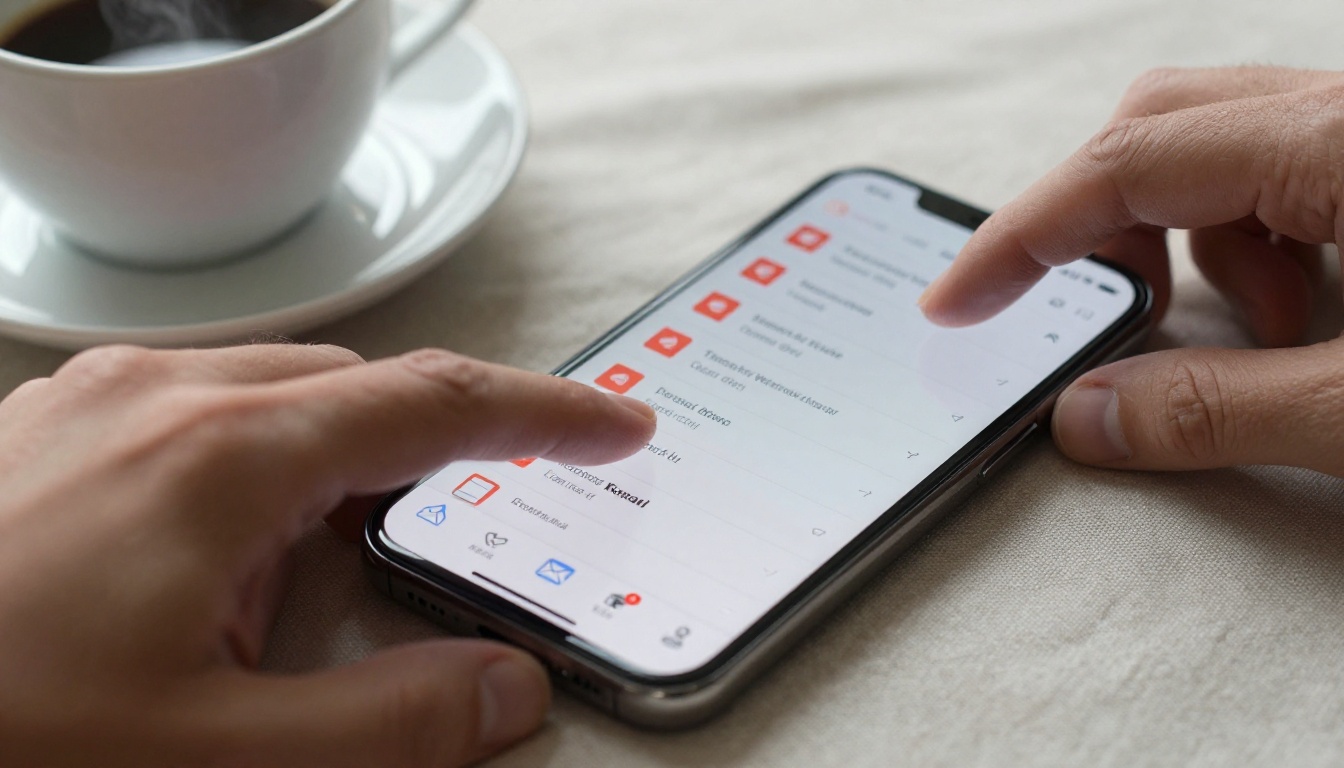
The email looked good. Strong subject line, clean design, and a PDF attached that took three weeks to produce. Then the campaign went out, and the open rate was 11%. Half of those who did open it never downloaded the attachment. The PDF that should have closed deals just sat there, unread, in a folder nobody would ever find.
This story plays out thousands of times every day across every industry. The problem is rarely the content. The problem is the PDF attachment itself. And the marketers who figured this out first are now running circles around those still hitting "attach."
The PDF Attachment Problem Nobody Talks About
There is a persistent myth in email marketing that if you design a beautiful PDF and attach it, people will read it. The data tells a different story. PDF attachments introduce friction, risk, and blind spots at every stage of the content journey, from sending to reading to follow-up.
Spam Filters Are Getting Ruthless
Modern spam filters treat attachments as red flags. Gmail, Outlook, and corporate email gateways score incoming messages based on dozens of signals, and attachments, especially PDFs from marketing domains, rank high on the suspicion list.
The result? Your meticulously crafted brochure ends up in the junk folder, not because your content was bad, but because the format triggered an automated filter before a single human eye ever saw it.
⚠️ Deliverability Warning: Emails with PDF attachments can see up to a 30% drop in inbox placement compared to plain-link emails. Your audience never gets the chance to ignore you, because they never see you at all.
File Size: The Silent Campaign Killer
A beautifully designed PDF catalog can easily run 15MB or more. Most email clients impose strict attachment size limits, typically between 10MB and 25MB, and corporate mail servers are frequently stricter. Even when the attachment gets through, slow download times frustrate mobile users. On a standard mobile connection, a 15MB PDF can take 8 to 12 seconds to download, and most recipients simply do not wait.
Corporate firewalls add another layer of blocking. Many large companies strip all attachments from inbound emails by default, meaning your content is silently deleted before it ever reaches the person you intended to reach.
Zero Data. Zero Insight.
Here is the most damaging part: you cannot track anything meaningful with a PDF attachment.
After sending, you have no idea:
- Who actually opened and read the document
- How many pages they read before stopping
- Which sections captured their attention longest
- Whether they forwarded it to a colleague
- What device they used or where they were located
You spent weeks building a 40-page product catalog, and the only data point you have is "number of clicks on the download link." That is not marketing intelligence. That is expensive guesswork.
What Happens When Recipients Actually Open Your Email
Even when a PDF attachment lands in the inbox and gets opened, the experience is often broken by design.

The Mobile Formatting Disaster
Over 60% of emails are now opened on mobile devices. PDFs are not built for mobile. The pinch-zoom-scroll experience on a small screen is the opposite of a conversion-friendly interaction. Fonts render too small to read. Images lose clarity when compressed. Multi-column layouts collapse into unreadable text blocks.
Your prospect receives a beautifully designed brochure on desktop but gets an unusable mess on the iPhone they are using to check email during their commute. They close it and never return.
No Interaction, No Action
Static PDFs can include hyperlinks, but they cannot include anything else. No embedded video. No animated page transitions. No interactive table of contents. No contact forms. No calls to action that work inline.
Every interactive touchpoint you want, such as a "Watch Demo" button, a signup form, or a live pricing calculator, requires the reader to leave the document, open a browser, and manually type a URL. Almost nobody does this.
The Real Cost of Sticking With PDFs
Before looking at what works better, it helps to see the full picture of what PDF attachments cost. The comparison below shows the gap clearly.
| Factor | PDF Attachment | Interactive Flipbook Link |
|---|
| Deliverability | High risk, often flagged as spam | Safe, clean link in email body |
| Mobile Experience | Poor, requires pinch and zoom | Fully responsive on any device |
| File Size Impact | Heavy, 5MB to 50MB common | None, content streams online |
| Tracking and Analytics | None | Page views, time-on-page, clicks |
| Interactivity | Static only | Video, audio, forms, animations |
| Update After Send | Impossible | Real-time edits, always current |
| Sharing Behavior | Forwarded untracked as attachment | Link forwarded with full tracking |
| Password Protection | Requires separate tools | Built-in platform option |
| Brand Customization | Fixed at design time | Dynamic, full branding control |
| Lead Generation | Not possible | Built-in forms on Professional plan |
The gap is not incremental. It is the difference between marketing that produces measurable outcomes and marketing that disappears without a trace.
What the Shift Actually Looks Like
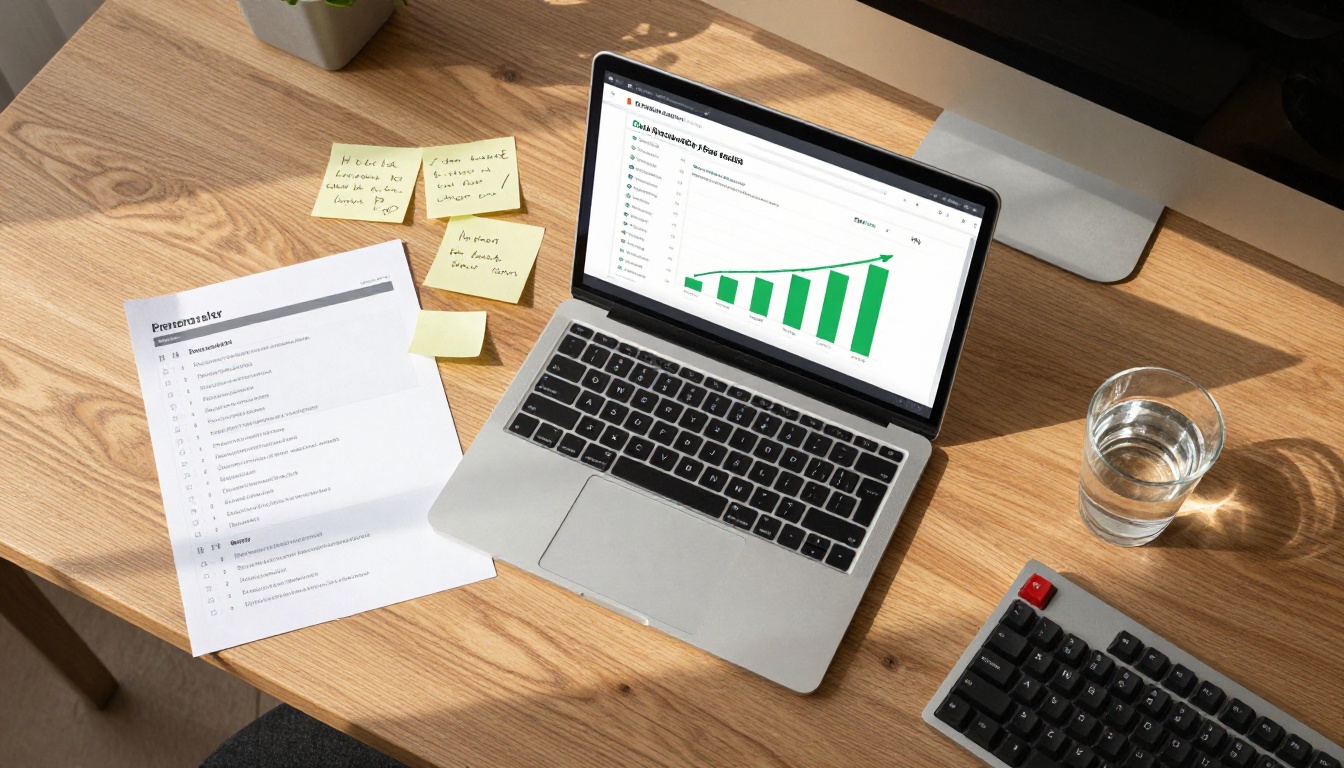
Smart marketers do not eliminate their PDFs. They convert them into something better before sending, a step that takes minutes and changes everything about how the content performs.
From Attachment to Shareable Link
The workflow is straightforward. Instead of attaching a PDF to an email, you upload it to a platform that converts it into an interactive, browser-based flipbook. You receive a clean URL. That URL goes into your email, either as a hyperlinked CTA or an image button.
The recipient clicks the link and lands on a beautiful, page-turning digital document that works on every device without downloading anything, without triggering a spam filter, and without requiring any app.
💡 Pro Tip: Include a thumbnail preview image in your email showing the flipbook cover page. Click-through rates on visual CTAs are consistently higher than plain text links, sometimes by 40% or more.
Interactive Content That Works on Any Device
The flipbook format solves every core problem PDF attachments create:
- No spam filter risk: A URL is just text, no attachment for filters to flag
- Instant load time: No download required, content loads progressively in-browser
- Mobile-first design: Pages reflow automatically for any screen size
- Full analytics: See who read what, for how long, and where they stopped
- Live updates: Edit the content after sending without resending the email

How to Create Your First Flipbook With Flipbooks AI
This is where the concept becomes practical. Flipbooks AI converts any PDF into a fully interactive flipbook in minutes, with no design skills or technical knowledge required.
Step 1: Create Your Account
Go to Flipbooks AI and sign up for a free account. No credit card is required to start. The free plan lets you create three flipbooks immediately so you can test the format before committing to anything.
Step 2: Upload Your PDF
Drag and drop your existing PDF directly into the upload area. The platform accepts PDFs of any length, from single-page flyers to 200-page annual reports. Conversion happens in seconds regardless of file size.
Step 3: Customize Your Flipbook
After conversion, you have full control over how the flipbook looks and behaves:
- Add your logo and set your brand colors throughout
- Choose from multiple page-turn animation styles
- Set a custom background color or textured backdrop
- Embed videos and audio directly into specific pages
- Add an interactive table of contents for longer documents
For specific use cases, Flipbooks AI offers dedicated tools with purpose-built templates. Real estate agents benefit from the Real Estate Brochure Creator. Sales teams get more from the Sales Presentation Flipbook. Hospitality businesses use the Hotel Brochure Designer for property packages that need to look exceptional on any device.
Step 4: Set Your Sharing Options
This step is where flipbooks completely change the email marketing equation:
- Generate a direct link to paste into your email body or CTA button
- Create an embed code if you also want the flipbook on your website
- Set a password for confidential proposals or client-only content
- Enable offline downloads for recipients who need local access on the go
✅ Best Practice: Use the direct link in your email, not the embed code. Links are cleaner, easier to tap on mobile, and safer for deliverability.
Step 5: Track Performance
Once your email is sent and people start reading, check the analytics dashboard. With the Professional plan, you access:
- Page-by-page engagement data showing exactly where readers spend time
- Lead generation forms embedded directly inside the flipbook for inline signups
- Geographic data showing where your audience is located
- Device breakdown revealing the mobile-to-desktop reading ratio for your audience
Flipbooks AI Plans at a Glance
One common concern before switching from PDFs is whether the platform cost makes sense relative to the value gained. Here is a clear breakdown of what each tier includes.
| Feature | Free | Standard | Professional |
|---|
| Flipbooks | 3 total | Unlimited | Unlimited |
| Watermarks | None | None | None |
| Custom Branding | Basic | Full | Full |
| Password Protection | No | Yes | Yes |
| Analytics | Basic views | Standard | Advanced, page-level |
| Lead Generation Forms | No | No | Yes |
| Offline Downloads | No | Yes | Yes |
| Embed on Website | Yes | Yes | Yes |
| Video and Audio Embed | No | Yes | Yes |
💡 Note: Unlike most comparable platforms, Flipbooks AI includes no watermarks on any paid plan. Every flipbook you publish looks 100% professional and brand-owned.
Real-World Use Cases by Industry
The shift from PDF attachments to interactive flipbooks applies across virtually every sector. The format adapts to the use case, not the other way around.

Sales Teams
A sales team sending a 30-page proposal as a PDF attachment risks it never reaching the prospect's inbox. Convert that proposal into a Sales Presentation Flipbook, send a clean link, and you can see exactly which sections the prospect read, how long they spent on pricing, and whether they shared it internally with decision-makers.
That information shapes your follow-up call. It is the difference between a generic "just checking in" and a targeted conversation because you know they spent nine minutes on page 14.
Event Organizers
Pre-event programs sent as PDF attachments frequently hit corporate email size limits and never reach attendees in the first place. An interactive event program built with the Event Program Maker can be updated after the link is already shared if a speaker changes or a schedule shifts. No resending. No version confusion. Everyone who has the link always sees the current document.
Real Estate Agents
Property brochures with high-resolution photography routinely exceed email attachment limits. A Real Estate Brochure Creator flipbook embeds virtual tour videos, floor plan animations, and contact forms directly inside the document. These are features a static PDF can never replicate, and they give buyers a richer experience that moves them closer to a decision.

What You Get That PDFs Can Never Offer
Beyond fixing the email deliverability problem, interactive flipbooks offer capabilities that change the fundamental relationship between your content and your audience.
Real-time updates after sending: Once a flipbook link is live, the document stays editable. Fix a typo, update a price, or add a new section, and every person who has the link sees the updated version immediately without you sending anything again.
Built-in lead capture: Professional plan users can embed lead generation forms directly inside the flipbook on any page. A reader finishes your catalog on page 22 and fills out a contact form without ever leaving the document. See what the Professional plan includes if this feature fits your workflow.
Password-protected access: Confidential pitch decks, client proposals, and internal training materials can be shared via password-protected links with no complex file encryption required. Set the password when creating the flipbook and share it with intended recipients only.
Offline access: Despite being browser-based, flipbooks on Standard and Professional plans support offline downloads, so your content works for recipients who need it without an internet connection, on planes, at trade shows, or in areas with poor connectivity.
Mobile-first by default: Every flipbook created on Flipbooks AI automatically adapts to any screen size. No pinching. No zooming. Clean, readable pages on every device your audience uses.
The Numbers That Matter
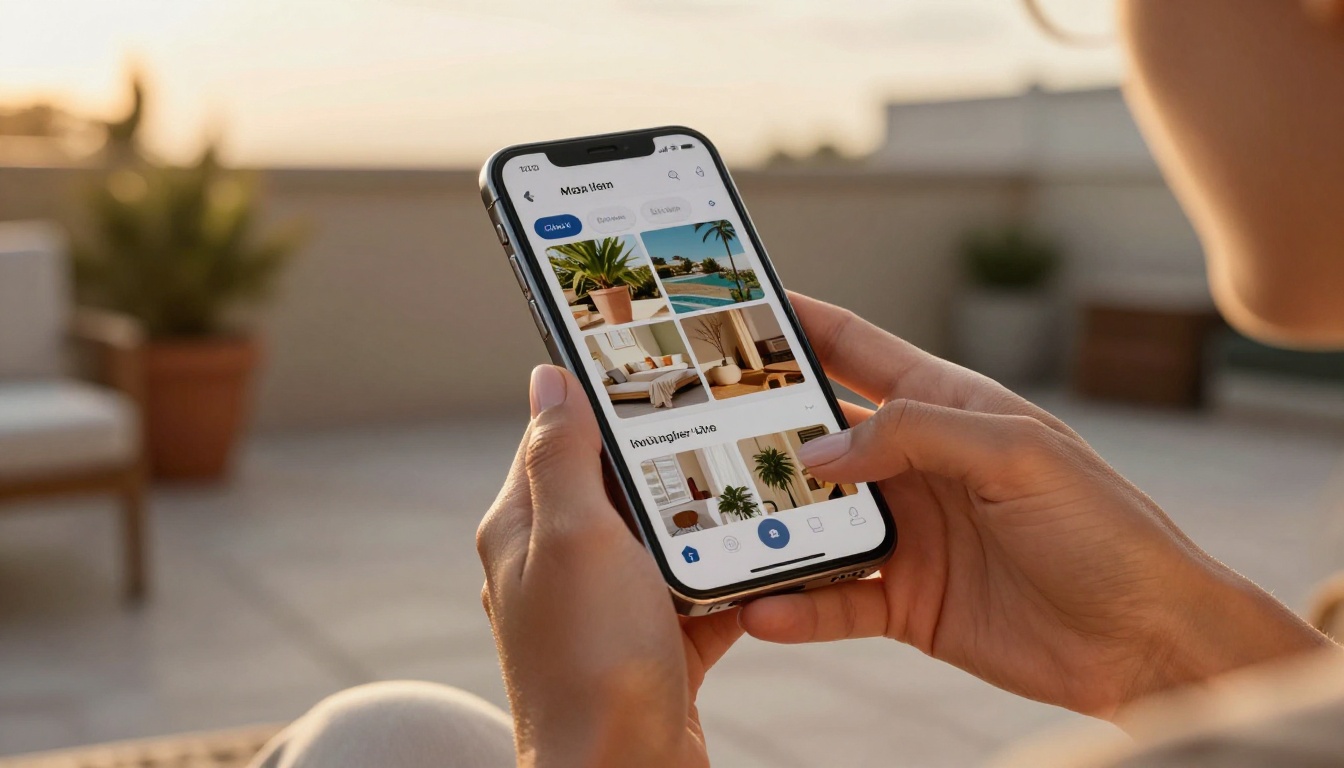
Marketers who make the switch report consistent improvements across the metrics that matter most:
- Higher deliverability rates: Fewer emails hitting spam folders because there is no attachment to flag
- Better click-through ratios: Clean visual CTAs outperform download attachment prompts
- Longer reading sessions: Interactive page-turn content holds attention longer than static scroll-down PDFs
- Actionable follow-up data: Page-level analytics replace guesswork with specific conversation starters
- Faster content updates: Changes go live instantly instead of requiring a resend campaign
These are not theoretical benefits. They are the direct result of removing the friction that PDF attachments create at every stage of the content journey, from the inbox to the reading session to the follow-up conversation.
✅ Best Practice: After converting your first PDF to a flipbook, A/B test it against your previous PDF attachment campaign. Most marketers see a measurable improvement in click-through rates within the first send.
Stop Attaching. Start Linking.
The marketers who stopped sending PDF attachments did not abandon their documents. They made those same documents reach more people, perform on mobile, and produce data worth acting on.
Every static PDF in your current asset library is a piece of content waiting to work harder. Converting it takes minutes on Flipbooks AI. The analytics, the mobile experience, the inbox placement improvements, they all start the moment you replace an attachment with a link.
Ready to see what your campaigns look like when your content actually reaches the people you intended? Create your free account and convert your first PDF today with no credit card required.
Browse all flipbook tools to find the right format for your specific use case, from product catalogs and sales presentations to event programs and real estate brochures.
When you are ready to add analytics and lead capture to your campaigns, check the available plans and choose what fits your team.



