Static PDFs made sense in 2010. Back then, most people read documents on desktop screens, bandwidth was precious, and the idea of embedding video into a document felt like science fiction. Fast-forward to 2026, and the reading landscape has shifted so dramatically that sending someone a PDF link is starting to feel like mailing them a fax. If you've noticed your PDF open rates dropping, your readers bouncing faster than ever, or your carefully designed reports collecting digital dust, you're not imagining it. Flipbooks AI exists precisely because the PDF era is ending, and something far better has taken its place.
The Numbers Don't Lie
The data coming out of 2025 and into 2026 is stark. Content consumption studies consistently show that static document formats retain fewer than 20% of readers past the second page. Compare that to interactive formats with page-flip mechanics, embedded media, and responsive layouts, which hold 60-70% of readers through to the end. That's not a small gap. That's a different category of content experience entirely.

Three factors drive this shift more than anything else:
- Mobile-first audiences: Over 65% of professional document views now happen on smartphones or tablets
- Shrinking attention windows: Average time-on-document has dropped 40% since 2020
- Rising expectations: Readers conditioned by streaming video and social media expect content to feel alive
💡 If your document can't be read comfortably on a phone without zooming, you've already lost the majority of your potential audience before they read a single word.
Why PDFs Break on Mobile
This is the single biggest problem, and it's structural. PDFs are designed around fixed page dimensions, typically A4 or Letter size, which map directly to a physical sheet of paper. When that page layout gets loaded on a phone screen that's 375 pixels wide, one of two things happens: either the text becomes microscopic, or horizontal scrolling kicks in. Neither is acceptable.
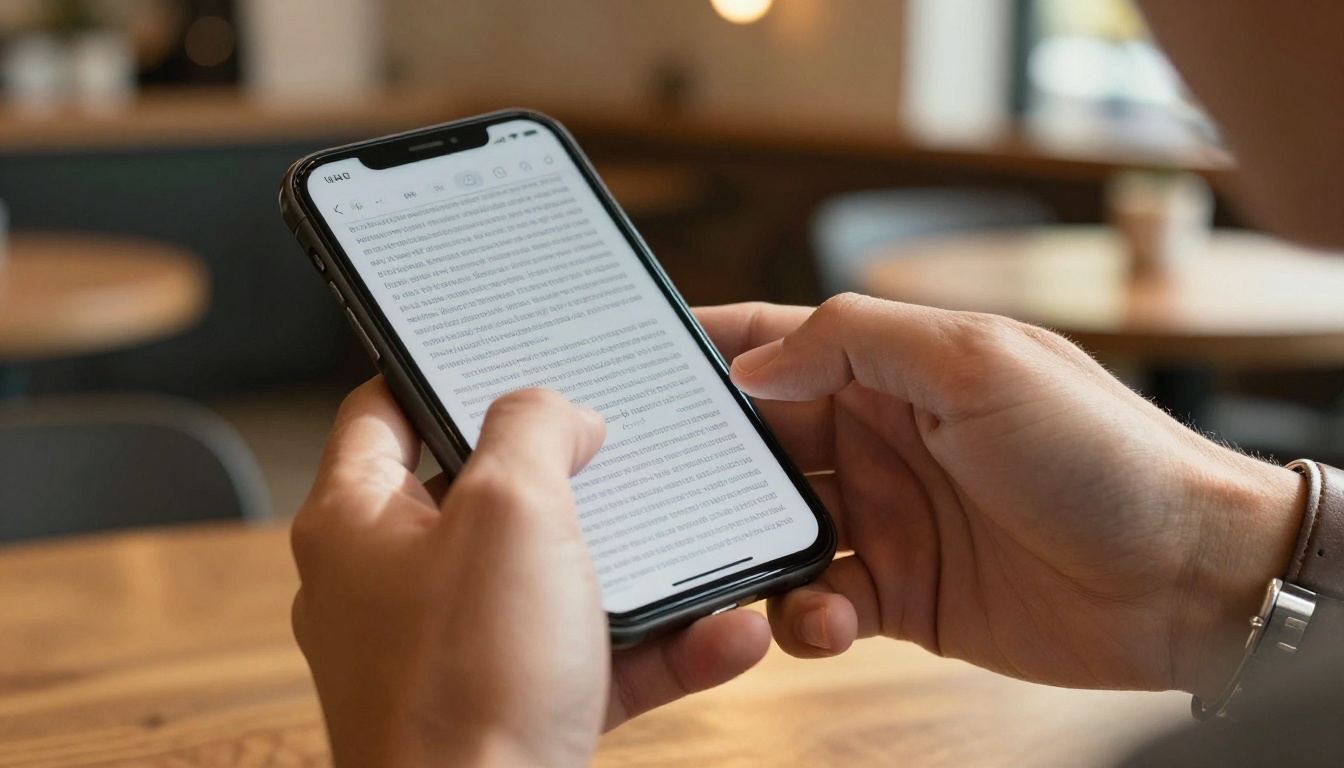
The pinch-to-zoom cycle that users perform on PDFs is a well-documented frustration pattern. Users zoom in to read a paragraph, then zoom back out to scroll, then zoom in again. Studies from UX research labs show this interaction pattern correlates strongly with abandonment. After three or four zoom cycles, most mobile users give up entirely.
⚠️ PDF files have no concept of responsive layout. They cannot reflow text to fit a smaller screen. This is a hard architectural limitation, not something that better design can fix.
The mobile PDF failure sequence:
- Reader opens PDF link on phone
- Document loads at full page size (illegible)
- Reader pinches to zoom in on text column
- Reader loses horizontal context, must scroll sideways
- Reader loses place, zooms back out
- Repeat three or four times
- Reader closes document, never returns
This cycle is why mobile bounce rates for PDF content are catastrophically high. It's not that readers don't care about your content. It's that the format actively fights them.
The Attention Economy Problem
Beyond mobile, there's a deeper issue with static documents: they offer no feedback loop, no interactivity, and no reason to keep reading.
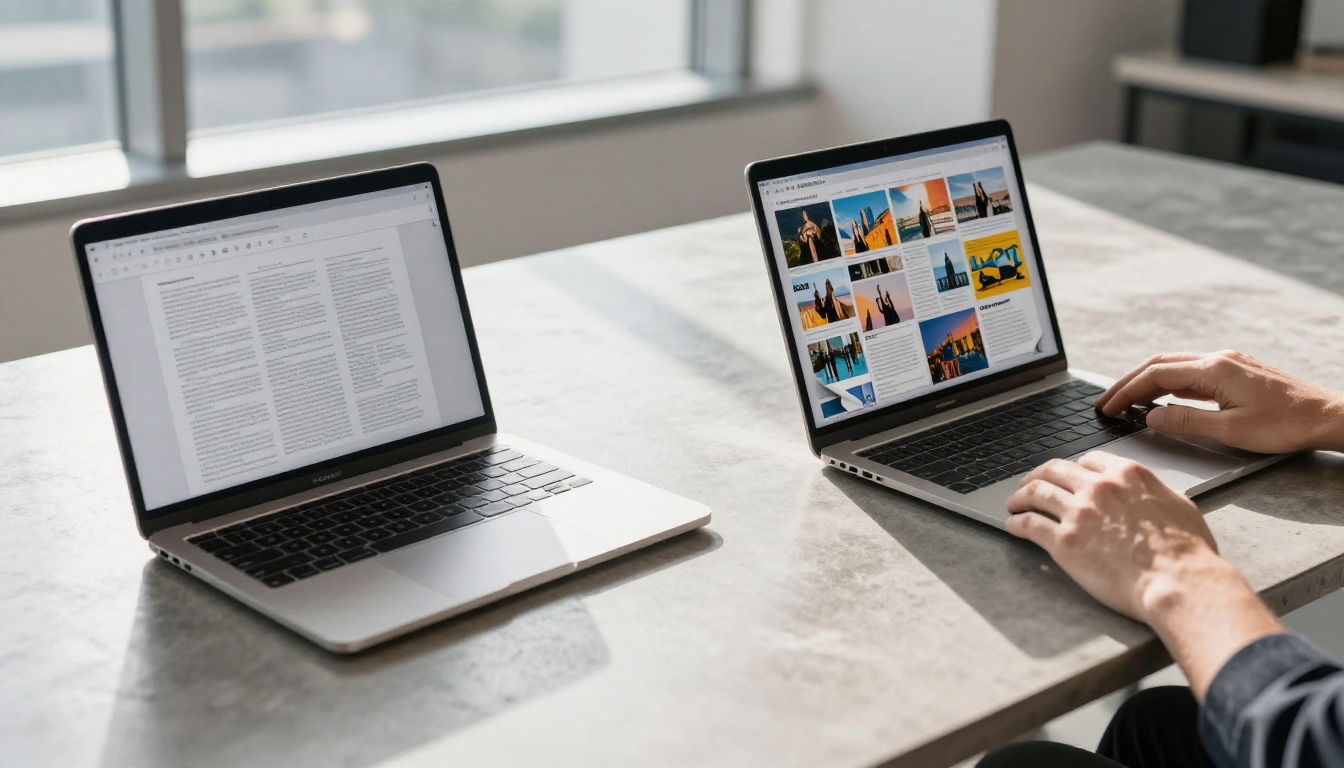
Think about how people actually read online. They scan headlines. They jump to sections that seem relevant. They look at images first, then decide if the text is worth their time. A well-structured webpage, a rich social media post, or an interactive publication all accommodate this behavior naturally.
A PDF fights it. Page numbers are fixed. Navigation is linear. Images are static. There's no click-through, no embedded video, no clickable table of contents that actually works well on screen. The reader is stuck in a format built for paper.
💡 Interactive content formats see 3x higher completion rates compared to static documents, according to content marketing research published in early 2026.
What Readers Actually Want
| Reader Expectation | Static PDF | Interactive Flipbook |
|---|
| Mobile-responsive layout | No | Yes |
| Readable without zooming | No | Yes |
| Clickable links that work | Sometimes | Always |
| Embedded video and audio | No | Yes |
| Search within document | Limited | Yes |
| Social sharing | Clunky | One-click |
| Visual page navigation | No | Yes |
| Reader analytics for sender | None | Detailed |
Every row in this table represents a real moment where a reader either stays or bounces. The gap is not cosmetic. It's functional.
What Brands Are Actually Switching To
The answer isn't another static format. Word documents, PowerPoints converted to PDFs, or image carousels all have their own limitations. The formats winning in 2027 are interactive flipbooks: digital publications that mimic the familiar page-turn experience of a physical magazine or catalog while adding every capability that digital makes possible.
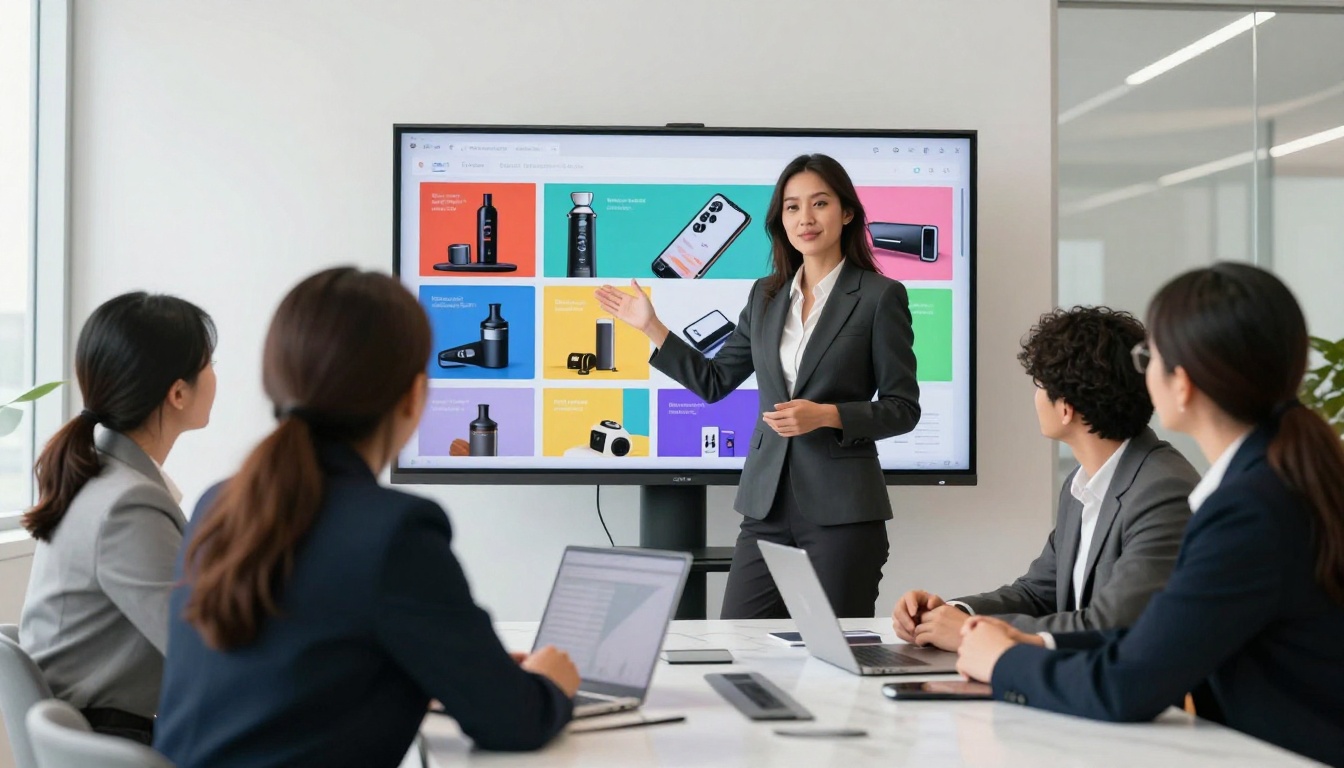
A flipbook is not a gimmick. The page-turn animation is psychologically significant: it signals to the reader that this is a curated, intentional publication rather than a dumped file. That signal alone changes how readers approach the content.
More importantly, flipbooks are built for screens from the ground up:
- Text reflows to fit any screen size
- Images scale without losing quality
- Links are always clickable and open correctly
- Video and audio embed directly in pages
- Navigation is visual, with page thumbnails and a working table of contents
- Analytics track exactly which pages readers spend the most time on
Industries Switching Fastest
These aren't early adopters experimenting with novelty. These are mainstream businesses responding to measurable drops in PDF readership and measurable gains from switching.
Real-World Use Cases
Restaurants and Hospitality
A restaurant chain that emails PDF menus to customers for private events finds that almost no one reads past page two. The PDF is too large to load quickly on mobile, requires pinching to read, and has no click-through to reservation forms.
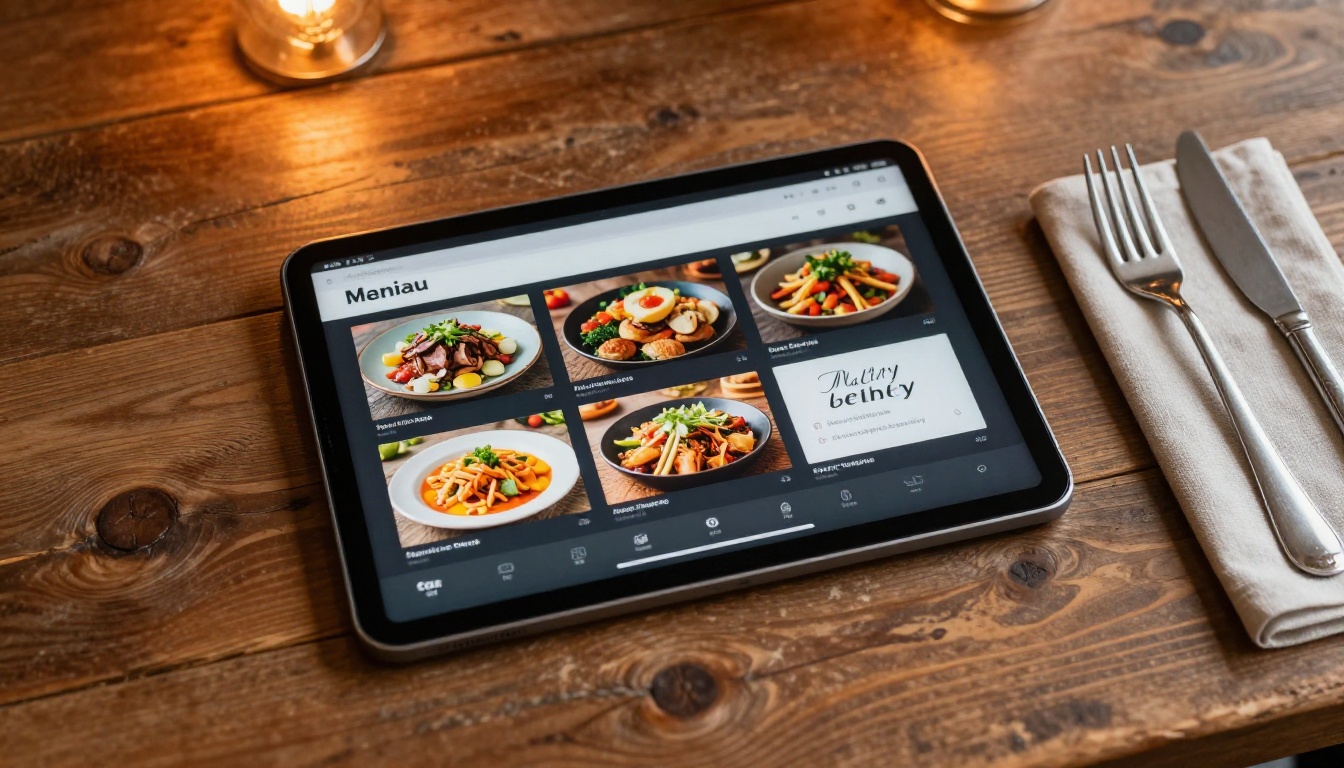
The same content delivered as an interactive flipbook using the Restaurant Menu Creator loads instantly, scrolls naturally on any phone, and can include embedded reservation buttons. Completion rates go from single digits to over 60%.
Real Estate
Property brochures are detailed documents with floor plans, photography, and specs. As PDFs, they're almost always too large for email, require downloading before viewing, and present badly on mobile.

As interactive flipbooks built with the Real Estate Brochure Creator, the same content becomes shareable via a single link, viewable on any device without downloading, and trackable so agents know which properties got the most views.
Education and Training
Course materials distributed as PDFs create friction at every step: students must download files, manage versions, and navigate linear documents when they need non-linear access to reference material.

Interactive publications created with the Course Material Publisher or Training Manual Flipbook tools allow embedded video lessons, searchable content, and visual page navigation that PDF simply cannot match.
The Analytics Gap Is Costing You
Here's a problem that most PDF users don't even realize they have: you send out a PDF and then you know absolutely nothing. Did anyone open it? Which pages did they read? Did they share it? Did they click anything?
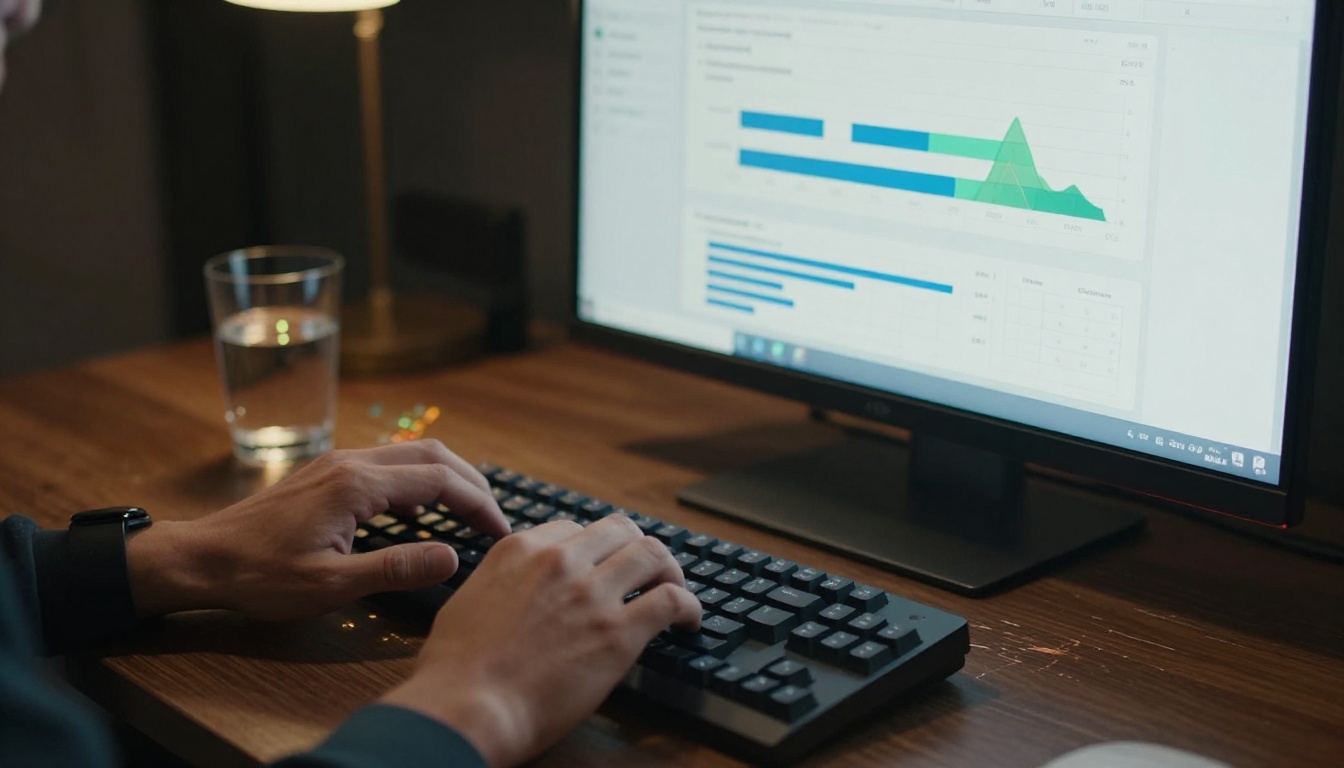
This is a critical failure for any marketing or sales operation. You can't optimize what you can't measure, and PDFs give you nothing to measure.
Interactive flipbook platforms with analytics capabilities (available on the Professional plan at Flipbooks AI) provide:
- Page-level data: See exactly which pages hold attention and which cause drop-off
- Unique reader tracking: Know how many individuals viewed your document
- Time-on-page metrics: Identify which sections readers spend most time on
- Geographic data: See where your readers are located
- Lead generation forms: Capture contact information from readers at high-interest moments
- Link click tracking: Monitor which CTAs and links readers actually click
✅ With flipbook analytics, a sales team can identify which proposal sections resonate most and adjust their pitch before the follow-up call. With PDFs, they're flying blind.
How to Convert Your PDFs with Flipbooks AI
Flipbooks AI makes the conversion from static PDF to interactive flipbook straightforward, even if you have no technical background.
Step 1: Create Your Account
Go to flipbooksai.com/account and sign up. The platform offers a free tier to test the experience before committing to a paid plan.
Step 2: Upload Your PDF
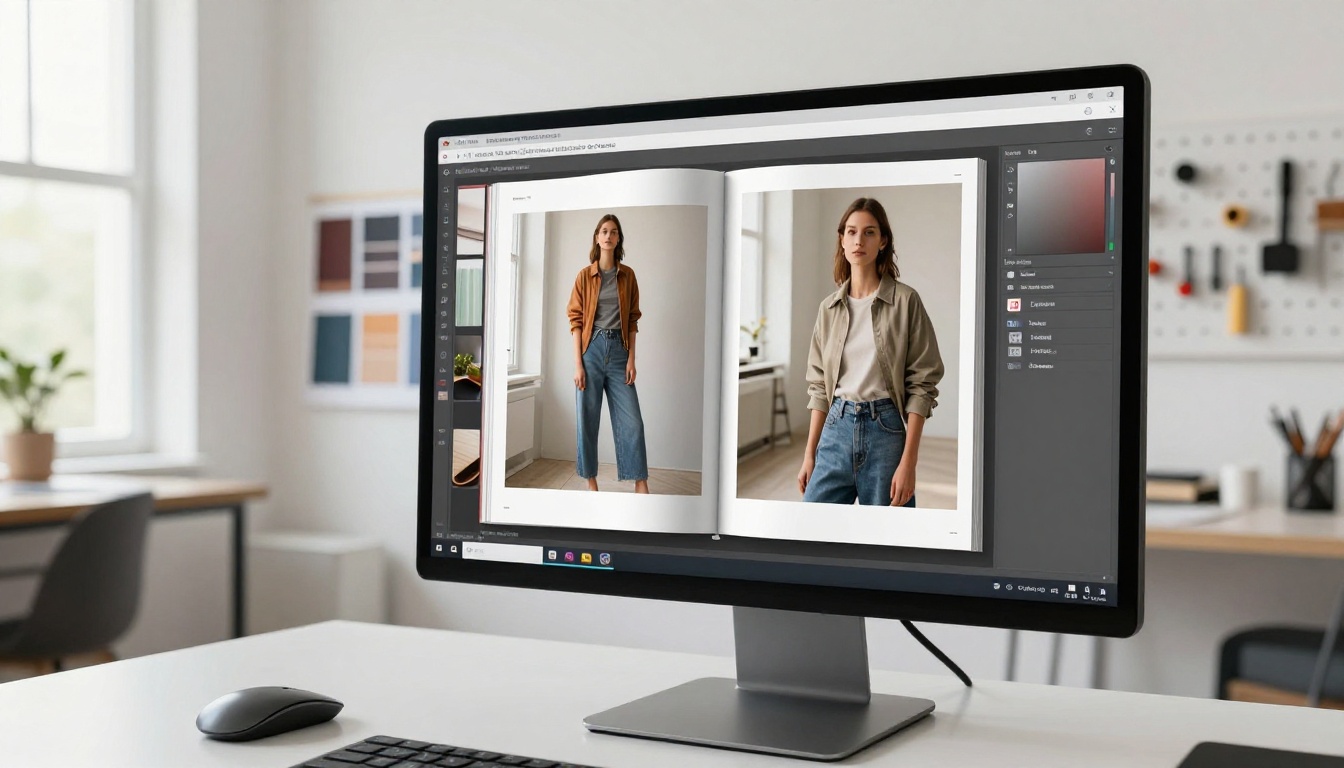
From your dashboard, select "Create New Flipbook" and upload your existing PDF file. The platform processes the document automatically, converting each page into a mobile-responsive format. Most documents process in under two minutes.
Step 3: Customize the Experience
Once converted, you can:
- Add your branding: Custom logo, colors, and fonts throughout
- Set page effects: Choose from various page-turn styles and transitions
- Embed media: Add videos, audio clips, or animated elements to specific pages
- Add clickable links: Make every URL, email address, and CTA in your document actually work
- Password protect: Restrict access to paying customers or specific audiences
Step 4: Share and Embed
When your flipbook is ready, you have multiple distribution options:
- Direct link: Share a clean URL via email, social media, or messaging apps
- Embed code: Place your flipbook directly on your website using a single snippet via the Embed Flipbook on Website tool
- Password protection: Gate content for private clients or subscription audiences
- Offline downloads: Allow readers to save a version for offline use (Professional plan)
Step 5: Track Performance
With analytics enabled, your dashboard starts populating with reader data immediately after your first share. Review which pages hold attention, where readers drop off, and which CTAs drive clicks.
💡 Use page drop-off data to identify weak sections in your sales materials. If 80% of readers stop at page 6, that page needs a rewrite, not more distribution budget.
Flipbooks AI vs. PDF: The Full Comparison
| Feature | Static PDF | Flipbooks AI |
|---|
| Mobile responsive | No | Yes |
| No download required | No | Yes |
| Embedded video and audio | No | Yes |
| Custom branding | No | Yes |
| Analytics and tracking | None | Full suite |
| Password protection | No | Yes |
| Lead generation | None | Yes |
| Watermark-free | Varies | Always |
| Offline availability | Yes | Yes (Professional) |
| Embed on website | No | Yes |
| Search inside document | Limited | Yes |
| Unlimited flipbooks | N/A | Standard plan and above |
Every row represents a capability that modern readers and marketers expect as standard in 2027. PDFs meet the offline column and sometimes limited search. Everything else is a miss.
The SEO Factor
One underrated dimension: PDFs are largely invisible to search engines. While Google can index PDF content in some cases, PDF pages don't behave like web pages. They don't accumulate backlinks the same way, they don't load into social media previews cleanly, and they don't allow for the structured content markup that drives search visibility.
Interactive flipbooks published via a platform like Flipbooks AI are web pages. They can be indexed, linked to, shared with rich previews on social platforms, and structured in ways a PDF never can be.
✅ For any content you want people to find organically, a PDF is a dead end. A published flipbook is a live web asset that compounds over time.
Making the Switch in 2027
The shift away from PDFs is already happening. The question isn't whether your audience prefers interactive formats over static ones. They do, consistently, measurably, and increasingly. The question is how quickly you make the transition before your competitors do.
The entry point is low. You don't need to redesign your documents from scratch. Your existing PDFs are the source material. The PDF to Flipbook Converter handles the technical conversion. What you get on the other side is the same content your team already created, now delivered in a format that readers actually finish.
Whether you're producing product catalogs, fashion lookbooks, corporate reports, e-books, or sales presentations, there's a purpose-built tool waiting for you.
Ready to stop losing readers to a format designed for printers? Get started for free on Flipbooks AI and convert your first PDF today.
Browse all available tools and templates to find the right fit for your content type. Compare pricing plans to choose the tier that matches your needs.



