Your brochure looks incredible in print. The colors pop, the layout flows, and every page feels intentional. Then you save it as a PDF, email it to a prospect, and nothing happens. They open it, scroll half a page, close it, and forget it existed. This is not a design failure. It is a format failure. Flipbooks AI converts your static PDF into an interactive digital experience that keeps readers flipping until the last page.
What Actually Happens When You Send a PDF
Nobody reads past page two
The average PDF brochure gets about 12 seconds of attention before readers close it. That number reflects how PDFs behave: they open in a separate tab or trigger a download, display in a format designed for print, and offer nothing to reward continued scrolling. There is no animation, no page-turn effect, no embedded video, no reason to stay.
Readers are not lazy. They are trained by years of interactive web content to expect something that responds to them. A PDF gives nothing back. It just sits there, static and silent, while your competitor's interactive brochure is already on the prospect's bookmarked tab.
The download friction is real
Before anyone even reads your brochure, they have to download it. On mobile, that means a file appears in the downloads folder, gets renamed something like "brochure_FINAL_v3.pdf," and competes with every other downloaded file for attention. Many readers never open it at all.
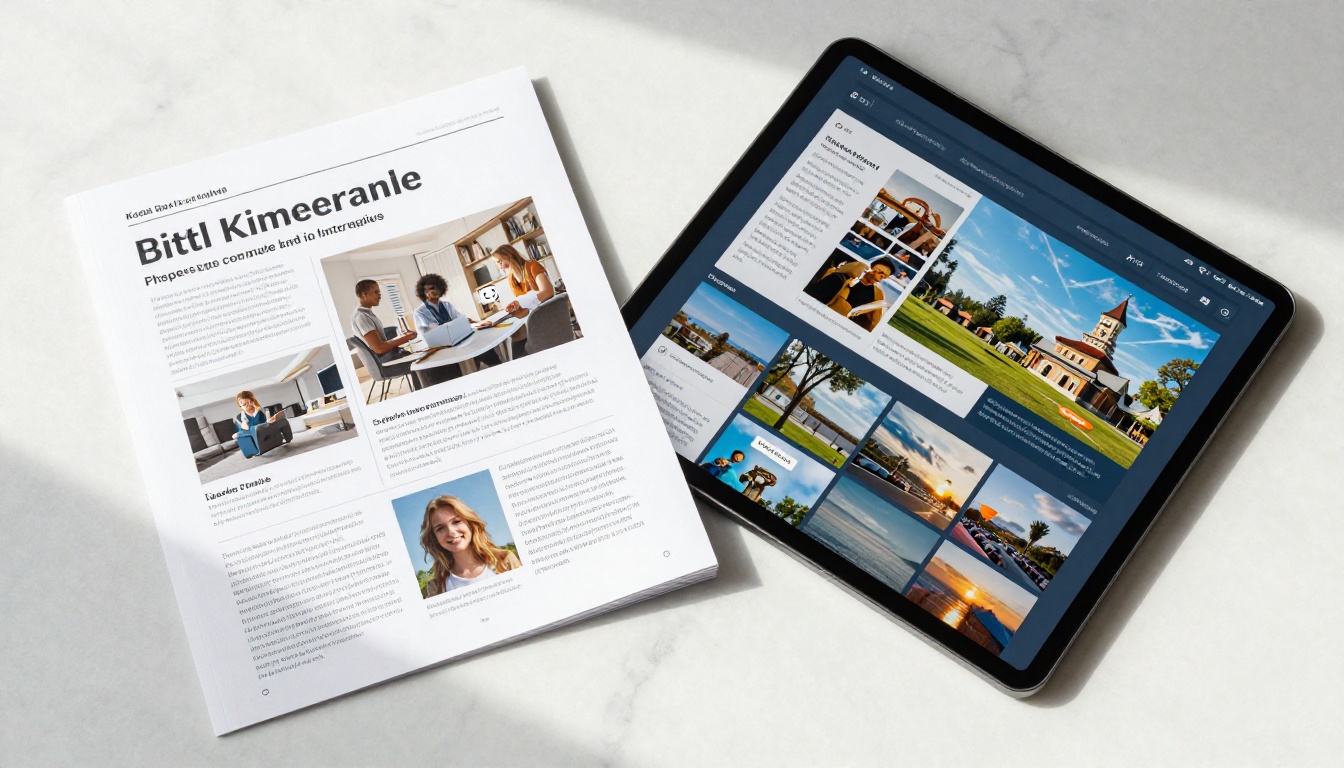
Browsers have built-in PDF viewers, which helps slightly, but the experience remains clinical and cold. No custom branding. No personality. Just a gray toolbar sitting on top of your carefully designed pages, stripping away any sense of polish you worked hard to create.
5 Reasons Your PDF Brochure Loses Readers
It was designed for paper, not screens
Print design and screen design follow completely different rules. Print works at 300 DPI on a fixed physical size. Screens vary from a 5-inch phone to a 40-inch monitor. A brochure optimized for A4 paper displays at the wrong scale on almost every screen in existence.
The result is predictable: text that is either too small to read or requires constant zooming, images that bleed off the edges of some screens while leaving white gaps on others, and a reading experience that demands physical effort from the reader.

Mobile users give up immediately
More than 60% of digital content is consumed on mobile devices. A PDF brochure on mobile is a friction disaster: readers must pinch-to-zoom constantly, horizontal scrolling appears without warning, and tap targets for any embedded links are nearly impossible to hit accurately.
Most mobile readers abandon a non-optimized PDF within the first 30 seconds. Your beautifully designed hospitality brochure, your product catalog, your real estate listing: all of them reduced to a frustrating pinch-and-scroll experience that reflects poorly on your brand.

You cannot track anything
When you send a PDF, it disappears into a black hole. You have no idea if anyone opened it, which pages they spent time on, where they dropped off, or whether they forwarded it to someone else. You are flying completely blind.
This is not a minor inconvenience. For sales teams and marketing departments using a brochure to drive conversions, the absence of analytics means you cannot improve what you cannot measure. Every PDF you send is a missed opportunity to collect data about your audience.
Sharing is clunky and limited
A PDF link works exactly once, in exactly one place. You cannot embed it natively in a web page without a third-party plugin. You cannot share it on social media with a rich preview thumbnail. You cannot protect it with a password and send it to select clients without complex workarounds. The file just exists, floating somewhere, doing its own thing with no connection back to you.
Meanwhile, competitors are sharing interactive digital brochures with single-click links, embedded directly in their websites, shared via QR codes on print materials, and protected behind passwords for VIP clients.
It signals that your brand is behind
Perception matters enormously. When a prospect opens a PDF brochure in 2027, it sends one clear message before a single word is read: this company has not updated its digital presence. It is the same feeling you get visiting a website that still uses Flash animations. Even if your products are excellent, the medium signals something about the company behind it before the content even gets a chance.
PDF vs. Flipbook: A Direct Comparison
| Feature | PDF Brochure | Digital Flipbook |
|---|
| Mobile optimization | Poor, requires constant pinch-to-zoom | Fully responsive, adapts to any screen size |
| Page-turn animation | None, static scroll only | Smooth, realistic page-flip effect |
| Embedded video | Not supported | Fully supported on any page |
| Analytics and tracking | Not available | Page views, time on page, clicks |
| Sharing options | File download or static link | Direct link, embed code, QR code |
| Password protection | Requires third-party tools | Built-in, one click |
| Custom branding | Fixed at design time | Customizable viewer and overlay |
| Load speed | Slow, full file download required | Fast, content streamed page by page |
| SEO visibility | None | Indexable, searchable content |
| Interactive links | Basic, often broken on mobile | Tap-friendly, fully functional |
💡 The gap between PDF and flipbook is not just cosmetic. It directly affects how long people stay, what they click, and whether they convert into customers.
Who Actually Suffers from PDF Brochures
These are not hypothetical problems. Every industry that relies on brochures feels this pain in measurable ways.
Real estate agents spend thousands on property photography and design, then send a PDF that prospects open once, cannot zoom properly on mobile, and forget. An interactive Real Estate Brochure lets prospects flip through every room at their own pace, click embedded floor plan links, and share the listing with a partner via a single URL with a thumbnail preview.

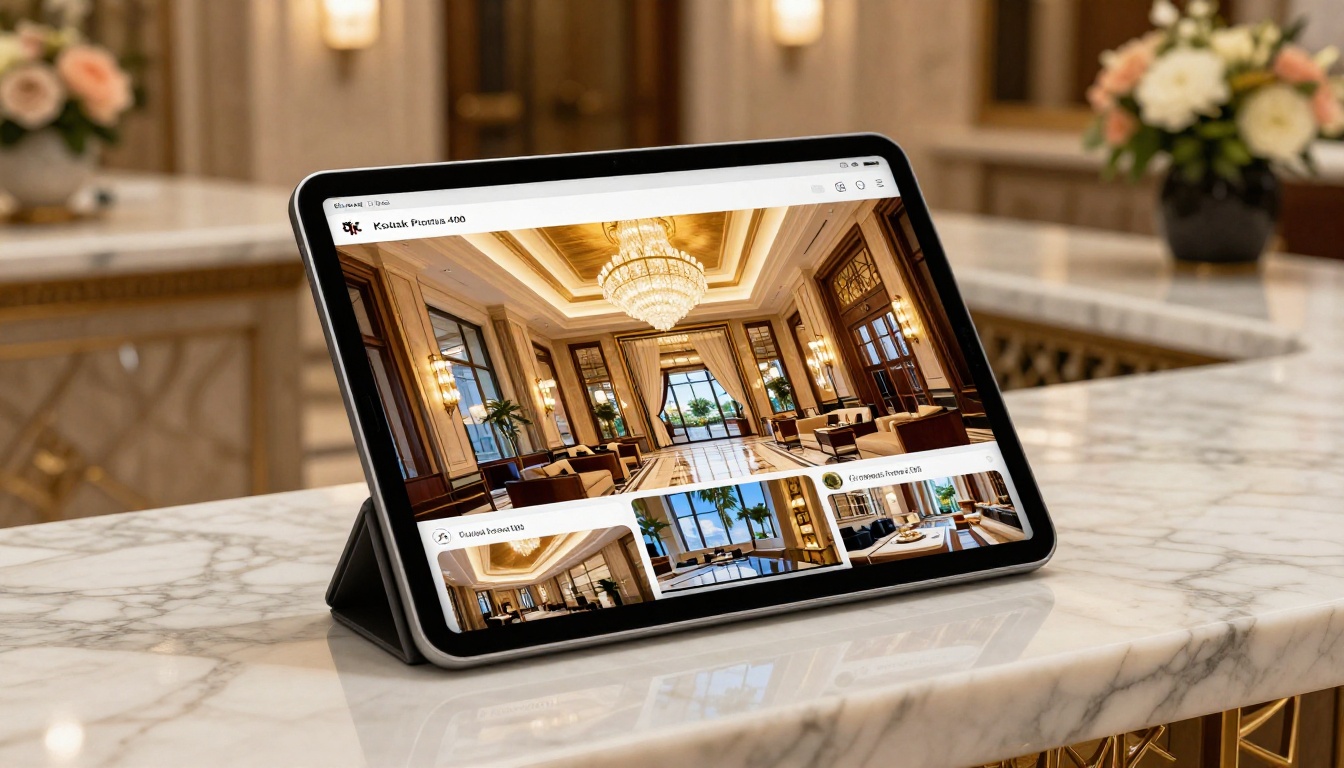
Hotel marketing teams create elaborate seasonal brochures with stunning photography. As PDFs, those images compress poorly, load slowly, and never display at full resolution on the devices travelers actually use. A digital Hotel Brochure shows each room in full resolution, plays ambient property videos, and links directly to a booking page from within the experience.
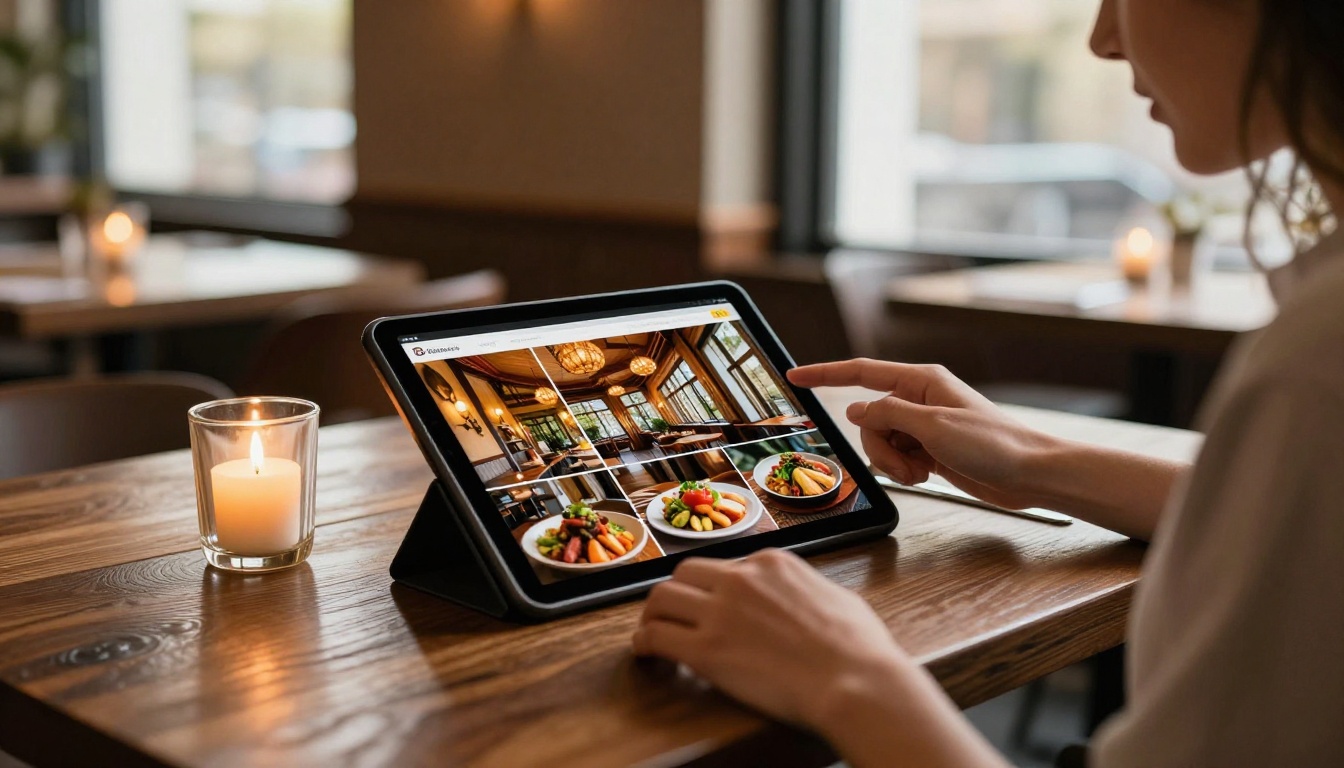
Restaurant owners design beautiful menus as PDFs and then watch customers squint at tiny font sizes on their phones. A Restaurant Menu Creator built on flipbook technology loads instantly, displays full-size food photography, and can be updated in minutes without reprinting a single copy.
Industry Use Cases at a Glance
| Industry | The PDF Problem | The Flipbook Solution |
|---|
| Real estate | Listings ignored after first click | Interactive property tours with floor plan links |
| Hospitality | Poor image quality on mobile | Full-resolution photography with embedded video |
| Restaurants | Impossible to read on phones | Tap-friendly menus with vivid food photography |
| Fashion retail | Static lookbooks lose visual impact | Dynamic Fashion Catalog with page-flip |
| Corporate | Annual reports nobody reads | Interactive Annual Report with clickable data |
| Education | Course materials lost in downloads | Accessible Course Material Publisher with analytics |
| Automotive | Spec sheets feel clinical | Vivid Automotive Brochure with model showcases |
⚠️ If your brochure requires a download before anyone can read it, you have already lost a significant percentage of your potential audience at that first step.
How to Convert Your Brochure with Flipbooks AI
Turning a lifeless PDF into a working digital brochure takes about five minutes on Flipbooks AI. Here is exactly how it works.
1. Create your account
Visit flipbooksai.com/account and sign up. The free tier lets you test the conversion immediately with no credit card required.
2. Upload your PDF
Click "Create Flipbook" and upload your PDF brochure. The platform handles files of any length, from a two-page product sheet to a 200-page catalog. Processing takes seconds regardless of file size.
3. Watch the conversion happen
Flipbooks AI automatically generates the page-flip animation, optimizes images for fast web delivery, and creates a mobile-responsive layout. Your design stays exactly as you built it, but now it works beautifully on every screen.
4. Customize your branding
Add your logo to the flipbook viewer, adjust the color scheme of the reading interface, and configure the toolbar to match your brand identity. This is the step that makes it feel like a native part of your website rather than an embedded third-party widget.
5. Add interactive elements
Embed a video on your cover page. Add clickable links throughout the pages to product pages, booking forms, or contact pages. Include a lead capture form at the end. These are the elements that turn a passive brochure into an active sales and marketing tool.
6. Share it everywhere
Copy the direct link and paste it into any email, social post, or messaging app. Grab the embed code and drop it into your website with the Embed Flipbook on Website tool. Generate a QR code for print materials that leads directly to the digital version. Every channel becomes a distribution point.
7. Track who reads it
With the Professional plan, every page view, click, and share is tracked in real time. You can see which sections hold attention longest and which pages cause readers to drop off, giving you the data you need to make the next iteration even more effective.
✅ No technical background required. If you can upload a file, you can publish a professional digital brochure in under five minutes.
The Analytics Advantage Nobody Talks About
One of the most underrated differences between a PDF and a digital flipbook is what happens after you share it. With a PDF, the trail goes cold the moment someone downloads it. With a flipbook on the Professional plan, the data starts flowing.
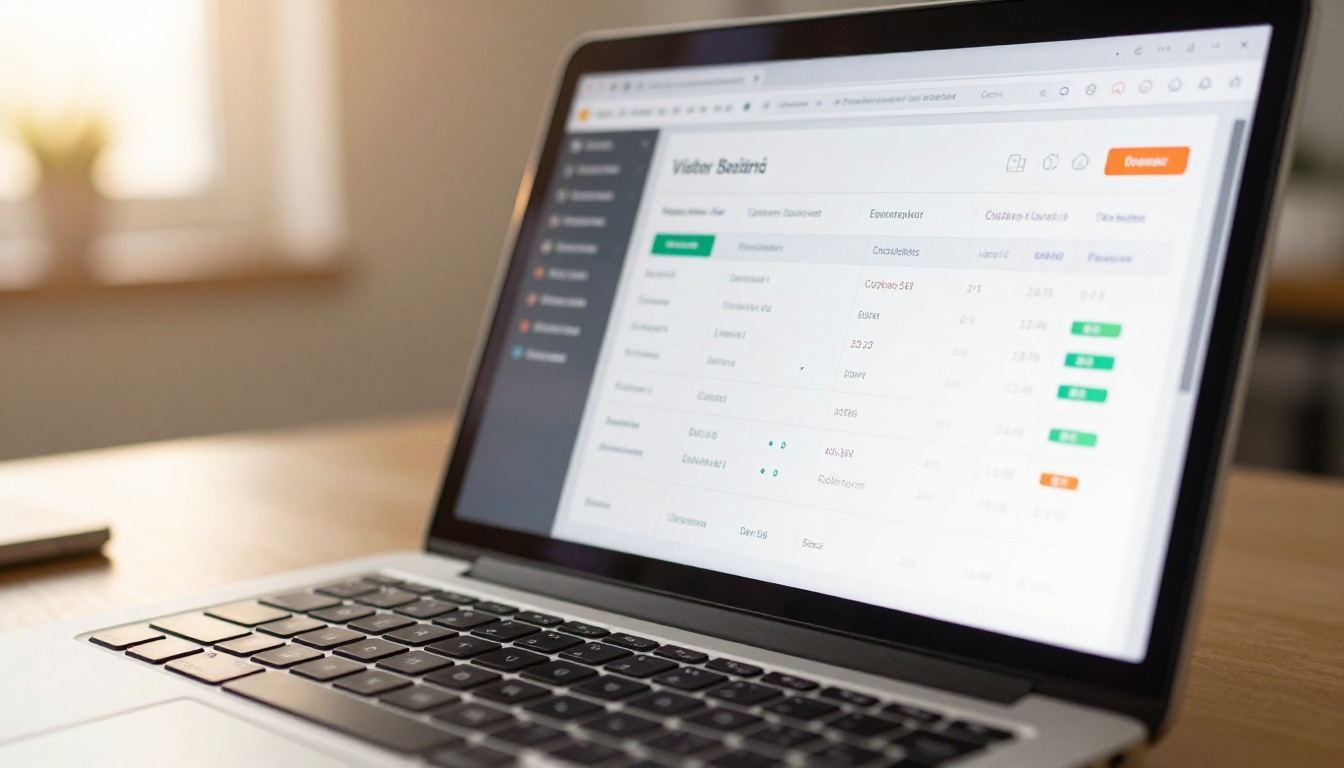
What you can track with Professional analytics:
- Total views and unique visitor counts
- Average time spent on each individual page
- Which pages attract the most attention and which cause drop-off
- Click-through rates on embedded links
- How many times the brochure was shared from within the viewer
- Lead capture data from any embedded contact forms
This data is the difference between guessing and knowing. A sales team that can see a prospect spent four minutes on the pricing section before closing the brochure has concrete, actionable information to use in the follow-up call. That is the kind of intelligence a PDF can never provide.
Flipbooks AI Plans at a Glance
| Plan | Flipbooks | Watermark | Analytics | Offline Download | Password Protection |
|---|
| Free | Limited | No watermarks | No | No | No |
| Standard | Unlimited | No watermarks | No | No | Yes |
| Professional | Unlimited | No watermarks | Full analytics | Yes | Yes |
💡 Every plan comes with no watermarks, so your brochure always looks polished and professional from day one. See what is included on the pricing page.
The practical difference in how people share content is enormous. A PDF gets emailed as an attachment. A flipbook gets shared as a link. That single change creates a cascade of effects that compounds over time.
Links are previewed in messaging apps with thumbnail images. Links are shareable on social media. Links are trackable. Links do not require downloads. Links can be updated or revoked without contacting everyone you sent them to.

When a prospect shares your flipbook brochure with a colleague, that colleague gets the same full-quality interactive experience. When they share a PDF, the colleague gets a file that may or may not open correctly depending on their software, device, and patience level.
The ripple effects of choosing the right format are not abstract. They show up in time-on-page metrics, shares, return visits, and ultimately in conversion rates.
Not every brochure serves the same purpose, and Flipbooks AI has purpose-built tools for the most common categories across industries.
For business brochures and reports:
For product and retail:
For professional services and creative work:
Stop Sending Boring PDFs
Your brochure deserves better than a gray toolbar and a download prompt. Every hour you spent on design, photography, and copywriting deserves to be experienced on a screen that does it justice, on a device the reader is actually using.
The format was always the problem. Not the design. Not the content. The format.
Ready to see what your brochure actually looks like when it works properly? Create your free account and upload your first PDF today. Browse the pricing plans to find the right fit for your team, and start sharing brochures that people actually read.



