Most people share their eBooks as PDFs out of habit. It's the default, it's easy, and it's been the standard for decades. But here's the problem: PDFs were designed for printing, not for reading on a screen. Every time someone pinches and zooms on their phone to read your carefully crafted content, you're losing them. Flipbooks AI exists precisely because this problem is real, widespread, and entirely fixable.
PDFs Are Holding Your eBook Back
The PDF format is now over 30 years old. It was built to preserve print layouts for digital distribution, which was revolutionary in 1993. In 2025, it's a limitation.
The Mobile Problem Nobody Talks About
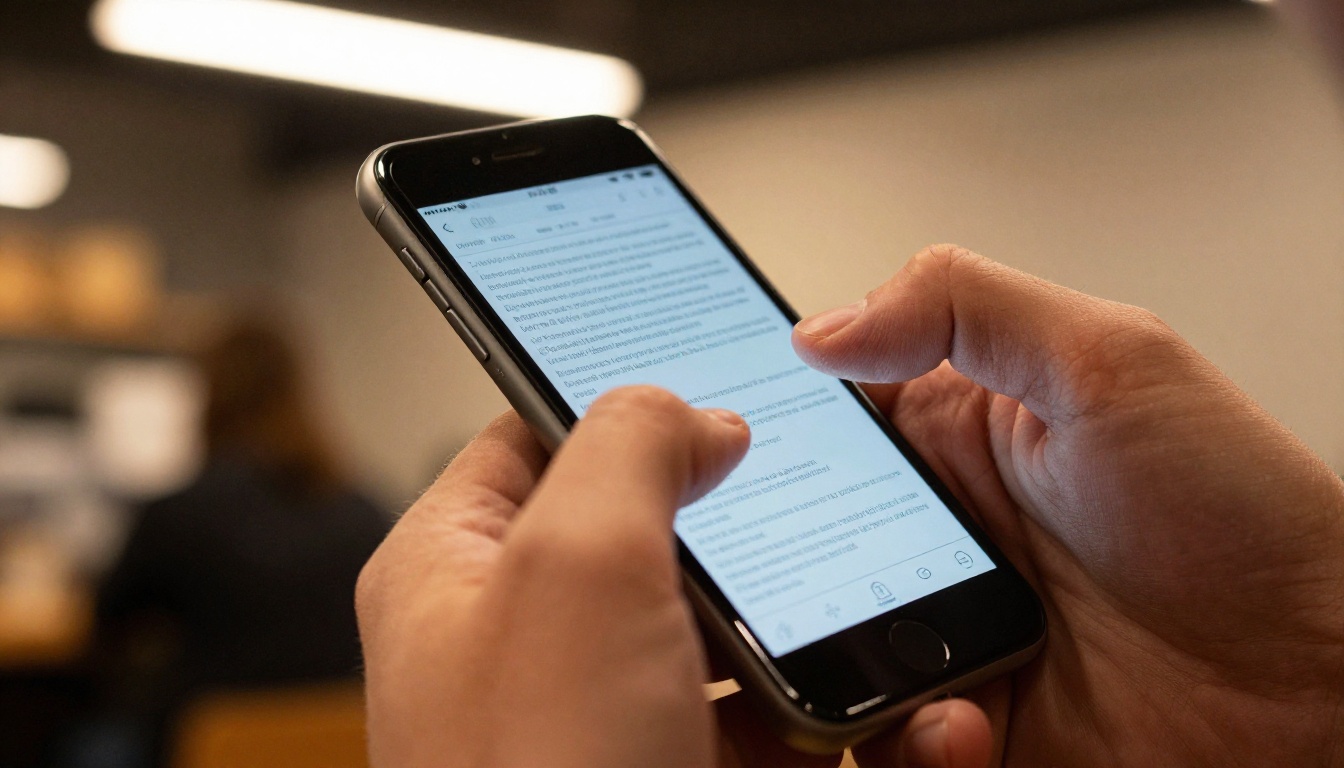
Over 60% of digital content is consumed on mobile devices. A standard eBook PDF is formatted for A4 or letter-size pages, which means on a phone screen the text becomes unreadable without zooming in. Readers have to:
- Pinch and zoom constantly
- Scroll horizontally to read full lines
- Lose their place between pages
- Deal with slow load times on large files
This friction is invisible to the creator but deeply frustrating to the reader. Most people won't complain. They'll just stop reading.
Why Readers Abandon PDFs
Research on digital reading behavior consistently shows that static documents have high abandonment rates. The reasons aren't complicated:
- No visual reward: PDFs don't respond to interaction. There's no animation, no transition, no feedback.
- Download barrier: Many readers won't download a file they don't trust, especially on mobile.
- No shareability: Sending a PDF via email feels dated compared to sharing a link.
- No data: As the creator, you have zero visibility into who read what, when, or how far they got.
⚠️ A PDF you share via email has no tracking, no data, and no way to update once distributed. If you find an error, every copy already sent is wrong forever.
What a Flipbook Actually Does
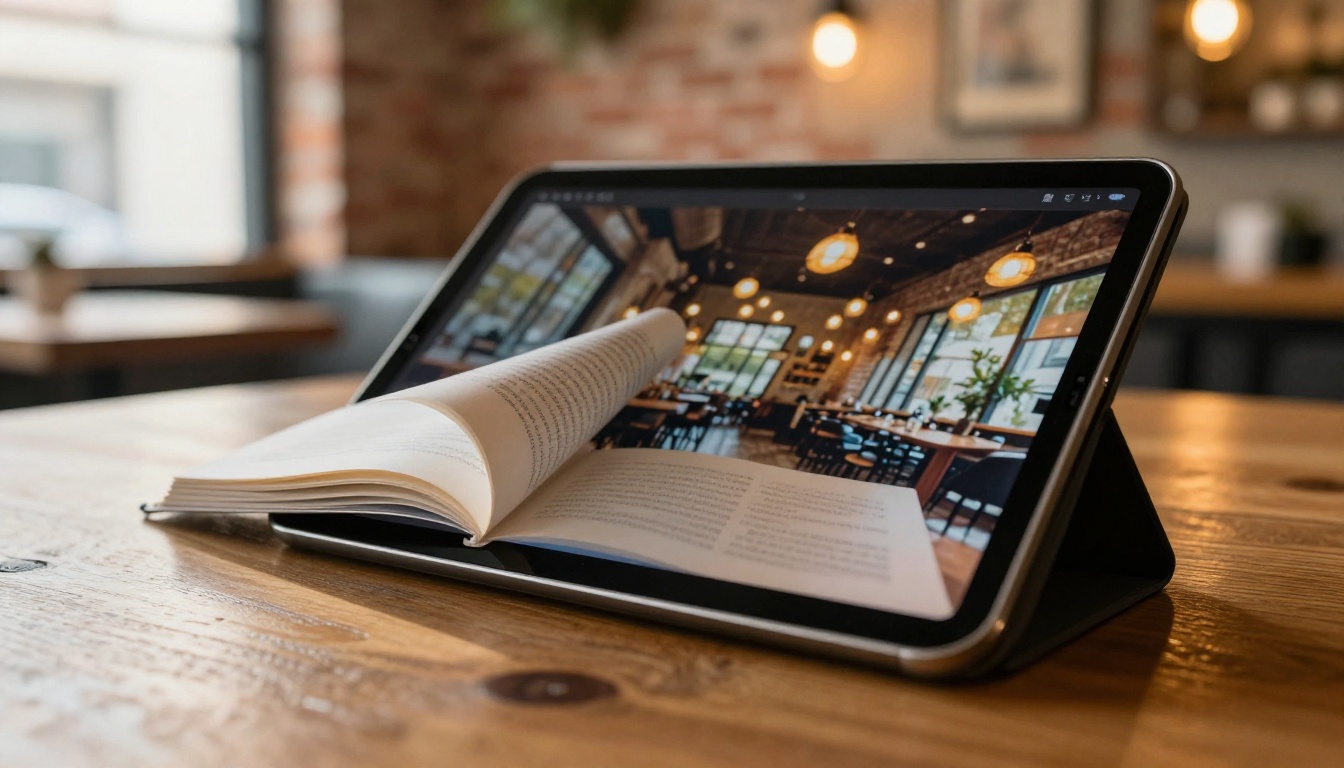
A flipbook takes your existing PDF and converts it into a responsive, interactive digital publication with a realistic page-turn experience. It runs in a browser with no download required.
The Page-Turn Effect
The physical act of turning a page is deeply embedded in how humans process reading. Flipbooks replicate that sensation digitally, complete with a sound effect and a visual animation that mimics real paper. This isn't just aesthetic: it signals to the reader's brain that content is being progressed through, which increases retention and time-on-page.

Embedded Media and Interactivity
A flipbook isn't just a prettier PDF. Platforms like Flipbooks AI allow you to embed:
- Videos directly into pages
- Audio narration or background music
- Clickable links within the document
- Animated transitions between pages
- Lead capture forms for Professional plan users
This turns a static reading experience into something closer to a microsite or interactive presentation.
PDF vs Flipbook: The Real Comparison
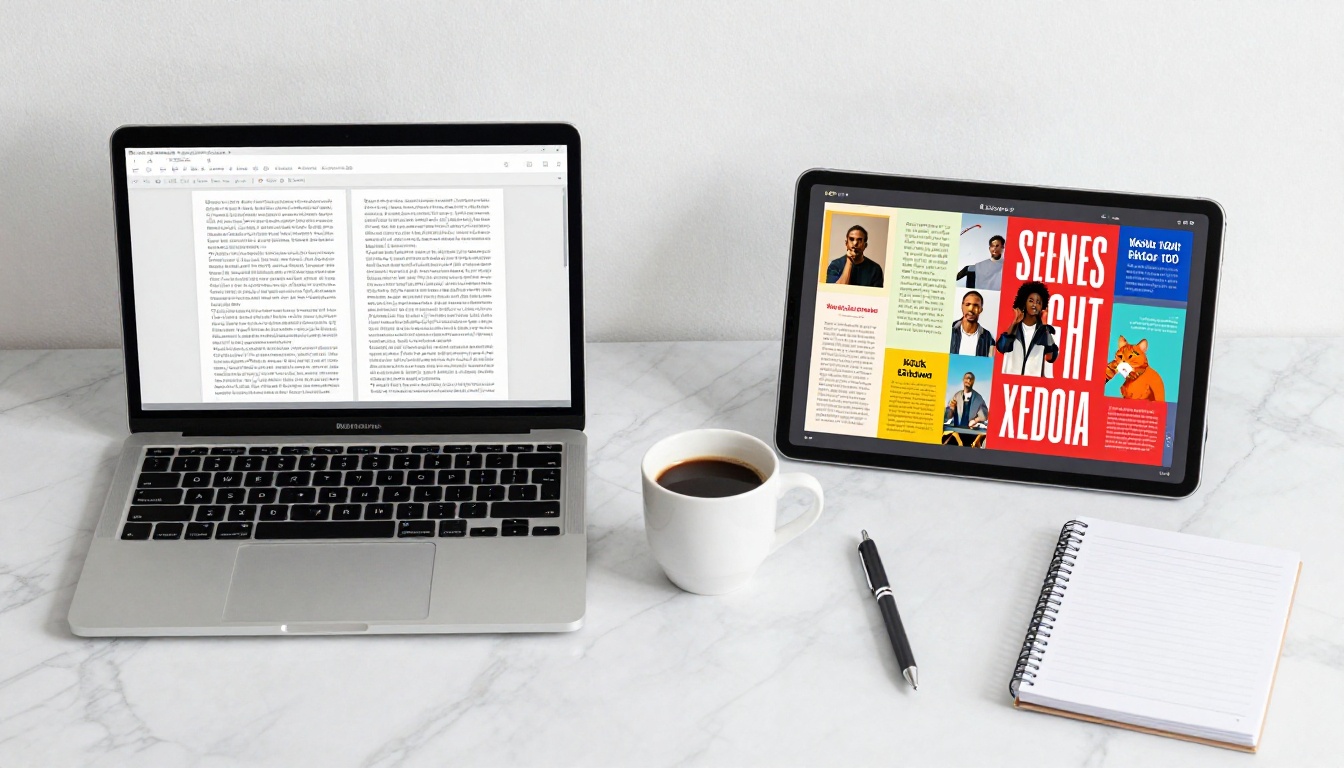
Let's put both formats side by side on the metrics that actually matter.
Feature Breakdown
| Feature | PDF | Flipbook |
|---|
| Mobile-responsive | No | Yes |
| Page-turn animation | No | Yes |
| Embed video or audio | No | Yes |
| No download required | No | Yes |
| Custom branding | Limited | Full control |
| Analytics | None | Page views, time spent |
| Lead generation | No | Yes (Professional) |
| Password protection | Basic | Built-in |
| Shareable via link | No | Yes |
| Update after distribution | No | Yes |
Reader Experience Side by Side
| Scenario | PDF Experience | Flipbook Experience |
|---|
| Reading on mobile | Zoom and pan constantly | Responsive layout, swipe to turn |
| Sharing with a colleague | Email attachment | One link, opens instantly |
| Tracking readership | Zero data | Page-by-page analytics |
| Updating content | Resend new version | Edit once, all links update |
| Adding a video | Not possible | Embedded directly in the page |
| Password protecting | Requires Acrobat Pro | Built-in on all plans |
💡 Flipbooks load as fast as a webpage. No waiting for a 50MB PDF to download before the reader sees page one.
When Flipbooks Win Every Time
There are scenarios where the difference is so dramatic that using a PDF actively hurts your results.
Business Use Cases
Marketing teams sending product catalogs as PDF attachments are invisible once the email is opened. With a Catalog Flipbook Creator, you get a shareable link, page-level analytics, and the ability to update pricing without resending anything.
Real estate agencies using PDF brochures can't embed virtual tours or video walkthroughs. A Real Estate Brochure built as a flipbook embeds video, tracks which properties got the most attention, and can be shared instantly via link or QR code.
Restaurants printing menu PDFs waste paper and become outdated the moment prices change. A Restaurant Menu Creator flipbook updates immediately, works on any device, and can be linked from a QR code on each table.
Education and Training
Teachers and trainers distributing PDF course materials have no way to know if students actually read them. A Course Material Publisher flipbook shows exactly which pages were viewed and for how long.
For corporate training, a Training Manual Flipbook is dramatically more effective than a PDF. Employees access it on any device, watch embedded instructional videos, and the company updates procedures without redistributing files.

The Numbers Behind the Decision
| Metric | PDF | Flipbook |
|---|
| Average read completion rate | ~20% | ~65% |
| Mobile usability score | Poor | Excellent |
| Time spent per page | Lower | 2x higher on average |
| Social shareability | None | Link-based, one click |
| SEO indexability | Limited | Full hosted webpage |
| Cost to update distributed copies | High (resend all) | Zero |
✅ Flipbooks are indexed by search engines like standard webpages. Your PDF attachment is invisible to Google. Your flipbook is not.
How to Turn Your PDF into a Flipbook
The process on Flipbooks AI takes under five minutes from PDF to published flipbook.
Step 1: Create Your Account
Go to Flipbooks AI and sign up. No credit card required to start. The free plan lets you create and publish flipbooks immediately.
Step 2: Upload Your PDF
From your dashboard, click New Flipbook and upload your PDF file. The platform processes it automatically, converting each page into a high-resolution flipbook spread. Files up to several hundred pages are handled without issue.
Step 3: Customize Your Flipbook
Once uploaded, you can:
- Add your brand logo and custom colors to the viewer
- Choose a background texture (wood, fabric, dark, light)
- Enable or disable the page-turn sound effect
- Set a custom domain for the published URL
- Add password protection for private documents
Step 4: Add Interactive Elements
Use the editor to embed videos, add clickable links to external pages, or insert audio tracks. For Professional plan users, this is also where you configure lead generation forms, requiring readers to enter their email before accessing the flipbook.
Step 5: Publish and Share
Click Publish and you receive:
- A direct link to share anywhere
- An embed code to place the flipbook directly on your website using the Embed Flipbook on Website tool
- A QR code for print materials
That's it. Your eBook is now a fully interactive, mobile-responsive, analytics-enabled flipbook.

Flipbooks AI Plans and What You Get
Flipbooks AI offers tiered plans to match different publishing needs.
| Plan Feature | Free | Standard | Professional |
|---|
| No watermarks | No | Yes | Yes |
| Unlimited flipbooks | No | Yes | Yes |
| Custom branding | No | Yes | Yes |
| Password protection | Yes | Yes | Yes |
| Embed on website | Yes | Yes | Yes |
| Analytics | No | Basic | Full |
| Lead generation | No | No | Yes |
| Offline downloads | No | No | Yes |
| Embed video and audio | No | Yes | Yes |
| Custom domain | No | No | Yes |
💡 The Standard plan removes all watermarks and gives you unlimited flipbooks. For most individual creators and small businesses, it covers everything needed.
For teams producing content at scale, including agencies managing multiple brands or publishing teams releasing regular issues, the Professional plan adds analytics and lead capture that turns every flipbook into a data asset.
Explore pricing plans to see which tier fits your workflow.

Who Is Already Making the Switch
The shift away from static PDFs isn't theoretical. Across industries, professionals who switched to flipbooks report measurable differences in how their content performs.
Authors and coaches publishing eBooks as flipbooks report readers actually finishing the content, rather than downloading and forgetting. The browser-based experience removes the friction of finding and opening a file.
B2B sales teams using flipbooks for proposals and case studies track exactly which sections prospects spent time on, allowing for more informed follow-up conversations.
Event organizers replacing PDF programs with flipbooks allow attendees to access schedules and speaker bios from a single QR code scan, with no app download needed.
Fashion brands using an Interactive Lookbook Designer create seasonal catalogs that feel like digital magazines rather than flat product sheets.
Annual reports published with an Annual Report Creator embed data visualizations, CEO video messages, and interactive financial tables that a PDF simply cannot support.

Make the Switch Today
The case is clear. PDFs are a 30-year-old format trying to do a job built for something better. Flipbooks aren't a trend. They're what eBooks should have been all along: interactive, mobile-friendly, shareable, and measurable.
If you've already got a PDF, you're one upload away from a flipbook. Get started for free on Flipbooks AI and publish your first flipbook today.
Browse all available flipbook tools to see what's possible across every content category, from catalogs and menus to portfolios and annual reports.
Ready to see your options? Compare plans and pick the one that fits.



