Your marketing team is probably sending PDFs nobody opens. Static slide decks that get downloaded once and forgotten. Email attachments that disappear into inboxes and never surface again. Meanwhile, Flipbooks AI is changing how forward-thinking marketing teams communicate, present, and convert every single day. The difference is not just aesthetic. It is measurable.
This is not about a trendy tool or a one-time rebrand project. Flipbooks are a daily operational asset for high-output marketing teams, and the teams that adopt them as part of their regular workflow see compounding returns in reach, audience interaction, and lead quality. Here is the full picture.

The Problem with Static Marketing Content
Why your PDFs are not being read
The average marketing PDF has a 60-70% abandonment rate within the first page. That is not a content problem. It is a format problem. Static PDFs require the reader to do all the work: download, open in a separate app, scroll linearly through a document with no visual payoff for continuing. There is no reward for interaction, no interactivity, and no way for your team to know if anyone even got past page two.
Static presentations carry the same weight. They look polished in PowerPoint but feel flat when shared as attachments. A potential client receives a 45-slide deck, glances at slides one through three, and closes it. Your team spent two weeks on that deck.
What interactive formats do differently
Interactive content changes the reader's role from passive receiver to active participant. Page-turning animations create forward momentum. Embedded links let readers jump to sections that matter to them. Clickable CTAs inside the document remove friction from next steps. And every one of those interactions generates data your team can act on.
A digital flipbook is not just a visual upgrade. It is a fundamentally different communication model that respects how people actually consume content today: non-linearly, on mobile, in short sessions, and with immediate expectations of interactivity.
What Flipbooks Actually Do for a Marketing Team
Daily use cases most teams miss
Most marketing teams think of flipbooks as a "catalog tool" and stop there. That framing misses 80% of the value. Here is what a daily flipbook workflow actually looks like in a high-performing marketing department:
- Monday morning sales briefing: A crisp two-page flipbook summarizing the week's campaign metrics, updated from last week's data, shared via a direct link in the team Slack channel
- Mid-week product update: A new SKU added to the product catalog in real time, no reprinting required, the link stays the same
- Client proposal delivery: A branded, password-protected flipbook sent to a prospective enterprise client, with page analytics showing exactly which sections they spent time on
- End-of-week newsletter: A visually rich flipbook newsletter replacing the plain-text email blast, embedded directly in the email body
Formats that fit every channel
One of the practical reasons daily flipbook use compounds in value is that a single flipbook can be distributed across every channel without reformatting:
- Embed it on your website's landing page using the Embed Flipbook on Website tool
- Share a direct link via email, Slack, WhatsApp, or SMS
- Present it in a browser during a Zoom or Teams call without needing screen-sharing software
- Download it as a PDF for contacts who request offline access
- Password-protect it for internal use or premium gated content

The case for flipbooks is not just anecdotal. Below is a direct comparison of the core formats competing for your team's daily content workflow.
| Metric | Static PDF | PowerPoint/Slides | Digital Flipbook |
|---|
| Mobile readability | Poor (requires zoom) | Poor (small text) | Excellent (responsive) |
| Page-by-page analytics | None | None | Full heatmaps |
| Distribution method | Download only | Download/share | Link, embed, download |
| Update after sharing | Requires resend | Requires resend | Live update (same URL) |
| Interactive elements | None | Limited | Links, video, audio |
| Branding control | Partial | Partial | Full custom branding |
| Lead capture | None | None | Built-in (Pro plan) |
| Average read time | Low | Low | 3-5x higher |
The numbers point in one direction. The question is not whether flipbooks outperform static formats. It is how quickly your team can adopt them into daily operations.
7 Daily Workflows Where Flipbooks Win
Morning sales briefings
Start each day with a short, punchy flipbook that sales reps can review in three minutes: campaign performance highlights, active offer sheets, and the week's priority leads. A Sales Presentation flipbook built once and updated weekly becomes a living document that your team actually opens.
Product catalog updates in real time
The moment a new product launches, it appears in the catalog. No reprinting, no resending, no version confusion. With Flipbooks AI, your Product Catalog lives at a permanent URL. Update the source PDF, re-upload, and every existing link automatically serves the fresh version.
Campaign briefs teams actually read
Replace the 20-page Word document campaign brief with a visually structured flipbook. Use full-bleed imagery, color-coded sections, and a clickable table of contents. Teams that receive briefs in flipbook format report significantly higher comprehension and recall. That means fewer follow-up questions and faster execution.
Client proposals that close deals
A password-protected proposal flipbook sent to a prospect does two things a PDF cannot: it signals professionalism at the format level, and it gives your team analytics on what the client actually read. When you can see that the prospect spent seven minutes on the pricing page and two minutes on the case studies, your follow-up call is a completely different conversation.
Weekly newsletters with real opens
Plain-text email newsletters have a 20-25% open rate on a good day. Embedding a flipbook preview in your email, with a bold cover image and a "Read Now" button, drives click-through rates that content-forward companies are reporting at 2-3x their previous benchmarks. Use the Newsletter Flipbook Publisher to produce the weekly edition in under an hour.
Event and conference materials
Every event your team attends or hosts is an opportunity to replace a paper handout with a scannable QR code linking to an interactive Event Program Maker flipbook. Attendees can browse on their phones, tap links to speaker bios, follow embedded video replays, and save the flipbook for later. The paper version goes in the recycling bin. The flipbook stays.
Training docs that get used
Internal training materials suffer the same fate as PDFs: downloaded, forgotten. A Training Manual Flipbook that lives at a persistent company URL becomes a resource people actually bookmark and return to. You can update it whenever processes change, and every team member with the link automatically has the current version.
How to Build a Flipbook with Flipbooks AI
This is where daily use becomes genuinely effortless. Flipbooks AI requires no design software, no technical setup, and no learning curve.
Step 1: Create your account
Go to flipbooksai.com/account and sign up for free. No credit card required to start. The free tier gives you immediate access to the core PDF to Flipbook Converter.
Step 2: Upload your PDF
Drag your PDF directly into the dashboard. Flipbooks AI converts it automatically, preserving all fonts, images, and layouts. Conversion takes seconds for standard marketing documents.
Step 3: Apply your branding
In the customization panel, set your brand colors, upload your logo, and choose your page-turn animation style. Every flipbook your team creates will be consistently on-brand without any manual formatting effort.
Step 4: Add interactive elements
Embed videos directly into pages, add clickable hyperlinks, insert audio narration for training materials, or add lead capture forms at specific pages. These features are available on Standard and Professional plans.
Step 5: Share or embed
Copy the direct link and paste it anywhere: email, Slack, your website, a client proposal. Or use the embed code to place the flipbook directly on a webpage using the Embed Flipbook on Website tool. For private documents, enable password protection in one click.
Step 6: Review your analytics
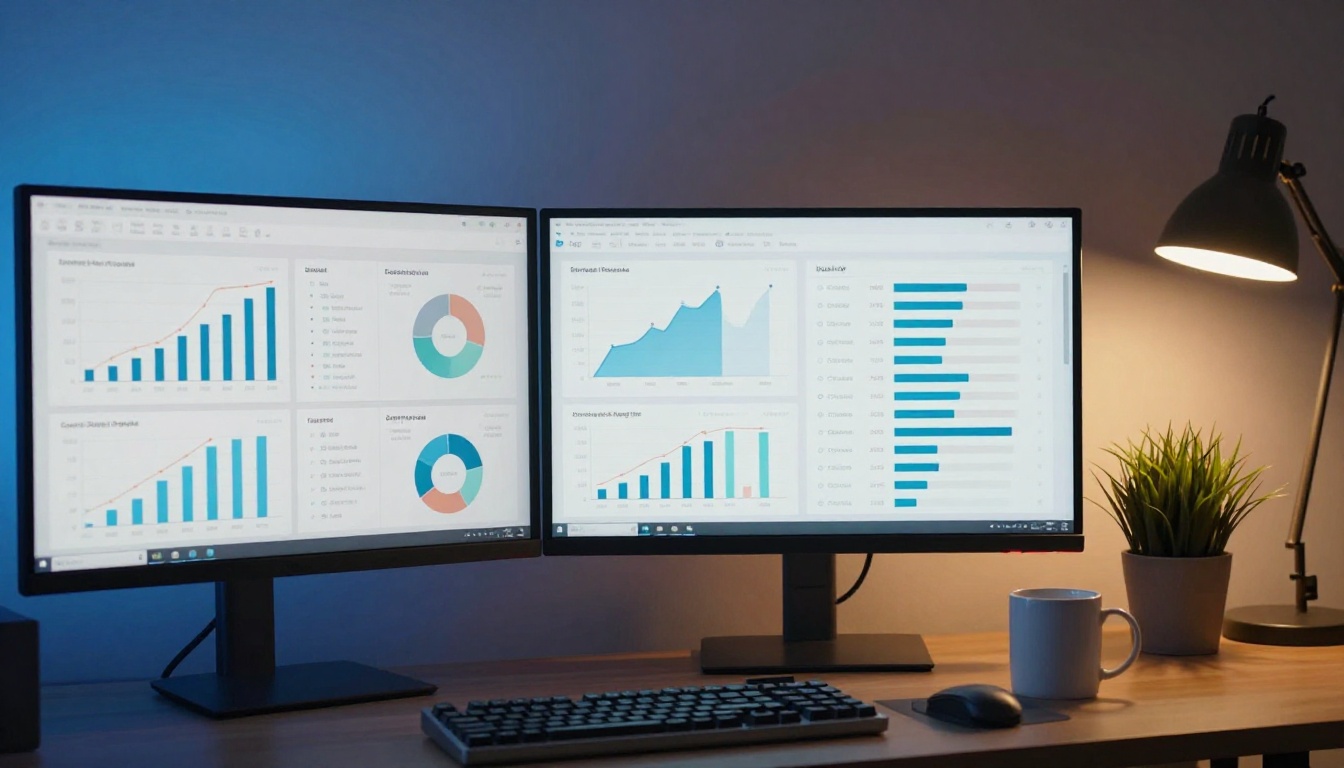
On the Professional plan, open the analytics dashboard to see page-by-page read time, geographic data, device breakdown, and lead capture results. Use this data to refine future content.
💡 Pro Tip: Build a template flipbook for your most common document type (weekly report, product sheet, proposal) and duplicate it each time. Your team goes from a blank page to a polished, branded flipbook in under 10 minutes.

Flipbooks AI Plans at a Glance
Choosing the right plan depends on your team's daily volume and the features your workflow requires.
| Feature | Free | Standard | Professional |
|---|
| Flipbooks | 1 | Unlimited | Unlimited |
| Watermark | None | None | None |
| Custom branding | Basic | Full | Full |
| Password protection | No | Yes | Yes |
| Video & audio embed | No | Yes | Yes |
| Analytics (page-level) | No | No | Yes |
| Lead generation forms | No | No | Yes |
| Offline downloads | No | Yes | Yes |
| Mobile-responsive | Yes | Yes | Yes |
| Priority support | No | No | Yes |
For teams generating multiple pieces of content weekly, the Standard plan is the clear entry point. For marketing departments that need to tie flipbook performance to pipeline, Professional is where the real ROI lives. Compare all plans to find what fits your team's scale.
✅ Best Practice: Start your entire team on the Standard plan for 30 days. Track which content types get created most often. Then evaluate whether Professional-level analytics would change how you allocate content budget.

Real-World Use Cases by Industry
Flipbooks adapt to every sector's daily marketing needs. Here is how different industries are using them right now.
The pattern is consistent: wherever a marketing team currently sends a static document, a flipbook performs better. The tool exists for almost every document type your team produces.
What Most Teams Get Wrong
The one-time mistake
The biggest missed opportunity is using flipbooks for a single campaign or product launch and then reverting to PDFs. The value multiplies with daily use. Each piece of content builds your team's fluency with the format, reduces creation time, and adds to a library of reusable templates.
Skipping analytics entirely
Teams on the Professional plan that do not review their analytics are leaving their most valuable insight on the table. Page-level data tells you which sections of your proposals clients care about, which pages of your catalog attract the most attention, and where readers drop off. That data should be informing every content decision your team makes.
⚠️ Warning: If you are not reviewing flipbook analytics weekly, you are creating content in the dark. Set a recurring Friday calendar block for your team to review the previous week's performance data.
Ignoring mobile users
Over 60% of business content is consumed on mobile. A flipbook from Flipbooks AI is fully mobile-responsive by default, but your team still needs to design with mobile in mind: short paragraphs, large fonts, minimal text per page, and CTAs placed where a thumb can reach them. Test every flipbook on a phone before distributing.

Your Team Should Start Today
The gap between teams that use flipbooks daily and teams that still send PDFs is not a technology gap. It is a habit gap. The tools are already built. The infrastructure is already in place. The formats are already proven.
Flipbooks AI removes every friction point that has historically made "going digital" feel complicated: no design skills required, no software to install, no per-document pricing, no watermarks, and no version-control headaches. Your team can publish a polished, branded, analytics-ready flipbook in the time it would take to email a PDF.
Start with one document type. Pick the format your team creates most often, whether that is a weekly report, a product sheet, or a client proposal. Build it as a flipbook this week. Measure the response. Then expand from there.
Ready to make the switch?