Most nonprofits spend weeks, sometimes months, producing an annual report that arrives in the mail, sits on a desk for a day or two, and quietly disappears. The printing bill alone can run into the thousands. And the reach? A few hundred donors at best. Flipbooks AI is changing what's possible for organizations that want to tell their story at scale, retain donor trust, and actually measure what's working. If your nonprofit is still printing and mailing, you're leaving real impact on the table.
Digital annual reports have become the standard for forward-thinking nonprofits. The reasons go far beyond cost savings. They touch donor behavior, funder expectations, storytelling capacity, and long-term brand credibility. This article breaks down exactly what's holding print back, what digital does better, and how to make the switch before your next reporting cycle.
The Problem with Print Annual Reports
High Costs, Low Reach
Printing a professional annual report, including design, printing, binding, and postage, costs most nonprofits between $3,000 and $15,000 per year. That's for a document that typically reaches only your existing mailing list. New potential donors, grant funders searching online, or supporters who follow your social media channels? They never see it.
| Cost Item | Print Report | Digital Report |
|---|
| Design | $1,500 - $5,000 | $0 - $500 |
| Printing (500 copies) | $2,000 - $6,000 | $0 |
| Postage / Distribution | $500 - $2,500 | $0 |
| Updates / Corrections | Full reprint required | Edit in minutes |
| Total Estimate | $4,000 - $13,500 | Under $500 |
💡 The average nonprofit redirects 60-70% of former print costs into programmatic spending after switching to digital annual reports.
Hard to Update After Print
Once it's printed, it's set in stone. Wrong donation total? Staff member who left mid-year? Project that got cancelled? You're stuck with the error until next year. A digital annual report can be corrected, updated, and improved at any point, even after you've already shared the link with thousands of donors.
Donors Skip the Paper
The reality of print mail is sobering. Open rates for direct mail hover around 4-5% for nonprofits. Even among donors who do open their physical report, most skim it in under 60 seconds before setting it aside. Digital formats let you embed video testimonials, clickable charts, and full photo galleries: content that actually holds attention and drives emotional connection.

What a Digital Annual Report Actually Does
Interactive Elements That Print Can't Match
A digital annual report is not just a PDF on a website. The best versions are fully interactive. Donors can flip through pages like a real publication, click on programs to read expanded stories, watch embedded video from beneficiaries, and share individual sections directly to social media.
This is where tools like Flipbooks AI's Non-Profit Annual Report tool shine. Upload your PDF, and within minutes you have a fully interactive flipbook that behaves like a digital magazine, complete with realistic page-turn effects and a mobile-responsive layout that works on any device.

Real-Time Sharing Across Channels
A digital annual report lives at a URL. That single fact changes everything about distribution:
- Share it in one email to your entire donor list
- Post the link on Instagram, Facebook, and LinkedIn
- Embed it directly on your website's impact page
- Add it to your email signature for the entire reporting year
- Send it as an instant follow-up after donor meetings and events
No more waiting for the printer. No more worrying about who has the latest version.
Data You Can Track
With a printed report, you have no idea who read it, what sections they focused on, or whether they skipped straight to the financials. With a digital version on Flipbooks AI, the Professional plan gives you real analytics: page views, average time on page, click-through rates on embedded links, and lead capture forms built directly into the flipbook itself. That is information that can meaningfully shape how you write next year's report.
5 Real Benefits for Nonprofits
Bigger Donor Reach
A printed report reaches whoever is on your mailing list. A digital report can reach anyone with an internet connection. When current donors share your report with their personal networks, that reach multiplies beyond anything print could achieve. The Annual Report Creator makes it simple to produce a shareable, embeddable publication that travels far beyond your existing contacts.
Better Storytelling
Donors give to people, not programs. Digital annual reports let you embed:
- Video testimonials from beneficiaries in their own words
- Photo galleries from program events throughout the year
- Audio clips from community members and staff
- Clickable links to related initiatives and resources
- Before-and-after visual comparisons of impact
Print can show a photo. Digital can show the moment, with sound and context.

Cost Savings That Matter
Every dollar your nonprofit doesn't spend on printing is a dollar that can go directly toward your mission. A mid-sized nonprofit producing 1,000 printed annual reports typically spends $8,000 to $12,000 per cycle. Switching entirely to digital brings that cost under $300. The ROI is immediate, undeniable, and recurring every single year.
More Credibility with Funders
Major foundations and corporate funders increasingly expect digital materials. When you attach your grant application to a polished, interactive annual report that can be scrolled through on a phone or embedded in a review document, you signal that your organization takes professionalism seriously. A static PDF signals effort. An interactive flipbook signals excellence.
✅ Include your digital annual report link in every grant application, funder proposal, and sponsorship deck. It does more sustained work than a printed copy could ever do.
Easier to Update Year Over Year
With a digital format, you keep the same template, update the numbers and stories, and publish again. No redesign from scratch every year. No weeks of back-and-forth with a printer. The Corporate Report Maker and the Report Flipbook Creator let you reuse and refine your design each reporting cycle with minimal effort.

What to Include in Your Digital Annual Report
Financial Transparency Section
Donors want to know where their money went. A strong financial section includes:
- Total revenue and expenses with pie charts for quick comprehension
- Program spending vs. administrative overhead ratio
- Year-over-year comparison showing growth or efficiency gains
- Audited financial statements or a clearly marked link to them
⚠️ Hiding or minimizing financial data backfires. Donors who feel a report lacks transparency are far less likely to give again. Lead with your numbers confidently. Transparency builds more trust than perfection does.
Impact Stories and Photos
Quantitative data tells donors how much. Stories tell donors why. For every major program area, include:
- A short narrative (150-200 words) from a real beneficiary or frontline staff member
- At least one strong, high-quality photograph
- A specific, concrete outcome metric ("148 families received emergency housing support this year")
- A quote pulled out in large type for visual emphasis

Donor Recognition
Recognize your donors, particularly major and mid-level givers. A dedicated honor roll section:
- Shows genuine public appreciation for supporter loyalty
- Motivates mid-level donors to increase gifts to move into a higher recognition tier
- Signals to prospects that your organization has broad, serious support
In a digital format, this section can be made searchable so donors can find their own names instantly. That small detail creates a genuinely memorable experience that printed donor lists simply cannot replicate.

How to Create Your Nonprofit Annual Report with Flipbooks AI
Flipbooks AI makes it straightforward to convert your annual report into a professional interactive publication. Here's how to do it from start to finish.
Step 1: Set Up Your Account
Head to Flipbooks AI and create your account. The platform offers a free tier to test things out, with paid plans starting at Standard (unlimited flipbooks, no watermarks, custom branding) and scaling to Professional (analytics, lead generation, offline downloads). Check the pricing page to pick the tier that fits your organization's current needs and budget.
Step 2: Upload Your PDF
Once logged in, navigate to the Non-Profit Annual Report tool or use the general PDF to Flipbook Converter. Upload your designed PDF. Your existing InDesign export, Canva download, or Word-to-PDF conversion all work. The conversion process takes under a minute for most documents.
Step 3: Brand and Customize
After conversion, customize the flipbook to match your organization's visual identity:
- Set brand colors for the flipbook player interface and controls
- Upload your logo to appear on the viewer
- Choose page-turn style, either a realistic page curl or a clean slide transition
- Add ambient audio or background music for an immersive experience
- Embed video clips directly into specific pages of the report
Step 4: Share with Donors
Flipbooks AI gives you multiple distribution options for different contexts:
| Sharing Method | Best For |
|---|
| Direct shareable link | Email campaigns, social media posts |
| Embed code | Your website's annual report page |
| Password protection | Board members, private funders, pre-launch access |
| QR code | Printed invitations, event signage, gala programs |
| Offline download | Board presentations, areas with poor connectivity |
💡 Use password protection for pre-release versions when sharing with your board before the public launch date. Remove the password on launch day with one click.
Step 5: Track Performance
On the Professional plan, activate analytics to see exactly how donors engage with your report:
- Total views and unique visitor counts
- Average time spent reading per page
- Which pages donors linger on most vs. which they skip
- Lead capture data from built-in contact forms
This performance data is invaluable for making next year's report even more effective.
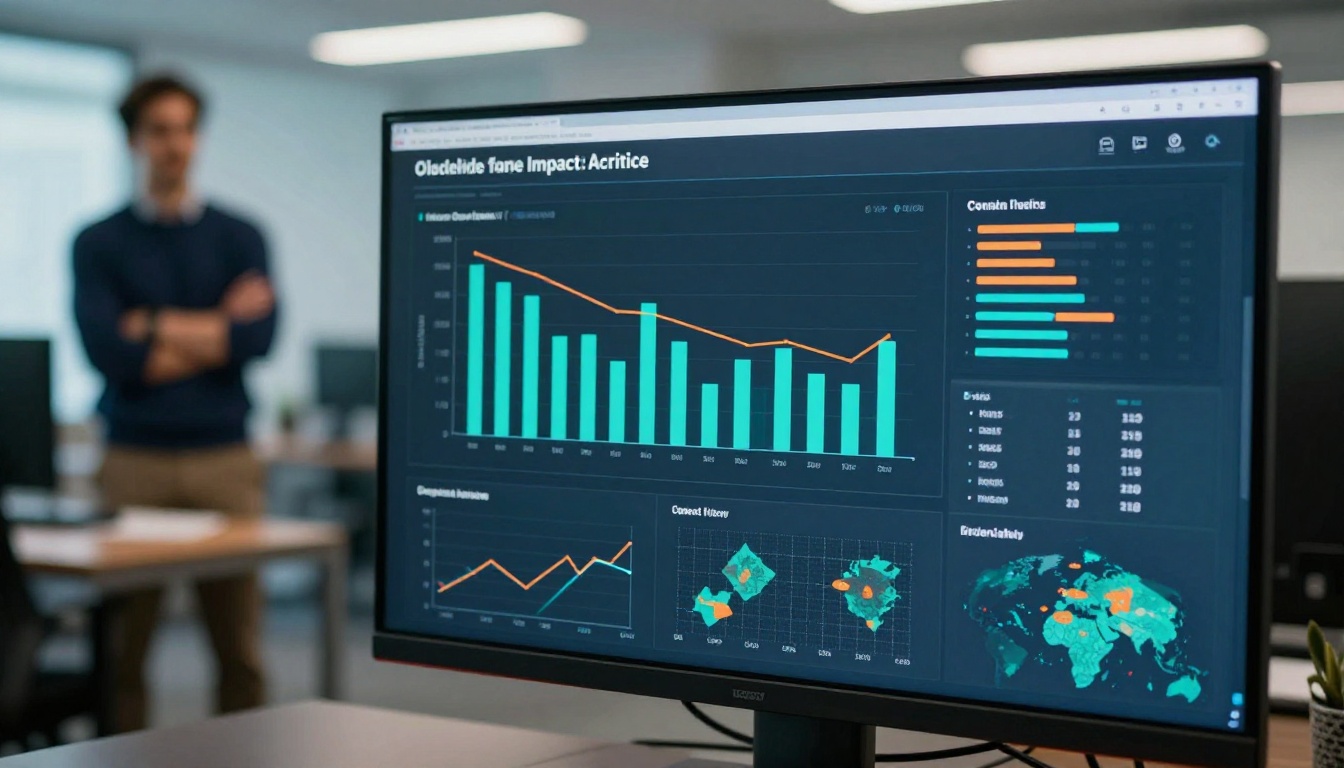
Comparing Digital vs. Print Annual Reports
| Factor | Print | Digital Flipbook |
|---|
| Production cost | $4,000 - $13,500 | Under $500 |
| Distribution reach | Limited to mailing list | Unlimited, global |
| Shareability | Physical handoff only | One-click link sharing |
| Update flexibility | Cannot update after print | Edit anytime, instantly |
| Multimedia | Photos only | Video, audio, clickable links |
| Analytics | None | Full page-level data |
| Environmental impact | Paper, ink, shipping | Near zero |
| Mobile-friendly | No | Yes, fully responsive |
| Donor searchability | Manual browsing | Searchable content |
| Time to publish | 4-8 weeks | Under 1 hour |
The case for digital is overwhelming across almost every dimension that matters to a nonprofit trying to do more with less.

Not all digital report tools work the same way. Here's what to look for when evaluating your options:
Must-Have Features:
- No watermarks on published reports (Flipbooks AI Standard plan and above)
- Mobile-responsive flipbook player that works on all devices
- Custom branding options including logo and color
- Embed capability so the report lives on your own website
- Password protection for pre-launch or board-only versions
High-Value Add-Ons:
- Built-in analytics showing page-level engagement
- Lead capture forms integrated into the publication
- Offline download option for board members without reliable internet
- Multimedia embedding for video and audio content
Flipbooks AI covers all of these. The Non-Profit Annual Report tool is purpose-built for organizations like yours. And if you need other digital publications throughout the year, the platform includes tools for a Newsletter Flipbook Publisher, Press Kit Designer, and Digital Portfolio Creator, so your entire communications toolkit can live in one place.
✅ Organizations that use a dedicated flipbook platform for their annual report see 3-5x more donor views compared to organizations that simply post a static PDF link on their website.

Take Action Before Your Next Reporting Cycle
Your annual report is one of the most powerful fundraising and trust-building assets your nonprofit produces each year. It reaches donors when they're open to reconnecting with your mission. It speaks to funders evaluating your credibility. It lives permanently on your website as durable proof of impact.
Keeping it in print limits all of that. A polished, interactive digital flipbook removes every barrier between your story and the people who need to hear it.
The cost savings are real. The expanded reach is real. The difference in donor experience is real, and measurable.
Ready to move forward? Get started for free on Flipbooks AI and create your first digital annual report today. Browse all available tools and templates to find the right fit for your organization, or compare pricing plans to choose the tier that works for your budget and goals.
Your next annual report can reach ten times more donors, cost a fraction of what you're spending now, and tell your story in a way that actually moves people to act.



