Your online catalog is not working as hard as it should. Static PDFs and flat image galleries made sense a decade ago, when shoppers had lower expectations and desktop browsing was still dominant. Today, customers arrive with a different standard. They want to swipe pages, tap product links, watch embedded videos, and zoom into textures. If your catalog cannot do any of that, many of them leave before they ever see your best products.
This is not a minor UX complaint. It is a revenue problem. And it is one that Flipbooks AI solves with tools built specifically for brands that want their catalogs to actually drive sales.
What an Interactive Catalog Actually Is
Before getting into the why, it helps to be specific about what "interactive" means in a catalog context. The word gets used loosely, so let's define it clearly.
Beyond the PDF
A PDF is not interactive. It is a digital photocopy. You can scroll it and zoom in, but you cannot click a product and go directly to a checkout page. You cannot watch a video demonstration inside the page. You cannot see how many people actually read page 14 versus page 3. A PDF is passive by design.
An interactive digital catalog works more like a website inside a publication. Pages turn with a realistic flip animation. Products link directly to their purchase pages. Videos play inline. Hotspots reveal additional details on hover. Analytics track exactly which pages hold attention and which ones lose readers.

The Static Catalog Problem
Static catalogs create friction at every step. A customer sees a product they like on page 8 of your PDF, then has to open a new tab, search your website, find the product, and hope the right variant is in stock. Each of those steps is an opportunity for them to abandon the process entirely.
The gap between "I like this" and "I bought this" should be as small as possible. Interactive catalogs close that gap by making every product immediately actionable.
Why Shoppers Tune Out Flat Catalogs
The modern shopper has been conditioned by streaming platforms, social feeds, and app stores to expect responsive, fluid digital experiences. When they encounter a static, non-scrollable PDF that takes five seconds to load, the cognitive mismatch is immediate.

Attention Is a Limited Resource
Research consistently shows that average session durations on flat catalog pages are significantly shorter than on interactive publications. When content feels static and non-responsive, readers register it subconsciously as low-quality and move on. The interactive experience signals effort, polish, and professionalism. That signal matters more than most brands realize.
Mobile Changed Everything
More than 60% of e-commerce browsing now happens on mobile devices. A PDF designed for A4 paper is a disaster on a 375px-wide screen. Text becomes unreadable, images require constant pinching and zooming, and navigation is nearly impossible without a mouse.
Interactive flipbook catalogs are built mobile-first. Pages resize automatically, touch gestures feel natural, and the entire reading experience adapts to screen size without any degradation in quality.
💡 Pro tip: Always preview your catalog on a mobile device before publishing. What looks great on desktop can be completely broken on a phone.
The Real Business Case
Let's talk specifics. The argument for interactive catalogs is not just aesthetic. It is financial.

What the Numbers Actually Show
Brands that switch from static to interactive catalogs consistently report measurable improvements across every metric that matters:
- Longer time on page: Readers spend 2-4x longer with interactive catalogs than static PDFs
- Higher click-through rates: Embedded product links generate direct traffic to product pages
- Lower drop-off: Page-flip animations create a natural sense of progression that keeps readers moving forward
- Shareable by default: Interactive catalogs share via link, embed on websites, or send via email without attachment size issues
Static vs. Interactive: A Direct Comparison
| Feature | Static PDF | Interactive Flipbook |
|---|
| Mobile optimization | Poor | Excellent |
| Product links | None | Clickable hotspots |
| Video support | None | Embedded inline |
| Analytics | None | Full page-level data |
| Share via link | Yes (large file) | Yes (lightweight URL) |
| Embed on website | No | Yes |
| Page-turn animation | No | Yes |
| Password protection | No | Yes |
| Brand customization | Limited | Full |
| Load speed | Slow (large file) | Fast (cloud hosted) |
The differences are not minor. They span every dimension of the reading experience, from the first click to the final purchase decision.
Features That Actually Move Product
Not all interactive catalog features are equally valuable. These are the ones that translate directly to conversions.

Page-Flip Animation
This sounds like a cosmetic feature. It is not. The physical sensation of turning a page, even in digital form, creates a sense of narrative progression. It signals to the reader that they are moving through a curated story, not just scrolling an infinite feed. That distinction affects how long they stay and how much they absorb.
Clickable Product Links
Every product in your catalog should link directly to its individual page on your site. Not to your homepage. Not to a category page. Directly to the specific product, with the correct variant pre-selected when possible.
This is the feature with the most direct revenue impact. Shorter paths to purchase mean higher conversion rates, and every unnecessary click between browsing and buying is a potential exit point.
Embedded Video and Audio
A furniture company can embed a room walkthrough video directly in the catalog spread. A food brand can include a recipe video next to a product. A fashion label can embed a runway clip beside a collection spread.
Static catalogs cannot do any of this. Interactive catalogs make it standard, and the difference in how long readers stay on those pages is significant.
Analytics and Page-Level Tracking
This is the feature most brands underestimate until they see the data. With interactive catalog analytics, you can see:
- Which pages readers spend the most time on
- Which products get the most clicks
- Where readers drop off and stop reading
- How traffic reaches your catalog (direct, embedded, shared)
That data changes how you design your next catalog. You stop guessing which products to feature on the opening spread and start making decisions based on what actually holds attention.
📊 Data tip: If your catalog shows readers dropping off consistently on page 5, that is a design problem on page 4. The data tells you exactly where to fix the experience.

Who Gets the Most Value
Interactive catalogs work across industries, but some use cases deliver outsized returns. Here is a breakdown of who benefits most and how:
| Industry | Primary Use Case | Top Benefit |
|---|
| Fashion and Apparel | Seasonal lookbooks, new arrivals | Embedded links to product pages per item |
| Home Furnishings | Room-by-room catalogs | Video walkthroughs, hotspot links |
| Food and Beverage | Menu catalogs, seasonal offerings | Direct order links, embedded recipe video |
| Real Estate | Property portfolio brochures | Virtual tour embeds, contact form links |
| Beauty and Cosmetics | Product lines, tutorial spreads | Tutorial videos, link to purchase per item |
| B2B Wholesale | Product specs and pricing sheets | Password-protected access, lead capture |
| Education | Course materials, program guides | Downloadable resources, enrollment links |
| Retail Chains | Weekly promotions, category features | Clickable price tags, store locator links |
A furniture retailer using an interactive catalog is not just showing pictures of sofas. They are letting customers click into each piece, watch a 30-second video of the sofa in a real living room, and land directly on the checkout page with one tap. That is a fundamentally different shopping experience from scrolling a PDF.
✅ Best practice: Feature your three to five best-performing products on your first two spreads. Analytics from interactive catalogs consistently show that the majority of reader attention lands in the opening pages.

How to Build Your First Interactive Catalog
The barrier to creating professional interactive catalogs used to be high. You needed design software, a developer to build the interactive layer, and a hosting solution. Flipbooks AI removes all of that. The entire process, from PDF upload to published interactive flipbook, takes minutes.
Step 1: Set Up Your Account
Go to Flipbooks AI and create a free account. No credit card is required to get started. The platform runs entirely in your browser, with no software to install.
Step 2: Upload Your Catalog PDF
Click Create Flipbook and upload your existing catalog PDF. Flipbooks AI converts every page automatically into a high-quality digital spread with the page-flip animation applied. Image resolution is preserved throughout the conversion.
⚠️ Note: Use a print-quality PDF (300 DPI or higher) for the best results. Low-resolution source files will appear blurry on high-density screens.
Step 3: Customize Branding and Appearance
After conversion, you can personalize every visual element:
- Brand colors: Match the flipbook interface to your exact palette
- Logo placement: Add your logo to the header and loading screen
- Background: Choose from solid colors, gradients, or custom textures
- Page effects: Adjust flip animation speed and shadow depth
- Table of contents: Auto-generate or manually configure chapter labels
The Digital Catalog Maker and Catalog Flipbook Creator tools include templates optimized specifically for product catalogs if you want a polished starting point.
Step 4: Add Interactive Elements
This is where the catalog becomes exceptional. In the editor, you can:
- Add clickable links: Select any product image or text and attach a URL directly
- Embed videos: Insert YouTube or Vimeo links onto any page, playing inline without leaving the catalog
- Create hotspots: Add hover-reveal info boxes on top of specific products
- Link to specific pages: Build a table of contents with one-click navigation between sections
Step 5: Publish and Share
When ready, click Publish. Flipbooks AI generates three things immediately:
- A direct shareable link to your catalog (lightweight, no download required)
- An embed code to place the flipbook directly on your website or product pages
- A QR code for print materials that points to your digital catalog
For brands that need controlled access, password protection restricts catalog viewing to specific customers or wholesale partners, with no technical setup required.
Step 6: Track Performance
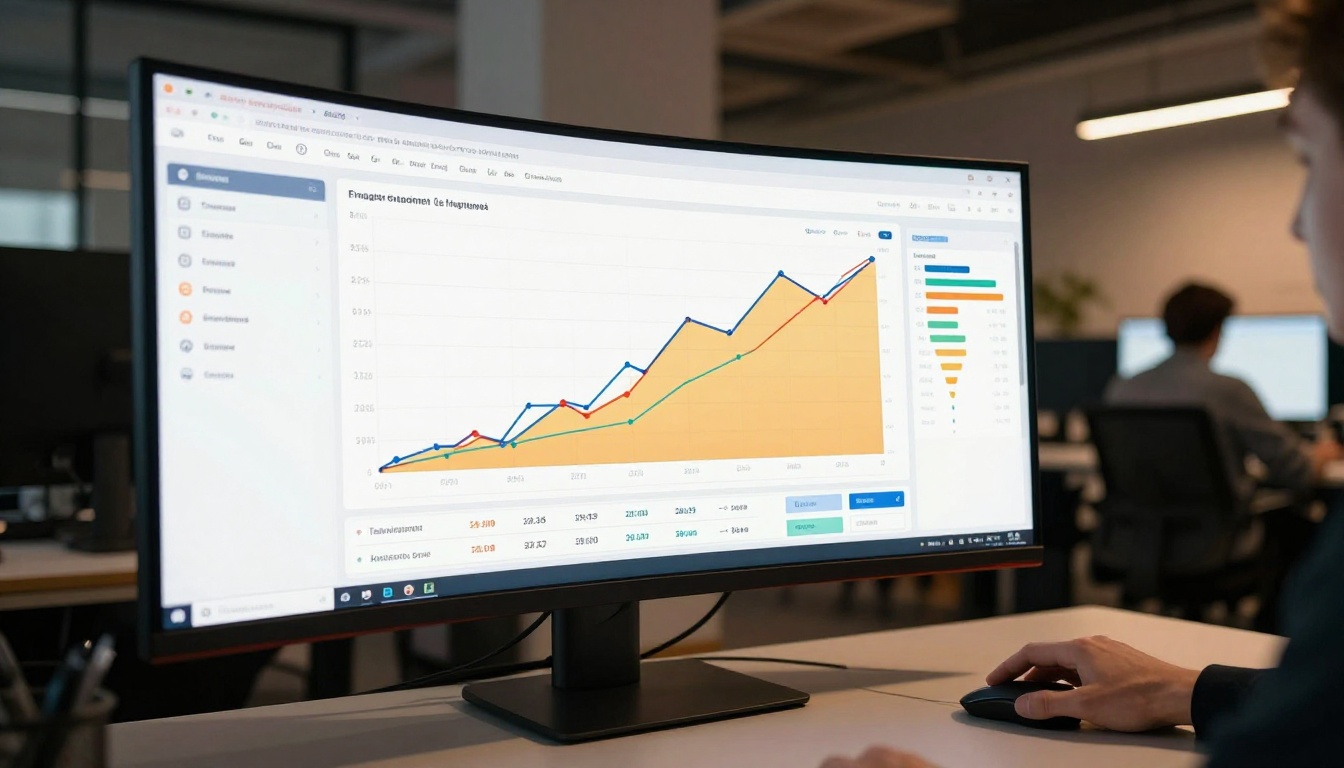
On the Professional plan, every catalog includes built-in analytics. You can track page views per spread, click-through rates on product links, reader sources and device breakdown, and, for B2B use cases, capture reader contact details via lead generation before granting catalog access.
Choosing the Right Plan
Flipbooks AI pricing is structured around catalog volume and feature requirements:
| Feature | Free | Standard | Professional |
|---|
| Flipbooks | 3 | Unlimited | Unlimited |
| Watermarks | Yes | No | No |
| Custom branding | No | Yes | Yes |
| Password protection | No | Yes | Yes |
| Analytics | No | No | Yes |
| Lead generation | No | No | Yes |
| Offline downloads | No | No | Yes |
| Embed on website | Limited | Yes | Yes |
| Video embedding | No | Yes | Yes |
The Standard plan is the right starting point for most e-commerce brands. The Professional plan is designed for teams that need data-driven decisions about catalog content and want lead generation tools for B2B use cases.
💡 Pro tip: If you use catalogs for wholesale or B2B sales, the lead capture feature on the Professional plan pays for itself quickly. You capture buyer contact details before they access the catalog, turning every view into a qualified sales lead.
Once your catalog workflow is in place, the same platform handles every other publishing need. Flipbooks AI offers specialized tools for:
Each tool includes templates and formatting built around how readers in that specific industry actually browse and buy, which means less setup time and a better out-of-the-box result for your audience.

What Staying Static Actually Costs You
Static catalogs do not just underperform. They actively signal to customers that your brand has not kept up. When a competitor's catalog lets a shopper click a jacket and land on the checkout page in one tap, and your catalog requires five manual steps to reach the same point, the customer chooses the easier path every time.
The cost of inaction shows up in your bounce rates, your cart abandonment numbers, and the click-through data you are not yet collecting because your catalog has no analytics layer at all.
⚠️ Warning: If you are still sending customers a PDF attachment to browse your products, you are creating a friction-heavy experience at the exact moment they are most interested. PDF attachments also frequently trigger spam filters, meaning many of your catalog sends never reach the inbox.
Every catalog published on Flipbooks AI is a lightweight cloud-hosted link. No attachment. No download. No spam filter risk. Just a link that opens a beautiful, responsive catalog in any browser, on any device, instantly.
Take Action on Your Catalog
Your next catalog does not have to be built from scratch. Upload your existing PDF to Flipbooks AI and see the interactive version in minutes. The conversion is automatic. Customization takes as long as you need. The results show up clearly in your analytics.
Your catalog should be doing more than sitting in someone's downloads folder.



