Static product pages are quietly losing you customers. Shoppers today are conditioned by Netflix, Instagram Stories, and beautifully designed editorial content to expect more than a grid of thumbnail images and a few bullet points. A digital flipbook catalog gives online stores something that most competitors still haven't figured out: a browsing experience that feels natural, tactile, and genuinely enjoyable.
Flipbooks AI builds exactly this. Upload your product PDF, and in minutes you have an interactive catalog with realistic page-turning animations, embedded multimedia, and a shareable link ready to drop anywhere on the web. Whether you run a boutique apparel brand, a furniture store, or a large multi-category retailer, the argument for switching to a digital flipbook catalog is the same: your customers want to browse, and your current store wasn't built for that.
Why Static Product Pages Fall Short
Most ecommerce stores rely on the same basic formula: a list or grid of products, individual product detail pages, and a search bar. It works for buyers who already know what they want, but it leaves significant revenue on the table from everyone else.
Shoppers Don't Browse, They Bounce
Single-product pages are designed for someone who already knows what they want. Product discovery is a different problem entirely. When someone opens a physical magazine or retail catalog, they flip through pages, stop at something unexpected, and buy things they weren't looking for. That serendipitous discovery is almost completely absent from standard ecommerce navigation.
Without a way to browse contextually, visitors who aren't sure exactly what they want will leave. A digital flipbook catalog recreates the feel of that editorial browsing experience in a browser or on a mobile device, keeping people on your site and exposing them to far more of your product range than a search bar ever could.
The Hidden Cost of Weak Product Presentation
Poor product presentation shows up in your analytics as high bounce rates and low pages-per-session numbers. The actual business cost is the sale that never happens: the customer who would have bought the matching item if they'd seen it alongside the hero product, or the seasonal collection that never got noticed because it was buried three levels deep in category filters.
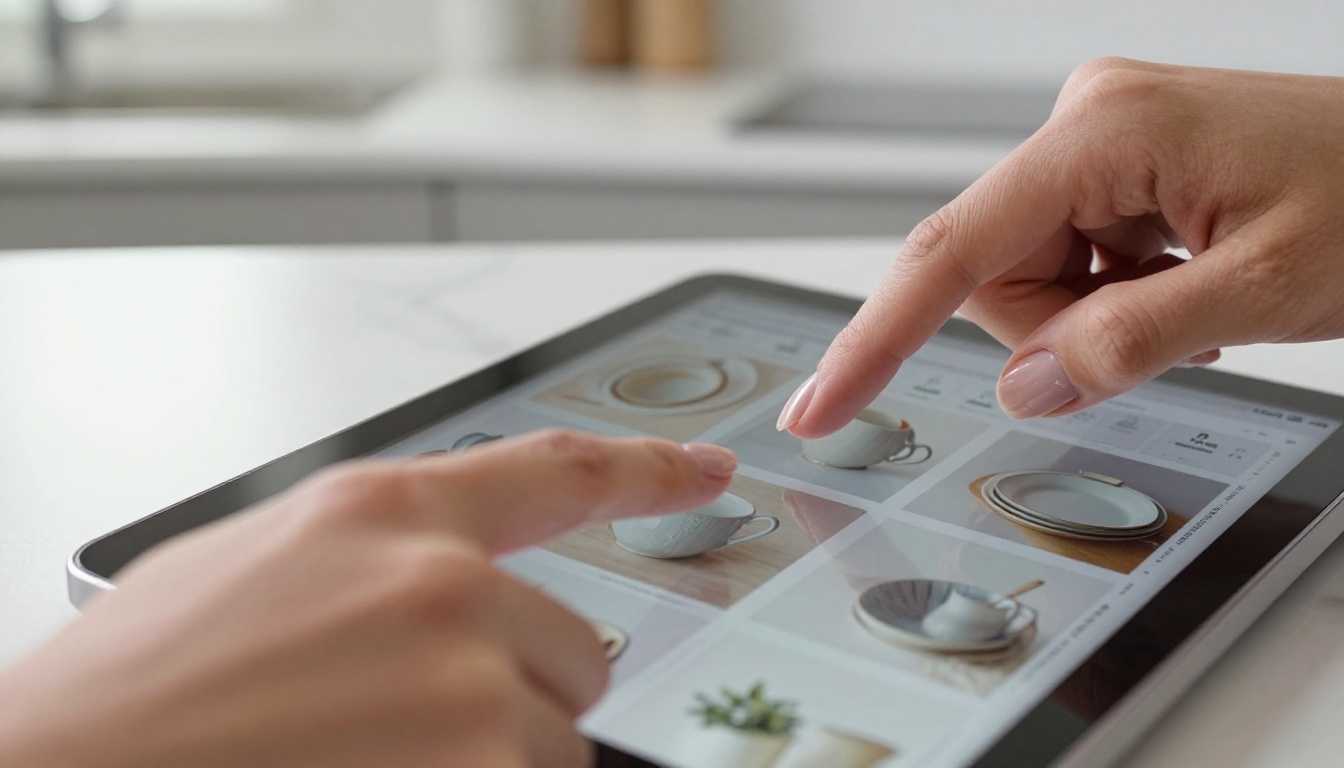
A digital catalog puts your full product story in front of shoppers in a format that rewards browsing. Spreads, collections, and lifestyle imagery all work together the same way they do in a printed lookbook, except the catalog is interactive, trackable, and free to distribute at any scale.
What a Digital Flipbook Catalog Actually Does
A digital flipbook catalog is a web-based publication that mimics the look and behavior of a printed catalog, with pages that turn with a realistic curl animation. It's built from a PDF: you design your catalog pages in whatever tool you prefer, export as PDF, and convert it into an interactive flipbook.
Page-Flip Technology Explained
The page-flip effect isn't just cosmetic. It creates a navigational metaphor that shoppers already understand intuitively. Instead of scrolling through endless vertical feeds, customers turn pages, which gives the browsing session a sense of progress and structure. Research consistently shows that familiar interaction patterns reduce cognitive load, which means more mental bandwidth available for actually evaluating products and making purchase decisions.
Modern flipbooks are fully indexed for search engines, accessible on all mobile devices, and embeddable directly on any website page using a short snippet of code. They work inside landing pages, email links, and social media bios without requiring any technical setup from the store owner.
From PDF to Interactive Catalog in Minutes
The conversion workflow with the Digital Catalog Maker on Flipbooks AI is refreshingly simple:
- Design your catalog in InDesign, Canva, or any PDF-capable tool
- Export as a high-resolution PDF
- Upload to Flipbooks AI
- Customize branding, colors, and page-turn effects
- Copy your embed code or shareable link
No coding required. No design skills beyond what you're already using to produce your print materials or social media assets.

5 Real Benefits for Your Online Store
Higher Time on Site
Flipbook catalogs consistently outperform static product galleries on interaction metrics. Visitors spend more time with paginated, editorial content than with infinite scroll product feeds. More time on site correlates directly with higher purchase intent and improved conversion rates across every ecommerce category.
Better Product Discovery
When products are presented together in curated spreads, average order value increases. A customer looking at your summer dress might turn the page and see the matching sandals, hat, and jewelry styled together in a single editorial spread. That curation drives upsells and cross-sells that isolated product detail pages simply cannot replicate, no matter how good your recommendation algorithm is.
Mobile Shopping Done Right
Over 60% of ecommerce traffic now comes from mobile devices, and the standard product grid experience is genuinely frustrating on a small screen. Flipbook catalogs built on Flipbooks AI are mobile-responsive by default. The page-flip gesture maps naturally to swipe interactions, making the browsing experience feel native rather than adapted from a desktop layout that wasn't designed with phones in mind.

Reduced Print and Distribution Costs
Print catalogs are expensive: design, printing, postage, and they go out of date the moment prices change or a product sells out. A digital flipbook catalog costs a fraction of the price to produce, can be updated at any time, and can be distributed to an unlimited audience without per-unit costs. For seasonal collections, limited drops, or product launches, this operational advantage is significant.
Catalog Data You Can Act On
With Flipbooks AI's Professional plan, you get detailed reader analytics: which pages get the most views, where readers drop off, and which product spreads attract the most attention. This data feeds directly back into your merchandising and layout decisions for the next edition, creating a continuous improvement loop that print catalogs cannot offer.
💡 Pro Tip: Use flipbook page-level data to identify your highest-attention product spreads, then mirror that layout logic in your website category pages for consistent cross-channel performance.
Which Stores Benefit Most
Not every store sees the same results from a digital catalog, but certain product categories see particularly strong improvements in browsing depth and conversion.
Fashion and Apparel Brands
Fashion is the most obvious fit. Editorial styling, seasonal collections, and lookbooks are all native to the flipbook format. Apparel brands can use the Fashion Catalog Creator to produce seasonal lookbooks that feel genuinely premium, without paying for a print run or hiring a separate distribution service.

A fashion brand using a digital catalog can:
- Present full outfit pairings across double-page spreads with coordinated styling
- Embed short video clips alongside static imagery for fabric and movement context
- Update prices or availability mid-season without a reprint
- Share password-protected preview catalogs with wholesale buyers before the public launch
Home Decor and Furniture Retailers
Room-setting photography is expensive to produce, so it needs to work hard. A furniture retailer's catalog spread showing a full living room setup with five products from their range is far more persuasive than those same five products listed separately on individual SKU pages. The Furniture Catalog Maker is built specifically for this format and workflow.

Electronics and Tech Shops
Tech products benefit from comparison-heavy layouts and detailed spec presentations. A flipbook gives electronics retailers the space to present feature comparisons, accessory bundles, and real-world use-case scenarios in a format that guides buyers through complex purchase decisions in a linear, logical way.
⚠️ Watch out: Tech catalogs go out of date quickly. Plan your update cadence before launch so your catalog never shows discontinued models or outdated pricing for too long.
Flipbook Catalog vs. Standard Product Pages
| Feature | Standard Product Page | Digital Flipbook Catalog |
|---|
| Browsing experience | Linear, search-driven | Editorial, discovery-driven |
| Cross-sell presentation | Algorithmic recommendations | Curated spread layouts |
| Mobile experience | Variable quality | Optimized swipe navigation |
| Distribution | SEO traffic only | Link, embed, email, social |
| Reader data | Page views, bounce rate | Page-by-page attention data |
| Update cost | Free, per product | One upload, all pages update |
| Print equivalent | Not applicable | Direct digital replacement |
Flipbooks AI Plans at a Glance
| Plan | Flipbooks | Watermark | Analytics | Password Protection | Offline Download | Lead Generation |
|---|
| Free | 3 | Yes | No | No | No | No |
| Standard | Unlimited | No | Basic | Yes | No | No |
| Professional | Unlimited | No | Advanced | Yes | Yes | Yes |
✅ Best practice: Start on the Standard plan to publish unlimited catalogs without watermarks, then upgrade to Professional when you want lead generation forms and advanced reader data included.
See the full pricing breakdown to compare what each plan includes side by side.
How to Build Your Catalog on Flipbooks AI
Step 1: Upload Your PDF
Head to Flipbooks AI and create a free account. Once inside, click "New Flipbook" and upload your product catalog PDF. The platform handles conversion automatically, regardless of page count or file size.
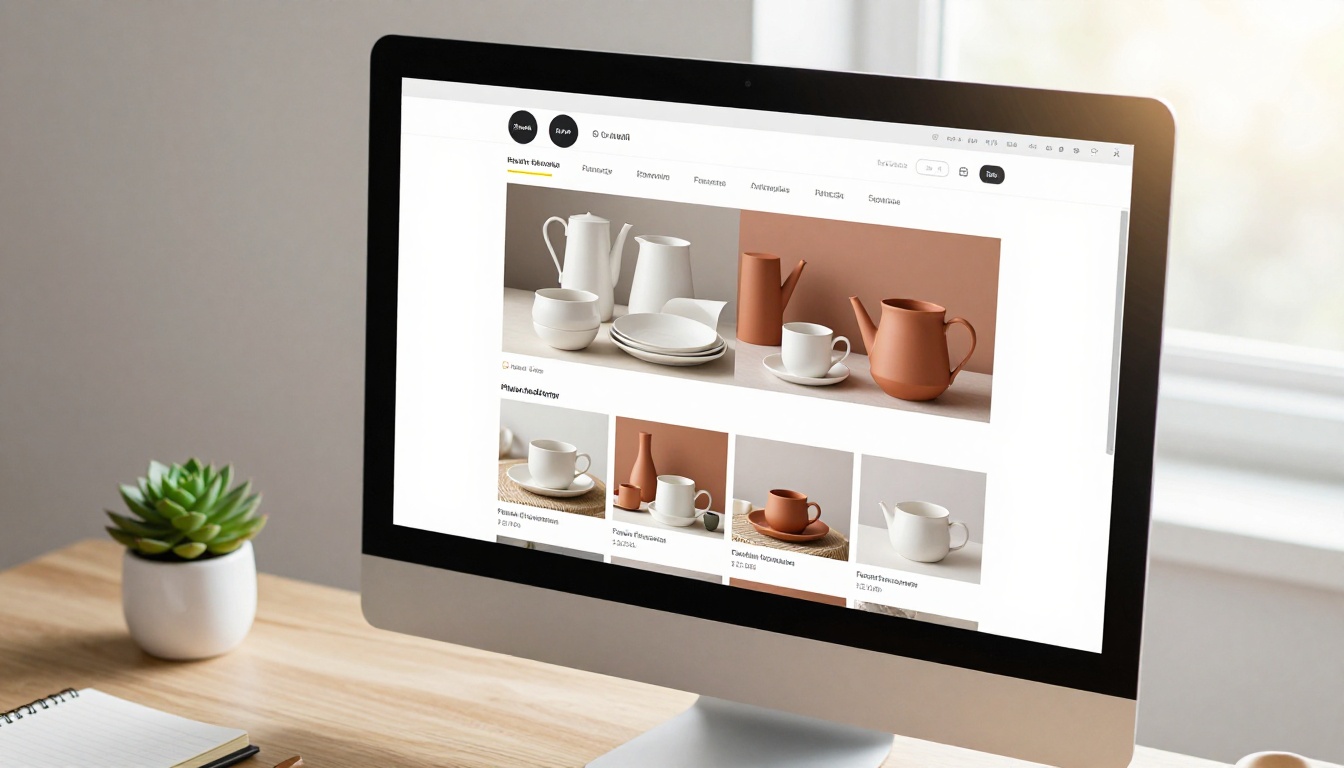
Step 2: Customize Your Branding
After conversion, use the editor to:
- Set your brand colors for the reader interface chrome
- Upload your logo for the header and cover
- Choose a page-turn effect (hard cover, soft cover, or flat)
- Add a custom background color or texture behind the catalog
The reader interface your customers see will reflect your brand identity, not the platform's.
Step 3: Add Multimedia
Embed product videos directly into catalog pages using the multimedia feature. A short clip showing a sofa's fabric texture, a dress in motion, or a product being assembled adds context that static images cannot provide and keeps readers on the page longer.
Step 4: Set Up Sharing and Privacy
Choose how your catalog gets distributed:
- Public link: Share anywhere, no login or download required
- Embed code: Drop the flipbook into any website page or landing page using the Embed Flipbook on Website tool
- Password protection: Share wholesale or pre-launch catalogs securely with specific buyers or press contacts
Step 5: Publish and Track
Once live, monitor how readers move through your catalog. Track which pages hold attention longest and which ones readers skip past, then use that data to improve the layout and product selection in the next edition.

Mistakes Store Owners Make with Digital Catalogs
Ignoring Mobile in the PDF Design
Your catalog will be viewed primarily on phones. If the original PDF is designed for A4 landscape with small body text and dense layouts, it will be nearly unreadable on mobile even inside a responsive flipbook. Design your catalog pages with mobile in mind from the start: large typography, high-contrast imagery, and minimal text density per spread. Double-page spreads on desktop should still read clearly as individual portrait pages on a phone screen.
Skipping the Reader Data Review
Many store owners publish their catalog and never return to look at the reader data. The analytics in the Professional plan tell you exactly which products attract the most attention from real shoppers moving through your catalog. This is primary market research that most brands pay agencies to produce. The data is already there; the only cost is logging in to look at it.

Treating It as a One-Off Project
Stores that publish one catalog and never update it see diminishing returns over time. A digital catalog should be a living marketing asset. Seasonal updates, new collection launches, clearance editions, and wholesale previews all give you natural reasons to re-contact your existing customer list and attract new traffic.
💡 Pro Tip: Send a "new catalog is live" email to your existing customer list every time you publish an update. Flipbook links in emails consistently outperform standard product recommendation blocks on click-through rates because the page-flip format is genuinely novel and interesting compared to a standard product grid email.
Your Catalog Is a Sales Channel
The most important shift for store owners adopting this format is recognizing that a digital flipbook catalog isn't just a PDF download with a nicer interface. It's an active sales channel with its own distribution methods, reader metrics, and conversion pathway. It can be embedded on your homepage, linked from your social media bio, included in email campaigns, shared with press contacts, and handed off directly to wholesale buyers, all from a single published URL.
It's also the most efficient form of product storytelling that most ecommerce businesses have access to right now. A well-designed catalog does the job of dozens of individual product pages by showing products in context, in combination, and in a format that shoppers find genuinely enjoyable to browse rather than a chore to navigate.
The stores investing in digital catalogs right now are building a content asset that compounds in value with every edition published. The stores that aren't are continuing to bet everything on a product grid experience that most shoppers have learned to scroll past without stopping.
Ready to build your first catalog? Get started for free on Flipbooks AI. Or compare pricing plans to choose the tier that fits your store's scale. Browse all available catalog tools to find the right format for your product range and use case.



