You spent hours designing the perfect brochure. The colors are on-brand, the copy is sharp, the product photos look stunning. You export it as a PDF, attach it to an email, post the download link on your website, and wait for the inquiries to roll in. They don't.
No replies. No follow-ups. No sales. Just silence.
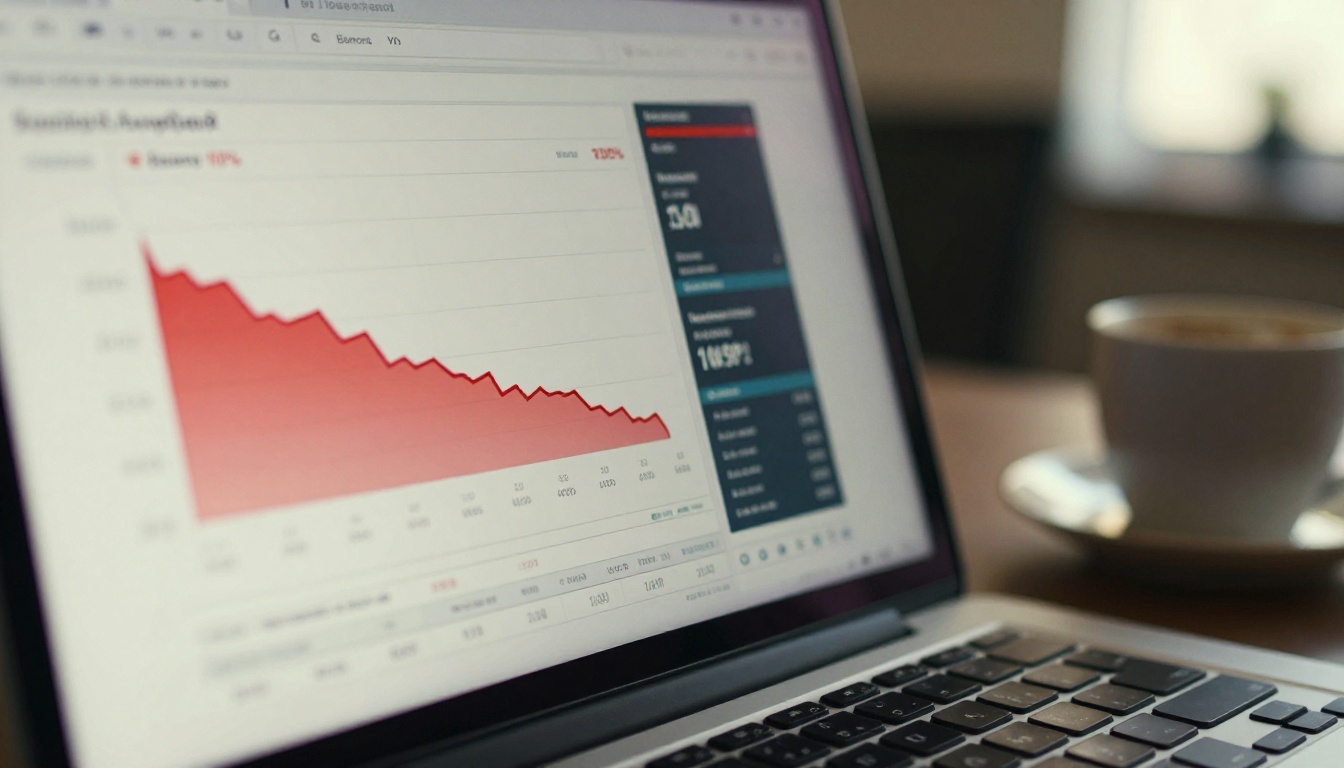
Here's the uncomfortable truth: your PDF brochure is not just underperforming, it is actively driving customers away. In a world where attention spans are measured in seconds and mobile browsing accounts for over 60% of all web traffic, the static PDF format is a relic that works against you. Flipbooks AI exists precisely because this problem is costing businesses real money, every single day.
This article breaks down the exact reasons why PDF brochures fail modern customers and shows you what to do instead.
The Invisible Wall Between Your PDF and Your Customer
Before a customer can even read your brochure, they have to get through a series of friction points that most businesses never think about. Each one is a door that closes in a potential customer's face.

Downloads Kill Conversions
When someone clicks a PDF link, their browser does one of several annoying things: it downloads the file to a folder they'll never find again, it opens a new tab with a loading spinner, or it asks them for permission to open the document. Any one of these micro-friction moments is enough to make someone click away.
Research on conversion optimization consistently shows that every extra step between a user and your content costs you roughly 20-30% of your audience. A PDF requires multiple steps. An interactive digital brochure loads instantly in the browser with zero downloads required.
File Size Is a Silent Killer
A well-designed brochure with high-resolution images can easily hit 10-30MB. On a slow mobile connection or in a low-signal area, that means 20, 30, sometimes 60 seconds of loading. Most users abandon after just 3 seconds.
⚠️ If your PDF is over 5MB, you are losing the majority of mobile visitors before they read a single word.
Zero Interactivity, Zero Engagement
Static PDFs cannot play videos, cannot have clickable product links, cannot include embedded contact forms. They are the digital equivalent of a printed flyer. The moment a competitor offers a brochure where customers can click to buy, watch a product demo, or book a consultation, your static PDF becomes invisible by comparison.
5 Specific Ways PDFs Drive Customers Away
Let's get specific. These are not abstract problems. They happen to your customers every time they open your brochure.

1. Mobile Rendering Is a Disaster
PDF files are designed for print. They have fixed dimensions, typically A4 or letter size, that do not adapt to a smartphone screen. When a customer opens your beautifully designed PDF on their phone, they see a tiny page crammed into their screen. They have to pinch, zoom, and scroll horizontally just to read a single paragraph.
This is not a minor inconvenience. It communicates that your business does not care about the customer's experience.
2. No Clickable Links in Practice
Yes, PDFs can technically contain hyperlinks. But in practice, a customer viewing your brochure as a downloaded file, or inside a PDF viewer, often cannot click through to your website, product pages, or booking system in any seamless way. The link appears. The click goes nowhere useful. The experience feels broken.
3. You Cannot Track Anything
This is perhaps the most damaging problem of all. When you send a PDF, you are flying blind. You have no idea:
- Whether anyone opened it
- How long they spent on each page
- Which products they looked at longest
- Whether they forwarded it to a decision-maker
- When they stopped reading
That data is gold for a sales team, and PDF gives you none of it.
💡 With an interactive digital brochure, you can see exactly which pages generate the most interest and follow up with precision at the right moment.
4. Outdated Content with No Fix
Prices change. Products get discontinued. New services launch. With a PDF, every time something changes, you have to redesign the document, re-export, re-upload, and re-share the link. Anyone who downloaded the old version has outdated information with no way to receive an update.
An online brochure can be edited in real time. Fix a price, add a product, swap a photo. Done. Everyone who opens the link sees the current version automatically.
5. It Cannot Be Embedded Where Customers Are
You cannot embed a PDF smoothly on your website homepage, inside an email newsletter, or in a social media post. Embedding a PDF results in a tiny grey box that looks broken on half of all devices.
Interactive digital brochures can be embedded anywhere with a simple iframe code, displaying a fully responsive, page-turning experience right where your customer already is.
The Real Numbers Behind PDF Abandonment
The business case against PDF brochures is not just anecdotal. The data is consistent across industries.
| Metric | PDF Brochure | Interactive Digital Brochure |
|---|
| Mobile readability | Poor (requires zooming) | Excellent (fully responsive) |
| Average load time | 8-25 seconds | Under 2 seconds |
| Clickthrough to website | Near zero | 3-5x higher |
| Content update speed | Requires full redesign | Real-time edits |
| Analytics available | None | Full page-by-page data |
| Embeddable on website | Limited, often broken | Seamless iframe |
| Shareable via link | Download required | Instant browser view |
The gap in performance is not subtle. An interactive brochure is not a marginal improvement over a PDF. It is a fundamentally different category of marketing material.
✅ Businesses that switch from PDF to interactive digital formats report measurable increases in time-on-page, link clicks, and inbound inquiries.

Who Is Losing the Most
Some industries are especially vulnerable to the PDF problem. If you operate in any of these spaces, the cost of staying with PDF is compounding daily.
Real Estate
Property brochures need to show multiple rooms, floor plans, neighborhood context, and pricing. A PDF with 20 pages of high-resolution images is a download nightmare. Buyers browse listings from their phones while commuting, at lunch, at home on a sofa. If your property brochure requires a download and fails to render on mobile, that buyer moves to the next listing.
A real estate agent using a Brochure Flipbook Maker can share a link that opens instantly, page-turns beautifully on any device, and includes clickable links to floor plans, virtual tours, and contact forms.
Hospitality and Travel
Hotels, resorts, and travel agencies invest heavily in beautiful photography. A PDF compresses those images and makes them difficult to navigate. An interactive digital brochure lets guests flip through rooms, click to book, and watch embedded video tours without ever leaving the document.
A hotel using the Hotel Brochure Designer tool delivers a premium brand experience that matches the quality of the property itself.
Retail and E-Commerce
Product catalogs sent as PDFs are dead weight. No clickable product links, no price updates without a redesign, no tracking which products generated interest. Retailers lose sales every time a PDF catalog goes out.
An interactive Digital Catalog Maker turns a static product list into a shoppable, trackable experience.
What Customers Actually Want from Your Brochure
The customer who opens your brochure has a specific job to do: evaluate whether your product or service solves their problem. Everything about your delivery format should make that job easier. Here is what they actually need.
| What Customers Need | PDF Delivers | Interactive Brochure Delivers |
|---|
| Fast access on mobile | No | Yes |
| Readable without zooming | No | Yes |
| Clickable links to products | Rarely | Yes |
| Ability to share with a colleague | Awkward | Simple shareable link |
| Current, up-to-date pricing | Not guaranteed | Always current |
| Embedded video demonstrations | No | Yes |
| Offline access when needed | Yes (after download) | Yes (Professional plan) |
The modern buyer is accustomed to seamless digital experiences across every platform they use. They do not tolerate friction. A PDF brochure is friction, plain and simple.

How to Fix It: Converting Your PDF Brochure in Minutes
Switching from PDF to interactive digital does not require a designer, a developer, or weeks of work. With Flipbooks AI, you can convert an existing PDF into a professional, page-turning digital brochure in minutes.
Step 1: Upload Your Existing PDF
Go to Flipbooks AI and create a free account. Once inside your dashboard, click to upload your existing PDF brochure. The platform handles the conversion automatically, preserving your layout, images, and typography exactly as designed.
Step 2: Brand It
Once uploaded, customize the brochure to match your identity:
- Set your brand colors for the interface and controls
- Upload your logo
- Choose page-turn effects (soft curl, slide, or flat)
- Add a custom background color or texture
No design software needed. The customization tools are visual and intuitive.
Step 3: Add Interactive Elements
This is where the PDF falls completely behind. Inside your digital brochure you can:
- Add clickable links on any product, page, or image that open directly in the customer's browser
- Embed video or audio that plays inside the brochure
- Include contact forms so a customer can reach out without leaving the document
Step 4: Share It Anywhere
When your brochure is ready, you get:
- A direct shareable link that opens instantly in any browser with no download required
- An embed code to place your brochure directly on your website, landing page, or email newsletter
- Password protection for restricting access to specific clients or partners
- A QR code for print materials that drive people to the digital version

Step 5: Track Performance
With the Professional plan, you get detailed analytics:
- Which pages customers spent the most time on
- How many unique visitors opened the brochure
- Click-through data on every embedded link
- Lead generation forms embedded directly inside the brochure
💡 This data alone is worth the switch. Knowing which pages hold attention and which lose it lets you iterate your brochure in ways PDF never made possible.
| Feature | PDF | Interactive Digital Brochure |
|---|
| Mobile responsive | No | Yes |
| Page-turn experience | No | Yes |
| Embedded video | No | Yes |
| Clickable product links | Limited | Yes |
| Real-time content updates | No | Yes |
| Shareable without download | No | Yes |
| Password protection | No | Yes |
| Analytics and tracking | No | Yes (Professional) |
| Lead generation forms | No | Yes (Professional) |
| Custom branding | No | Yes |
| Offline access | Yes (after download) | Yes (Professional) |
| No watermarks | Varies | Yes (Standard plan and above) |
The column on the right describes what your competitors are already using. The column on the left describes what you are still sending your customers.
Flipbooks AI offers a full suite of tools designed for specific industries, so your interactive brochure is not generic. It fits your exact use case.
For businesses with physical products:
For service businesses:
For hospitality and food:
For corporate and B2B:
Each tool is built around the specific content structure of that industry, so your brochure matches what your customers expect to see.
The quality of your product or service is not the issue. The format you are using to present it is. A static PDF was designed for printing and filing. It was never built for a world where your customer is browsing on their phone at 11pm, making a buying decision in under 30 seconds.
Fixing this does not require a rebrand, a new designer, or a big budget. You already have the PDF. All you need is the right tool to make it work in the modern world.

Ready to stop losing customers to a broken format? Create your account on Flipbooks AI and convert your first PDF brochure for free. No watermarks, no designer needed, no complicated setup.
Compare what each plan includes on the pricing page, or browse all available tools by industry and use case in the full tools directory to find exactly what fits your business.
Your brochure should be winning customers. With the right format, it will.



