You designed a beautiful brochure. You spent hours on the layout, the photography, the typography. Then you exported it as a PDF, attached it to an email, and sent it off. Here's the part nobody talks about: most recipients will never open it, and if they do, they'll close it within 30 seconds because reading a flat, static PDF on a screen feels nothing like engaging with real marketing material. Flipbooks AI exists specifically to solve this problem, and the difference it makes is immediate.
This article covers why the flipbook format is the right choice for any business that currently sends or shares PDF brochures, backed by real use cases, feature comparisons, and a full step-by-step walkthrough to get your first flipbook live today.
The PDF Problem No One Talks About
Why people don't read PDFs
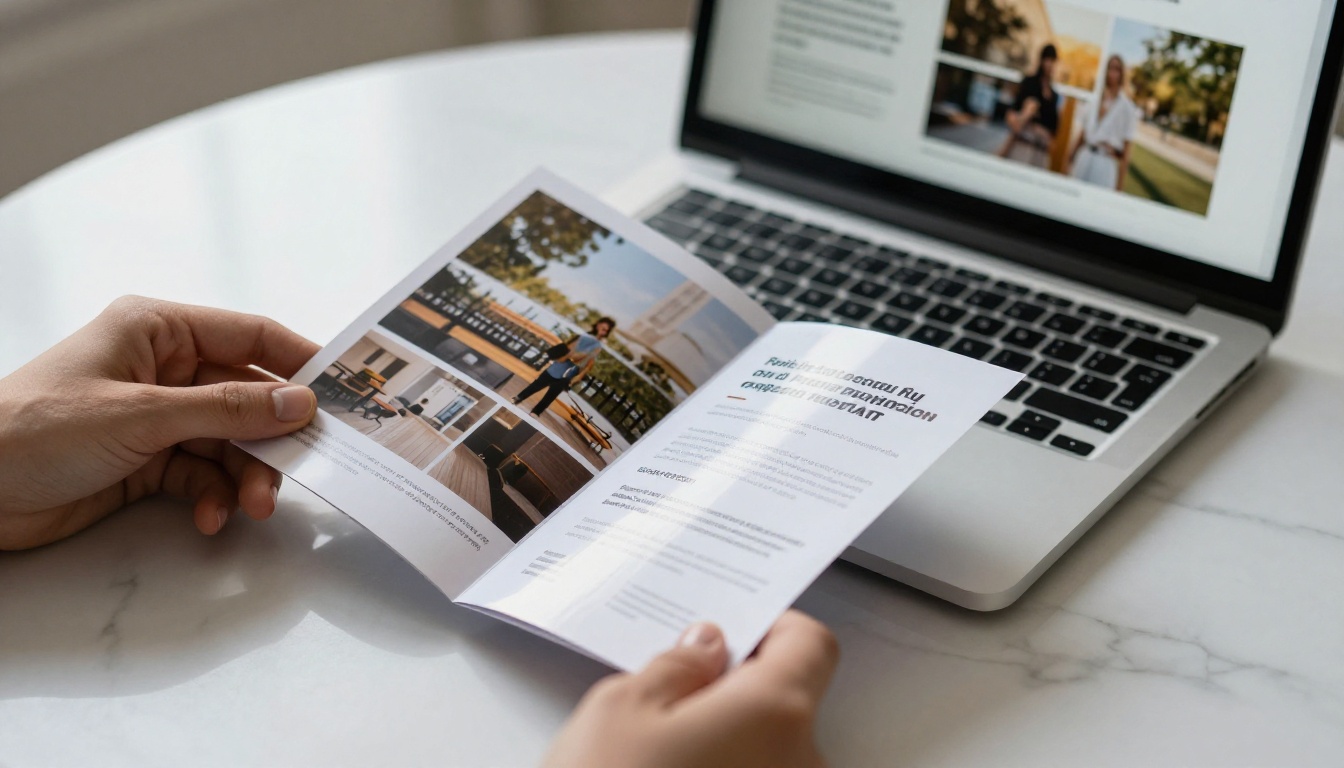
A PDF is a print format. It was designed to replicate paper on a screen, and that is exactly its limitation. When someone opens a PDF brochure on a laptop or phone, they are not experiencing your brand. They are squinting at a document that requires zooming, scrolling sideways, and hunting for information with no visual guidance.
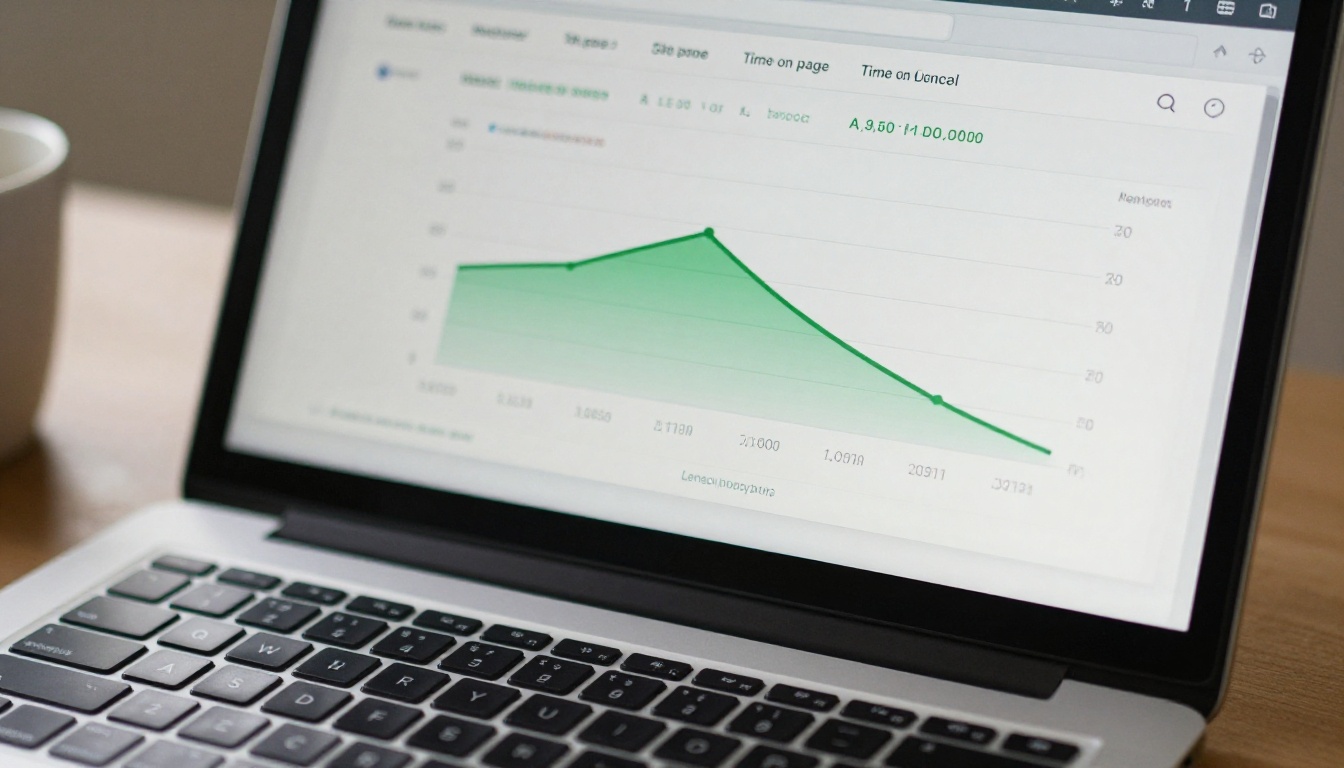
The data tells the story clearly. Average time-on-page for a PDF link clicked from email sits under 30 seconds for most industries. Compare that to interactive digital publications, which routinely hold readers for 3 to 5 minutes. The format itself is the obstacle, not the content.
Email attachments are a dead end
When you send a PDF as an email attachment, you lose all visibility the moment it leaves your outbox. You have no idea if it was opened, which pages were viewed, or whether the recipient forwarded it. You cannot update it once sent. If a price changes or a contact number updates, every copy already out in the world is wrong.
Flipbooks shared via link are live documents. Update the source, and every shared link reflects the change instantly. No more "please discard the previous version."

What a Flipbook Does That a PDF Cannot
The page-turn effect is not a gimmick
The tactile sensation of turning a page is deeply embedded in how people process information. A flipbook recreates that sensation digitally, with smooth page-turn animations that make browsing a brochure feel natural and intuitive. Readers stay longer because the act of "turning pages" signals that there is more to see, and the interaction itself is rewarding.
This is not nostalgia for print. It is a tested UX principle: interactive elements increase dwell time, and dwell time is directly correlated with conversion.
Mobile-first by design
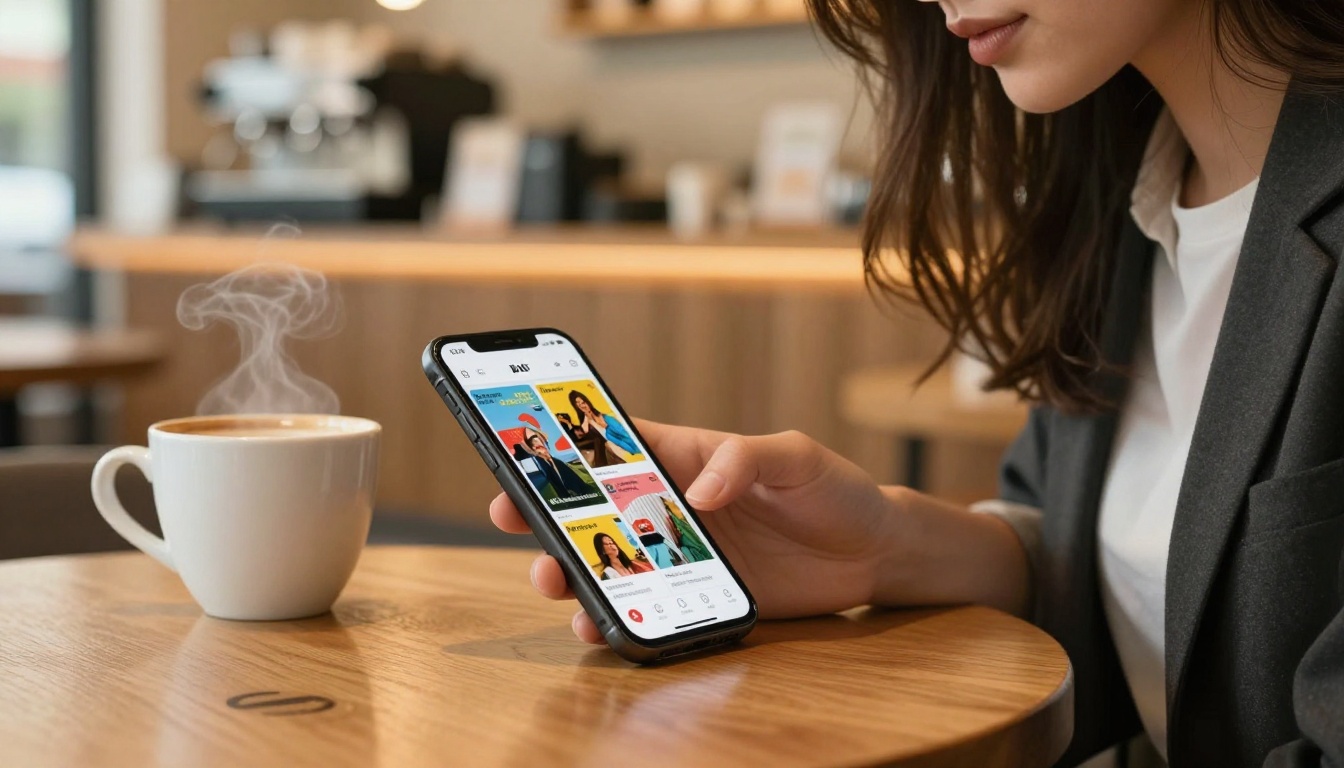
More than 60% of web browsing happens on mobile devices. A PDF brochure on mobile is a poor experience: pinch-to-zoom required, horizontal scrolling necessary, text too small to read without effort. A flipbook built on Flipbooks AI is fully responsive out of the box. Pages adapt intelligently for smaller screens, tap-to-turn navigation works naturally with a thumb, and images display at full quality without any download delay.
Sharing without friction
A PDF requires a download. A flipbook requires only a link. That link can go anywhere: email, social media, WhatsApp, embedded on your website, added to a QR code on a physical sign. There is no file size limit, no compatibility issue, no "my email blocked the attachment." Just a URL that opens a beautiful, interactive brochure instantly in any browser.

PDF vs. Flipbook: A Direct Comparison
The difference becomes clearest when you lay both formats side by side.
| Feature | Static PDF | Flipbook |
|---|
| Mobile experience | Poor (requires zoom) | Excellent (fully responsive) |
| Page-turn interaction | None | Smooth animated flip |
| Sharing method | Email attachment or download | Link, embed, or QR code |
| Analytics and tracking | None | Page views, time spent, clicks |
| Update after sharing | Impossible | Instant via live link |
| Embedded video and audio | Not supported | Fully supported |
| Password protection | Requires Acrobat Pro | Built-in on all plans |
| SEO and discoverability | No | Yes, shareable public link |
| Branding customization | Static only | Colors, logo, themes |
| Load time on mobile | Slow (full file download) | Fast (page-by-page streaming) |
💡 Pro Tip: If your brochure contains pricing, seasonal offers, or contact details, a flipbook's live-update capability alone is worth the switch. No more sending "corrected version v3 FINAL" to your whole contact list.
Industries Where Flipbooks Win
Real estate
A real estate listing brochure as a PDF gets printed, attached, or downloaded and then forgotten. The same brochure as a flipbook, shared via a direct link in a text or email, feels like a premium property presentation. Agents can embed video tours directly in the pages, add clickable links to floor plans, and track exactly which properties a buyer spent time viewing.
The Real Estate Brochure tool on Flipbooks AI is built specifically for property marketing, with layouts optimized for full-bleed photography and prominent contact information.
Hotels and hospitality
A hotel brochure needs to sell an experience. Static PDFs are poor at this. A flipbook allows high-resolution photography to fill entire spreads, embedded video tours to play inline, and direct booking links on every page. Hotel groups sending digital press kits, package promotions, or event venue guides all benefit significantly from the format.
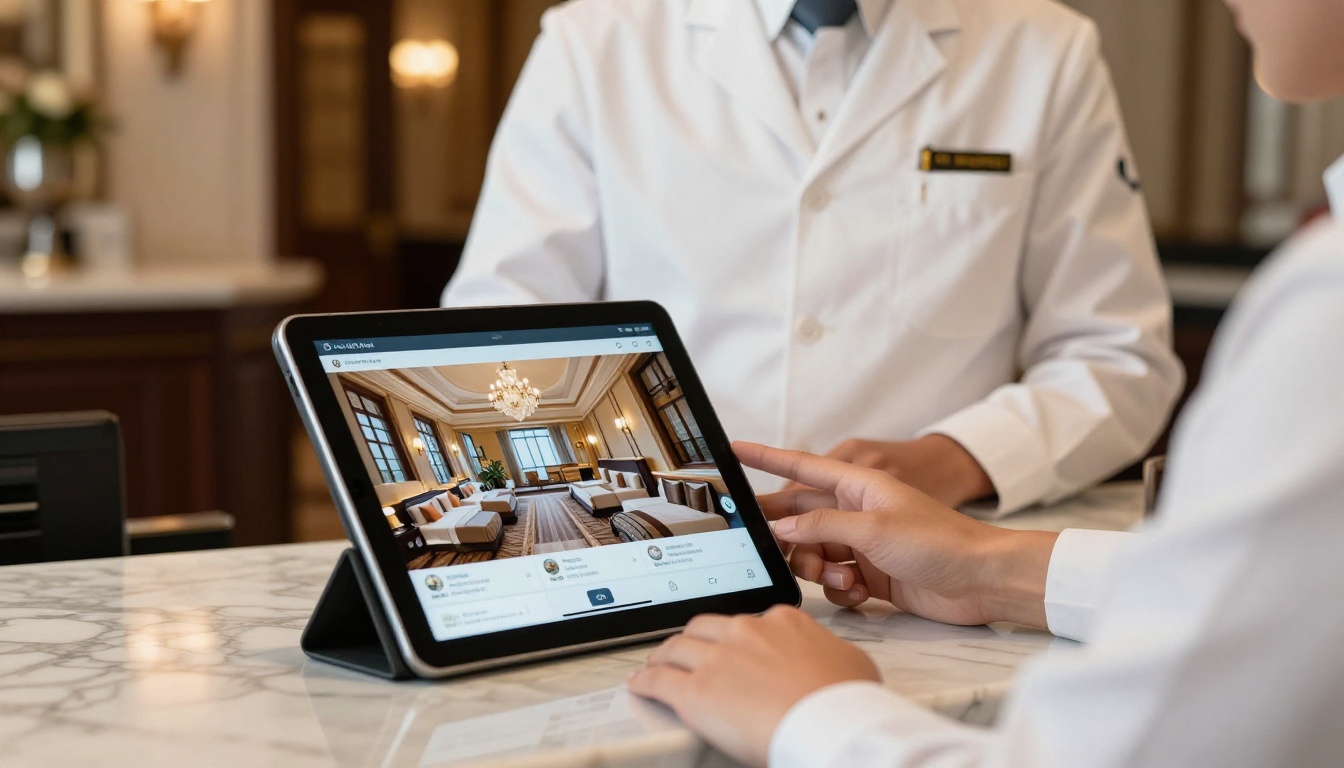
The Hotel Brochure tool is tailored for hospitality marketing, supporting full-width hero images and integrated booking calls-to-action.
Retail and product catalogs
A product catalog sent as a PDF means customers must scroll through dozens of pages to find what they need. A flipbook catalog allows for a clickable table of contents, category navigation, and clickable product names that link directly to your store. The difference in conversion rates between a flat PDF and an interactive catalog is measurable from the first week.
✅ Best Practice: Use the Digital Catalog Maker to convert product catalogs of any size into fully interactive publications. Link every product directly to your checkout page for a seamless shopping experience.
Restaurants and food service
A restaurant that sends its menu as a PDF attachment for event inquiries or private dining bookings is immediately at a disadvantage compared to one that sends a beautifully formatted flipbook with high-resolution food photography. The Restaurant Menu Creator produces mobile-optimized menus that can be embedded on a website, shared by QR code, or sent via link.
Corporate and B2B
Sales decks, service brochures, annual reports, and corporate presentations all benefit from the flipbook format. A prospect receiving a beautiful interactive brochure via a trackable link feels the professionalism immediately. The Sales Presentation tool enables B2B teams to create client-ready materials that stand out from the standard PDF deck every competitor is still sending.
Flipbook Features That Change How You Market
| Feature | What It Does | Business Impact |
|---|
| Analytics | Tracks page views, time per page, total reads | Know exactly what content drives interest |
| Lead generation | Capture emails inside the flipbook | Build your list while distributing content |
| Embed on website | One code snippet, placed anywhere | Keep visitors on your site longer |
| Password protection | Control who sees private content | Safe for internal use or client-only materials |
| Custom branding | Logo, colors, custom domain | Professional, consistent brand experience |
| Offline downloads | Readers save for offline viewing | Works even without an internet connection |
| No watermarks | Clean presentation, always | No third-party logos on your materials |
| Video and audio | Embed media directly in pages | Richer storytelling without leaving the brochure |
⚠️ Note: Analytics and lead generation are Professional plan features. See the full breakdown on the Flipbooks AI pricing page to choose the right tier.
How to Convert Your PDF Brochure to a Flipbook
Converting a PDF brochure to a professional flipbook on Flipbooks AI takes under five minutes.
Step 1: Create your account
Go to flipbooksai.com/account and sign up. No credit card is required to start. The free tier lets you create your first flipbook immediately to experience the platform before committing.
Step 2: Upload your PDF
Click "New Flipbook" from your dashboard and drag your PDF file into the upload area. Flipbooks AI processes your file page by page, preserving fonts, images, layout, and colors exactly as designed. Files of any size upload and process quickly.
Step 3: Set your branding
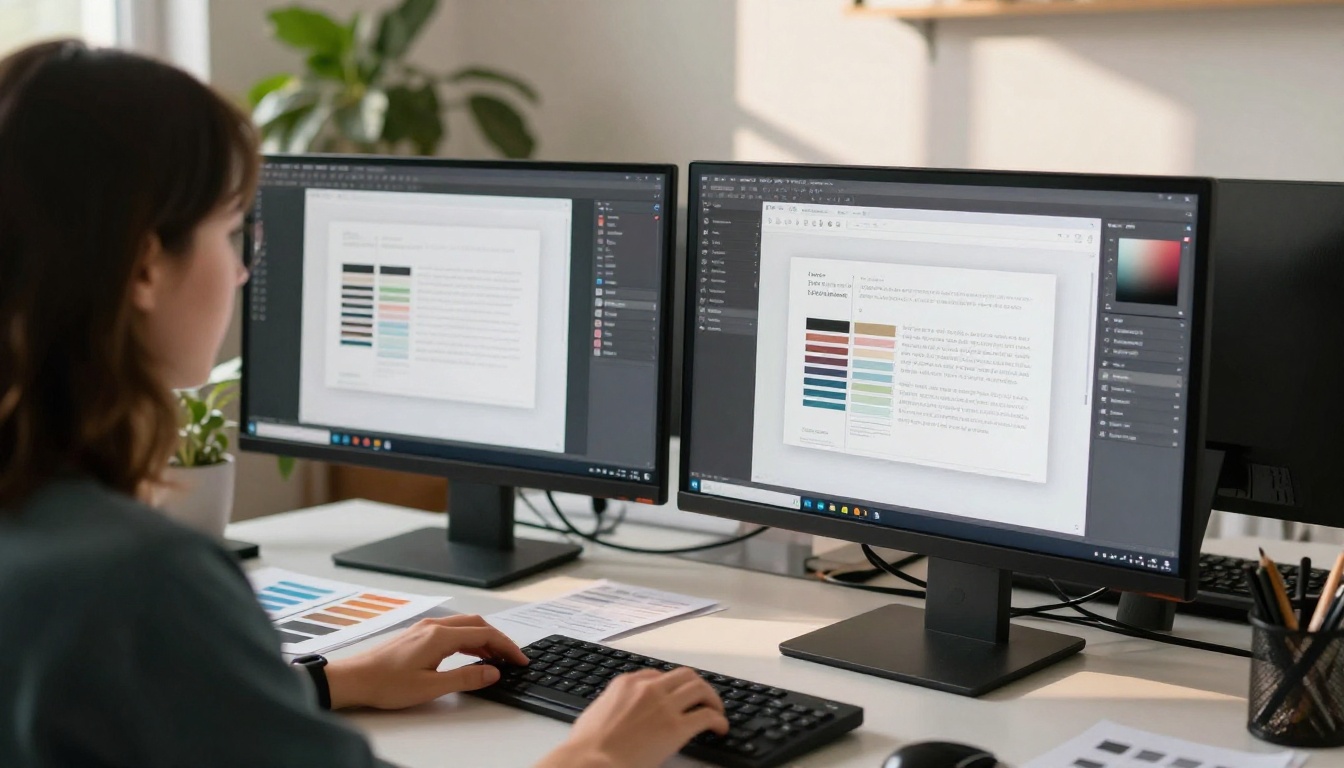
Once the flipbook generates, open the customization panel. Add your company logo, choose brand colors for the background and navigation controls, and select a page-turn animation style. This transforms your generic PDF into an unmistakably branded publication.
Step 4: Add interactive elements
Click any page to enter edit mode. From here you can:
- Add clickable links on any text, button, or image element
- Embed video directly within a page (YouTube or direct video URL)
- Insert audio for narration or background atmosphere
- Place a lead capture form on any page to collect viewer information
Step 5: Share or embed
When ready, choose how to distribute your flipbook:
- Copy the direct link to share via email, WhatsApp, or social media
- Generate a QR code for print materials, signage, or business cards
- Get the embed code to place the flipbook directly on your website
- Set a password for private client presentations or internal-only documents
The Brochure Flipbook Maker and Online Brochure Designer tools are available from the tools directory if you want brochure-specific templates built into the workflow from the start.
Flipbooks AI Plans at a Glance
| Plan | Flipbooks | Analytics | Lead Generation | Offline Downloads | Custom Domain |
|---|
| Free | 1 | No | No | No | No |
| Standard | Unlimited | Basic | No | Yes | No |
| Professional | Unlimited | Advanced | Yes | Yes | Yes |
💡 Pro Tip: For most small businesses and freelancers, the Standard plan covers everything needed for unlimited brochure publishing with no watermarks. The Professional plan is the right choice for sales teams who need to track prospect engagement page by page.
See full feature details on the Flipbooks AI pricing page.
What Happens After You Switch
Teams that move from PDF brochures to flipbooks consistently report the same changes:
- More shares: A link is far easier to forward than an attachment, and it opens immediately without requiring a PDF reader or download
- Longer read time: Page-flip animation and interactive elements hold attention significantly longer than flat documents
- Actionable analytics: For the first time, you can see which pages of your brochure people actually read, which products interest them most, and where they stop
- Fewer update headaches: Because the link is live, any update you make is instantly reflected everywhere the link has been shared
The business case is straightforward. Your brochure took significant time and money to design. A flipbook means more people actually experience that investment. A PDF means most of them never do.
The Brochure Types Worth Converting First
Not all brochures are equal priorities for conversion. If you are deciding where to start, focus on:
- Sales brochures sent to warm prospects: Every percentage point of engagement improvement has direct revenue impact
- Product catalogs with more than 10 items: Interactivity and clickable links make navigation practical at scale
- Event or venue brochures: Embed video walkthroughs directly within the document pages
- Service menus and pricing guides: Live updates prevent outdated information from reaching clients
- Press kits and media packs: Professional presentation signals digital-native credibility to journalists and partners
Browse the full range of flipbook tools to find templates designed for each of these categories.
Stop Sending PDFs Nobody Opens
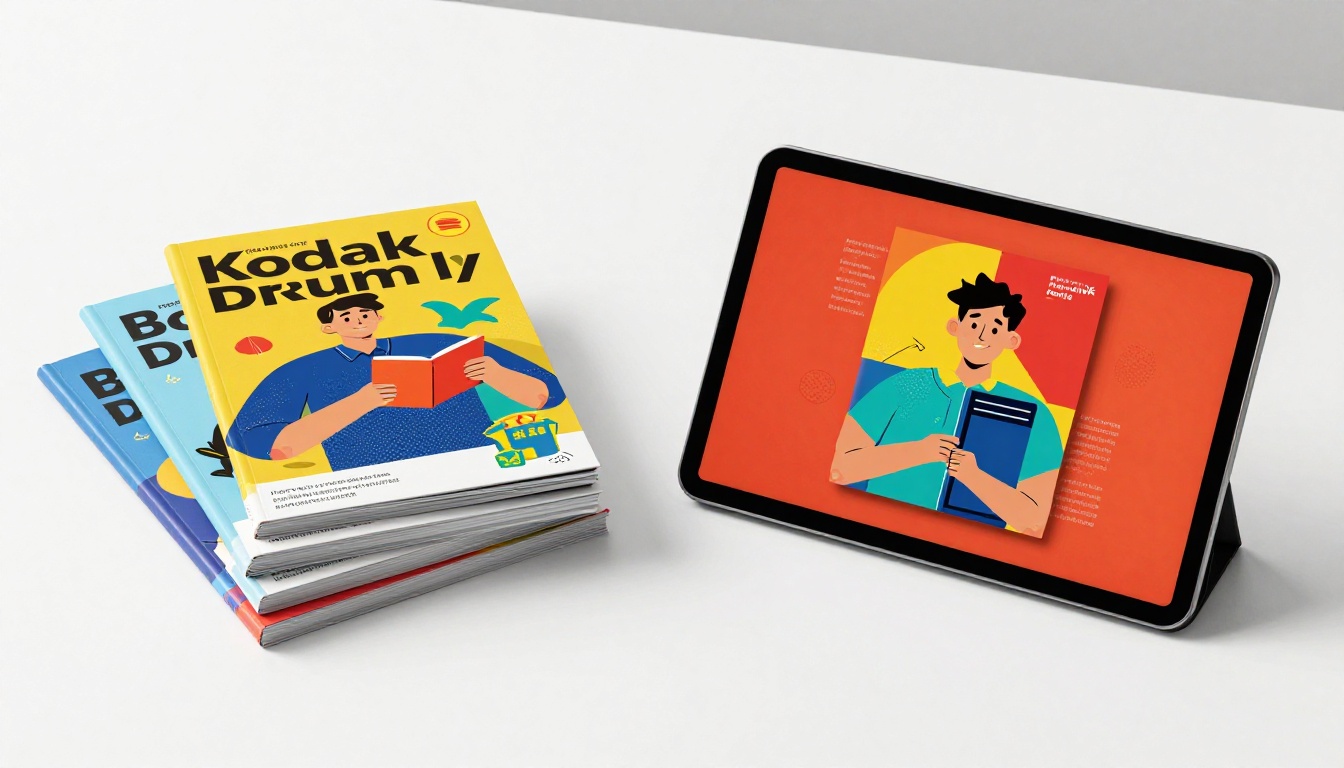
Your brochure deserves to be seen. The flipbook format takes exactly what you have already created, adds the interaction and shareability that modern audiences expect, and gives you the visibility to know whether your content is actually working.
Every business still sending static PDF brochures is leaving real engagement on the table. The conversion takes five minutes and costs nothing to try.
Ready to see the difference? Create your first flipbook for free and have your brochure live and shareable in minutes. Or compare plans if you are ready to power up with advanced analytics and lead generation from day one.



