Your PDF catalog might look polished in design software, but online it is failing quietly. Views stay flat, shares rarely happen, and the people who do click your link tend to close it within seconds without reading a word. The problem is not the content inside your catalog. The format itself is working against you. Businesses that move away from static PDFs and toward interactive digital experiences using tools like Flipbooks AI see a measurable difference in how many people actually read their catalogs, stay on each page, and click through to buy.

PDFs were created in 1993 to replicate printed documents on screen. They were designed for print workflows, not for digital distribution on mobile phones, social media, or web browsers. Despite this, millions of businesses still rely on PDF files as their primary online catalog format every year, and then puzzle over why the view counts stay low.
What a PDF Asks of Your Reader
Every time someone clicks your PDF catalog link, they face a chain of friction points:
- A browser that may or may not natively preview the file
- A forced download prompt on most mobile devices
- A loading delay that scales with file size, sometimes stretching to 30 seconds or more
- Pages formatted for A4 or Letter paper, completely wrong for a phone screen
- Zero ability to click a product and land on your store page directly
- No video, no audio, no animation, nothing dynamic at all
Any single one of these problems can cost you a reader. Stack all of them together and you have a catalog that gets clicked once, maybe twice, and then ignored permanently.
Why Format Matters More Than Content
You could have the most beautifully designed product photography in your industry. If the format makes it hard to access, readers will not get far enough to see it. Format determines whether your catalog gets viewed at all. Content determines whether readers take action after that. Fixing your format comes first.

7 Real Reasons Your PDF Catalog Gets Ignored
These are the specific, fixable causes behind low catalog views. Most businesses are dealing with all seven at once without realizing it.
1. It Takes Too Long to Open
The average online reader gives a page roughly three seconds before abandoning it. A large PDF catalog with high-resolution product images can take ten, fifteen, sometimes thirty seconds to render, especially on a mobile connection. Most of your audience has already left before a single product is visible.
⚠️ A 50MB PDF can take over 20 seconds to open on a standard 4G connection. Every second of loading time costs you a reader who could have become a buyer.
2. Mobile Rendering Breaks the Experience
More than 60 percent of catalog links get clicked on a smartphone. PDF files are formatted for paper, not for a 390-pixel-wide screen. Text becomes microscopic. Multi-column product layouts require constant pinching and panning. Images that look great on a desktop look cramped and unreadable on a phone. If your catalog does not work on mobile, it does not work for the majority of your actual audience.
3. Sharing Creates Friction Instead of Clicks
Try posting a PDF link in a WhatsApp message or a social media post. No thumbnail appears. No preview image loads. It shows up as a raw file link that looks indistinguishable from a spam attachment. People do not share what does not preview visually, and they do not click links that look like anonymous files sitting in a cloud folder.
4. No Interactivity Means No Path to Purchase
A static PDF has no clickable products, no embedded video, no direct connection to your online store. A reader who sees something they want in your catalog has to close it, open a browser, search for your website, find the right product category, and then hope they remember the item name. Most people abandon that journey somewhere in the middle. Every disconnected step between your catalog and your store costs you a conversion.
💡 Interactive catalogs with product links can achieve click-through rates three to five times higher than static PDFs carrying the same content and imagery.
5. Search Engines Mostly Skip It
Google can index text inside PDF files, but it treats them differently from standard web page content. Product descriptions, category names, pricing notes, and feature lists inside your PDF contribute far less to your site's search visibility than they would in HTML. Your catalog is generating content that your customers cannot find through search, which means zero organic discovery.
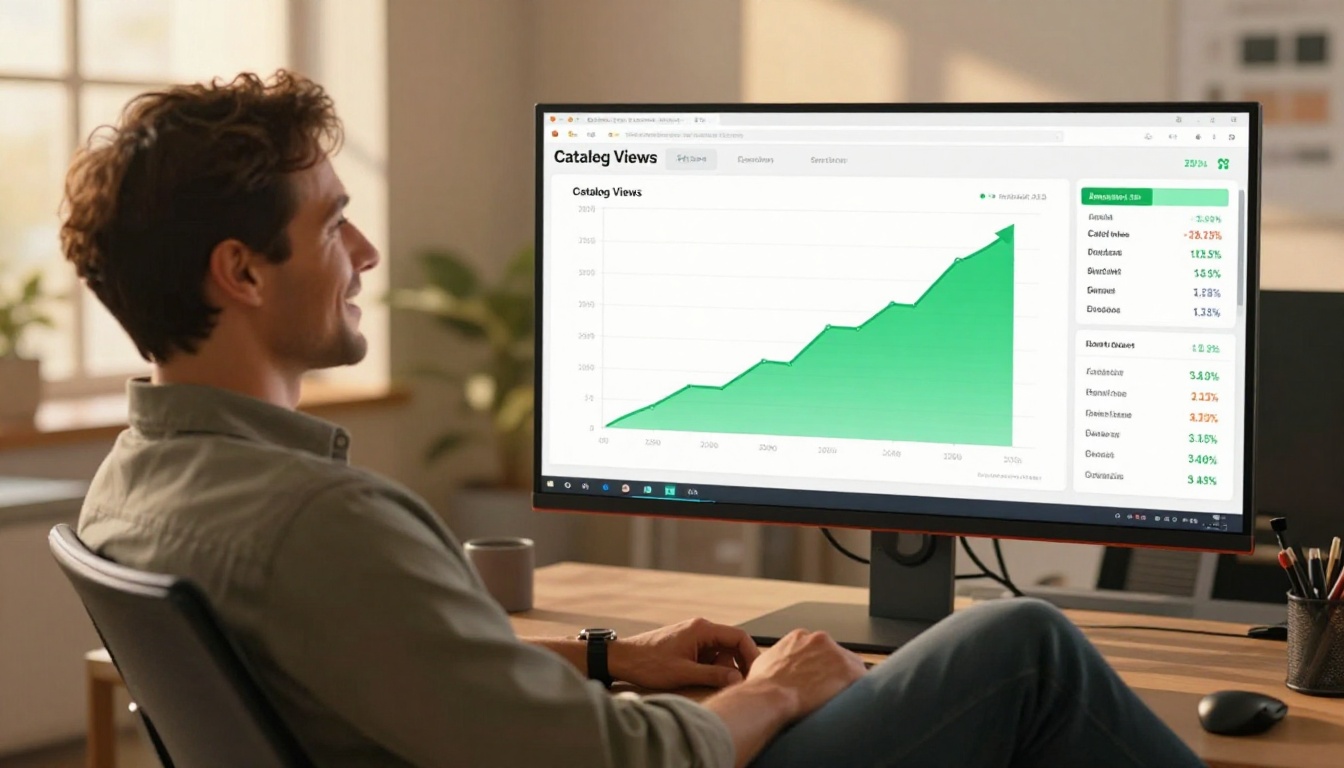
6. You Have No Data on What Happens After the Click
Once a PDF is downloaded or shared, it becomes invisible to you. There is no way to know whether anyone opened it, how many pages they read, whether they reached your featured products, or exactly where they stopped. Without that information, you cannot improve anything. You are investing in a sales tool that gives you nothing in return.
7. Email Attachments Have Terrible Reach
Email campaigns with PDF attachments face higher spam filter rates, lower open rates, and slower load times than campaigns using embedded links. Recipients who do open the email still have to download and open a separate file to see your catalog. That additional step creates enough friction that a significant portion of recipients never actually see the content you worked to produce.
Static PDF vs. Interactive Flipbook: A Direct Comparison
Here is how the two formats stack up across the metrics that matter most for catalog performance:
| Factor | PDF Catalog | Interactive Flipbook |
|---|
| Mobile experience | Poor, requires zooming and scrolling | Fully responsive, swipe-based navigation |
| Load time | Slow (full file download required) | Fast (web-based streaming) |
| Social shareability | No thumbnail or link preview | Rich visual previews on all platforms |
| Clickable product links | Not possible | Fully supported on all plans |
| Embedded video | Not supported | Supported |
| SEO contribution | Limited indexing | Full HTML content indexing |
| Tracking and analytics | None | Page views, time on page, link clicks |
| Password protection | Not available | Available |
| Distribution options | Email attachment only | Link, embed, QR code, social share |
| Updating content | Requires resending the file | Edit live without changing the URL |
Every category where reader experience determines the outcome points in the same direction.
How to Fix It: Converting Your Catalog with Flipbooks AI
Flipbooks AI takes your existing PDF catalog and converts it into an interactive digital flipbook without requiring any design rebuilding. You upload the file you already have, customize the presentation, and publish a live link that anyone can open on any device in seconds.

Step 1: Set Up Your Account
Go to flipbooksai.com/account and sign up. No credit card is required to begin. You can publish your first flipbook catalog and share it immediately after creating your account.
Step 2: Upload Your PDF
Click upload and select your catalog PDF. The PDF to Flipbook Converter processes your file automatically and renders it as a page-turning digital publication within minutes. All page layouts, images, and text transfer with precision.

✅ All standard PDF sizes and orientations are supported. Landscape-format catalogs work particularly well as flipbooks for product showcases.
Step 3: Add Your Branding and Interactivity
Once the flipbook is generated, you can build on it:
- Apply your logo and brand colors to make the flipbook visually consistent with your other materials
- Add clickable hotspots on individual products that link directly to your product or cart pages
- Embed videos showing products in action, customer testimonials, or feature demonstrations
- Write custom page descriptions that improve SEO and give readers additional context
- Set a password for distributor-only or trade-exclusive catalog versions
For industry-specific catalog formats, Flipbooks AI offers purpose-built tools including the Product Catalog Generator, Fashion Catalog Creator, Furniture Catalog Maker, and the general Digital Catalog Maker.
Step 4: Share Without Friction
With a live flipbook link, distribution becomes a completely different experience:
- Direct link: Copy and paste a clean URL into any email, message, or bio
- Website embed: Drop your catalog directly onto your product or landing page using the Embed Flipbook on Website tool
- QR code: Place it on packaging, store displays, trade show materials, or business cards
- Social preview: Share to LinkedIn, Instagram, or Facebook and get a real visual thumbnail instead of a blank link

Step 5: See Exactly Who Views What
The Professional plan includes full catalog analytics. You can track:
- Total views and unique visitors per flipbook
- Time spent on each individual page
- Which product links received the most clicks
- The exact pages where readers stopped and exited
This data turns your catalog from a one-way publication into a feedback loop that informs your next product season, pricing structure, or category order.
💡 If most readers exit before page 8, your strongest products should not live on page 12. Analytics show you exactly what to move forward and when to do it.
Flipbooks AI Plan Comparison
| Feature | Free | Standard | Professional |
|---|
| Flipbooks published | Limited | Unlimited | Unlimited |
| Watermark | Yes | No | No |
| Custom branding | No | Yes | Yes |
| Password protection | No | Yes | Yes |
| Embed on website | Yes | Yes | Yes |
| Offline downloads | No | Yes | Yes |
| Full analytics | No | No | Yes |
| Lead capture forms | No | No | Yes |
| Custom domain | No | No | Yes |
No watermarks on Standard and above. No limits on how many catalogs you publish. Full pricing details at flipbooksai.com/pricing.
The Real Cost of Low Catalog Views
Low view counts look like a metric problem. The actual impact is financial and compounds over time.
Products That Never Get Seen
If 80 percent of readers abandon your PDF before reaching page 5, every product after page 4 is invisible to your buyers. You designed it, produced it, and distributed it. They just did not get there.
Wasted Production Budget
Every hour your team spent on catalog design becomes less effective the moment readers bounce off a slow-loading file. The content is ready. The distribution format is failing it, and that failure has a dollar value attached to it.
Falling Behind the Competition
Competitors who have moved to interactive catalog formats are not just getting more views. They are collecting buyer behavior data every season, using it to reorder products, test categories, and refine their pricing presentation. That feedback loop widens every quarter. A static PDF gives you nothing to build on.

Catalog Distribution by Industry
These industries are seeing the clearest results from switching catalog formats, along with the relevant tools:
Browse the full collection of templates and formats in the Flipbooks AI tools directory.
What Makes a Catalog Actually Get Shared
View counts depend on more than format alone. Shareability is a combination of visual appeal, friction reduction, and where you place your distribution touchpoints.
Visual Previews Drive the First Click
When someone shares your flipbook link in a messaging app or on social media, a thumbnail image appears automatically. That image is the first thing potential readers see. A well-designed flipbook preview generates curiosity. A raw PDF link generates nothing but hesitation.
The QR Code as a Distribution Channel
Physical and digital presence no longer need to operate in separate worlds. A QR code printed on packaging, a product hang tag, a trade show display, or a printed receipt becomes a direct entry point to your full interactive catalog. Scanning that code takes one gesture. Finding and opening a PDF attachment takes a frustrating series of steps that most people will not complete.
Keeping Your Link Evergreen
When your flipbook is live, you can update the content without changing the URL. Seasonal pricing changes, new product additions, corrected SKUs, all of it updates in the flipbook while every shared link, embedded code, and printed QR code continues to work exactly as before. With a PDF, every update means resending a new file to every contact on your list.

Stop Losing Views on a Great Catalog
Your catalog content is not the problem. The format is. Every week you distribute a PDF is another week of lost reads, lost buyer data, and lost conversions from customers who could not get through the friction.
The switch is straightforward. Upload your existing PDF to Flipbooks AI, convert it in minutes, and start sharing a link instead of a file. Your audience gets a fast, mobile-friendly, interactive catalog on any device. You get real data showing exactly what they read and where they clicked.
Ready to stop losing views on a catalog you worked hard to create?



