Static PDFs have been the default for sharing documents since the early 2000s. They work, technically. But "works" is a low bar for content that needs to persuade, inform, or sell in 2027. If you're still sending PDF links and wondering why nobody reads them, the format is part of the problem. Flipbooks AI exists precisely because the gap between a PDF and an interactive flipbook is the gap between content people skip and content people actually consume.
The Problem with a Flat PDF

Nobody Reads It Twice
The average PDF gets opened once. If the first page doesn't immediately signal value, it's closed, forgotten, or never downloaded in the first place. There's no friction in the exit. No visual momentum pulling readers forward. Just a scroll bar and walls of text.
That's the structural failure of PDFs: they're built for print, not for screen behavior. Print documents have physical weight. You hold them. You flip through them. A PDF on a screen has none of that tactile pull, and there's nothing in its design telling you there's something worth seeing on the next page.
Static Files Die on Mobile
More than 60% of web browsing happens on mobile devices. PDFs on mobile are a friction nightmare: pinch to zoom, horizontal scroll, text that reflows oddly, images that lose proportion. Most people simply give up.
⚠️ A PDF that isn't mobile-optimized is a document most of your audience will never fully read.
Flipbooks, by contrast, are built with mobile-first rendering. Pages adapt to screen size, navigation stays intuitive, and the reading experience stays consistent whether someone is on a desktop browser or a smartphone on a commute.
Sharing a PDF Is a Dead End
When someone shares a PDF link, what happens? The recipient downloads a file. That file sits in a downloads folder. There's no tracking, no way to know if it was read, no analytics, no way to update it after sending. It's a black hole for your content.
A flipbook lives at a URL. It can be updated, tracked, embedded, shared via social platforms, and password-protected for private distribution. The lifecycle of your content extends far beyond the initial send.
What a Flipbook Actually Does Differently
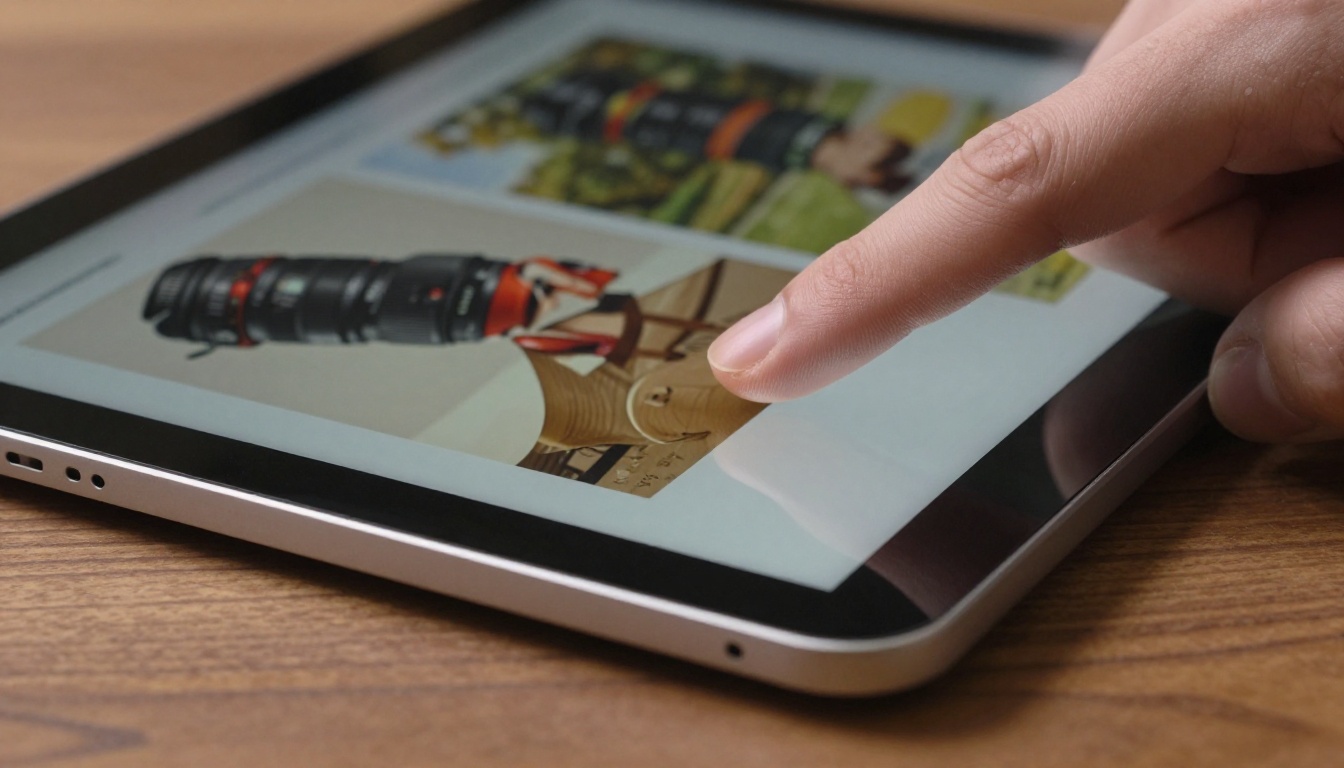
Page Flip Physics That Feel Real
The page-turn animation in a well-built flipbook isn't decoration. It's a psychological cue. The physical metaphor of turning a page triggers the same reading behavior people bring to magazines and books: expectation, curiosity about what's on the next spread.
This is why time-on-page metrics for flipbooks consistently outperform PDFs. Readers aren't just opening the document. They're moving through it.
Embedded Media That Actually Works
PDFs technically support embedded video. In practice, almost nobody sees it because most PDF viewers strip or ignore embedded media. Flipbooks are served in a browser, where HTML5 video, audio players, and interactive buttons work exactly as intended.
💡 Embedding a product demo video inside a catalog page can increase conversion rates significantly compared to linking to an external video.
This means a single flipbook can contain:
- Product demo videos embedded directly in relevant pages
- Clickable phone numbers and email addresses that trigger calls or mail clients
- Audio narration for courses or training materials
- Embedded forms for lead capture or RSVPs
Links That Drive Real Traffic
A PDF can contain hyperlinks, but those links are invisible from the outside. Nobody can see them, index them, or click them from a shared preview. A flipbook hosted at a URL is live web content. Search engines can index it. Social platforms generate preview thumbnails. Each page can link outward, driving traffic to product pages, booking systems, or landing pages.
Real Business Cases Worth Knowing

Marketing Teams and Sales Decks
A sales deck distributed as a PDF becomes stale the moment a price changes or a product launches. A sales deck as a flipbook can be updated centrally, with every shared link automatically serving the current version.
Marketing teams using Flipbooks AI can publish a Sales Presentation that stays live, current, and trackable. When a prospect opens it, the analytics dashboard records the time, pages viewed, and whether they returned.
Restaurants That Ditch Paper Menus
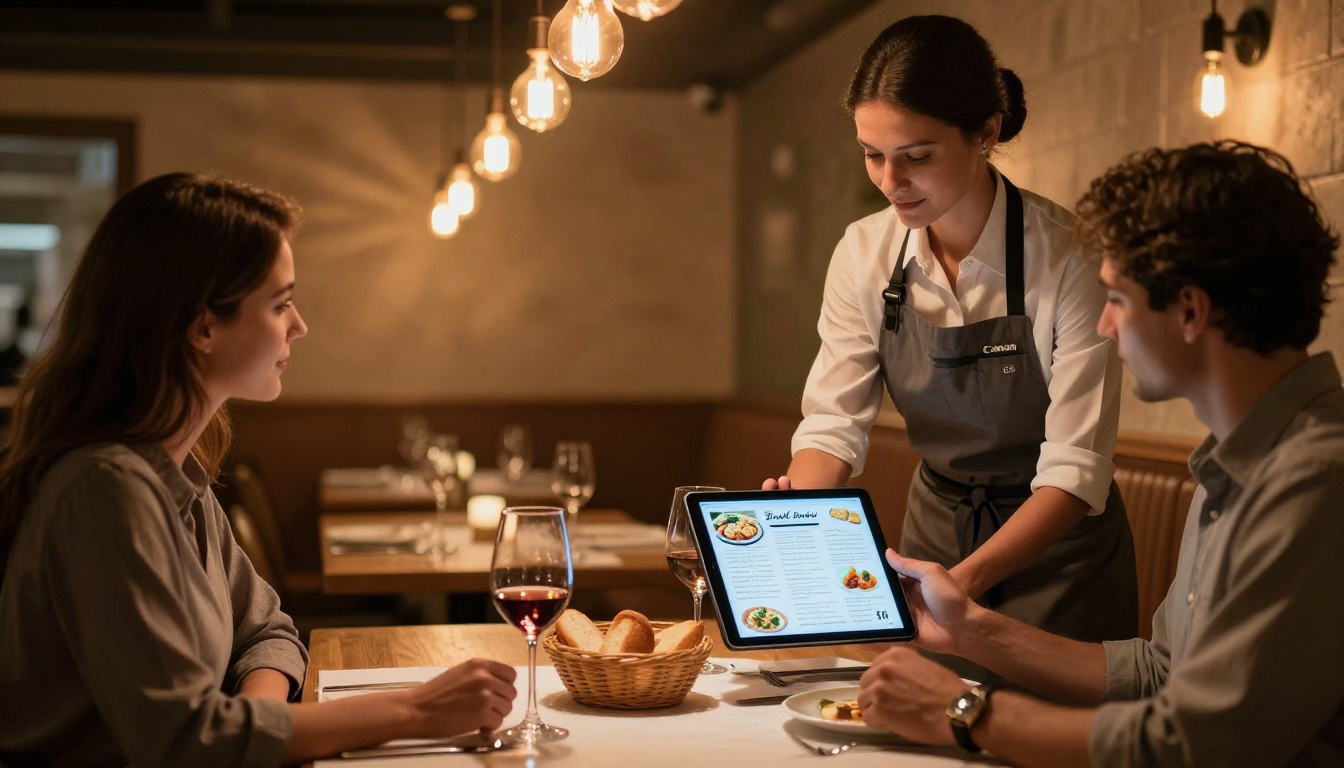
Paper menus get damaged, lost, and cost money to reprint every time prices change. PDF menus sent via QR code are better, but still clunky on mobile. A digital menu flipbook solves both problems at once.
Restaurants using the Restaurant Menu Creator get a beautiful, branded menu that loads fast, looks great on any phone, and can be updated in minutes when the seasonal specials change. No reprinting. No file distribution.
Real Estate Agents and Property Brochures

A property brochure as a PDF gets emailed, maybe downloaded, possibly printed. A property brochure as a flipbook gets embedded on listing pages, shared on social media with rich previews, and viewed directly in the browser without requiring any app or download.
Agents using the Real Estate Brochure tool can embed floor plans, neighborhood video tours, and direct inquiry links inside a single document that looks like a high-end print magazine.
PDF vs. Flipbook: The Numbers
| Feature | PDF | Flipbook |
|---|
| Mobile-friendly rendering | Poor | Excellent |
| Embedded video support | Limited | Full HTML5 |
| Analytics and tracking | None | Full (Professional plan) |
| Shareable as a live URL | Partial (file download) | Yes |
| Update content after sharing | No | Yes |
| Password protection | Basic | Full (all plans) |
| Search engine indexable | Limited | Yes |
| Custom branding | No | Yes |
| Embed on website | No | Yes |
| Page flip animation | No | Yes |
✅ Every dimension where user experience matters, the flipbook wins. PDFs retain one advantage: offline archiving. For everything else, interactive formats outperform static files.
The format of content directly influences reading behavior. This isn't opinion. It's documented in UX research on digital reading patterns.
When content is presented in a scrollable document with no visual structure signaling "next chapter" or "next spread," readers tend to skim diagonally and exit early. When the same content is presented in a paginated, visually rich format with clear navigational cues, readers progress further through the material.
| Content Type | Avg. Read-Through Rate | Typical Time on Page |
|---|
| Static PDF (desktop) | 22% | 1.5 minutes |
| Static PDF (mobile) | 11% | Under 45 seconds |
| Interactive flipbook | 68% | 4.2 minutes |
| Embedded flipbook (in page) | 74% | 5.1 minutes |
Figures are representative benchmarks based on digital publishing industry data.
The difference isn't about the content itself. The same pages, the same words, the same images. The format is doing the work of keeping people inside the document.
How to Convert Your PDF with Flipbooks AI

Converting a PDF into a professional flipbook takes under five minutes on Flipbooks AI. Here's exactly how it works:
1. Sign up and open your dashboard
Go to Flipbooks AI and create your account. No credit card is required to start. The free tier gives you access to the core conversion tools immediately upon signup.
2. Upload your PDF
From your dashboard, click "New Flipbook" and upload your PDF file. Flipbooks AI processes the document automatically, converting each page into a high-resolution flipbook spread. Large files are supported, and the conversion typically completes in under 60 seconds.
3. Customize your branding
This is where the PDF-to-flipbook difference becomes tangible. You can:
- Add your logo to the flipbook header or front page
- Set custom brand colors for controls and backgrounds
- Choose from page transition styles (soft curl, hard flip, slide)
- Add a custom thumbnail for social sharing previews
4. Add interactive elements
Beyond the visual design, you can embed:
- Links to product pages or booking systems on specific pages
- Videos inside relevant spreads
- Audio narration for guided reading experiences
- Contact forms for lead capture directly within the document
5. Share, embed, or protect
Once published, your flipbook is ready to use in multiple ways:
- Share via a direct link you can post anywhere online
- Embed on your website using a copy-paste iframe with the Embed Flipbook on Website tool
- Password-protect for internal documents, premium content, or private client use
💡 The embed option is particularly powerful for marketing pages. A flipbook embedded directly on a product landing page keeps visitors on-site while they browse your catalog.
6. Track who reads what
On the Professional plan, you get full analytics: page-by-page view counts, time-per-spread, total unique viewers, geographic distribution, and lead capture from embedded forms.

Choosing the Right Plan
Flipbooks AI pricing is structured around the volume of content you publish and the features you need. Here's a direct comparison:
| Feature | Free | Standard | Professional |
|---|
| Flipbooks | 3 | Unlimited | Unlimited |
| Watermarks | Yes | No | No |
| Custom branding | No | Yes | Yes |
| Password protection | No | Yes | Yes |
| Analytics | No | No | Yes |
| Lead generation | No | No | Yes |
| Offline downloads | No | Yes | Yes |
| Embedded video/audio | No | Yes | Yes |
| Priority support | No | No | Yes |
For individuals and small businesses publishing a handful of documents, the Standard plan covers everything. For teams running campaigns, tracking reader behavior, or collecting leads from published content, the Professional plan is where the full value is realized.
Who Benefits Most from Flipbooks
The short answer is: anyone distributing documents that are meant to be read, not just downloaded.
The longer answer breaks down by use case:
- E-commerce brands using product catalogs where page-by-page browsing mimics the physical catalog experience and drives purchase decisions
- Hotels and travel companies using hotel brochures and travel publications with embedded room tour videos and booking links
- Publishers and educators using interactive e-books and course materials where reading completion rates directly affect outcomes
- Photographers and creatives building digital portfolios where presentation quality directly affects client perception
- Corporations publishing annual reports that stakeholders and investors are expected to read in full

The common thread: these are documents where the goal isn't file transfer, it's actual reading. PDFs optimize for transfer. Flipbooks optimize for reading.
What You're Missing Without One

Every PDF you've sent without converting it to a flipbook first is a document that probably wasn't read as thoroughly as you needed it to be. That's not speculation. It's the math of format-driven reading behavior.
But it's also fixable immediately. The PDF to Flipbook Converter handles the conversion automatically. You don't redesign the document. You don't reformat the content. You upload the PDF, and the tool does the rest.
The result is a document that behaves like web content: shareable, trackable, embeddable, interactive, and built for how people actually read on screens. You keep all the work that went into the original PDF. You just stop letting the format work against you.
Consider what you're leaving on the table with every static PDF sent:
- No data on whether anyone read past page two
- No updates possible once the link is shared
- No embedding on the pages where buying decisions happen
- No mobile experience worth staying for
- No visual storytelling that matches the quality of the content inside
All of that changes the moment you convert.
Take Action Now
The next document you plan to distribute as a PDF, convert it first. See the difference in how it lands.
Ready to start? Create your first flipbook for free on Flipbooks AI. No credit card required, no design experience needed.
Already know your use case? Browse all available tools and templates to find the exact format that fits your content, from restaurant menus to corporate reports to photography portfolios.
See what each tier includes and pick the plan that fits your publishing volume with a quick look at pricing options.
The PDF isn't going away. But the moment you start publishing flipbooks alongside it, you'll see immediately why static files leave so much on the table.



