Static PDFs have been the default format for sharing documents since the 1990s. They're reliable, they print well, and every device can open them. But in 2026, that's precisely the problem. Reliable and printable is no longer enough when your audience is reading on phones, expecting interactivity, and deciding in seconds whether your content is worth their time. The gap between what a PDF delivers and what your readers actually want has never been wider, and Flipbooks AI exists specifically to close it.
Why Static PDFs Are Failing You

Readers Quit Before Page Three
Research consistently shows that reader retention drops sharply after the first few pages of a static PDF. Readers have no visual cues about progress, no interactive elements to maintain attention, and no tactile feedback that makes reading feel natural. A 20-page product catalog in PDF format? Most recipients scroll the first couple of pages, maybe skim the last, and close it. The middle, where your most important offers usually live, gets skipped entirely.
The problem is not your content. It's the format. PDFs were designed for printing, not for screen-based reading. That mismatch shows up every time someone tries to read your document on a phone or tablet.
The Mobile Problem Is Real
Over 60% of email opens now happen on mobile devices. When someone receives a PDF attachment on their phone, they face immediate friction: downloading the file, finding a compatible app, and then dealing with a layout that was never designed for a small vertical screen. Pinch-to-zoom on a PDF is not an experience. It's a compromise.
Flipbooks are built for screens first. They adapt to any device automatically, display beautifully at any screen size, and require zero downloads. That single difference in accessibility changes how many people actually read your content from start to finish.
⚠️ If your catalog, brochure, or report is only available as a PDF, you are losing a significant portion of your mobile audience before they read a single word.
No Analytics, No Insight
When you send a PDF, it disappears into the void. You have no way to know if it was opened, how long someone spent reading, which pages received attention, or where readers dropped off. That's not a minor inconvenience for marketers and sales teams. It's a fundamental blind spot that makes improving your content impossible.
What a Flipbook Actually Changes
The Page-Turn Effect Is Not a Gimmick

The realistic page-curl animation in a digital flipbook is not just visual flair. It triggers a reading behavior borrowed from physical books and magazines: the sense of progress, the anticipation of what's on the next page, and the tactile satisfaction of turning. UX research has repeatedly demonstrated that realistic metaphors in digital interfaces increase time-on-page and completion rates. People read more of a flipbook because it feels more like reading.
That single UX difference has measurable downstream effects on conversion rates for catalogs, brochures, and publications.
Multimedia Inside Every Page
PDFs are static by nature. Flipbooks are not. You can embed video clips, audio, clickable links, lead capture forms, and animations directly into your pages. A furniture catalog can show a room from multiple angles via embedded video. A real estate brochure can include a virtual tour. A training manual can embed instructional audio. The document becomes a multi-sensory experience rather than a page of text and images.
💡 Embedding a short product video on the relevant page of your catalog can increase purchase intent significantly compared to showing the same product in a static image alone.
Sharing That Actually Works
Sharing a PDF means attaching a file. Sharing a flipbook means sending a link. That link works on any browser, any device, with no downloads required. You can embed the flipbook directly on your website, share it in email campaigns, post it on social media, or password-protect it for private distribution. The friction between your document and your audience drops to near zero.
The Numbers: PDF vs. Flipbook
Understanding the real difference comes down to specific metrics. The table below compares how each format performs across the dimensions that matter most to marketers and publishers.
| Metric | Static PDF | Interactive Flipbook |
|---|
| Mobile reading experience | Poor (requires zoom, download) | Excellent (responsive, instant) |
| Average pages read per session | 2-4 pages | 8-12+ pages |
| Sharing method | Email attachment | Direct link or embed |
| Analytics available | None | Full (page views, time, location) |
| Multimedia support | None | Video, audio, links, forms |
| SEO indexable | Partially | Yes (via embed on web page) |
| Download required | Yes | No |
| Page-flip interaction | None | Realistic 3D page turn |
| Lead capture | Not possible | Built-in forms (Professional) |
| Brand customization | Limited | Full (colors, logo, domain) |
The difference is not incremental. It's categorical. PDFs and flipbooks serve different purposes, and for audience-facing documents, flipbooks win across nearly every metric.
Real Industries, Real Results
Retail and Product Catalogs
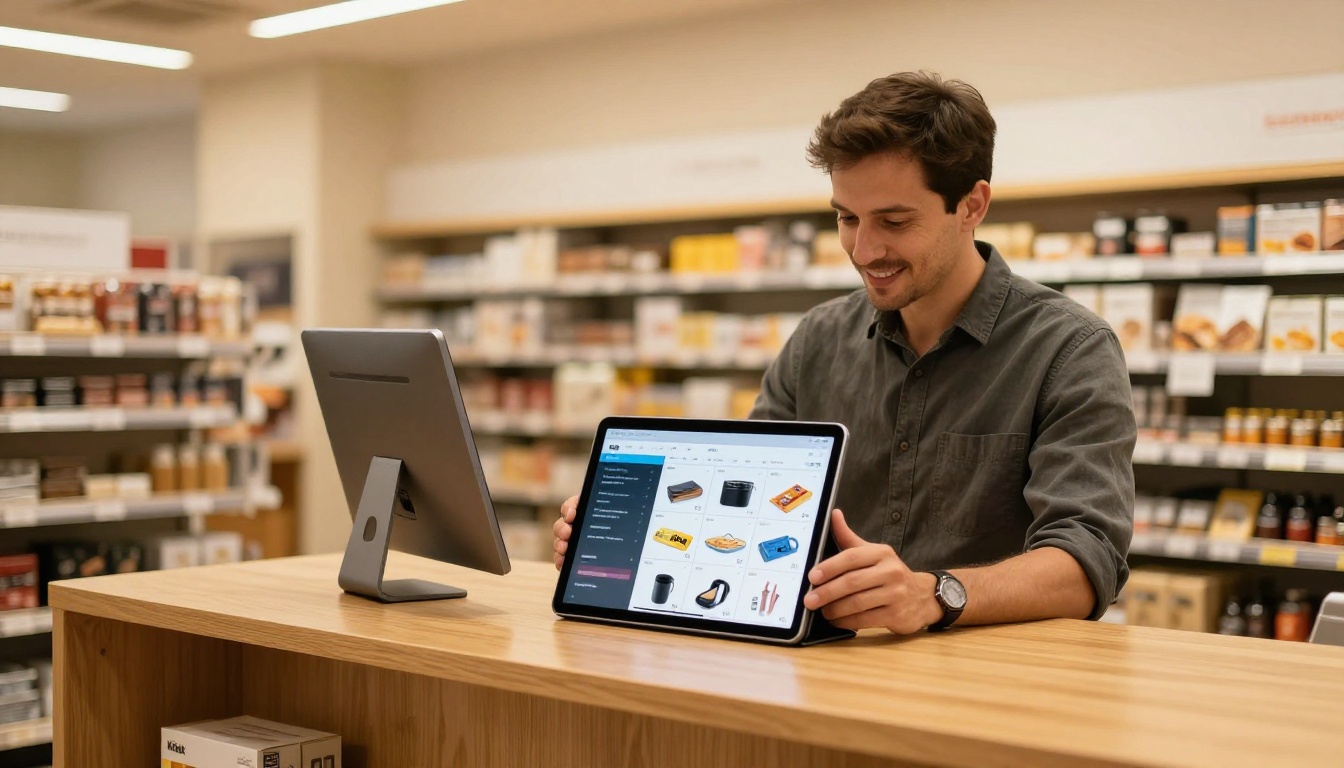
A product catalog in PDF format is a download waiting to be ignored. The same catalog published as a flipbook on Flipbooks AI becomes a browsable, shareable shopping experience. Retailers using flipbook catalogs report longer session times and higher click-through rates to product pages because the browsing experience mimics the physical act of flipping through a print catalog, which decades of retail psychology tell us drives purchase intent.
The Digital Catalog Maker and Product Catalog tools let you upload your existing PDF and publish a fully interactive version in minutes. Fashion retailers can use the Fashion Catalog tool for lookbook-style presentations that feel editorial rather than transactional.
Real Estate and Hospitality

Property brochures sent as PDFs get opened once and filed away. Published as flipbooks, they become presentation tools that agents can display live on a tablet during client meetings, embed on their website, and share via link in follow-up emails. The visual impact of high-resolution property photography in a page-flip format is substantially more compelling than a scrolled PDF.
Hotel brochures benefit equally. The Hotel Brochure tool gives hospitality businesses a way to present amenities, room types, and packages in a format that matches the quality of the experience they're selling.
Food and Beverage
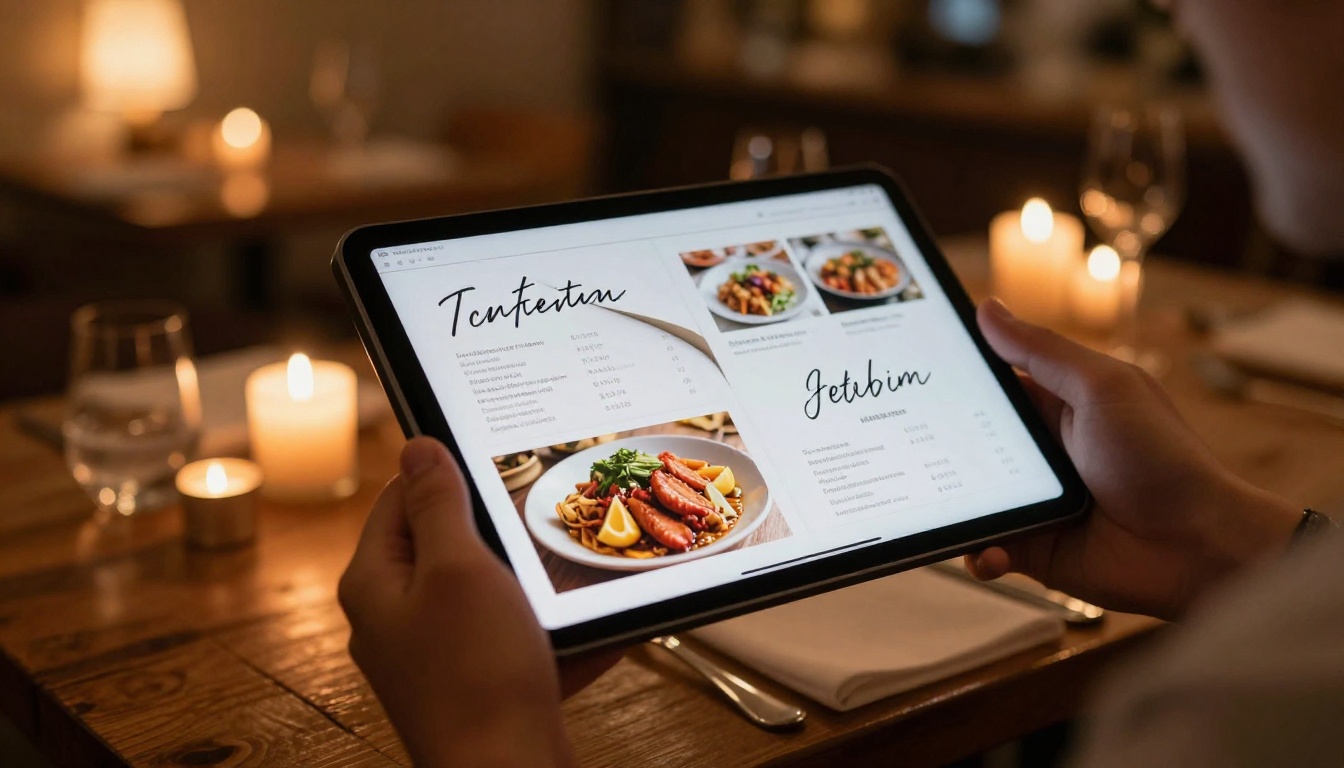
Printed menus are expensive to update and impossible to share online. Digital menus as static PDFs feel like a temporary workaround. A flipbook menu created with the Restaurant Menu Creator gives diners a premium experience at the table on a tablet, and can be linked on the restaurant's website, shared in reservation confirmation emails, and updated instantly when the menu changes.
Education and Training
Training manuals, course materials, and school newsletters that exist as PDFs are rarely read in full. As flipbooks, they become navigable publications with clear visual structure, embedded instructional media, and the professional appearance of a published document. The Training Manual Flipbook and Course Material Publisher tools are purpose-built for this use case, with clean layouts that make dense material more approachable.
How to Convert Your PDF with Flipbooks AI
This is where conversion from PDF to flipbook becomes concrete. Flipbooks AI makes the process straightforward, with no technical skills required.
Step 1: Upload Your PDF
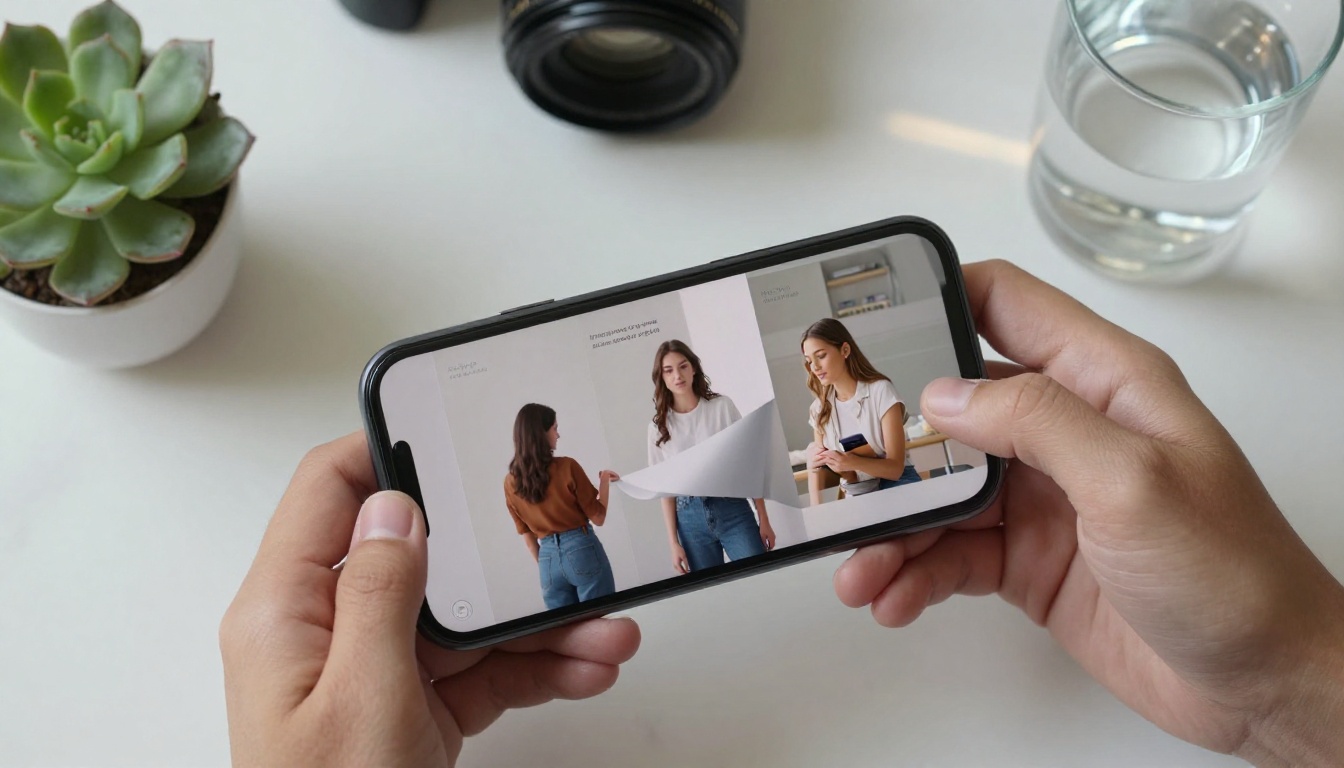
Create an account at Flipbooks AI and click the upload button on your dashboard. Drag and drop your PDF file. The platform supports files across all common document sizes and processes them automatically, converting each page into a high-fidelity interactive spread. Processing typically takes under a minute for standard-length documents.
Step 2: Customize Your Flipbook
Once your PDF is converted, the customization panel gives you control over every visual element. Apply your brand colors, upload your logo, choose from multiple page transition effects, select background textures, and set a custom reading domain. For documents with multimedia potential, embed video clips and audio on specific pages directly from the editor.
✅ Best practice: Always apply your brand colors and logo before publishing. Unbranded flipbooks miss a significant brand-building opportunity every time someone reads or shares them.
Step 3: Set Your Sharing Options
Before publishing, decide how your flipbook will be distributed:
- Public link: Anyone with the URL can view it immediately
- Embed code: Paste into your website to display the flipbook inline with your content
- Password protection: Restrict access to specific audiences such as clients, partners, or internal teams
- Social sharing: Direct share buttons for major platforms are included automatically
Once published, your flipbook is live instantly at a shareable URL that works on every device without downloads.
Step 4: Track Performance
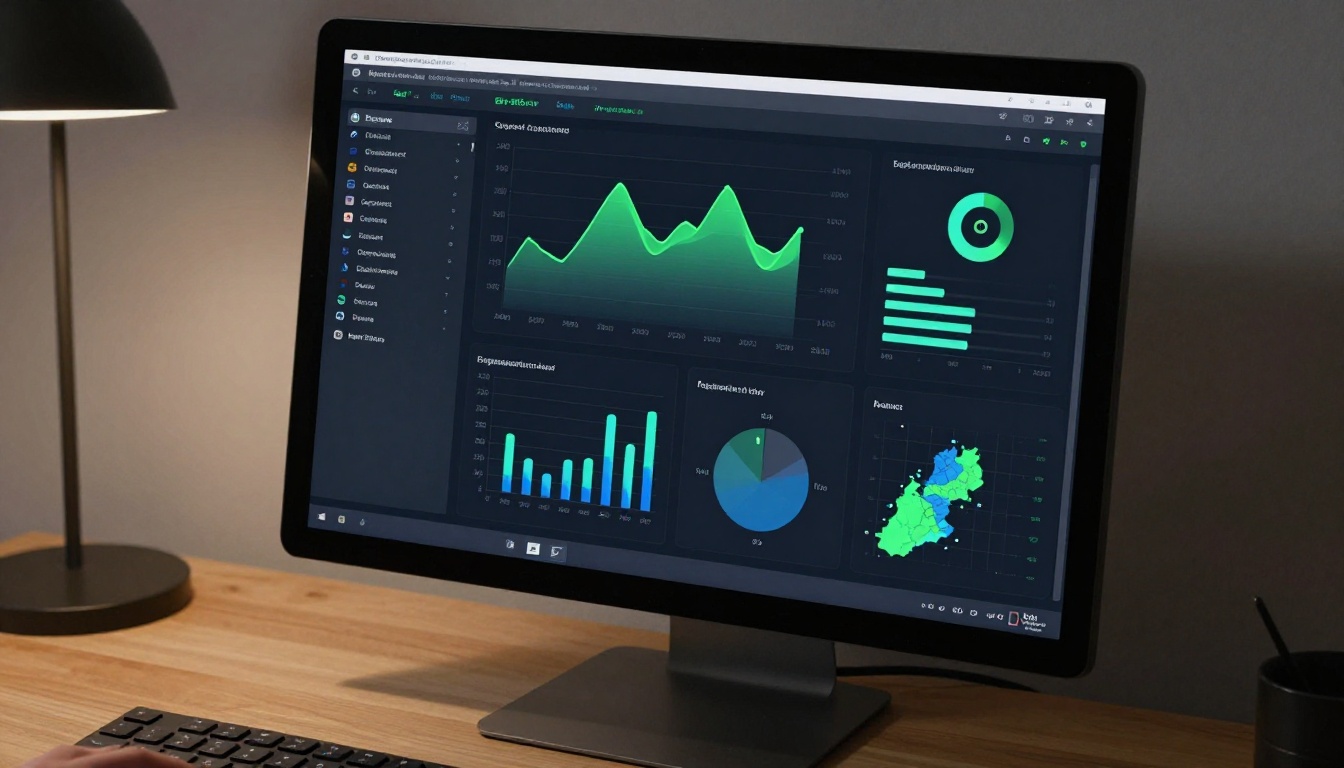
With a Professional plan, you get access to a full analytics suite showing page-by-page interaction data, total reads, session duration, geographic distribution, and lead capture statistics. This is the data that tells you which pages of your catalog convert, which sections of your report actually get read, and which pages of your proposal lose the reader's attention.
Features Worth Knowing
What Every Plan Includes
Flipbooks AI is built around the principle that core functionality should not be locked behind expensive tiers. The table below shows what's available across plans:
| Feature | Free | Standard | Professional |
|---|
| Flipbooks per account | 3 | Unlimited | Unlimited |
| Watermarks | Yes | No | No |
| Custom branding | No | Yes | Yes |
| Password protection | No | Yes | Yes |
| Analytics | No | Basic | Full |
| Lead generation forms | No | No | Yes |
| Offline downloads | No | Yes | Yes |
| Embed on website | Yes | Yes | Yes |
| Multimedia embed | No | Yes | Yes |
| Mobile responsive | Yes | Yes | Yes |
For most businesses, the Standard plan provides everything needed to replace PDFs with professional flipbooks across all document types. There are no watermarks, unlimited flipbooks, and full branding control from day one on Standard.
Analytics and Lead Generation
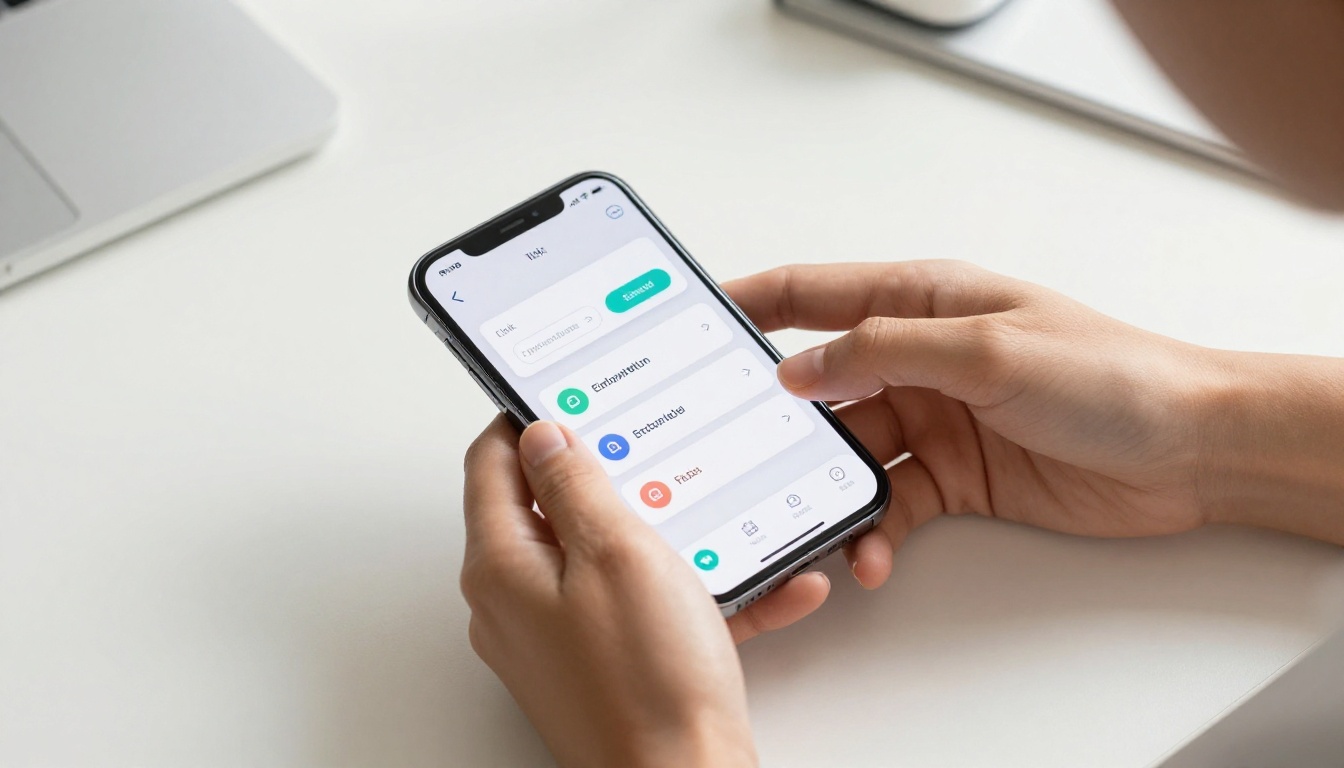
The Professional plan's lead generation feature deserves specific attention. You can insert a lead capture form that appears before readers access your flipbook, collecting name, email, and custom fields. For sales teams distributing product catalogs, this converts every flipbook share into a potential lead qualification event. Combined with the page-level analytics, you can see exactly which leads spent the most time on which pages, information that makes sales calls dramatically more effective.
Password Protection and Privacy
Not every document is meant for public consumption. Internal reports, client proposals, confidential pricing lists, and private event programs can all be published as flipbooks with password protection enabled. Only readers who have the password can access the content. This makes flipbooks genuinely viable for sensitive business documents where a PDF would otherwise be shared as an unsecured email attachment.
Flipbooks AI offers purpose-built tools for specific document types. Rather than using a generic converter, using the right tool gives you pre-optimized templates and features for your specific use case:
The Real Cost of Staying With PDFs
Every document you send as a PDF instead of a flipbook is a measurable missed opportunity. You're losing mobile readers who won't download the file. You're losing reader attention because the format lacks the interaction that keeps people in. You're losing data because you have no visibility into what happens after you hit send. And you're losing conversions because readers who don't finish your catalog don't buy, readers who don't finish your proposal don't sign, and readers who don't finish your training material don't retain the information.
The flipbook format is not a cosmetic upgrade. It's a functional one that affects real business outcomes across every document type you produce.
Consider what each format says about your brand. A PDF says "here is a file." A flipbook says "here is an experience." For businesses competing on quality, that distinction matters to every reader before they've read a single word of your content.
PDFs served their purpose for thirty years. The audience you're trying to reach has moved on to interactive, mobile-first, multimedia-capable digital content. Your documents should too.
Ready to convert your first PDF? Create a free account and publish your first flipbook in minutes. Browse all tools and templates to find the right fit for your document type. When you're ready for analytics and lead generation, compare pricing plans to choose what works for your team.



