Sending a PDF portfolio used to feel like the professional thing to do. You'd export your best work, attach the file, and wait. What you didn't know was that most clients never scrolled past page three. The file sat in a downloads folder, unopened a second time, while your competition showed up with something that actually moved. That's the page-flip difference, and Flipbooks AI is making it accessible to every creative who's tired of being ignored.
The Problem With Static PDFs
PDF portfolios made sense in 2005. They were portable, printable, and universal. But the way people browse content has changed completely, and a flat document that requires downloading, zooming, and manually scrolling through pages fights against every instinct a modern viewer has.

Why Clients Don't Read PDF Portfolios
The problem isn't your work. It's the friction between your work and the viewer. Here's what actually happens when someone receives a PDF portfolio:
- Step 1: They click the link. A download prompt appears.
- Step 2: They either close it immediately or save it to a folder they'll forget about.
- Step 3: If they do open it, they scroll for 15 to 20 seconds before their attention drifts.
- Step 4: They close the tab with zero memory of what they saw.
This isn't speculation. Research on digital document engagement consistently shows that non-interactive PDFs have significantly lower completion rates than interactive formats. The flat reading experience simply doesn't hold attention long enough to make an impression.
What "Download to View" Actually Costs You
Every time someone has to download your portfolio, you lose data, control, and presence. You have no idea whether it was opened. You don't know which pages got attention. You can't update the file once it's been sent. And if the client opens it six months later, they're looking at outdated work.
⚠️ A static PDF is a one-way street. Once it leaves your hands, you lose all visibility into what happens next.
Interactive flipbooks flip that equation entirely. You share a link. They open it in a browser. You see exactly how long they spent on each page.
What Page-Flip Technology Actually Does
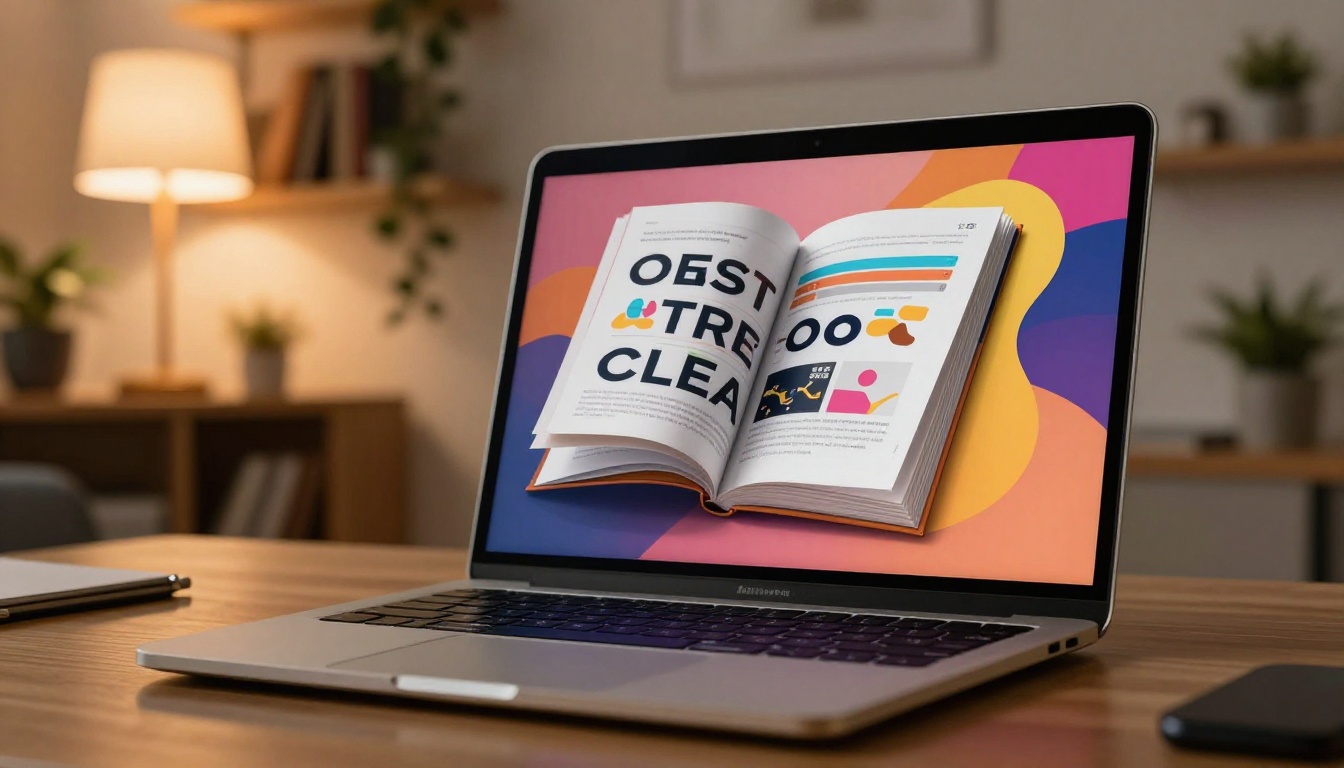
Page-flip isn't just a visual trick. It's a fundamentally different way of presenting a document that activates a different kind of attention in the viewer.
The Psychology of Flipping Pages
There's a reason physical magazines have been around for centuries and why people browse them differently than they read reports. The act of turning a page creates anticipation. It gives the reader a sense of progress, pacing, and discovery. Digital page-flip technology replicates that experience precisely because it taps into the same cognitive pattern.
When a viewer clicks through your portfolio and sees pages turn in real-time with natural shadow and depth, several things happen:
- Curiosity increases: The page-flip motion implies there's something on the other side worth seeing.
- Retention improves: Physical gestures tied to content create stronger memory associations.
- Perceived quality rises: A portfolio that moves and responds to interaction signals professionalism before a single image is even examined.
How Interactive Reading Changes Behavior
Static PDFs are passive. Flipbooks are interactive, and that distinction matters more than most creatives realize. An interactive portfolio viewer:
- Responds to click and swipe inputs naturally
- Allows zooming into specific details without the layout breaking
- Keeps all pages in sequence with visible navigation controls
- Works without downloads, plugins, or software installs
- Opens instantly on any device, including mobile
This isn't a cosmetic upgrade. It's a structural shift in how your work gets consumed.
Portfolio Types That Benefit Most
Not every document gains equally from page-flip conversion, but for portfolios specifically, the benefit is disproportionately high. Three categories stand out.

Photography and Visual Arts
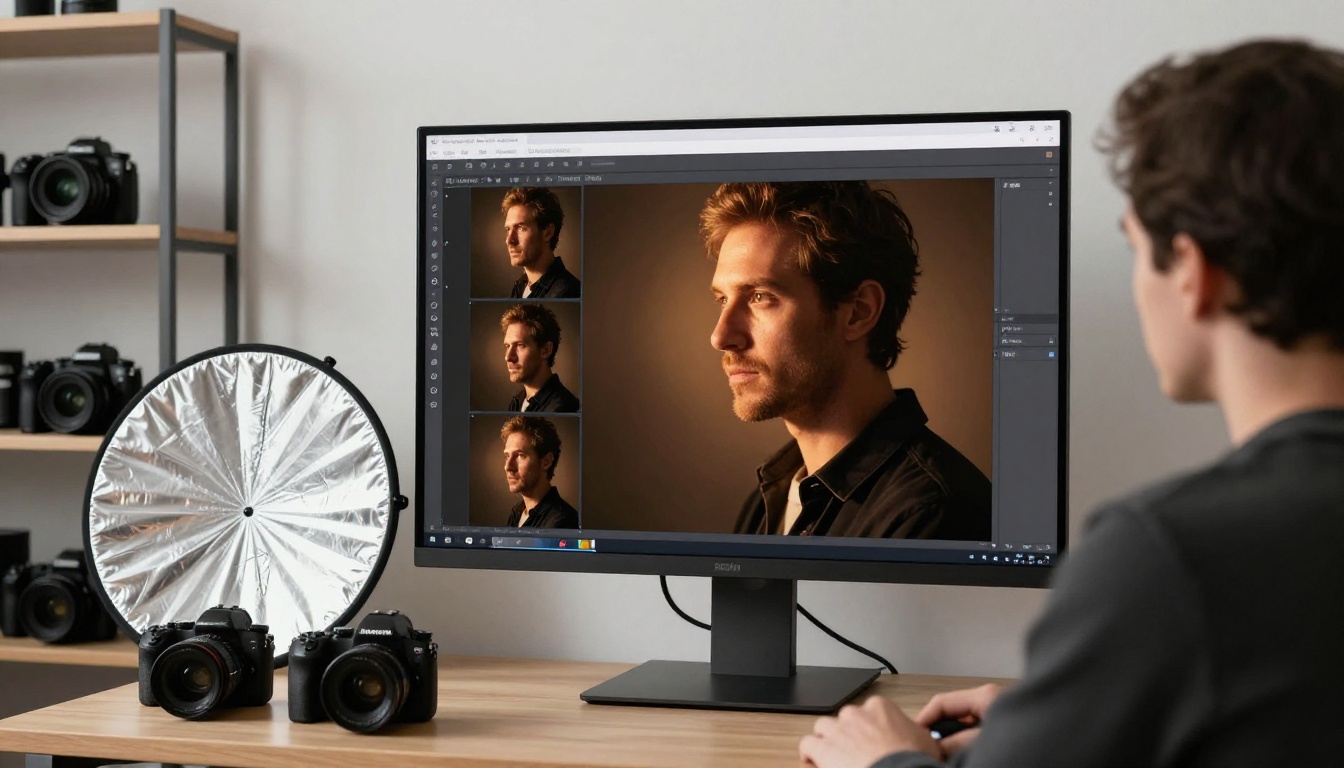
A photographer's portfolio is entirely dependent on first impressions. The transition from one image to the next shapes how each piece is received. With page-flip format, spreads feel intentional. Two-page layouts work as designed. The sense of narrative that photographers craft in their physical books translates directly to the digital format.
The Photography Portfolio Flipbook tool is built specifically for this, preserving bleed, full-spread images, and color fidelity without compression artifacts.
Graphic Design and Branding
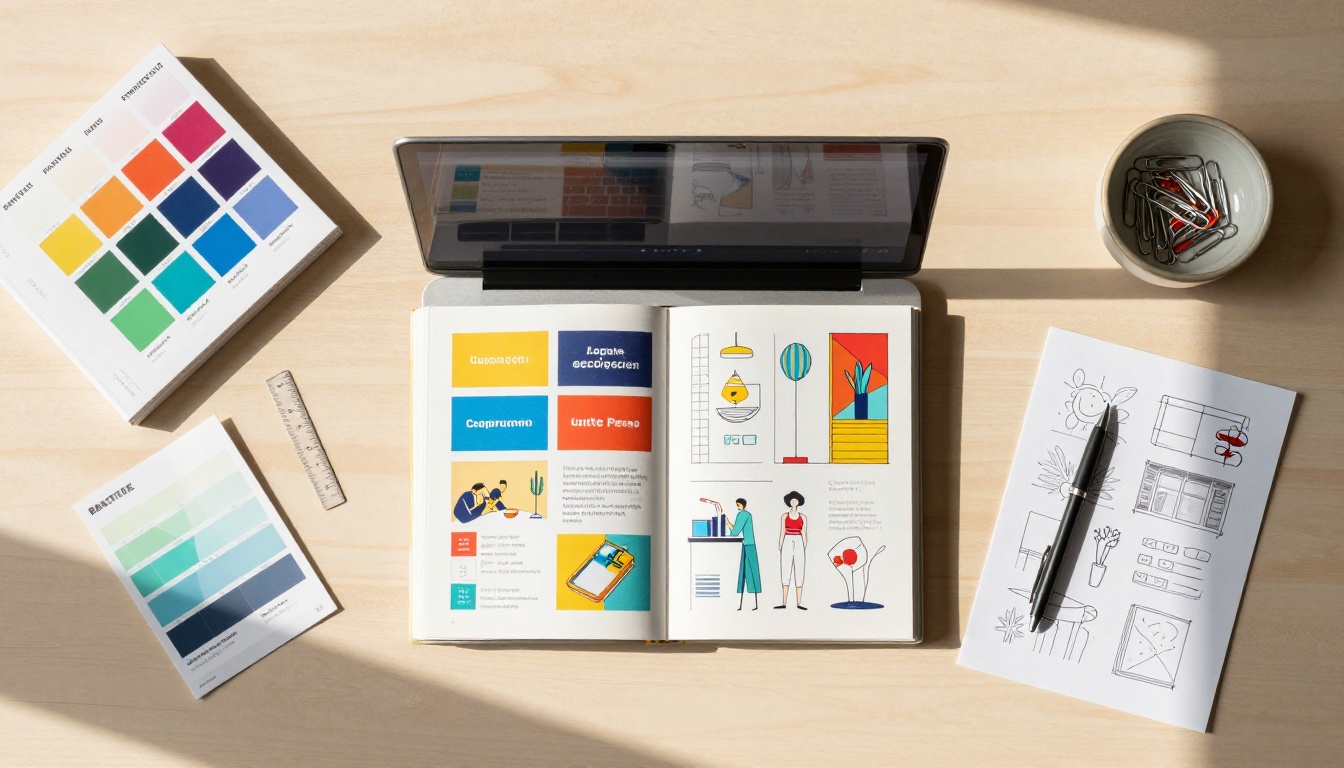
Designers face a specific challenge: their portfolio is also a demonstration of their design sensibility. A portfolio presented in a flat, unbranded PDF viewer works against that. A flipbook that matches your typography, brand colors, and visual language makes every page a statement about how you work.
Use the Digital Portfolio Creator to build a version that looks like it was designed from the ground up, not just exported from another tool.
Architecture and Interior Design

Architectural portfolios often contain detailed floor plans, wide-angle renders, and project summaries that need space to breathe. The zoom functionality in a flipbook viewer lets reviewers focus on specific details without disrupting the flow of the document. For client pitches and award submissions, this kind of tactile digital presentation signals a level of care that a PDF attachment simply cannot convey.
Static PDF vs. Page-Flip Portfolio
The functional differences between the two formats go beyond aesthetics. This comparison covers every dimension that matters when your portfolio is doing sales work on your behalf.
| Feature | Static PDF | Page-Flip Portfolio |
|---|
| Requires download | Yes | No |
| Works in browser | Sometimes | Always |
| Mobile responsive | Poor | Fully optimized |
| Analytics available | No | Yes (Professional plan) |
| Embeddable on website | No | Yes |
| Page-turn animation | No | Yes |
| Video embedding | No | Yes |
| Password protection | No | Yes |
| Shareable via clean link | Partial | Full |
| Real-time content updates | No | Yes |
| Custom branding | No | Yes |
| Lead generation forms | No | Yes (Professional plan) |
Feature-by-Feature Breakdown
The table above makes clear that static PDFs win on exactly one dimension: they're something most people already know how to create. Every other feature that matters for portfolio sharing and client engagement belongs to the interactive flipbook format.
💡 A page-flip portfolio can be updated after it's been shared. If your work changes or you want to swap out a project, your link stays the same.
How to Create Your Page-Flip Portfolio with Flipbooks AI
Flipbooks AI makes the conversion process straightforward regardless of your technical background. Here's the exact process from PDF to published flipbook.
Step 1: Upload Your PDF
Go to Flipbooks AI and create an account. Once inside the dashboard, click New Flipbook and upload your PDF portfolio file. The platform accepts standard PDF files and converts each page automatically, preserving your layout, typography, and images at full resolution.
✅ Export your PDF at the highest resolution possible before uploading. Higher input quality means sharper page renders in the final flipbook.
Step 2: Customize the Look
After conversion, you'll enter the customization editor where you can:
- Set brand colors for the flipbook controls and background frame
- Add your logo to the viewer interface
- Choose a page transition style from classic flip, slide, or fade
- Enable zoom for detailed pages like design close-ups or technical drawings
- Add a custom cover thumbnail for the preview that shows before opening
The Portfolio Flipbook Builder provides controls designed specifically for portfolio presentations, including cover page prominence and dual-page spread handling that keeps your layouts intact.
Step 3: Embed Media Into Pages
One of the most powerful differentiators from a static PDF is the ability to embed media directly into your portfolio pages. You can add:
- Video case study walkthroughs on specific project pages
- Audio narration for context-heavy work samples
- Clickable links to live project URLs, Behance profiles, or social accounts
This is where a portfolio stops being a document and becomes a presentation.
Step 4: Share and Embed Everywhere
Once published, you get three sharing options:
- Direct link: A clean URL you can include in emails, proposals, or social profiles
- Embed code: Drop your portfolio directly into your website or any platform that accepts iframes using the Embed Flipbook on Website tool
- Password protection: Lock the portfolio for specific clients or confidential pitches only
💡 Create client-specific versions of your portfolio using password protection. Each version can highlight the most relevant projects for that particular client without sharing everything publicly.
Step 5: Track Real Viewer Behavior
On the Professional plan, analytics show you:
- Total views and unique visitors per flipbook
- Average time spent on each individual page
- Geographic location of viewers
- Lead generation form completions (capture contact information from interested viewers)
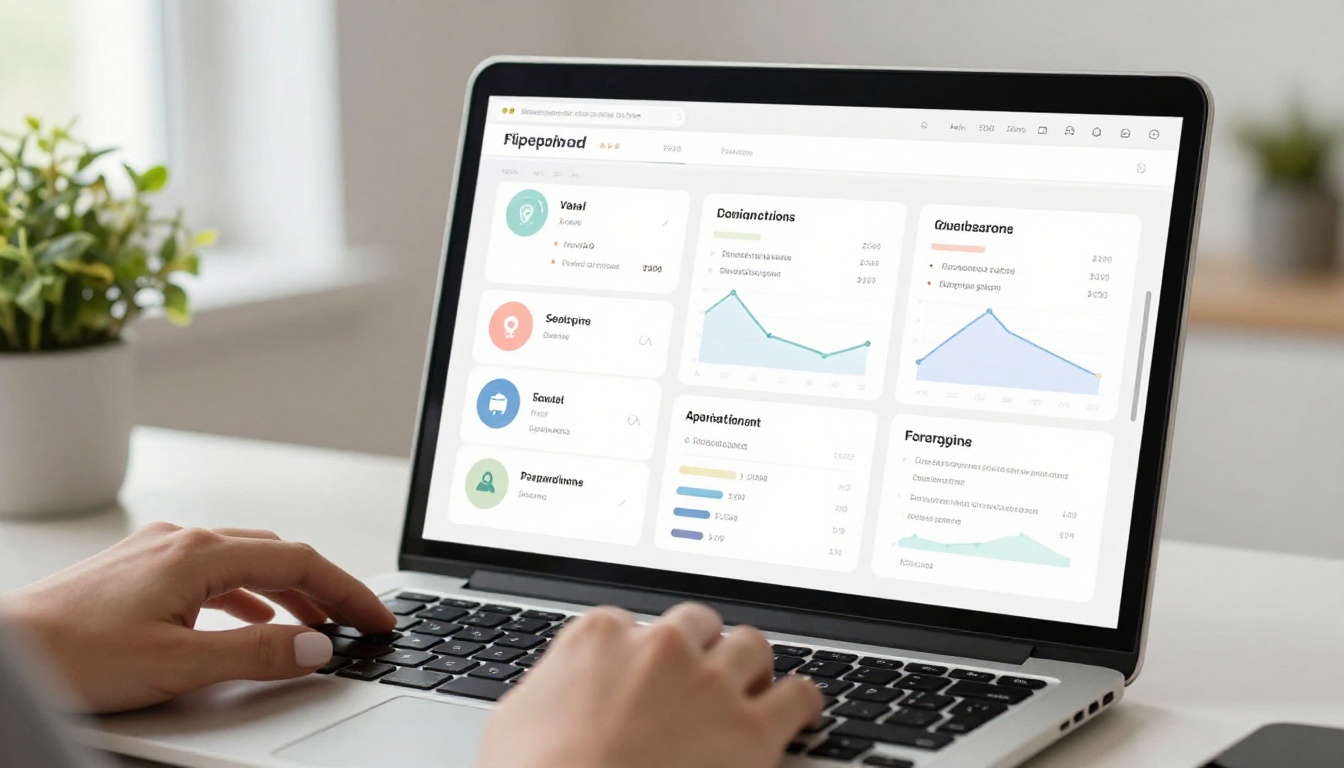
This data transforms portfolio sharing from a guessing game into an informed process. When a potential client spends four minutes on your branding project pages and twelve seconds on your illustration work, that tells you exactly where to focus the follow-up conversation.
What You Can Do That PDFs Cannot
There are three specific capabilities that no PDF portfolio can replicate, regardless of how well it's designed.
Embedding Video Directly in Pages
A motion designer, filmmaker, or UX animator cannot adequately represent their work in static images. A flipbook portfolio with embedded video lets the work speak for itself, directly on the page where it's relevant, without sending the viewer to a separate link that may never get clicked.
Tracking Exactly Who Views What
Knowing that your portfolio was opened is not the same as knowing it was read. Page-level analytics give you the specific intelligence to prioritize follow-ups, understand which work resonates with which type of client, and iterate on how you sequence your case studies.
Protecting Confidential Work
Agency work often involves confidential client projects that can't be shared publicly. A PDF sent over email is completely uncontrolled once it leaves your inbox. A password-protected flipbook link can be revoked at any time, has a traceable access history, and ensures only the intended recipient can view sensitive case studies.
Comparing Plans for Portfolio Use
Not all use cases require the same plan. Here's how the options compare for portfolio-specific needs:
| Plan | Flipbooks | Watermarks | Analytics | Password Protection | Embeds | Video |
|---|
| Free | 3 | Yes | No | No | No | No |
| Standard | Unlimited | No | No | Yes | Yes | No |
| Professional | Unlimited | No | Yes | Yes | Yes | Yes |
⚠️ The Free plan adds a watermark to your portfolio viewer. For professional client-facing use, the Standard plan is the minimum worth considering.
See full pricing details to choose the right option for your volume and workflow.
Real Creatives, Real Use Cases
The same core functionality serves very different creative professionals. Here's how it maps in practice across fields:

Each of these tools shares the same core flipbook engine but is optimized for the specific formatting and presentation needs of each creative field. Browse all flipbook tools to find the one that fits your work type best.
The Sharing Problem Nobody Talks About
Most creatives think about portfolio quality in terms of the work itself. The images need to be good, the case studies clear, the layout clean. What doesn't get enough attention is the delivery mechanism.
A brilliant portfolio in a broken format loses to a good portfolio in a smooth one. Every extra click, every download prompt, every pinch-to-zoom on a mobile screen that doesn't reflow, every time a client can't forward your link easily: each of these is a friction point that costs you. The portfolio that gets remembered is the one that was actually experienced.

Page-flip portfolios solve the delivery problem by making the experience of viewing your work as deliberate and crafted as the work itself. The presentation becomes part of what you're selling.
There's also an argument to be made about perception. A creative professional who presents their work via an interactive, branded, analytics-backed flipbook is implicitly demonstrating capabilities that clients care about: attention to detail, comfort with digital tools, and an understanding that the viewer's experience matters. A PDF attachment says none of that.
The format is the message.
Time to Make the Switch
You've already put the hard work into the portfolio itself. The conversion from PDF to page-flip takes minutes. The difference in how clients respond to it starts immediately.
Stop sending files that disappear into downloads folders. Start sharing experiences that track, engage, and convert.
Ready to create your first page-flip portfolio? Get started for free on Flipbooks AI today. No watermarks on paid plans, no downloads required, no guessing whether anyone actually looked.
Compare plans to find the right fit for your volume, or browse the full tool library to see exactly which portfolio format suits your creative field.



