You built the website. Picked the template, wrestled with the CSS, wrote three versions of your "About Me" copy, uploaded your best work, and finally hit publish. Six months later, Google Analytics shows 47 unique visitors, 41 of which are probably you. If this sounds familiar, you are not alone, and the problem is not your portfolio. The problem is that a full portfolio website is often the wrong tool for the job entirely.
The Real Cost Nobody Calculates

Domain, Hosting, and the Annual Surprise
The pitch for a portfolio website always starts with "it's just $12 a year for a domain." That number rarely stays that small. A realistic cost breakdown looks more like this:
| Expense | Annual Cost (USD) |
|---|
| Domain name | $12–$20 |
| Hosting (shared or basic) | $60–$180 |
| Premium theme or template | $49–$200 (one-time or annual) |
| Page builder plugin (Elementor Pro, etc.) | $59–$99 |
| SSL certificate (some hosts charge extra) | $0–$80 |
| Email integration (Mailchimp, ConvertKit) | $0–$120 |
| Total per year | $180–$699 |
And that is before you pay anyone to fix the things you cannot figure out yourself.
⚠️ Many hosting plans auto-renew at full price after the introductory offer expires. A "$3/month" plan quietly becomes $12/month at renewal, often without notification.
The Time Nobody Accounts For
Time is the expense that never shows up on a receipt. Setting up a portfolio website from scratch typically takes:
- Initial build: 20–80 hours depending on technical skill
- Writing copy: 5–15 hours for a full site
- Image optimization: 3–10 hours for a proper gallery
- SEO setup: 5–20 hours if you actually want search engines to find you
- Ongoing maintenance per month: 2–5 hours
For a freelancer billing $50–$100 per hour, that initial investment represents $1,000–$8,000 in opportunity cost before a single client sees the site.
What Clients Actually Do With Your Portfolio

The 30-Second Reality Check
Here is the uncomfortable truth most portfolio advice skips: most clients do not go looking for your website. They find you through a referral, a LinkedIn connection, a Dribbble post, or an Instagram tag. When they then visit your portfolio site, they spend, on average, under 30 seconds before deciding whether to reach out.
That 30 seconds is not enough time to appreciate your carefully crafted navigation menu, your animated page transitions, or your custom error page. What they actually want to see:
- 3–5 strong examples of work relevant to what they need
- A way to contact you that takes less than 10 seconds to find
- Some signal that you are legitimate (past clients, a brief bio, recognizable brand logos)
Everything else is for you, not for them.
What They Actually Look At
Creative hiring research consistently shows that clients and recruiters spend most of their portfolio review time on just three things:
- The first image or piece they see (roughly 7 seconds average attention)
- Whether they can easily send a message or find an email address
- Recognizable past client names or logos that signal credibility
Your color palette choices and custom typeface pairings? They barely register.
💡 A well-organized, fast-loading PDF sent directly to a prospect often converts better than sending a portfolio website link, because it controls exactly what they see and in what order.
The Maintenance Trap
Plugins Break. Themes Get Abandoned.
If your portfolio site runs on WordPress or any CMS with plugins, you are signing up for an ongoing maintenance relationship. Plugins need updates. Those updates sometimes break things. Themes go abandoned by their developers. Security vulnerabilities get discovered and patched, then discovered again.

A photographer spending an entire weekend fixing a portfolio site after a plugin update broke her gallery layout hours before a client presentation is not an unusual story. She sent a PDF instead. The client signed on. The website sat broken for another week.
The Redesign Cycle
Creative people have a particular affliction: they want their portfolio to look as good as their work. That means every time their work evolves, the site feels dated. The redesign impulse hits, and suddenly there are six hours gone on a Sunday afternoon adjusting a hero section that clients will glance at for two seconds.
⚠️ Portfolio website redesigns are one of the biggest time drains for freelancers. The average creative redesigns their portfolio site every 14 months, usually triggered by an important pitch rather than actual strategic need.
When a Portfolio Website Actually Makes Sense
A portfolio website is genuinely the right tool when:
- You rely heavily on organic search traffic as your primary source of new clients
- You offer a service with enough local or niche search volume to justify serious SEO investment
- You have a team or dedicated budget to maintain the site properly over time
- Your work requires complex filtering or browsing across hundreds of projects in many categories
- You are building a long-term content strategy, not just a place to show work samples
For everyone else, especially early-to-mid career freelancers, independent consultants, and creative professionals doing direct outreach, a full portfolio website is often more burden than it returns.
| Scenario | Portfolio Website | Digital Flipbook |
|---|
| Sending work to a specific prospect | Slow, requires browser | Instant shareable link |
| Showing work in person on a tablet | Can be clunky | Smooth page-flip experience |
| SEO and organic discovery | Strong | Not the primary use case |
| Setup time | 20–80 hours | Under 30 minutes |
| Annual cost | $180–$700 | Free to low cost |
| Ongoing maintenance | Regular and time-intensive | Upload new PDF and done |
| Mobile experience | Varies widely | Optimized by default |
| Password-protecting client-specific work | Requires extra configuration | Built-in feature |
Smarter Alternatives That Convert Faster
PDF Portfolios: Still Underrated
A polished PDF is one of the most overlooked portfolio formats in a world obsessed with websites. It is fast to send, works in every email client, displays exactly as designed, and you control everything the client sees and in what sequence. A well-built PDF portfolio:
- Opens instantly without requiring a browser tab or login
- Can be built in Canva, Adobe InDesign, or Figma and exported in minutes
- Attaches cleanly to any email or shares via cloud link
- Prints perfectly for in-person meetings
The limitation is that a static PDF is static. No page-turning animation, no embedded video, no insight into whether the client opened it or which pages held their attention.
Social Proof Over Static Pages
For many freelancers, a strong LinkedIn profile with detailed project case studies outperforms a portfolio website for generating inbound interest. The logic is simple: LinkedIn has built-in discovery infrastructure. Your portfolio website does not, unless you have invested heavily in SEO for months or years.
Platforms like Behance, Dribbble, and Instagram do the discovery work for you. Clients and hiring managers already use these platforms to find talent. Showing up there with excellent, consistently posted work often beats driving people to a custom site they were not searching for in the first place.
Digital Flipbooks: The Right Middle Ground
This is where things get genuinely interesting for client-facing creative work. A digital flipbook gives you the polish and professionalism of a designed PDF plus the interactivity and shareability of a website. You upload a PDF and it becomes an interactive, page-turning digital publication that works on any device, in any browser, without requiring downloads or installs.
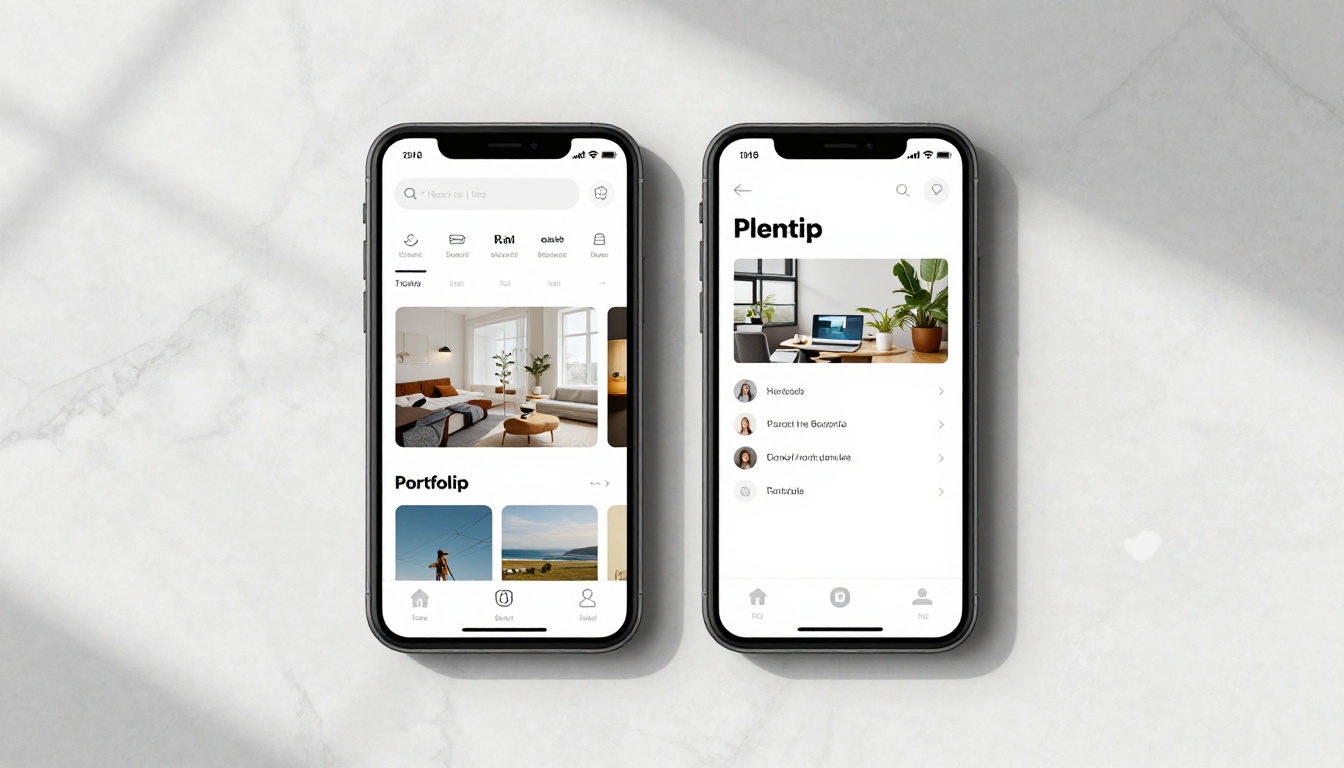
Flipbooks AI turns any PDF into a professional digital flipbook in minutes. The result is a shareable link you can send to any client, embed on any existing page, or pull up directly on your phone during a meeting. No hosting setup. No plugin updates. No Sunday afternoon redesigns.
How to Build a Flipbook Portfolio in Minutes
This approach works particularly well for photographers, graphic designers, illustrators, architects, interior designers, and anyone whose business relies on sending tailored work samples to specific clients rather than waiting for search engines to deliver them.
Step 1: Build your portfolio PDF in any design tool
Create your portfolio as a PDF. Use Canva, Adobe InDesign, Figma, or even Google Slides. Focus on curating your best 5–10 pieces of work. For each project, write one or two sentences covering what the brief was, what you delivered, and what the outcome was. Specifics convert.
Step 2: Create your account on Flipbooks AI
Go to Flipbooks AI and sign up. The Digital Portfolio Creator tool is purpose-built for exactly this use case and takes no technical knowledge to operate.
Step 3: Upload your PDF
Drag and drop your PDF file. Flipbooks AI converts it automatically into a page-turning interactive flipbook. The conversion takes under two minutes regardless of page count or file size.
Step 4: Add your branding
Upload your logo, select your brand colors, and set a background that matches your aesthetic. The flipbook immediately reflects your visual identity rather than looking like a generic document viewer.
Step 5: Set your sharing preferences
- Shareable link: A clean URL to paste into any email, LinkedIn message, or proposal
- Embed code: One line to drop the flipbook into any existing website using the Embed Flipbook on Website tool
- Password protection: A private password for confidential client work or early-stage pitches
- Offline access: Let clients download the flipbook for review without an internet connection
Step 6: Track who actually looks at it
With a Professional plan, you can see which clients opened your portfolio, how long they spent on each page, and whether they shared it with a colleague. That is more actionable data than most full portfolio websites provide without a significant analytics integration.

✅ Create separate flipbooks for different types of work or different client industries. A logo design client does not need to scroll past packaging work. A targeted flipbook built for one specific prospect converts better than a comprehensive one built for everyone.
Comparing Your Portfolio Options

| Format | Setup Time | Cost Per Year | Shareability | Analytics | Updating |
|---|
| Custom portfolio website | 20–80 hours | $180–$700 | Link only | Requires separate setup | Manual, ongoing |
| Template site (Squarespace, Wix) | 5–20 hours | $144–$252 | Link only | Basic built-in | Easy but limited |
| Static PDF | 2–6 hours | Free | Email or link | None | Re-send each time |
| Digital flipbook | 30–90 minutes | Free to low cost | Link, embed, share | Built-in on Pro plan | Upload new PDF |
| Social platform (Behance, Dribbble) | 2–5 hours | Free | Platform-native | Basic | Easy |
Which Format Fits Which Creative
| Creative Type | Best Portfolio Format | Reason |
|---|
| Photographer with strong local SEO | Portfolio website | Organic search returns value |
| Freelance graphic designer | Digital flipbook | Fast, client-facing, simple to refresh |
| Fashion designer or stylist | Digital flipbook or lookbook | Visual-first, highly shareable |
| Architect or interior designer | Digital flipbook | Large image sets, intuitive page flow |
| Early-career creative | Behance plus digital flipbook | Free, discoverable, professional appearance |
| Agency or studio | Portfolio website plus embedded flipbooks | Full brand control with interactivity |

The Leaner Stack That Actually Works
Before spending another weekend on your portfolio website, consider this combination instead:
- LinkedIn: Professional discovery and inbound referrals
- Instagram or Behance: Organic reach and ongoing work visibility
- Digital flipbook on Flipbooks AI: Targeted, polished portfolios sent directly to prospects
- Single contact page: If you need a web presence at all, one page with your name, services, and a flipbook link does the job
This stack costs a fraction of a full portfolio website to maintain, reaches the right people more reliably, and can be set up from scratch in under a day.
For photographers, the Photography Portfolio tool is built specifically for image-heavy work. For broader creative use, the Portfolio Flipbook Builder handles any format with full customization.
The Simpler Path Worth Taking
Most creatives do not need a portfolio website. They need a great portfolio. Those are two very different things. A beautiful, well-curated digital flipbook you can share in 10 seconds beats a technically impressive website that nobody searched for and nobody found.
The time and money saved by not building and maintaining a full portfolio website can go directly into producing better work, building better client relationships, and developing the kind of reputation that makes people seek you out regardless of where your portfolio lives online.
Ready to stop overbuilding your portfolio? Create your first flipbook portfolio free on Flipbooks AI and see how fast a great portfolio comes together when the infrastructure is already handled for you.
Browse all portfolio and creative tools to find the format that fits your specific type of work. Compare pricing plans if you want built-in analytics and advanced sharing options from day one.



