If your salon still relies on a laminated price sheet behind the front desk or a printed menu that goes out of date the moment you change a service, you are actively losing clients — and you may not even know it. The shift to digital pricing is not a trend; it is the new baseline expectation for any modern beauty business. Flipbooks AI makes creating a professional, interactive digital price list faster than it has ever been, and the results show up almost immediately in how clients engage, book, and return.
The Paper Price List Is Costing You Money
Most salon owners do not think of their price list as a revenue tool. They treat it as a formality, something you print once and tape to the wall. That mindset is expensive.
Why Clients Ghost Before Booking
Pricing anxiety is one of the biggest reasons potential clients never pick up the phone or click "book now." When a prospective client cannot find your prices online, they move to the next salon that makes it easy. Research consistently shows that businesses with transparent pricing convert browsers into buyers at significantly higher rates than those without.
Think about the client journey from a first-time visitor's perspective:
- They search for a salon near them on their phone
- They check your Instagram or website
- They want to know what a balayage costs before committing
- If the price is not easy to find, they move to a competitor
A digital price list eliminates that friction entirely.
The Real Price of Printing
Print price lists carry hidden costs that accumulate fast.
| Cost Item | Annual Estimate |
|---|
| Design and print updates (quarterly) | $300 - $800 |
| Reprints after price changes | $150 - $400 |
| Lamination and display materials | $80 - $200 |
| Staff time managing outdated versions | 10 - 20 hours |
| Missed bookings from unclear pricing | Incalculable |
That does not include the environmental cost of paper waste. A digital price list eliminates all of these line items permanently.
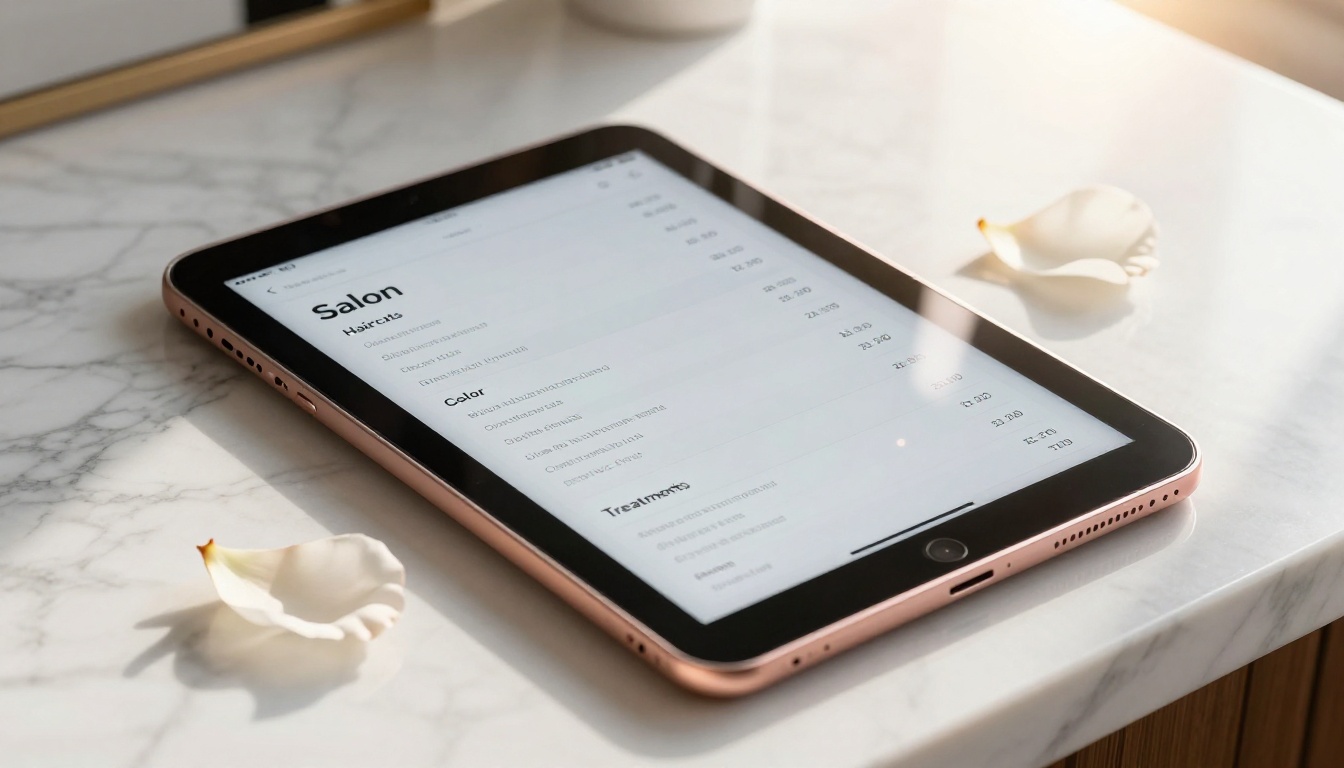
What a Digital Price List Actually Does for Your Salon
A well-built digital price list is not just a document on a screen. It is a live, functional sales tool that works for you around the clock.
Always Current, Always Available
The single biggest advantage of going digital is that your prices are always accurate. When you raise your balayage price by $20, you update it once and every client, whether they are viewing it from your website, a shared link, a QR code at your reception desk, or your Instagram bio, sees the new number instantly. No reprints. No sticker corrections. No awkward conversations when the price on the wall does not match what you quote at the chair.
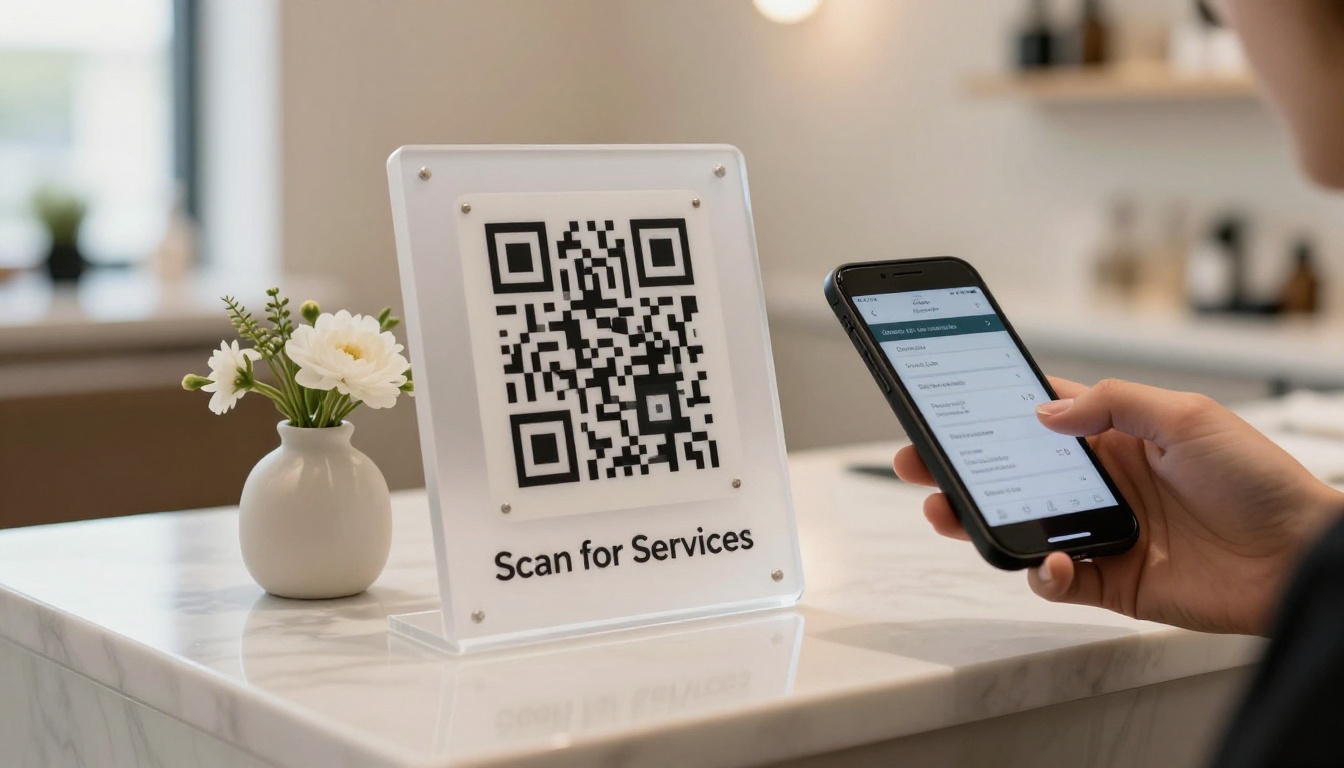
💡 Pro tip: A QR code linked to your digital price list at the reception desk reduces check-in confusion and cuts pricing questions from new clients by up to 60%.
Mobile-First in a Mobile World
Over 80% of local service searches happen on a smartphone. If your price list is a PDF that clients have to zoom and squint through, or worse, a photo of a printed sheet, you are delivering a poor first impression to the majority of your potential clients.
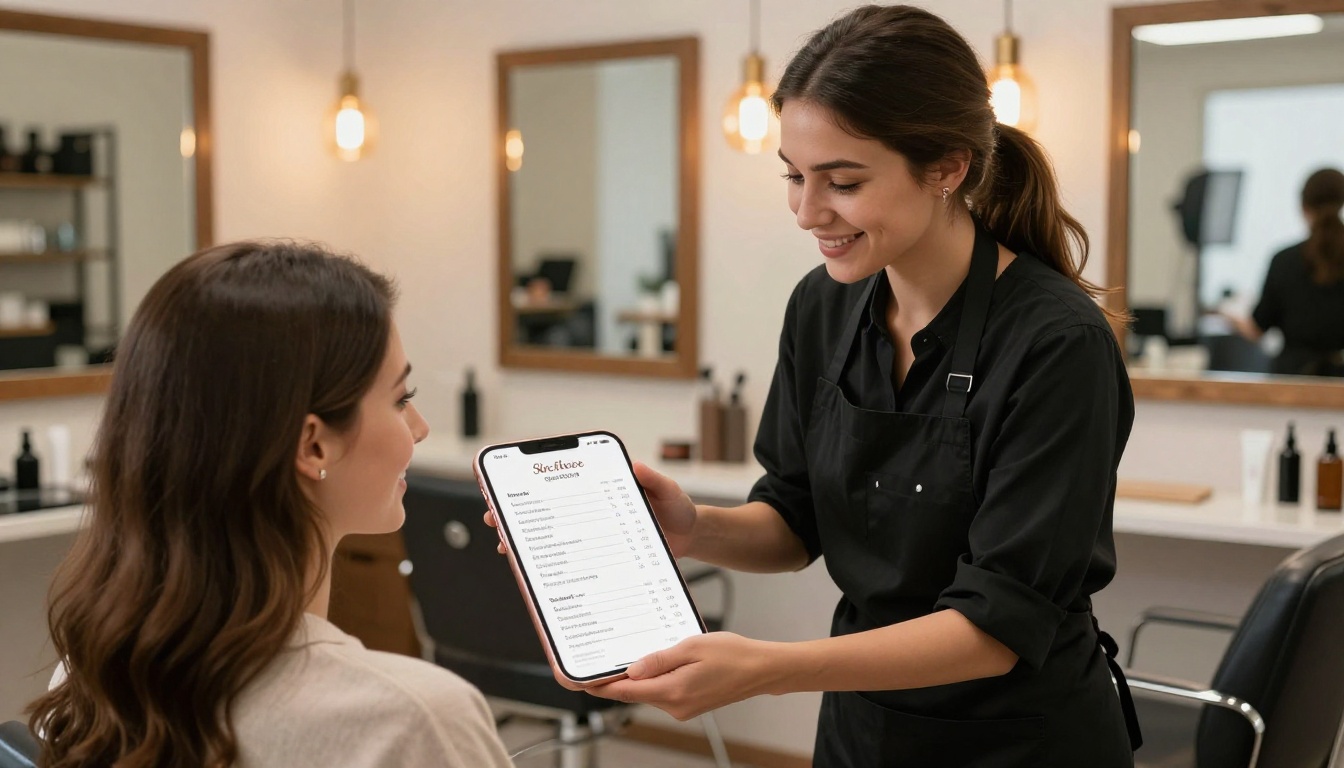
A digital price list built as a flipbook is:
- Responsive on all screen sizes
- Swipeable like a real magazine
- Fast to load with no file download required
- Shareable with a single link or QR code
- Bookmarkable so returning clients can pull it up in seconds
Real Salons, Real Results
The numbers behind digital pricing adoption in the beauty industry tell a clear story.
Bookings Go Up When Prices Are Clear
A study of small service businesses found that displaying clear pricing on a business's digital presence increased online booking completion rates by 27%. For salons specifically, transparent pricing reduces the most common reason a client abandons a booking form: not knowing the final cost.
When clients know what they are paying before they arrive, they:
- Book with confidence
- Arrive with the right budget
- Skip the awkward "how much is this going to cost" conversation
- Leave more satisfied because expectations were set correctly
Fewer Calls, More Walk-Ins
Every phone call asking "how much do you charge for a haircut?" is time taken away from clients in the chair. One salon owner in Austin reported that after placing a QR code linked to their digital flipbook price list at the front door, the number of pricing-related calls dropped by 40% in the first month. That is real time returned to your team.
What to Put in Your Salon Price List
A good digital price list is organized, scannable, and honest. Here is what every salon price list should include.
Services by Category
Organize your services by category so clients can jump to what they need without reading everything. Standard categories include:
Hair Services:
- Haircuts (by length: short, medium, long)
- Blowouts and styling
- Keratin and smoothing treatments
- Extensions
Color Services:
- Single process color
- Highlights and lowlights
- Balayage and ombre
- Color corrections (note: consultation required for accurate pricing)
Scalp and Treatment Services:
- Deep conditioning treatments
- Scalp treatments
- Bond repair services
Nail Services (if applicable):
- Basic manicure and pedicure
- Gel, shellac, acrylic
- Nail art add-ons
Prices That Convert, Not Scare
The way you present pricing matters almost as much as the actual numbers. A few best practices:
- Use "starting at" for services with wide price ranges (color corrections, extensions)
- Include a note that consultations are free for complex services
- Highlight your most popular services with a small label
- Avoid price ranges that are too wide, as "$50 - $300 for balayage" creates anxiety rather than confidence
⚠️ Warning: Never hide your prices behind a "contact us for pricing" wall. Modern clients interpret this as a red flag for overpricing or inconsistency.

How to Create Your Salon Price List with Flipbooks AI
This is where it gets practical. Flipbooks AI offers a dedicated Digital Price List Generator built specifically for businesses like yours. Here is the exact process to go from zero to a published, shareable salon price list in under 30 minutes.
Step 1: Create Your Account
Head to flipbooksai.com/account and sign up for free. No credit card required to start. The platform runs entirely in your browser with nothing to install.
Step 2: Design Your Price List in PDF
Before uploading, create your price list design. You can use Canva (free, with salon templates), Adobe InDesign, Google Slides exported as PDF, or any tool that outputs a PDF file.
Design tips for salon price lists:
- Use your brand colors and logo consistently
- Include your salon name and contact details on every page
- Use high-contrast text (dark text on light backgrounds reads best on phones)
- Add photos of your most popular services
Step 3: Upload to Flipbooks AI
Once your PDF is ready, click New Flipbook and drag your file into the upload area. The platform converts your PDF into an interactive flipbook in seconds, complete with page-turn animations that feel like flipping through a real menu.
Step 4: Customize Your Branding
In the editor, you can:
- Set your brand colors for the flipbook toolbar and background
- Add your logo to the header
- Enable page shadow and flip sounds for a premium feel
- Embed videos showcasing your services directly into pages
- Add links to your booking platform from any page
✅ Best practice: Link directly to your booking system from your service pages. A client reading your balayage price should be one tap away from booking it.
Step 5: Share It Everywhere
After publishing, Flipbooks AI gives you:
- A direct link to share on Instagram bio, WhatsApp, and email newsletters
- An embed code to place the flipbook on your website
- A QR code for printed materials, business cards, or your reception desk sign
- Password protection for exclusive VIP price lists or seasonal offers
Step 6: Track Who's Reading It
On the Professional plan, you get full analytics including page views, time spent on each page, reader locations, and lead generation forms to capture client information directly within the flipbook. Know which services get the most attention and double down on promoting them.

Digital vs. Print: The Real Comparison
Here is how print and digital price lists compare across the metrics that matter most to your business.
| Feature | Print Price List | Digital Flipbook Price List |
|---|
| Update prices | Reprint required | Instant, any time |
| Mobile friendly | No | Yes, 100% responsive |
| Shareable online | No | Link, QR code, embed |
| Client access 24/7 | Only in-salon | Yes, anywhere |
| Photos and video | Static images only | Dynamic, embeddable |
| Analytics | None | Full page-by-page data |
| Branding control | Limited by print cost | Full custom branding |
| Cost over 12 months | $400 - $1,200+ | From $0 (free plan) |
| Environmental impact | Paper waste | Zero |
The math is not close.
Who Benefits Most from a Digital Price List
While every salon gains from going digital, some business types see the impact faster than others.
Hair Salons
For hair salons, the complexity of color pricing makes digital especially valuable. A flipbook price list can include a before-and-after photo gallery for each service, so clients are not just reading a price — they are seeing the result they are paying for. This visual selling effect consistently increases average ticket size.
Hair salons also benefit from being able to update seasonal promotions instantly: summer balayage specials, back-to-school cuts, holiday color packages. No reprinting required.
Nail Studios
Nail studios with extensive service menus (gel, acrylic, press-on, nail art add-ons, SNS, chrome powder) benefit significantly from a categorized, scrollable format. Clients can browse nail art options with photos before their appointment and arrive knowing exactly what they want, which speeds up your booking flow and reduces chair time lost to indecision.

Spas and Wellness Centers
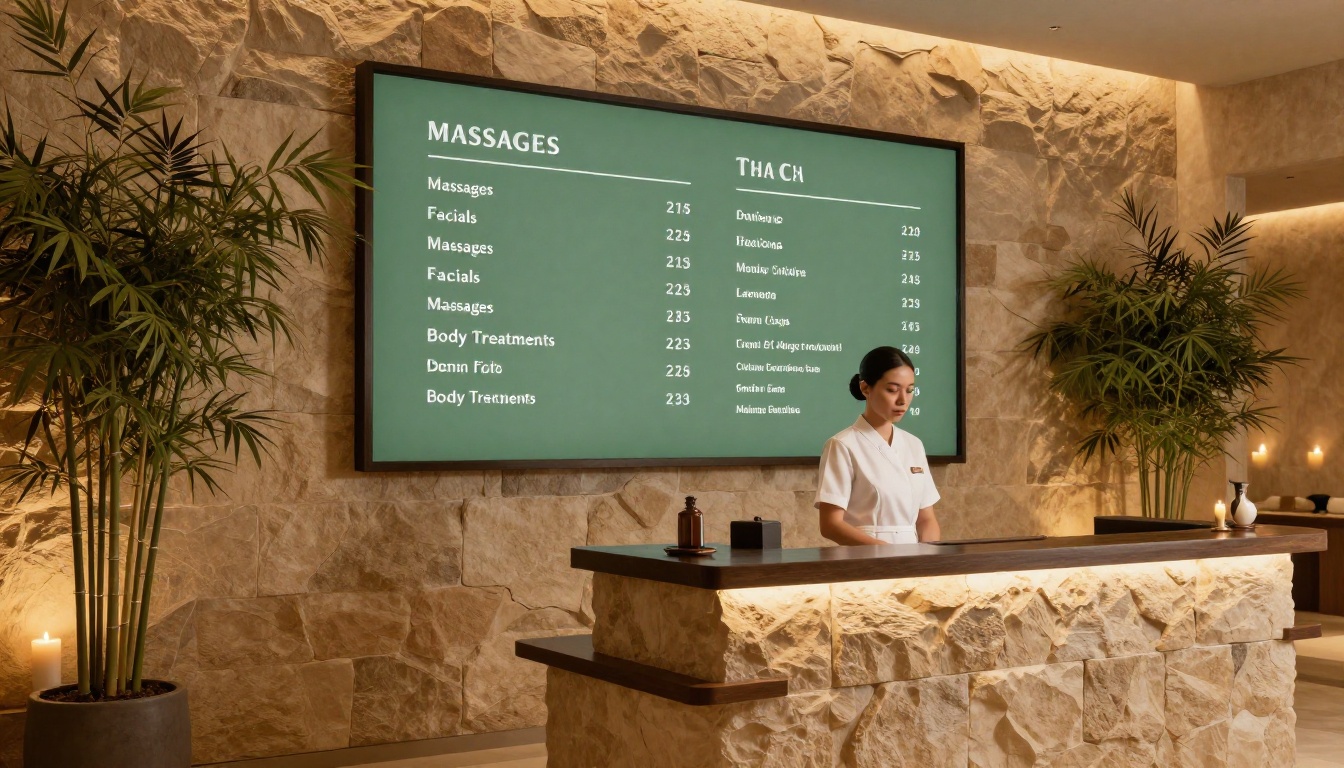
For spas, a digital price list doubles as a service brochure. You can include descriptions of each treatment, contraindications, duration, and what to expect, information that would cost a fortune to print but is essentially free to include in a digital flipbook. The Spa and Wellness Menu tool is built for exactly this use case.
Clients booking a 90-minute hot stone massage want context before they commit. A flipbook gives them that context without a phone call.
Flipbooks AI Plans for Salons
Here is how the pricing tiers stack up for salon-specific needs. Check the full pricing page for current details.
| Feature | Free | Standard | Professional |
|---|
| Number of flipbooks | 1 | Unlimited | Unlimited |
| Custom branding | Limited | Full | Full |
| QR code generation | Yes | Yes | Yes |
| Analytics | No | Basic | Full data |
| Lead generation forms | No | No | Yes |
| Offline downloads | No | Yes | Yes |
| Password protection | No | Yes | Yes |
| Embed on website | Yes | Yes | Yes |
| Video embedding | No | Yes | Yes |
| Watermark | Yes | No | No |
💡 Pro tip: The Standard plan is the sweet spot for most salons. Unlimited flipbooks, no watermarks, and the ability to create seasonal menus without extra cost.

Stop Waiting, Start Publishing
The salons booking out weeks in advance, fielding fewer "what are your prices?" calls, and earning more per appointment are not doing anything magical. They made pricing easy, visual, and accessible. A digital price list is one of the lowest-effort, highest-return upgrades any salon can make this week.
You do not need a big budget or a technical background. You need a PDF, a free account, and about 20 minutes.
Ready to see the difference? Create your free digital price list on Flipbooks AI today. Browse all tools and templates to find what fits your salon's style, or compare pricing plans to choose the right tier for your business size.
Your clients are searching for your prices right now. Make sure they find them.



