Schools spend thousands every year on paper they don't need to. Printed newsletters get stuffed in backpacks and never reach parents. Course syllabi go obsolete the week after printing. Event programs pile up in recycling bins before the night is over. Meanwhile, the rest of the world moved on. Families now expect digital-first communication, and schools that haven't made that shift are falling behind in ways that affect both budgets and relationships with their communities. Flipbooks AI is one of the simplest ways schools can fix this, right now, without a design team or a big budget.
Paper Is Costing Schools More Than Money
Most school administrators know printing is expensive. But the full cost rarely makes it onto a single spreadsheet. It's not just the ink and paper. It's staff time to design, print, collate, and distribute. It's the storage for unused materials. It's the carbon footprint from paper production. And it's the missed communication when materials never make it home.
What schools actually spend on printed materials
The average U.S. public school spends between $8,000 and $15,000 per year on printed communications and course materials alone, not counting textbooks. That figure climbs quickly in larger districts.
| Cost Category | Paper-Based | Digital Flipbook |
|---|
| Printing (newsletters, programs) | $4,000 - $8,000/yr | $0 |
| Design and layout staff time | 10-20 hrs/month | 2-5 hrs/month |
| Distribution logistics | Manual, delay-prone | Instant, via link or embed |
| Updates and corrections | Reprint required | Edit live in minutes |
| Parent reach rate | ~40-60% | Up to 90%+ via mobile |
The communication gap no one talks about
Printed newsletters have an estimated read rate of under 50%. That means more than half of your carefully designed school communication goes unread. Digital flipbooks sent via email or embedded on the school website flip that statistic, with interactive formats that parents actually open on their phones during their lunch break.
What a Flipbook Actually Is (and Isn't)
Before going further, it's worth being precise. A digital flipbook is not a PDF. It's not a slideshow. It's an interactive, browser-based publication that mimics the tactile experience of turning physical pages, with the added power of embedded links, videos, audio, and real-time analytics.
When a school administrator converts a PDF newsletter into a flipbook using Flipbooks AI, the result is something parents can open on any device, share with a tap, and actually interact with. They can click on a linked event calendar, watch a short video from the principal, or tap directly to register for an upcoming field trip.
The difference between a PDF and a flipbook
| Feature | PDF | Digital Flipbook |
|---|
| Mobile experience | Pinch-to-zoom frustration | Fully responsive, native feel |
| Interactive links | Basic | Clickable throughout |
| Embedded video/audio | Not supported | Fully supported |
| Analytics | None | Page views, time on page, clicks |
| Sharing | Email attachment | Direct link, embed, QR code |
| Branding | Static | Custom colors, logo, domain |
| Password protection | Limited | Built-in (Professional plan) |
More than just a newsletter
Digital flipbooks work for almost everything a school publishes. That's what makes the format so practical.
- Monthly parent newsletters
- Course syllabi and reading lists
- Yearbooks and memory books
- Event programs for concerts, graduations, sports days
- Staff training and onboarding manuals
- School board meeting reports
- Fundraising campaign materials
5 Ways Schools Are Already Using Flipbooks
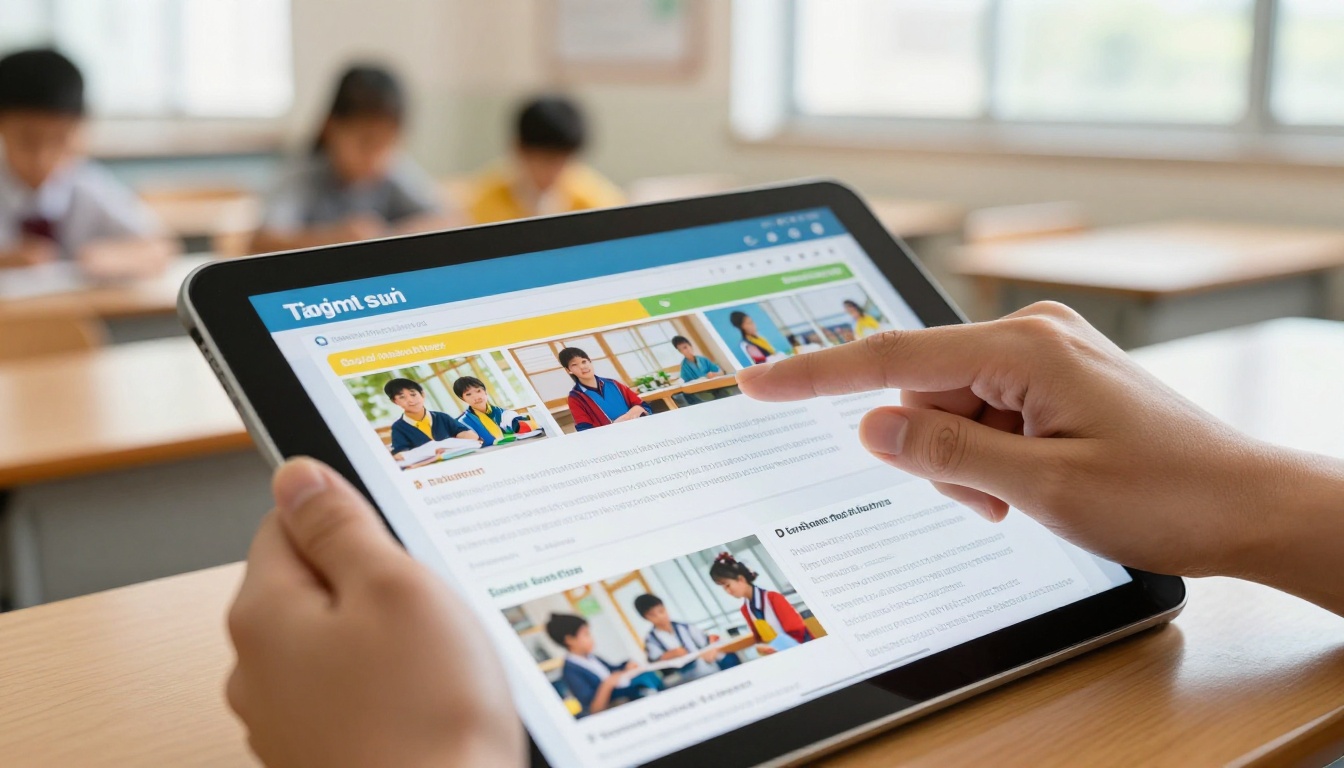
These aren't hypothetical use cases. Schools that have made the switch are doing all of these right now.
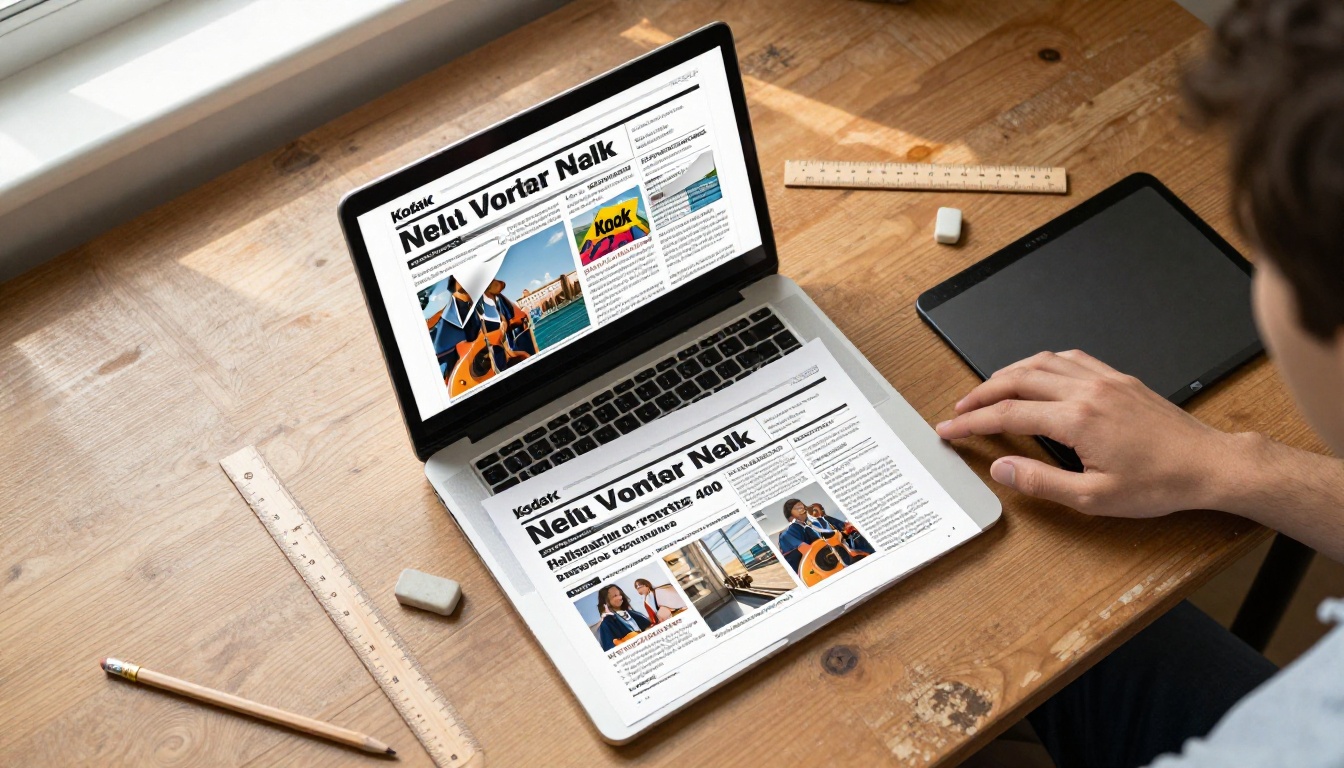
Monthly newsletters that parents actually read
A flipbook newsletter doesn't look like a flat document. It looks like a real publication, with page turns, photos, and a layout that respects the reader's time. Schools using the School Newsletter Creator are reporting higher open rates simply because the format creates a different expectation in the reader's mind. It's not another email attachment. It's something worth looking at.
Course materials that don't go out of date
Printed syllabi are static the moment they leave the printer. A digital flipbook built from the same PDF can be updated at any time, and every student with the link instantly sees the current version. No reprinting, no confusion about which version is correct. For course materials and reading lists, this alone justifies the switch. The Course Material Publisher makes this straightforward for any teacher.
School yearbooks that live online forever
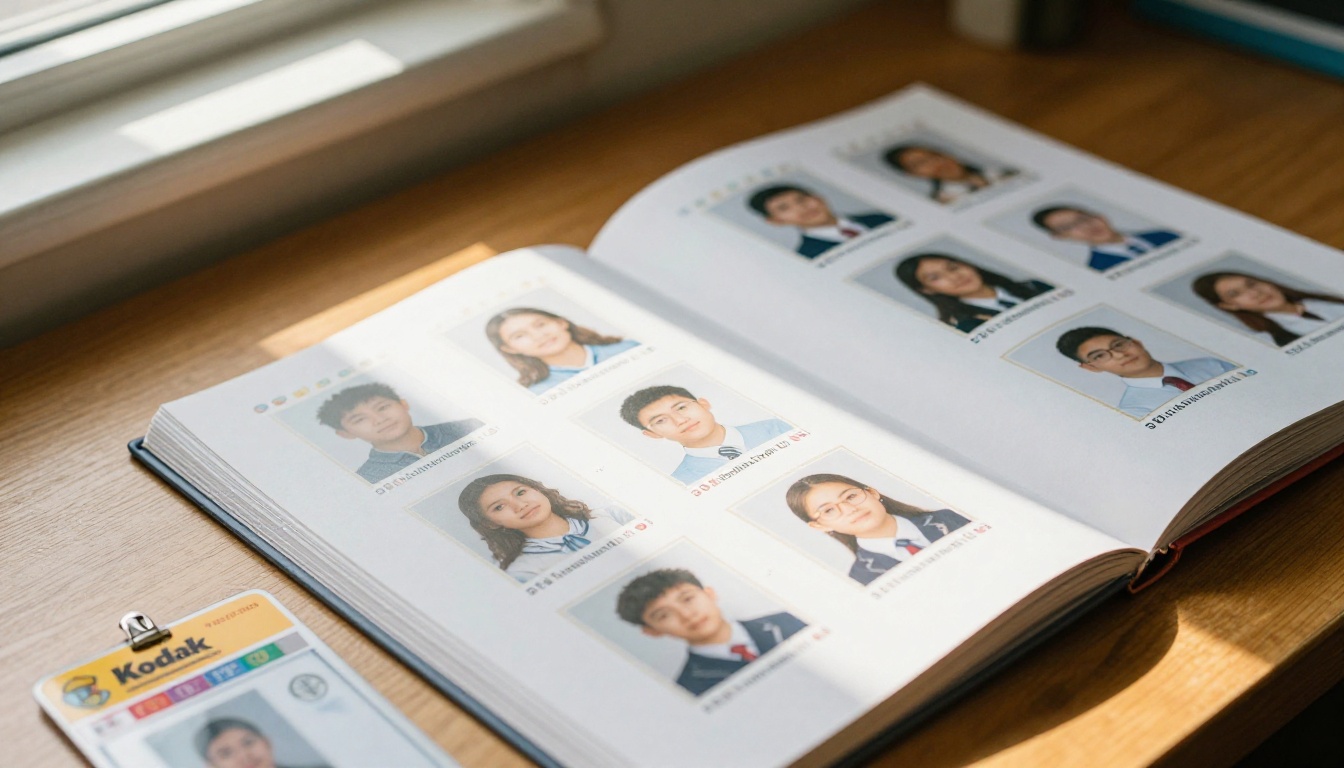
The physical yearbook is a beloved tradition. But it's also expensive to produce, limited in copies, and fragile. A digital version created with the Yearbook Flipbook Maker can be shared with every student, parent, and alumni permanently. Families in different countries can access it the day it's published. Pages can include embedded video messages from teachers that a printed book simply can't deliver.
Event programs without the paper waste
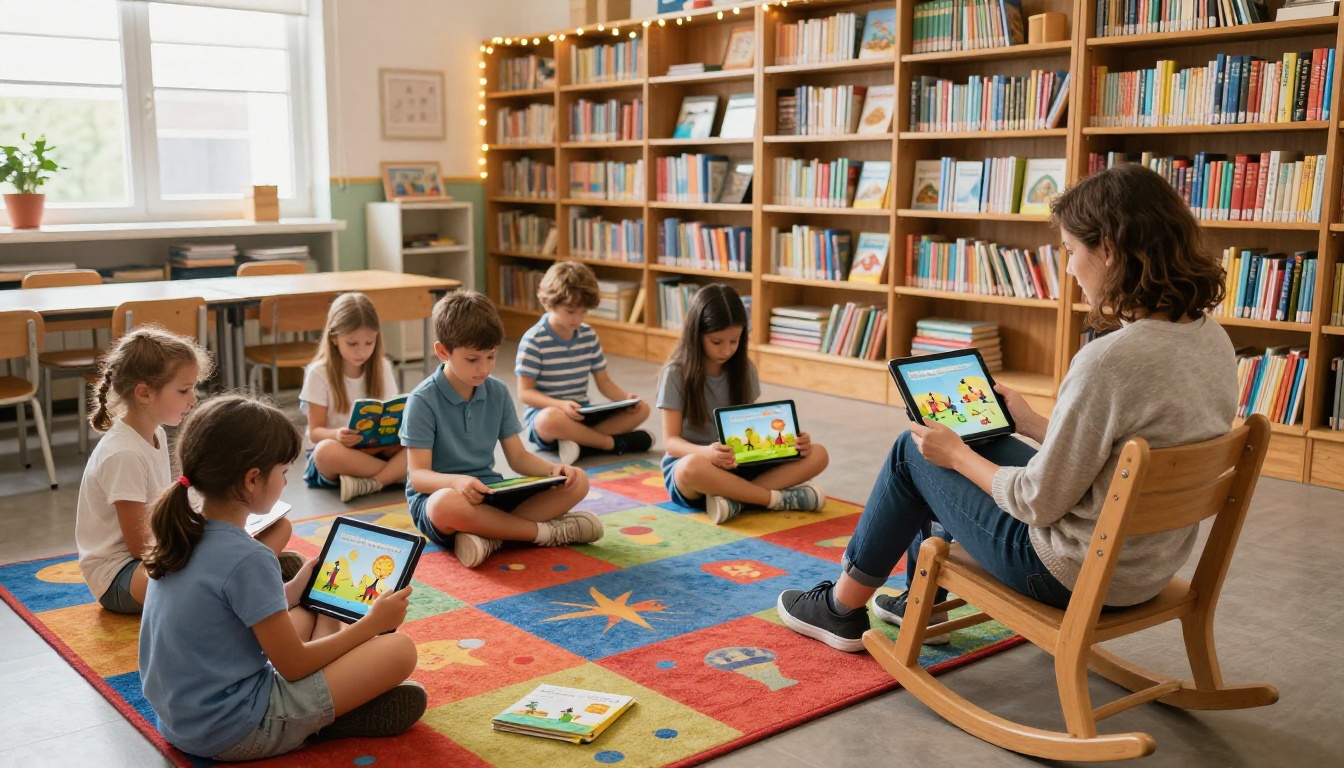
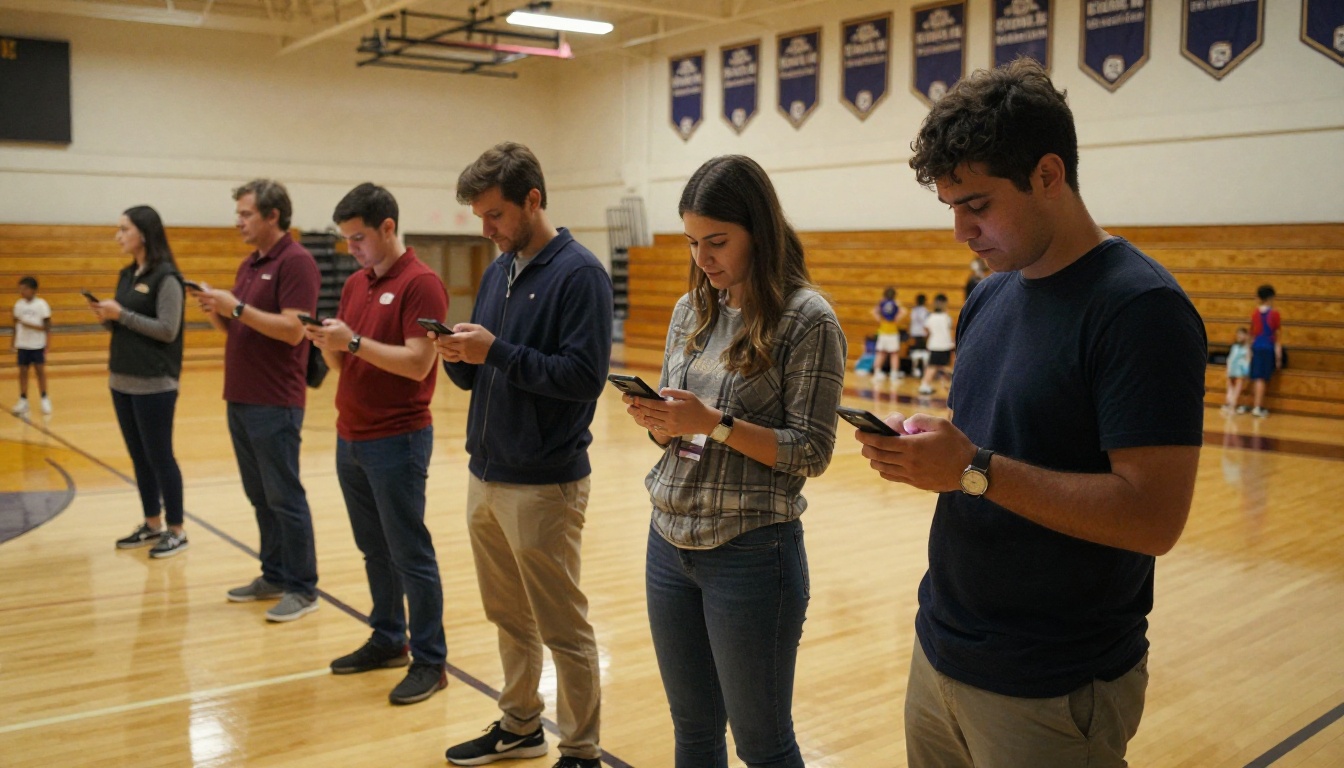
Printed concert programs, graduation booklets, and sports day schedules are used for one evening, then discarded. A flipbook version can be texted or emailed to attendees before the event, embedded on the school website, and referenced afterward. Parents at the gymnasium don't need to hunt for a copy; they already have it on their phone before they walk in the door.
Staff training that doesn't rely on binders
Training binders are a school tradition for a reason: they organize information. But they also go out of date, get lost, and cost money to produce. A digital training manual in flipbook format is always current, always accessible, and can be password-protected for internal use only with Flipbooks AI's Professional plan.
The Real Numbers on School Communication
Let's look at this from a practical administrator's perspective. The question isn't whether digital flipbooks are a better format. The question is whether the switch is worth the effort.
| Metric | Paper Newsletter | Digital Flipbook |
|---|
| Time to produce | 8-15 hours/month | 2-4 hours/month |
| Distribution cost | $200-$600/month | $0 |
| Average parent read rate | 40-55% | 75-90% |
| Time to update after errors | 2-5 days (reprint) | Under 10 minutes |
| Accessibility (multilingual) | Requires translation printing | Instant link sharing |
| Environmental impact | High (paper, ink, transport) | Minimal |
💡 Schools that embed their flipbook newsletter directly on the school homepage see up to 3x higher reach compared to schools that only distribute via email attachment.
The math isn't close. The only real investment is the time to set up the workflow for the first time. After that, producing a flipbook newsletter takes less time than producing a paper one.
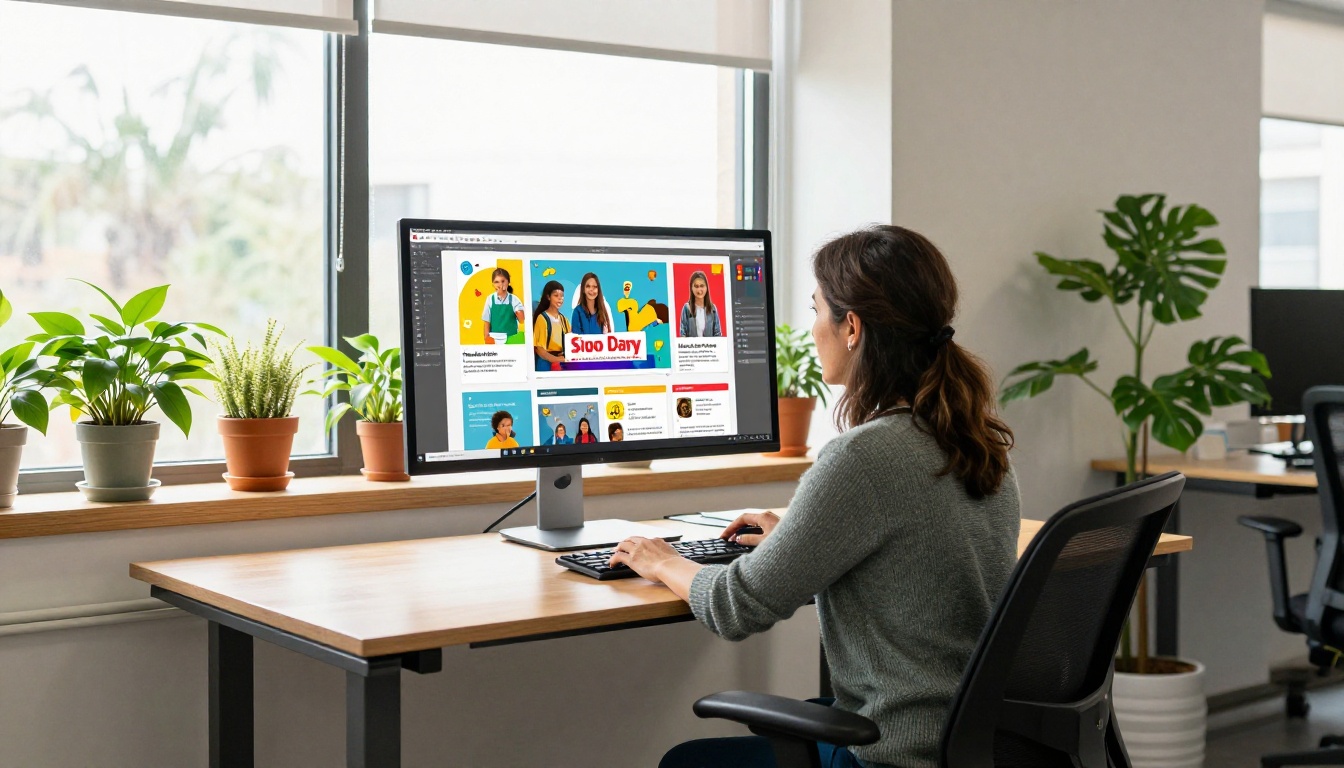
How to Create a School Newsletter Flipbook in 5 Steps
Flipbooks AI makes this process straightforward. Here's exactly how a school communications coordinator can go from a finished PDF to a published flipbook in a single afternoon.
Step 1: Create your account
Go to flipbooksai.com/account and sign up. No credit card required for the free tier. Once logged in, you'll see your dashboard with a simple upload interface.
Step 2: Upload your PDF
Drag and drop your finished newsletter PDF into the upload area. Flipbooks AI converts it automatically, preserving your layout, fonts, and images. The conversion typically takes under two minutes for a standard 4-8 page newsletter.
Step 3: Customize your branding
In the editor, add your school's logo, choose your brand colors for the interface, and customize the page-turn style. You can also add a custom thumbnail for the cover. This is the step that turns a generic PDF viewer into something that looks like it belongs to your school.
Step 4: Add interactive elements
This is where flipbooks genuinely outperform PDFs. Click on any text or image in the editor to add hyperlinks. Embed a video message from the principal. Add a QR code that links to the school's event calendar. If your newsletter references an upcoming bake sale, link directly to the sign-up form.
Step 5: Publish and share
When you're satisfied, hit publish. Flipbooks AI gives you a direct link you can send via email or text, an embed code for your school website, a QR code for printed flyers or signage, and password protection options if the content is for internal audiences only. There's no watermark, ever, on any plan.
✅ Create a dedicated page on your school website labeled "School Publications" and embed each new flipbook there. This builds a searchable archive parents can return to anytime.
Choosing the Right Plan for a School Budget
Schools operate on tight budgets, so understanding what's available at each tier matters before committing.
| Feature | Free | Standard | Professional |
|---|
| Flipbooks per month | 3 | Unlimited | Unlimited |
| Watermark | No | No | No |
| Custom branding | Limited | Full | Full |
| Password protection | No | Yes | Yes |
| Analytics | No | Basic | Full (page views, leads) |
| Offline downloads | No | No | Yes |
| Embed video and audio | No | Yes | Yes |
| Lead generation forms | No | No | Yes |
For most schools, the Standard plan covers every use case: unlimited flipbooks, no watermarks, custom branding, password protection for internal documents, and basic analytics to see how many parents opened the newsletter.
The Professional plan adds value for schools running fundraising campaigns (lead generation forms), wanting detailed analytics on which sections of the newsletter parents actually read, or needing offline downloads for areas with unreliable internet access.
⚠️ Unlike many tools that charge per user or per document, Flipbooks AI's Standard plan charges a flat monthly rate with unlimited flipbooks. For a school producing monthly newsletters, event programs, and seasonal publications, this is significantly more cost-effective than per-document pricing.
Explore all pricing plans to see which tier fits your school's publishing volume.

What the Shift Looks Like in Practice
Three school scenarios where the switch to digital flipbooks solved a real problem.
Elementary school in a rural district: The school struggled with parent communication because many families lacked reliable internet for large file downloads. By switching to flipbooks, which are browser-based and optimized for low-bandwidth connections, parent read rates on the monthly newsletter went from 38% to 71% in the first semester.
Private middle school with multilingual families: The school serves families who speak six different languages. Rather than printing six separate versions of every newsletter, the communications team now produces one flipbook and uses the shareable link to route families to appropriate translated versions hosted on the same platform.
High school with active extracurricular programs: The activities director was spending 15 hours per month managing printed programs for sports events, theater productions, and academic competitions. Using the Event Program Maker, that time dropped to under four hours, with the added benefit of programs that could include video highlights from previous events.
Start Sending Smarter School Materials
The schools that make this change don't look back. The combination of lower costs, higher parent reach, and the ability to update materials in real time makes digital flipbooks the clear choice for any school serious about communication in 2027.
Flipbooks AI offers everything a school needs: no watermarks, unlimited publications, custom branding, and tools built specifically for educational contexts, including the School Newsletter Creator, Yearbook Flipbook Maker, Course Material Publisher, and Training Manual Flipbook.
Ready to replace paper with something that actually works? Create your account for free and publish your first school flipbook today. Browse all tools and templates to find the right starting point for your school's specific needs, or compare pricing plans to choose the tier that fits your publishing volume.



