Your Canva designs are visually stunning. You've spent hours choosing fonts, balancing color palettes, and arranging layouts that actually look professional. Then you export a PDF and hit send. The moment that flat file lands in someone's inbox, all that work gets reduced to something static, passive, and easy to close. That's the gap between a design that impresses and one that gets forgotten. Your Canva work deserves better than a download link.
Flipbooks AI converts any PDF, including those exported directly from Canva, into an interactive digital publication with realistic page-flip animations, embedded media support, custom branding, and shareable links that open instantly in any browser. No app download. No login required to view. Just a living, breathing version of the design you already built.
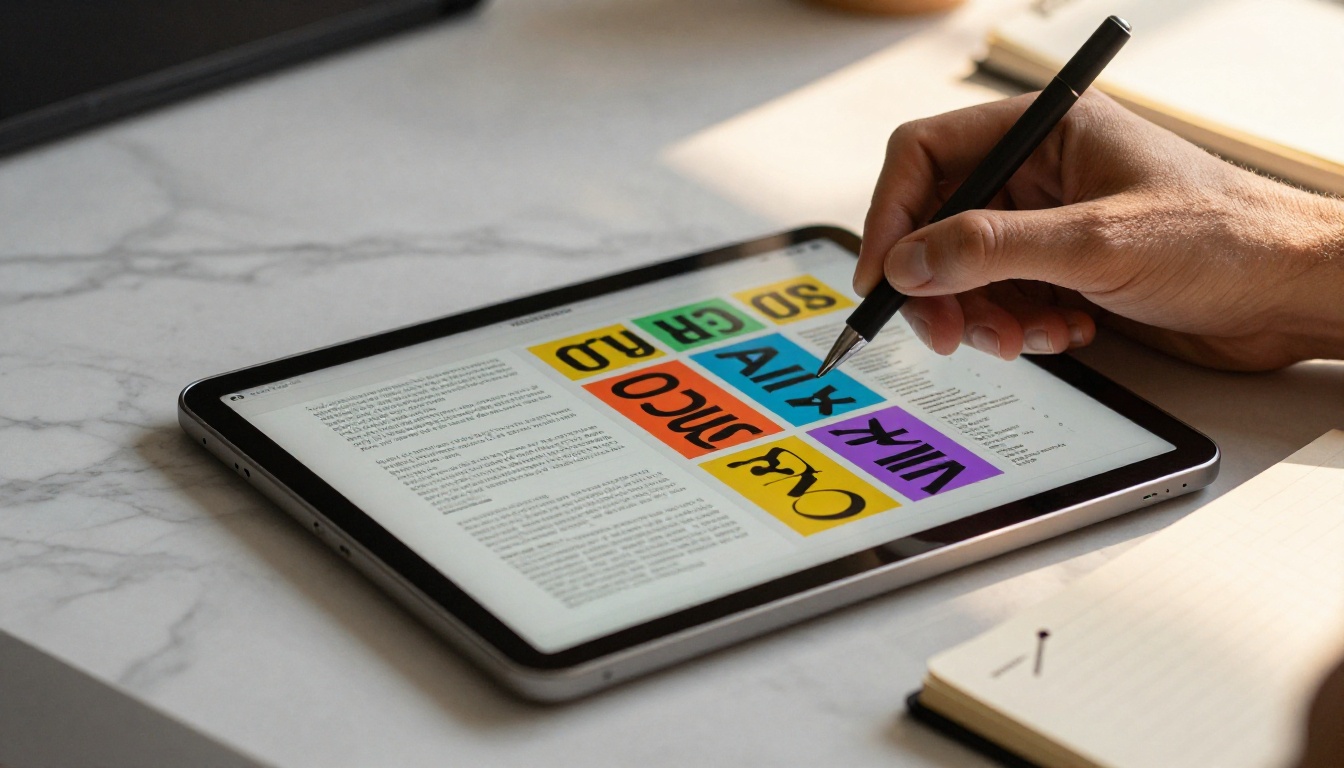
Why Static PDFs Kill Great Design
A PDF is a delivery format, not a presentation format. It was built to preserve layout fidelity for printing. When you use it to share creative work online, you're using the wrong tool for the job.
Here's what happens every time someone receives your PDF:
- They download it or open it in a browser viewer with no personality
- Pages load flat, with no transition or flow between them
- There's no way to embed video, audio, or interactive elements
- Sharing requires a download link or email attachment
- Analytics are impossible. You have no idea if anyone read past page one
- Mobile viewing is often awkward, requiring pinching and zooming
The result: your beautifully crafted Canva design gets experienced as a document, not a piece of creative work. That's a waste.
💡 The average PDF attachment has an open rate under 50%. An interactive flipbook link shared via URL consistently outperforms PDF attachments in click-through and time spent.
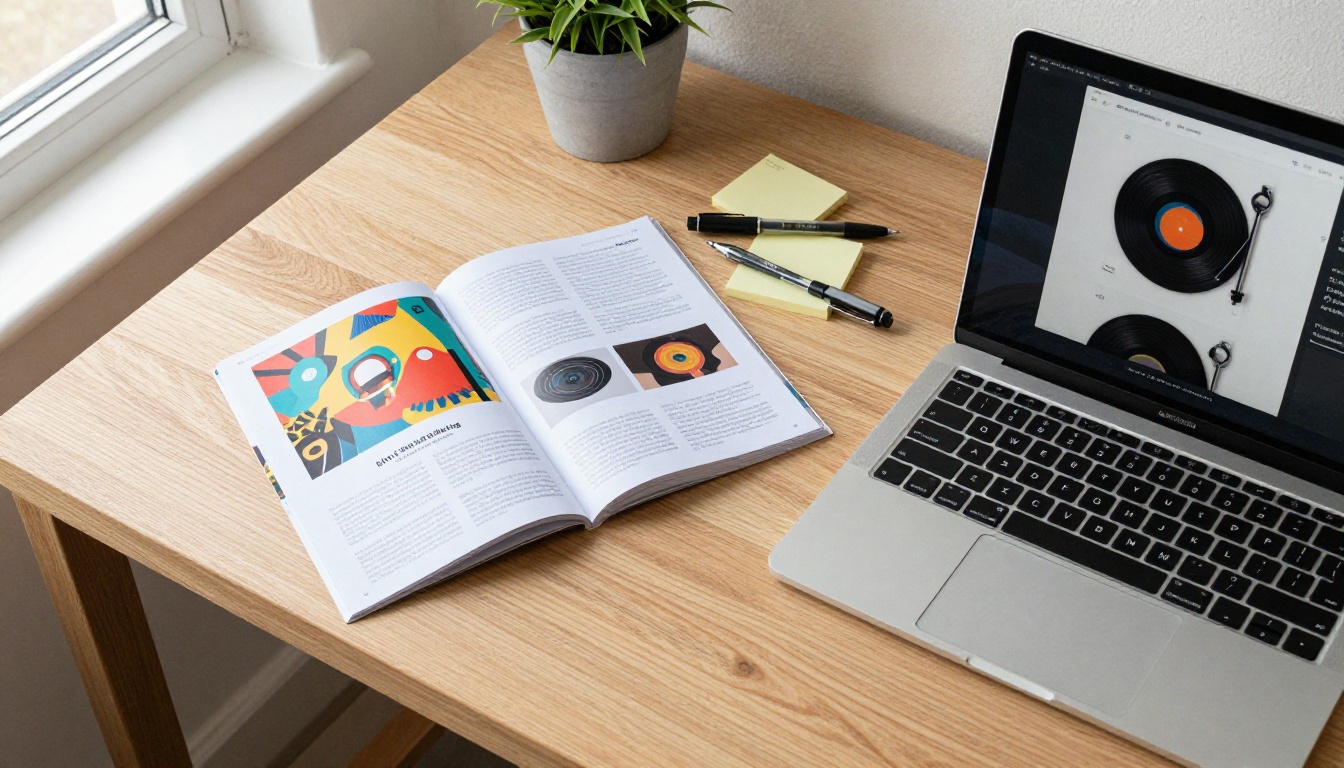
What a Flipbook Actually Does for Your Content
A digital flipbook is an interactive publication that simulates the physical experience of turning pages. When someone opens your flipbook link, they see your design with pages that turn with a realistic curl animation, just like a printed magazine or brochure.
But it goes far beyond the visual effect. A well-built flipbook platform adds functionality that PDFs simply cannot offer:
| Feature | PDF | Digital Flipbook |
|---|
| Page-flip animation | No | Yes |
| Mobile-optimized viewing | Limited | Full |
| Embed on website | Difficult | One-line embed code |
| Password protection | Limited | Yes (built-in) |
| Video and audio embedding | No | Yes |
| Analytics and view tracking | No | Yes (Professional) |
| Custom branding | No | Yes |
| Shareable URL (no download) | No | Yes |
| Offline downloads | File download | Yes (structured) |
Every one of those features changes how your audience experiences your Canva work. A catalog with a page-flip animation feels like a real catalog. A portfolio with embedded video tells a richer story. A brochure with a shareable link gets forwarded instead of downloaded and forgotten.

From Canva to Flipbook in Minutes
The process of converting a Canva design into a flipbook is straightforward. Here's how it works from start to finish.
Step 1: Export Your Canva Design as a PDF
In Canva, click Share in the top right corner, then select Download. Choose PDF Print for the highest quality output. This gives you a clean, high-resolution file with all your typography, images, and layout intact.
✅ Use PDF Print quality rather than PDF Standard when you want sharp images and accurate color rendering in your flipbook.
Step 2: Create an Account on Flipbooks AI
Go to Flipbooks AI and create a free account. The free tier lets you start immediately with basic publishing features. For branding customization and analytics, the Standard and Professional plans offer everything a serious publisher needs.
Step 3: Upload Your PDF
Once logged in, click Create New Flipbook and upload your exported PDF. The platform processes each page and converts them into interactive flipbook frames. Depending on the file size, this typically takes under a minute.
Step 4: Customize Your Flipbook
This is where your Canva design gets a second layer of polish:
- Add your logo and brand colors to the flipbook player interface
- Choose a background texture or color that complements your design
- Set a custom cover thumbnail if the auto-generated one does not capture the right page
- Enable or disable the table of contents for longer documents
- Add a title and description for SEO and sharing context
Step 5: Publish and Share
Hit Publish and your flipbook gets a shareable URL instantly. From that point you can:
- Copy and paste the link into emails, social posts, or messages
- Use the embed code to drop the flipbook directly into any website
- Enable password protection for private or client-facing content
- Download offline versions for presentations where internet is not guaranteed

Which Canva Designs Work Best as Flipbooks
Almost any multi-page Canva design benefits from the flipbook format. That said, some content types see a more dramatic improvement than others.
Presentations and Pitch Decks
Slide decks created in Canva are one of the most common use cases. Instead of sending a static PDF of your presentation, you share a flipbook link. Recipients flip through at their own pace, and if you're using the Sales Presentation Flipbook tool, you can track which pages got the most attention.
Product Catalogs and Lookbooks
For brands and retailers, a Canva-designed product catalog transforms entirely as a flipbook. The page-turn experience replicates the tactile feel of a physical catalog. Use the Digital Catalog Maker or the Interactive Lookbook Designer for specialized templates built for this purpose.
Portfolios
Creative professionals, photographers, and designers who build portfolio layouts in Canva can publish them as flipbooks that feel like curated art books. The Digital Portfolio Creator and Photography Portfolio Flipbook tools make this even easier with purpose-built structures.
Brochures and Menus
A restaurant menu or hotel brochure created in Canva becomes genuinely interactive as a flipbook. The Restaurant Menu Creator and Hotel Brochure Designer tools take the format further with hospitality-specific features.
Newsletters and Magazines
Marketing teams and independent publishers using Canva for newsletter layouts can publish directly as e-magazines. The E-Magazine Publishing Tool and Newsletter Flipbook Publisher handle conversion with formatting built specifically for editorial content.
Canva Export Options vs Flipbook Publishing
Many people try to work around the PDF limitation using Canva's built-in sharing features. Here's how those options compare to a proper flipbook publication:
| Sharing Method | Interactivity | Branding Control | Analytics | Works Offline | Custom URL |
|---|
| Canva PDF Export | None | None | None | Yes (download) | No |
| Canva Share Link | Minimal | Canva branding | Limited | No | No |
| Canva Website Embed | None | Canva branding | None | No | No |
| Flipbooks AI (Standard) | Full page-flip | Full custom brand | No | Yes | No |
| Flipbooks AI (Professional) | Full page-flip | Full custom brand | Full analytics | Yes | Yes |
⚠️ Canva's share link always shows Canva's branding. If you're sending work to clients or publishing as a business, that undermines the professional impression you built in the design itself.
The Professional plan at Flipbooks AI adds lead generation capture, viewer analytics, and the ability to see exactly how your audience interacts with your content. For sales teams and marketing departments, that data is worth more than the subscription cost.

How to Publish and Share Your Flipbook
Once your flipbook is created on Flipbooks AI, you have several publishing options depending on your use case.
Sharing via URL
Every published flipbook gets a clean, shareable URL. This is the simplest and most effective distribution method. The link opens directly in the browser with no app, no download, and no friction for the viewer. Copy it into:
- Email campaigns and newsletters
- Social media posts and bios
- Messaging apps (the link generates a preview on most platforms)
- QR codes for print materials
Embedding on a Website
The Embed Flipbook on Website tool generates a one-line embed code that drops your flipbook into any webpage. This is particularly useful for portfolio sites, product pages, or any content hub where you want readers to experience the flipbook inline without leaving the page.
Password Protection
For client deliverables, private documents, or members-only content, password protection means only the people you intend can view it. Set the password inside the flipbook settings and share the URL with the password separately.
Analytics and Lead Capture (Professional Plan)
The Professional tier adds viewer analytics: how many people opened your flipbook, how long they spent on each page, where they dropped off, and lead capture forms that collect contact details when someone accesses protected content. For sales teams using a Canva-designed catalog or pitch deck, these insights change how you follow up.
💡 Use page-level analytics to identify which sections of your catalog or presentation generate the most interest, then restructure your next Canva design based on real engagement data.
Real-World Scenarios That Make Sense
The gap between theory and practice matters. Here's how specific industries benefit from converting their Canva work into flipbooks.
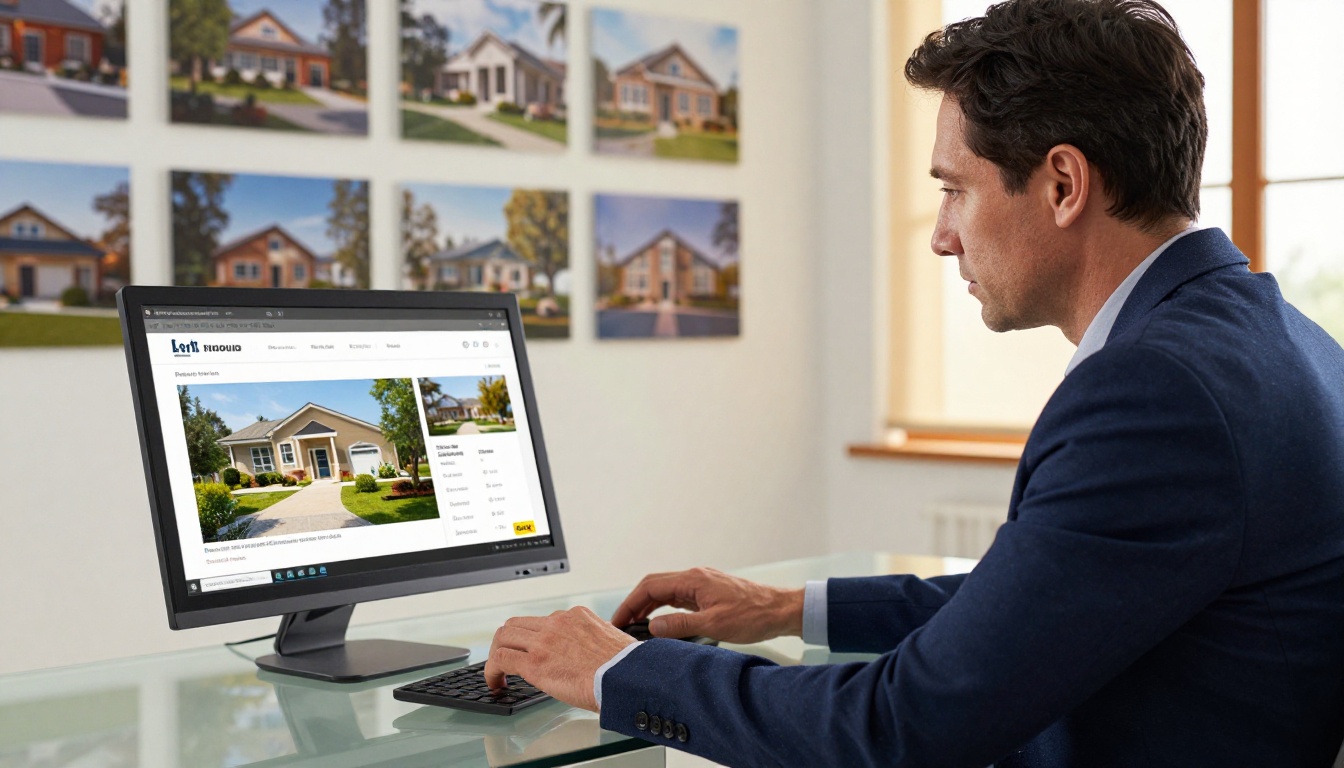
Real estate agencies create property brochures in Canva and share them as flipbooks with prospective buyers. The Real Estate Brochure Creator gives agents a structured format, and the flipbook link works perfectly embedded in listing emails.
Fashion brands design seasonal lookbooks in Canva and publish them as interactive catalogs. The Fashion Catalog Creator handles the conversion and the page-flip animation gives the lookbook a premium, editorial feel that a PDF download never achieves.
Event organizers build event programs and schedules in Canva, then share them as flipbooks accessible via QR code at the venue. The Event Program Maker takes that further with event-specific formatting.
Educators and trainers produce course materials and training manuals in Canva, then publish them as structured flipbooks their students can access from any device. The Training Manual Flipbook and Course Material Publisher tools are built specifically for this workflow.
Restaurants design their menus in Canva and share them as flipbooks on their website or via QR code on the table. When seasonal updates happen, they edit the Canva file, export a new PDF, and re-upload. The menu URL stays the same.
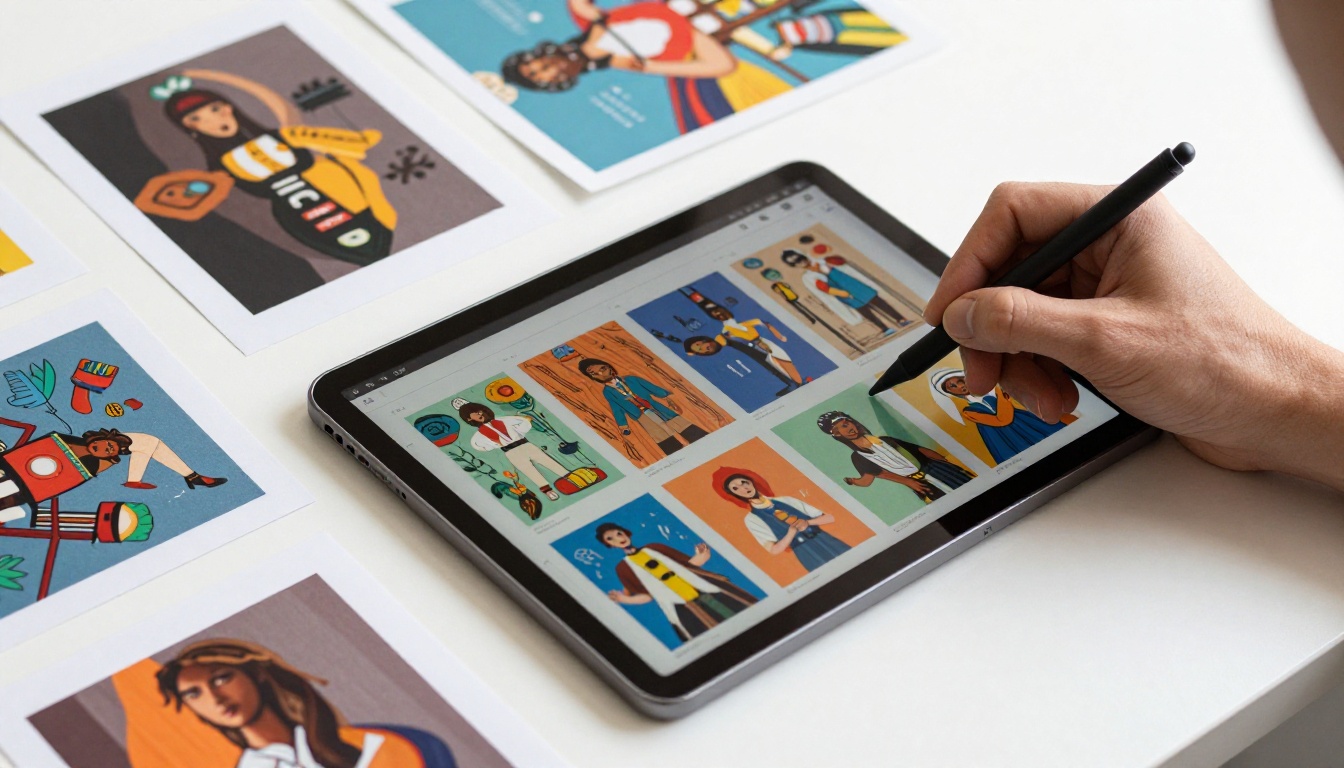
Flipbooks AI Plan Comparison
Choosing the right plan depends on how many flipbooks you create and what features matter most to your workflow.
| Feature | Free | Standard | Professional |
|---|
| Number of flipbooks | Limited | Unlimited | Unlimited |
| Watermarks | Yes | No | No |
| Custom branding | No | Yes | Yes |
| Password protection | No | Yes | Yes |
| Embed on website | No | Yes | Yes |
| Analytics | No | No | Yes |
| Lead generation | No | No | Yes |
| Offline downloads | No | Yes | Yes |
| Video and audio embed | No | Yes | Yes |
✅ The Standard plan removes watermarks and unlocks unlimited flipbooks, making it the right choice for anyone publishing regularly from Canva designs.
For teams publishing client work or running content marketing programs, the Professional plan's analytics and lead generation features pay for themselves quickly. Check the full breakdown at flipbooksai.com/pricing.
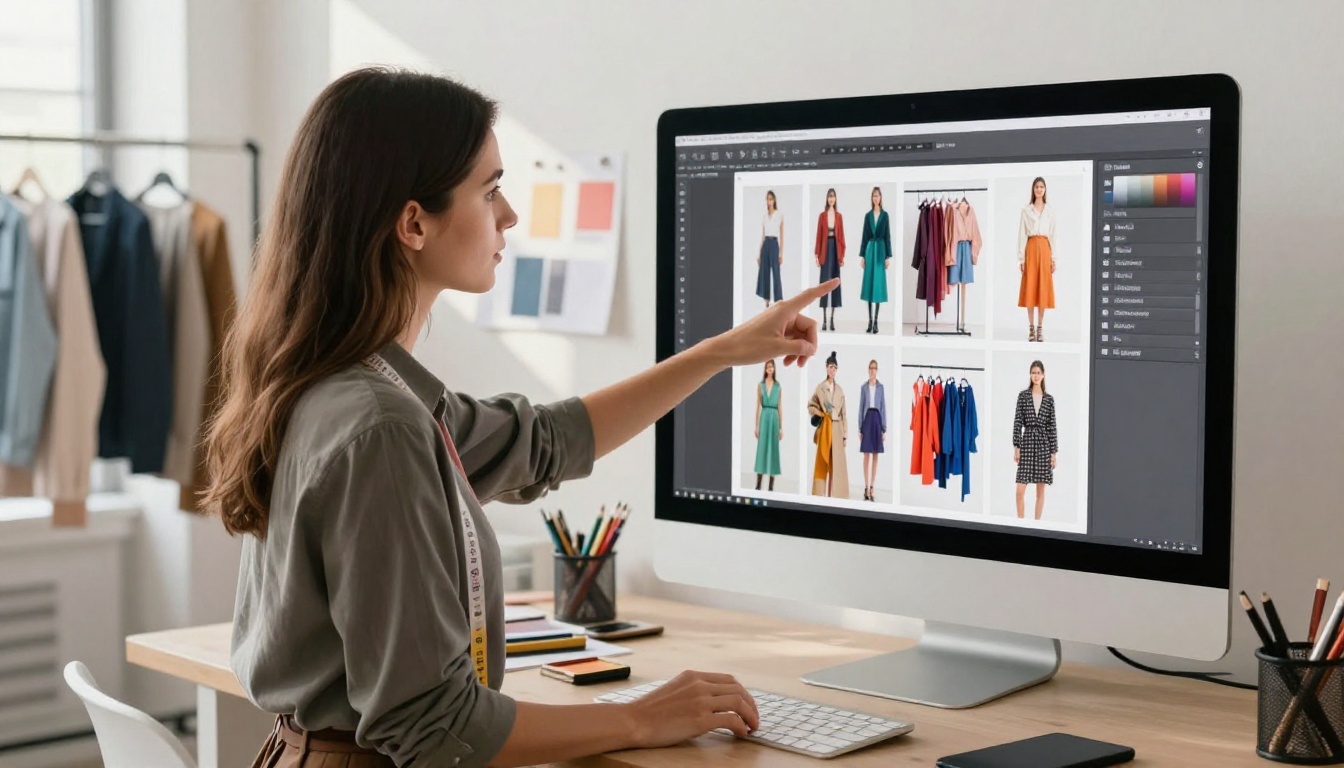
Start Sharing Work That Actually Sticks
Your Canva design deserves to be a flipbook. The design work is already done. The fonts, the layouts, the color choices, the photography: all of it is built. The only thing left is putting it into a format that honors that effort and makes the experience worth having for your audience.
A PDF download is a dead end. A flipbook link is a conversation starter. It gets shared, it gets viewed on phones without pinching and zooming, and it gets remembered because it feels like something real.
Create your first flipbook on Flipbooks AI and see what your Canva work looks like when it actually moves. If you're not sure which plan fits your needs, compare pricing options before you commit. And if you want to browse tools built for specific content types, everything from product catalogs to wedding albums is available at flipbooksai.com/tools.
Your design is already good. Give it the format it deserves.



